
Spex: Hearing Test & EQ
Music tuned to you
Designed for iPhone, iPad, Mac
Free · In-app purchases
- Age rating4+
- CategoryMusic
- DeveloperJustin Cohen
- LanguagesEnglish+ 4 more
- Size60.0 MB
Links to the official App Store page
Download.org hosts no file of Spex: Hearing Test & EQ. The button opens its official App Store page, published by Justin Cohen. Listing last checked on Nov 25, 2026.
Screenshots
About
Hear your music the way it’s meant to sound, tuned to your ears and your headphones.
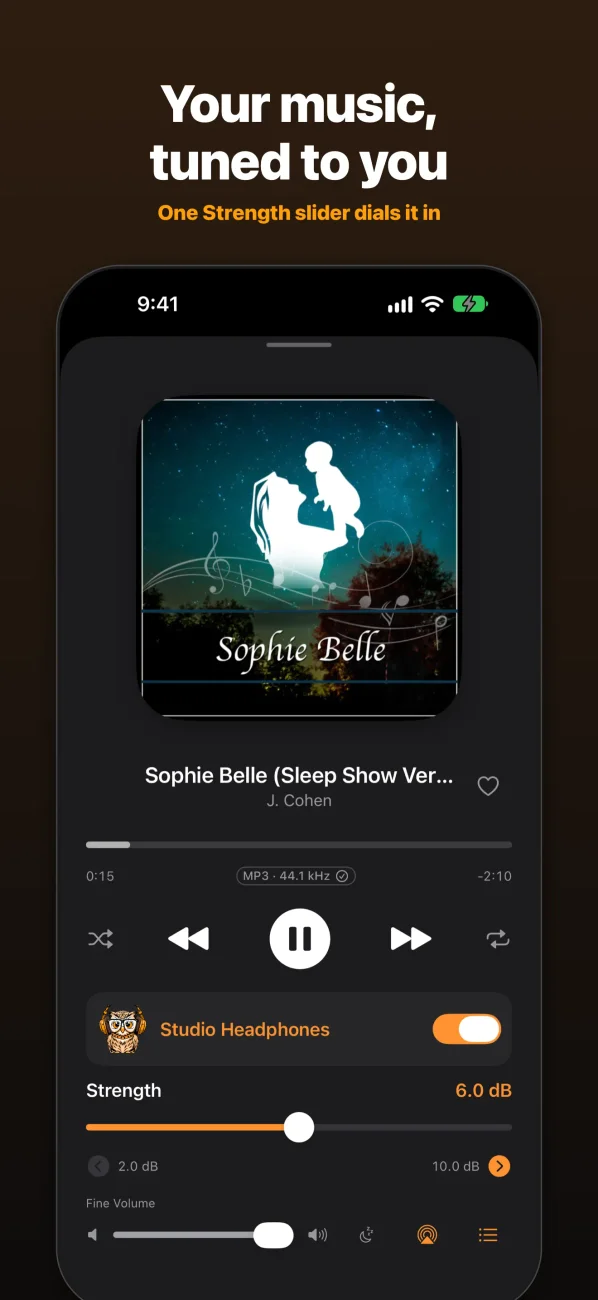
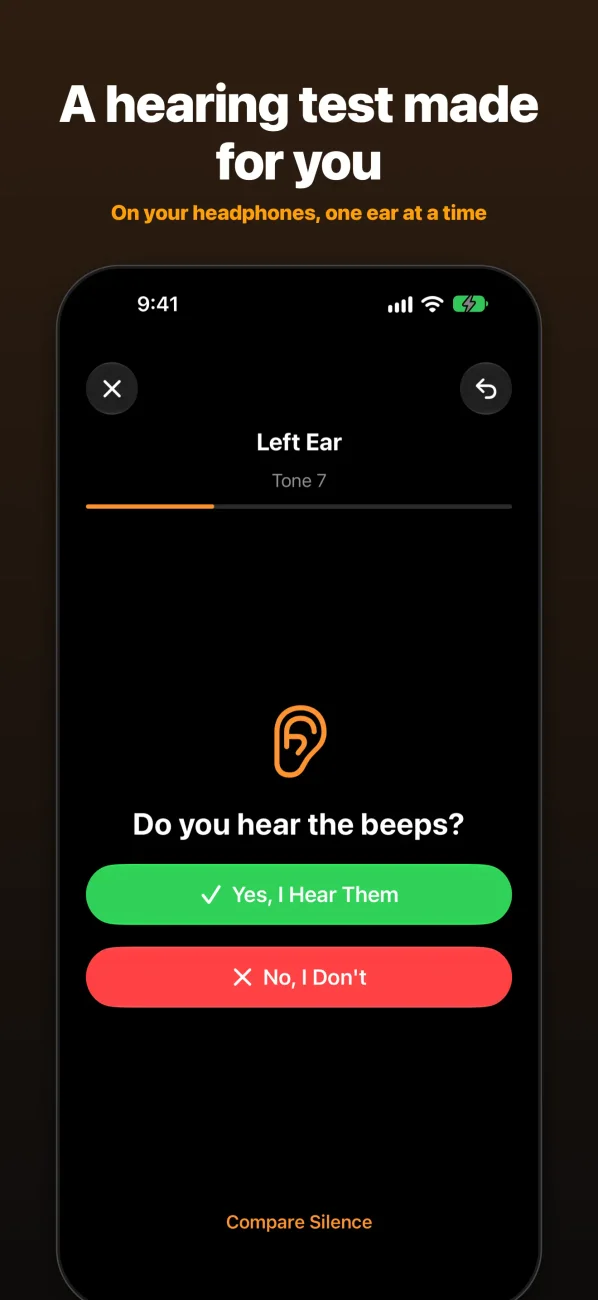
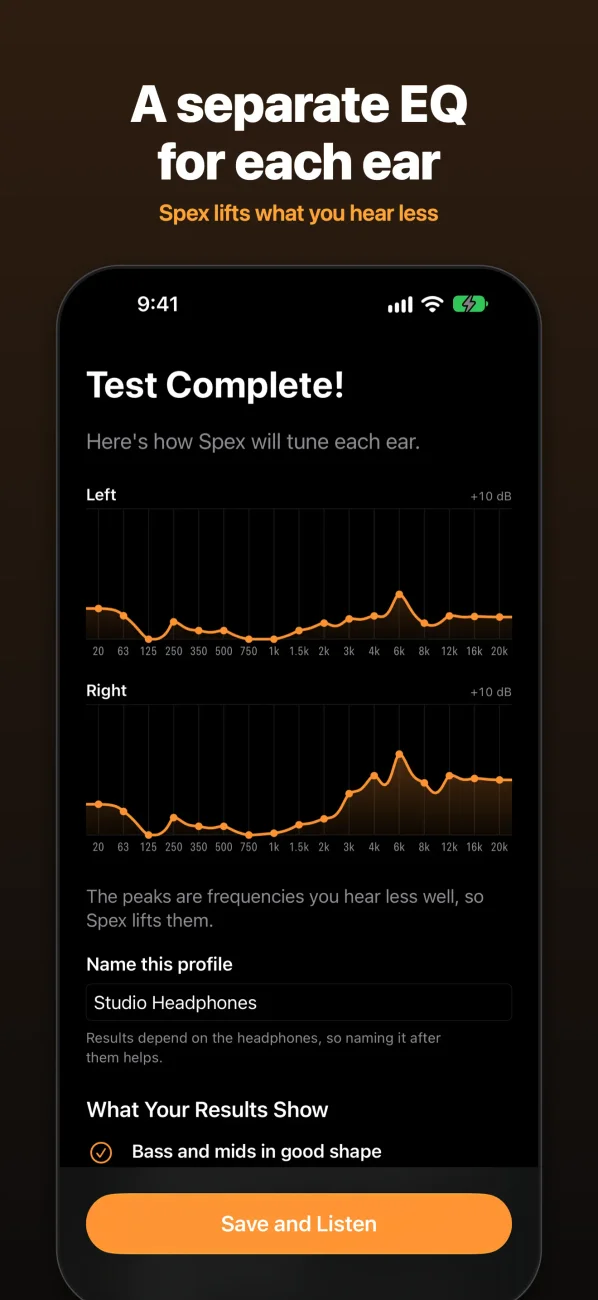
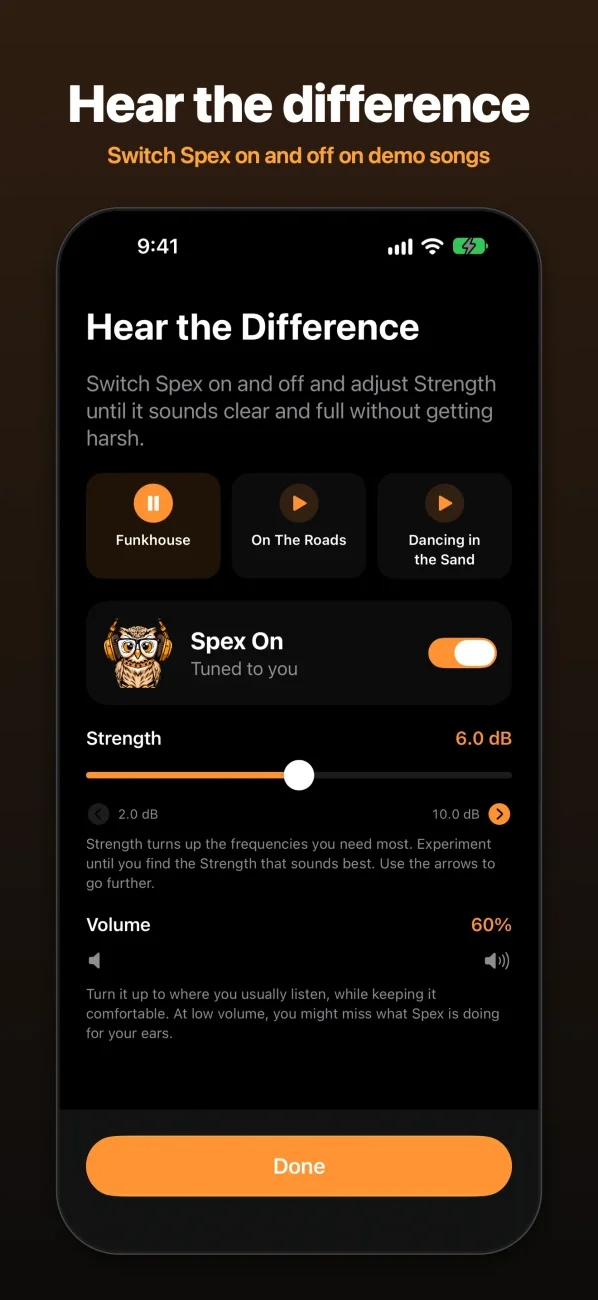
Spex starts with a short hearing test on the headphones you listen with. It finds where you hear less, ear by ear, then tunes a separate EQ for your left and right ears so the details you’ve been missing come back. No graphs to fiddle with: just one Strength slider to dial in your ideal sound.
THE HEARING TEST IS FREE
• Pure tones, one ear at a time, with a practice round first
• Rechecks itself, and offers to redo an ear if your answers drifted
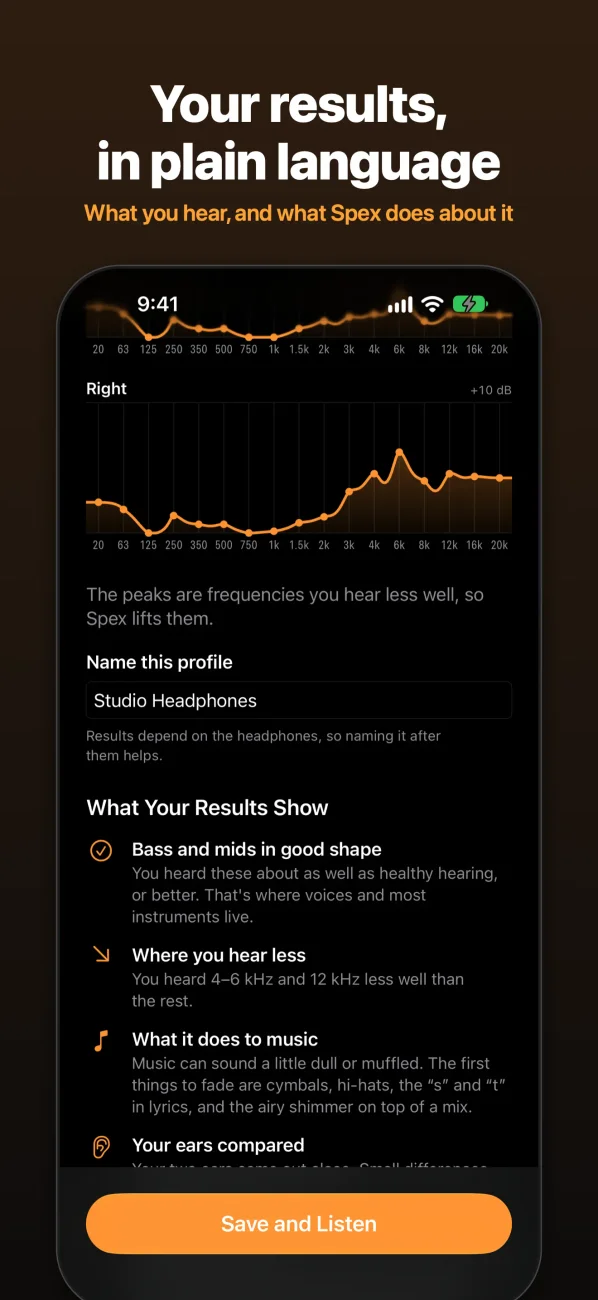
• Plain-language results: what you hear well, where you hear less, and what Spex does about it
• Pauses on its own if your headphones disconnect, the volume changes or a call comes in
TUNED TO YOUR EARS
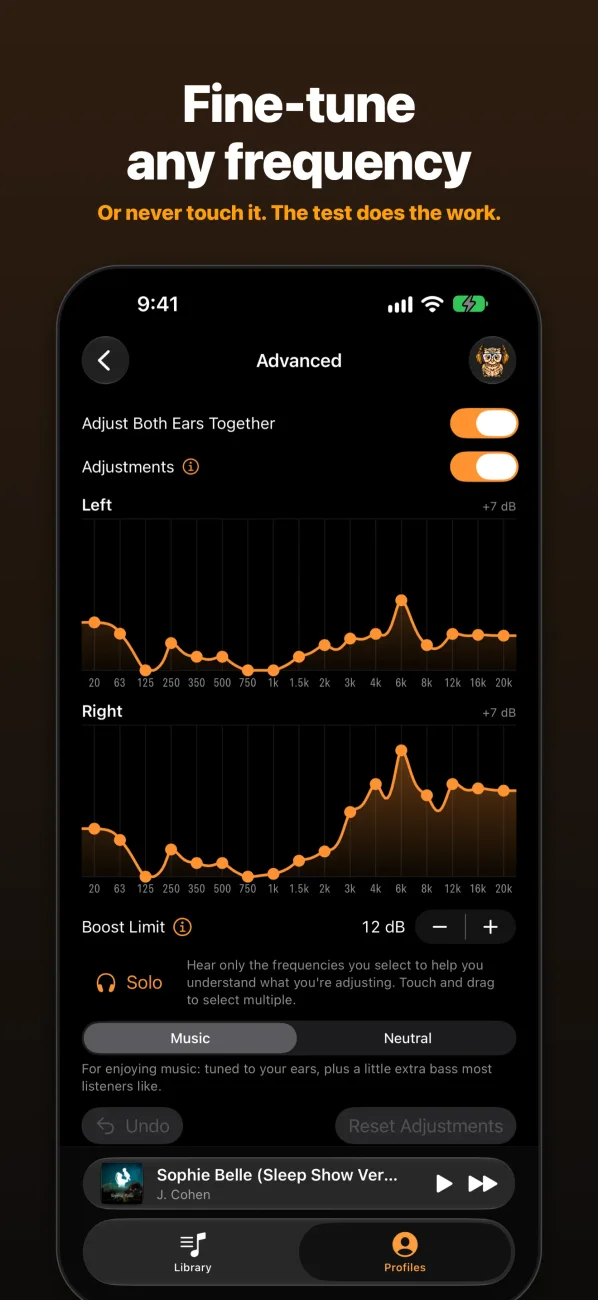
• A separate curve for each ear, from your own results
• Results include your headphones, so bass-light headphones get more bass and bassy ones get less
• One Strength slider, at your fingertips while listening
• Every boost has room to play, so nothing squashes your music and loud passages keep their punch
• A profile for each pair of headphones, and Spex switches to the right one when you put them on
YOUR MUSIC, YOUR WAY
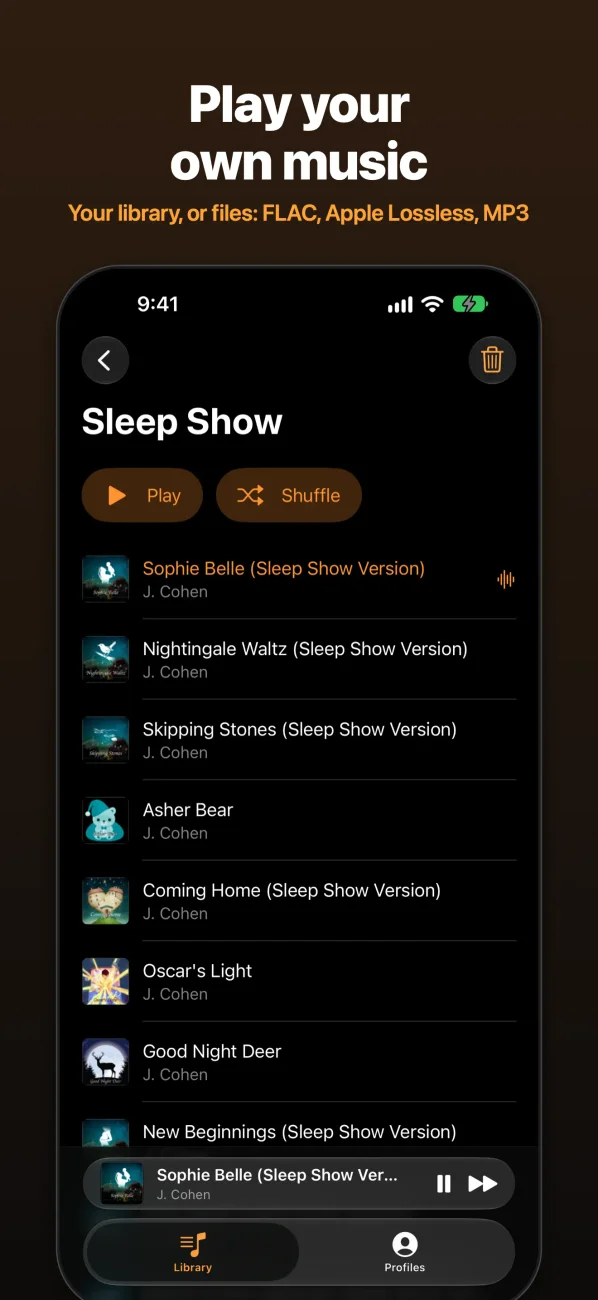
• Plays the songs downloaded in your Music library that aren’t copy-protected
• Add your own songs too: MP3, AAC, Apple Lossless, FLAC, WAV and AIFF, from Files, Finder or any app
• Plays each song at its own sample rate on headphones and DACs that support it
• Even Out Song Volume plays every song at about the same level, while albums keep their quiet and loud songs as recorded
• Crossfades between songs, and plays albums gapless
• Favorites: tap the heart on any song to keep it close
• Your playlists up front, shuffle that favors songs you haven’t heard lately, and Spex picks up where you left off
MADE FOR TALKS TOO
• Recognizes lectures and podcasts and tunes speech for clarity
• Speed from 0.75× to 2×, at a natural pitch
• Skip back or ahead 15 seconds
• A sleep timer for drifting off: 15 minutes to an hour, or at the end of the track
EVERYWHERE YOU LISTEN
• Siri: “Play [My Favorite Artist] in Spex”
• CarPlay: take the hearing test in your parked car to tune Spex to its speakers
• Home Screen widget for your recent playlists
• Apple Watch: Spex on or off, and Strength, from your wrist
• Shortcuts actions for your own automations
• Turn Spex tuning on or off from Control Center or the Action button
ADJUSTABLE STEREO EQ
• Obsessed with perfection? Advanced lets you shape each ear’s curve by hand.
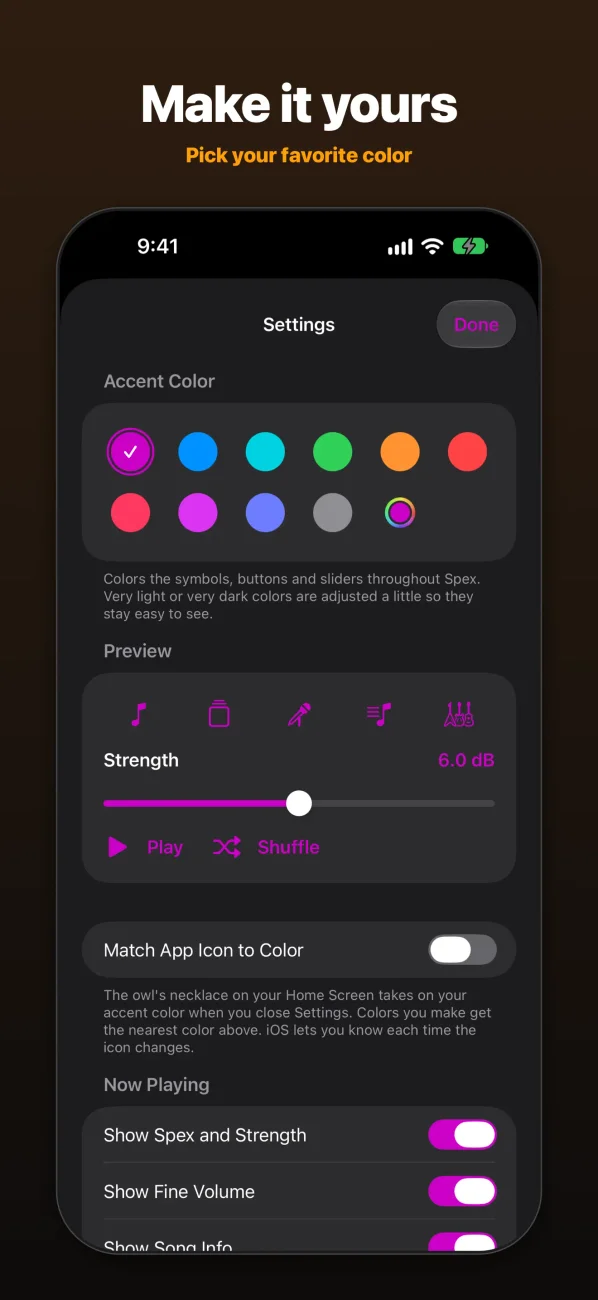
MAKE IT YOURS
• Choose an accent color
• Hide anything you don’t need on Now Playing for a calmer screen
• Tap the album art for a beautiful full-screen view
LISTEN TO YOUR MAC
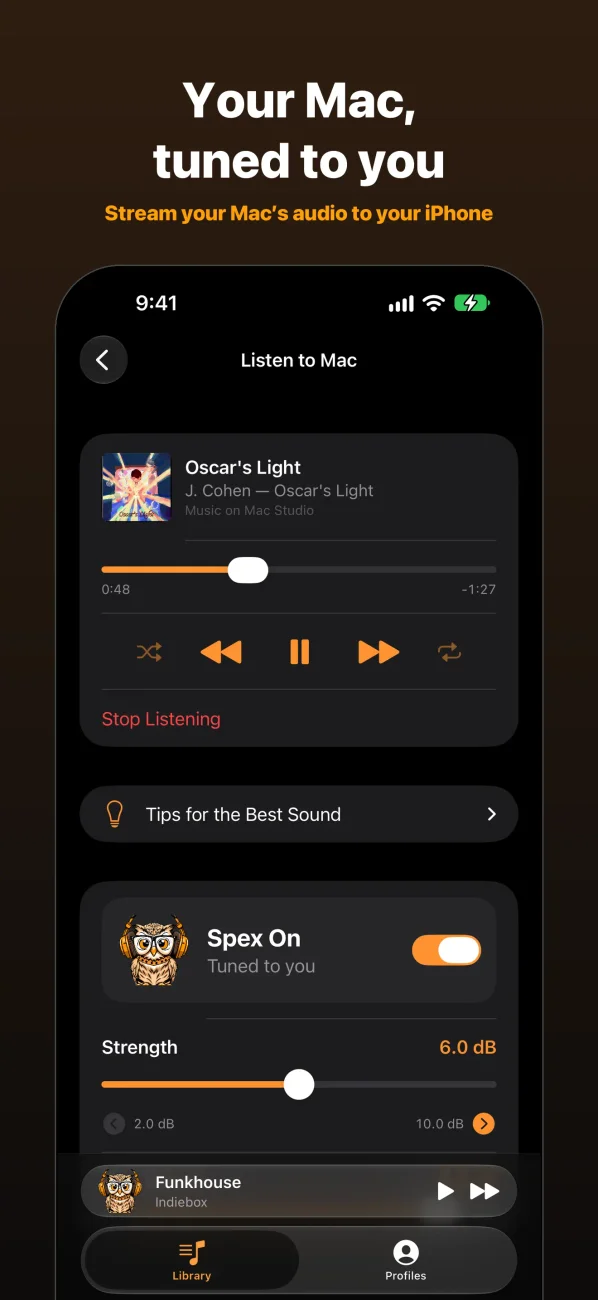
Play everything your Mac plays on your iPhone, tuned to you: Spotify, Apple Music, TIDAL, Qobuz, YouTube and more, at full quality over Wi-Fi. Play, pause and skip from your iPhone. Spex for Mac also tunes your Mac’s own sound from the menu bar, plays your song folders and syncs them to your iPhone over Wi-Fi. Profiles sync through iCloud.
TRY IT FREE
The hearing test, your profiles and the demo songs are free forever. Playing your own music and listening to your Mac start with a 7-day free trial, then a one-time unlock that covers iPhone, iPad and Mac. No subscription. If you’ve used Spex 2, everything is already included.
On iPhone, Spex plays music stored on your device, and with Listen to Mac, anything your Mac plays, streaming services included. Streaming apps on iPhone don’t let other apps tune their sound.
Spex is not a medical device, and its hearing test is not a medical hearing test. If you notice a change in your hearing, see a hearing professional.
What’s new
Version 3.2 · Nov 24, 2026
A Guide to Get Your Music into Spex. Tell Spex how you listen to music and where you keep your song files, and Spex will help you get set up so that you can hear it tuned to you.
Quicker Access on Your Second Device. Spex recognizes profiles created on your other devices and asks if you'd like to skip the hearing test or create a new profile.
Additional fixes and improvements.
App privacy
What Justin Cohen declares on the App Store about how this app handles data.
-
Data not collected
The developer does not collect any data from this app.
Privacy practices may vary, for example with the features you use or your age.
Information
- Seller
- Justin Cohen
- Category
- Music
- Version
- 3.2
- Updated
- Nov 24, 2026
- Released
- May 25, 2023
- Size
- 60.0 MB
- Requires
- iOS 17.0 or later
- Age rating
- 4+
- Price
- Free
- In-app purchases
- Yes
- Languages
- English, French, German, Japanese, Spanish
- Copyright
- © 2023-2026 Justin H Cohen
You might also like
-
 EQ-AClassic British EQ
-
 EQ550bClassic American EQ
-
 EQ550Classic American EQ
-
 RRS EQ173Mic/line Amp with EQ
-
 SA60Spectrum Analyser + Graphic EQ
-
 Music Equalizer - SoundEQMusic & Sound Equalizer
-
 RRS EQ3Air Band EQ
-
 SoundHi +EQ30 HD Amp & PlayerEach instrument volume balance
-
 EZ Set EQRoom EQ for your JBL MA AVR
-
 RRS Passive EQ CollectionTwo Classic Passive EQs in One