
Spider Solitaire`
Play the Classic Card Game!
Designed for iPhone, iPad, iPod touch
Free · In-app purchases
- Age rating4+
- CategoryCard
- DeveloperStill57
- LanguagesEnglish+ 32 more
- Size164.2 MB
Links to the official App Store page
Download.org hosts no file of Spider Solitaire`. The button opens its official App Store page, published by Still57. Listing last checked on Nov 24, 2026.
Screenshots
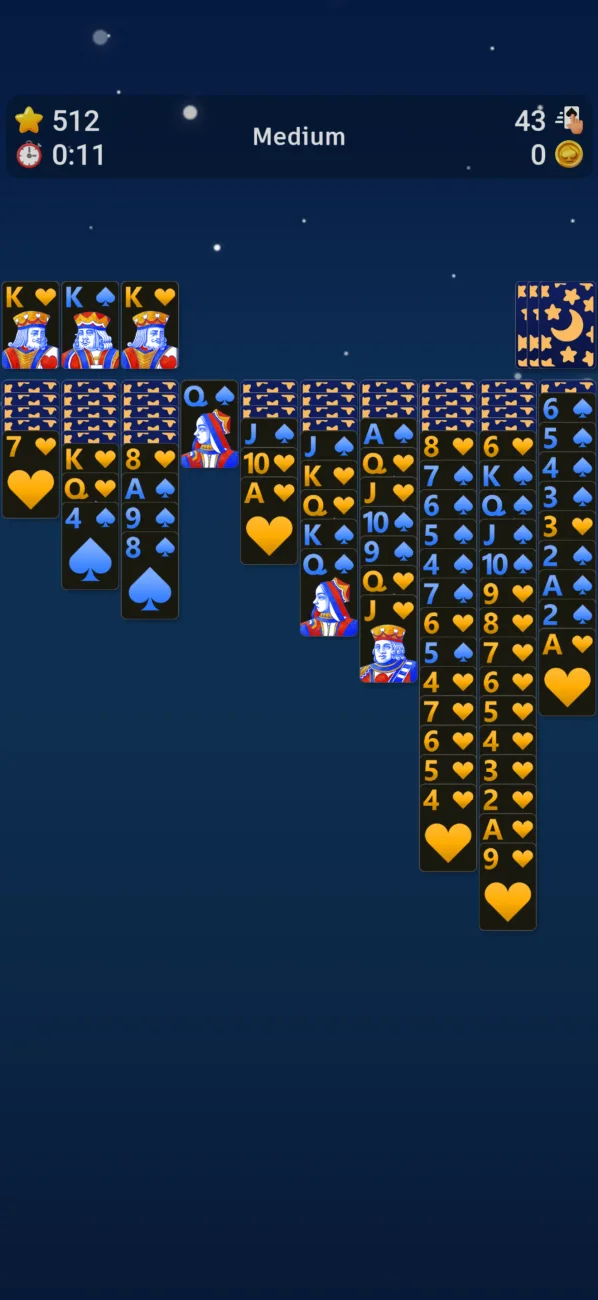

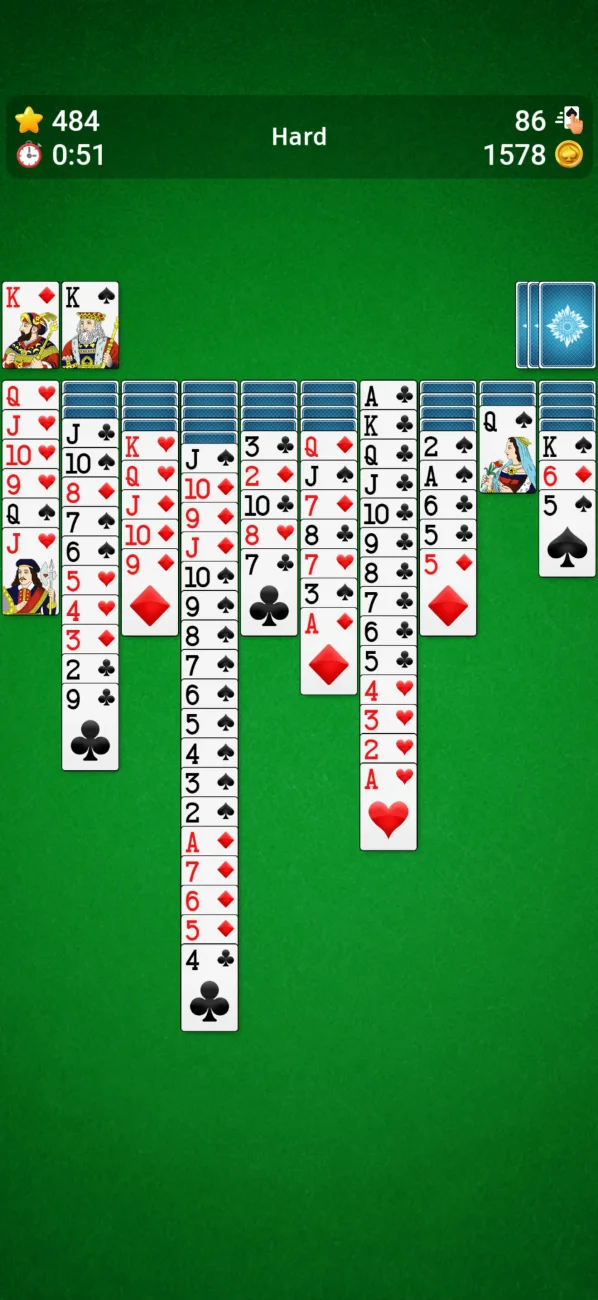
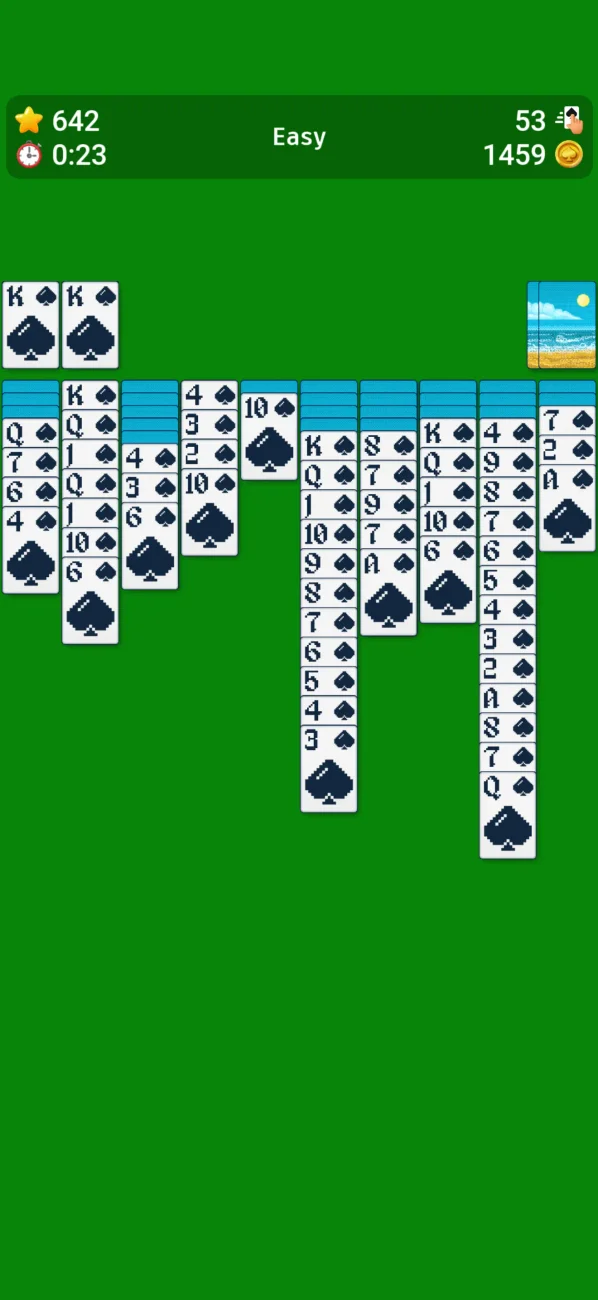
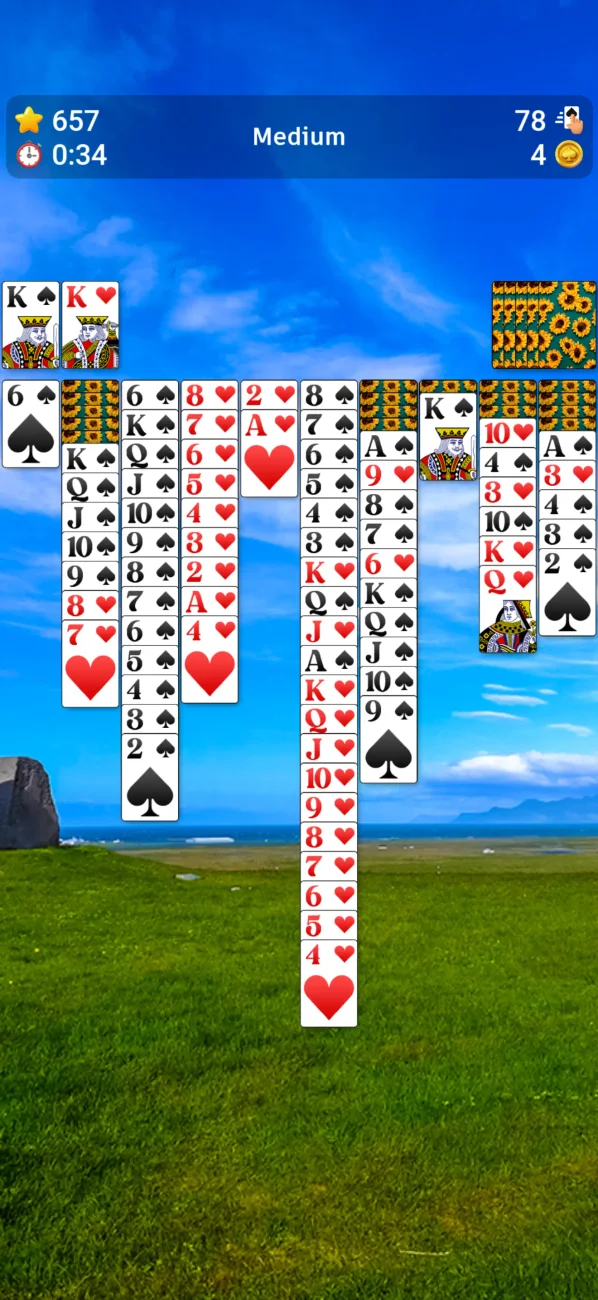
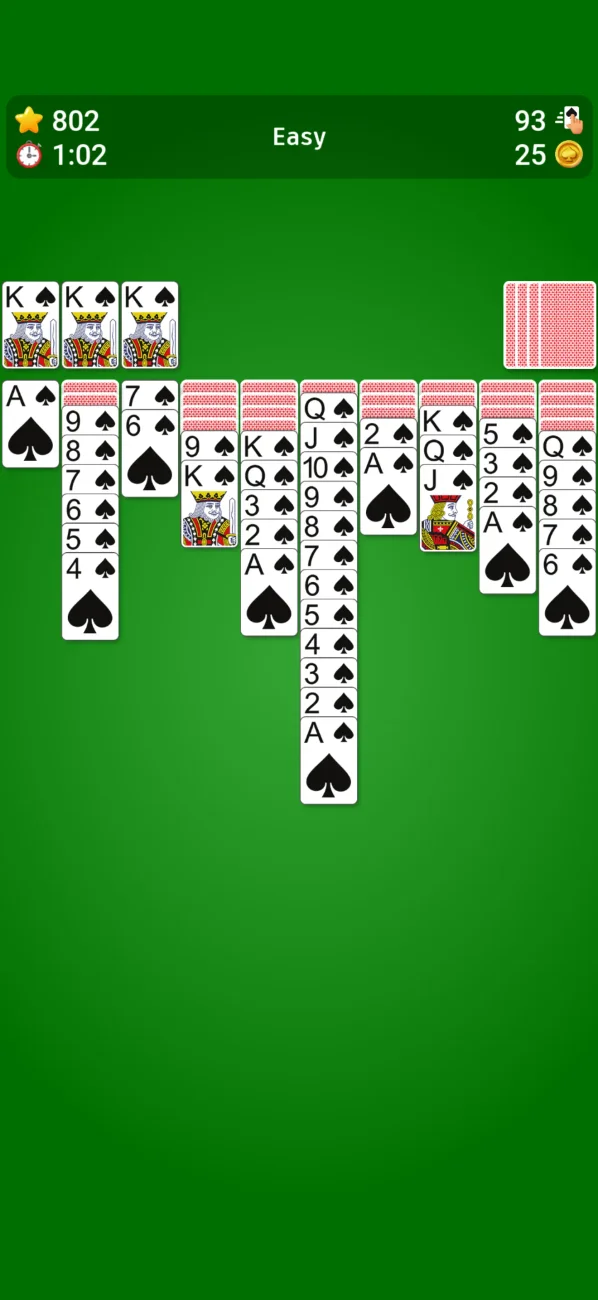
About
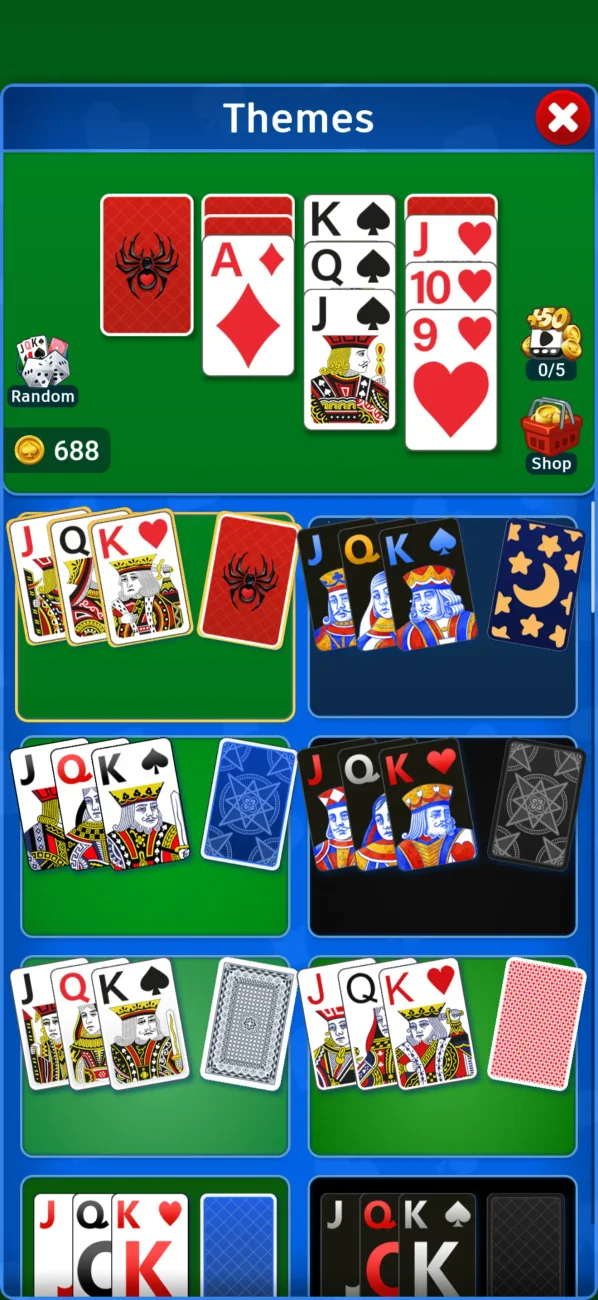
*SPIDER SOLITAIRE NOW with MORE THAN 50+ CLASSIC THEMES* :) Your free themes are waiting!
Play Spider Solitaire with its all classic graphics and gameplay! Customize your game with tons of settings and make the game your own. Earn coins and unlock gorgeous classic themes. Get lost in the world of classic Spider Solitaire!
Key Features:
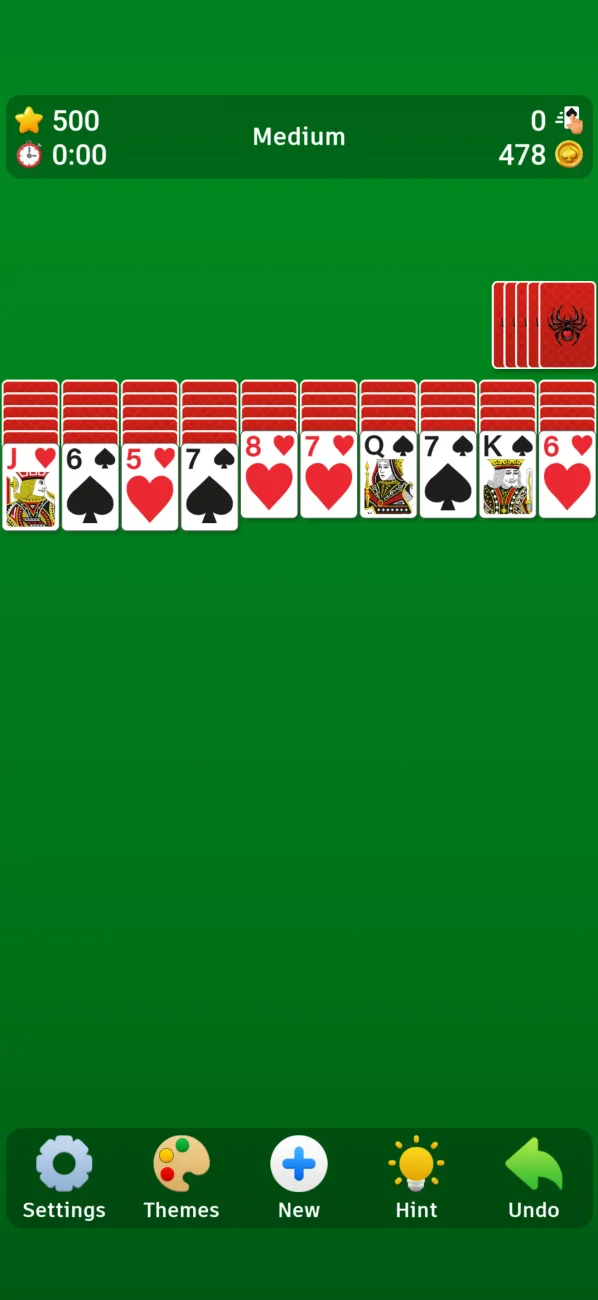
• 3 Game Modes (Difficulty): Play the Easy (1 Suit), Medium (2 Suits) and Hard (4 Suits) classic Spider Solitaire game modes
• Solvable Deals: Choose to play solvable deals with our solvable deal algorithm
• 50+ gorgeous classic themes: Unlock these themes with coins. Complete deals to earn coins
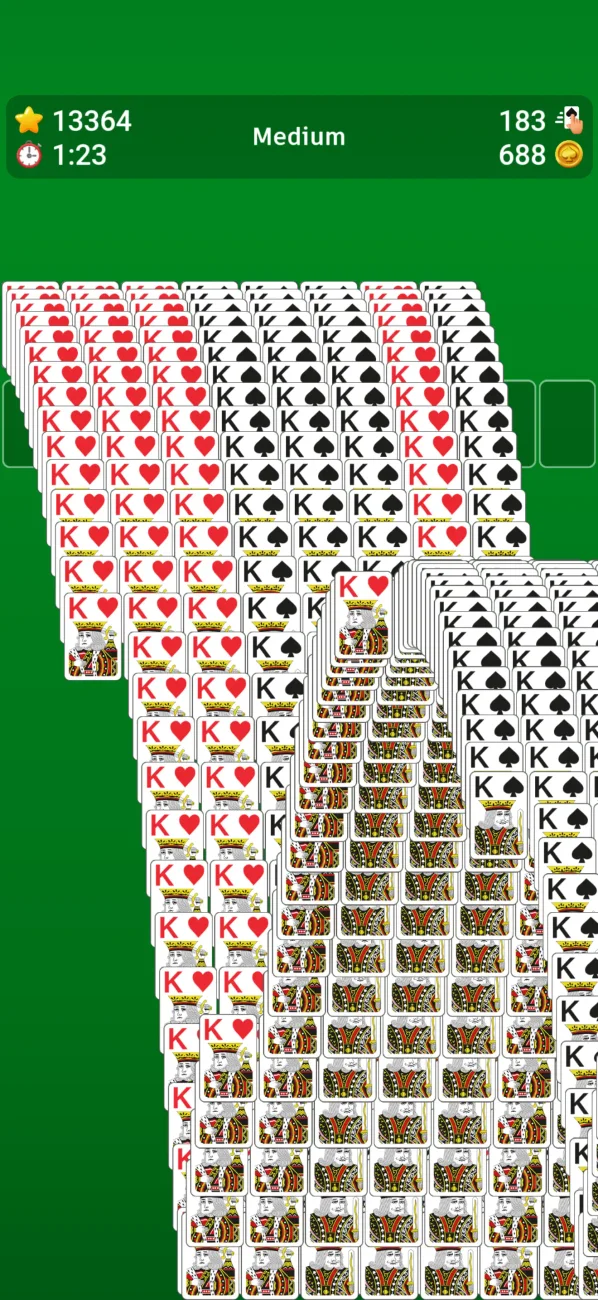
• Win Animations: See the classic card waterfall animations when you complete a game!
• No More Moves: The game will tell you if there are no more moves to play
• Card Speed: Choose from 5 different card animation speeds from slow to fast
• 3D Animations: Card pick up and placement animations along with haptic feedback provide a great gameplay feel
• Landscape mode: Landscape lovers for the win! You can play in landscape mode on any device but nothing beats playing Spider Solitaire in landscape mode on a tablet, while watching your favorite show picture-in-picture
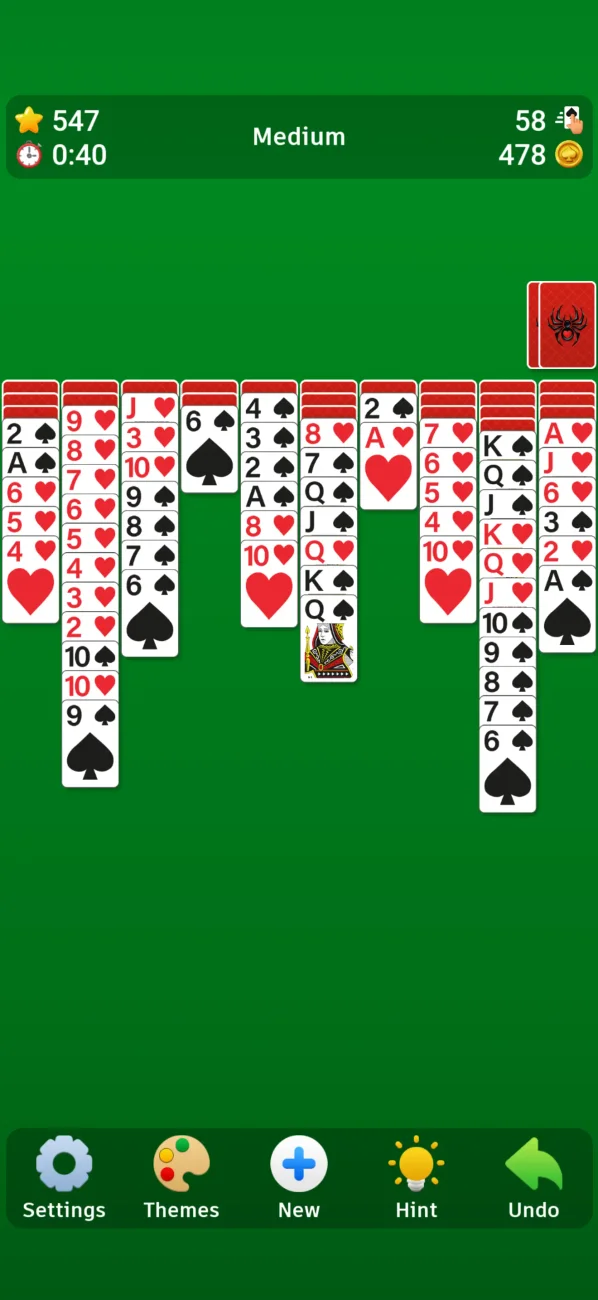
• Auto Hints: You can choose the game to show hints automatically after a period of inactivity
• How To Play: Learn how to play Spider Solitaire with visual tutorials
• Tons of Settings: Customize your game with different settings such as enabling/disabling Card Shadows, Auto Hints, Vibration and much more
• Lefty Support: Are you a lefty? You can choose to change the board layout for left handed play
• Swipe Gestures: Swipe left to undo, swipe right to redo and swipe down to show a hint
• Undo Forever: Press & hold Undo to perform a series of undos
• Save/Load: The game will automatically continue where you left off from when you launch the app
• Stats: Keep track of your high scores, best times, win percentage and other stats for each game mode
• Leaderboards: Compete with players from around the world with global leaderboards
Functions:
• Solvable Deals: Select the solvable deal option from the New Game window to play solvable deals. An algorithm will work for you to find a solvable game of your specified game type so an online connection is not needed for this feature to work
• Card Animations: You can choose different card animations from the Settings window. This includes stars, points and card placement animations
• Swipe Gestures: Swipe on an empty area to perform an action. Press and hold on an empty area to see the allowed swipe gesture area and the actions you can perform. Check out the How To Play window for a visual tutorial
• Controls Bar (Bottom Bar): Tap on an empty area or hold the bottom bar and swipe it down to hide the bottom controls bar. Swipe up or tap on empty area to show the bottom bar again
• Themes: You can select the deck, card back and background of a theme separately so you can mix and match elements of different themes. Unlock themes with the coins you earn by playing deals in Solitaire
Save & Restore your themes with Game Center:
• Save your themes by logging into Game Center so you can restore them if you happen to switch to a different device
• Make sure your themes are saved by checking your achievements. If an achievement is unlocked for a particular theme then that theme is saved
Make sure you are logged into Game Center (if you are not automatically logged in):
• Click on the leaderboards button located in the Settings window
• If the game doesn't log you in or prompt a login window after a few seconds close the app
• Go to your device's settings and login to Game Center from there
• Open Spider Solitaire and click on the leaderboards button again and it should log you in
Enjoy!
What’s new
Version 1.0.1 · Feb 20, 2025
• Bug fixes & performance improvements
App privacy
What Still57 declares on the App Store about how this app handles data.
-
Data used to track you
May be used to track you across apps and websites owned by other companies.
- Identifiers
- Usage data
-
Data linked to you
May be collected and linked to your identity.
- Identifiers
- Usage data
-
Data not linked to you
May be collected but is not linked to your identity.
- Usage data
- Diagnostics
Privacy practices may vary, for example with the features you use or your age.
Information
- Seller
- Still57
- Category
- Card
- Version
- 1.0.1
- Updated
- Feb 20, 2025
- Released
- Feb 19, 2025
- Size
- 164.2 MB
- Requires
- iOS 13.0 or later
- Age rating
- 4+
- Price
- Free
- In-app purchases
- Yes
- Languages
- English, Arabic, Catalan, Croatian, Czech, Danish, Dutch, Finnish, French, German, Greek, Hebrew + 21 more
- Copyright
- © 2025 Still57
You might also like
-
 Spider Solitaire - Classic FunSolitaire Online Card Game
-
 Solitaire Spider QuestSpider anytime, anywhere!
-
 Spider Solitaire Pro!#1 Classic Spider Solitaire
-
 Classic Spider for SeniorsPlay Solitaire Card Game
-
 Spider Solitaire : HumbleLogicRelax and Train your Brain
-
 Spider Solitaire Games 2025Solitare Card Game Classic
-
 Spider Solitaire Mobile1 Suits, 2 Suits and 4 Suits
-
 Spider Solitaire ⋄#1 Spider Solitaire game
-
 Spider Solitaire ٭Relax with a game today
-
 Spider Solitaire - PlusClassic Spider Solitaire