SPIN Safe Browser Enterprise
Enterprise Web Filter Browser
Designed for iPhone, iPad, iPod touch
$19.99
- Age rating4+
- CategoryUtilities
- DeveloperNational Education Technologies Inc.
- LanguagesEnglish+ 5 more
- Size266.0 MB
Links to the official App Store page
Download.org hosts no file of SPIN Safe Browser Enterprise. The button opens its official App Store page, published by National Education Technologies Inc. Listing last checked on Nov 14, 2026.
Screenshots

About
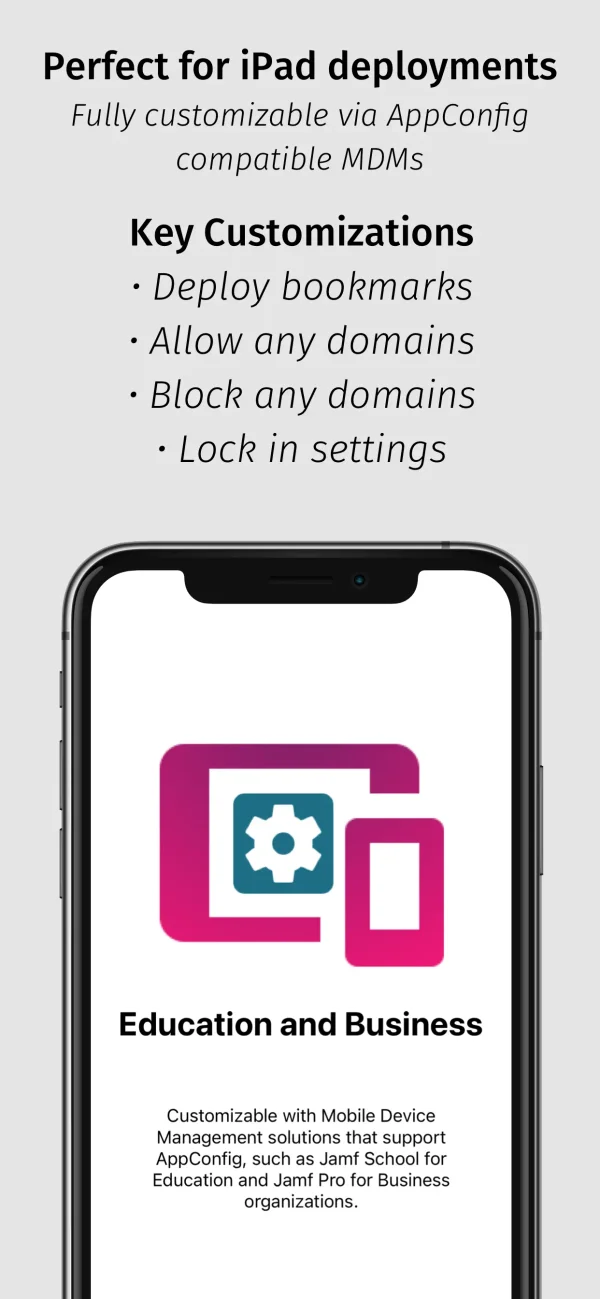
Enterprise web content filtered browser for Schools & Business, designed for content blocking for iPad and iPhone. Deploy and manage via Mobile Device Management (MDM) platforms like Jamf Pro, Jamf School, Hexnode, and AppConfig-compatible EMM solutions.
Web Content Filtering for Education & Business
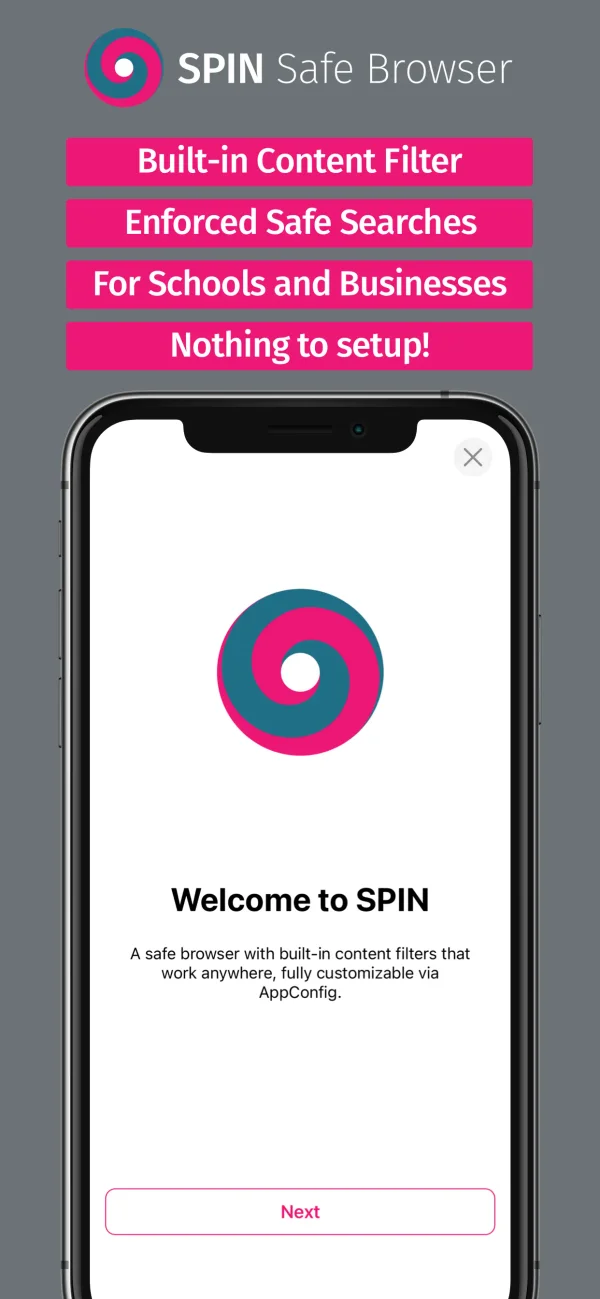
SPIN Safe Browser is a secure web browser designed for schools and businesses that need reliable web content filtering and internet safety controls. Our safe browser blocks inappropriate content, pornography, adult websites, and unsafe search engines automatically—perfect for K-12 schools, educational institutions, corporate environments, and enterprise deployments.
Content Filter Features for MDM Administrators
Advanced Web Filtering & Blocking:
• Block inappropriate websites and adult content automatically
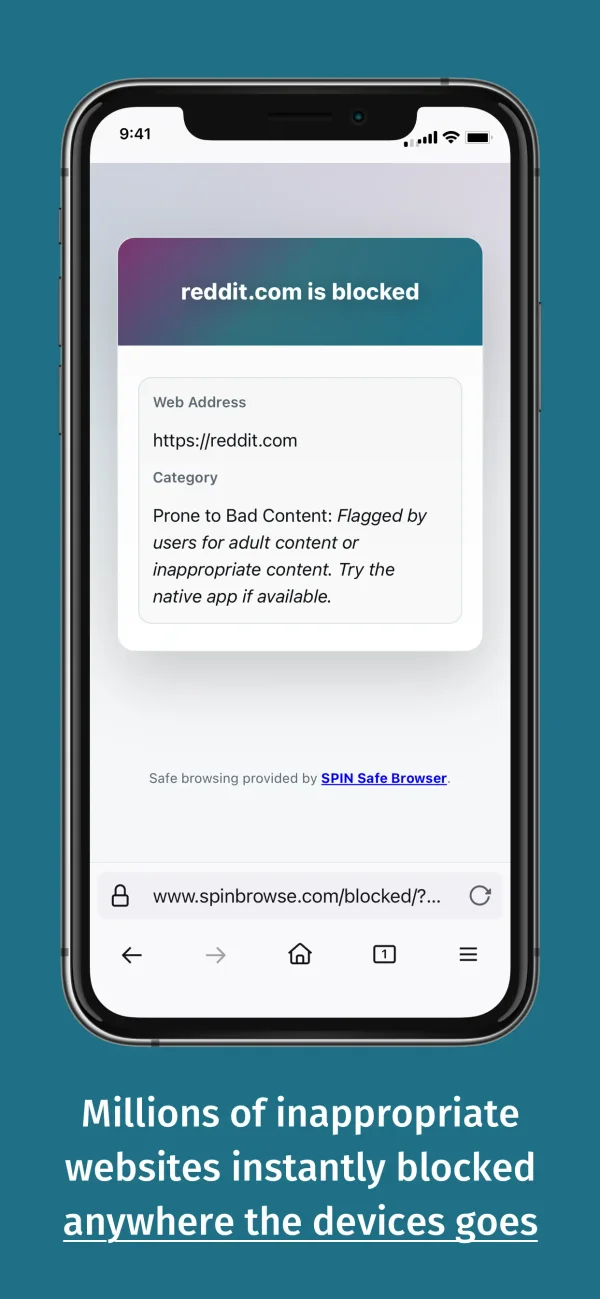
• Content filtering blocks millions of unsafe websites by default
• Pornography filter and adult content blocker built-in
• Safe search enforcement for Google, Bing, and other search engines
• Block VPN apps, proxy sites, and file-sharing websites
• No private browsing or incognito mode
• URL filtering and website blocking policies
Mobile Device Management Integration:
• Full AppConfig support for enterprise MDM platforms
• Compatible with Jamf Pro, Jamf School, Hexnode MDM, and other EMM solutions
• Customizable content filters via MDM console
• Deploy blocked websites list remotely
• Set allowed websites whitelist
• Kiosk mode with restricted website access
• Push bookmarks to all devices
• Enforce homepage and new tab settings
• Centralized browser management for IT administrators
Perfect for Schools & Education:
• Student internet safety and online protection
• Classroom management and digital learning environments
• Remote learning security for students at home
• CIPA compliance support for school web filtering
• 50% educational discount (20+ licenses via Apple School Manager)
• Protect students from cyberbullying, inappropriate content, and online threats
Enterprise & Business Advantages:
• Employee internet monitoring and acceptable use policies
• Workforce security for remote workers
• BYOD and corporate device management
• Easy bulk licensing via Apple Business Manager
• Reduce IT workload with automated content filtering
• Network-independent filtering (no VPN required)
Why Choose SPIN Safe Browser?
• Zero Configuration Required: Web content filtering and safe browsing work immediately after installation. Default filters block pornography, adult content, nudity, dangerous websites, and unsafe search engines without setup.
• Works Anywhere: Internet filtering technology protects users on any WiFi network, cellular connection, or location. No VPN connection, authentication, or login required.
• iOS 14+ Default Browser: Set SPIN Safe Browser as your organization's default web browser on iPhone and iPad for complete web filtering coverage.
• Secure by Design: No private browsing mode, no incognito tabs, and strict safe search always enforced. Protects against filter bypass attempts and proxy circumvention.
AppConfig & MDM Platform Support
SPIN Safe Browser supports the AppConfig community standard, enabling secure customization through leading Mobile Device Management and Enterprise Mobility Management platforms. Learn more about AppConfig: https://www.appconfig.org
TIPS
Check our Knowledge Base via our Support URL (https://community.useboomerang.com/hc/en-us/sections/360012327292) for tips such as:
• How to make SPIN Safe Browser your default browser on iOS 14
• What Mobile Device Management Solutions support AppConfig?
• How to deploy Bookmarks?
RESOURCES
Support: support@nationaledtech.com
Common Questions: https://community.useboomerang.com/hc/en-us/sections/360012327292
What’s new
Version 1.2 · Feb 18, 2026
This update introduces enhanced control over the SPIN Safe Browser Settings area — including the ability to fully restrict user access to Settings and new customization options for tailoring the experience to your needs.
App privacy
What National Education Technologies Inc. declares on the App Store about how this app handles data.
-
Data not linked to you
May be collected but is not linked to your identity.
- Browsing history
Privacy practices may vary, for example with the features you use or your age.
Information
- Seller
- National Education Technologies Inc
- Category
- Utilities
- Version
- 1.2
- Updated
- Feb 18, 2026
- Released
- Mar 23, 2021
- Size
- 266.0 MB
- Requires
- iOS 15.0 or later
- Age rating
- 4+
- Price
- $19.99
- Languages
- English, French, Portuguese, Russian, Spanish, Ukrainian
- Copyright
- © 2026 National Education Technologies Inc.
You might also like
-
 Lion Family: Parental ControlsTeen Safety & Web Monitoring
-
 Torvi Shade: Safari Dark ModeAdjust brightness & contrast
-
 MSR90 Card Reader for SafariMagstripe Web Form Autofill
-
 HappyWeb: Safe Family BrowserParental Controls & Web Filter
-
 ad blocker for safari: x blocksafari pop up blocker: x block
-
 Reading BrowserUtilities
-
 Montiguard: AI Spam BlockerSMS Filter & Scam Detector
-
 Ad Remove Pro & Breach MonitorEmail Leak Scan & Block Cookie
-
 Ward - Phone Guard & AlarmMotion & Charger Theft Alert
-
 Image BlockerUtilities