- Age rating4+
- CategoryUtilities
- DeveloperGiray Girisken
- LanguagesEnglish
- Size4.5 MB
Links to the official App Store page
Download.org hosts no file of Spirit Level: Level Tool. The button opens its official App Store page, published by Giray Girisken. Listing last checked on Nov 20, 2026.
Screenshots


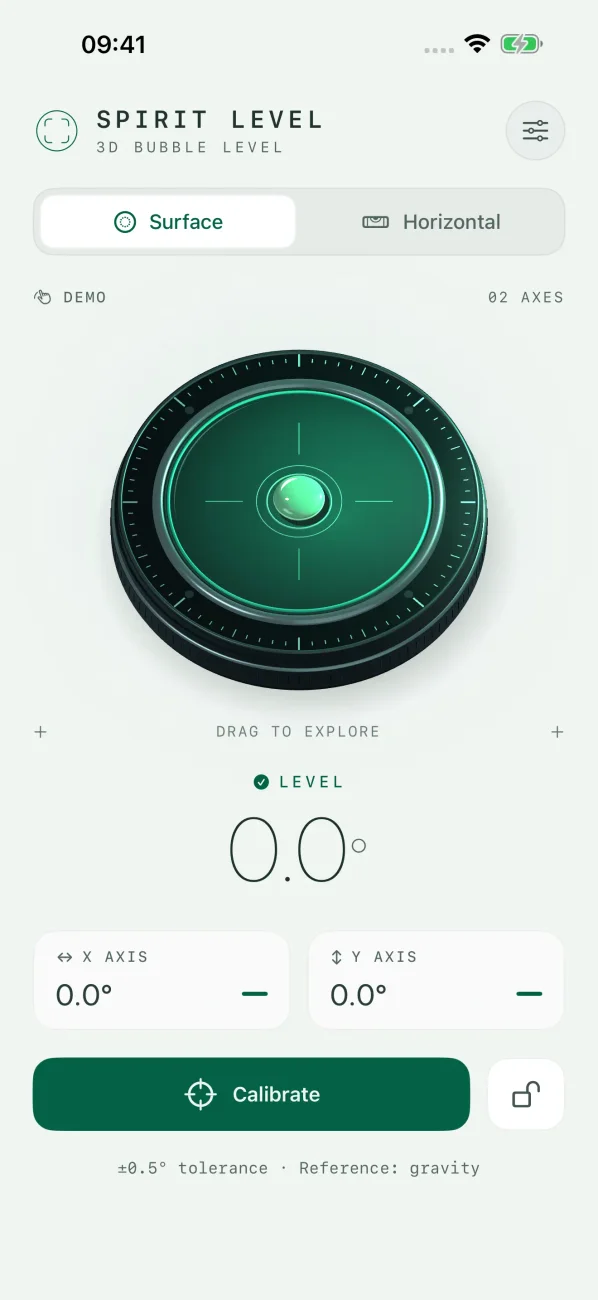
About
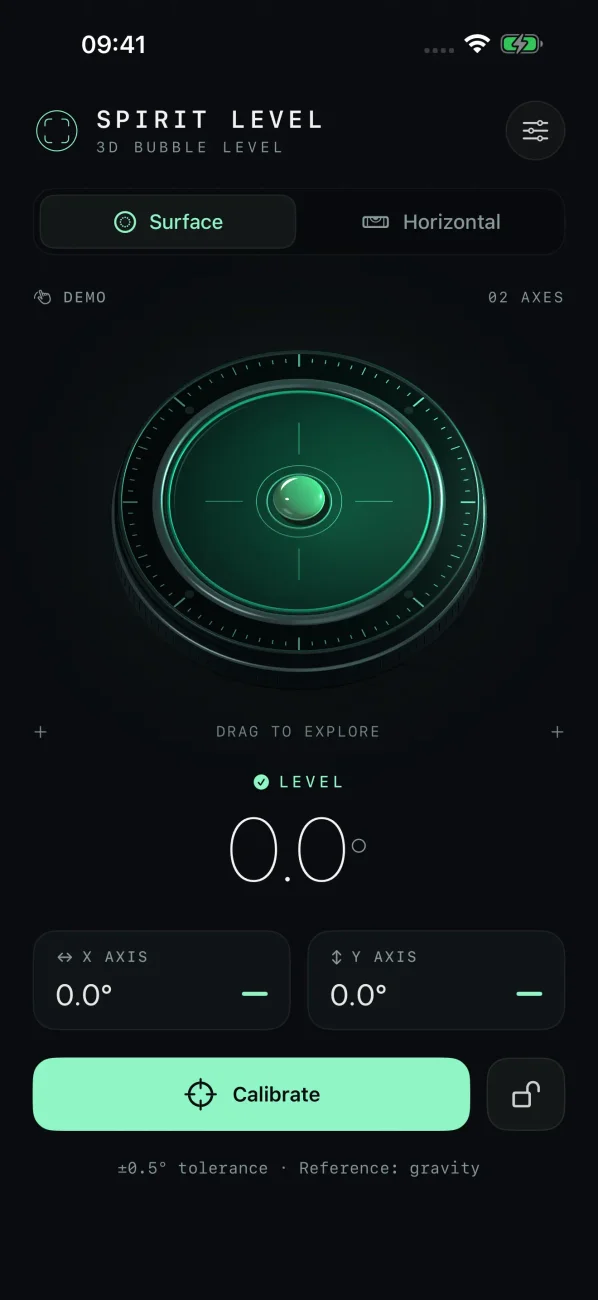
Check whether a desk, shelf, or other surface is level with a responsive 3D bubble and clear angle readings. Spirit Level works offline on iPhone and iPad, with no ads, account, or subscription.
TWO WAYS TO MEASURE
Use Surface mode for two-axis tilt and total inclination. Switch to Horizontal to check tilt along the screen's left-to-right axis. Keep your device face up while measuring.
CALIBRATE AND HOLD
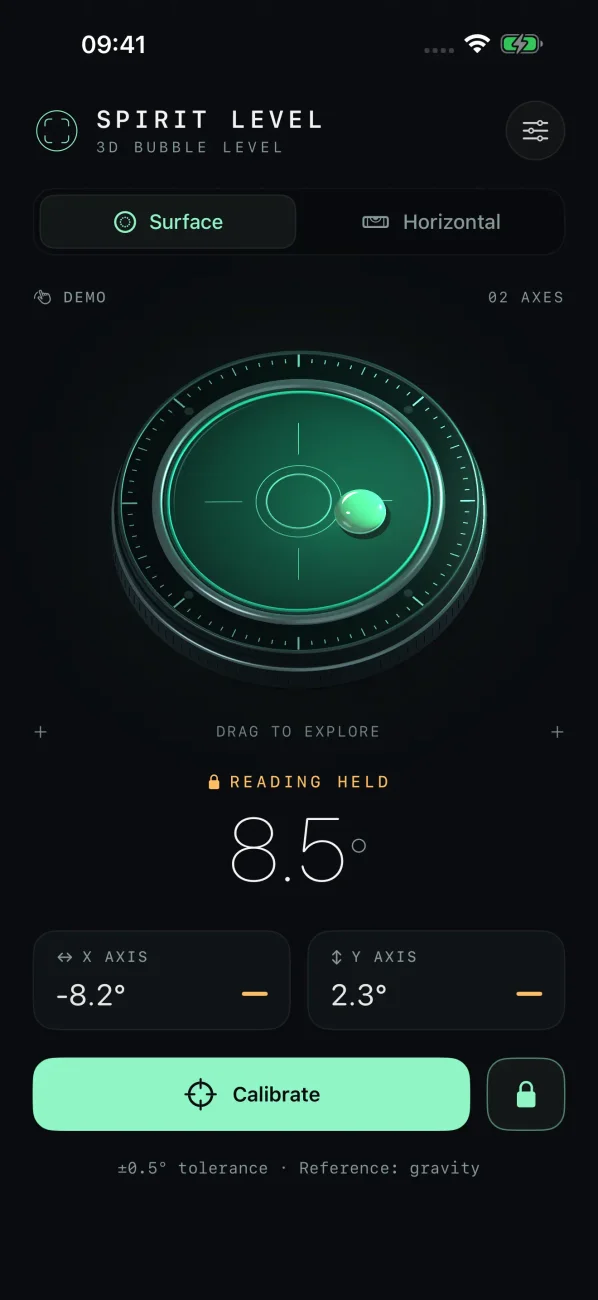
Set the current position as your zero reference with Calibrate. Hold a reading with the lock button, then tap again to resume live updates. Reset calibration in Settings to return to the gravity reference.
MAKE IT WORK FOR YOU
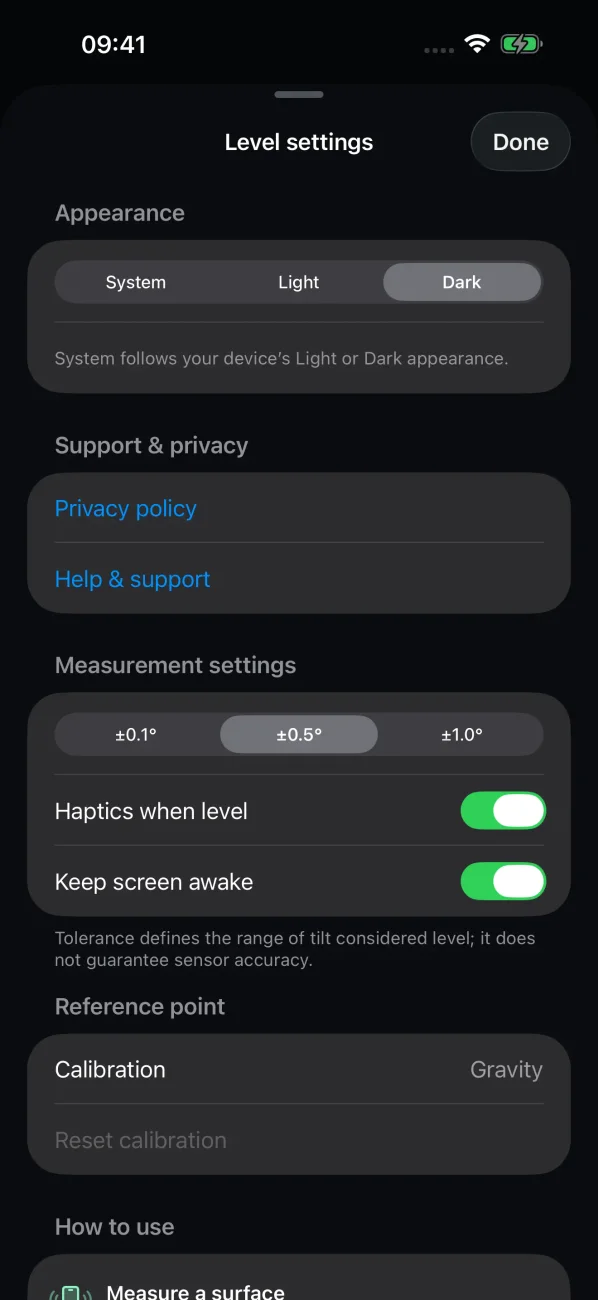
- Choose a level tolerance of ±0.1°, ±0.5°, or ±1.0°.
- Enable haptic feedback on supported devices.
- Keep the screen awake while measuring.
- Use portrait or landscape layouts.
- Choose Light, Dark, or System appearance.
Your measurements stay on your device. Calibration and preferences are stored locally.
For consistent readings, rest the device evenly. Cases and camera bumps can affect measurements. The tolerance setting determines when the app displays LEVEL; it is not a sensor accuracy guarantee.
Support: https://spirit-level.gigirella.com/
Privacy: https://spirit-level.gigirella.com/privacy/
What’s new
Version 1.1 · Sep 25, 2026
Added Light, Dark, and System appearance options. The app now opens in Horizontal mode with Dark appearance by default; you can change appearance in Settings. Updated app name, store information, and support/privacy links.
App privacy
What Giray Girisken declares on the App Store about how this app handles data.
-
Data not collected
The developer does not collect any data from this app.
Privacy practices may vary, for example with the features you use or your age.
Information
- Seller
- Giray Girisken
- Category
- Utilities
- Version
- 1.1
- Updated
- Sep 25, 2026
- Released
- Sep 16, 2026
- Size
- 4.5 MB
- Requires
- iOS 18.2 or later
- Age rating
- 4+
- Price
- Free
- Languages
- English
- Copyright
- © 2026 Giray Girisken
You might also like
-
 Echo 5 Minute JournalMoments of Clarity & Gratitude
-
 Level Tool - PocketLevelBubble Level, Ruler & Measure
-
 Angle Protractor Finder ToolSmart clinometer & calculator
-
 Spirit Level - Angle FinderBubble level tool, no ads
-
 ClearSpace: One Tap CleanerPhone Storage Cleaner
-
 Level Tool: Spirit & BubbleInclinometer Offline & No Ads
-
 90% Silver Coin CalculatorCalculate silver coins value
-
 OneTap CleanerCleanup Photos,Contacts,Videos
-
 Solar And Sun Position TrackerSun Path, Azimuth & Altitude
-
 EDIS PROEarthquake Early Alert System