
Splashtop Vault
Password Storage & Autofill
Designed for iPhone, iPad, iPod touch
Free
- Age rating4+
- CategoryProductivity
- DeveloperSplashtop B.V.
- LanguagesEnglish
- Size99.0 MB
Links to the official App Store page
Download.org hosts no file of Splashtop Vault. The button opens its official App Store page, published by Splashtop B.V. Listing last checked on Nov 15, 2026.
Screenshots

About
Splashtop Vault™ manages your passwords with ease, while accounting for the latest in cybersecurity threats and technology advances.
Enjoy everyday ease of password use
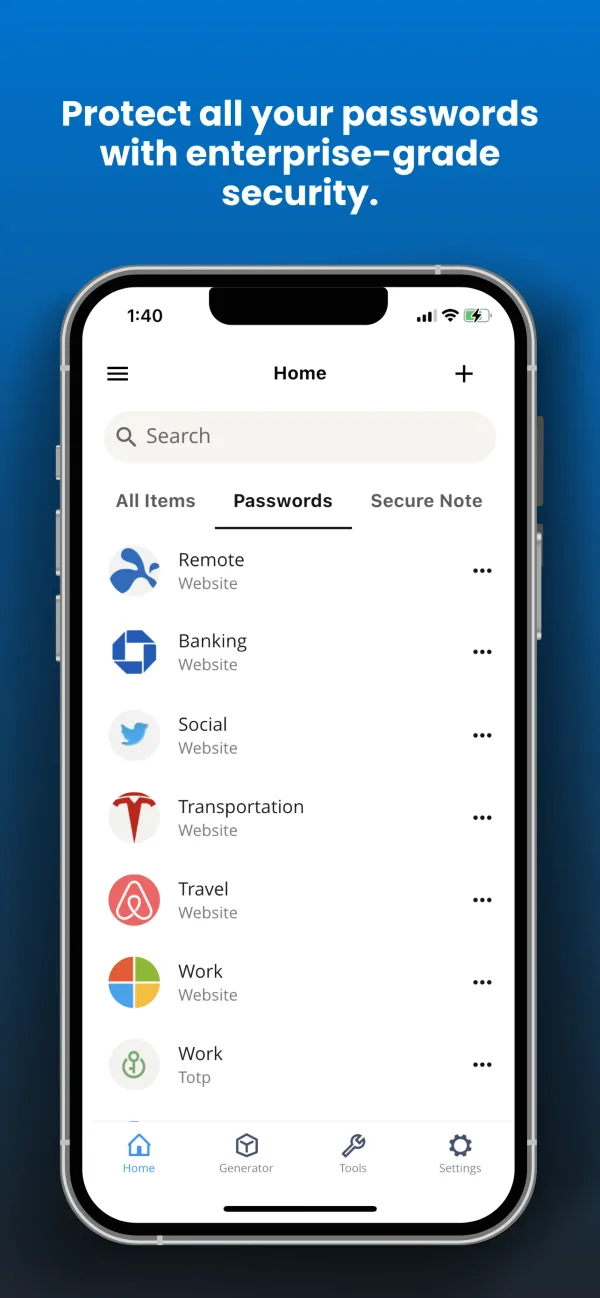
Safely store your passwords, protect your accounts with strong passwords, and easily fill passwords on any device. Splashtop Vault includes synced and encrypted storage, a highly customizable password generator, and synced autofill for both mobile and desktop browsers.
Protect yourself with the latest in password management
Under the hood, Splashtop Vault protects your passwords with the latest encryption, stores them via the latest in cloud native architecture, and alerts you of threats to your accounts.
Strong unique passwords synced across all devices
- Sync & manage your passwords across all devices including mobile, web, tablet, and desktop browser extensions.
- Securely store passwords, notes, payment info, IDs, and personal info.
- Generate strong, unique passwords to protect against cyberthreats.
- Flexibly switch between multiple Splashtop Vault accounts.
Password autofill and sharing
- While on a login page, automatically see your available logins. No logins? Spot phishing.
- Reduce manual typing. Get prompted to save existing passwords for autofill.
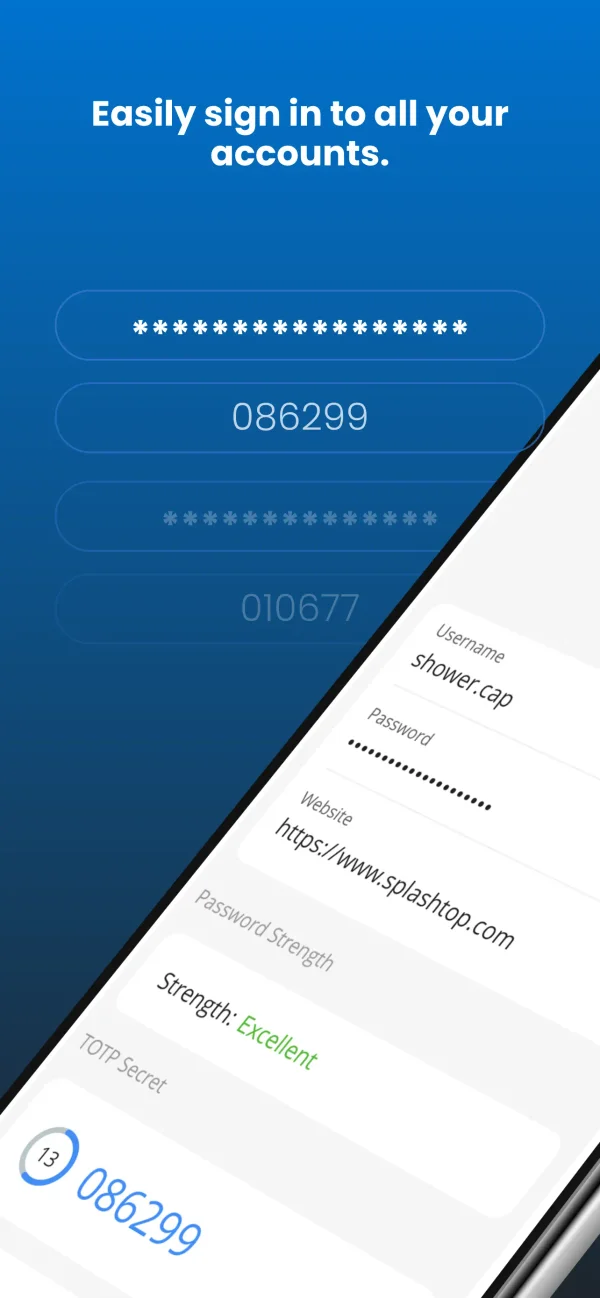
- Autofill time-based one-time passwords (TOTP).
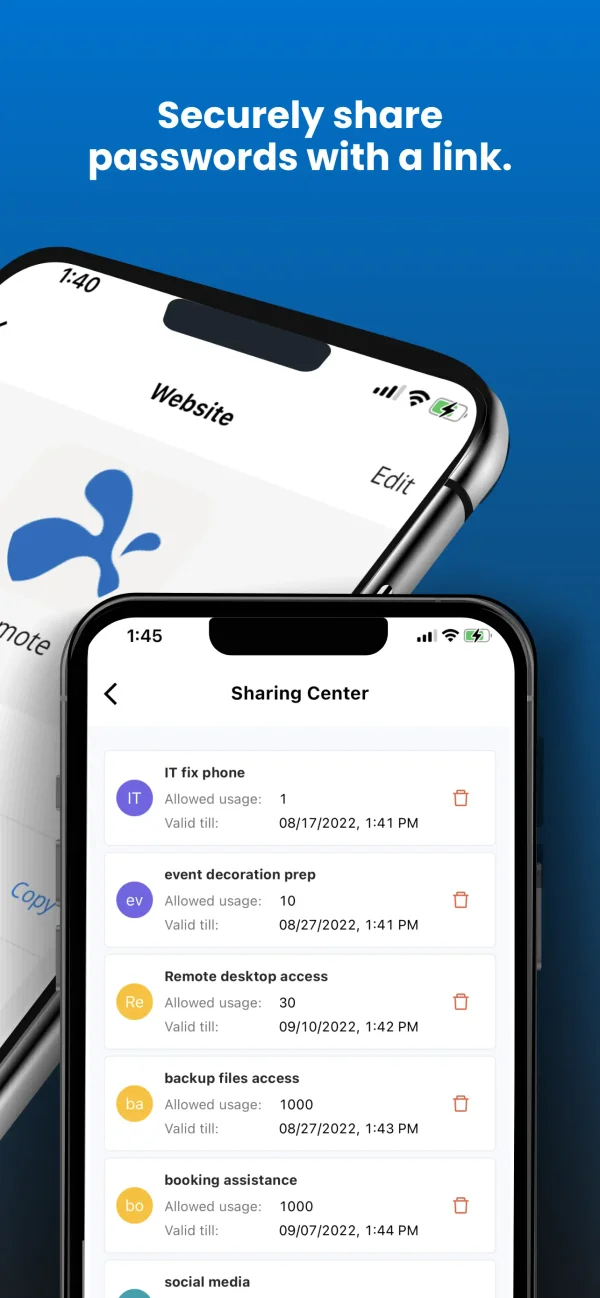
- Share passwords to exact dates. Protect shares by number of uses and passphrases.
- Seamlessly integrated with Splashtop remote desktop access. Supports mobile and desktop Splashtop clients.
Secure storage and access
- Splashtop Vault is built on a Zero-Knowledge security architecture — besides you, no one (including Splashtop) can gain access to the credentials.
- Protect your Splashtop Vault with Multi-Factor Authentication (MFA). Use Google Authenticator, Microsoft Authenticator, Authy, Duo, RSA, and YubiKey OTP.
- Encrypted storage with XSALSA20, Poly1305, Curve25519, and SCRYPT.
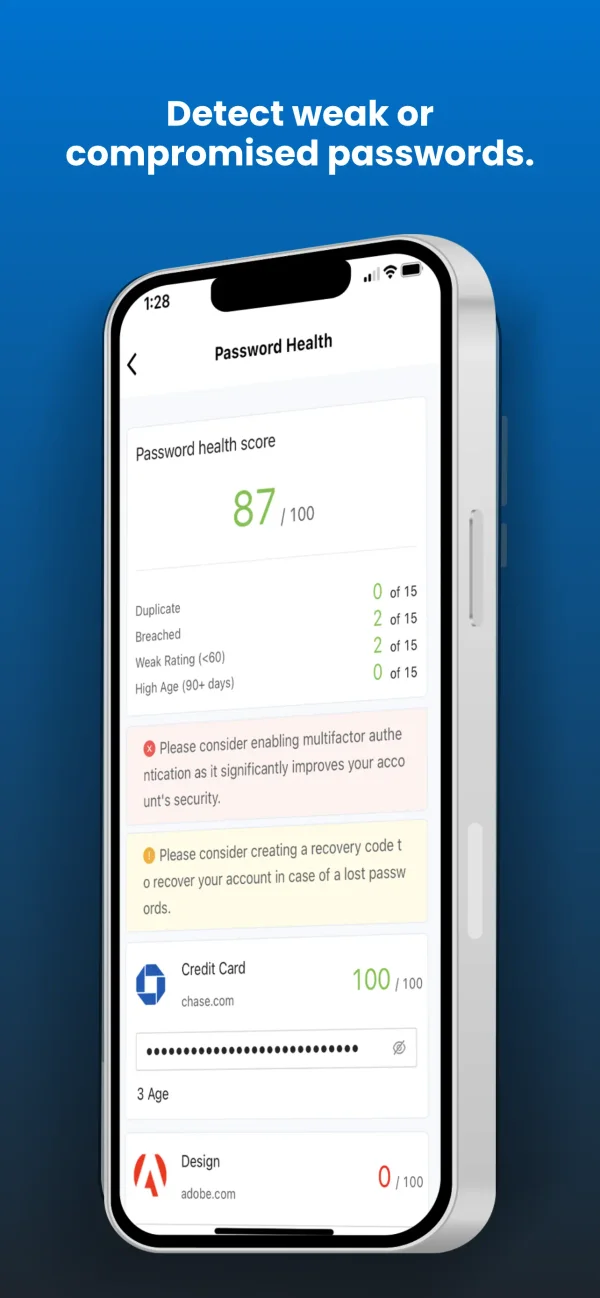
- Maintain password security – Automatically compare your passwords to known data breaches and to take action.
- Allow trusted individuals to access your account via Emergency Access.
Splashtop remote access community
Splashtop Vault is also a complimentary add-on service to Splashtop remote access and support solution subscribers.
Support & FAQ: https://support-splashtopvault.splashtop.com/
Website: https://www.splashtop.com/splashtop-vault
Privacy Policy: https://www.splashtop.com/privacy
What’s new
Version 1.0.57 · Dec 16, 2024
Minor bug fixes.
App privacy
What Splashtop B.V. declares on the App Store about how this app handles data.
-
Data not collected
The developer does not collect any data from this app.
Privacy practices may vary, for example with the features you use or your age.
Information
- Seller
- Splashtop B.V.
- Category
- Productivity
- Version
- 1.0.57
- Updated
- Dec 16, 2024
- Released
- Nov 14, 2022
- Size
- 99.0 MB
- Requires
- iOS 14.0 or later
- Age rating
- 4+
- Price
- Free
- Languages
- English
- Copyright
- © 2023 Splashtop Inc.
You might also like
-
 CAiAProductivity
-
 FilmLabelProductivity
-
 forghetti - Password Managerforget your passwords, forever
-
 Offprint: Web to PDF & EPUBSafari Clipper: Read Offline
-
 Voice Teleprompter PROScript Reader & Cue Cards
-
 NetSupport Manager ControlProductivity
-
 Sidekick: AI Chat BotAsk AI Assistant & Characters
-
 Tab Display-Expand Your TabletAs Second Display&Video Player
-
 Swift Pilot LogbookProfessional Pilot Logbook
-
 Talk Notes AI: Voice to TextTranscribe, Summarize & Export