
- Age rating4+
- CategoryFinance
- DeveloperSam Albert
- LanguagesEnglish
- Size47.6 MB
Links to the official App Store page
Download.org hosts no file of Split Crew. The button opens its official App Store page, published by Sam Albert. Listing last checked on Nov 21, 2026.
Screenshots
About
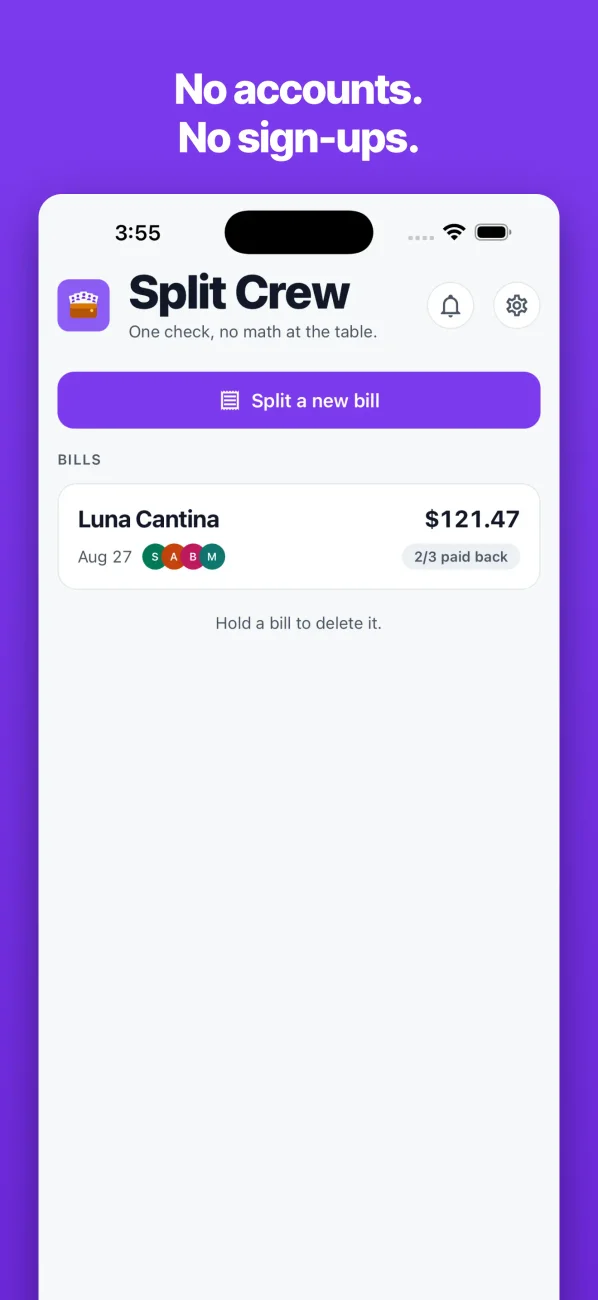
The easiest way to split a group bill. No accounts, no sign-ups, nothing to set up — open the app and split the check.
TWO WAYS TO ITEMIZE, AND YOU CHOOSE ON EVERY BILL
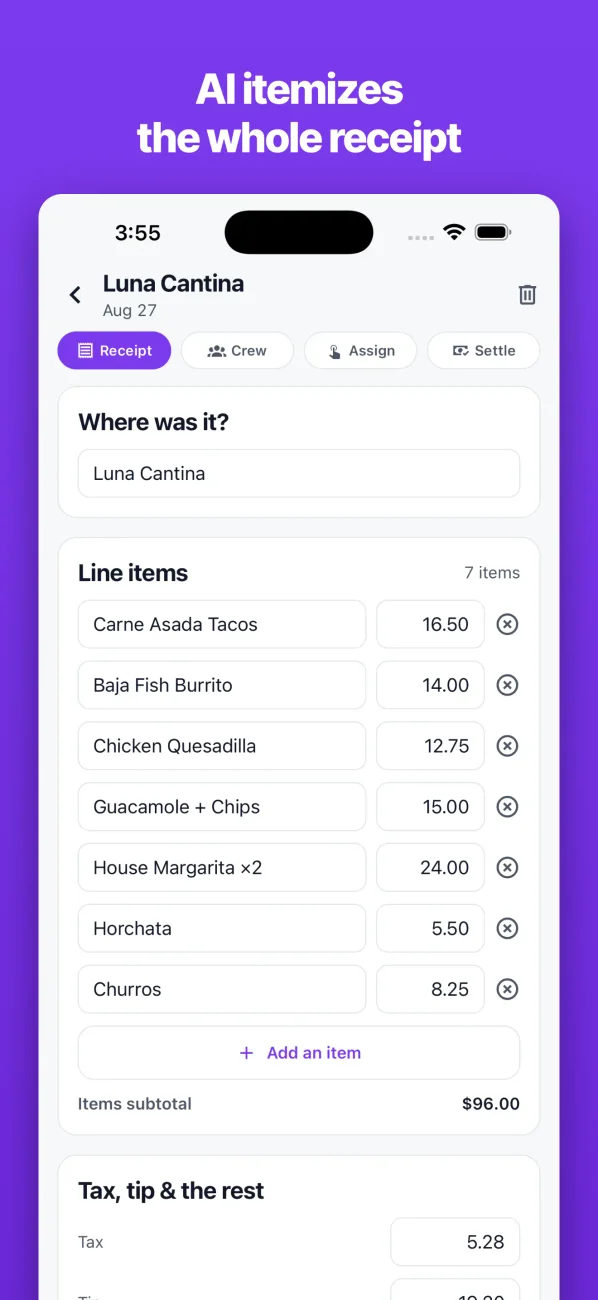
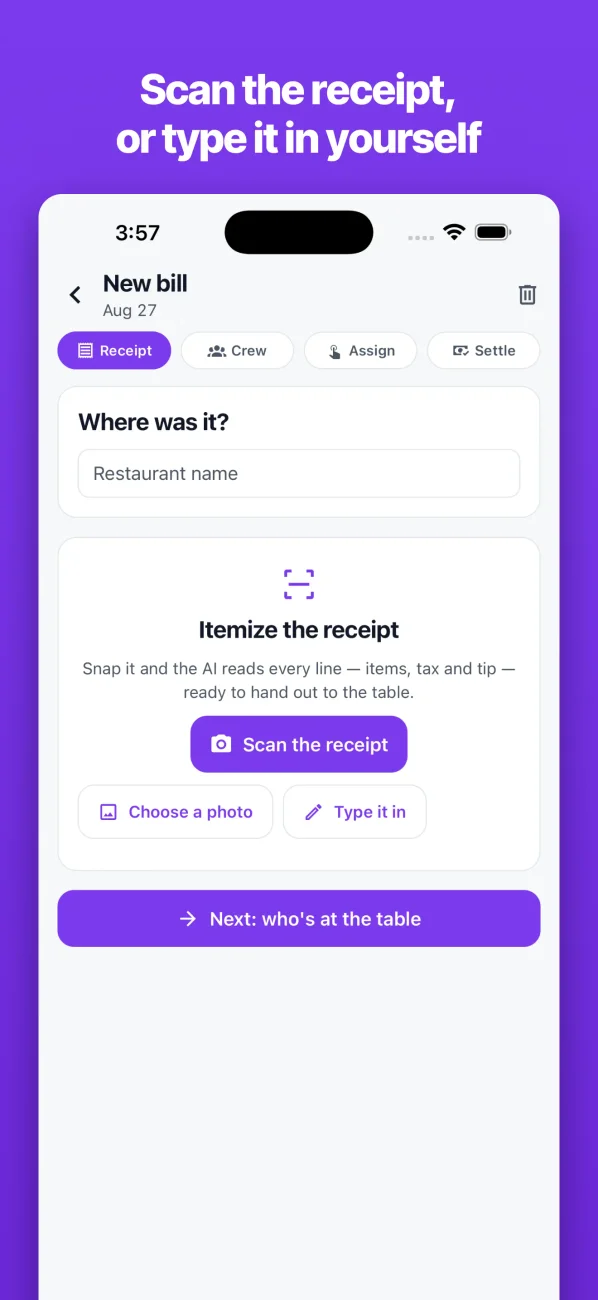
• Type it in yourself. Enter each line and Split Crew does all the math. Free and unlimited, always — no scan required, ever.
• Or use Smart Receipt Scanning. Take a photo and the smart receipt system reads it for you: every item, the tax, the tip, the total. No typing out a 23-line receipt. Your first scan is free; after that each scan is $0.99.
WHEN YOU SCAN, YOU ALSO CHOOSE WHO PAYS FOR IT
One tick box on the scanning card, and you set it before anything is charged:
• Split the $0.99 fee with the table — it goes on the bill as a fee and the whole group chips in, a few cents each
• Or cover the $0.99 yourself — it stays off everyone else's share entirely
Change your mind after the scan and the fee moves on or off the bill, with every share recalculated to match.
HOW IT WORKS
• One person pays the bill
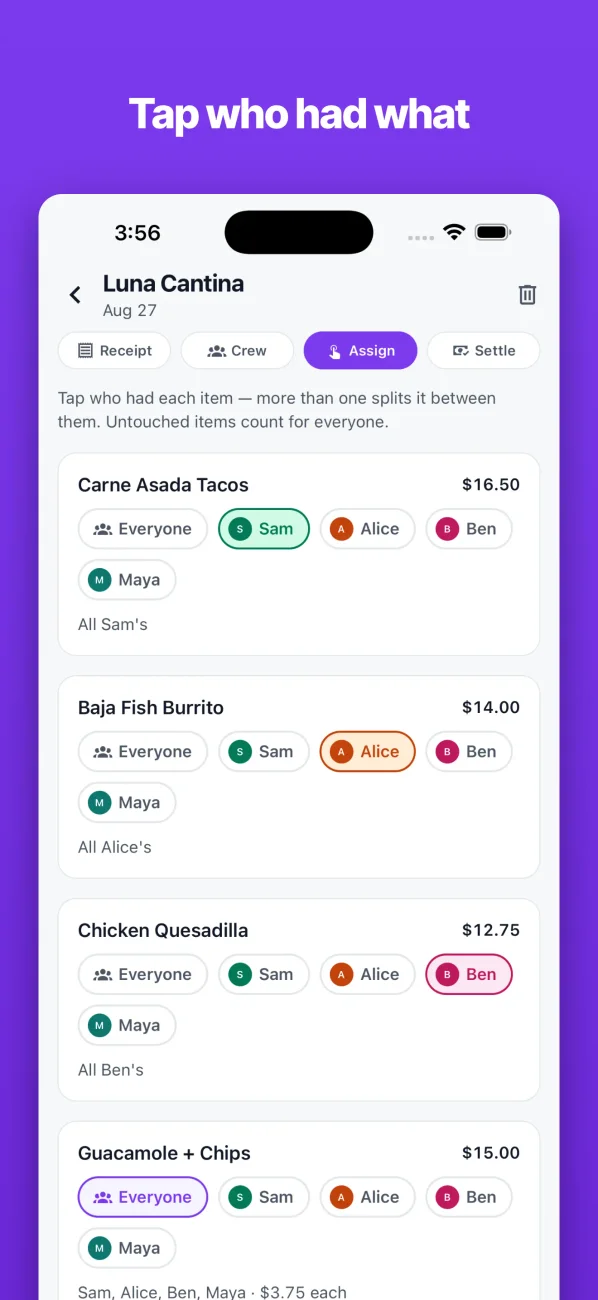
• Itemize the receipt — by hand or by scan — and assign each line to the people in your group
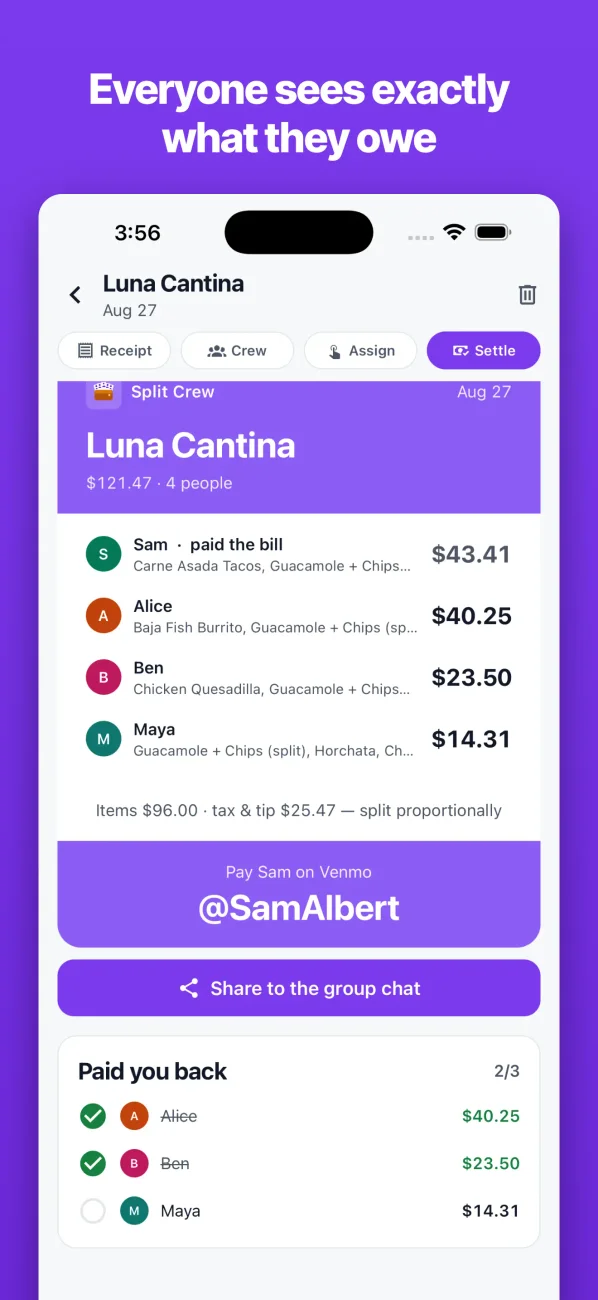
• Share the summary page with the group — everyone sees what they ordered, how much they owe, and how to send you the money
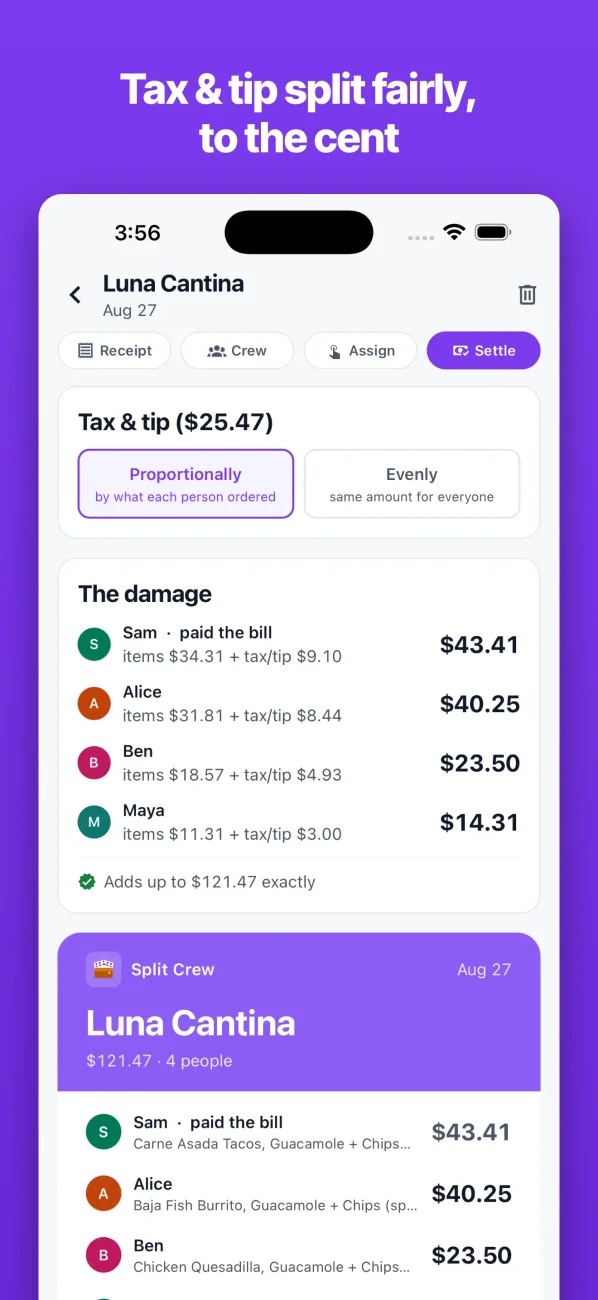
• Tax and tip are split proportionally to what each person ordered, or evenly — every share is exact to the cent
• Check people off as they pay you back, with custom reminders so you're not the one chasing anyone down
WHAT'S FREE
• Everything, when you enter the receipt yourself — unlimited bills, people, splits, summaries and reminders
• Your first Smart Receipt Scan
PRIVATE BY DESIGN
• No accounts and no sign-ups
• Your bills, people and receipt photos stay on your phone
• Nothing is tracked or sold
What’s new
Version 1.1.4 · Oct 17, 2026
Fixes a crash that stopped Split Crew from opening on iOS 27: the app would show the purple splash screen and then close. Your bills and crew are stored on your phone and are safe — they will be waiting for you.
App privacy
What Sam Albert declares on the App Store about how this app handles data.
-
Data linked to you
May be collected and linked to your identity.
- Purchases
- Contact info
- User content
- Identifiers
Privacy practices may vary, for example with the features you use or your age.
Information
- Seller
- Sam Albert
- Category
- Finance
- Version
- 1.1.4
- Updated
- Oct 17, 2026
- Released
- Sep 1, 2026
- Size
- 47.6 MB
- Requires
- iOS 16.4 or later
- Age rating
- 4+
- Price
- Free
- In-app purchases
- Yes
- Languages
- English
- Copyright
- © 2026 Sam Albert
You might also like
-
 Androscoggin eDepositFinance
-
 Split Check - bills & receiptsReceipt scanner to settle tabs
-
 Androscoggin MobileFinance
-
 MortgageTouch®Finance
-
 Maine Community BankFinance
-
 Camden National BankFinance
-
 Bangor Savings BankFinance
-
 ASPCA Pet Health InsuranceFinance
-
 BluevineBluevine
-
 E*TRADE: Invest. Trade. Save.Stocks, ETFs, options, crypto