Split Pic Collage Maker Layout
Blur Photo & Grid Picture
Designed for iPhone, iPad, iPod touch
Free · In-app purchases
- Age rating4+
- CategoryGraphics & Design
- DeveloperMosaic S.r.l.
- LanguagesEnglish+ 8 more
- Size68.8 MB
Links to the official App Store page
Download.org hosts no file of Split Pic Collage Maker Layout. The button opens its official App Store page, published by Mosaic S.r.l. Listing last checked on Nov 23, 2026.
Screenshots

About
The (new and improved) Original Collage & Cloning App with over 50 MILLION satisfied users!
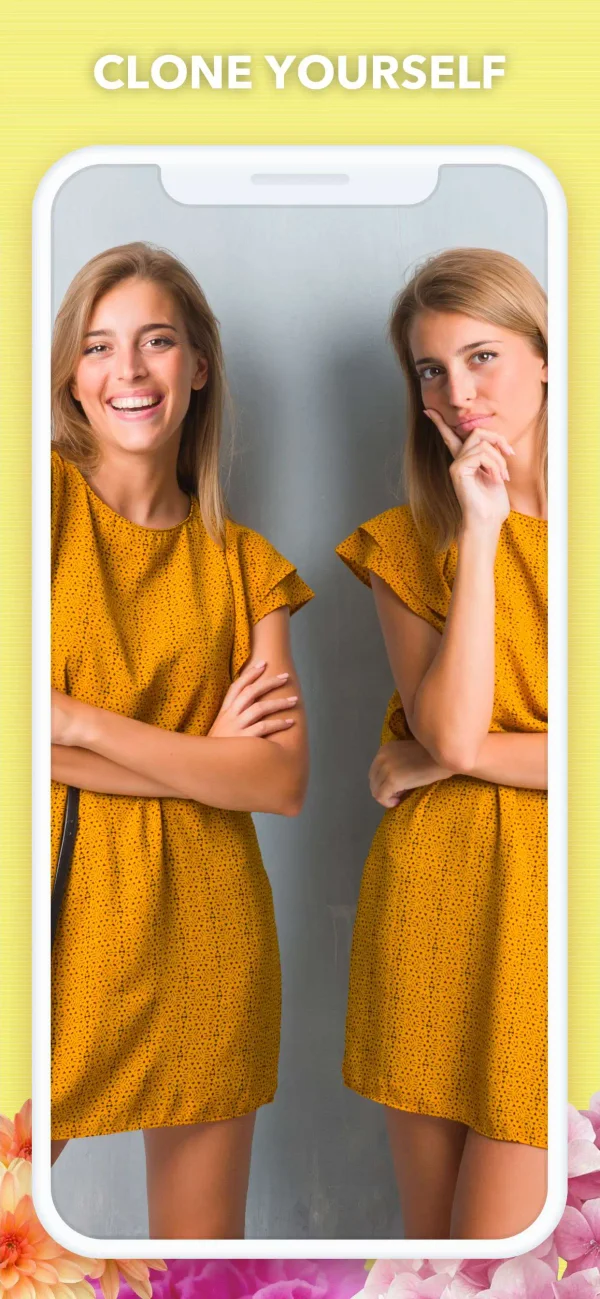
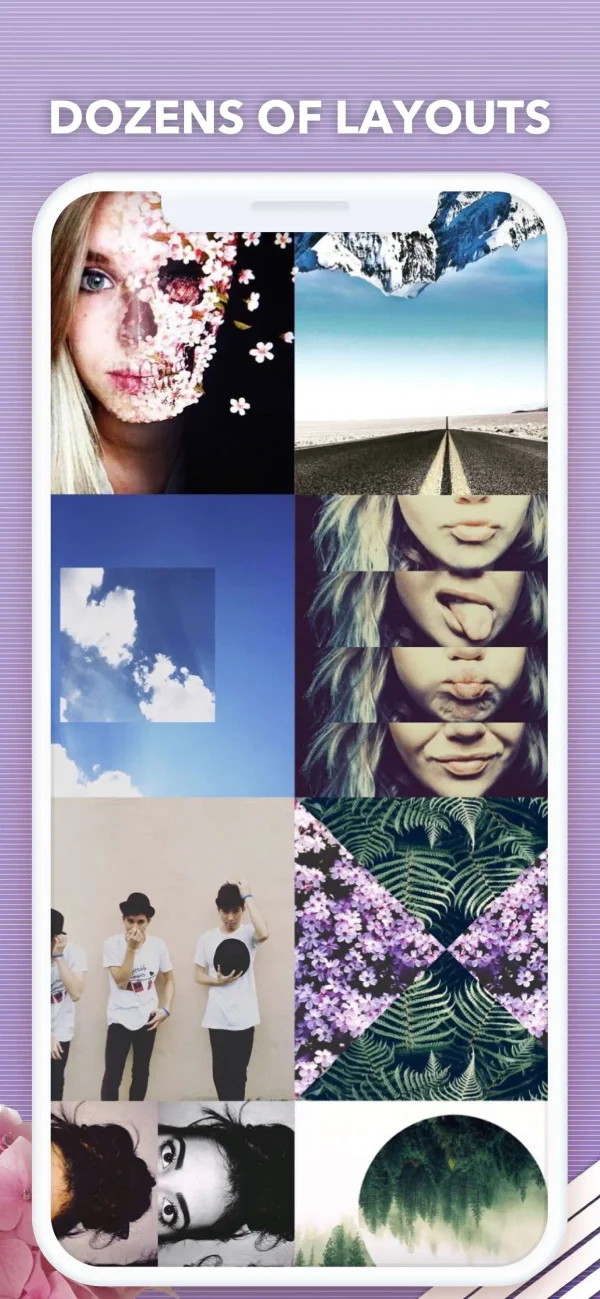
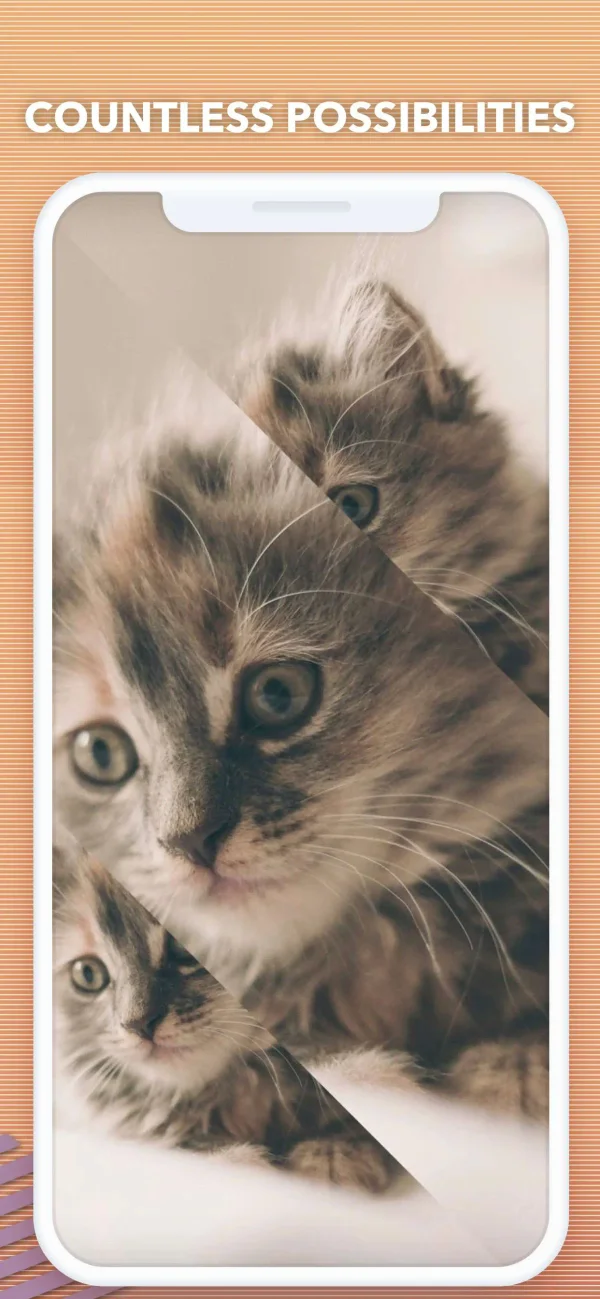
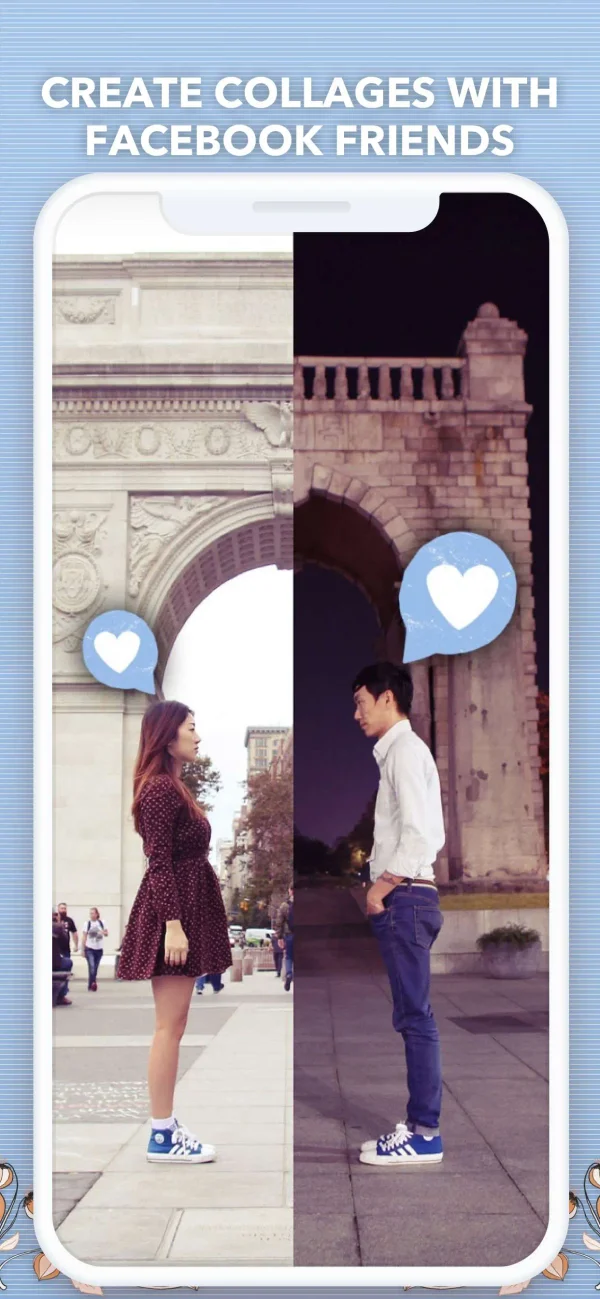
Split Pic divides your camera into several sections with several free layouts to choose from. You can choose to blend these images together creating a flawless looking special effect or make a sharp contrast between the photos to collage multiple images. The possibilities are limitless!
HOW IT WORKS:
• Select a layout
• Take photos or import images from your Camera Roll. You can now choose the order you take your images and if you’re not feeling the layout no problem just press the random button to check out more layout options!
• To blend or not to blend, it’s up to you! You can blend the images together to look like one photo and fool all your friends or keep the sharp contrast and show off your artistic side. The blend bar is now available immediately so you can test it before moving on to the editing process!
• Adjust your images. Zoom-in or out, move the split bars, move your images around, and choose from various photo editing options like crop, rotate, color adjustments, etc!
• Choose from 14 custom photo filters to get your Split Pic looking fly. You can filter each section separately to switch it up or make the each frame the same filter!
• Save it to your Camera Roll or share it with friends! With our integrated social media posting to Instagram, Facebook, Twitter, Flickr, Tumblr, Email, or SMS is just a click away.
FEATURES:
• COLLABORATE with friends anywhere in the world (heck even Mars if they have wifi)! Just take part of a Split Pic and select which of your Facebook friends you want to complete it. Way better than a postcard!
•Beautiful, Exclusive Artwork and Stickers to apply over your edits.
• Any unfinished Split Pics get automatically saved to your in-app LIBRARY! You can save your projects to easily come back and work on it over time or make several combinations and choose your favorite.
• Need some Split Pic-spiration? Check out the HALL OF FAME section to see what amazing images users are creating all around the world...your photo can be featured too just post your creations to Instagram with the hashtag #splitpic to enter your photo!
• Having trouble or want to give us feedback? Go to SETTINGS to send us feedback, ask for help, or to just say Hi!
SUBSCRIPTION INFO:
Subscribe to take advantage of the features described above.
• Subscription length: weekly
• Your payment will be charged to your iTunes Account as soon as you confirm your purchase.
• You can manage your subscriptions and turn off auto-renewal from your Account Settings after the purchase.
• Your subscription will renew automatically, unless you turn off auto-renew at least 24 hours before the end of the current period.
• The cost of renewal will be charged to your account in the 24 hours prior to the end of the current period.
• When canceling a subscription, your subscription will stay active until the end of the period. Auto-renewal will be disabled, but the current subscription will not be refunded.
• Any unused portion of a free trial period, if offered, will be forfeited when purchasing a subscription.
Terms of service: https://support.bendingspoons.com/tos?app=570748340
Privacy policy: https://bendingspoons.com/privacy.html?app=570748340
Have a feature request you would like to see in a future version of the app? Do not hesitate to contact us at splitpic@bendingspoons.com
What’s new
Version 6.2.0 · Nov 18, 2026
Anything new, you’d ask? Well, not much to be honest, just a few bug fixes that (hopefully) will result into performance improvement.
App privacy
What Mosaic S.r.l. declares on the App Store about how this app handles data.
-
Data used to track you
May be used to track you across apps and websites owned by other companies.
- Purchases
- Identifiers
- Usage data
- Other data
-
Data linked to you
May be collected and linked to your identity.
- Purchases
- Identifiers
- Usage data
- Diagnostics
- Other data
Privacy practices may vary, for example with the features you use or your age.
Information
- Seller
- Mosaic S.r.l.
- Category
- Graphics & Design
- Version
- 6.2.0
- Updated
- Nov 18, 2026
- Released
- Nov 22, 2012
- Size
- 68.8 MB
- Requires
- iOS 15.0 or later
- Age rating
- 4+
- Price
- Free
- In-app purchases
- Yes
- Languages
- English, French, German, Italian, Japanese, Russian, Simplified Chinese, Spanish, Traditional Chinese
- Copyright
- © Bending Spoons Operations S.p.A.
You might also like
-
 Leto: Font for Instagram StoryAesthetic, Cool Insta Editor
-
 Photo Collage Maker : Pic GridPhoto Grids & Picture Collages
-
 LOOMY: Story Font & TemplatesInsta Dump, Fonts, Stickers
-
 Collage Maker - Photo EditоrPic Collage Maker Grid Layout
-
 Logo Maker - Watercolor LogoSmall Business Logo Design
-
 Font Candy Photo & Text EditorAdd fonts and words on photos
-
 Layout - Photo Collage MakerGrid Templates, Design Editor
-
 Flyer Maker + Poster MakerMake Flyers & Posters Quickly
-
 Clay – Story Templates FramesCollage Maker & Polaroid Reels
-
 UNUM — Layout & Feed PreviewGrid, Collage Maker & Reels