
Split Screen Player: 36 Videos
Play Multiple Videos at Once
Designed for iPhone, iPad, Mac, iPod touch
Free · In-app purchases
- Age rating17+
- CategoryUtilities
- DeveloperWeiping Huang
- LanguagesEnglish+ 37 more
- Size83.8 MB
Links to the official App Store page
Download.org hosts no file of Split Screen Player: 36 Videos. The button opens its official App Store page, published by Weiping Huang. Listing last checked on Nov 27, 2026.
Screenshots
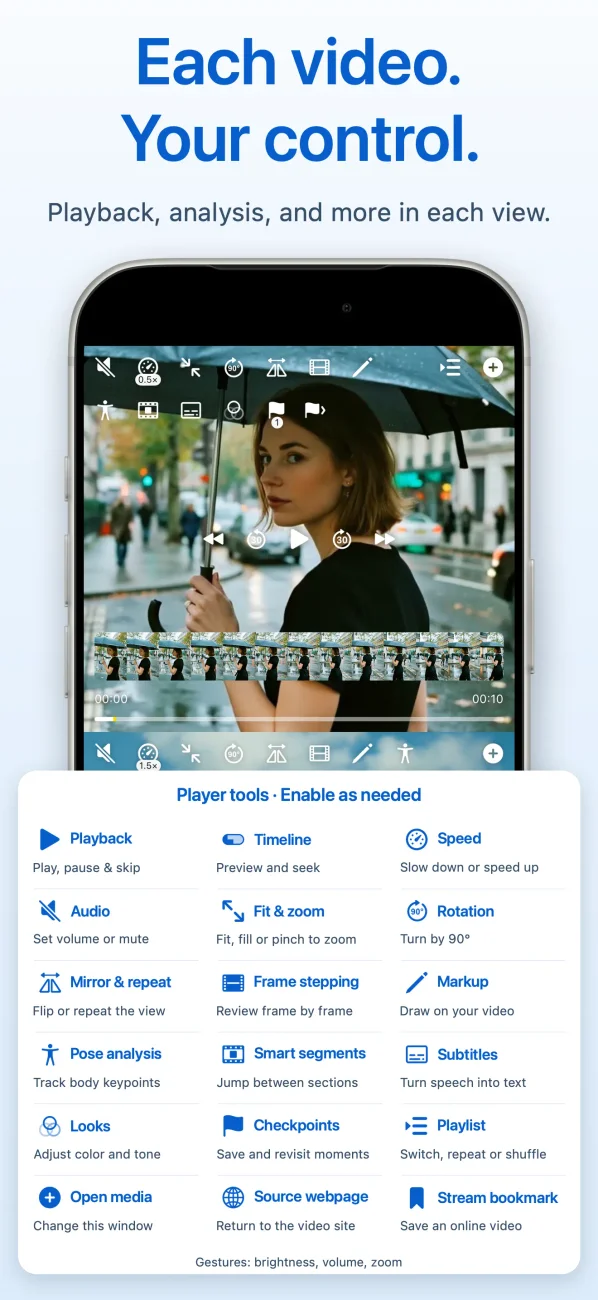
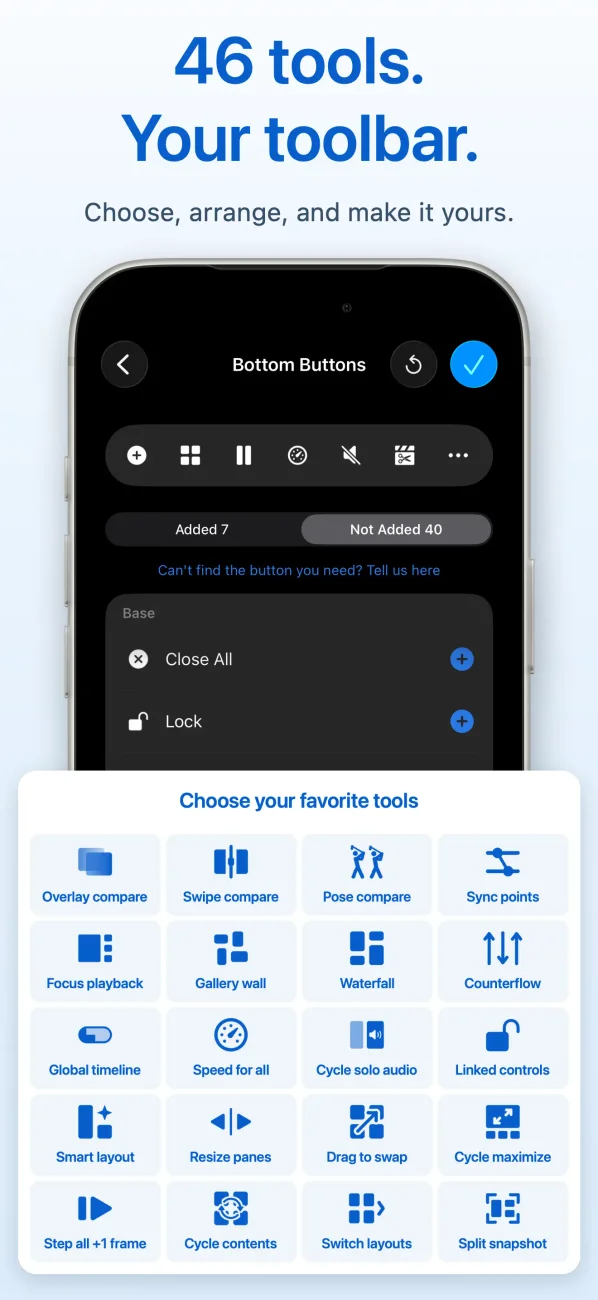
About
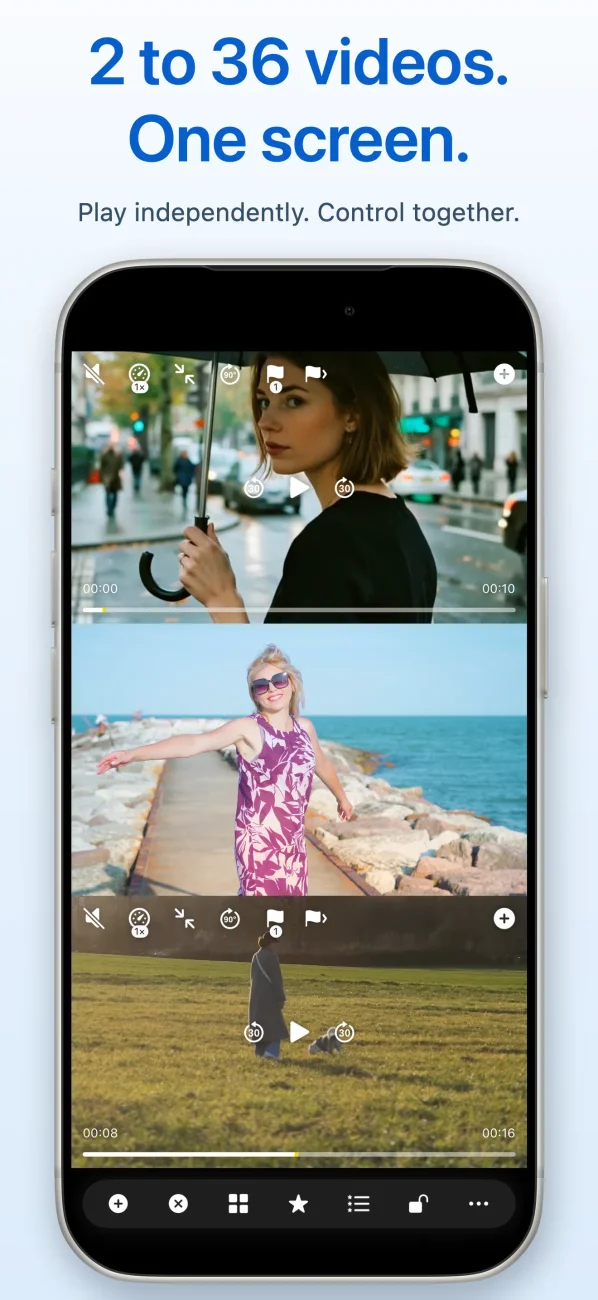
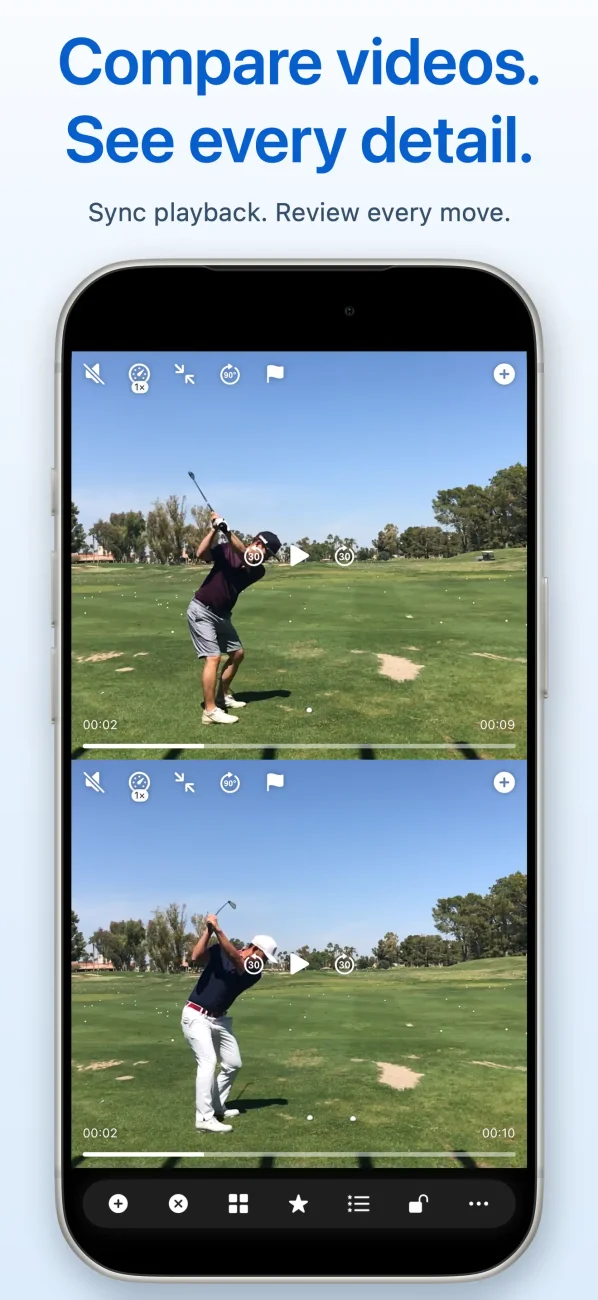
Play, sync, and compare up to 36 videos with Split Screen Player. Arrange views, annotate details, and export split-screen videos to share.
Use it for:
⊙ Comparing sports, dance, fitness, and lesson videos.
⊙ Reviewing edits, takes, camera angles, and reference clips.
⊙ Creating comparisons, tutorials, reactions, and shorts.
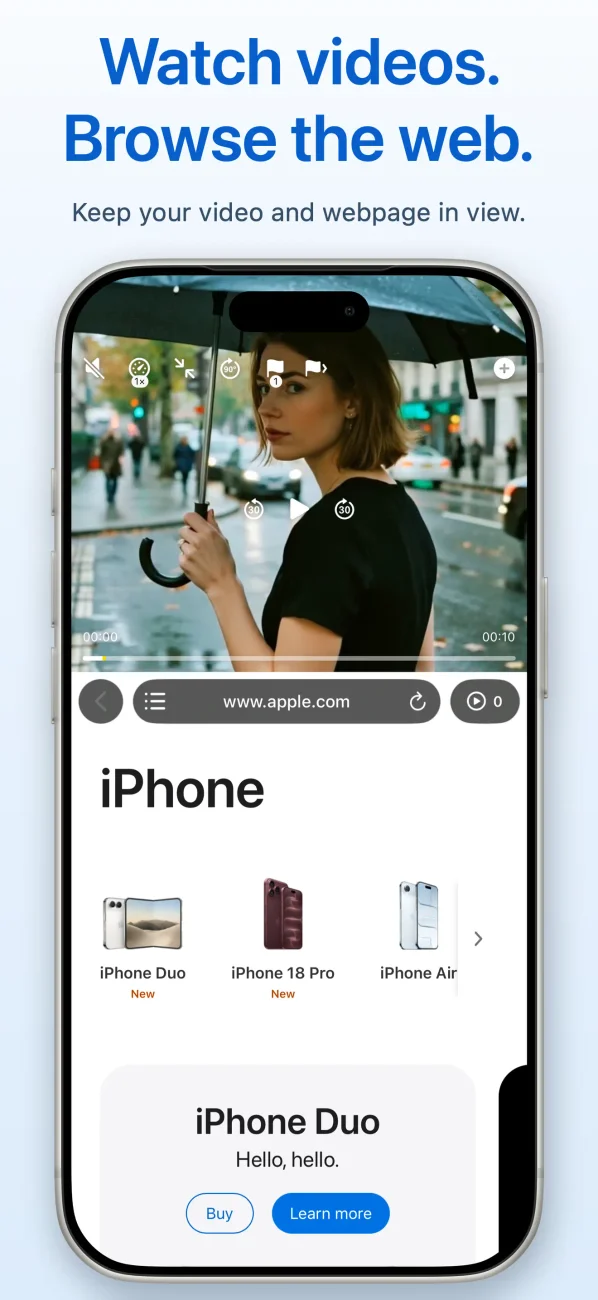
⊙ Browse two or more sites at once without switching tabs. Watch videos while browsing, read news, research or compare products.
⊙ Learning languages and revisiting lessons with bilingual subtitles.
⊙ Practicing with a live camera view beside a reference video.
⊙ Annotating movements and comparing joint angles for training reviews.
⊙ Showing travel, family, and event galleries on a TV or projector.
Highlights
Playback & Flexible Layouts
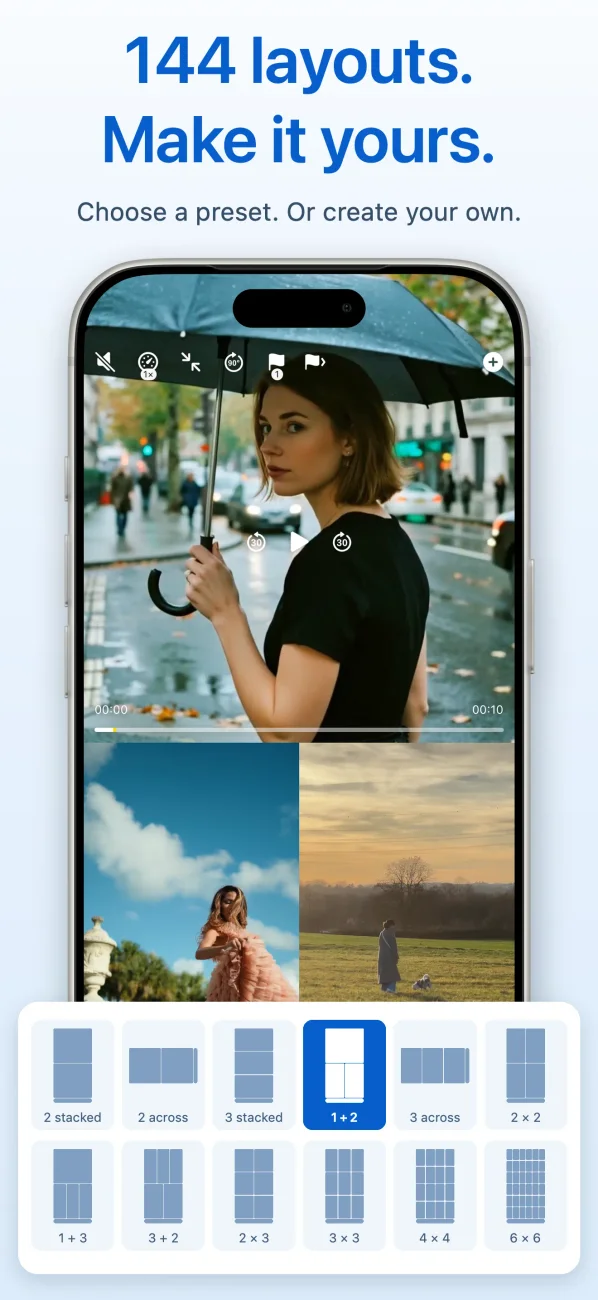
⊙ Choose from 144 layouts for portrait, landscape, and foldable screens. Resize panes, create and share layouts, or use Smart Layout to fit your videos.
⊙ Focus Playback keeps one video large while you browse others. Tap to switch and let audio follow the main view.
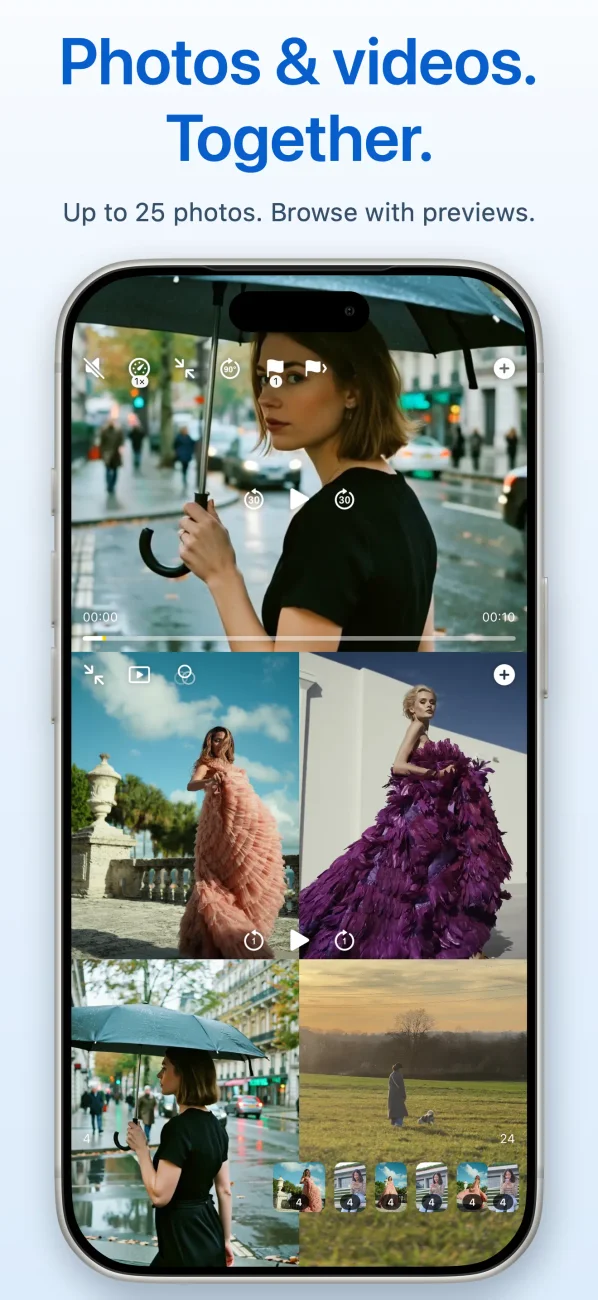
⊙ Sort, shuffle, or repeat playlists. Browse frame previews and tap a frame to play from that moment.
⊙ Drag videos to rearrange them; use floating, speed, and global controls. Lightweight playback previews; original sources for export.
Sync & Motion Analysis
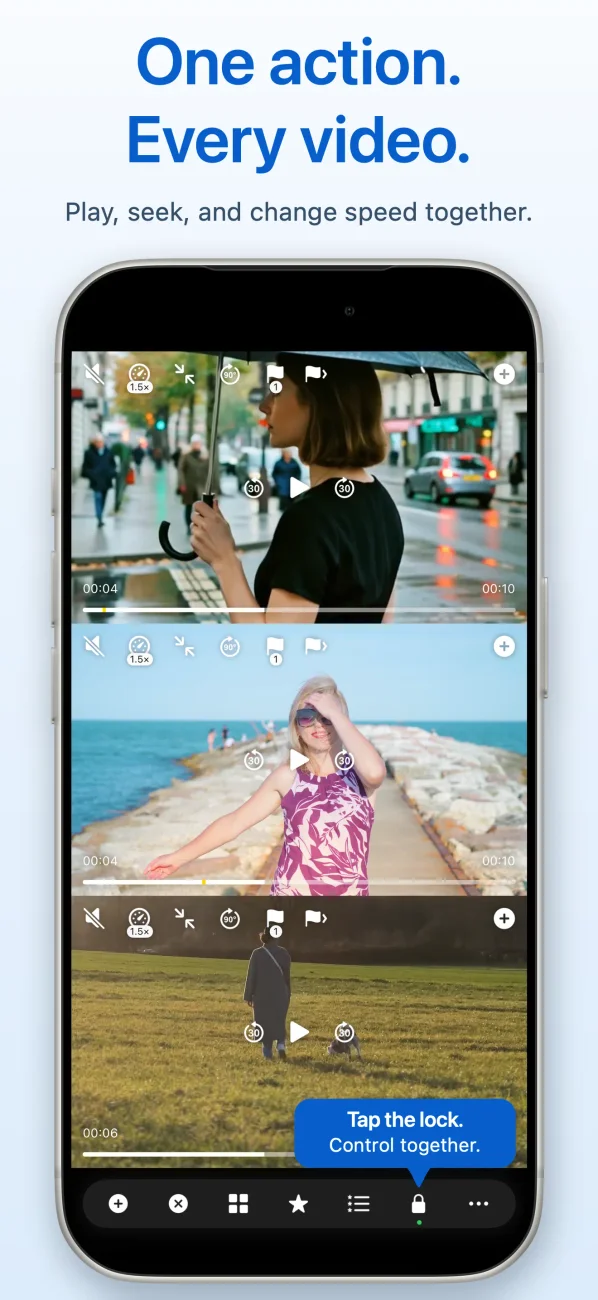
⊙ Align action moments with Sync Points, Sync Lock, and multiple Sync Groups. Set playback ranges and loop key movements.
⊙ Step frame by frame with millisecond time. Compare using overlays, opacity, A/B blinking, or a swipe divider.
⊙ Draw arrows, lines, and shapes; measure angles and distances. Set annotation duration and slow or pause near annotations.
⊙ Show body skeletons and compare joint angles and curves in two local videos. Sync movements or align manually, then export review videos and joint data.
Automatic Subtitles & Translation
⊙ Generate original, translated, or bilingual subtitles for complete local videos. Recognition and translation run on your device.
⊙ Customize styles, search text, and tap subtitles to seek. Generate subtitles for playlist videos one at a time.
Requires iOS 26 or later and a supported device. Language downloads may be needed on first use.
Export & Share
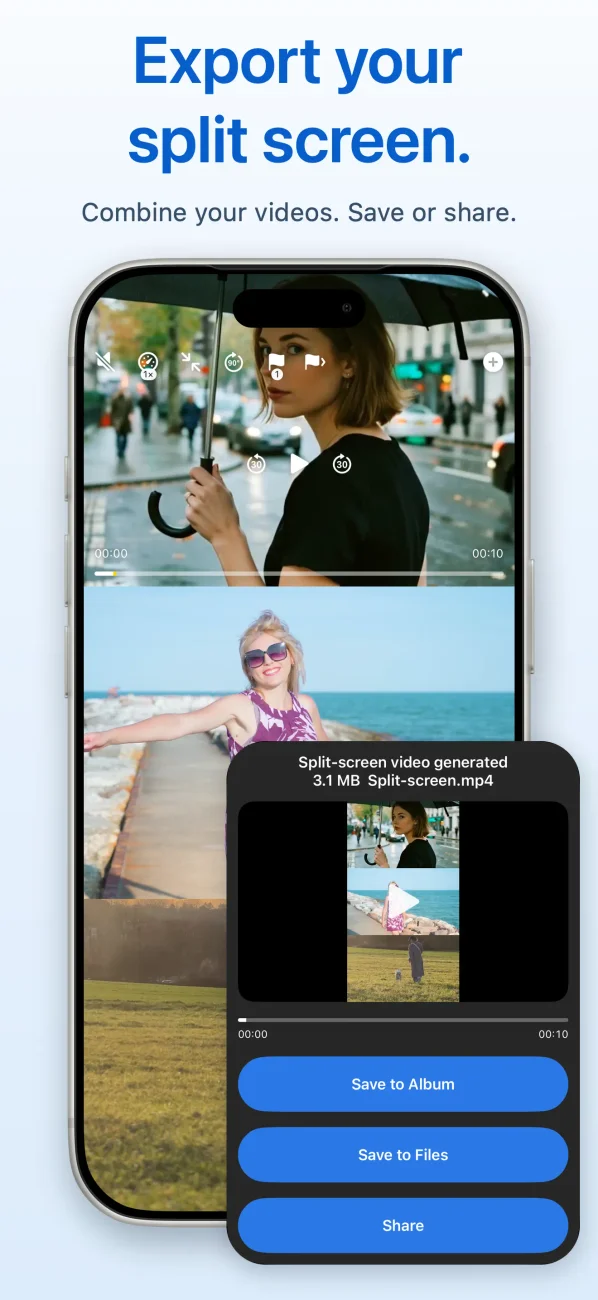
⊙ Turn your split screen into one video for comparisons, lessons, or multi-angle presentations, with optional annotations.
⊙ Set each clip's range, speed, crop, zoom, and rotation. Add music, choose audio sources, adjust volume, and apply fades.
⊙ Set aspect ratio, resolution, frame rate, background, borders, and watermark.
Galleries & Viewing Modes
⊙ Combine photos and videos in a Dynamic Gallery with templates, frames, crops, and captions. Enjoy slideshows, themed transitions, and adjustable Media Looks.
⊙ Scroll horizontally or vertically in Waterfall, or let neighboring Counterflow tracks scroll in opposite directions.
⊙ Mirror horizontally or vertically, display multiple copies, or pair normal and mirrored views of one video.
More Media, One Screen
⊙ Play MP4, MOV, MKV, AVI, WebM, local audio files, and audio folders. Browse images, PDFs, and web pages in split screen.
⊙ Open detected web videos in panes or playlists, play HLS/M3U8/RTSP streams, or connect your own IPTV / Xtream Codes service to find channels.
⊙ Place live camera views beside reference videos. Supported devices can use multiple lenses with focus, exposure, and zoom controls.
⊙ Use split-screen output or device mirroring on a TV or projector, including subtitles, annotations, and body skeletons.
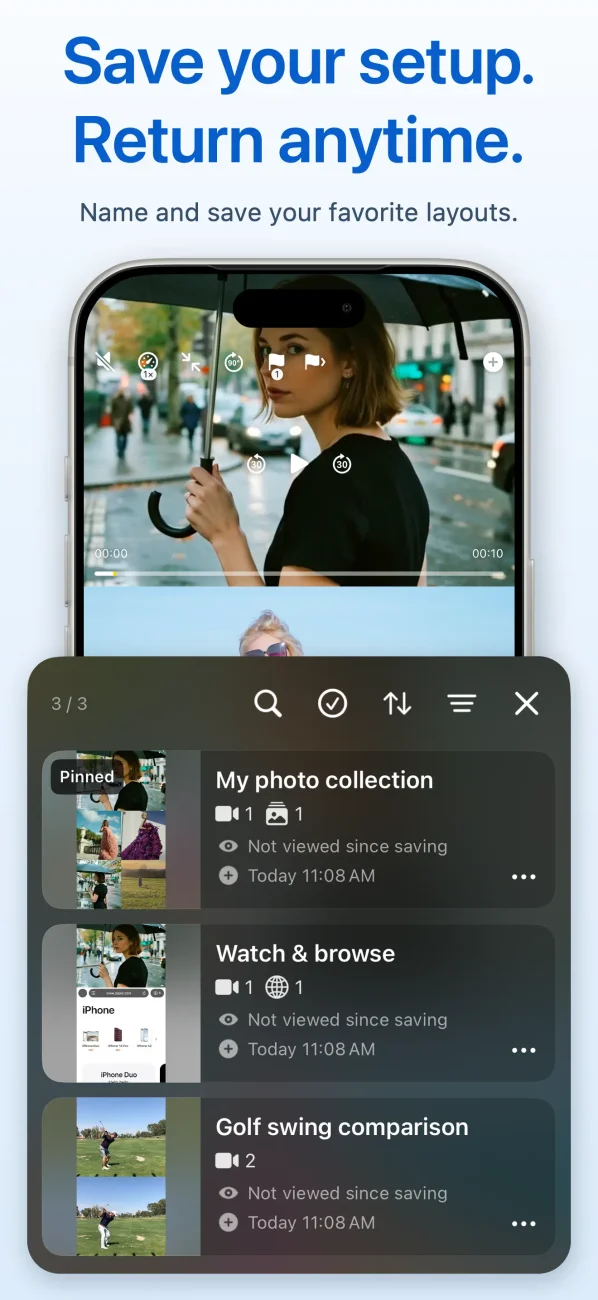
⊙ Bookmark media, layouts, framing, and sync settings. Customize the bottom toolbar for quick access.
Free & Premium Features
Download free and try basic features; selected advanced features offer trials. Premium has weekly, monthly, annual, or one-time unlock options. Cancel subscriptions anytime. See the app for trial allowances and benefits.
Need help? Email us: daysinyear@foxmail.com
User Agreement: https://splitscreenplayer.com/terms/
Privacy Policy: https://splitscreenplayer.com/privacy/
What’s new
Version 1.0.32 · Nov 12, 2026
• Added timed video switching: Automatically switch videos in each window at your preferred interval. Supports playlists and orientation-based playback, with options to resume from the previous position or start over when a video plays again.
• Added settings search: Quickly find settings and toolbar features by keyword. Tap a result to jump directly to the relevant setting, highlighted for easy identification.
App privacy
What Weiping Huang declares on the App Store about how this app handles data.
-
Data not collected
The developer does not collect any data from this app.
Privacy practices may vary, for example with the features you use or your age.
Information
- Seller
- Weiping Huang
- Category
- Utilities
- Version
- 1.0.32
- Updated
- Nov 12, 2026
- Released
- Feb 17, 2026
- Size
- 83.8 MB
- Requires
- iOS 15.0 or later
- Age rating
- 17+
- Price
- Free
- In-app purchases
- Yes
- Languages
- English, Arabic, Bengali, Bulgarian, Catalan, Croatian, Czech, Danish, Dutch, Filipino, Finnish, French + 26 more
- Copyright
- © 2026 Smith Night
You might also like
-
 Split screen PlayerPlay album videos and pictures
-
 Fukumado Multi Player-2窓複窓同時視聴Utilities
-
 PandaVideoPlayerUtilities
-
 Split Screen - MultitaskingMulti View Web Browser
-
 MultiWindow - Dual BrowserMultitasking & Web Browser
-
 All Video Saver - DownlodrVideo Downloader, Audio Editor
-
 Split Web BrowserMultiple Tab Browsing
-
 Split Screen & Dual BrowserBrowse Two Websites at Once
-
 Record Reaction & Split VideoDual Video Youtube, Instagram
-
 Auto Scroll: Video | TapperAutoclicker: Automatic tap