
Split Video: Long Story Maker
Make long video stories on IG
Designed for iPhone, iPad, iPod touch
Free · In-app purchases
- Age rating4+
- CategoryPhoto & Video
- DeveloperNew Marketing Lab, Inc
- LanguagesEnglish
- Size10.0 MB
Links to the official App Store page
Download.org hosts no file of Split Video: Long Story Maker. The button opens its official App Store page, published by New Marketing Lab, Inc. Listing last checked on Nov 20, 2026.
Screenshots
About
Split Video allows you to cut longer videos into smaller segments so you can easily make Instagram video stories longer than 15 seconds, or use clips on TikTok, Snapchat, WhatsApp, and more.
7 REASONS TO USE SPLIT VIDEO
- Quickly and easily split long videos into smaller clips
- You can create long seamless video stories
- Super easy to use
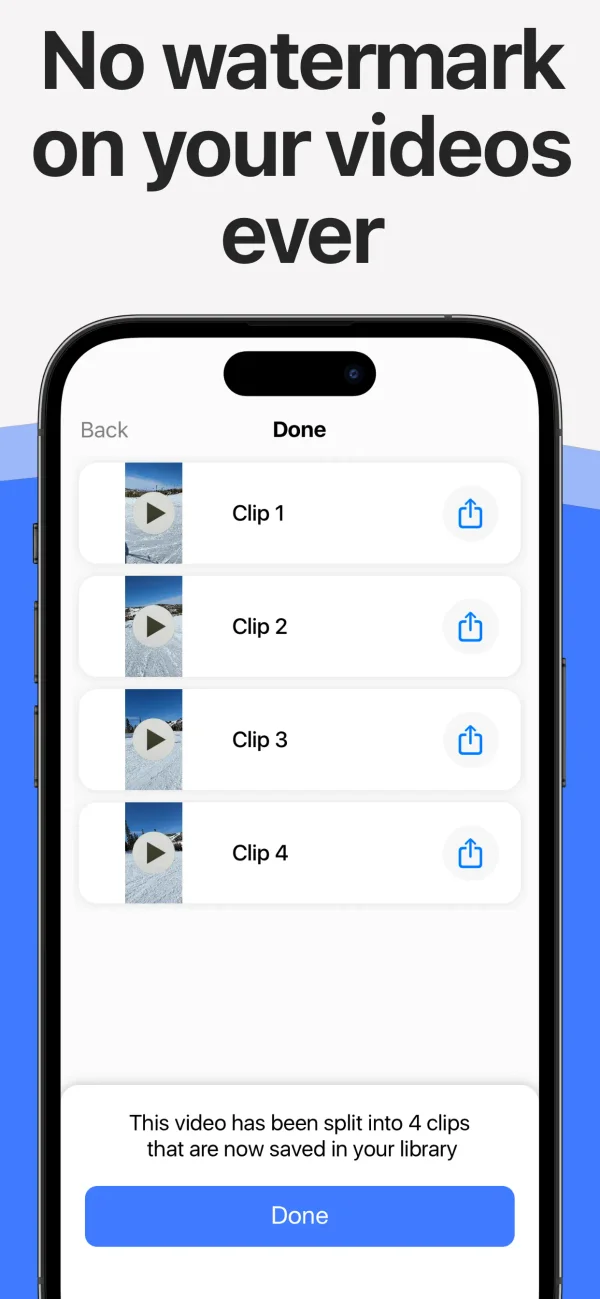
- There is no watermark on your videos
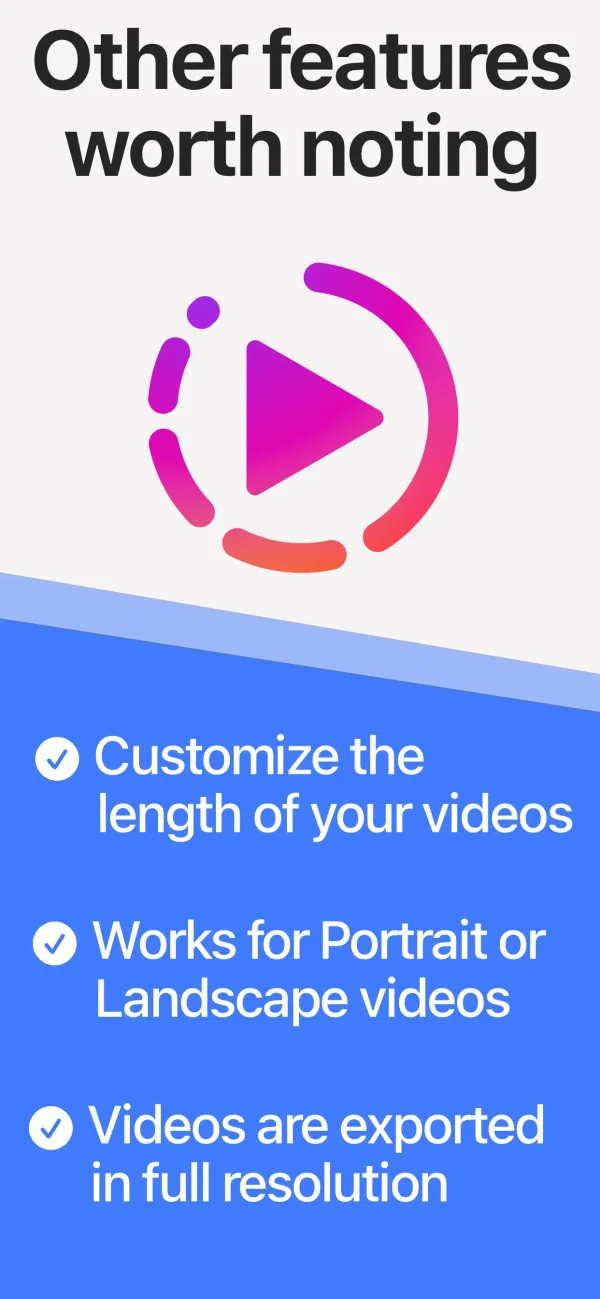
- Works for Portrait and Landscape videos
- Works for Instagram, TikTok, Snapchat, Facebook, etc...
- Highly rated with an average of 4.8 stars
REAL REVIEWS FROM REAL USERS
"This app is super easy to use to split your longer time lapse videos into 15 second clips. Such a time saver." - by Birgittegs
"I’ve actually tried a couple of these types of apps and this one was the quickest to get started… The easiest to navigate through and it was by far the quickest to split the video and make it ready for upload." - by @whatthefjall
"Simple to split your videos to post on IG stories. Takes seconds and quality stays the same." - by Rocky Ed
POST LONG VIDEOS TO YOUR STORY
Never stress about that 15-second video limit for your Instagram story ever again. Split Video will take videos of any length and split them into 15-second segments. Upload these smaller segments to Instagram and create a seamless story that runs for minutes (maybe even hours — we didn’t try).
NO WATERMARK
The app is simple, elegant, and doesn’t add any watermark to your videos.
UNLIMITED
There are no limitations to how many times you can use the app. It’s completely free to use, with an optional in-app purchase.
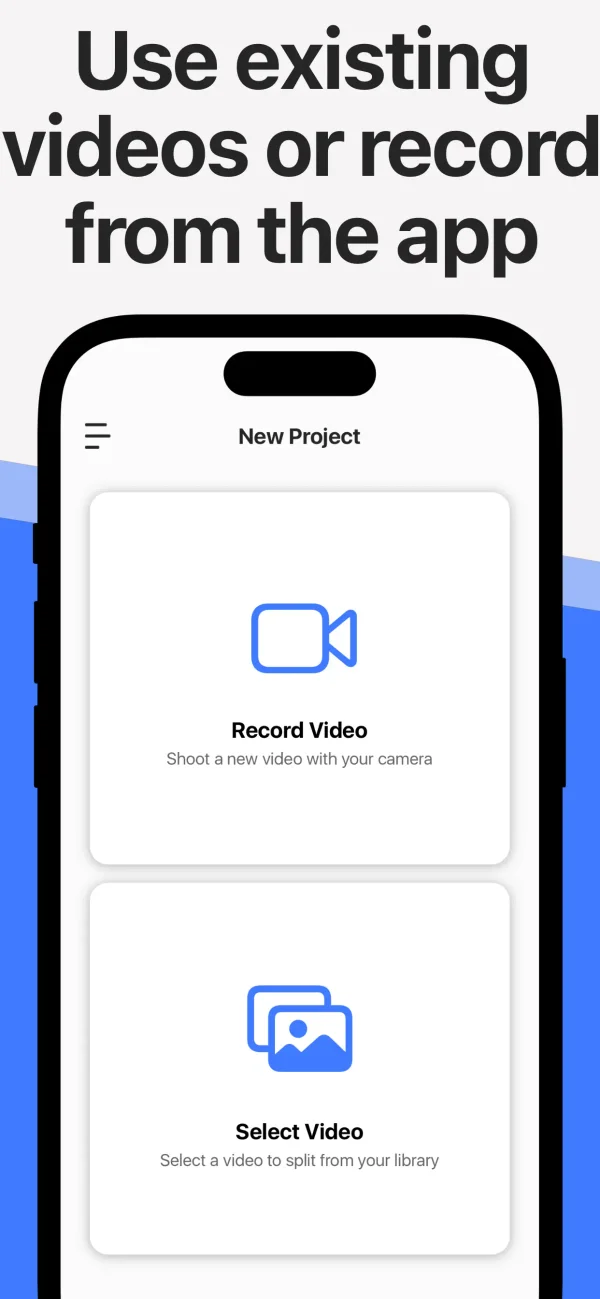
RECORD DIRECTLY FROM THE APP
Split Video has a built-in video recording feature that lets you easily create long videos to post to your story. Thanks to its intuitive interface, you can keep tab on the length of your story and adjust things accordingly in order to create the most seamless video possible.
EASY TO USE
Split Video is very easy to use. This is how it works:
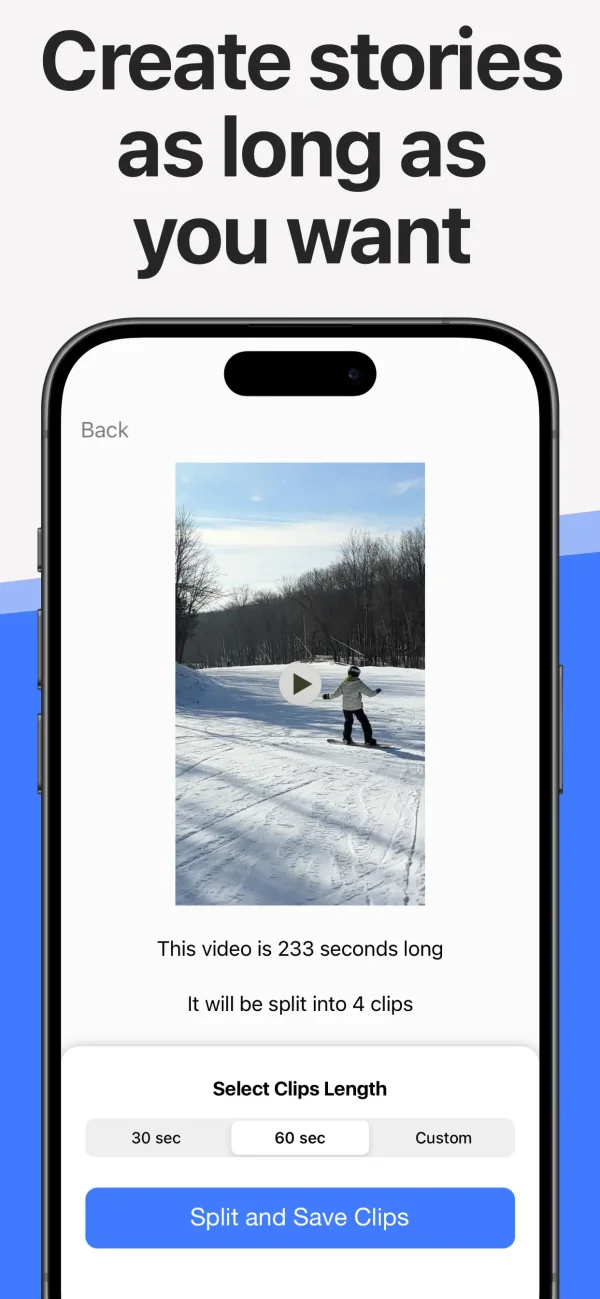
1. Import or record a long video you want to turn into shorter clips.
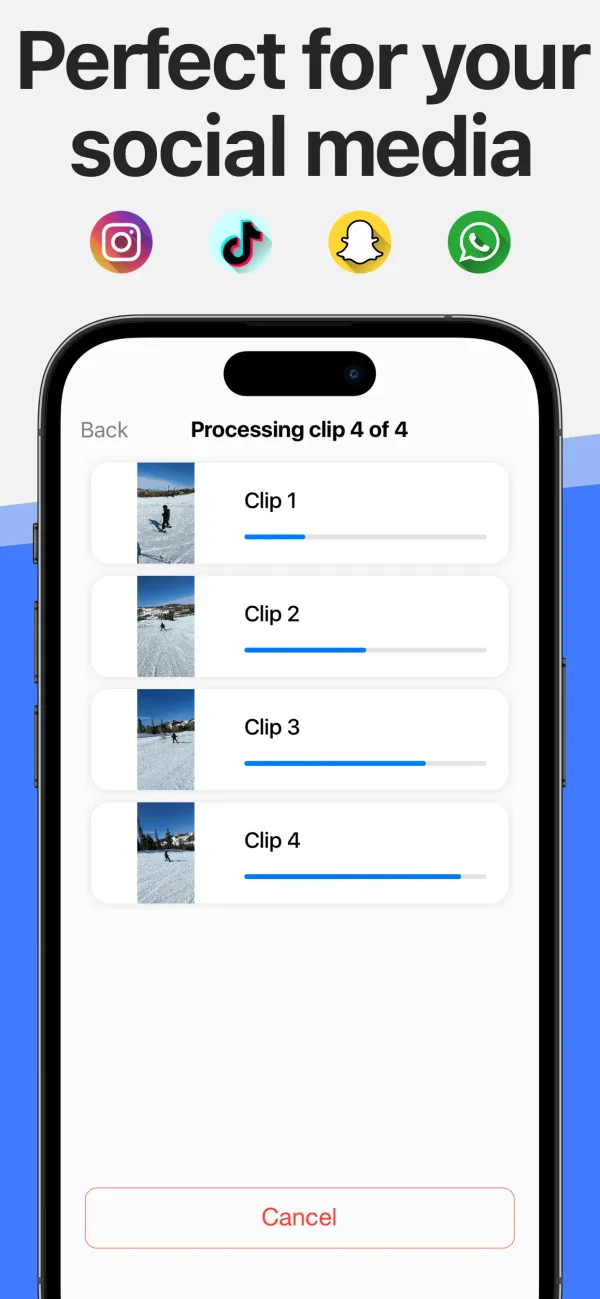
2. The app will slice that video and divide it into clips of whatever length you want. These clips will be automatically saved to your library.
3. Launch the Instagram app and create a new story using the smaller clips saved to your library, or use with any other social media app.
Because Split Video makes it look completely seamless, people watching your story will be under the impression that you posted one long video when you actually posted shorter clips stitched together.
WORKS FOR PORTRAIT AND LANDSCAPE VIDEOS
Split Video works for all your videos, whether they were shot in Portrait or Landscape mode.
USED BY THE BEST
Split Video is used by YouTubers, vloggers, celebrities, creators, marketers, teachers, and influencers all over the world.
IT WORKS FOR OTHER APPS TOO
Split Video also works for your other favorite apps. From Snapchat to TikTok, Facebook, and more, Split Video can split your videos into smaller clips.
GET EVEN MORE FROM SPLIT VIDEO
Remove ads and support the ongoing development of this app by subscribing to the Split Video Pro (annual) version, which is available as a one-year renewable subscription.
Payment will be charged to your iTunes account at confirmation of purchase and will auto-renew at the same price every year, unless canceled in your iTunes account settings at least 24 hours before the end of the current period. Subscriptions may be managed and auto-renewal may be turned off at any time by going to your account settings after purchase.
Terms of use: https://www.sixstarapps.com/terms/
Privacy policy: https://www.sixstarapps.com/privacy/
HAVE QUESTIONS OR NEED HELP?
If you have any question about the app, or need help about something, please do not hesitate to contact us. We’ll be happy to help!
WE LOVE FEEDBACK
If you like this app, please consider taking a minute to rate it in the App Store. If you don’t like the app, please contact us and let us know how we can make it better.
What’s new
Version 4.0 · Feb 7, 2024
This version brings an easier and faster way to select the length of each video segment. You can choose from a default 30 or 60 seconds, or enter your own custom length.
App privacy
What New Marketing Lab, Inc declares on the App Store about how this app handles data.
-
Data used to track you
May be used to track you across apps and websites owned by other companies.
- Location
- Identifiers
- Usage data
- Diagnostics
-
Data not linked to you
May be collected but is not linked to your identity.
- Location
- Identifiers
- Usage data
- Diagnostics
Privacy practices may vary, for example with the features you use or your age.
Information
- Seller
- New Marketing Lab, Inc
- Category
- Photo & Video
- Version
- 4.0
- Updated
- Feb 7, 2024
- Released
- Dec 20, 2018
- Size
- 10.0 MB
- Requires
- iOS 13.0 or later
- Age rating
- 4+
- Price
- Free
- In-app purchases
- Yes
- Languages
- English
- Copyright
- © New Marketing Lab
You might also like
-
 Video Splitter - Long StoryStory Splitter & Story Maker
-
 Video Splitter - No WatermarkSplit Video for Reels & TikTok
-
 CutStory: Split & Cut VideoStory Splitter, Trim for Reels
-
 Video Split For WhatsAppCut story easily
-
 Video Splitter Story MakerSplit Video for WhatsApp & IG
-
 Cut Video for Whatsapp Statussplit long videos into parts
-
 Video Splitter Cut Story MakerSplit longer videos to small
-
 Split Video Into Parts: CutterLong Video Splitter & Trimmer
-
 Trim & Cut Videos video editorClip Trimmer cutter Speed Crop
-
 Story Maker - Video SplitterCutstory & Video Split For IG