SplitCrop
Remove inner areas of images
Designed for iPhone, iPad
Free · In-app purchases
- Age rating4+
- CategoryPhoto & Video
- DeveloperMichael Klug
- LanguagesEnglish+ 2 more
- Size3.2 MB
Links to the official App Store page
Download.org hosts no file of SplitCrop. The button opens its official App Store page, published by Michael Klug. Listing last checked on Nov 18, 2026.
Screenshots
About
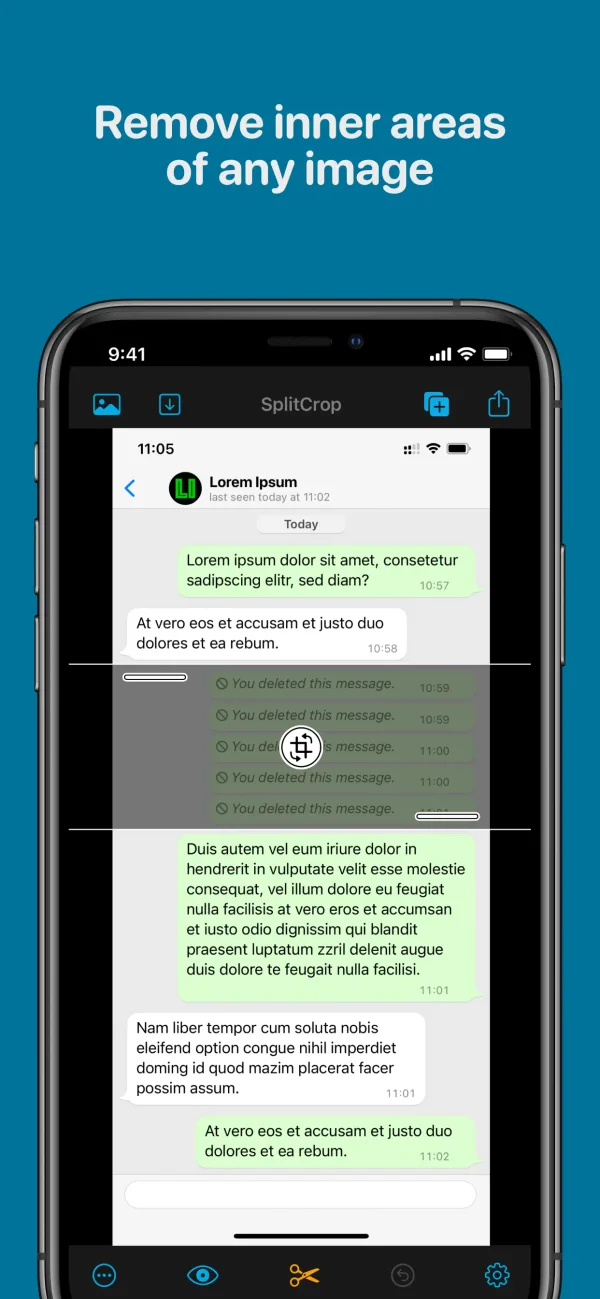
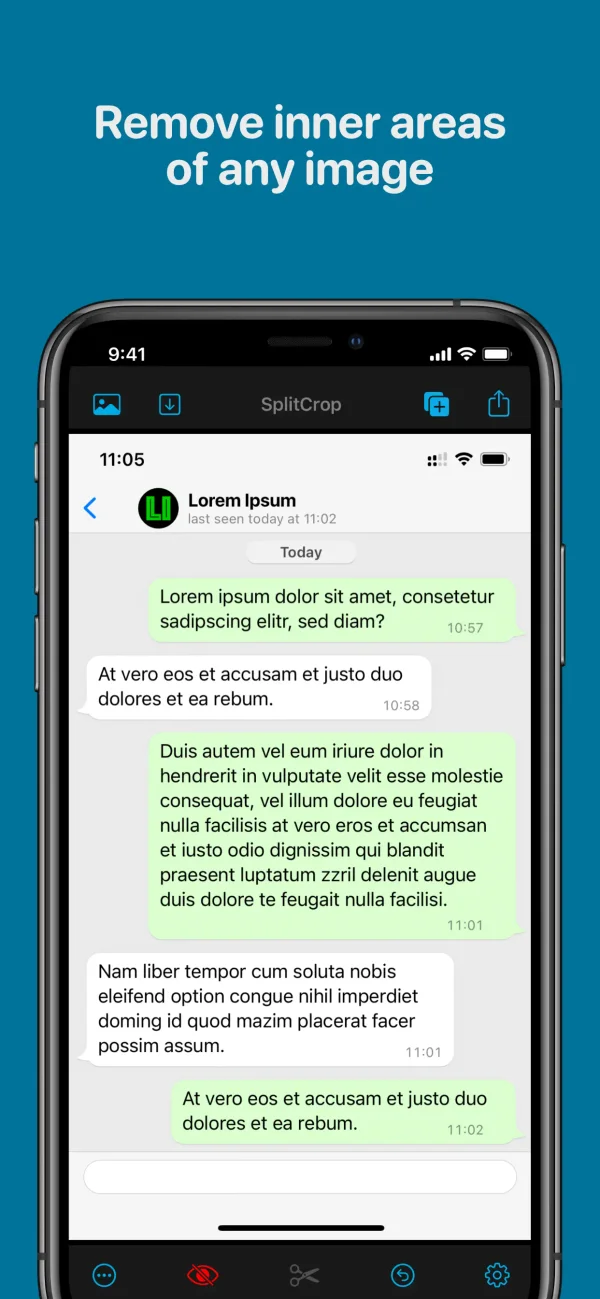
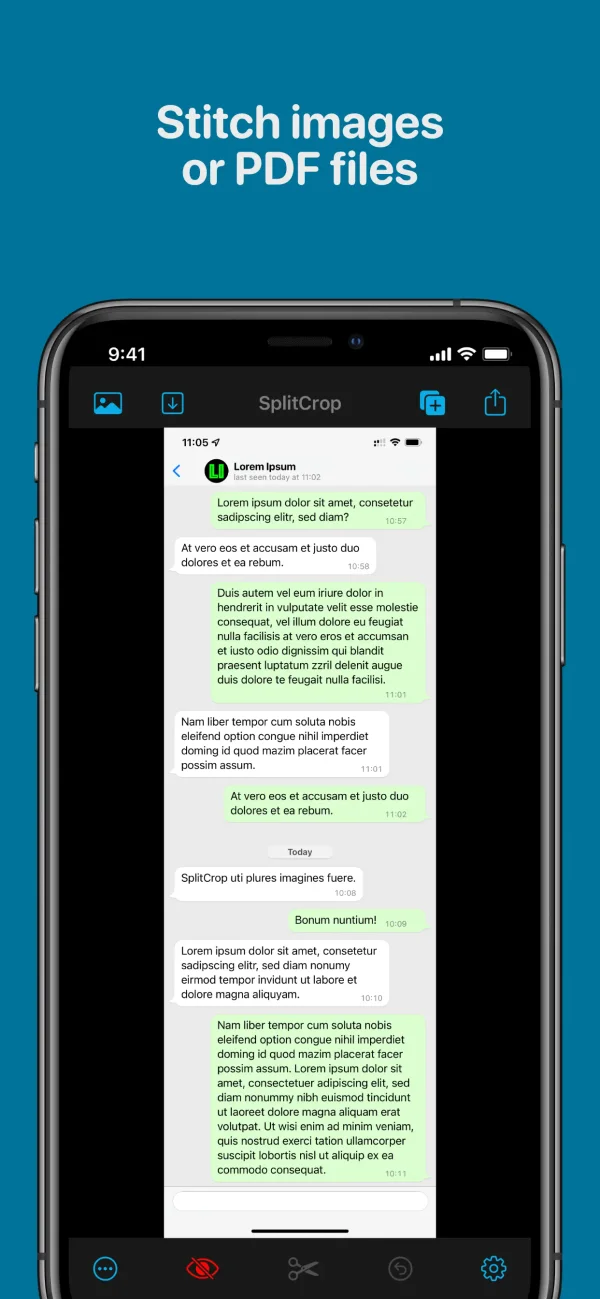
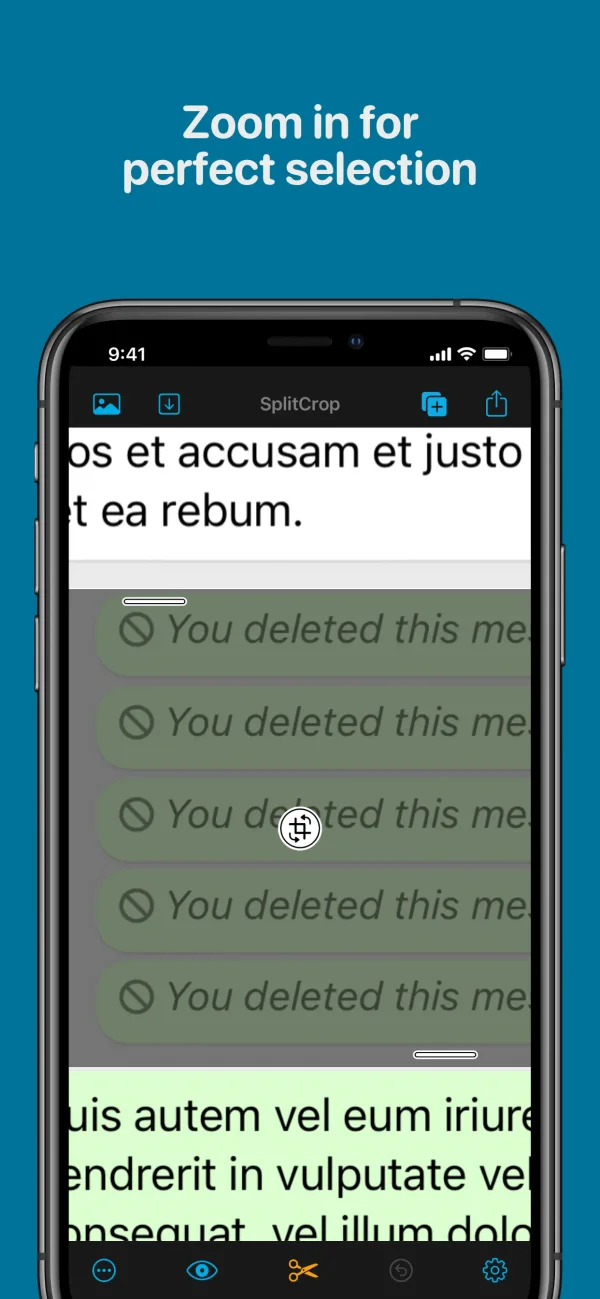
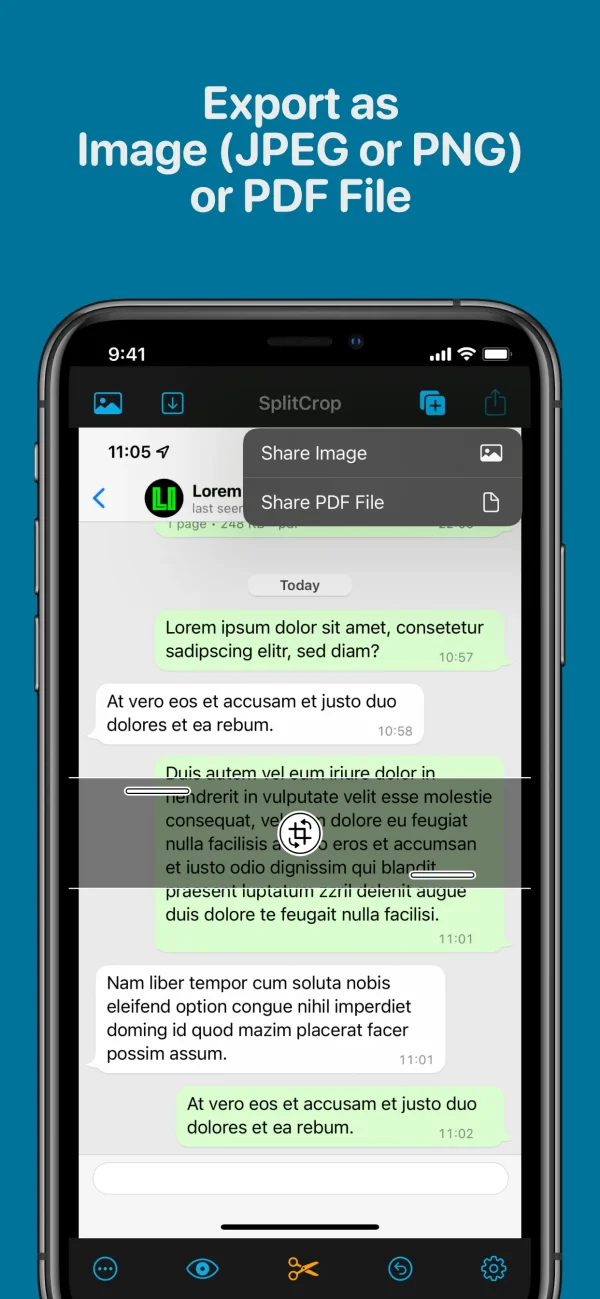
Remove inner areas of any image or PDF file.
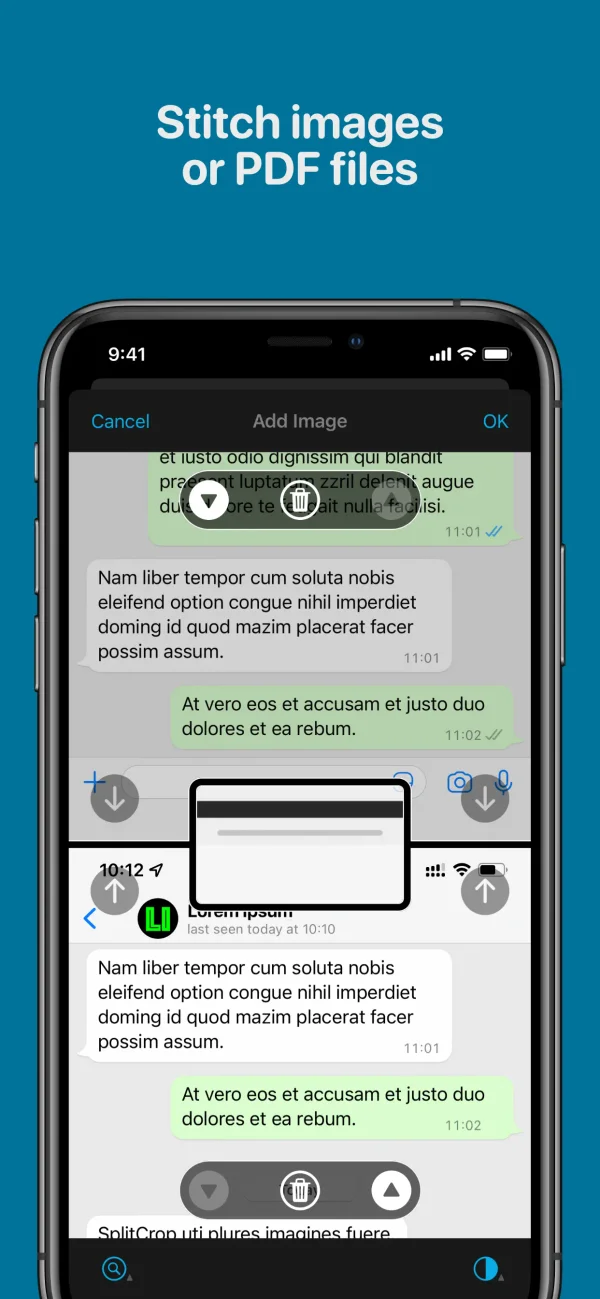
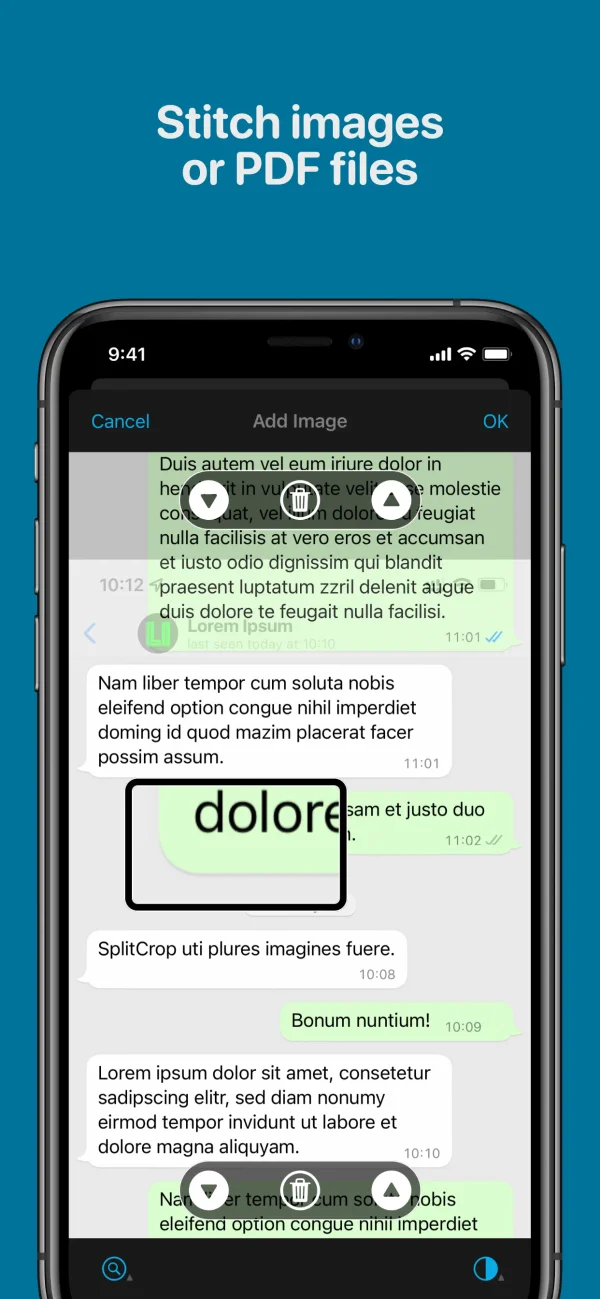
Stitch images or (pages of) PDF files.
Ideal to cut out inner parts of screenshots (e.g. chats) .
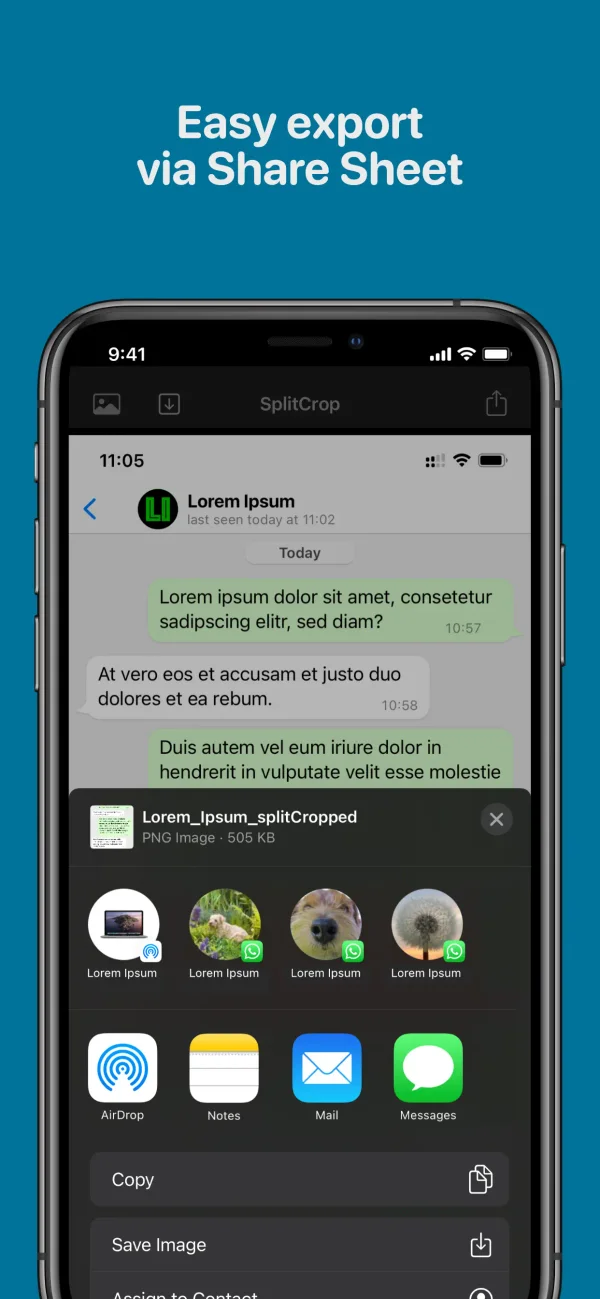
Easy export (as JPEG or PNG Image or PDF File) of cropped image to Photo Library and other Apps.
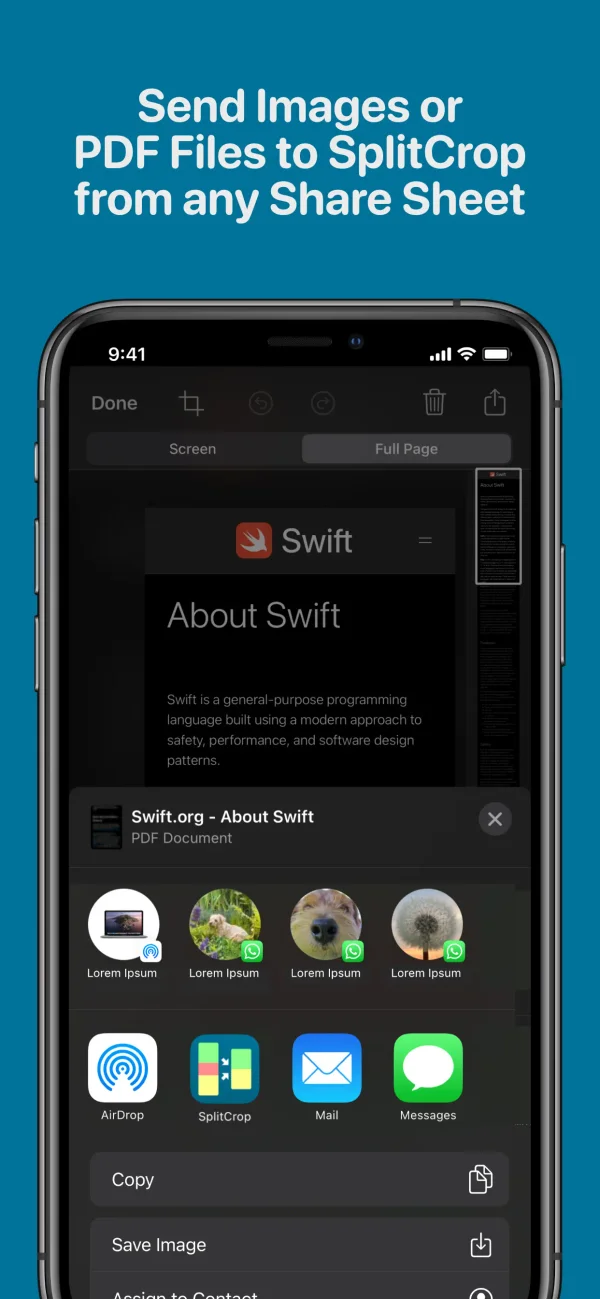
Open images or PDF files using the Photo Picker, the Document Picker (files on your device or iCloud Drive) or sharing files from other apps or the iOS Screenshot screen.
SplitCrop is the easiest and fastest way to quickly clean up and save full page Safari screenshots as image.
SplitCrop is totally free, In-App-Purchases allow you to tip the developer and have no impact on the app's functionality.
What’s new
Version 2.5.1 · Sep 24, 2025
Minor bug fixes.
If you like SplitCrop, please rate in on the AppStore!
App privacy
What Michael Klug declares on the App Store about how this app handles data.
-
Data not collected
The developer does not collect any data from this app.
Privacy practices may vary, for example with the features you use or your age.
Information
- Seller
- Michael Klug
- Category
- Photo & Video
- Version
- 2.5.1
- Updated
- Sep 24, 2025
- Released
- Jul 18, 2019
- Size
- 3.2 MB
- Requires
- iOS 17.6 or later
- Age rating
- 4+
- Price
- Free
- In-app purchases
- Yes
- Languages
- English, German, Portuguese
- Copyright
- © 2025 Michael Klug
You might also like
-
 Whiteout: Redact & Blur PhotosCensor text in images and PDFs
-
 Black Highlighter: Redact TextCensor & secure screenshots
-
 Blur ID - Hide Chat ScreenshotAuto blur face, avatar & text
-
 BlearMake awesome blurry wallpapers
-
 ShadowLensThe fastest Camera app!
-
 Splice CropCrop out any part of an image!
-
 Image Upscaler - AI UpscaleUnblur & Restore Photos
-
 RCam Pro - Manual Camera & RAWProfessional 4K Dual Camera
-
 RemoveAll: AI Photo EditorRemove objects from photo
-
 Background Remover AIRemove BG eraser tool