
Spoken Content - AI Reader
Paste Play Finish Reading TTS
Designed for iPhone
Free · In-app purchases
- Age rating4+
- CategoryProductivity
- DeveloperMICHAEL KENTROCK
- LanguagesEnglish
- Size25.9 MB
Links to the official App Store page
Download.org hosts no file of Spoken Content - AI Reader. The button opens its official App Store page, published by MICHAEL KENTROCK. Listing last checked on Nov 17, 2026.
Screenshots


About
Finish reading. Keep moving.
Introducing Spoken Content. One-button reading, built for work.
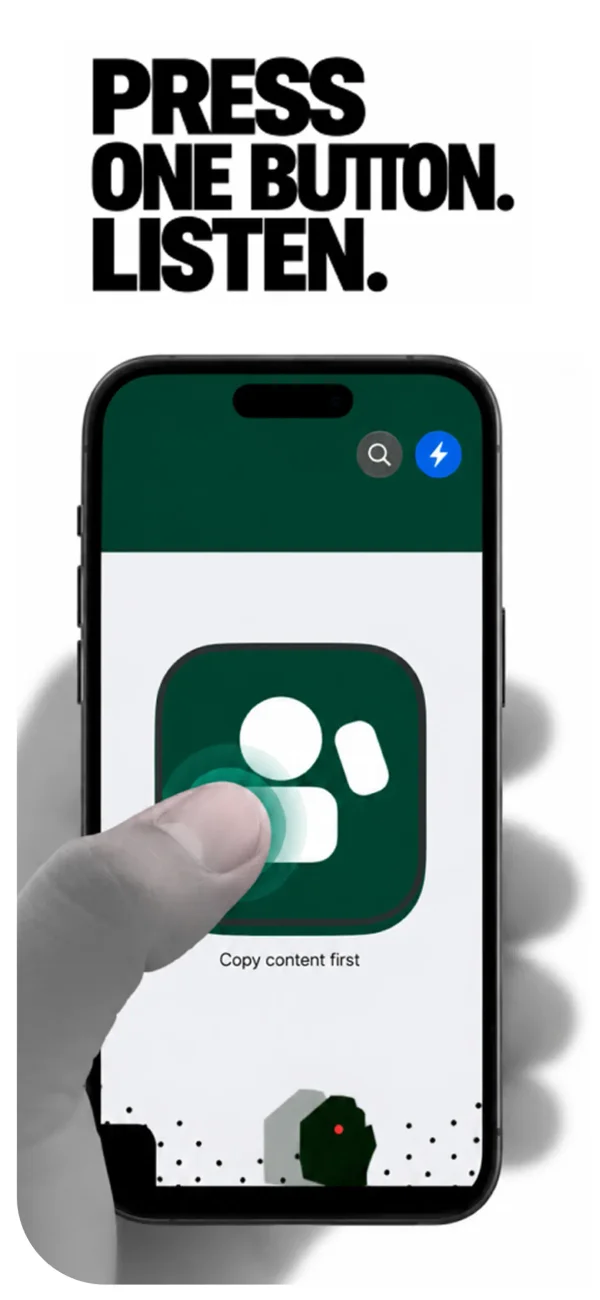
1. Paste or Drop.
2. Tap Play.
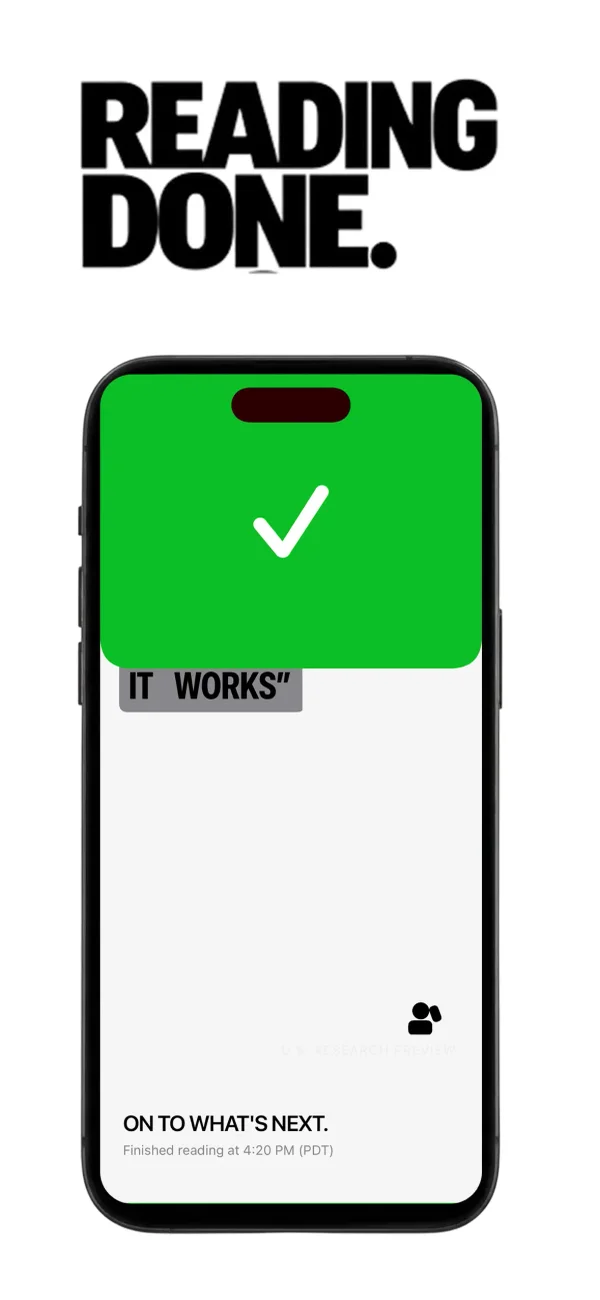
3. Finish Reading.
PDFs, reports, research, contracts, notes, and long Al responses. Everything vou need to read.
read to you.
Drag and drop a document to start listening instantly,
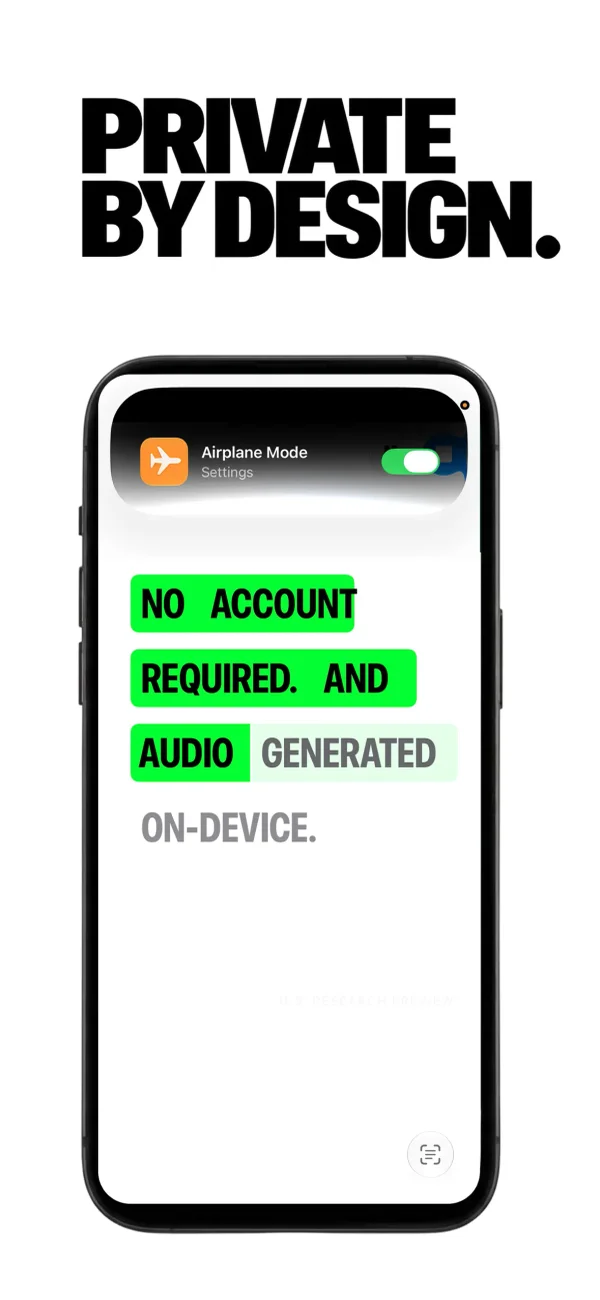
Private and on-device. Your documents stay yours.
A subscription is required to unlock the full app for continuous reading of your own content.
Payment will be charged to your Apple Account at confirmation of purchase. Subscriptions automatically renew unless auto-renew is turned off at least 24 hours before the end of the current period. Your account will be charged for renewal at the rate of your selected plan.
Manage or cancel your subscription anytime in your Apple Account settings after purchase.
Terms of Use (EULA): https://www.apple.com/legal/internet-services/itunes/dev/stdeula/
Terms of Service: https://www.spokencontent.com/legal/terms
Privacy Policy: https://www.spokencontent.com/legal/privacy
What’s new
Version 1.261024.1 · Oct 24, 2026
Spoken Content is now worldwide.
Start reading from the apps you already use, with one tap or swipe. Finish reading. Keep moving.
WHAT'S NEW
• Welcome: A quick onboarding that shows you around when you first open the app.
• Open In: Read documents straight from Files, Mail, Messages and more.
• PDFs: Start listening instantly, pick pages, or preview with Quick Look.
• Web Links: Paste a Wikipedia link to hear the article read automatically.
• More File Types: Professional documents, text, images and more.
• Drag & Drop: Drop documents in, including multitasking on iPhone Duo.
• iPhone Mirroring: Read from your Mac with file support and ⌘C / ⌘V.
• Shortcuts & Voice Control: Start with Siri, the Action Button, the Lock Screen or your voice.
• Better Controls: Simpler gestures, easier playback and subtle audio feedback.
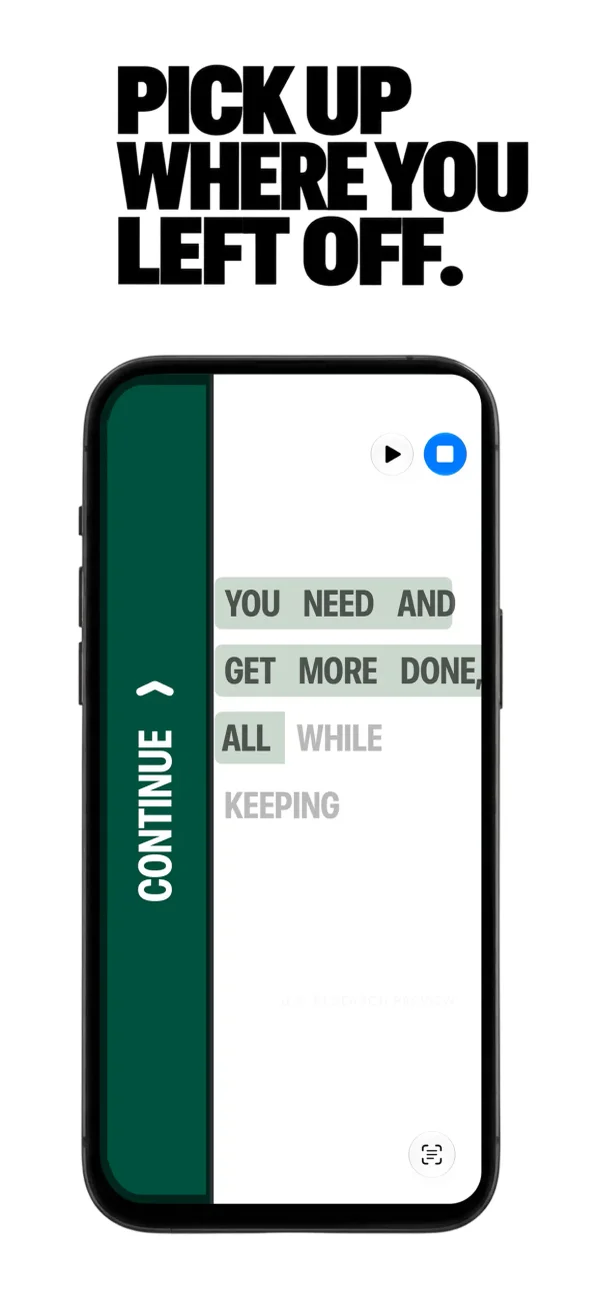
• Continuity: Come back days later and pick up where you left off.
• Dark Mode: A refined look with improved accessibility.
• Simple Subscriptions: View, change or cancel your plan right in the app, in just two taps. No hidden charges, no hassle.
• Private by Design: Your documents never leave your device. No account, no uploads.
• Bug Fixes & Improvements: Faster, smoother and more reliable throughout.
The most important thing you finish today may not be a document. It’s your workday.
Let Spoken Content finish the reading, so you can keep moving.
Thank you for being here.
App privacy
What MICHAEL KENTROCK declares on the App Store about how this app handles data.
-
Data not collected
The developer does not collect any data from this app.
Privacy practices may vary, for example with the features you use or your age.
Information
- Seller
- MICHAEL KENTROCK
- Category
- Productivity
- Version
- 1.261024.1
- Updated
- Oct 24, 2026
- Released
- Aug 21, 2026
- Size
- 25.9 MB
- Requires
- iOS 26.6 or later
- Age rating
- 4+
- Price
- Free
- In-app purchases
- Yes
- Languages
- English
- Copyright
- © 2026 Michael Kentrock
You might also like
-
 Stashd TriageLinear issue triage
-
 NoeHub NotesProductivity
-
 Imperial County Public WorksThe Official County App
-
 COWORK 1010Productivity
-
 The Co-CoProductivity
-
 ITONICS InspiratorProductivity
-
 Text to Speech – TTS OfflineKokoro Natural Sounding Voice
-
 She Is ConferenceSummit Church
-
 LoudScript: Text to SpeechNatural Voices, On Your Device
-
 AI Grammar Keyboard - iGrammarProofread, Rewrite & Translate