Spoolscroll - Long Screenshots
Long scrolling screenshots
Designed for iPhone, iPad
Free · In-app purchases
- Age rating4+
- CategoryPhoto & Video
- DeveloperFrans Delport
- LanguagesEnglish
- Size2.6 MB
Links to the official App Store page
Download.org hosts no file of Spoolscroll - Long Screenshots. The button opens its official App Store page, published by Frans Delport. Listing last checked on Nov 18, 2026.
Screenshots
About
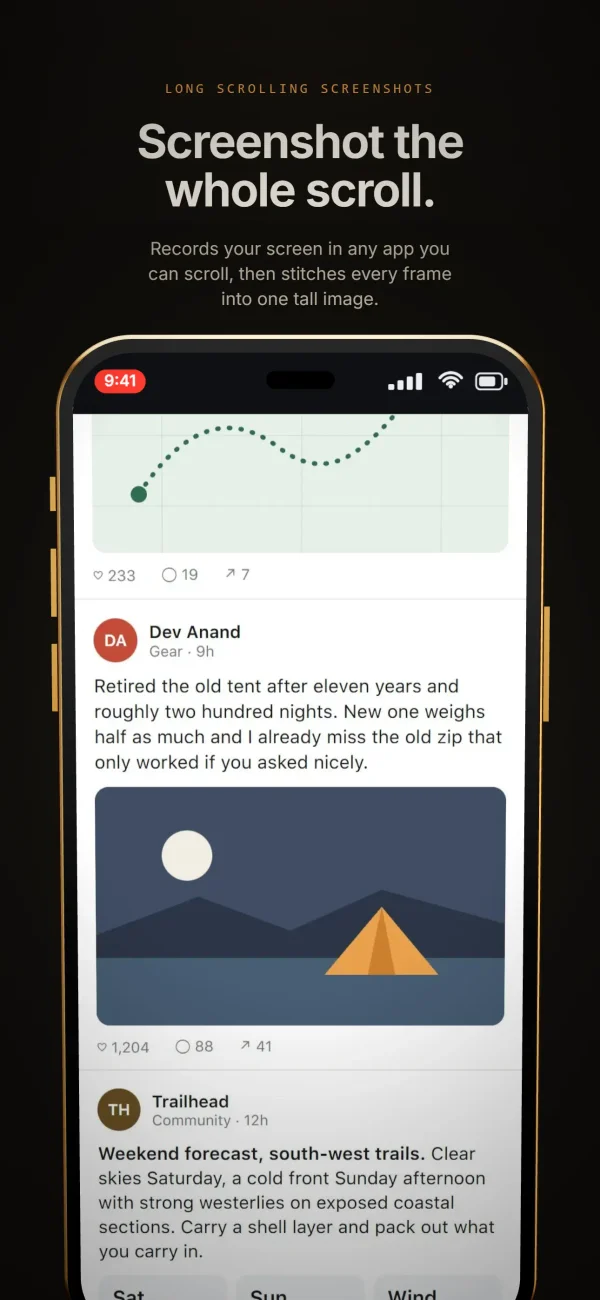
Spoolscroll takes one long screenshot of anything you can scroll. Instead of tapping the shutter over and over and hoping the pieces line up, it records your screen while you scroll, then stitches every frame into a single tall image on your iPhone.
HOW IT WORKS
1. Tap the capture button and confirm in the iOS sheet.
2. Switch to whatever you want to keep: a feed, a chat, a receipt, a long article.
3. Scroll at your own pace, as far as you like. The red clock means it is recording.
4. Tap the clock to stop. The image is stitched in seconds and lands in your Library.
ANY APP YOU CAN SCROLL
It captures the screen, not a web page, so it is not limited to the browser. Feeds, chats, receipts, settings, long articles: if it scrolls, it stitches.
CONTINUOUS, NOT CLICK-CLICK-CLICK
One recording, one image. Nothing to line up by hand, no missing rows where two screenshots did not quite overlap, and no losing your place halfway down a long thread.
HONEST OUTPUT
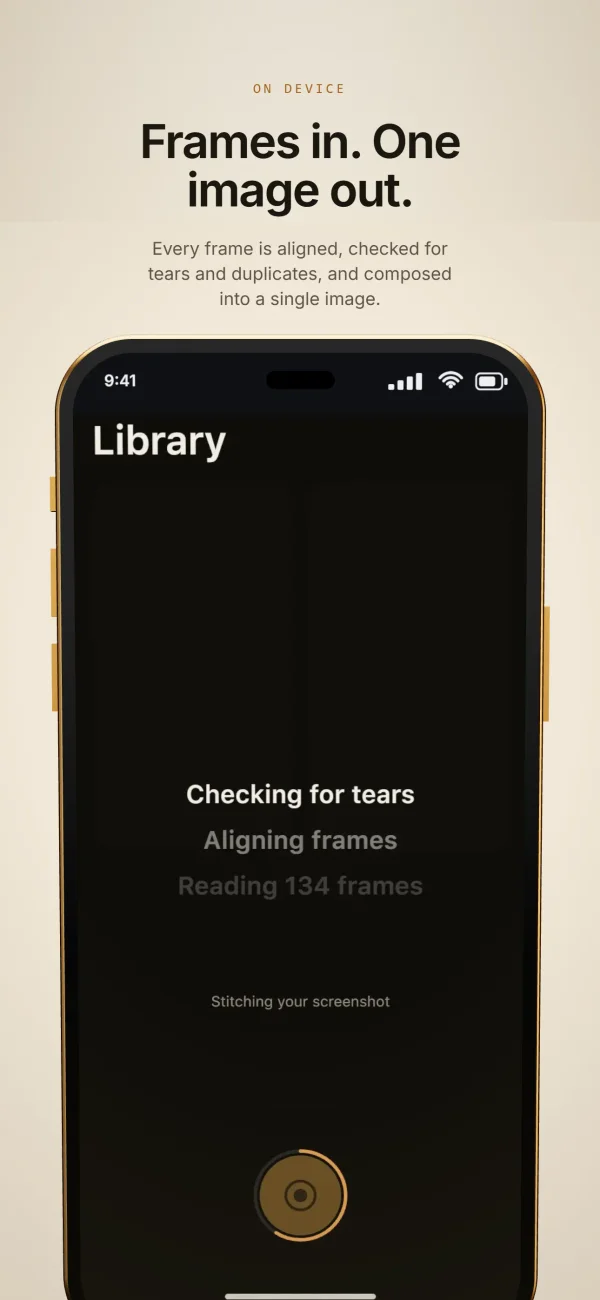
Every frame is aligned and checked for tears and duplicates before it reaches the image. Torn and repeated frames are dropped rather than blended. Where two frames cannot be joined with confidence you get a small grey bar that says so. Never a silent gap, never invented pixels.
YOUR LIBRARY
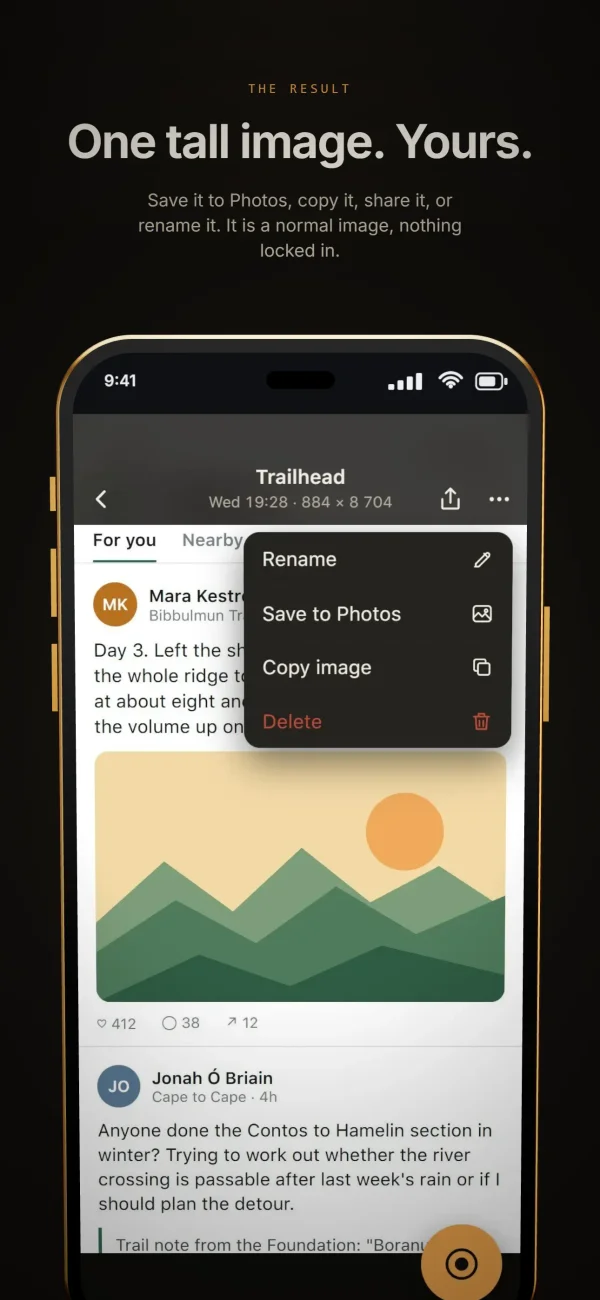
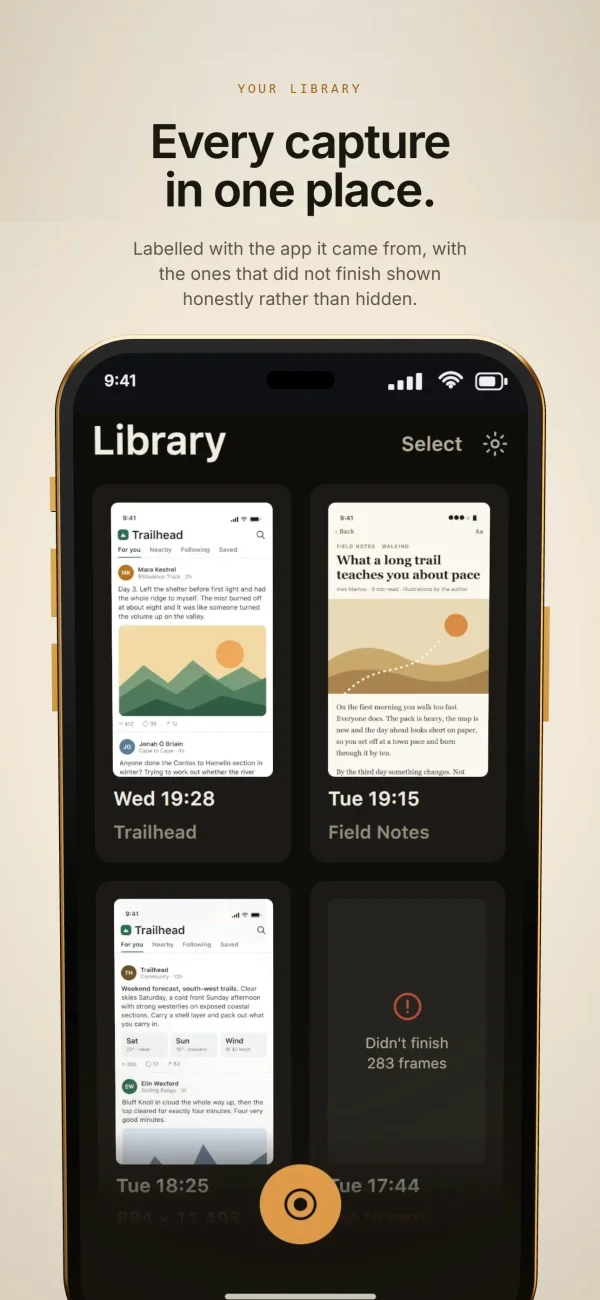
Finished captures land in your Library, labelled with the app they came from. Rename them, copy them, share them, save them to Photos, or delete them whenever you like. Captures that did not finish are shown plainly rather than quietly disappearing.
NOTHING LEAVES YOUR IPHONE
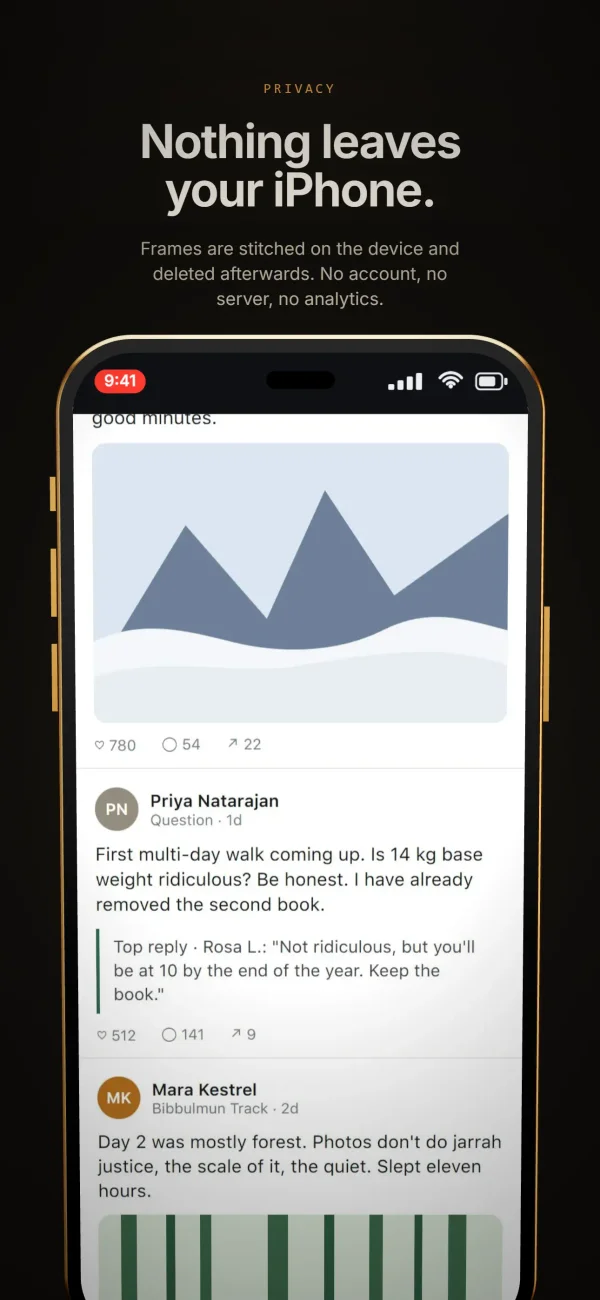
A screen recording is about as personal as data gets, so Spoolscroll is built with no way of seeing it.
- No servers. The app makes no network requests of its own.
- No account, no ads and no analytics.
- Frames are deleted once the stitch is done.
- Results stay in the app and are excluded from backups.
- Photos is only touched when you tap Save, with add-only permission.
FREE TO USE, ONE PAYMENT FOR MORE
Spoolscroll is free, with shorter captures. If you need the really long scrolls, a single one-time purchase unlocks longer recordings. No subscription, no account, nothing to cancel.
REQUIREMENTS
Any iPhone running iOS 18 or later. Apps that deliberately block screen recording, such as banking apps and DRM-protected video, show black frames that no app can recover.
Made by todoLabs, a one-person software lab in Perth, Western Australia. Questions, bugs and ideas are answered by the person who wrote the code.
What’s new
Version 1.2.1 · Nov 15, 2026
Steadier scrolling.
• Look-alike lists now stitch. Order trackers, statements, settings and other lists whose rows all look the same used to stop at "Couldn't read the scroll".
• Fewer false "Scroll changed direction". A flick that bounces at the end of a page, or a frame iOS delivered late, no longer counts as scrolling back.
• Headers appear once. A title bar, tabs or a search bar that stays put while you scroll now shows once at the top instead of repeating down the screenshot.
• Nothing cut from the start. A fast flick right after you start recording could be mistaken for the home screen and trimmed. The full page stays now.
Captures from the past week that stopped at either message are tried again automatically after you update.
App privacy
What Frans Delport declares on the App Store about how this app handles data.
-
Data not collected
The developer does not collect any data from this app.
Privacy practices may vary, for example with the features you use or your age.
Information
- Seller
- Frans Delport
- Category
- Photo & Video
- Version
- 1.2.1
- Updated
- Nov 15, 2026
- Released
- Sep 3, 2026
- Size
- 2.6 MB
- Requires
- iOS 18.0 or later
- Age rating
- 4+
- Price
- Free
- In-app purchases
- Yes
- Languages
- English
- Copyright
- © 2026 todoLabs
You might also like
-
 Long Screenshot - SnapStitchScreen Capture & Stitch
-
 Long Screenshot: Scroll & WebFull Page Capture & Stitcher
-
 Scroll Stitch: Long ScreenshotJoin screenshots or recordings
-
 LongShot: Scrolling ScreenshotBack Tap to stitch. No ads.
-
 PicsWiz: Long ScreenshotScroll Capture & Stitch
-
 Smart Filter – AI photo editorMake presets with local AI
-
 SmartCut AIAI Video Clips, Captions & Dub
-
 Useful Video Best ShotAI picks frames from video
-
 Stitchi | Screenshot StitcherSmart Screenshot Stitching
-
 FullPage Screenshot for SafariTake full page screenshots