
spotops: spot map & forecast
Save places. Know when to go.
Designed for iPhone, iPod touch
Free · In-app purchases
- Age rating4+
- CategoryTravel
- DeveloperOn Aspect ApS
- LanguagesEnglish
- Size84.4 MB
Links to the official App Store page
Download.org hosts no file of spotops: spot map & forecast. The button opens its official App Store page, published by On Aspect ApS. Listing last checked on Nov 23, 2026.
Screenshots

About
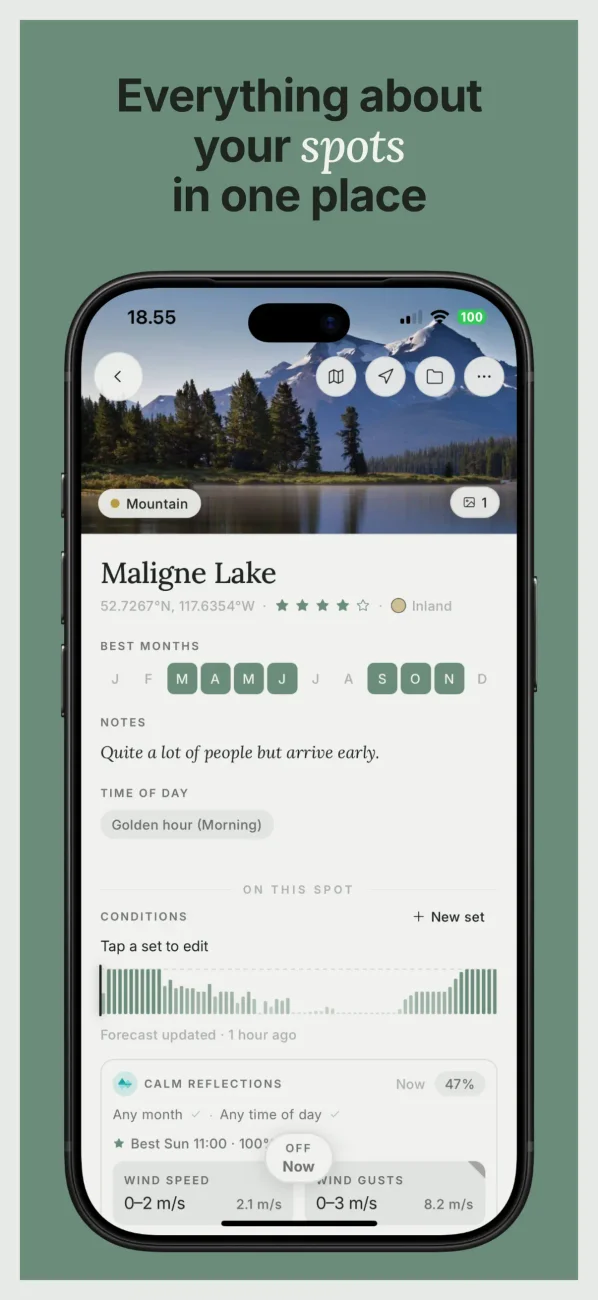
Your places, with everything you know about them, on as many private maps as you like. Add what a perfect day looks like, and spotops tells you when to go.
One app instead of six
A map. A photo album. A notebook. A weather app. A sun and moon calendar. An aurora forecast. spotops keeps everything about a place, and the forecast that says when to go, in one place.
spotops is for anyone who wants to remember places, with notes and photos right there on the map. It is also for everyone who plans their days around the conditions: photographers, foragers, birdwatchers, anglers and surfers.
It starts with your places
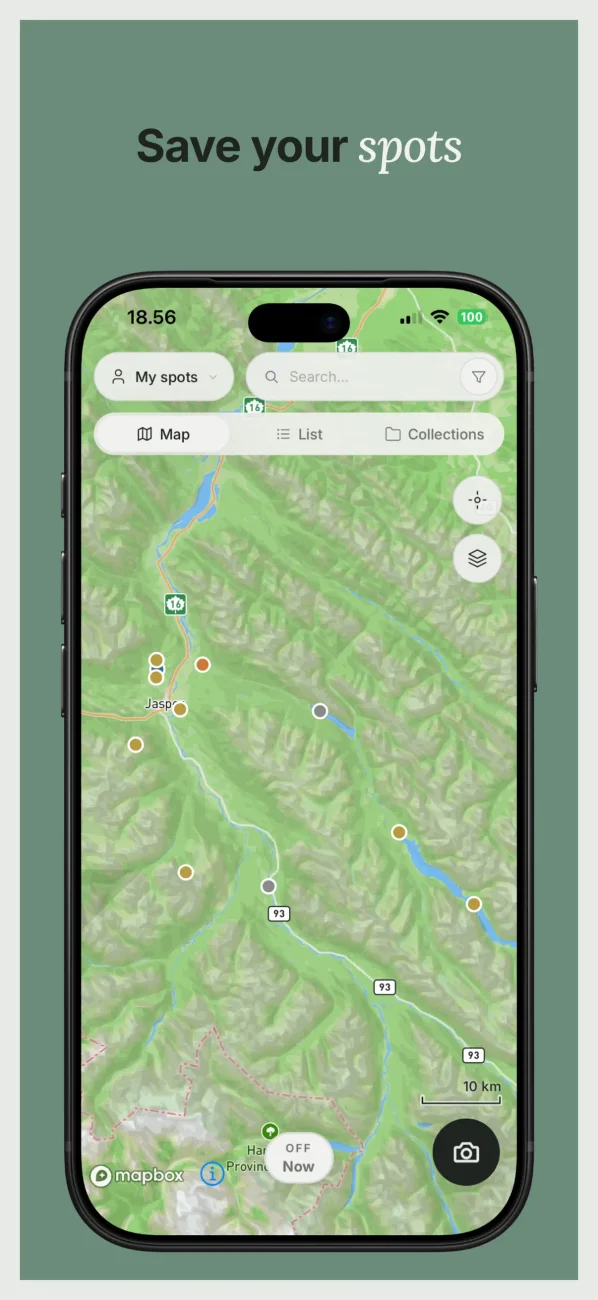
- Add spots your way: tap the map, create them automatically from your gallery photos, or import the places you already have from other maps.
- Save every spot with photos, notes, a rating, a category, tags and more.
- Add custom fields for anything else you want to track.
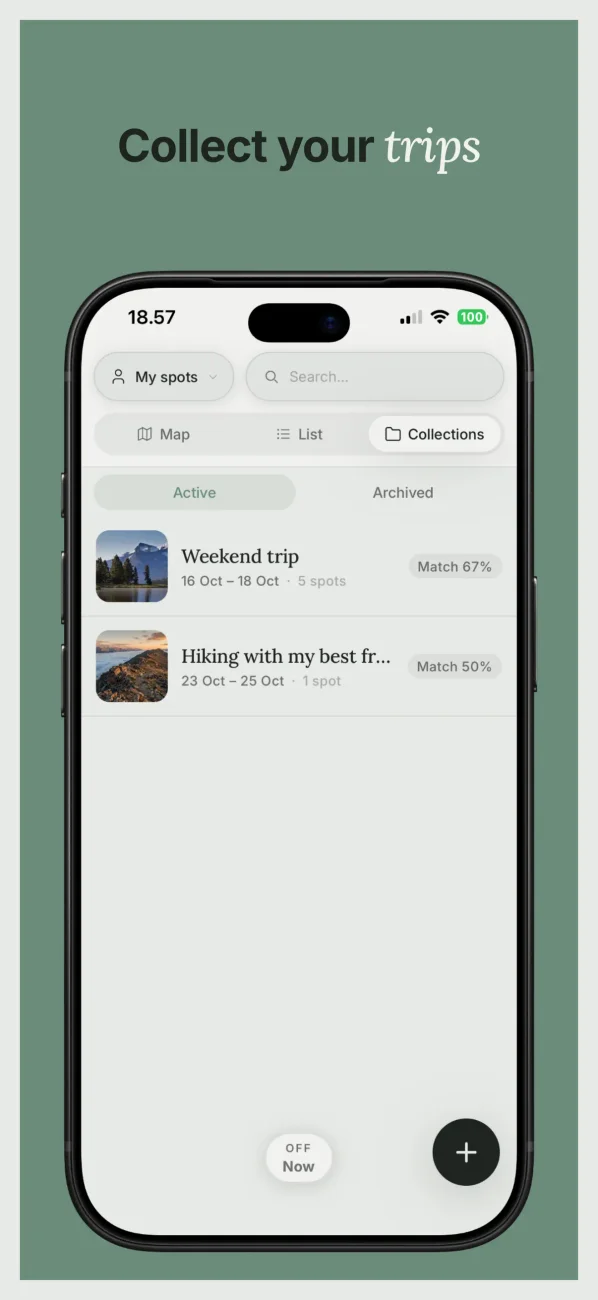
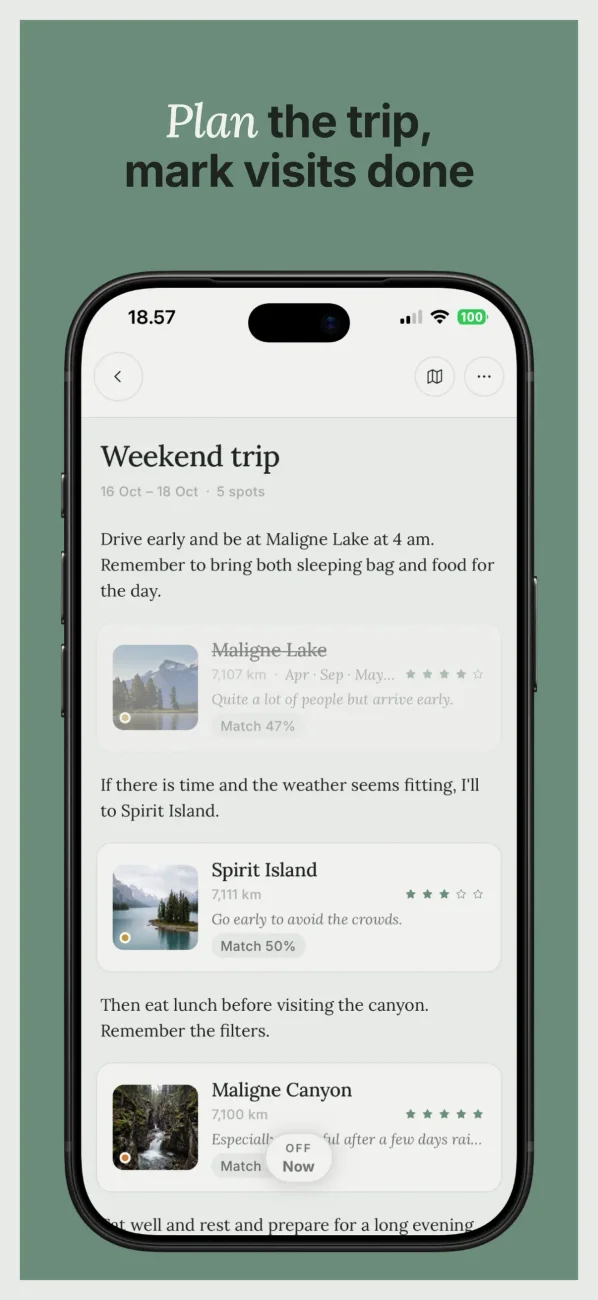
- Build collections from spots and text notes, for trip plans, to-do lists and more.
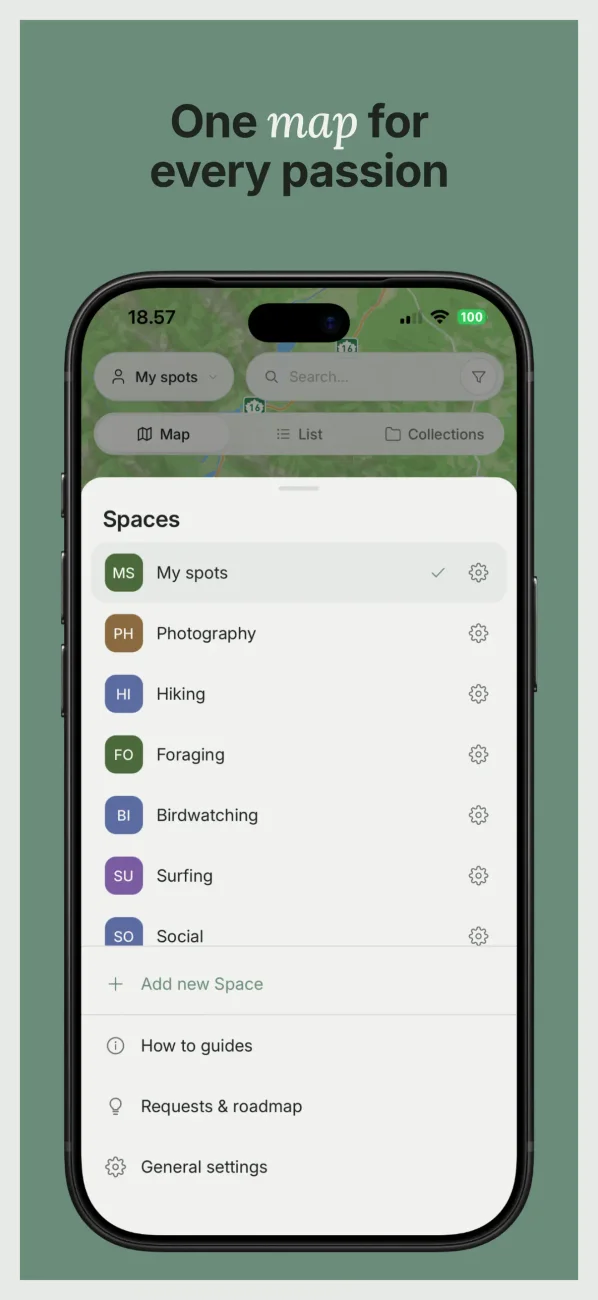
A map for every passion
Keep as many maps as you like: one for photography, one for fishing, one for foraging, one for surfing, or whatever you are into. Each has its own spots, collections and conditions.
Keep a log of every visit
- Add a dated entry with notes and photos each time you go.
- Record the conditions at the time, so you can see what a good day there looked like.
On your computer too
Open app.spotops.io in your browser: same account, same maps, in sync with your phone.
- Plan on a big screen, with the map beside your spots, notes and forecast.
- Import your places from other maps, right in the browser.
Private until you share
- Nothing is public. Your maps stay yours until you share.
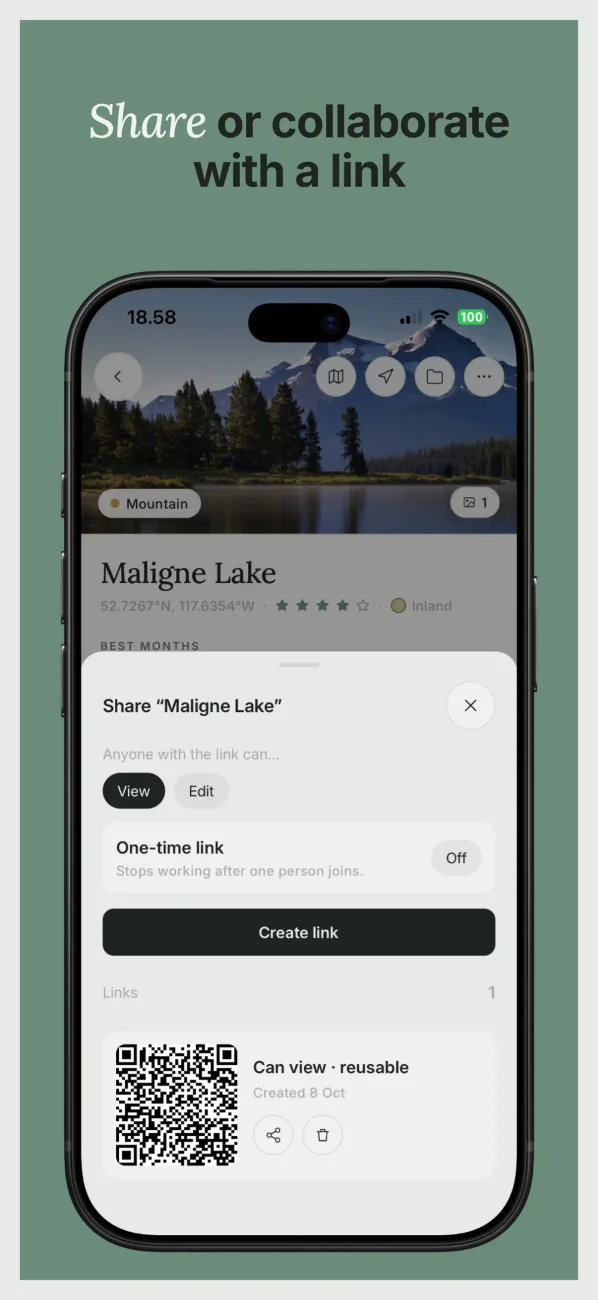
- Share a single spot or a whole collection, as a viewer or a collaborator.
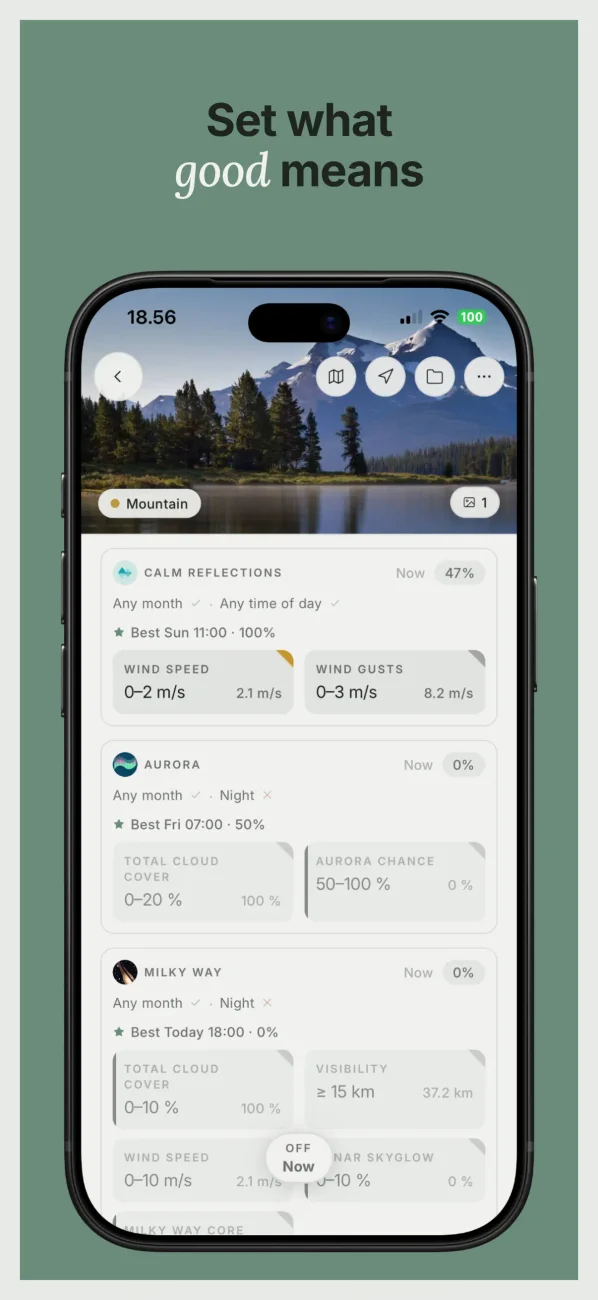
Tell it what good means
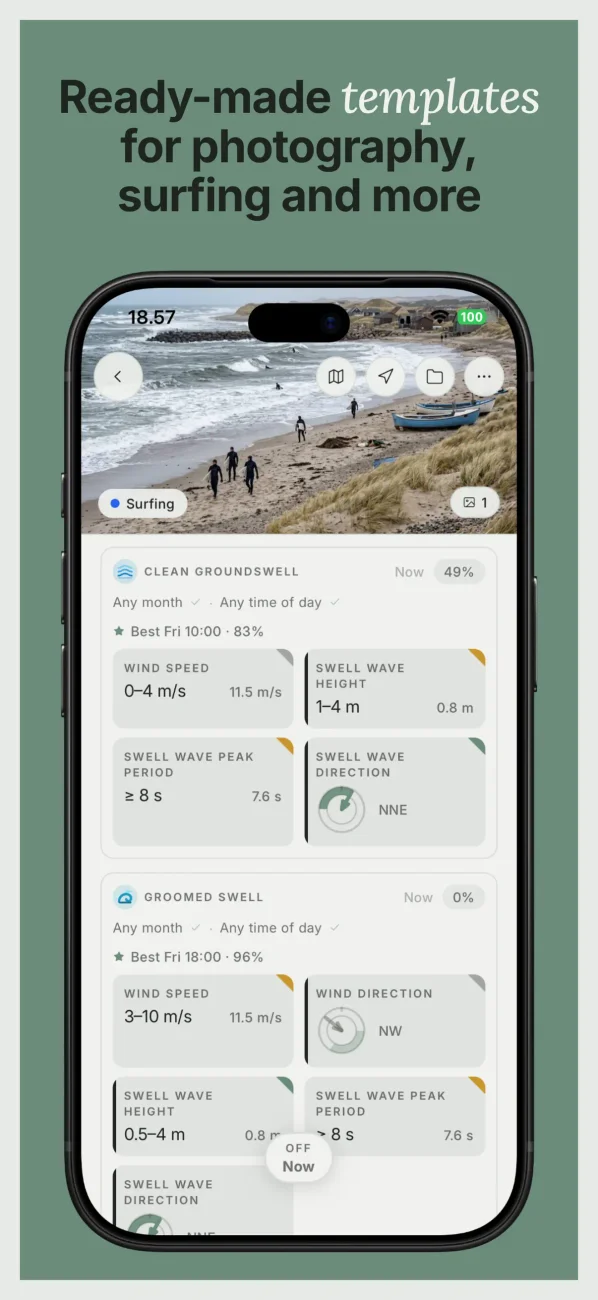
- Combine as many conditions as you like. For example: a clear, dark night, the Milky Way core up, little moonlight, no wind.
- Choose a ready-made preset, like Aurora, Milky Way or Clean Groundswell, or create your own.
- Coast aware: spotops knows which way each shore faces, so you can ask for offshore wind, or swell from the right direction.
- spotops checks more than 30 conditions, hour by hour, against what you asked for.
Then it tells you when
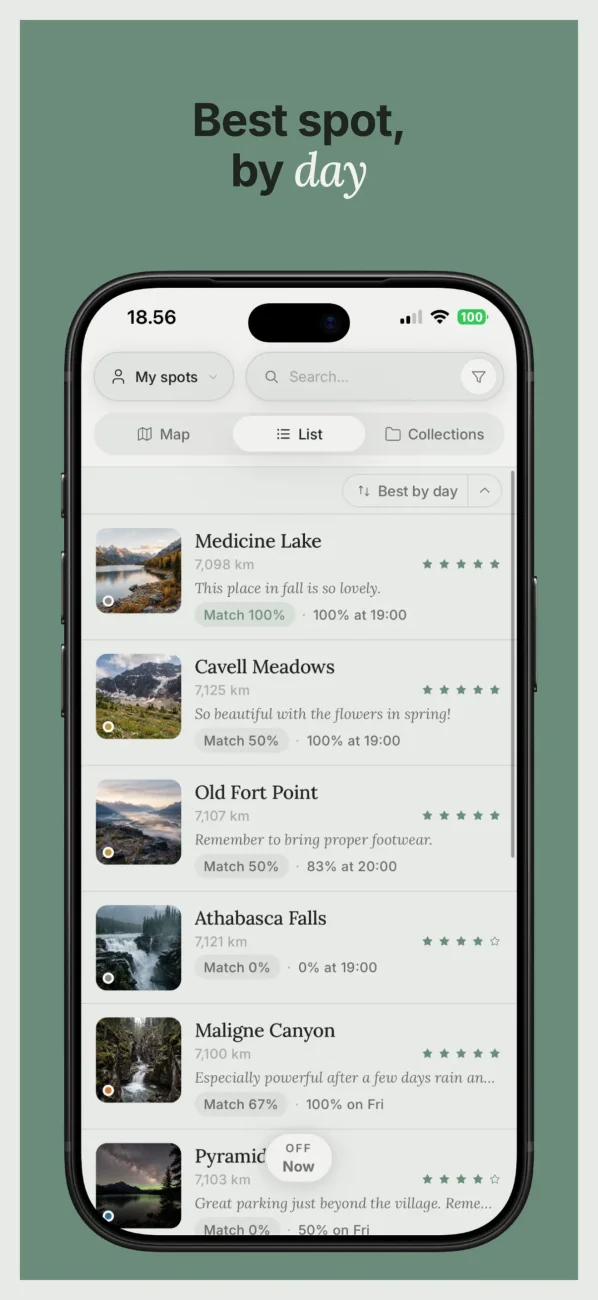
- Your map shows it at a glance: the spots that look best stand out, the rest fade back.
- Turn on notifications and get a heads-up when one of your places lines up.
The sun and moon, on the map and through your camera
- See the sun's and moon's path over any place on the map, with sunrise, sunset and moonrise, for any day of the year.
- Augmented reality: hold up your phone and see the path drawn over the live camera picture, right where you stand.
- Tap a point in the sky, like a gap between two peaks, to see when the sun or moon will be exactly there, and add it as a condition to get a heads-up.
Free to try.
Terms of use: https://spotops.io/terms
What’s new
Version 1.2.0 · Nov 21, 2026
See the sun's and the moon's path through your camera: tap the sky to find when the sun or moon will be right there, and get an alert when it lines up.
A new sign-in screen, with clearer steps for email.
Importing from Google My Maps now brings in the photos too.
Bug fixes and improvements.
App privacy
What On Aspect ApS declares on the App Store about how this app handles data.
-
Data linked to you
May be collected and linked to your identity.
- Purchases
- Location
- Contact info
- User content
- Identifiers
- Diagnostics
-
Data not linked to you
May be collected but is not linked to your identity.
- Search history
- Diagnostics
Privacy practices may vary, for example with the features you use or your age.
Information
- Seller
- On Aspect ApS
- Category
- Travel
- Version
- 1.2.0
- Updated
- Nov 21, 2026
- Released
- Oct 26, 2026
- Size
- 84.4 MB
- Requires
- iOS 15.5 or later
- Age rating
- 4+
- Price
- Free
- In-app purchases
- Yes
- Languages
- English
- Copyright
- © 2026 On Aspect ApS
You might also like
-
 DolomiticEverything about the Dolomites
-
 BlueCruise: Sailing Log & GPSLogbook, NMEA, AIS, anchor
-
 Tell Me NorthFaroe Islands audio tours
-
 SejlerkortetSail guide for Scandinavia
-
 FirefinchFor Southern African birds
-
 Taxi 97Travel
-
 MoverEasy transport of your stuff
-
 Mobive EvolutionAccess +400,000 EV chargers
-
 MetroenCopenhagen Metro App
-
 PowerGo ChargeCharge anywhere with PowerGo