Spreadsheets Editor-XLS Reader
Edit xlsx,scan image to table
Designed for iPhone, iPad, iPod touch
Free · In-app purchases
- Age rating4+
- CategoryProductivity
- Developerpalmmob
- LanguagesEnglish+ 2 more
- Size113.2 MB
Links to the official App Store page
Download.org hosts no file of Spreadsheets Editor-XLS Reader. The button opens its official App Store page, published by palmmob. Listing last checked on Nov 23, 2026.
Screenshots
About
Say goodbye to desktop limits! Spreadsheet Mobile is a professional Excel editing and creation app designed specifically for iPhone and iPad. Create, edit, analyze data, and convert images to spreadsheets directly on your phone wherever you are—your essential mobile office toolkit!
Why Choose Spreadsheet Mobile?
Whether for daily work, study budget tracking, or scanning paper documents, Spreadsheet Mobile offers a smooth experience that rivals desktop Excel.
【Key Features】
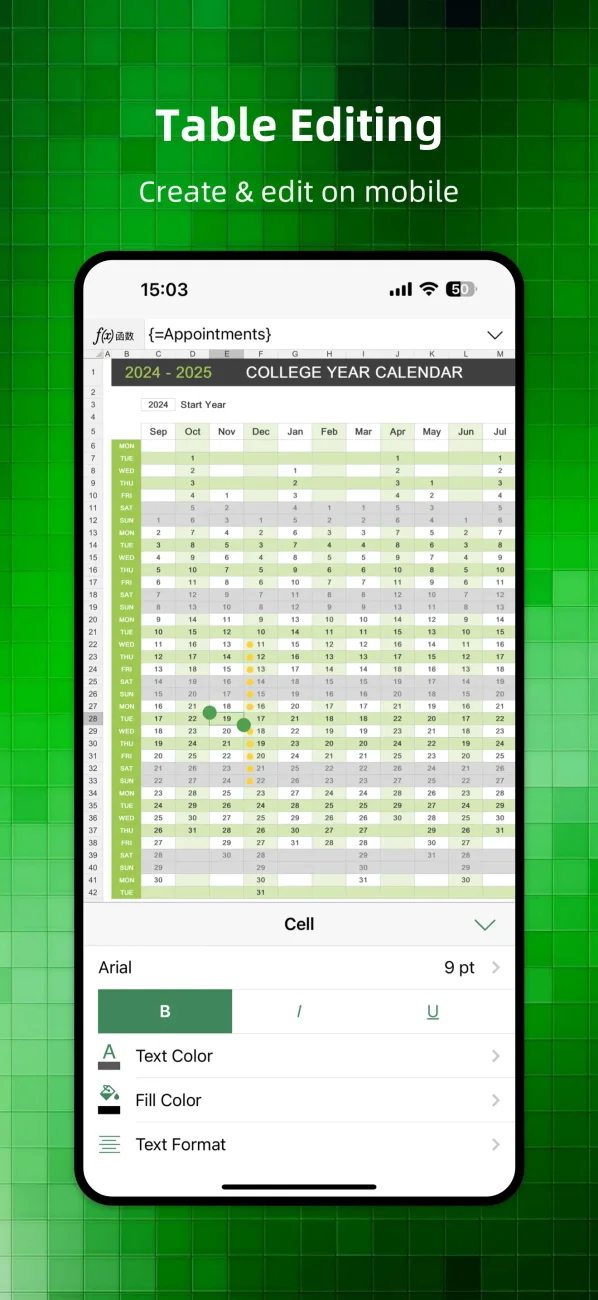
1. Professional Spreadsheet Editing & Creation
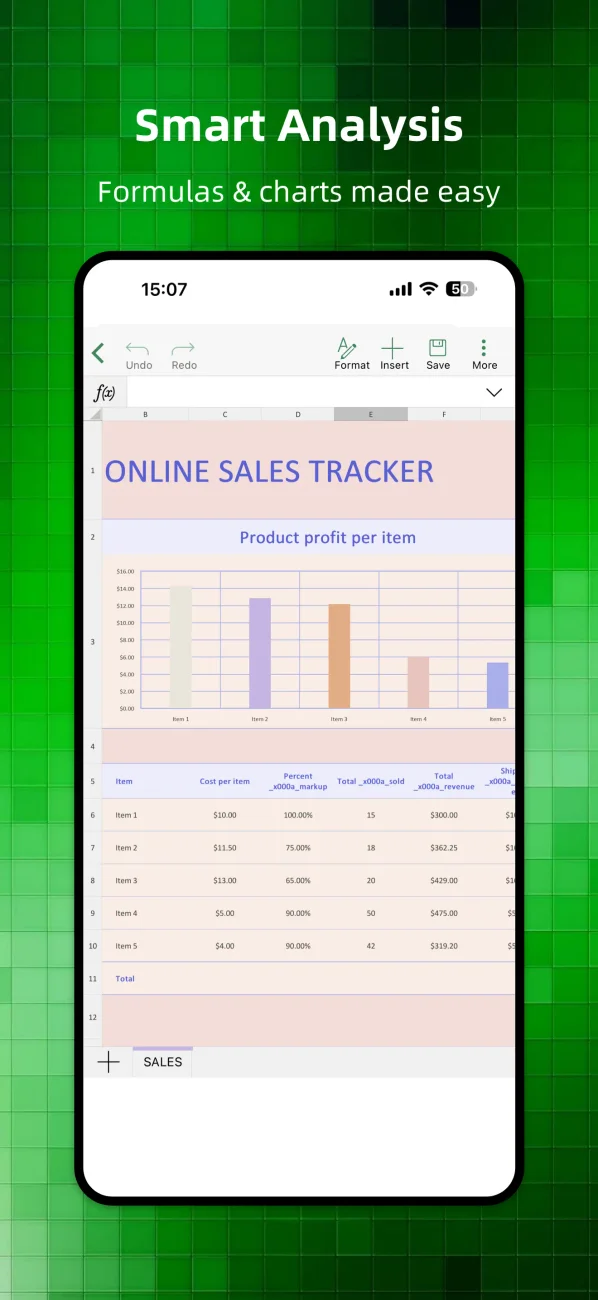
-Efficient Table Creation: Flexibly define rows and columns to quickly build custom spreadsheets.
-Rich Format Support: Full support for text, numbers, currency, dates, and other cell formats for professional editing.
-Quick Operations: Seamless input, copy-paste, batch fill, cell merging, and splitting on mobile.
-Powerful Formulas & Functions: Preset common functions (SUM, AVERAGE, etc.) for sorting, filtering, and data stats.
-Styling & Themes: Built-in fonts, borders, and color palettes to design clean, professional spreadsheets.
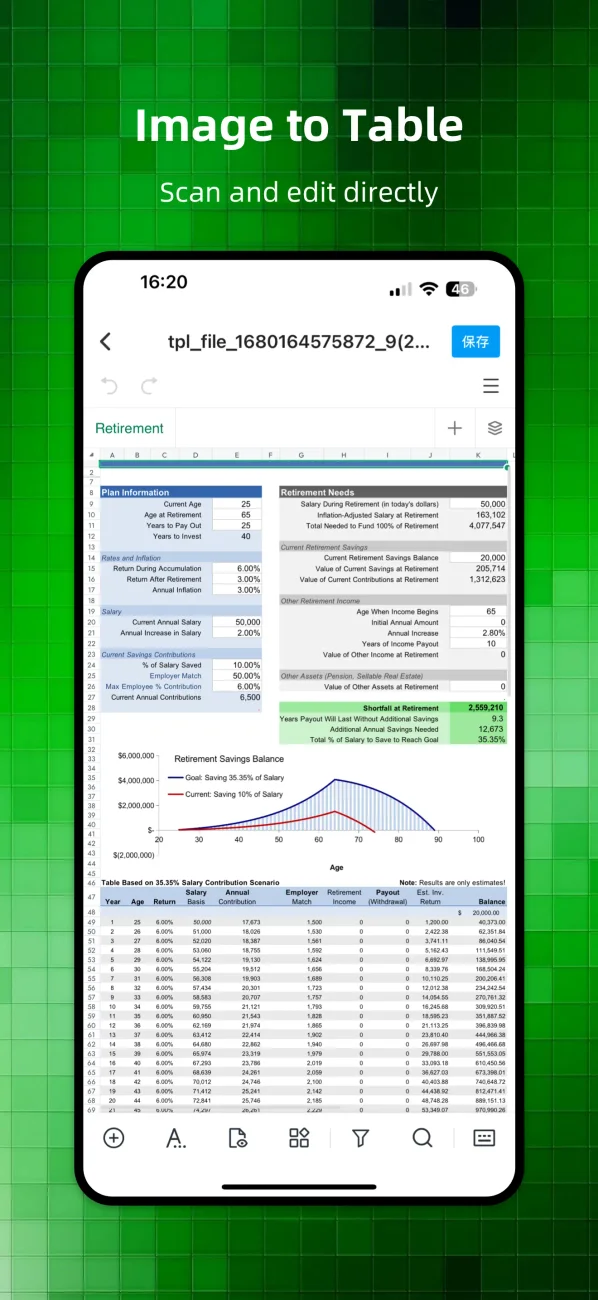
2. Smart Image-to-Table (AI Scan & Recognition)
-Photo to Table: Simply take a picture of paper documents or receipts, and built-in AI converts them into editable Excel sheets.
-High-Precision Scanning: Auto-corrects tilt, enhances contrast, preserves original layout, and recognizes handwriting & print.
-Efficient Paperless Workflow: Skip manual typing and convert paper documents into digital spreadsheets in real time.
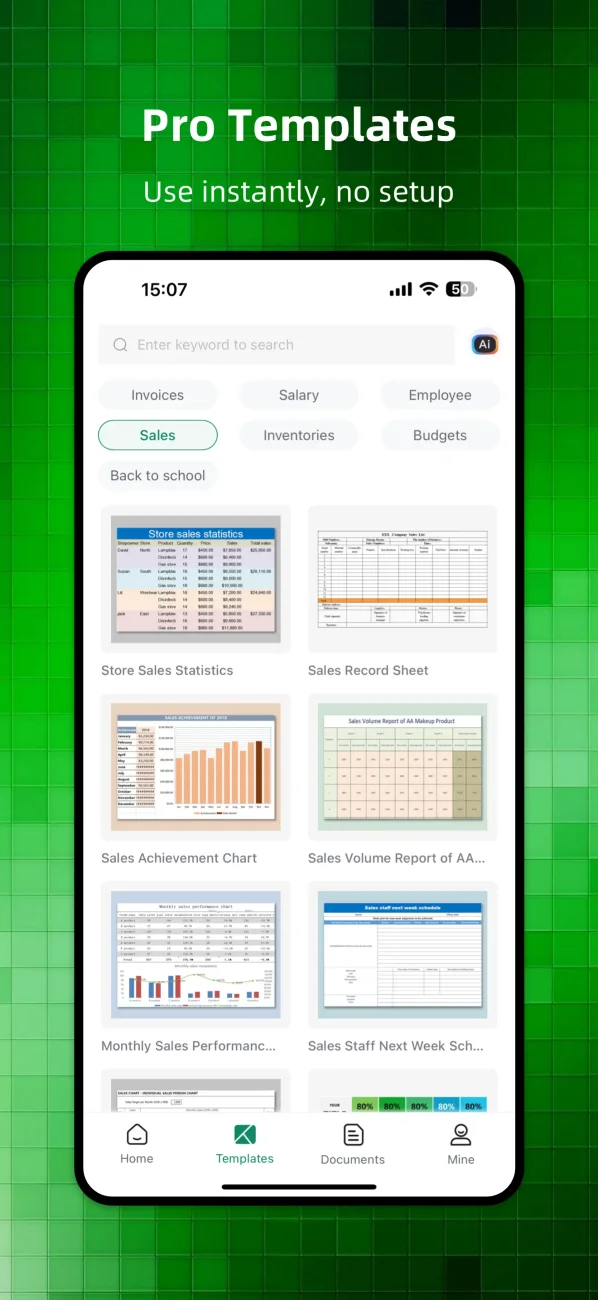
3. Rich Templates & Multi-Format Export
-Ready-to-Use Templates: Finance reports, project schedules, attendance sheets, personal budgets, and more.
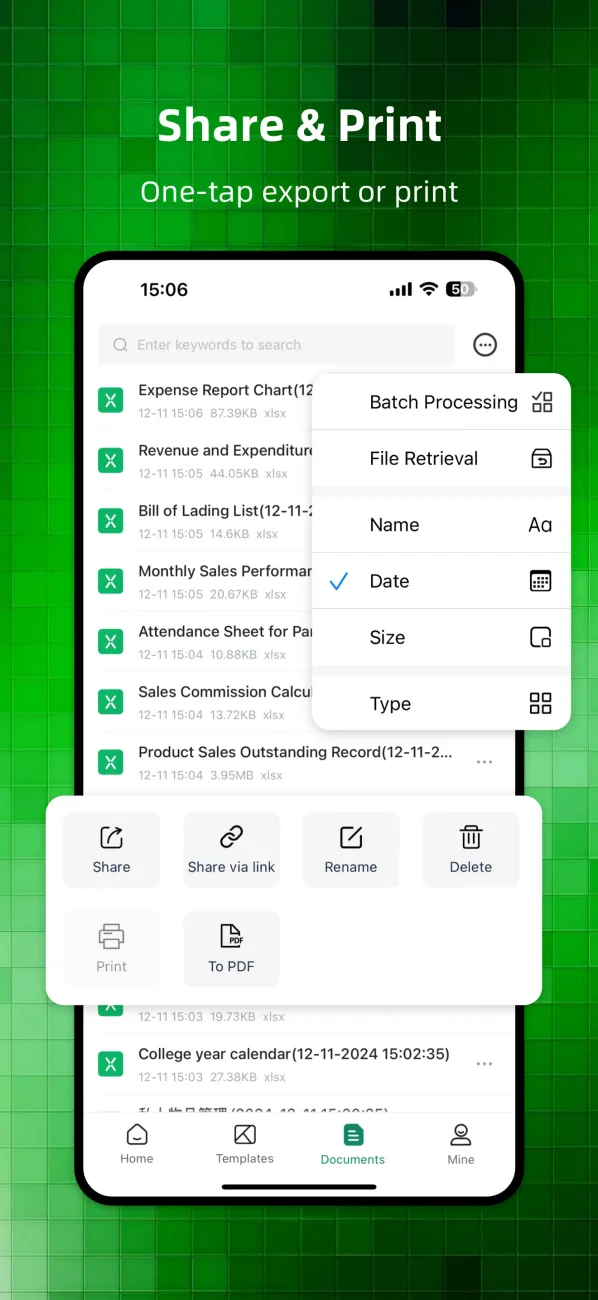
-Multi-Format Export: Export as XLSX (Excel), PDF, images, or print wirelessly with ease.
-Fast Sharing: Share spreadsheets via messaging apps, email, or cloud storage for seamless collaboration.
【Use Cases】
-Business Office: View and edit spreadsheets on the go; handle field data efficiently.
-Education: Must-have tool for students and teachers to create class schedules, attendance sheets, and study plans.
-Personal Finance: Keep track of income, expenses, and family budgets anytime, anywhere.
-Field Data Collection: Snap photos of paper forms to convert and archive them into spreadsheets instantly.
-Download Spreadsheet Mobile now to unlock efficient mobile productivity!
【Subscription Terms】
Payment: Charged to iTunes Account upon confirmation of purchase.
Renewal: iTunes account will be charged within 24 hours prior to the end of the current period.
Cancellation: Manage auto-renewal in iOS Settings --> iTunes Store & App Store --> Apple ID --> View Apple ID --> Subscriptions. Cancel at least 24 hours before the end of the current period to avoid charges.
Privacy Policy: http://www.palmmob.cn/yinsi/aibiaoge/aibiaogeyinsiios.html
Terms of Use: http://www.palmmob.cn/yinsi/aibiaoge/aibiaogeyonghuios.html
What’s new
Version 2.3 · Nov 22, 2026
1. Improved spreadsheet import and sharing: files from other apps or stored on your phone are easier to add.
2. Improved sheet editing and formula handling.
3. Added professional spreadsheet templates.
App privacy
What palmmob declares on the App Store about how this app handles data.
-
Data not collected
The developer does not collect any data from this app.
Privacy practices may vary, for example with the features you use or your age.
Information
- Seller
- Wuhan bayesian network technology co., LTD
- Category
- Productivity
- Version
- 2.3
- Updated
- Nov 22, 2026
- Released
- Dec 13, 2024
- Size
- 113.2 MB
- Requires
- iOS 15.0 or later
- Age rating
- 4+
- Price
- Free
- In-app purchases
- Yes
- Languages
- English, Simplified Chinese, Traditional Chinese
- Copyright
- © 2024 ZhangBei Inc.
You might also like
-
 SunTable-Spreadsheet view&editTable maker
-
 Document Manager:Docs,SheetsEdit documents,spreadsheets
-
 Word to Excel ConverterConvert DOC & DOCX to XLSX
-
 Spreadsheet: Edit XLSX SheetsCSV & XLS Viewer, Open Offline
-
 Make Spreadsheet: Excel ReaderCreate & Read Excel files
-
 Office手机版-word文档编辑&办公软件wordoffice编辑文档转换在线制作
-
 Image to Excel Converter-XLSXConvert Images to Spreadsheet
-
 表格手机版-在线手机表格制作软件Productivity
-
 The Spreadsheet App - SheetsExcel Editor, Tables & Scan
-
 Sheets - Excel EditorProductivity