
Spring - Video Editor
AI, Filters, Music, & Captions
Designed for iPhone, iPad
Free · In-app purchases
- Age rating12+
- CategoryPhoto & Video
- DeveloperKineMaster Corporation
- LanguagesEnglish+ 20 more
- Size220.8 MB
Links to the official App Store page
Download.org hosts no file of Spring - Video Editor. The button opens its official App Store page, published by KineMaster Corporation. Listing last checked on Nov 20, 2026.
Screenshots


About
[ Make Your Videos Your Way! ]
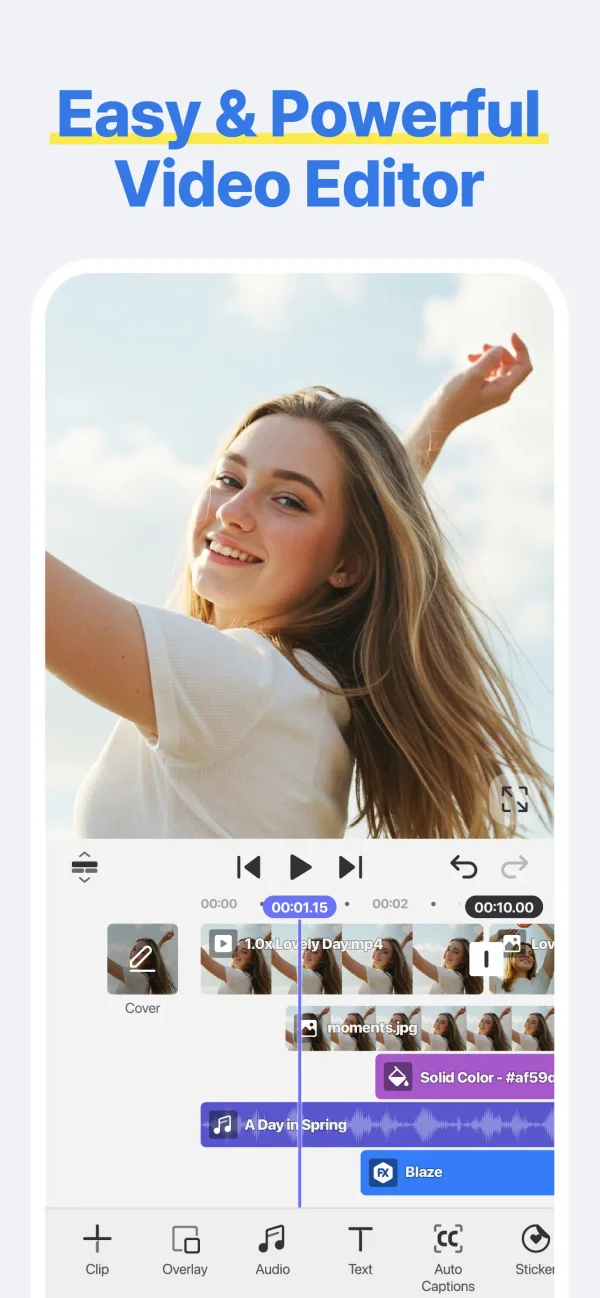
• Cut, combine, caption, overlay, and animate!
• AI tools make editing easy
• No watermarks, no sneaky purchases
• Supports up to 4K at 60FPS
[ AI That Helps! ]
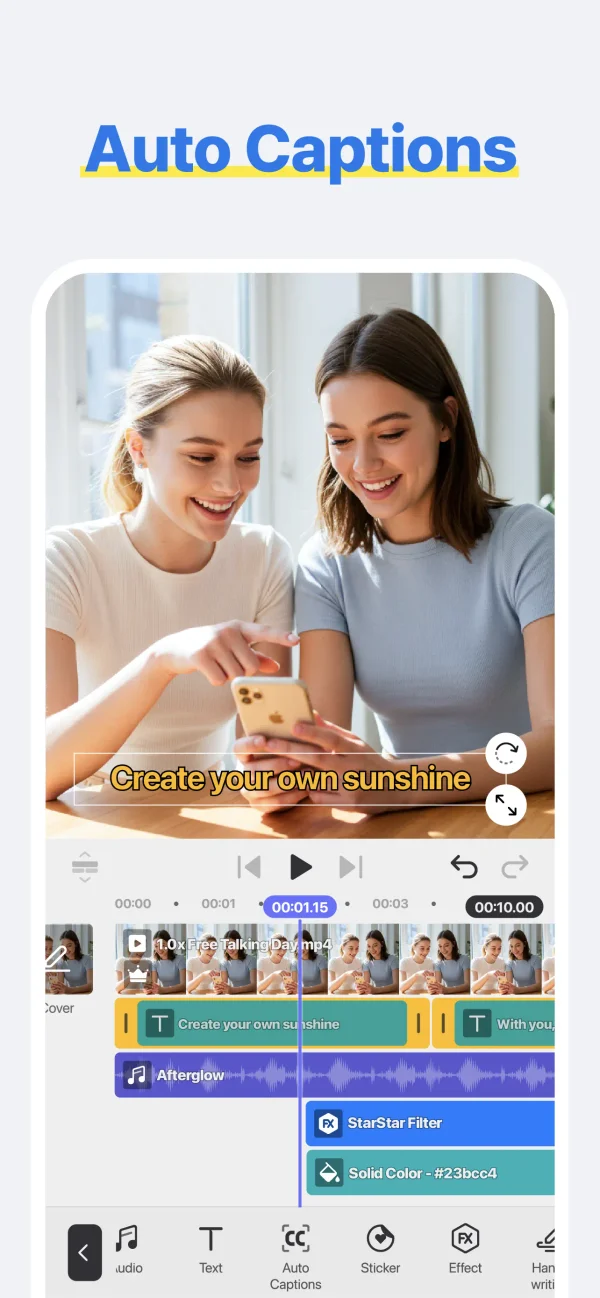
• AI Auto Captions: Add subtitles instantly from video or audio
• AI Text-to-Speech: Create spoken audio from text with one tap
• AI Music Match: Get song recommendations fast
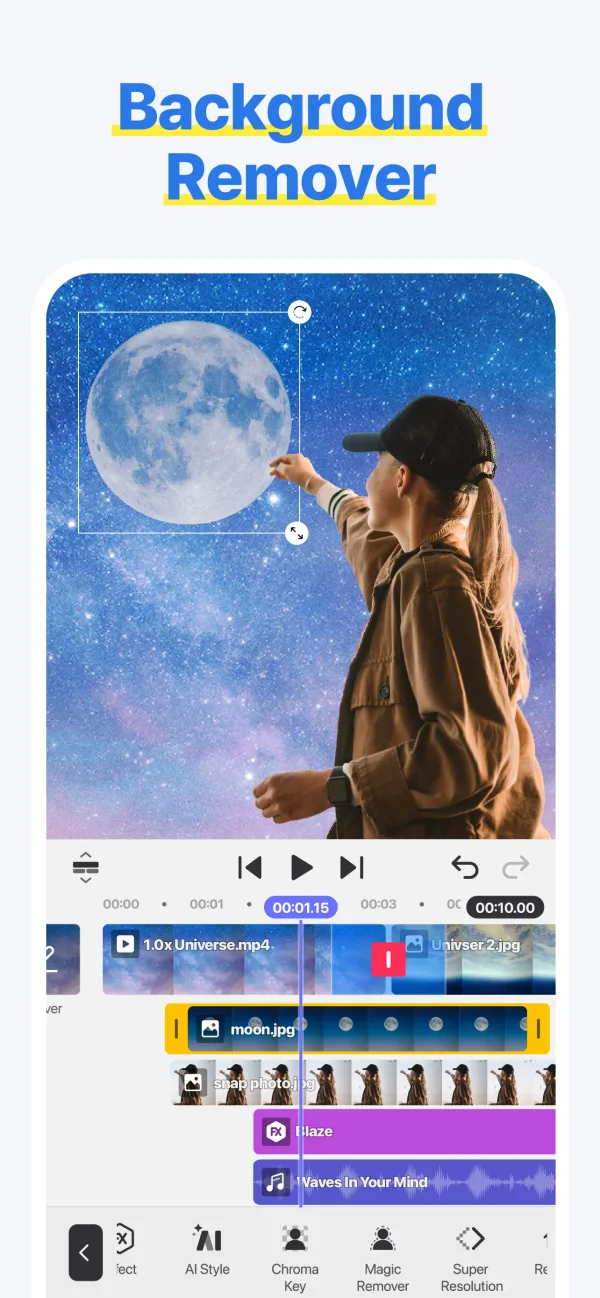
• AI Magic Removal & Noise Remover: Cut out the background and zap annoying sounds
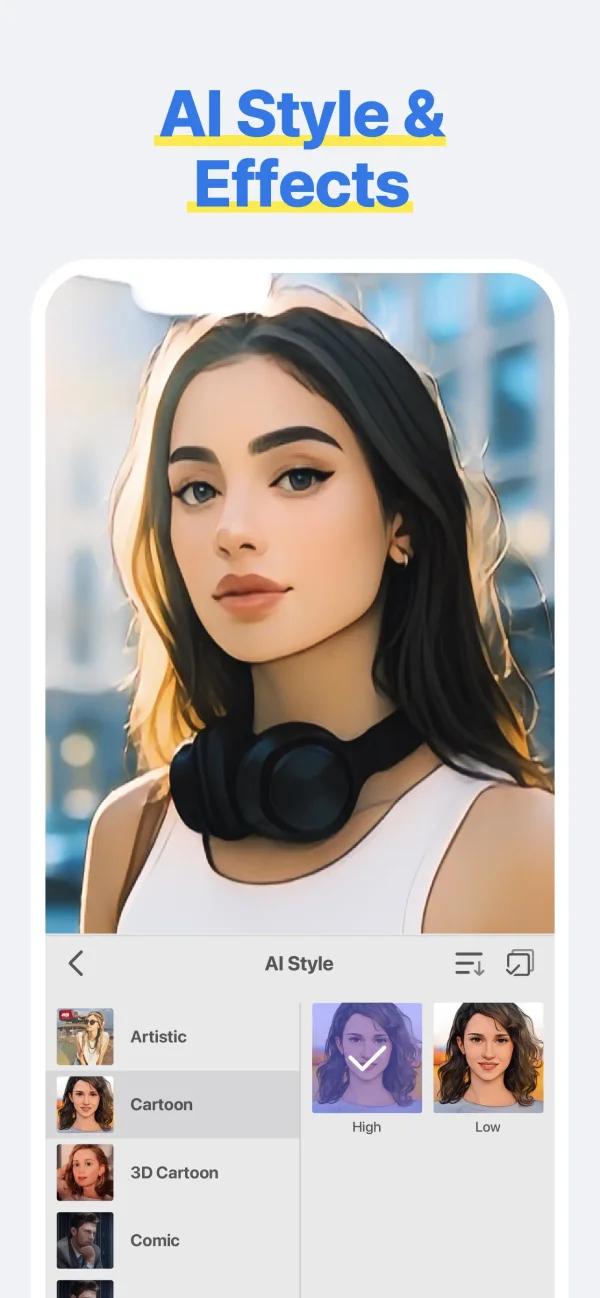
• AI Tracking, AI Upscaling, and AI Styles: Powerful AI tools to completely change how your video looks
• AI Templates: Get a template recommended for your next awesome video!
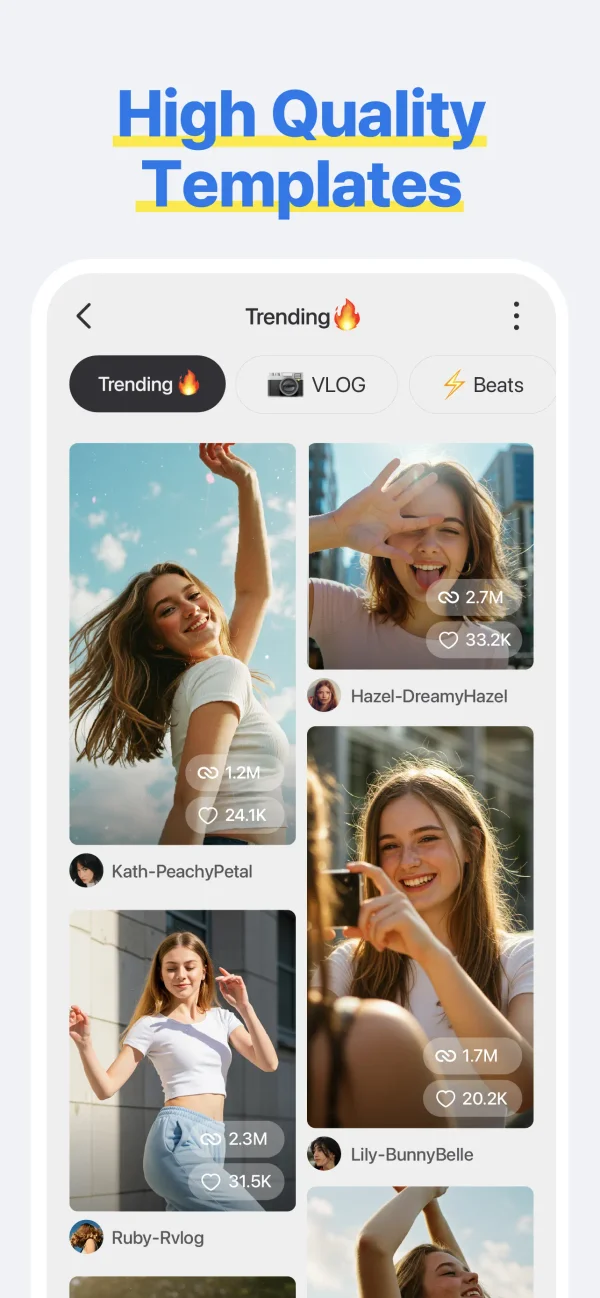
[ Done In 60 Seconds: Reels, Shorts, and TikTok Templates ]
• Provides trendy short-form templates
• Quickly complete by simply changing images or videos
• Supports template saving, sharing, and collaboration functions
[ Use Easy & Powerful Editing Tools ]
• Make fast cuts, merge clips, make speed adjustments, and rewind
• Use pan & zoom, transitions, effects, and slow motion
• Add subtitles, text, stickers, and fun visual effects
• Make color corrections, voice changes, or animate with keyframes
• Multi-Selection Save time by selecting, aligning, duplicating, or repositioning multiple video project layers at once
[ "Use-it-Anywhere" Music and Sound Effects ]
• Amazing background music and sound effects
• Safely upload to YouTube, Instagram, and TikTok
[ Design & Decorate Your Videos ]
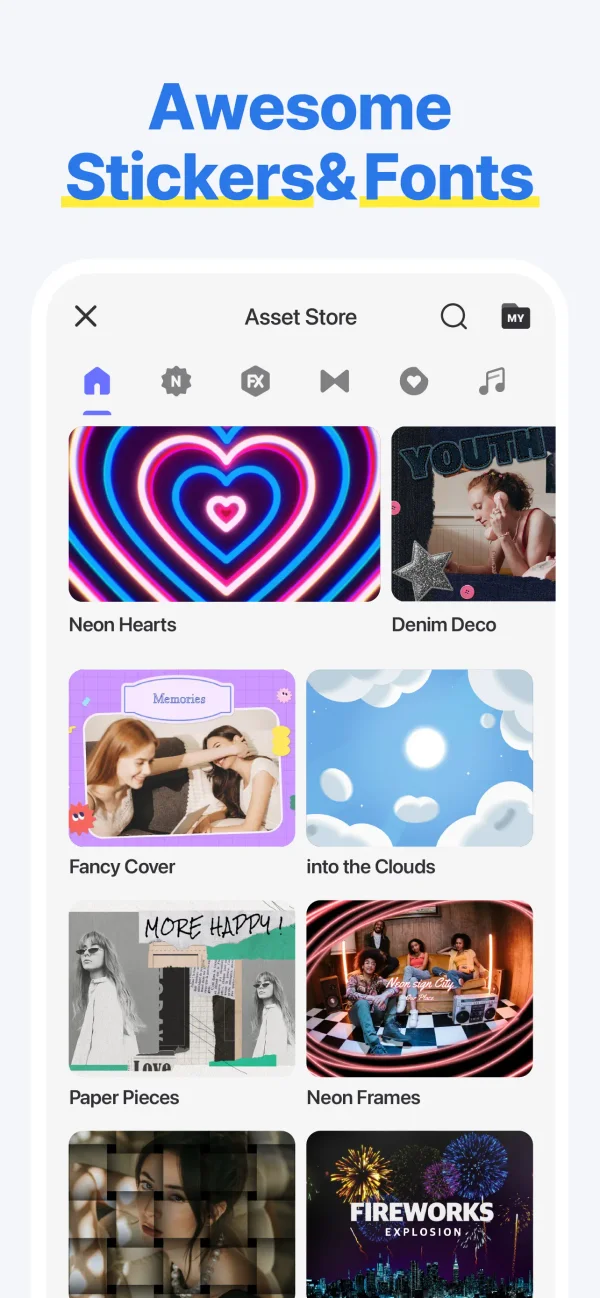
• Choose from tons of stickers, graphic animations, and effects
• Vibe with fun, trending and free video creative elements
[ Make 4K Videos or HD Clips for Social Media ]
• Save up to 4K resolution and 60 frames per second
• Upload to social media, including YouTube, TikTok, and Instagram
• Create special effects with transparent background videos (ideal for design and motion graphics work)
Terms of Use for Spring and Asset Store Use:
https://resource.kinemaster.com/document/tos.html
Contact: support@kinemaster.com
What’s new
Version 2.2.5 (2449) · Oct 14, 2026
• Multi-selection: move and align multiple layers
• Personalized AI template recommendations
• Supports custom font import
App privacy
What KineMaster Corporation declares on the App Store about how this app handles data.
-
Data not linked to you
May be collected but is not linked to your identity.
- Purchases
- Location
- Contact info
- User content
- Identifiers
- Usage data
- Diagnostics
- Other data
Privacy practices may vary, for example with the features you use or your age.
Information
- Seller
- KineMaster Corporation
- Category
- Photo & Video
- Version
- 2.2.5 (2449)
- Updated
- Oct 14, 2026
- Released
- Jun 27, 2024
- Size
- 220.8 MB
- Requires
- iOS 18.0 or later
- Age rating
- 12+
- Price
- Free
- In-app purchases
- Yes
- Languages
- English, Arabic, French, German, Hindi, Indonesian, Italian, Japanese, Korean, Malay, Marathi, Portuguese + 9 more
- Copyright
- © KineMaster Corporation
You might also like
-
 KineMaster (OLD)Search for the New KineMaster!
-
 VITA - Video Editor & MakerPro Editing Tools
-
 Filmora HD-Video Editor&MakerMovie&Vlog Maker, Editing App
-
 Mega Photo: Real-Time EffectsPhoto & Video
-
 Adobe Premiere AI Video EditorCreate shorts, reels & videos
-
 Vozo AI Video Translator & DubCaptions,Avatar,Teleprompter
-
 Zeemo: AI Video&Auto CaptionsText to Video & AI Image Maker
-
 Node VideoDesktop-level editing
-
 17V28: Creative CarouselSeamless Scrapbook Post