SprintKit: Indie Project Timer
Profit Tracker Focus & Budget
Designed for iPhone, iPad
In-app purchases
- Age rating4+
- CategoryBusiness
- DeveloperDeadPixel Studio UG (haftungsbeschrankt)
- LanguagesGerman+ 4 more
- Size29.0 MB
Links to the official App Store page
Download.org hosts no file of SprintKit: Indie Project Timer. The button opens its official App Store page, published by DeadPixel Studio UG (haftungsbeschrankt). Listing last checked on Nov 22, 2026.
Screenshots
About
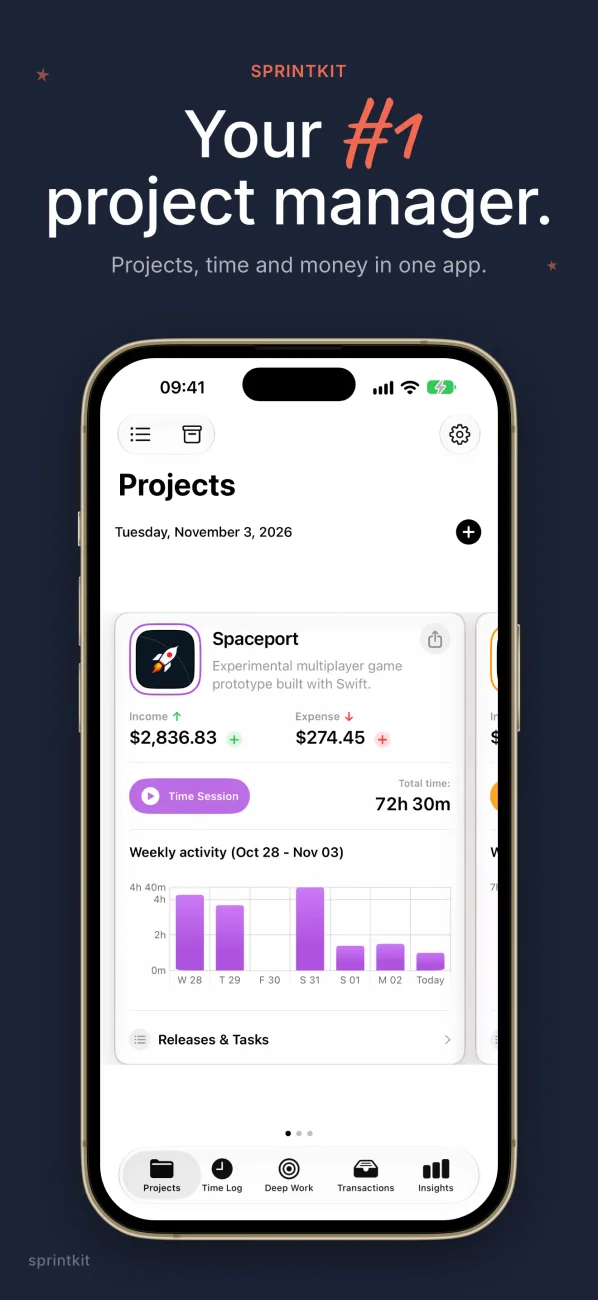
SprintKit is a project cockpit for solo builders who want clarity across multiple projects. What you measure gets managed. If you measure things, you will start to make better decisions.
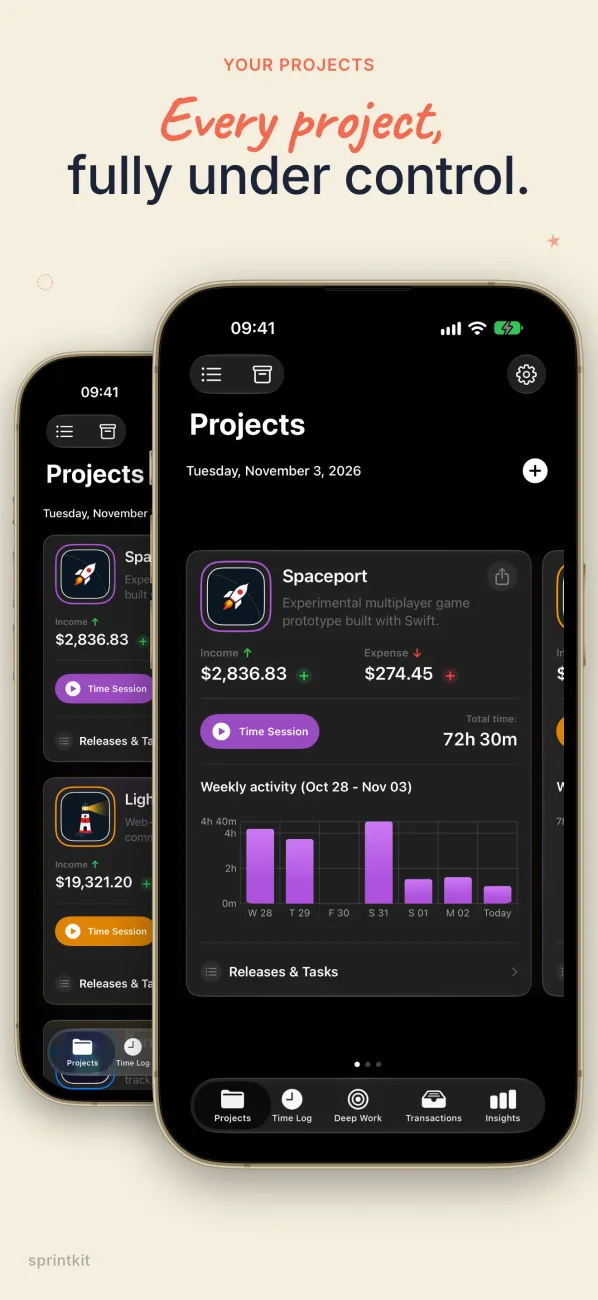
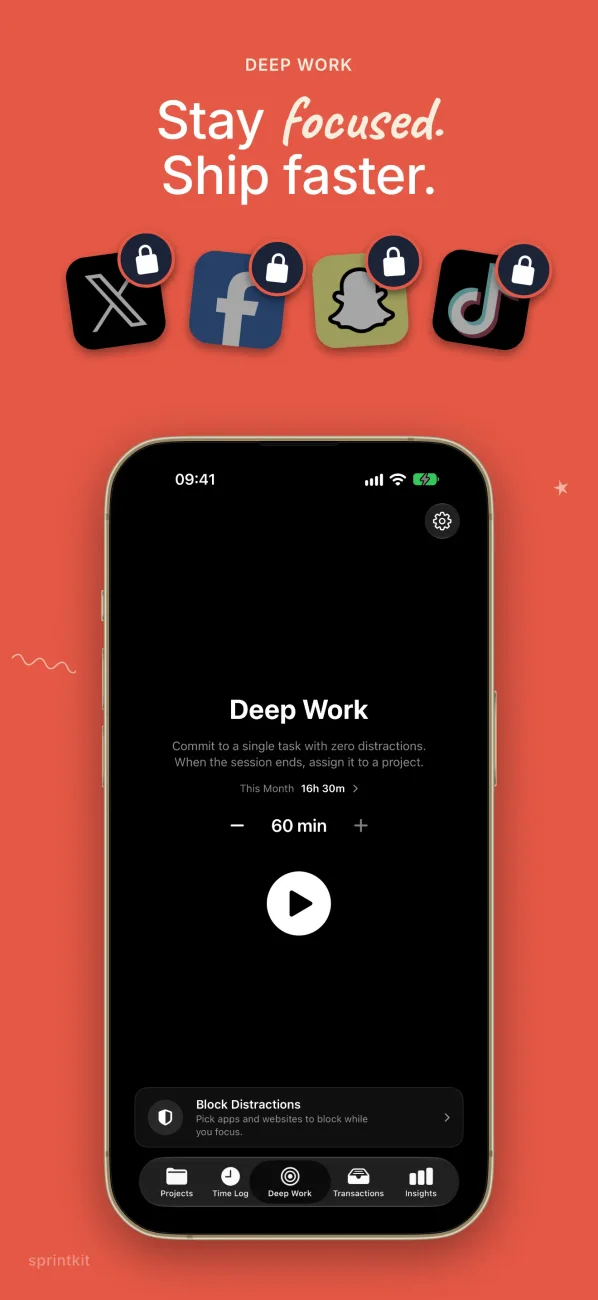
SprintKit helps you measure time, costs, and revenue in one place, then turns those numbers into insight you can actually use. Track time per project and activity, or start a Deep Work session when you want zero distractions and total focus. Set an hourly rate to convert tracked time into real project cost, so you know what your work is really costing you.
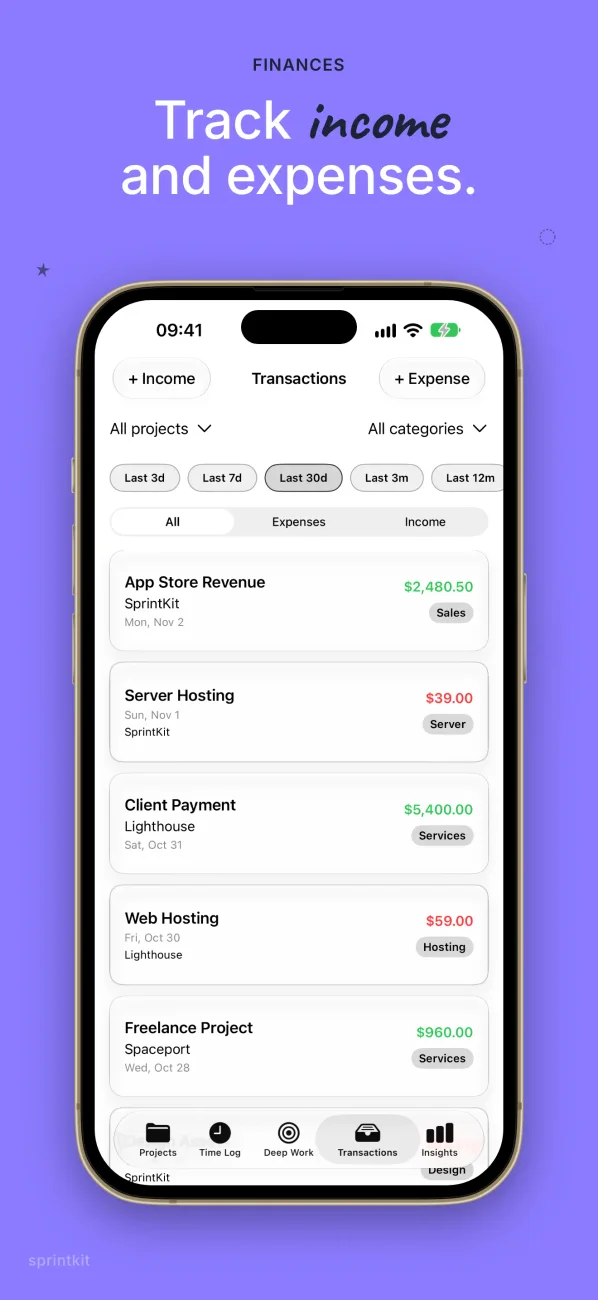
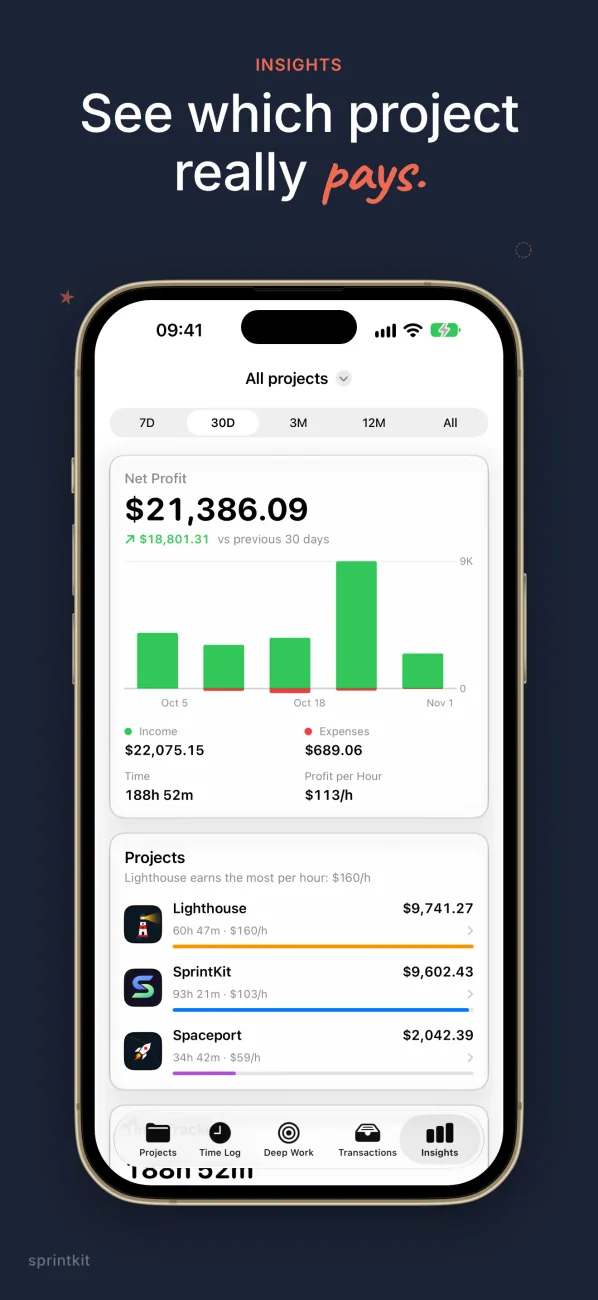
Log expenses and income as you go. Allocate expenses across multiple projects when they are shared, and keep income tied to the project that earned it. Then open Insights to see charts over different time ranges, profit trends, and ROI, so it becomes obvious what is paying off and what is just keeping you busy.
Finally, keep a clean changelog for every release. Track what shipped, when it shipped, and why it mattered, so progress never disappears.
Features at a glance
- Projects dashboard to see the big picture fast
- Time tracking by project and activity
- Deep Work sessions that save directly to your time log
- Hourly rate to convert time into cost
- Income and expense tracking, including shared expenses
- Insights charts for profit and ROI across multiple time ranges
- Built-in changelog to track releases and decisions
Terms of Use (EULA): https://deadpixel-studio.com/en/terms_of_use
What’s new
Version 2026.45 · Nov 4, 2026
SprintKit is here on iPhone Duo, with a new look and rebuilt Insights.
iPhone Duo
Folded, your projects fit the outer screen in one list. Open it up and Projects stays on the left of the fold, while Time Log, Deep Work, Transactions and Insights take the right.
New Insights
See which project really pays: net profit, time and profit per hour at a glance, which project earns the most per hour, and where your time and money go.
Black and white
Dark and Light themes replace the blue look. Choose yours in Settings.
Also in this release
- Small bug fixes and improvements
App privacy
What DeadPixel Studio UG (haftungsbeschrankt) declares on the App Store about how this app handles data.
-
Data not collected
The developer does not collect any data from this app.
Privacy practices may vary, for example with the features you use or your age.
Information
- Seller
- DeadPixel Studio UG (haftungsbeschrankt)
- Category
- Business
- Version
- 2026.45
- Updated
- Nov 4, 2026
- Released
- Mar 18, 2026
- Size
- 29.0 MB
- Requires
- iOS 26.0 or later
- Age rating
- 4+
- In-app purchases
- Yes
- Languages
- German, English, French, Spanish, Simplified Chinese
- Copyright
- © 2026, DeadPixel Studio UG
You might also like
-
 CareerLeap: AI Job CoachResume, Cover Letter & Prep
-
 AdMob TrackerProductivity
-
 Net Worth MaxFinance
-
 VoltDo: Energy To-Do ListPlan Tasks by Battery Level
-
 How Far: AI Jobs ClockYour AI Career Radar & Toolkit
-
 ClipCard: Paste KeyboardCards, IBAN and notes, one tap
-
 acoverlet: AI cover lettersATS Cover letter Builder
-
 SubTrack: Manage SubscriptionsTrack bills. Stay in control.
-
 Moneta Budget TrackerTrack Expenses. Plan Budget.
-
 Letters - free your inboxGet more from your newsletters