- Age rating4+
- CategoryGraphics & Design
- DeveloperEternal Cadence
- LanguagesEnglish
- Size4.2 MB
Links to the official App Store page
Download.org hosts no file of SpritePixels. The button opens its official App Store page, published by Eternal Cadence. Listing last checked on Nov 17, 2026.
Screenshots
About
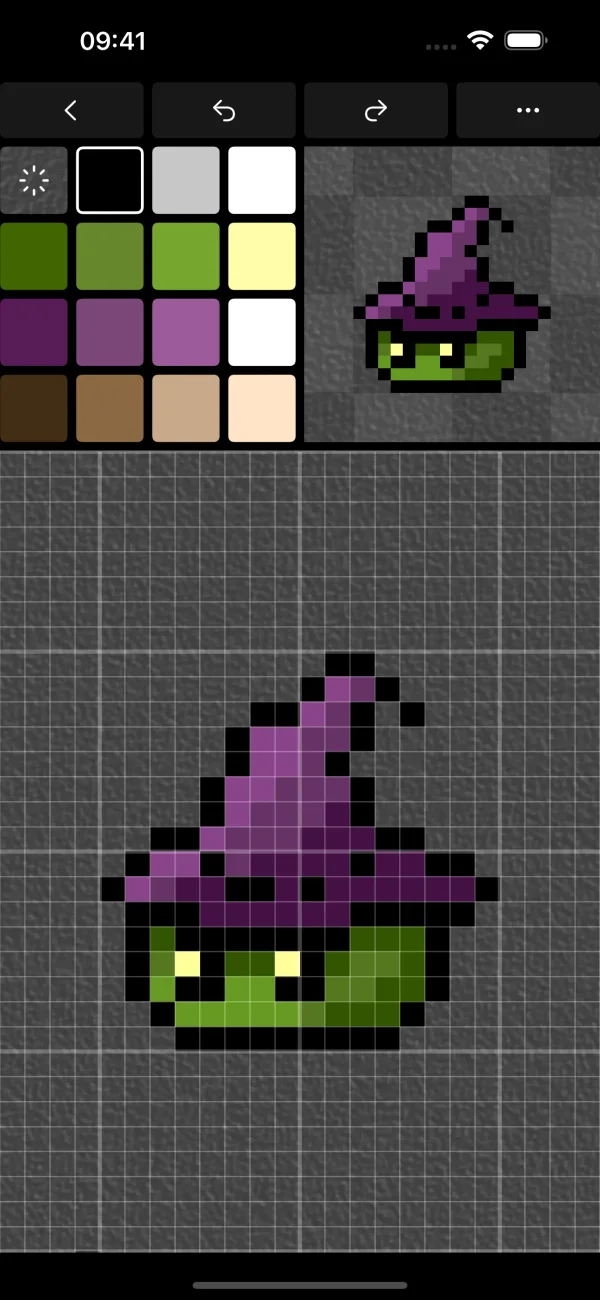
Designed for multi-touch! No more pecking one pixel at a time – fluidly paint pixel art using several touches at once.
Tap a tile to zoom in and work with precision. The companion mini-view shows what it looks like at normal size.
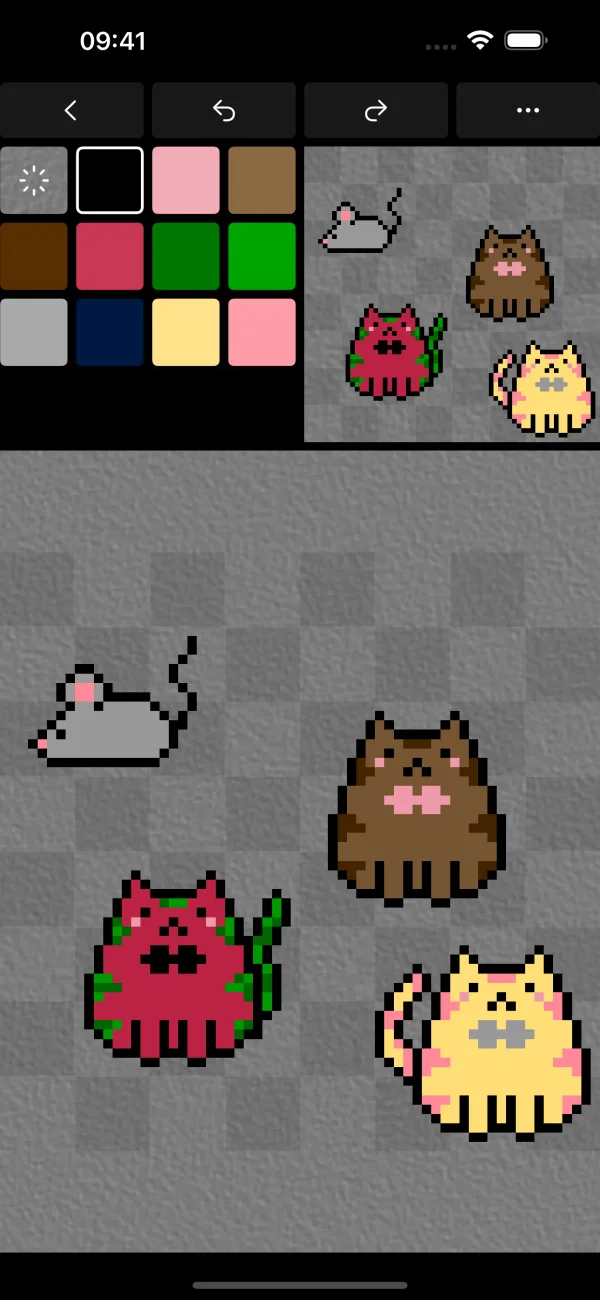
Drag any tile to instantly copy it to another tile. Great for making similar versions of a sprite.
Press and hold with one touch to fill an area.
Press and hold with two touches to lift and copy a rectangular region.
Customize a palette of up to an incredible 16 colors!
Expand your canvas to a staggering 512 by 512 pixels!
Press and hold any color in the palette to adjust it to any of a mind-blowing 4,096 possible values!
Experiment with color sets by pressing and holding the palette to replace an entire row of colors.
Save your work in iCloud and resume it from another device.
Export your art as a pixel-perfect PNG image.
What’s new
Version 1.0.2 · Jan 17, 2025
This version adopts the system document picker, and addresses an issue where options sometimes wouldn't appear when selecting a row of colors.
App privacy
What Eternal Cadence declares on the App Store about how this app handles data.
-
Data not collected
The developer does not collect any data from this app.
Privacy practices may vary, for example with the features you use or your age.
Information
- Seller
- Steve Barnes
- Category
- Graphics & Design
- Version
- 1.0.2
- Updated
- Jan 17, 2025
- Released
- Oct 16, 2023
- Size
- 4.2 MB
- Requires
- iOS 18.0 or later
- Age rating
- 4+
- Price
- $0.99
- Languages
- English
- Copyright
- © 2025 Steve Barnes
You might also like
-
 Pixelome: Draw It. Animate It.Create Pixel Art That Moves
-
 BeadSnap: Photo Pattern MakerTurn Photos into Pixel Art
-
 Dot Canvas - Pixel Art MakerTrace, draw, and export pixels
-
 ModulatorStart Creating
-
 Color Palettes - BorealCreate Your Own Color Schemes!
-
 Pixel Art Creator PixeeCreate & Edit Pixel Art
-
 Foldable Wallpaper StudioDual Screen Pairs & Widgets
-
 AbstractorPaint with living motion
-
 AmbiPadCreate ambigrams with ease
-
 Pixel Art Maker - Pixel CanvasTurn Photos into Pixel Art