
Spryly
Connect. Share. Simplify.
Designed for iPhone, iPad
Free · In-app purchases
- Age rating4+
- CategoryBusiness
- DeveloperSpryly
- LanguagesEnglish
- Size58.5 MB
Links to the official App Store page
Download.org hosts no file of Spryly. The button opens its official App Store page, published by Spryly. Listing last checked on Nov 21, 2026.
Screenshots


About
Spryly: The Future of Digital Cards & Smart Collaboration
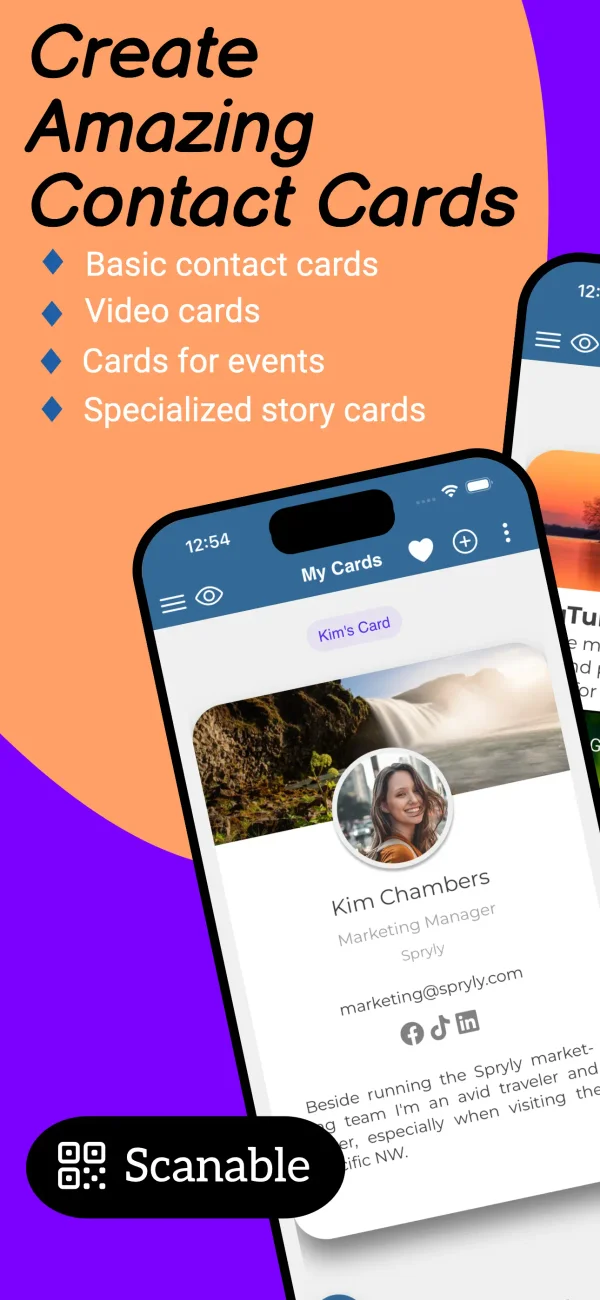
Spryly empowers you to create dynamic, interactive contact cards tailored for personal, professional, and enterprise use. Beyond contact cards, Spryly lets you build and share video, event, story, and data collection cards—each with a unique QR code for effortless distribution.
Craft multiple, customized cards to represent your various identities—whether personal, business, or recreational. Design story cards that integrate events, multimedia, and track participation seamlessly. Leverage data collection cards to gather insights and analyze them effortlessly with AI-powered tools.
Unlock enterprise-grade features to streamline communication, share documents, and manage contact cards across your organization. With Spryly, you can enhance engagement, simplify sharing, and optimize collaboration like never before.
CONTACT, SOCIAL & BUSINESS CARDS
- Create multiple, unique cards to suit different needs
- Add links to email, social networks, and websites
- Customize with profile photos and banners
- PRO users: Use AI to generate stunning backgrounds
- Track engagement with real-time view statistics
- Generate unique QR codes for each card, including temporary auto-deleting QR codes
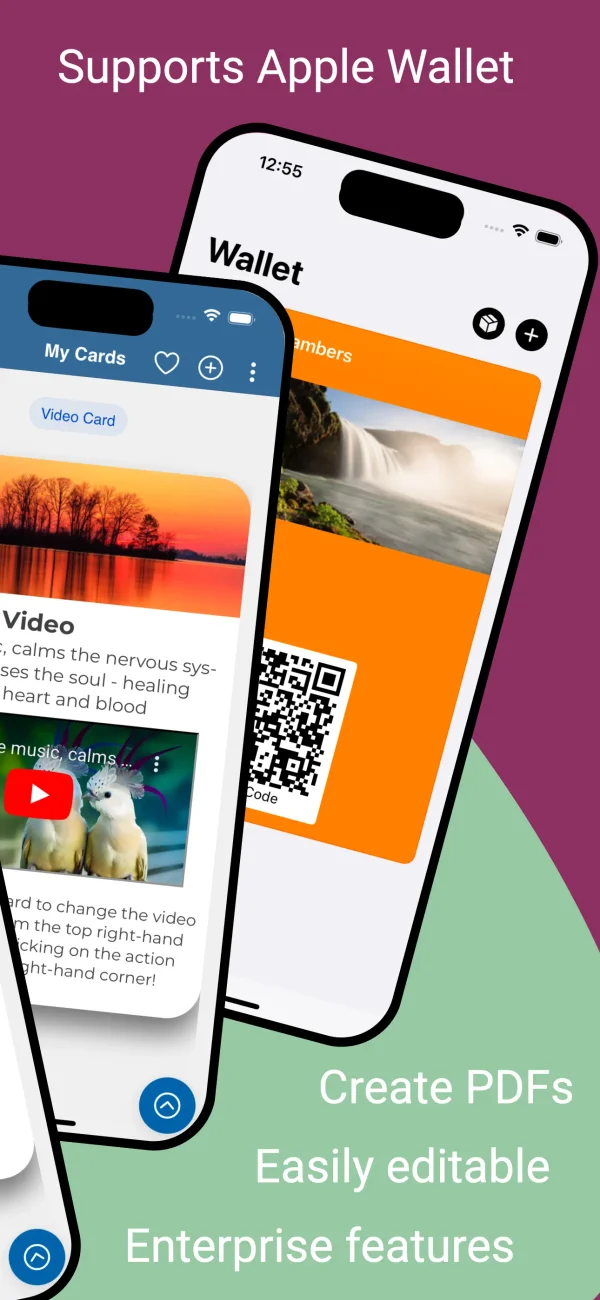
- Export PDFs with embedded QR codes
VIDEO CARDS
- Seamlessly embed YouTube and Vimeo videos
- Create multi-video cards for richer content experiences
- Generate unique QR codes for instant access
STORY CARDS
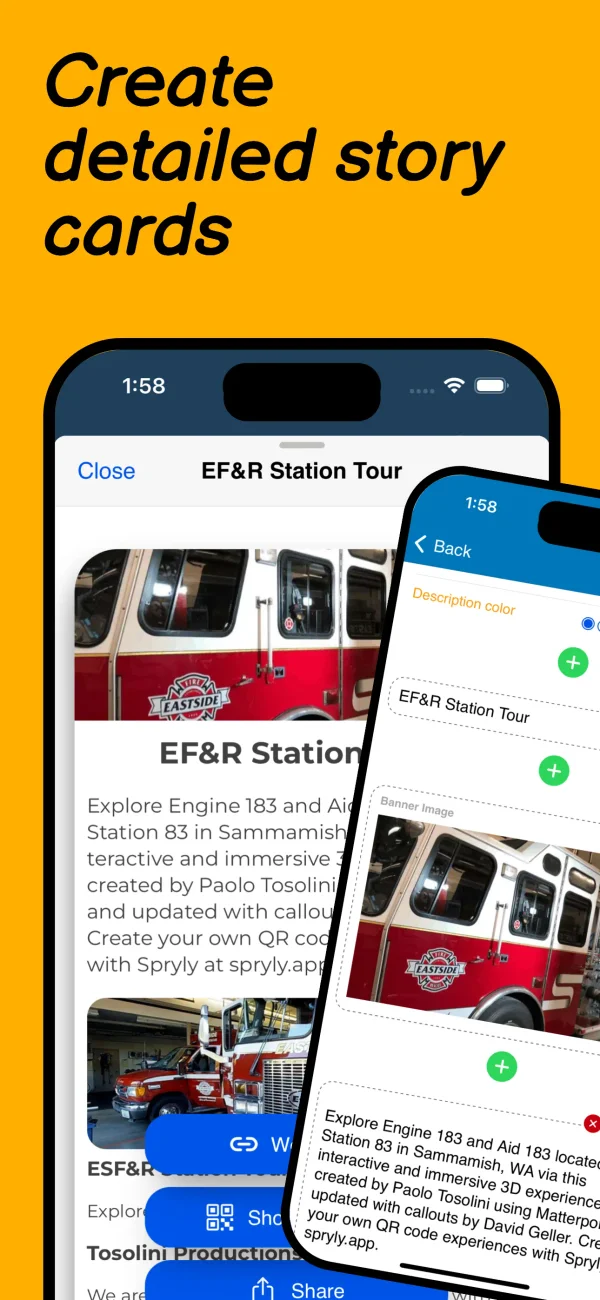
- Build visually engaging, interactive story cards
- Integrate text (with Markdown support), embedded video, images, web links (Open Graph support), and event details
- Track event participation and engagement
- Unique QR codes for easy sharing
DATA COLLECTIONS
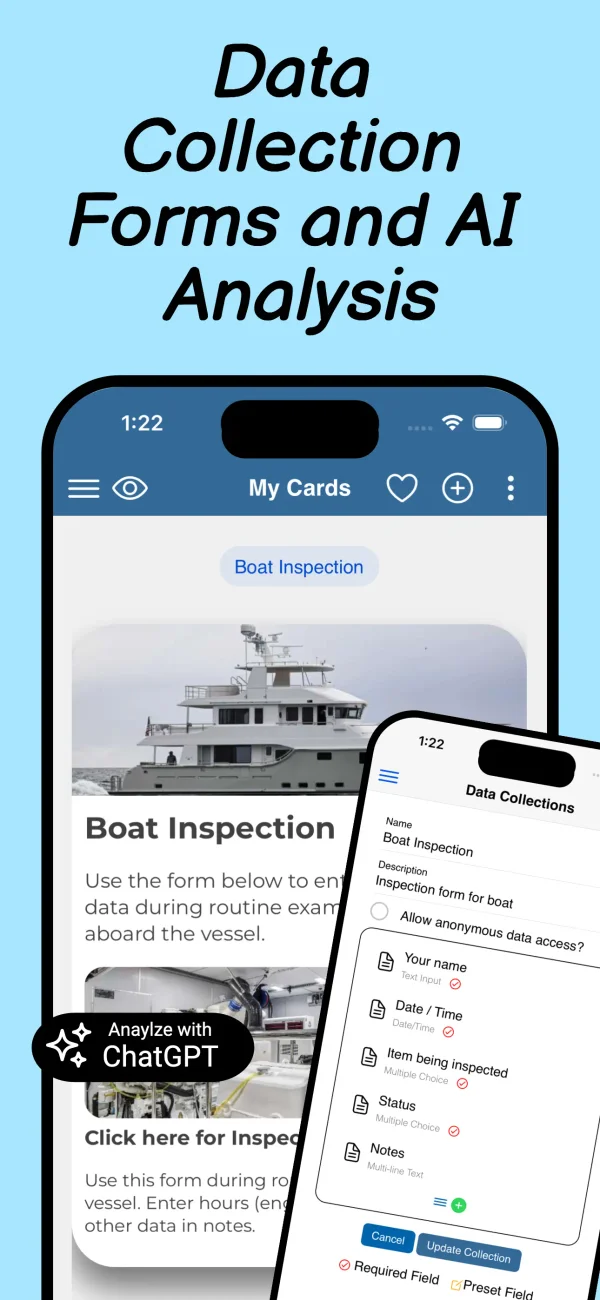
- Create structured data collections effortlessly
- Embed AI-powered forms within stories
- Export collected data to CSV for analysis
- Analyze and interpret data instantly with ChatGPT
- Field types: Text, multiline, multiple choice, date/time, email, phone, numbers & yes/no
CONNECTIONS
- Manage connections to other Spryly users
- Communicate directly through Spryly messaging
- Share contact cards for people in your network
ENTERPRISE SOLUTIONS
Spryly offers exclusive enterprise features, enabling teams to share contact card designs, centralize document management, and streamline communication. Easily organize and distribute cards and documents across your organization, all while maintaining security and efficiency.
Every Spryly card—whether personal, professional, or enterprise—is uniquely identifiable with its own dynamic QR code, ensuring smooth and intuitive sharing.
Terms of Use: https://www.apple.com/legal/internet-services/itunes/dev/stdeula/
What’s new
Version 1.6.3 · Oct 30, 2026
New card designs
The card editor has a new Design section with a live preview of your own card. Choose from six new looks: Aurora, Horizon (photo on the left or right), Midnight, Editorial and Sunset Split. The original design is still available as Classic. When you share a contact card, its link preview now matches the card’s design, with your photo, name and title.
Better on iPhone Duo
Spryly’s buttons now sit in the column beside the status bar, so they no longer cover your card. On the front display, Favorite, Add and More move there too.
Faster card shortcuts
The button at the bottom right now opens straight away to Share, Copy URL and Edit, plus a list of your favorite cards to jump to. Long lists scroll instead of running off the screen, and the list now works in Cover Flow too.
Email settings
A new Email section in Settings lets you choose whether to get the weekly card summary (views, saved contacts and link taps) and trial and account reminders. Every optional email has a one-click unsubscribe.
Fixes
Contact details you haven’t filled in no longer leave empty labels on the new designs.
The QR code now dims the whole screen, and tapping it twice no longer opens it twice.
Fixed an empty list in Settings → Card for message sending.
App privacy
What Spryly declares on the App Store about how this app handles data.
-
Data linked to you
May be collected and linked to your identity.
- User content
-
Data not linked to you
May be collected but is not linked to your identity.
- Location
- User content
Privacy practices may vary, for example with the features you use or your age.
Information
- Seller
- Spryly, Inc.
- Category
- Business
- Version
- 1.6.3
- Updated
- Oct 30, 2026
- Released
- Feb 5, 2025
- Size
- 58.5 MB
- Requires
- iOS 18.6 or later
- Age rating
- 4+
- Price
- Free
- In-app purchases
- Yes
- Languages
- English
- Copyright
- © 2025 Spryly, LLC
You might also like
-
 TruckinvyFood Truck Inventory Manager
-
 Crypto AI AgentYour AI mind in Crypto world
-
 Ceipal CPBusiness
-
 Pikcat Catalog & QuotesOffline Field Sales PDF
-
 PermitTrax MobileProductivity
-
 Shift InspectionDigitize shift inspections
-
 nexie: private AIAssistant and context you own.
-
 OspreyAi MobileProductivity
-
 FreeScout PlusSmart Links + Mailbox Switcher
-
 Think Realty Conference & ExpoLive Event Guide