
- Age rating4+
- CategoryUtilities
- DeveloperGerSpatial
- LanguagesEnglish+ 4 more
- Size41.6 MB
Links to the official App Store page
Download.org hosts no file of SQM Mobile. The button opens its official App Store page, published by GerSpatial. Listing last checked on Nov 12, 2026.
Screenshots


About
Bring all your sky quality measurements together in one place. SQM Mobile is the ideal companion for handheld Sky Quality Meters, automatically synchronising field measurements with SQM Toolbox on your Mac. It also imports measurements exported from Dark Sky Meter Pro, making it easy to build a single long-term archive of all your observations.
KEY FEATURES
Field-Ready Data Collection
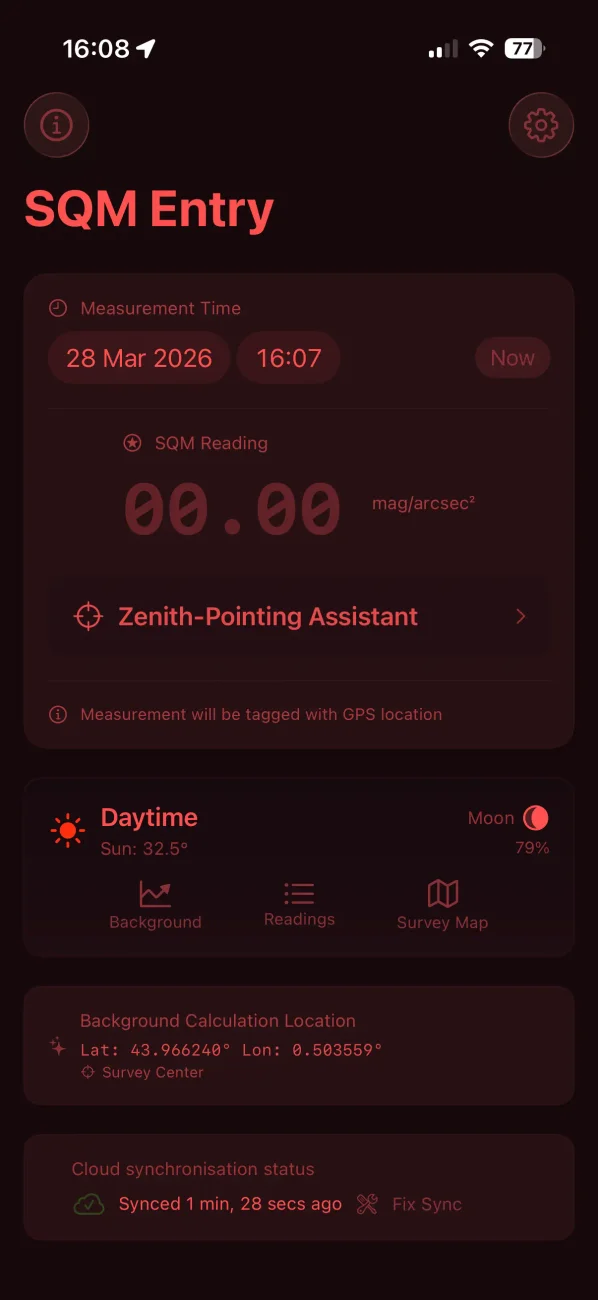
* Quick and easy measurement entry for handheld SQM devices
* Manual entry of measurements from Dark Sky Meter
* Automatic GPS location recording for each measurement
* Timestamp for accurate astronomical correlation
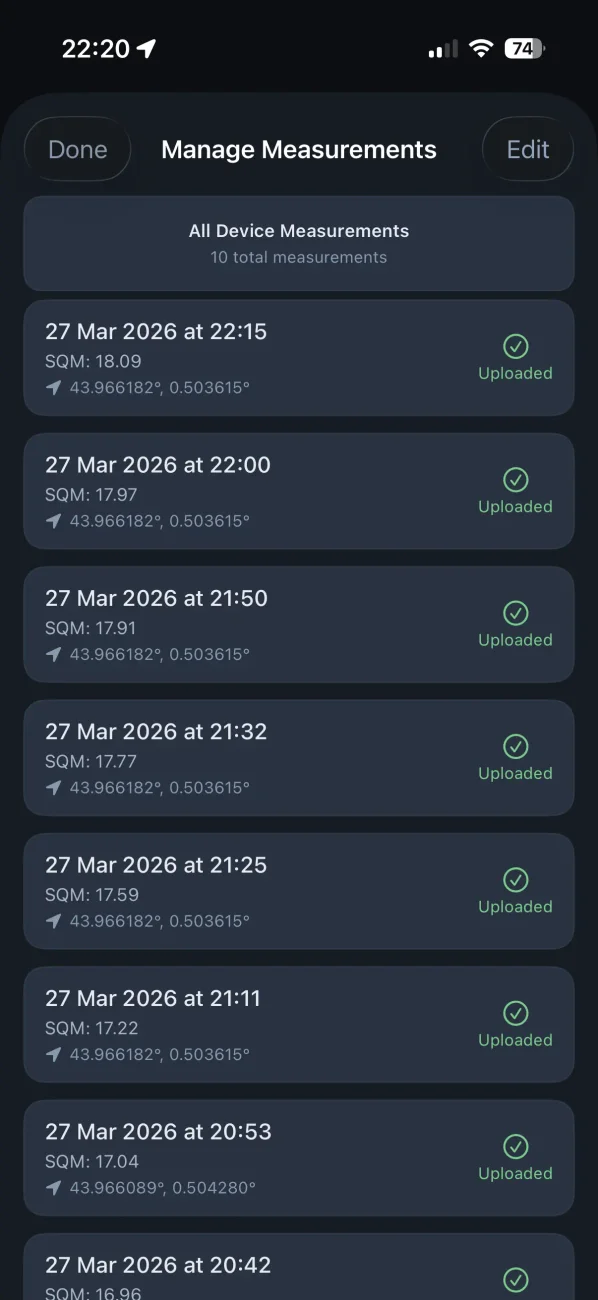
* Offline measurement storage – sync whenever a connection becomes available
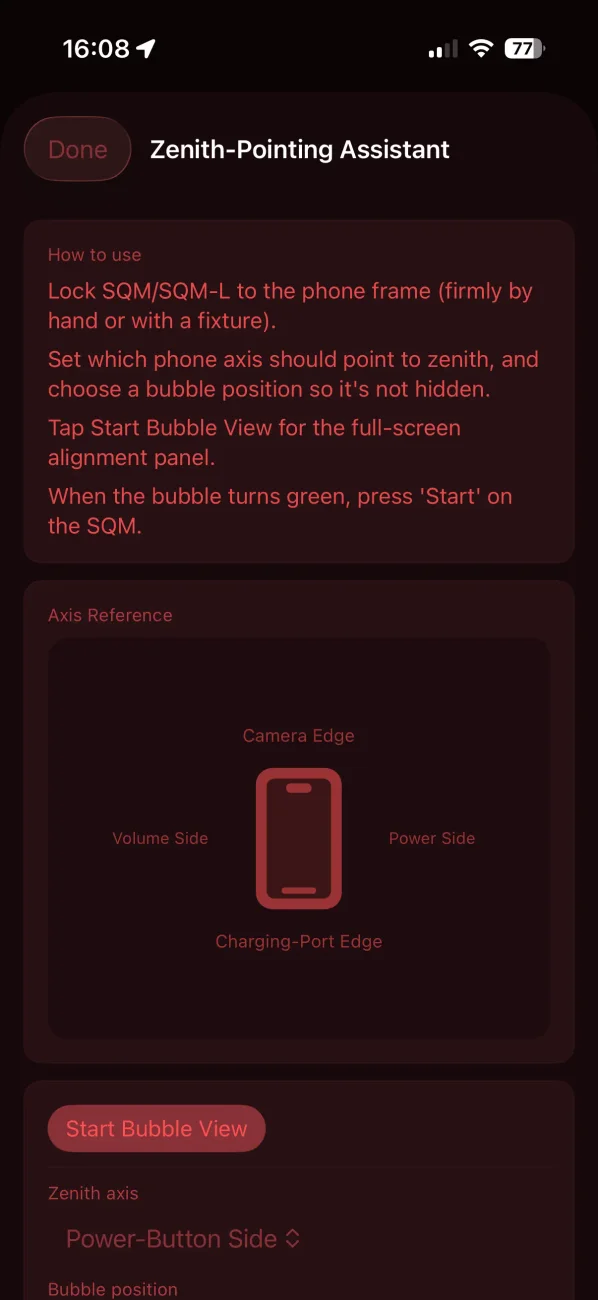
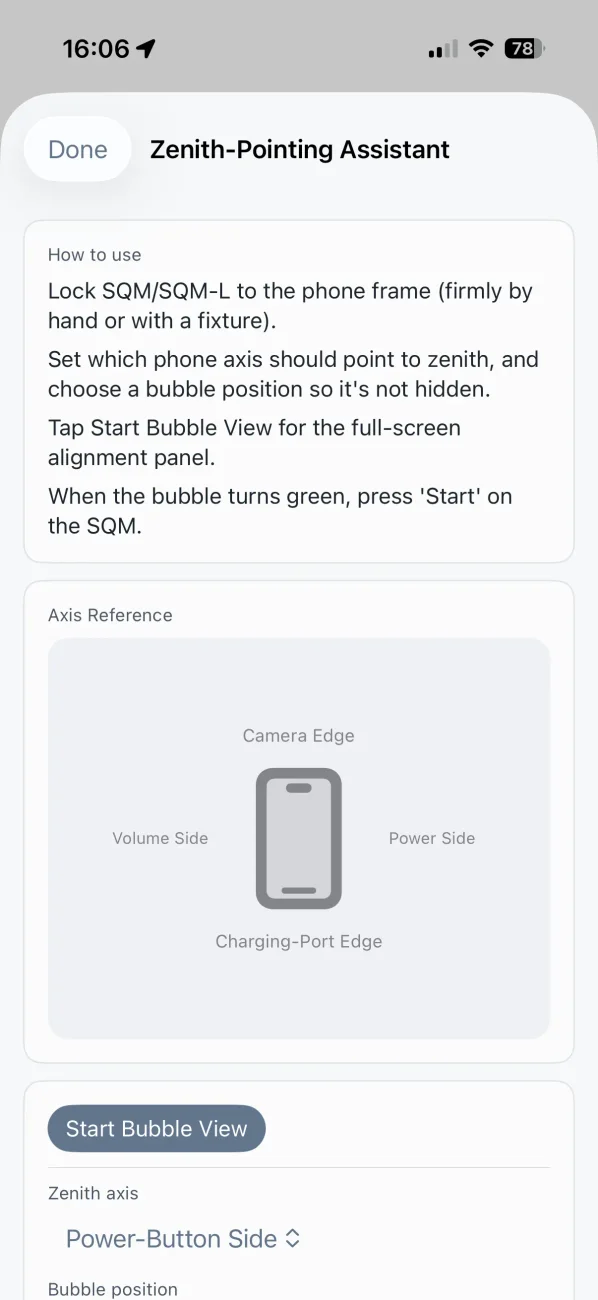
* Bubble level for accurate zenith pointing
* Import measurements exported from Dark Sky Meter Pro
Smart Location Features
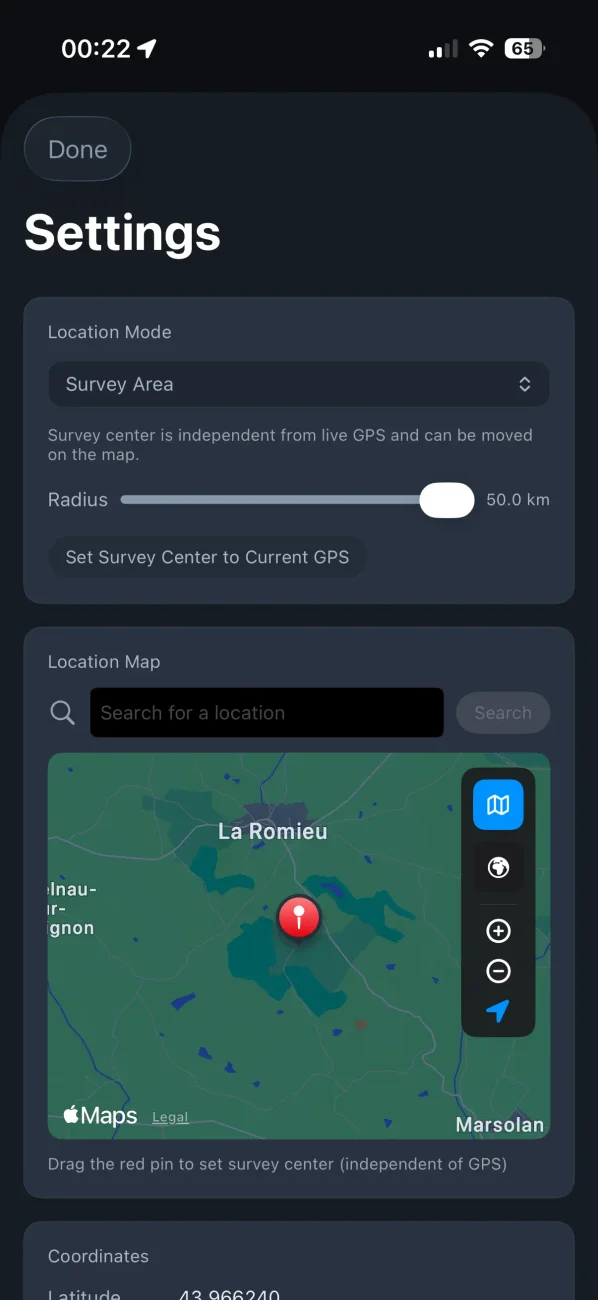
* Automatic GPS coordinate capture
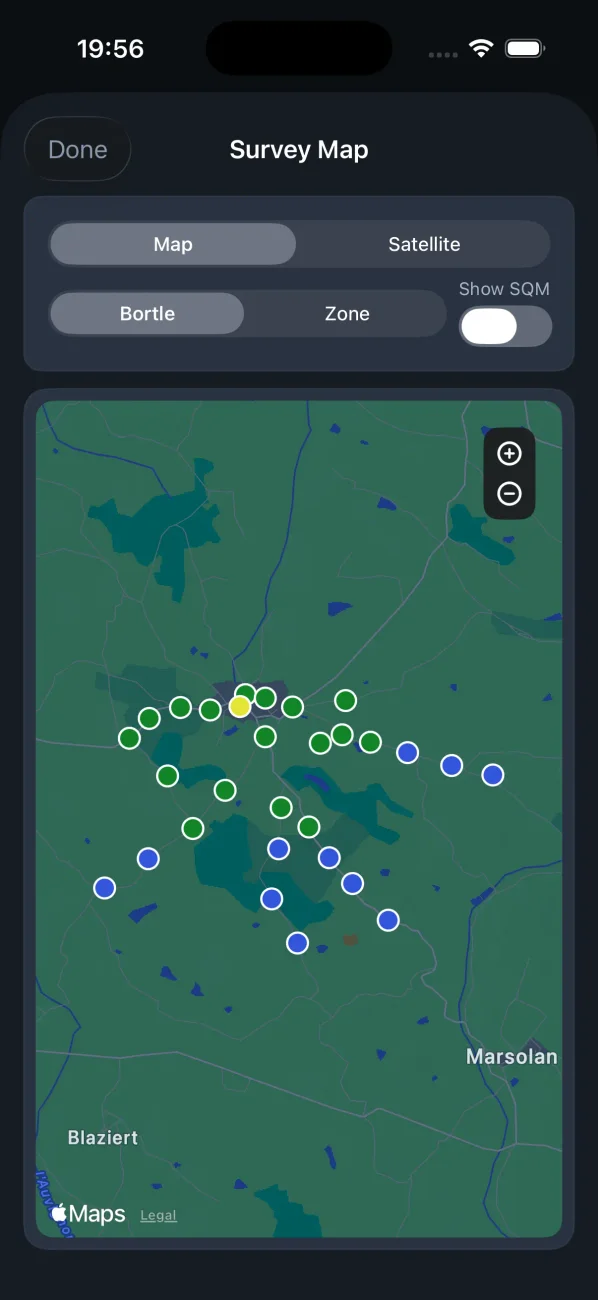
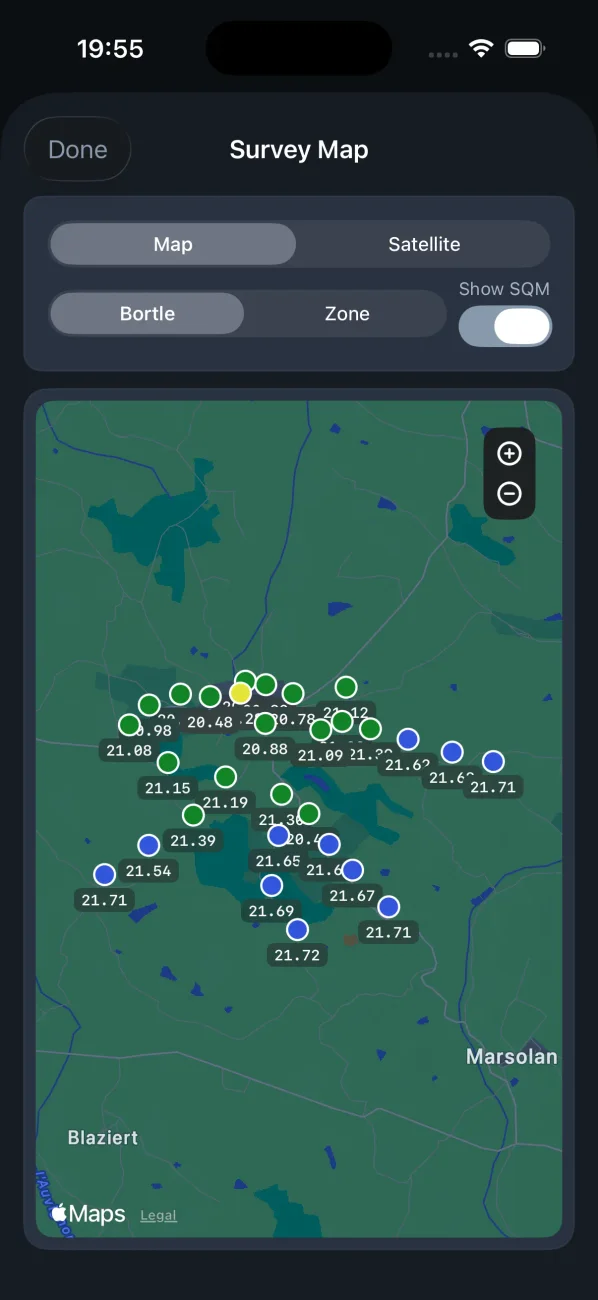
* Manual location override (to define local sky-background conditions during site surveys)
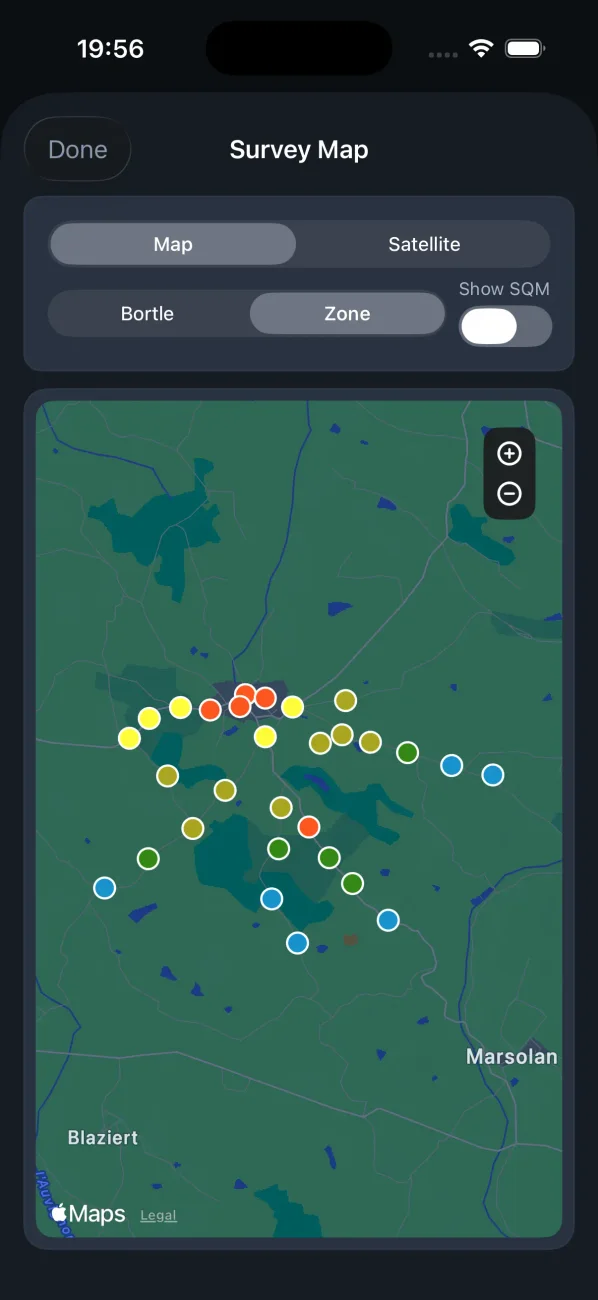
* Perfect for camping trips, dark-sky site surveys and travel observations
Automatic Cloud Sync
* Seamlessly sync measurements to SQM Toolbox on your Mac via iCloud
* Private, secure storage – only you can access your measurements
* Works anywhere with an internet connection – no complex setup required
* Real-time synchronisation across all your Apple devices
Quick Analysis
* Instant Bortle classification for every measurement
* On-device light pollution assessment
* Comparison with natural sky-background brightness
* Simple graphical display including twilight conditions
* Measurement validation and quality indicators
* Clean, intuitive interface designed for field use
Astronomical Context
* Automatic twilight condition detection
* Moon phase information for every measurement
* Sun elevation calculations
Simple and Reliable
* Designed for easy use in the dark
* Large, clear controls for nighttime operation
* No account setup required – simply use your existing iCloud account
Perfect for
* Amateur astronomers and citizen scientists carrying out site surveys
* Researchers monitoring light pollution
* Dark-sky organisations documenting observing conditions
* Anyone using handheld SQM instruments or Dark Sky Meter who wants long-term storage, synchronisation and analysis of their measurements
Requires: iOS 17.0 or later, iCloud account
Works with: Unihedron Sky Quality Meter (SQM, SQM-L), Dark Sky Meter Pro imports, and manual entry from Dark Sky Meter.
Companion to: SQM Toolbox for macOS (available separately)
What’s new
Version 1.3 · Jul 12, 2026
VERSION 1.1
Version 1.1 focused on improving the user interface and experience of using the app:
* introduced many user interface improvements when entering metadata, including:
* more metadata fields;
* metadata are retained between entries, avoiding the need to re-enter them unless necessary;
* timestamps now remain set to the current time unless explicitly overridden using the new **Set Time** toggle.
* added a field for SQM serial number in Settings, which is then synchronised via CloudKit
* significantly improved the workflow when using the zenith alignment guide / bubble level, including:
* added a short-cut button on the main screen to access the bubble-level directly
* improved bubble-level behaviour and presentation
* improved bubble-level calibration instructions
* added consistent cloud descriptions via a drop-down menu to avoid divergence of descriptions
* added a button to retrieve air temperature from Apple Weather (automatically falling back to Open-Meteo if Apple Weather is unavailable, which is currently the case pending an update that is already in development).
* improved robustness of CloudKit upload with better acknowledge/retry functions, and more accessible CloudKit Sync status and **Fix** button.
* added a keyboard **Done** button to prevent the keyboard from blocking further actions while entering metadata.
* added a link to a 3d printed mounting fixture on thingiverse.com
VERSION 1.2
Version 1.2 improved usability and performance:
* fixed WeatherKit air temperature fetch from Apple Weather
* added some warnings if no weather download is available at all
* added bubble-level calibration of the third axis (normal to the screen)
* extended the calibration instructions and added scrolling so it's all visible
* modified the instant feedback on sky quality to adapt to daylight and twilight
* rendered most of the cryptic CloudKit messages into meaningful messages
* made a more robust upload scheme for CloudKit, able to tolerate single failed uploads without blocking the queue.
* fixed the **No GPS** location screen: the **Find** button could not be used because it was hidden behind the **Use** button.
* removed the auto-capitalisation of all the words in Notes
VERSION 1.3
Version 1.3 introduced localisation into German, French, Italian, Dutch and US English. It also adds:
* an export capability, to avoid relying on having a Mac with SQM Toolbox
* ability to import CSV data from Dark Sky Meter Pro and add these to your CloudKit database
App privacy
What GerSpatial declares on the App Store about how this app handles data.
-
Data not collected
The developer does not collect any data from this app.
Privacy practices may vary, for example with the features you use or your age.
Information
- Seller
- GerSpatial
- Category
- Utilities
- Version
- 1.3
- Updated
- Jul 12, 2026
- Released
- Apr 22, 2026
- Size
- 41.6 MB
- Requires
- iOS 17.6 or later
- Age rating
- 4+
- Languages
- English, Dutch, French, German, Italian
- Copyright
- © 2025-2026 GerSpatial
You might also like
-
 AstroPup ViewAstronomical Image Viewer
-
 Astro Tools ProStargazing & Astrophotography
-
 GuideWatchGuiding graphs from NINA
-
 iPro-100Utilities
-
 myCarLog PRO: Car managementManage your cars in one app!
-
 PicoStarA Simple Collimation Tool
-
 APRSKit - Live APRS TrackerLive APRS location sharing
-
 Haptic Watch MetronomeMetronome on Your Watch
-
 AstroVitalsLive N.I.N.A. rig monitor
-
 Dark Sky MeterUtilities