
Squiggle - Draw, Spell & Write
Drawing that grows with kids
Designed for iPhone, iPad
Free · In-app purchases
- Age rating4+
- CategoryGames
- DeveloperRaymond Yeh
- LanguagesEnglish
- Size4.9 MB
Links to the official App Store page
Download.org hosts no file of Squiggle - Draw, Spell & Write. The button opens its official App Store page, published by Raymond Yeh. Listing last checked on Nov 15, 2026.
Screenshots
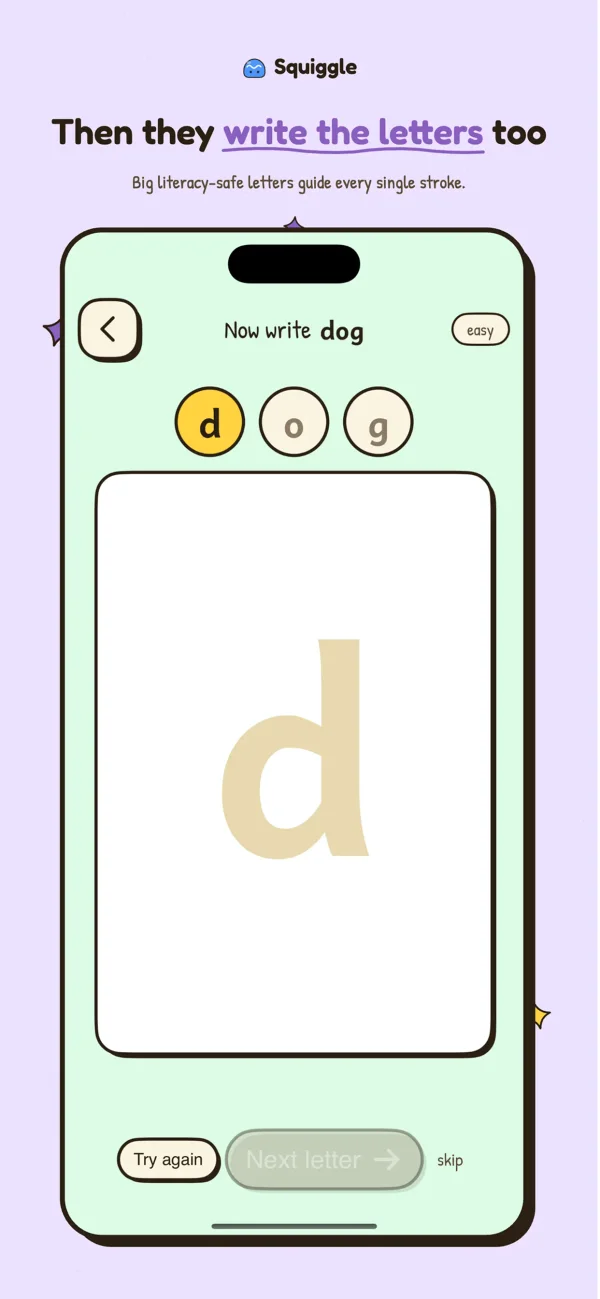
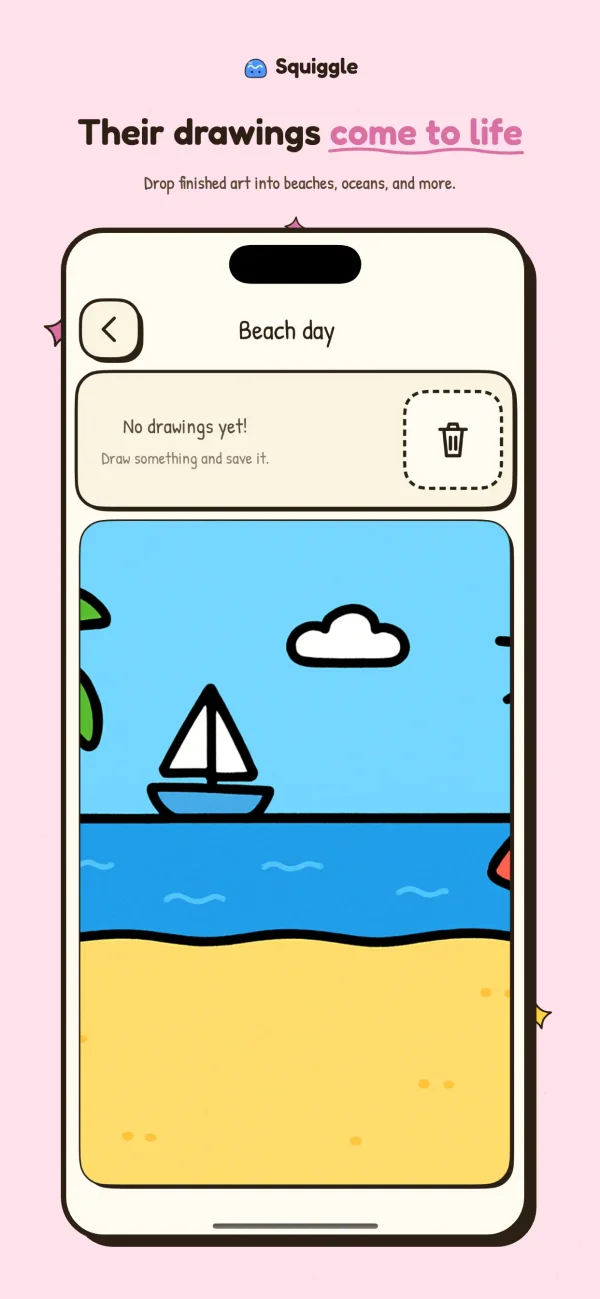
About
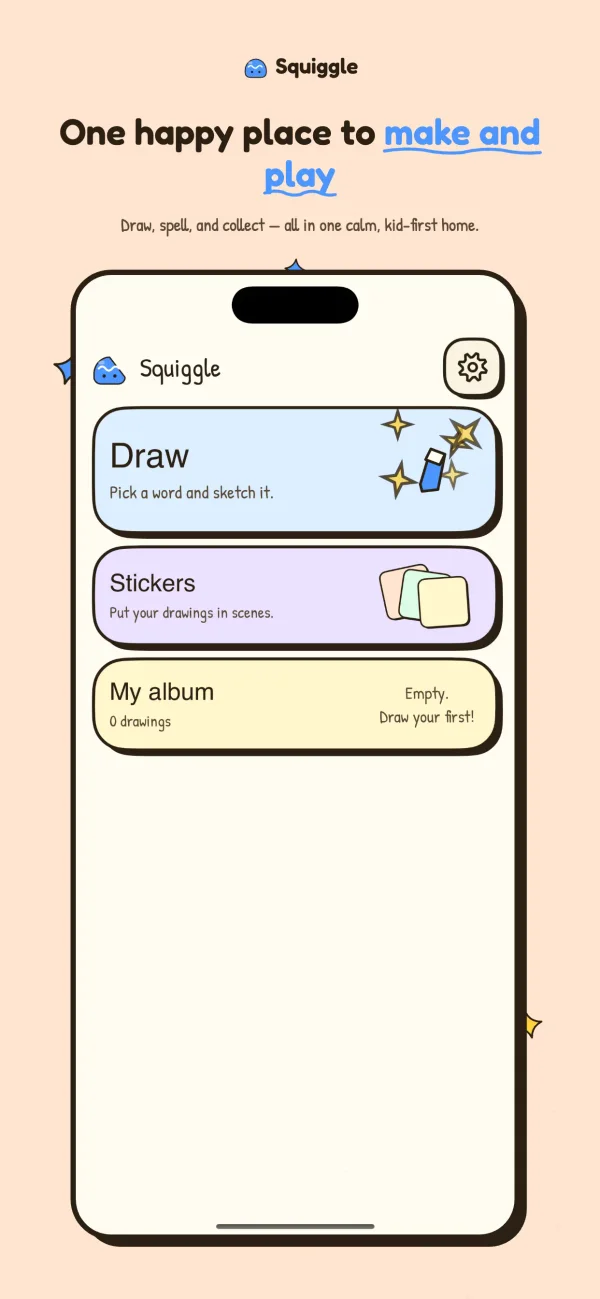
Squiggle is a warm, hand-drawn app for kids ages 3 to 6. Your child picks a word, draws it, spells it letter by letter, then writes it and turns their drawings into little scenes and stories. Calm, child-led play. No timers, no badges, no scores. Just space to focus, at their own pace.
Every screen answers one question. Pick a colour, draw the dog, find the letter. There's nothing to get lost in.
THE LOOP: DRAW → SPELL → WRITE → PLAY
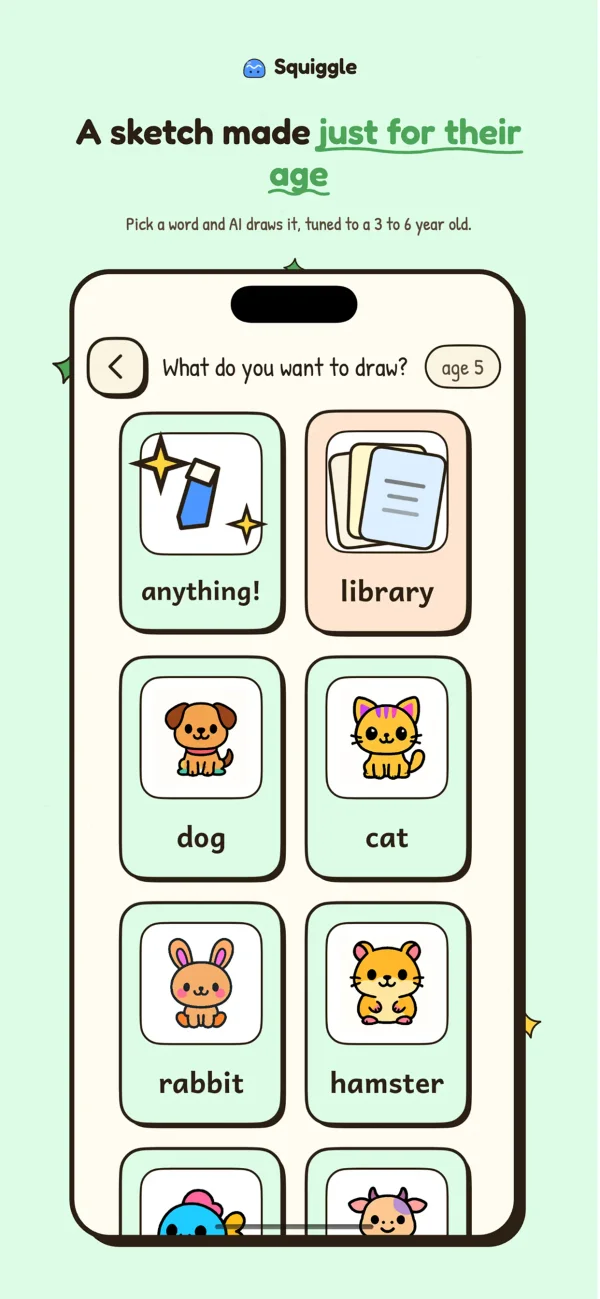
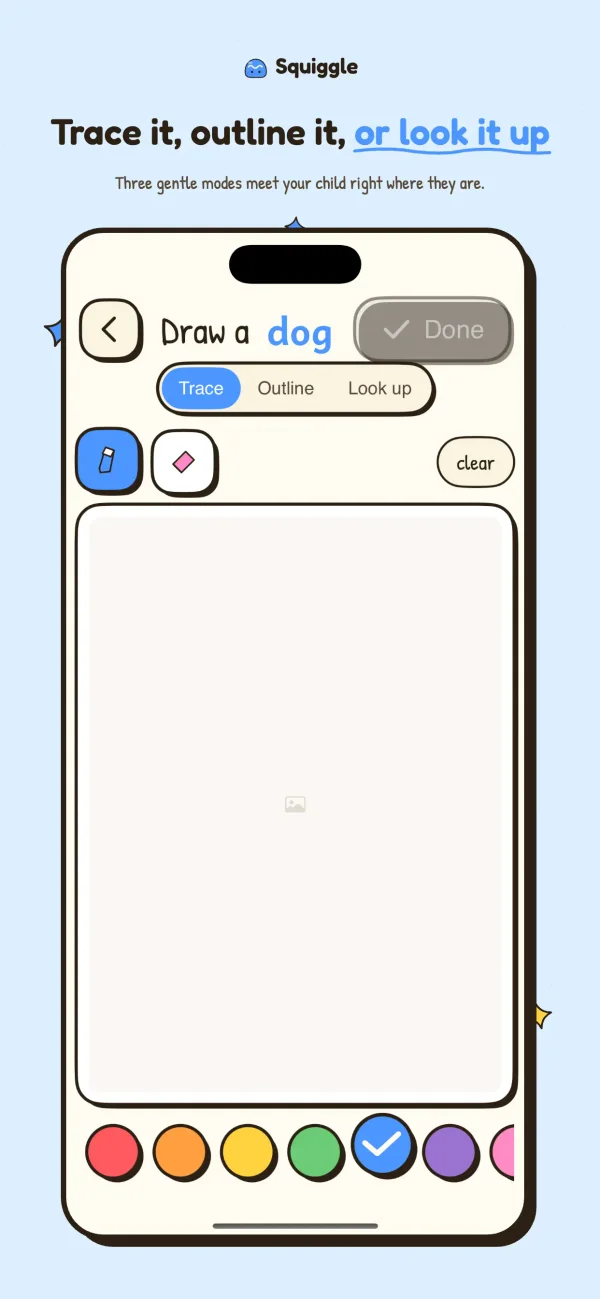
• Draw — Tap a word like "dog" and Squiggle sketches a friendly version, simpler at 3, more detailed at 6. Trace the ghost lines, colour inside the outline, or peek at a pinned reference. Eight crayon colours, one eraser, no menus.
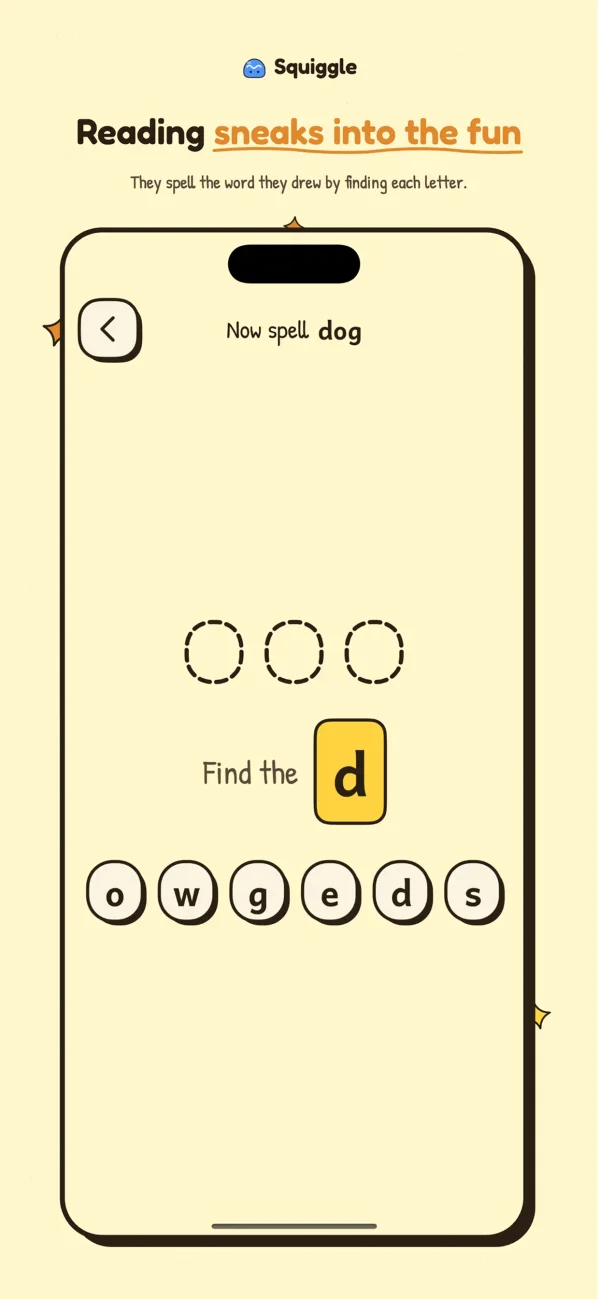
• Spell — The word comes back as blank slots. Squiggle calls out one letter at a time; your child finds it among the tiles and taps to place it. One letter at a time — never overwhelming. A wrong tile gently wobbles. We never flash red.
• Write — Each letter appears huge in literacy-safe Andika, ready to trace. An "easy" mode adds stroke-order dots; tap it off when they're ready. Encouragement at every letter, not just at the end.
• Play — Every finished drawing becomes a sticker. Drag stickers onto a scene — a park, a kitchen, the moon — and build a tiny world that's theirs.
MADE FOR LITTLE HANDS
• Drawings tuned to your child's age — chunkier lines at 3, finer detail at 6.
• Letters use Andika, a typeface designed for pre-readers.
• Fingers are first-class; Apple Pencil is supported and feels great.
• Every tap target is big and forgiving.
• No reading required — every word is paired with a picture.
CALM, PRIVATE, PARENT-FRIENDLY
• No ads. No third-party trackers. No accounts to start drawing.
• We don't collect personal information about your child.
• Built to the U.S. Children's Online Privacy Protection Act (COPPA).
• A long-press opens the parent dashboard: see this week's drawings, set the
age, set a gentle daily time limit, and more.
• Drawing, spelling, writing, and scenes work offline.
Squiggle is the early-literacy app we wanted for our own kids: quiet, kind, and made with patience and crayon.
———
Squiggle Plus is an auto-renewable subscription:
• Weekly — $2.99 / week
• Monthly — $5.99 / month
(Lifetime is a one-time purchase, not a subscription.)
Payment is charged to your Apple Account at confirmation. Subscriptions renew automatically unless turned off at least 24 hours before the end of the period. Manage or cancel any time in your Apple Account settings.
Privacy Policy: https://www.squigglepad.com/privacy
Terms of Use (EULA): https://www.squigglepad.com/terms
What’s new
Version 1.0.1 · Nov 2, 2026
Fixed an issue where resting a hand on the screen while coloring could erase the stroke being drawn.
App privacy
What Raymond Yeh declares on the App Store about how this app handles data.
-
Data not collected
The developer does not collect any data from this app.
Privacy practices may vary, for example with the features you use or your age.
Information
- Seller
- Raymond Yeh
- Category
- Games
- Version
- 1.0.1
- Updated
- Nov 2, 2026
- Released
- Jun 3, 2026
- Size
- 4.9 MB
- Requires
- iOS 17.0 or later
- Age rating
- 4+
- Price
- Free
- In-app purchases
- Yes
- Languages
- English
- Copyright
- © 2026 Raymond Yeh
You might also like
-
 1 Word 4 Pics - Studio EditionGuessing game
-
 ShapeShadowGames
-
 Focuscroll - Word Hunt PuzzleFind Hidden Words in Stories
-
 Jigsaw Kingdom: Block PuzzleRelaxing Wood Shape Puzzles
-
 Tidy Bloom: Picture PuzzleCozy swaps and picture chains
-
 Reverse Canvas: Pixel PuzzleColor, Paint, Restore & Relax
-
 Slide: Tile Puzzle & PhotosPuzzles from Your Own Photos
-
 Relaxing Word Search PuzzleCalm Word Puzzles. Offline.
-
 Mad FrogsLaunch frogs with slingshot
-
 Quiet FindSenior-friendly word search