Squiggle Studio
Kids colouring pages by voice
Designed for iPhone, iPad, iPod touch
Free · In-app purchases
- Age rating4+
- CategoryEducation
- DeveloperNidhi Mehta
- LanguagesEnglish
- Size9.4 MB
Links to the official App Store page
Download.org hosts no file of Squiggle Studio. The button opens its official App Store page, published by Nidhi Mehta. Listing last checked on Nov 20, 2026.
Screenshots

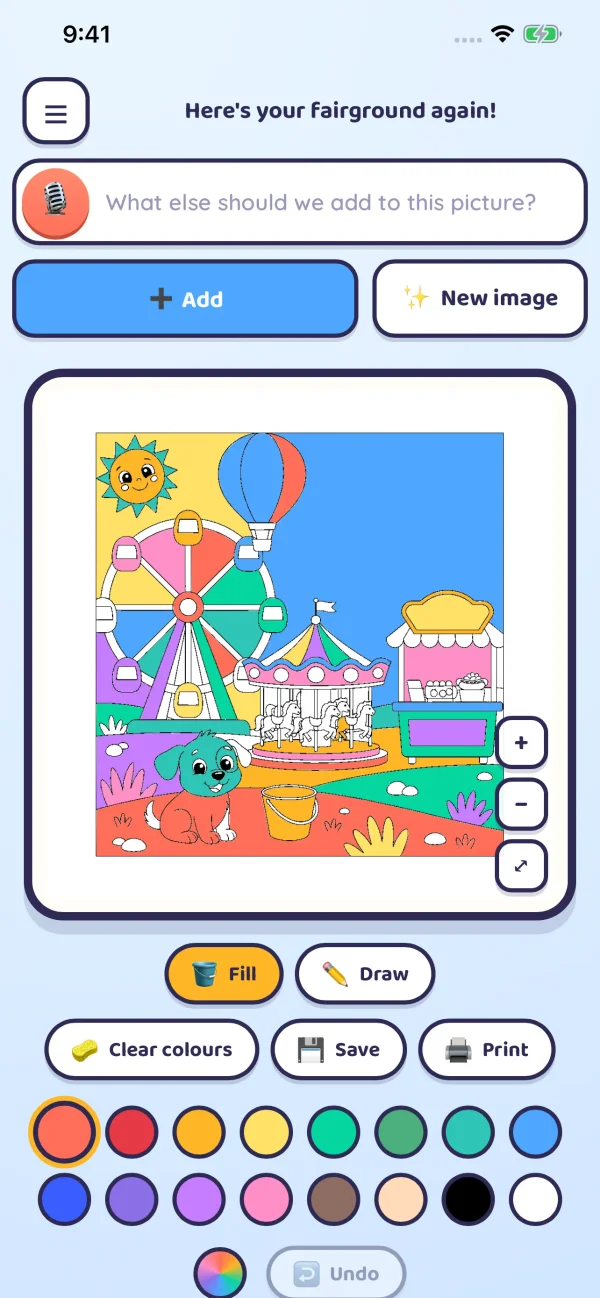
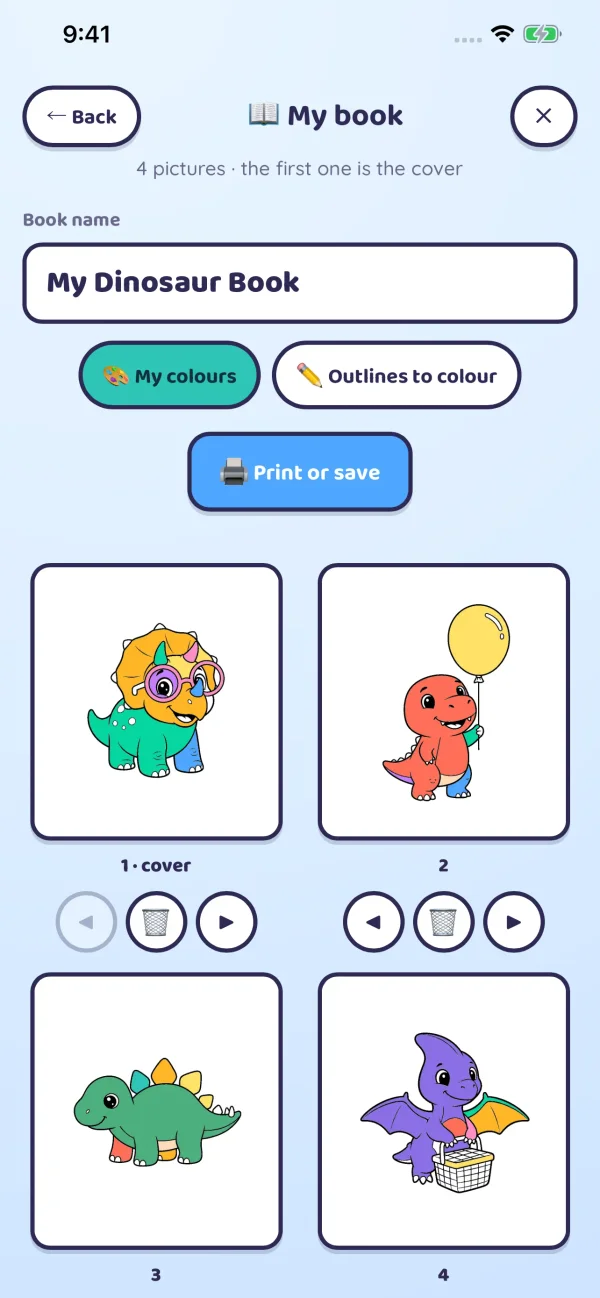
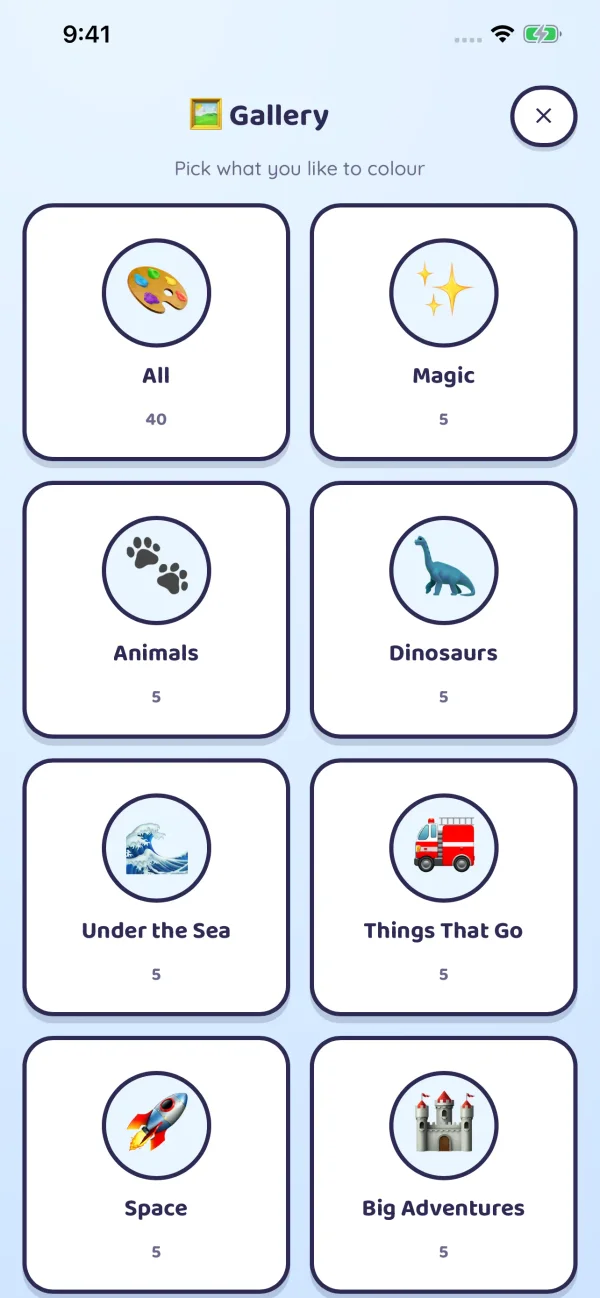
About
Squiggle Studio turns whatever your child can say into a colouring page.
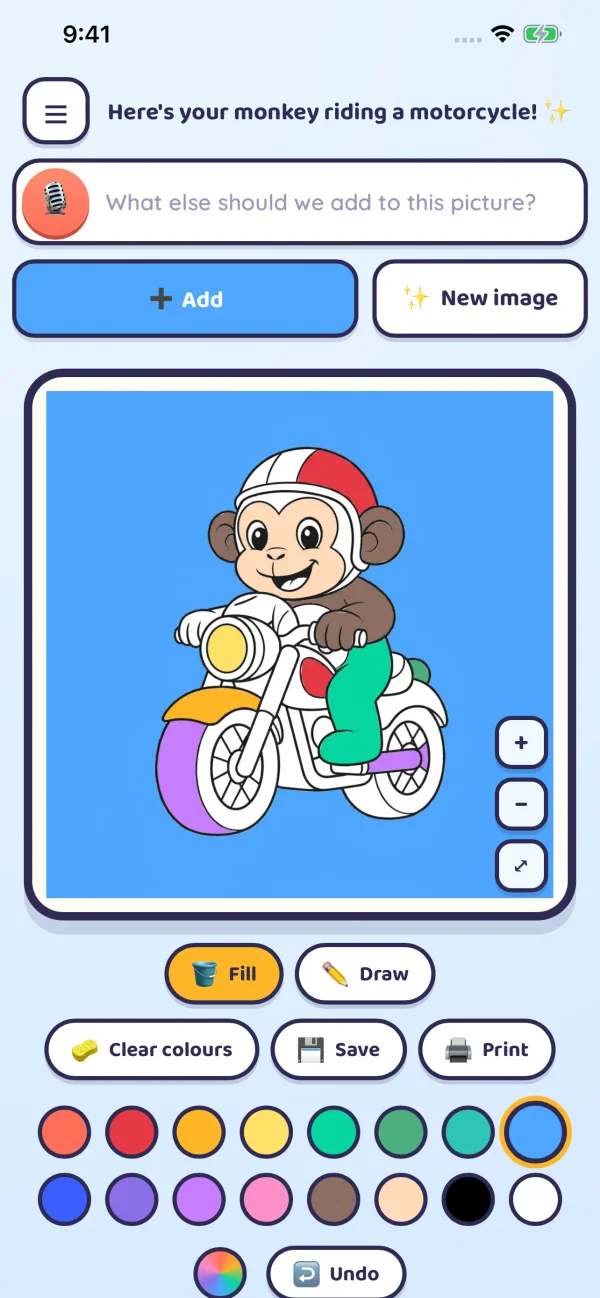
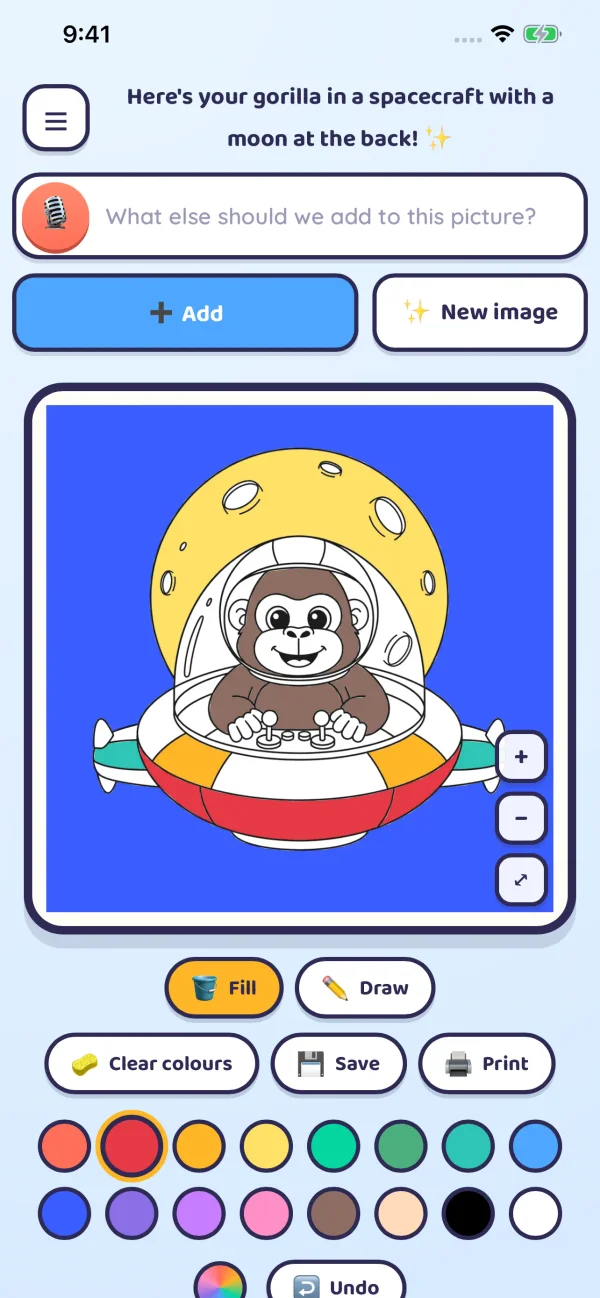
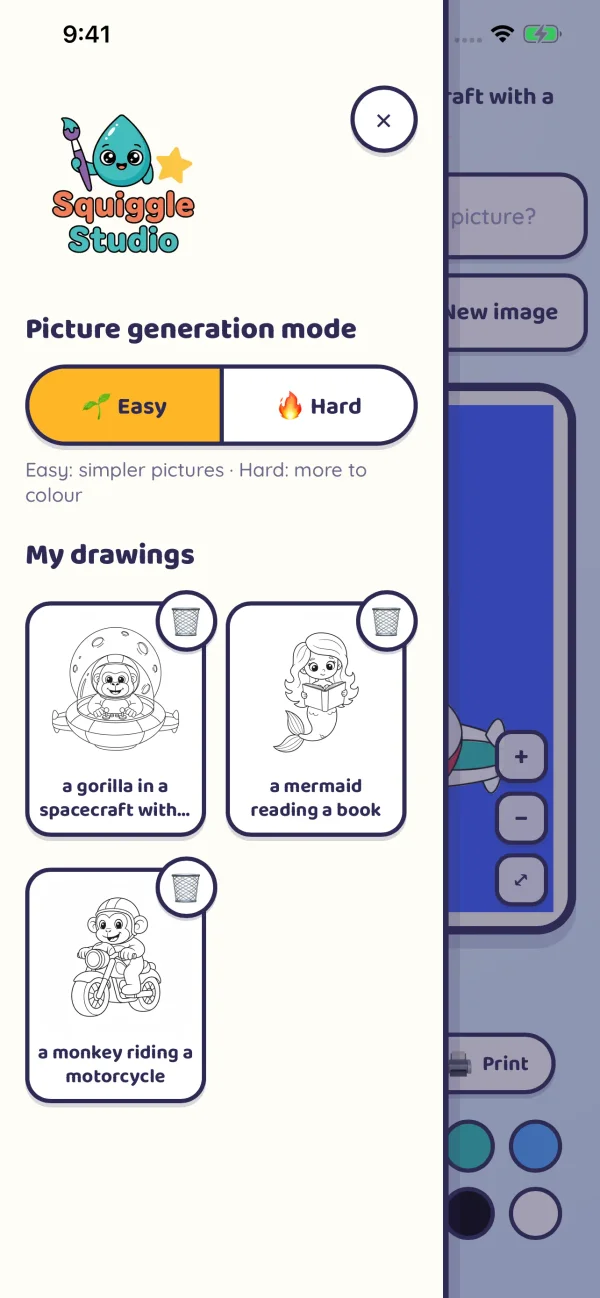
Tap the microphone and say an idea — "a dragon reading a book", "a mermaid astronaut" — and a picture appears, ready to colour. Children who can't read yet can pick from the gallery instead: every idea is a picture, not a word.
Colour it in. Tap any part to fill it. Sixteen colours, plus a colour wheel for everything in between.
Draw on top. Switch to the pencil and add your own lines anywhere.
Change your mind. Undo steps back through everything, one tap at a time.
Keep it. Save finished drawings to your photos, or print them to colour on paper.
Built for families:
• No accounts and no sign-in — nothing to set up
• No ads of any kind
• No analytics or tracking software
• We never ask for your child's name, age, photo or location
• Drawings stay on your device
The only thing that leaves the device is the short text of what to draw, which goes to Google's AI so it can draw it. Our full privacy policy is in the app.
SQUIGGLE STUDIO PRO — OPTIONAL SUBSCRIPTION
Squiggle Studio is free to use. An optional subscription raises how many new drawings can be made each month.
• Title: Squiggle Studio Pro
• Length: 1 month, renewing automatically
• Price: $2.99 per month (USD; equivalent local price set by Apple)
• What it changes: 60 new drawings each month instead of 5. Nothing else is locked behind it — every tool works the same either way, and the 16 gallery pictures are always free.
Payment is charged to your Apple Account at confirmation of purchase. The subscription renews automatically unless cancelled at least 24 hours before the end of the current period, and your account is charged for renewal within 24 hours before the period ends. Manage or cancel it in your Apple Account settings after purchase.
Terms of Use (EULA): https://www.apple.com/legal/internet-services/itunes/dev/stdeula/
Full terms: https://squigglestudio.app/terms
Privacy Policy: https://squigglestudio.app/privacy
What’s new
Version 1.3 · Oct 4, 2026
Share what your child made!
A new Share button sends the finished picture to anyone you like — Grandma, a friend, the family group chat — straight from Messages, Mail or anywhere else on your phone. A grown-up is asked a question first, so nothing leaves the app by accident.
Also in this update:
• Kinder answers. If your child asks for a character from a film or a show, Squiggle Studio now says so gently and suggests one of their own to draw instead — a happy mouse with big round ears, say — rather than showing an error.
App privacy
What Nidhi Mehta declares on the App Store about how this app handles data.
-
Data not linked to you
May be collected but is not linked to your identity.
- Diagnostics
Privacy practices may vary, for example with the features you use or your age.
Information
- Seller
- Nidhi Mehta
- Category
- Education
- Version
- 1.3
- Updated
- Oct 4, 2026
- Released
- Sep 12, 2026
- Size
- 9.4 MB
- Requires
- iOS 15.0 or later
- Age rating
- 4+
- Price
- Free
- In-app purchases
- Yes
- Languages
- English
- Copyright
- © 2026 Nidhi Lokesh Mehta
You might also like
-
 Gita ChanterDaily Gita Study & Chanting
-
 SayDraw: Kids ColoringVoice-to-drawing for toddlers
-
 Lakeview Montessori SchoolMontessoriMobileApps.com
-
 AI Friend for Kids: DoodlooChat, Stories, Drawing & Learn
-
 AI ColoringImagine, choose, and color!
-
 Shoonya Kids: Learn LanguagesBilingual Phonics, Math & ABCs
-
 MatataCode(VinciBot)for vincibot
-
 Alameda County LibraryReference
-
 Passport Photo - IDPhoto4YouEasy Passport Photo Maker