
SSH Client – Terminal & SFTP
Remote Linux Server Access
Designed for iPhone, iPad
Free · In-app purchases
- Age rating4+
- CategoryDeveloper Tools
- DeveloperHANSIFY TECHNOLOGIES
- LanguagesEnglish
- Size62.4 MB
Links to the official App Store page
Download.org hosts no file of SSH Client – Terminal & SFTP. The button opens its official App Store page, published by HANSIFY TECHNOLOGIES. Listing last checked on Nov 16, 2026.
Screenshots

About
SSH into Linux servers from iPhone or iPad. Connect with a password or SSH key, browse files over SFTP, and keep hosts in sync with iCloud.
SSH Client – Terminal & SFTP is built for developers, sysadmins, and anyone who needs reliable remote access on the go.
CONNECT IN SECONDS
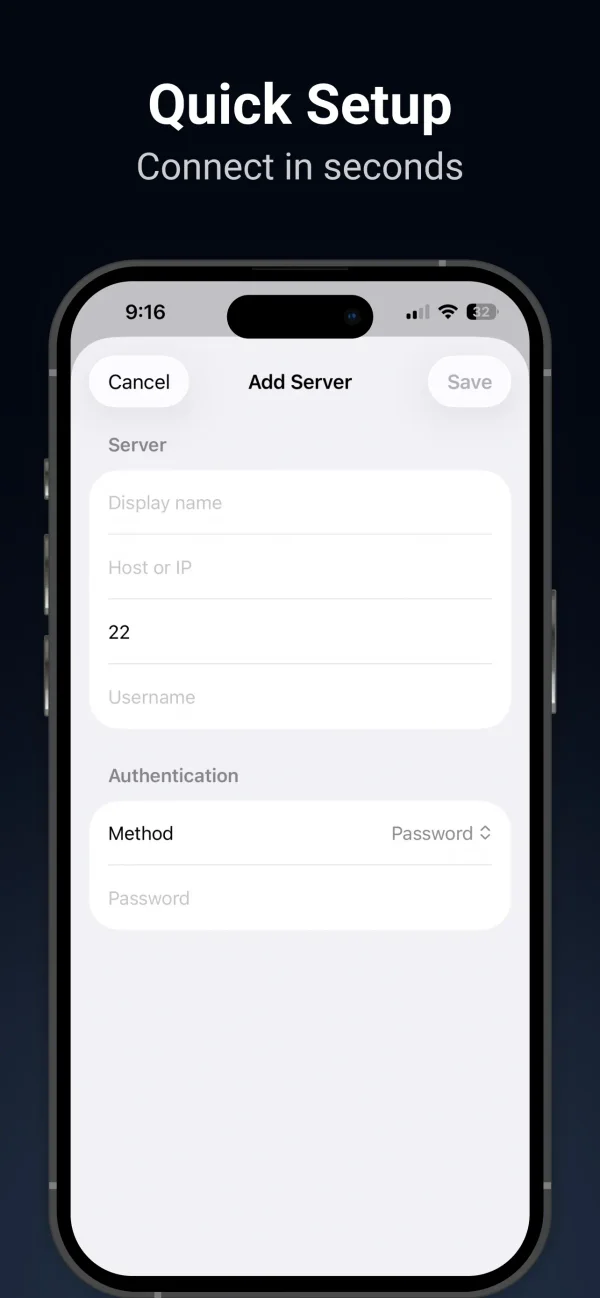
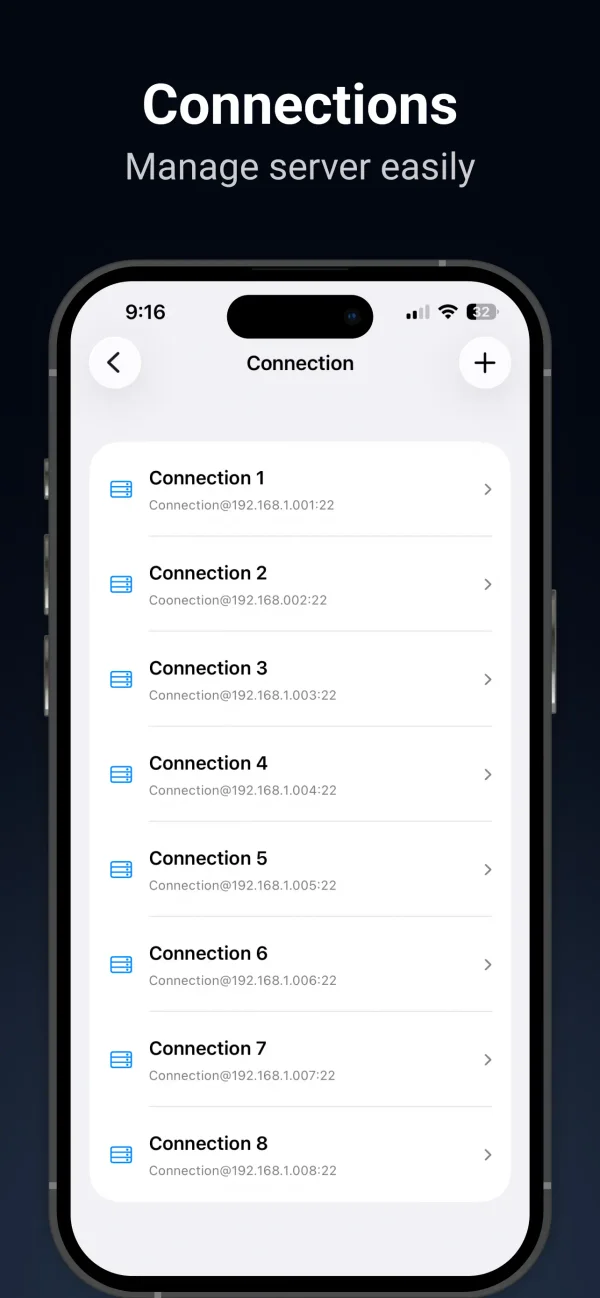
• Save hosts with an alias, hostname, port, and username
• Sign in with a password or SSH key
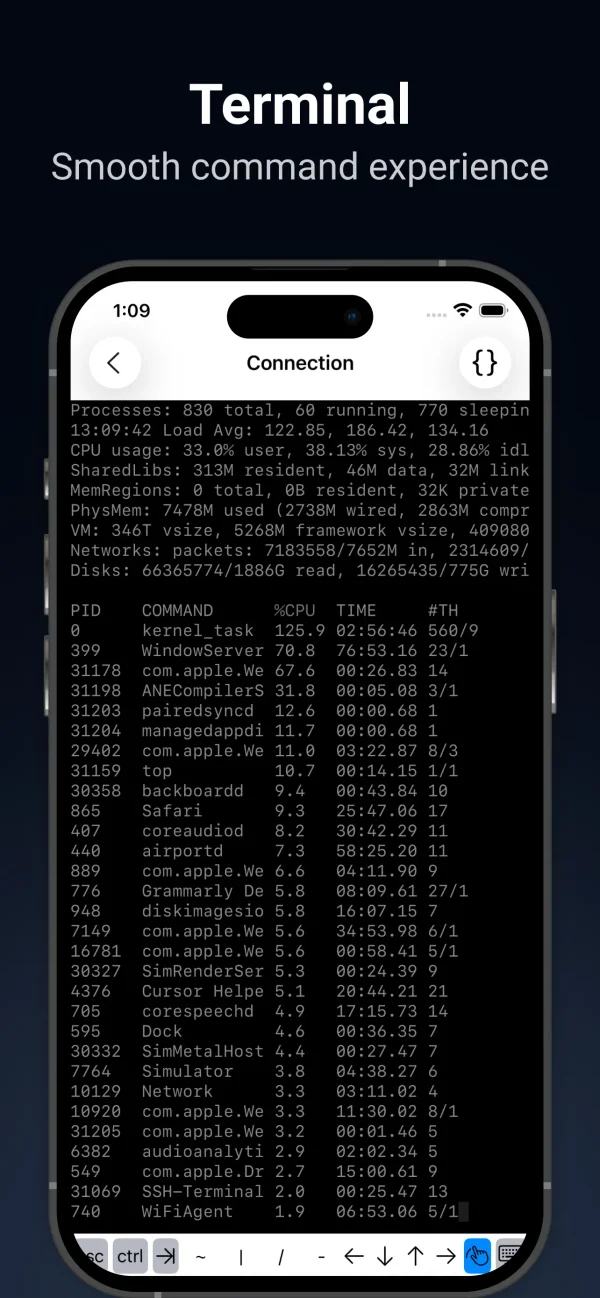
• Open a full SSH terminal session from your saved connections
• Choose a colour theme (Midnight, Light, Matrix, Solarised) and font size
SFTP FILE TRANSFER
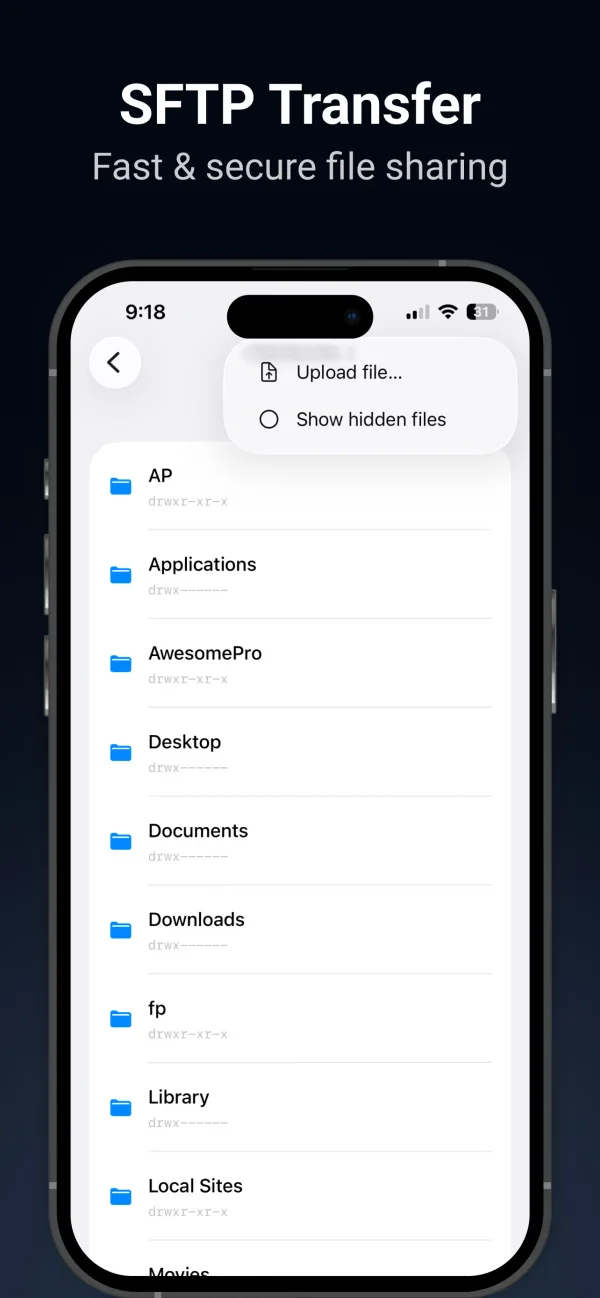
• Browse remote directories
• Download files to your device
• Upload from the Files app
• Show or hide hidden files
KEYS AND SECURITY
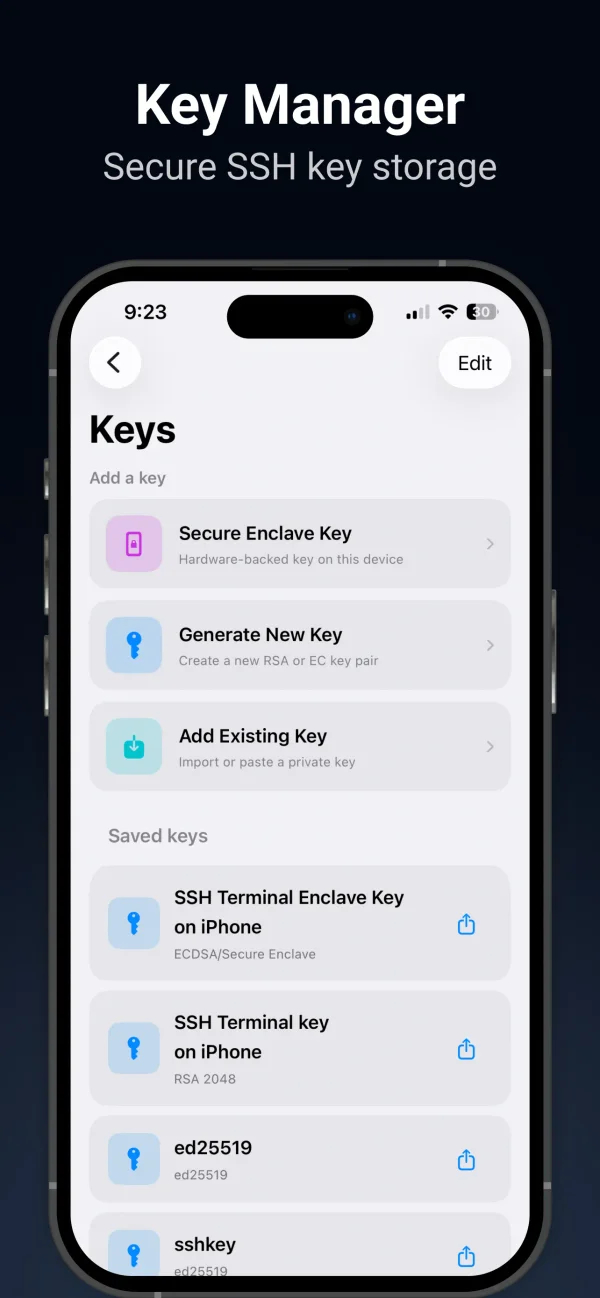
• Generate ed25519, RSA, or ECDSA keys
• Create Secure Enclave keys on device
• Import existing private keys
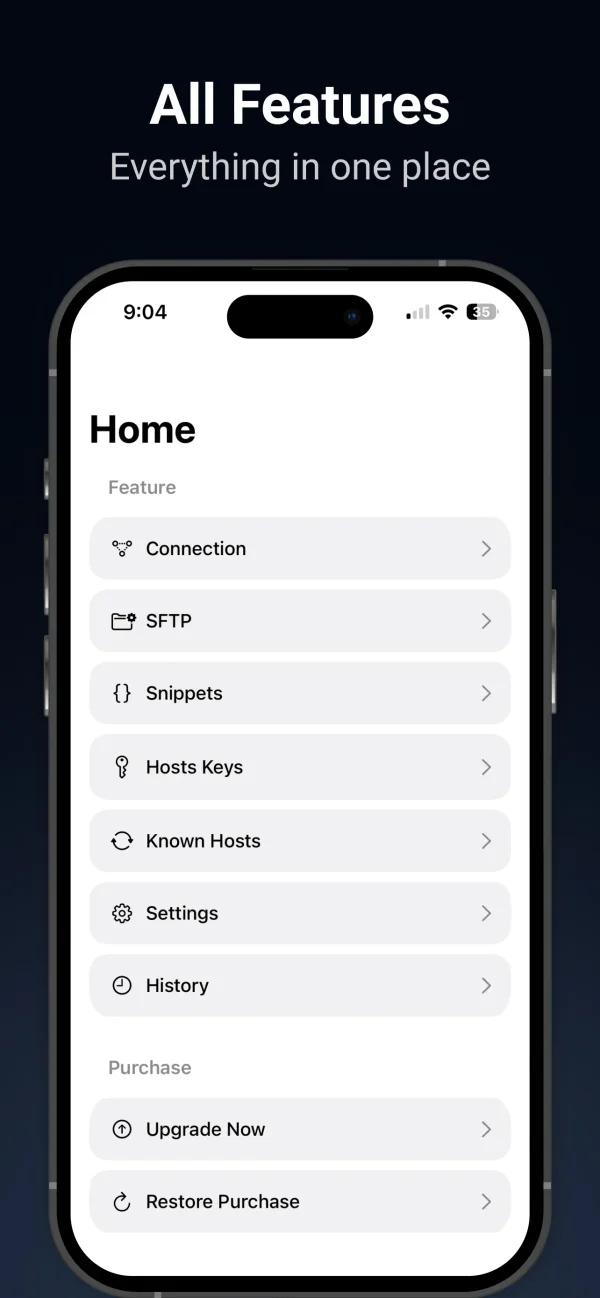
• Manage known hosts
• Store passwords in the Keychain
FASTER WORKFLOWS
• Save and reuse command snippets
• Keep connection history
• Sync hosts and data with iCloud across your Apple devices
WHO IT’S FOR
• Linux, Ubuntu, and Unix servers
• VPS and cloud hosts
• Raspberry Pi and home labs
• Day-to-day remote admin from iPhone or iPad
Try it with one saved host. Upgrade to Pro when you need more servers.
Pro is available as weekly, monthly, or yearly auto-renewing subscriptions, or as a one-time Lifetime purchase. Prices are shown in the app and on the App Store and may vary by region. Payment is charged to your Apple ID account. Subscriptions renew automatically unless canceled at least 24 hours before the end of the current period. Manage or cancel anytime in Settings > Apple ID > Subscriptions. Deleting the app does not cancel a subscription.
Privacy Policy: https://www.freeprivacypolicy.com/live/de501fa3-782a-48dd-b33f-83d8bc220c5c
Terms of Use: https://www.privacypolicies.com/live/ec0062f6-bde6-4a8d-b665-9df7cf6f5d6e
Support: help.app007@gmail.com
Feel free to reach out with feedback or feature requests—we’re always improving the app.
What’s new
Version 2.3.1 · Sep 20, 2026
Fixes and improvements:-
- UI Enhancements: We revamped the interface for a more intuitive and visually appealing experience.
- Bug Fixes: Resolved multiple issues to improve reliability and connectivity.
App privacy
What HANSIFY TECHNOLOGIES declares on the App Store about how this app handles data.
-
Data not collected
The developer does not collect any data from this app.
Privacy practices may vary, for example with the features you use or your age.
Information
- Seller
- HANSIFY TECHNOLOGIES
- Category
- Developer Tools
- Version
- 2.3.1
- Updated
- Sep 20, 2026
- Released
- May 13, 2026
- Size
- 62.4 MB
- Requires
- iOS 17.0 or later
- Age rating
- 4+
- Price
- Free
- In-app purchases
- Yes
- Languages
- English
- Copyright
- © Hansify Technologies
You might also like
-
 DraftCode: Code & Text EditorMarkdown, JSON, Python & SSH
-
 DraftCode for PHP IDEWordPress Dev, Offline Coding
-
 OpsCat - Server Monitor & SSHDocker、SFTP、Linux and more
-
 GitHubba: GitHub Repo FinderSwipe Open Source & AI Repos
-
 HTTPS Capture Traffic DecryptWeb API Debug & Packet Sniffer
-
 CFPanelMobile Console for Cloudflare
-
 Termini - SSH ClientRemote Terminal Server Manage
-
 electermelecterm for iOS
-
 FlareKit for CloudflareSite Analytics & Monitoring
-
 Monito - Server Monitor & SSHNezha, Komari & NodeGet Client