
- Age rating4+
- CategoryUtilities
- DeveloperInflux Technologies Limited
- LanguagesEnglish
- Size71.2 MB
Links to the official App Store page
Download.org hosts no file of SSP Key. The button opens its official App Store page, published by Influx Technologies Limited. Listing last checked on Nov 17, 2026.
Screenshots


About
SSP Key – Secure. Simple. Powerful.
Your 2FA for SSP Wallet: the second key in true 2-of-2 multisignature self-custody.
SSP Key turns your phone into the second factor of a genuine two-of-two multisig wallet. The SSP Wallet browser extension holds one private key, and SSP Key holds the other. Every transaction must be signed by both devices — so a stolen laptop, a phished password, or a compromised browser is never enough to move your funds. There is no single seed phrase that can be stolen from one device.
HOW IT WORKS
- A transaction is created and signed in SSP Wallet on your computer.
- The request instantly appears on your phone in SSP Key.
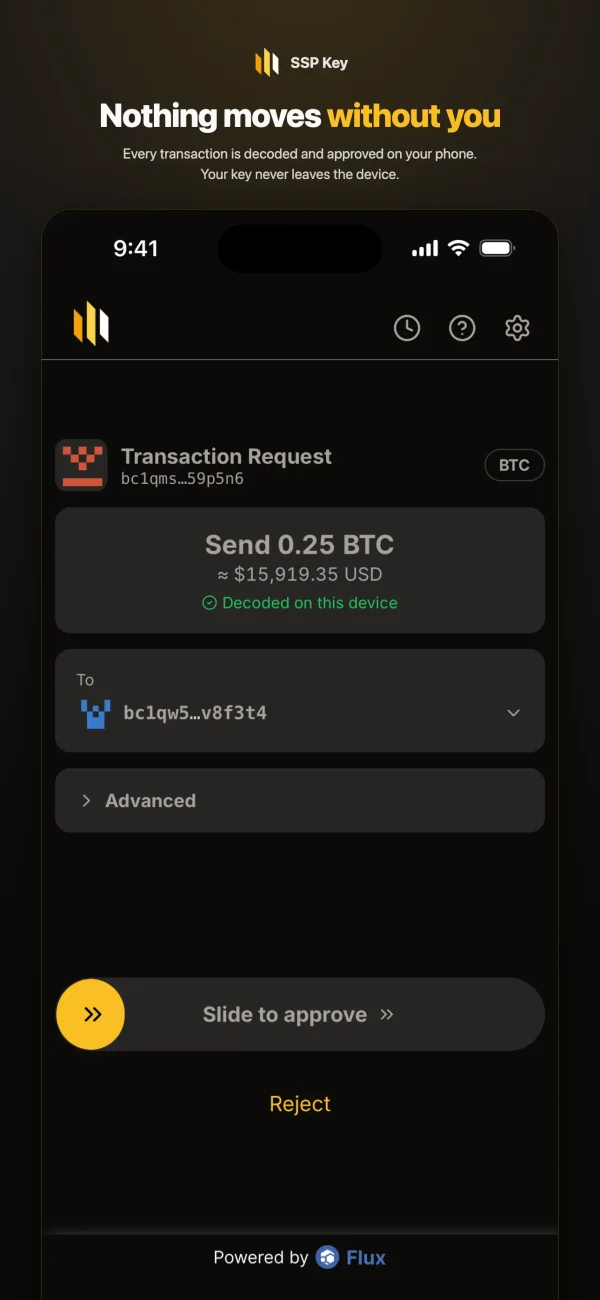
- You review the details and approve — SSP Key adds the second signature.
- Keys are generated on your devices and never leave them. No seed, private key, or extended private key is ever shared between devices.
APPROVE WITH CONFIDENCE
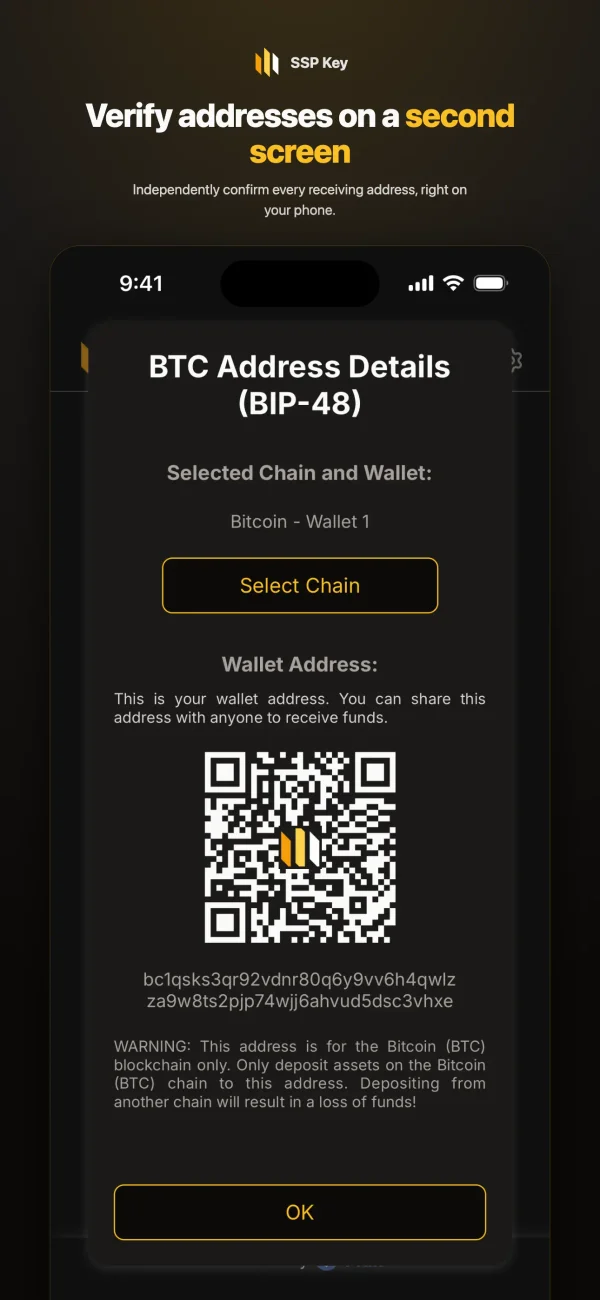
See exactly what you are signing before you sign it: recipient, amount, fee, and chain, with decoded contract calls for dApp interactions. Approvals are protected by Face ID, Touch ID, or your PIN.
OPEN SOURCE AND AUDITED
The entire codebase is public — anyone can review, audit, and contribute. SSP Wallet, SSP Key, and the SSP smart contracts have been independently audited by Halborn. SSP Key also integrates LavaMoat runtime protection to defend against supply-chain attacks.
MULTI-CHAIN, ONE KEY
One SSP Key secures all your chains: Bitcoin (BTC, Native SegWit), Ethereum (ETH), and major EVM networks — Polygon (POL), Base (ETH), BNB Smart Chain (BNB), Avalanche C-Chain (AVAX) — plus Solana (SOL) and Litecoin (LTC), Bitcoin Cash (BCH), Dogecoin (DOGE), Zcash (ZEC), Ravencoin (RVN), and Flux (FLUX), with custom token support on EVM and Solana chains. On Ethereum and EVM chains, SSP is the first wallet with true Schnorr multi-signature Account Abstraction (ERC-4337).
WEB3 READY
Connect SSP Wallet to thousands of dApps through WalletConnect v2 (Reown). Every dApp transaction and signature still requires approval on your SSP Key — multi-signature security for all of Web3.
WORKS OFFLINE TOO
Sign transactions entirely offline using QR-code synchronization between your devices — self-custody that works even in restricted or air-gapped environments.
GETTING STARTED
1. Install SSP Wallet in your browser (Chrome or Firefox).
2. Install SSP Key (this app) on your phone.
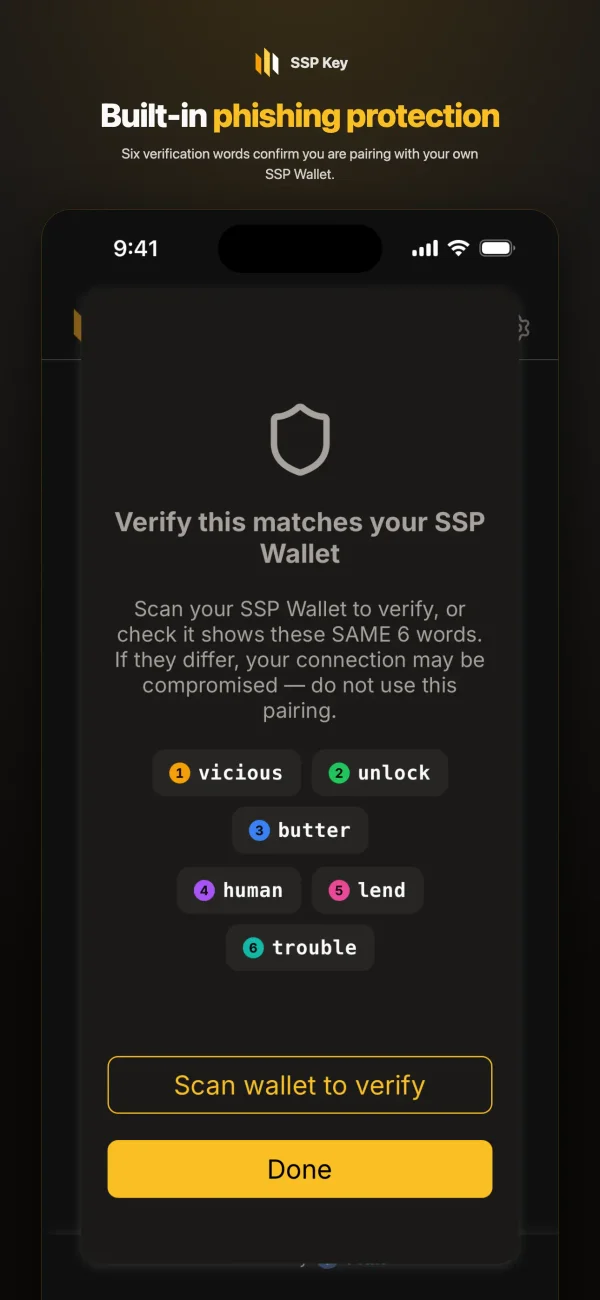
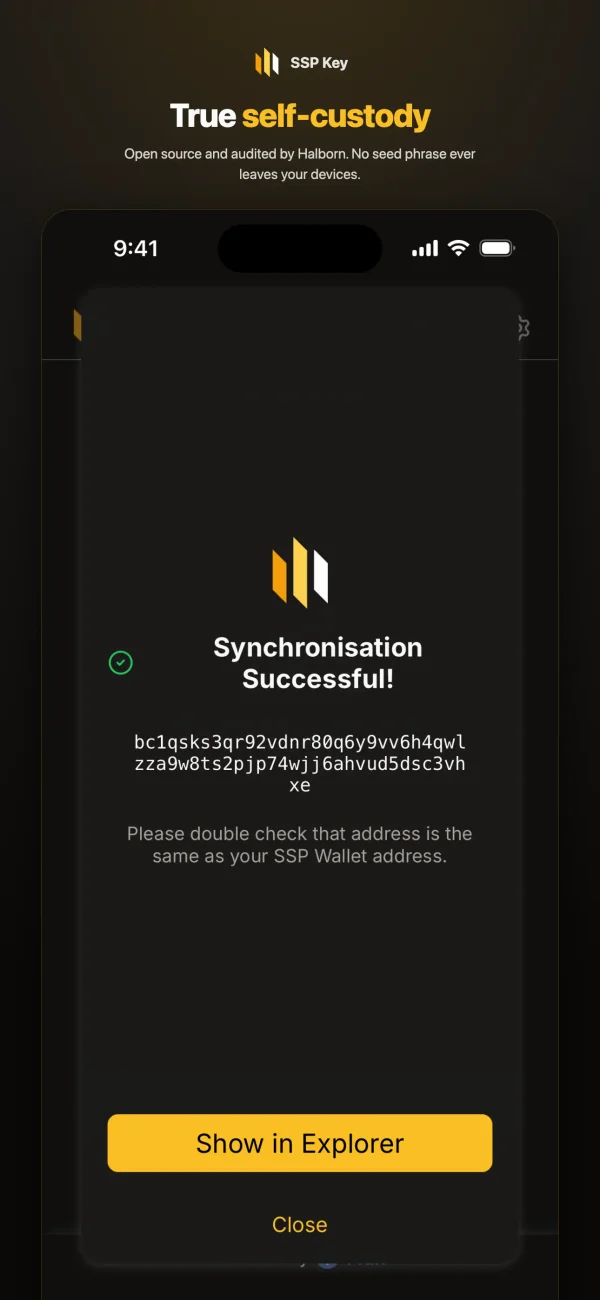
3. Scan the sync QR code — your 2-of-2 wallet is ready in minutes.
4. Approve transactions with a single slide, secured by biometrics.
Guides and documentation: docs.sspwallet.io
SSP Key is built for people who value security, transparency, and real self-custody — whether you are new to crypto or protecting serious holdings.
What’s new
Version v2.2.3 · Nov 11, 2026
Zcash sends work again - support for NU7 network upgrade
A clear explanation when public nonces are out of sync
Performance improvements
App privacy
What Influx Technologies Limited declares on the App Store about how this app handles data.
-
Data not collected
The developer does not collect any data from this app.
Privacy practices may vary, for example with the features you use or your age.
Information
- Seller
- Influx Technologies Limited
- Category
- Utilities
- Version
- v2.2.3
- Updated
- Nov 11, 2026
- Released
- Jan 24, 2024
- Size
- 71.2 MB
- Requires
- iOS 15.1 or later
- Age rating
- 4+
- Price
- Free
- Languages
- English
- Copyright
- © 2025 InFlux Technologies LLC
You might also like
-
 Guardian KeyperSeed phrase backup
-
 Mofa WalletMove Fast and Safely
-
 Lucid: AI Fact CheckerCheck Posts, Shops & Videos
-
 GearTracker - Manage your PPEUtilities
-
 MyPowerYour home energy, made clear
-
 Proxy SwitchboardRoute traffic to your servers
-
 H9.COMUtilities
-
 Cleaner One: Photo CleanupDuplicate Finder & Optimizer
-
 Markov AlgorithmLearn, solve and experiment
-
 Concordium IDYour Secure Identity for Web3