Stacked: Gaming Tracker
Track gaming wins & losses
Designed for iPhone, iPad
Free · In-app purchases
- Age rating4+
- CategoryCasino
- DeveloperMichael Gantt
- LanguagesEnglish
- Size18.7 MB
Links to the official App Store page
Download.org hosts no file of Stacked: Gaming Tracker. The button opens its official App Store page, published by Michael Gantt. Listing last checked on Nov 15, 2026.
Screenshots
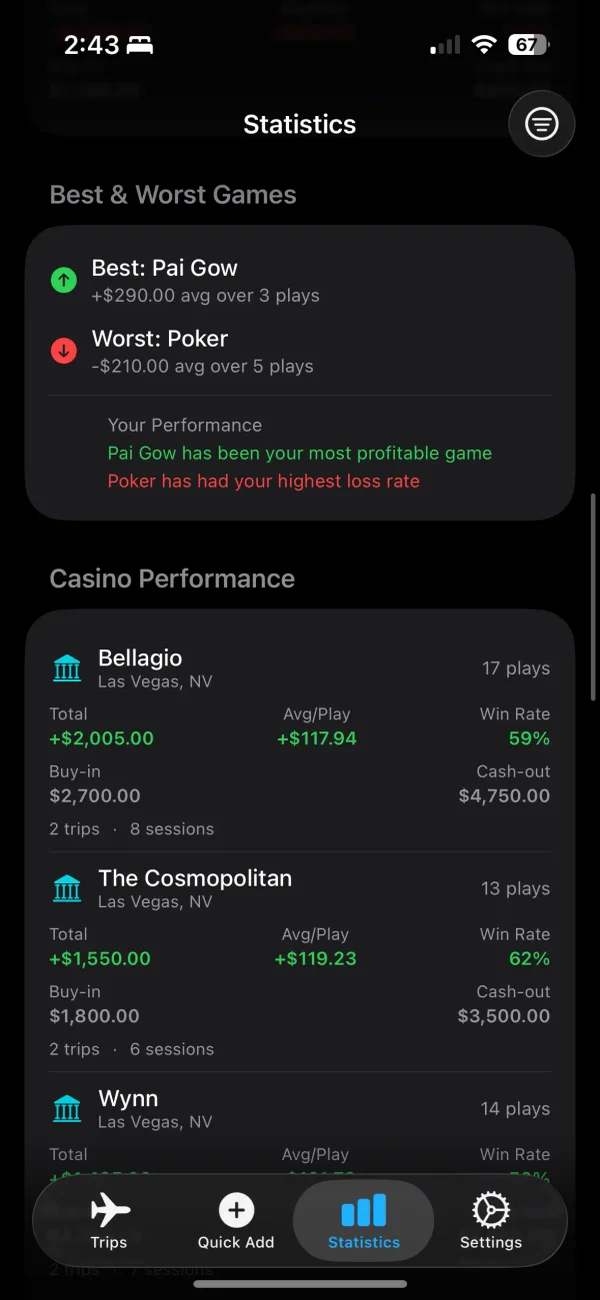
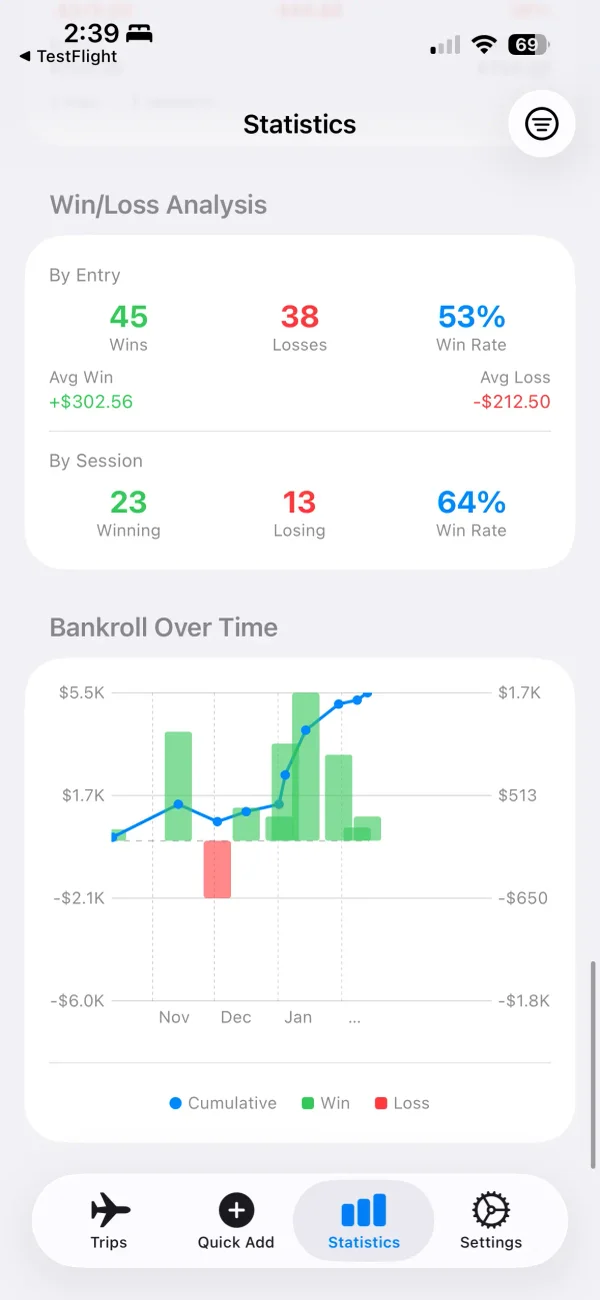
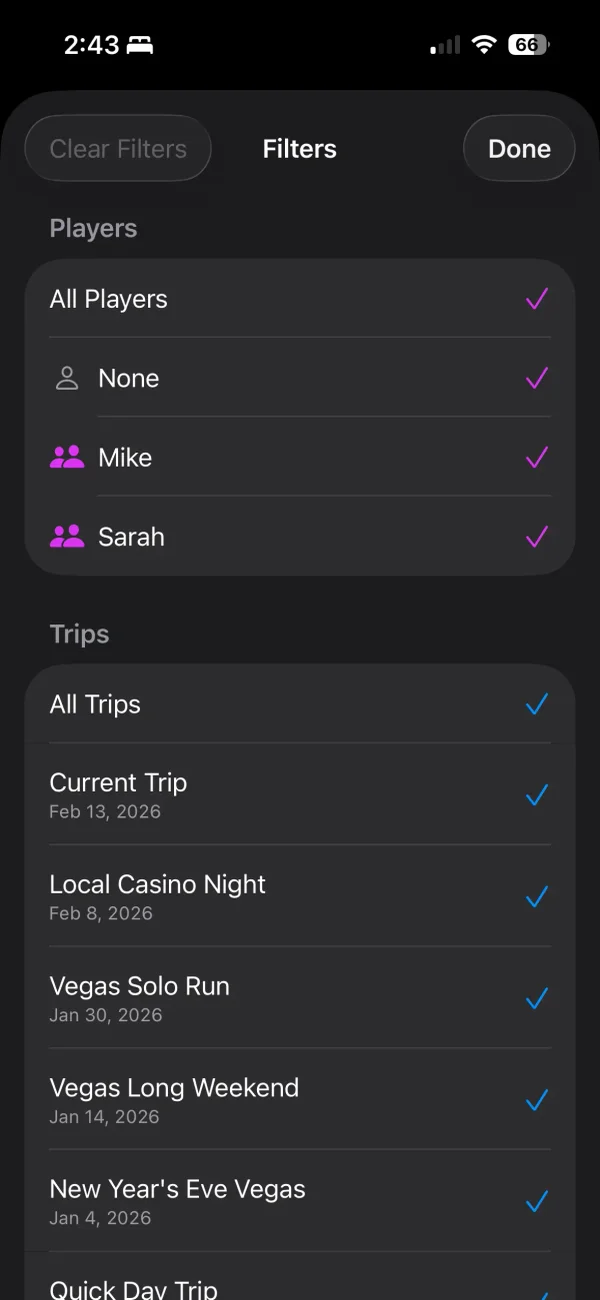
About
Stacked: Gaming Tracker helps you track wins, losses, and scores across casino trips, gaming sessions, and more — so you always know where you stand.
Whether you’re visiting a casino for the weekend or keeping score during game night, Stacked gives you a clear, organized view of your results.
Casino Trip Tracking
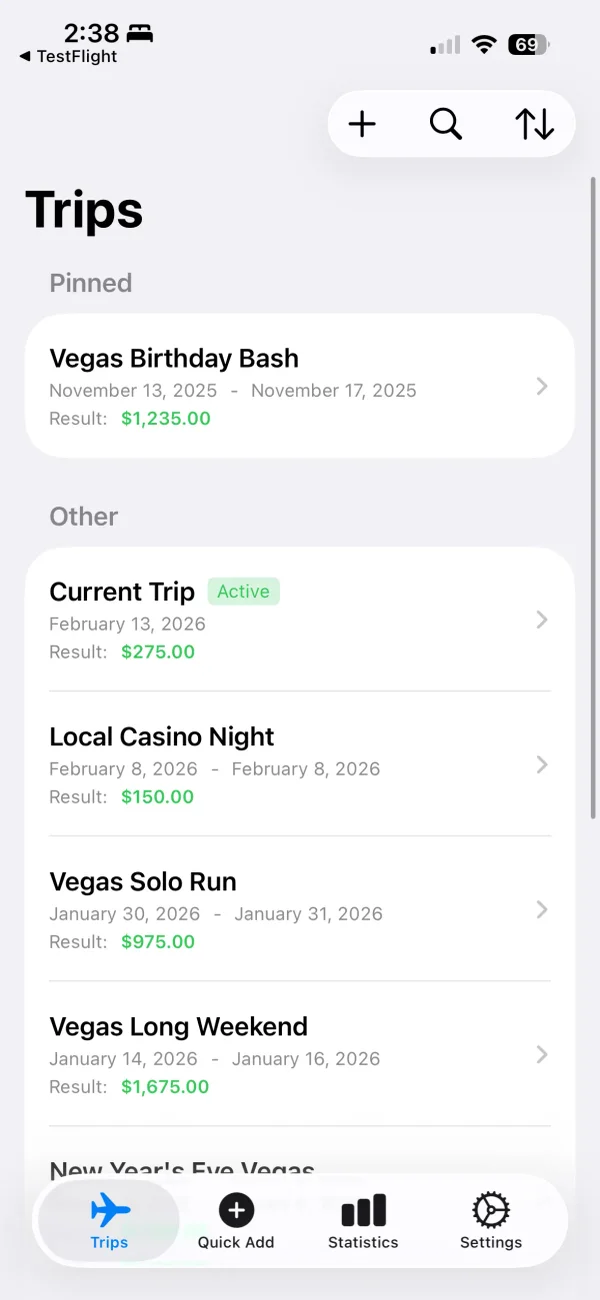
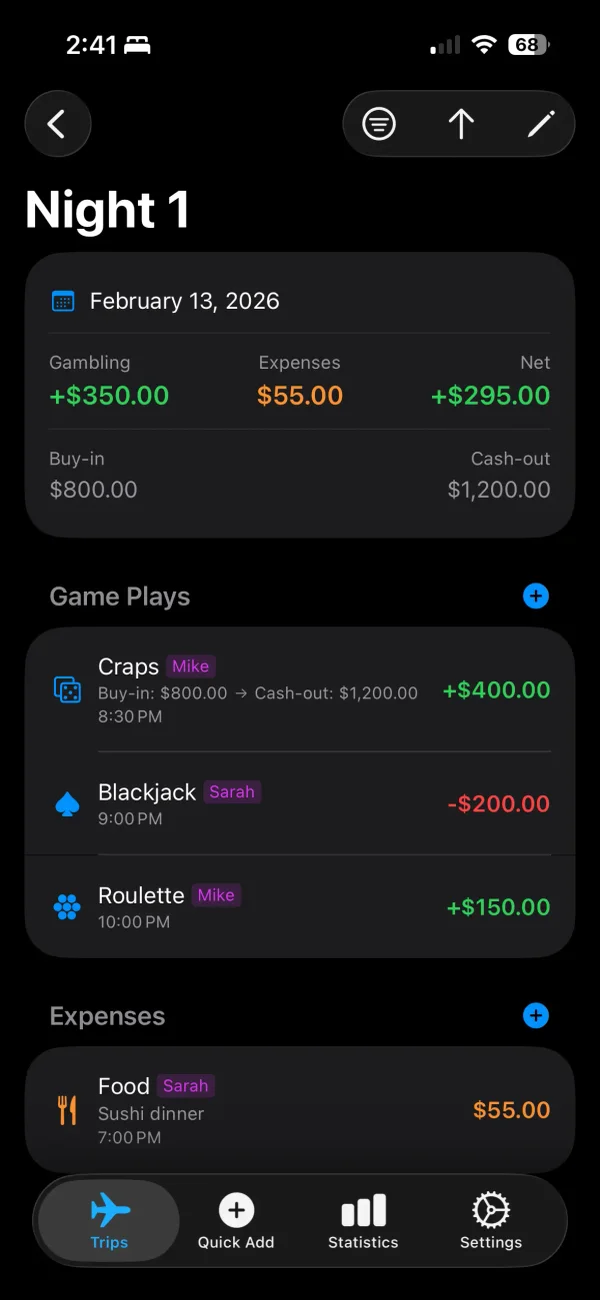
Create trips like “Vegas 2026”
Break trips into sessions (Night 1, Night 2, etc.)
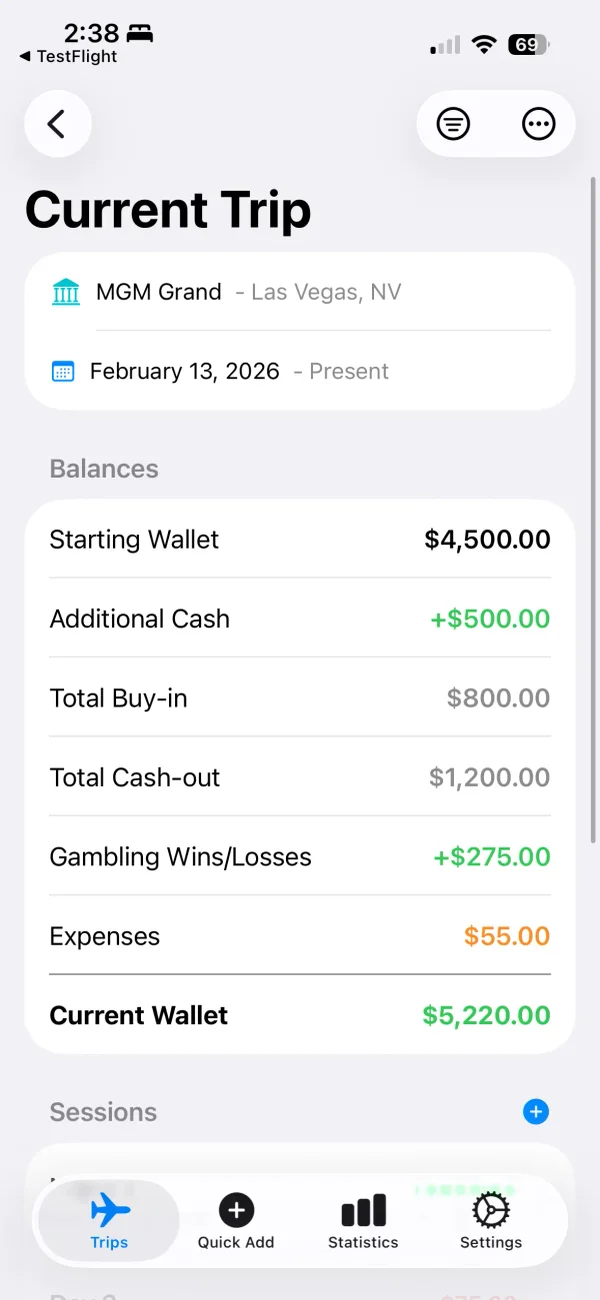
Set a starting bankroll and track it over time
Game-Level Insights
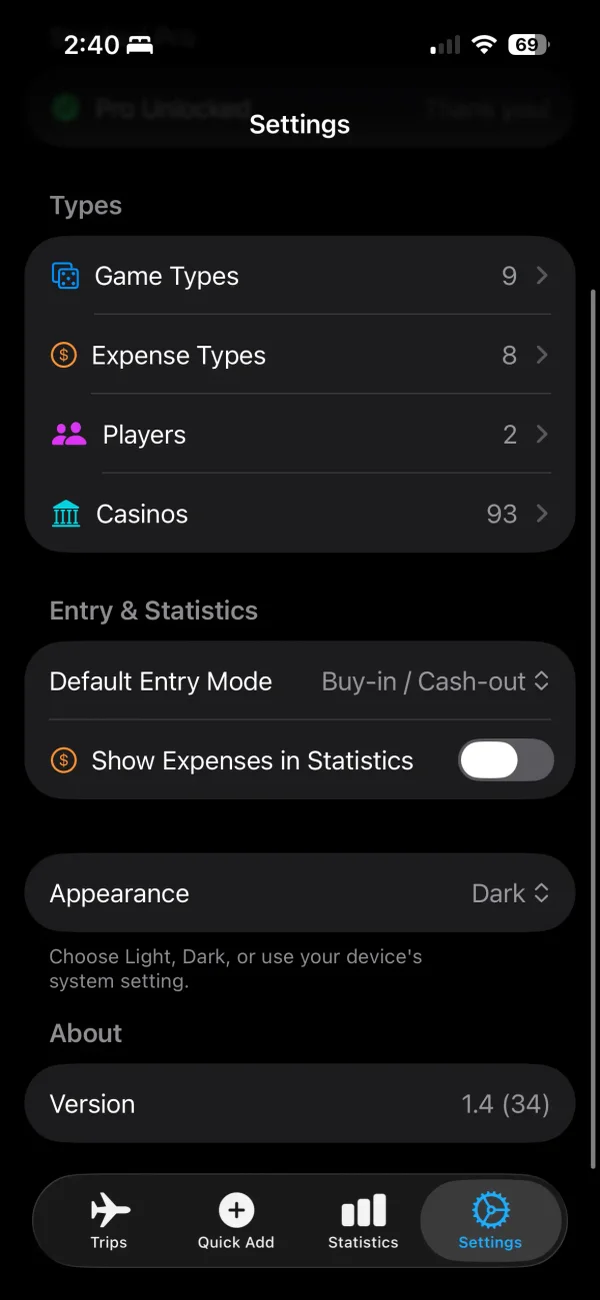
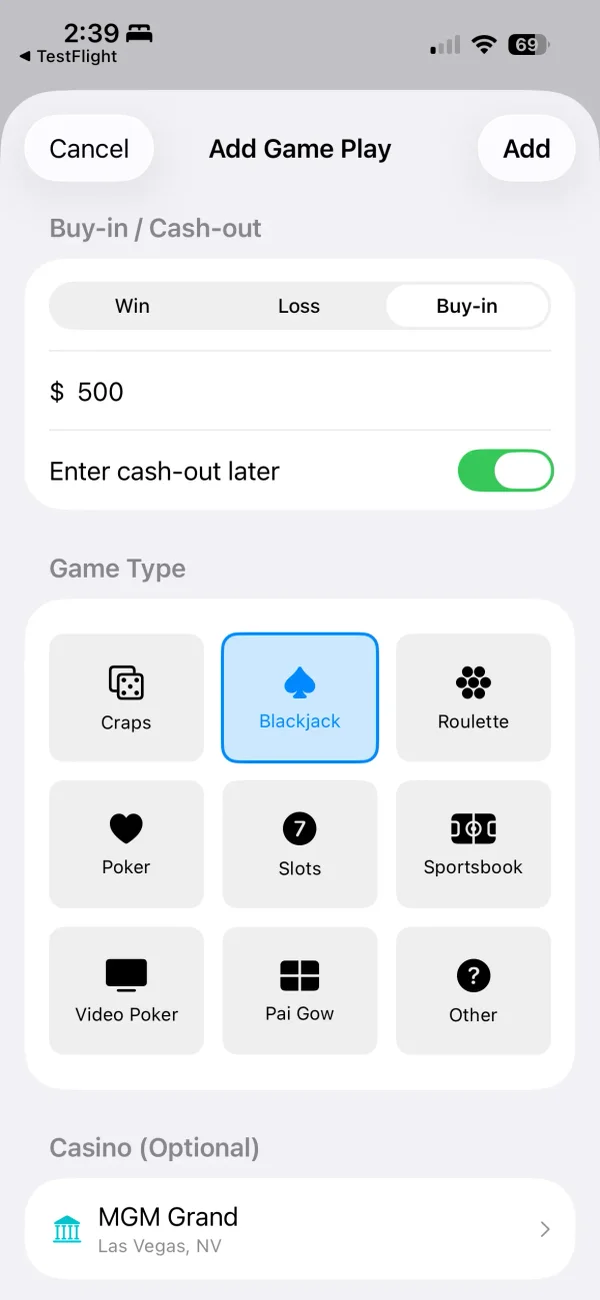
Log each game you play (Craps, Blackjack, Roulette, or custom games)
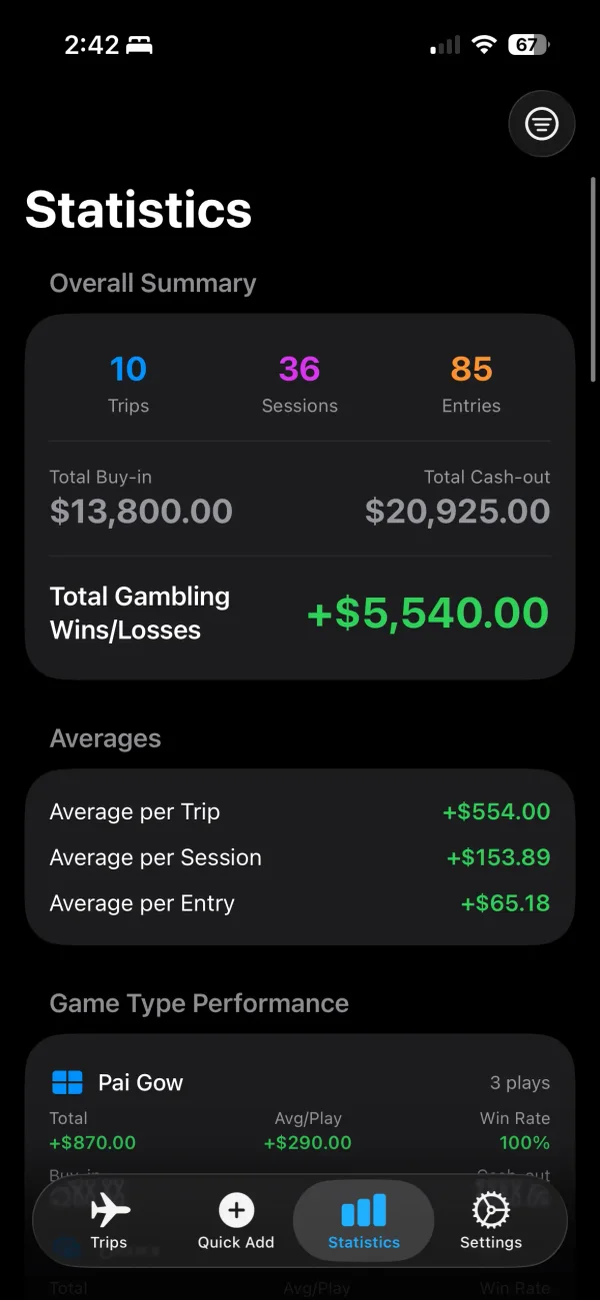
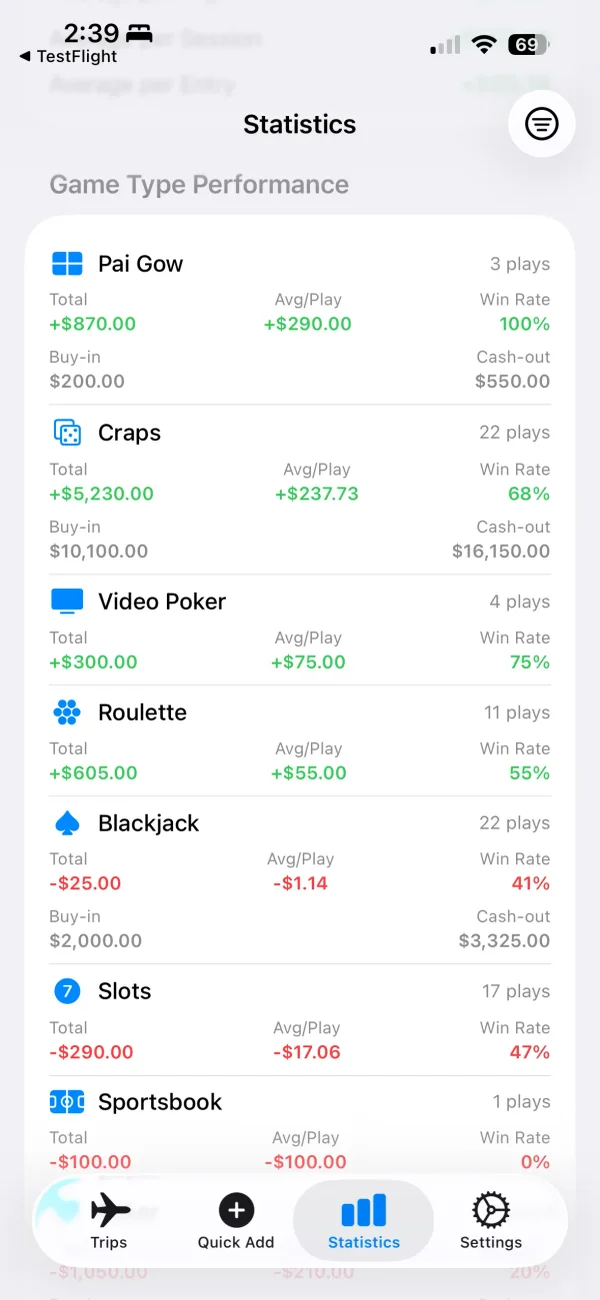
Track wins and losses by session, trip, player, and game type
View running totals and performance summaries
Real-World Expenses
Record non-gaming expenses like tips, taxis, or meals
See your true remaining cash balance at any point
Private & Synced
Secure iCloud syncing across all of your devices
Automatic backup across iPhone, iPad, and Mac
Your data stays private — no accounts required
Stacked helps you play smarter — with clarity, control, and confidence.
Try for free!
Use Stacked for free for up to 4 trips, 10 sessions, and 40 gaming or expense entries
Unlock Stacked Pro via an In-App Purchase for unlimited use
What’s new
Version 1.5 · Sep 4, 2026
What's New in Version 1.5
Duration Tracking & Hourly Rate (Pro)
Track how long you play each session or individual game. The app calculates your $/hour automatically. Use the built-in session and gameplay timers, or enter
time manually. Duration and hourly rate appear on session detail, trip summary, and in all three Statistics sections.
Live Activity & Dynamic Island
When a session timer is running, a Live Activity shows your elapsed time on the lock screen and in the Dynamic Island — so you always know how long you've been
at the table without opening the app.
Trip Sharing (Pro)
Share any trip with friends via iCloud. They can view sessions, results, expenses, and player breakdowns in the Shared tab. The share updates automatically
whenever you make changes.
Data Export
Export your trip data as CSV (for spreadsheets), JSON, or a formatted Tax Report. Useful for records, tax prep, or importing into other tools.
Streaks & Trends (Pro)
A new Statistics section shows your current winning or losing streak, your all-time longest win and loss streaks, and a rolling trend with a 3 / 5 / 10 / All
trip selector.
Session & Entry Counts
Trip summary cards now show session count and game entry count. Session detail shows entry count on the date line.
Data & Privacy
Easily delete all data from the app, both locally and in iCloud
App privacy
What Michael Gantt declares on the App Store about how this app handles data.
-
Data not collected
The developer does not collect any data from this app.
Privacy practices may vary, for example with the features you use or your age.
Information
- Seller
- Michael Gantt
- Category
- Casino
- Version
- 1.5
- Updated
- Sep 4, 2026
- Released
- Feb 1, 2026
- Size
- 18.7 MB
- Requires
- iOS 18.6 or later
- Age rating
- 4+
- Price
- Free
- In-app purchases
- Yes
- Languages
- English
- Copyright
- © 2026 mgantt87
You might also like
-
 Oh Craps!Accessible Craps Strategies
-
 Kindred Poker TrackerPoker Bankroll Tracker
-
 Poker Money TrackerCard
-
 Play Perfect Video Poker LiteBest Video Poker Trainer
-
 Nova Poker5 Card Draw Poker Online
-
 Steve's Blackjack Trainer ProLearn Blackjack Strategy
-
 Best HoldVideo Poker Game Strategy
-
 Stack Poker: Play & CompeteRanked duels, climb the ranks
-
 Let it Ride Poker ClassicPlay Let it Ride Poker
-
 Baccarat Online - Live CasinoLas Vegas Table Card Games 百家乐