- Age rating17+
- CategoryProductivity
- DeveloperHerbert Richard Lawson
- LanguagesEnglish
- Size27.6 MB
Links to the official App Store page
Download.org hosts no file of StarLinkAssistant. The button opens its official App Store page, published by Herbert Richard Lawson. Listing last checked on Nov 15, 2026.
Screenshots

About
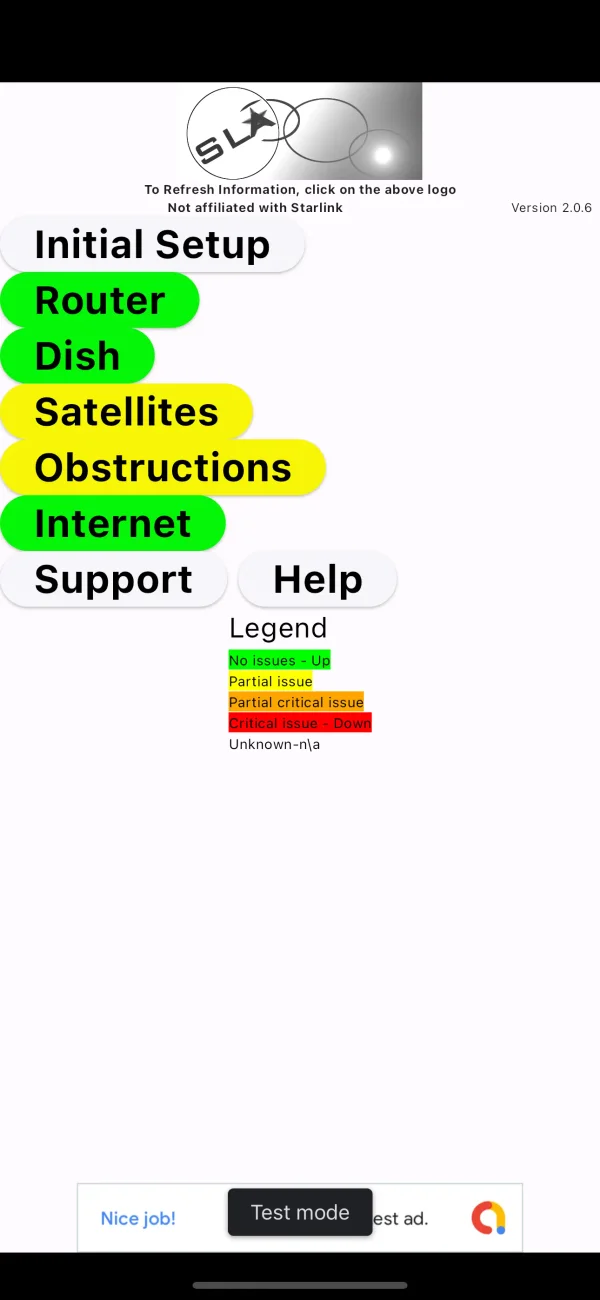
I wrote the Starlink Assistant App(SLA) because integrating the Starlink System into my home Internet system was a bit difficult. Another reason is that seeing how the Starlink system works is great fun. I want this app to help everyone identify and fix issues, use, and enjoy Starlink. The app uses color images and help pages to assist you navigate through most issues. The main page displays general information about how it is performing.
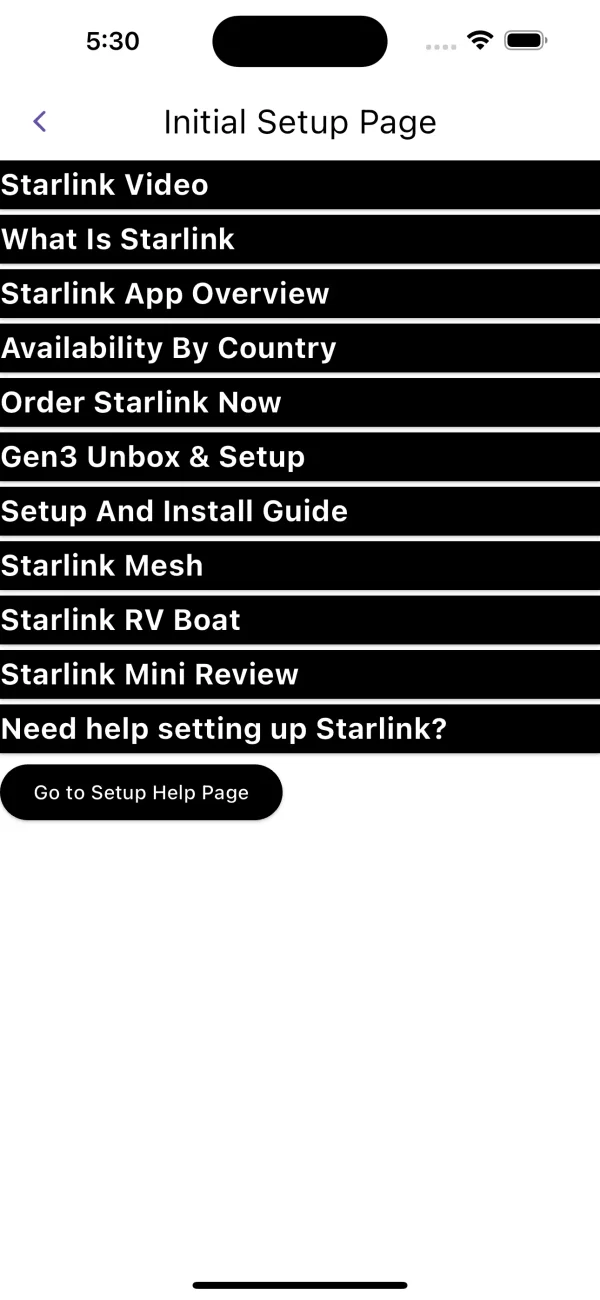
The Initial Setup page describes how to unbox & connect all equipment and wiring, install dishy (the Starlink Antenna), and configure the WiFi router. It also has YouTube links to explain how to unbox, install Dishy, configure your wifi router, and how to run a network cable.
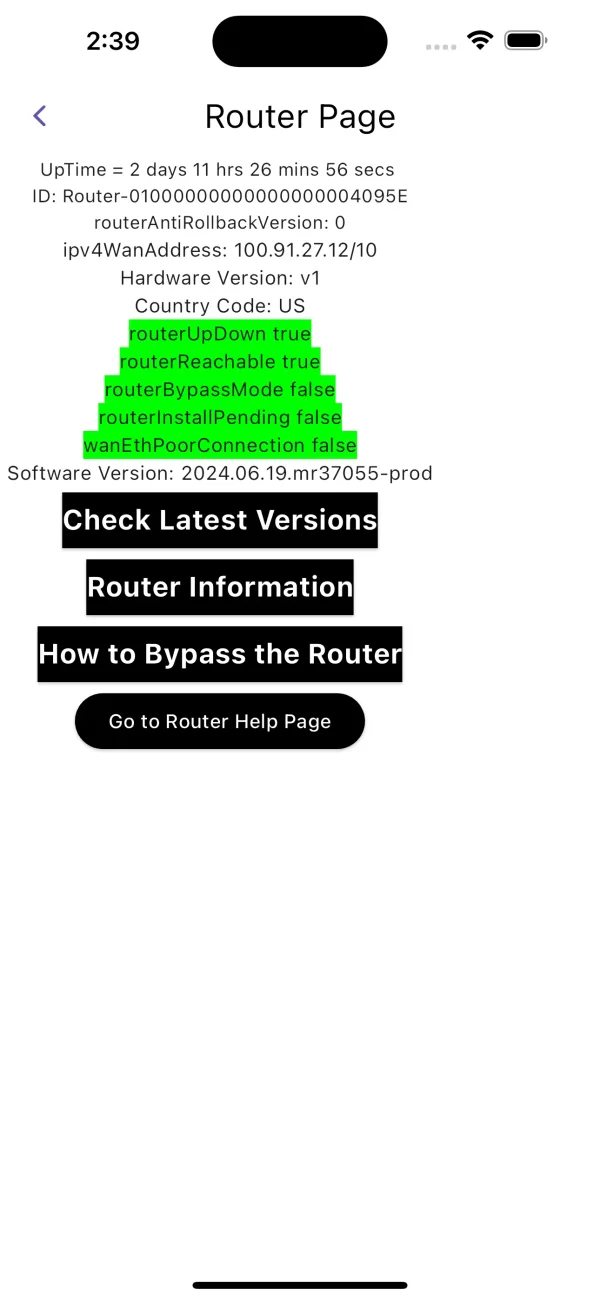
The Router/Wi-Fi page includes a test of the connection between the app and the router, display status of Uptime, and Wi-Fi software & firmware versions. Detailed instructions on how to use your own router are also included.
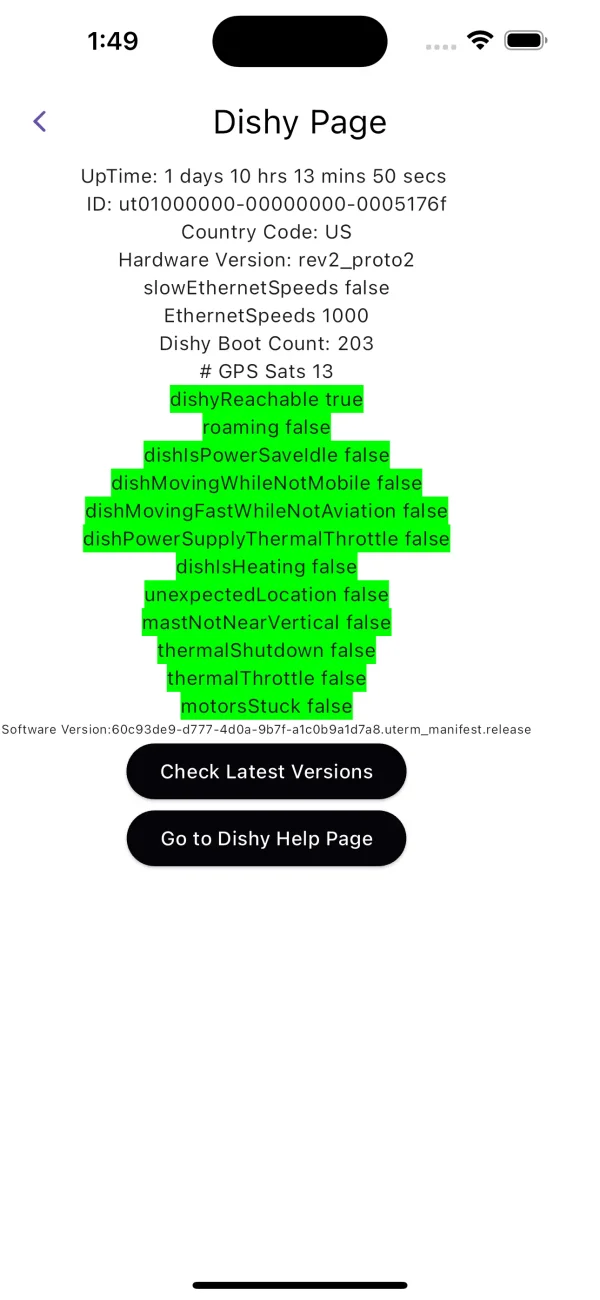
The Dishy page displays your antenna/Dishy uptime, physical issues (if the motors are stuck, an issue with temperature, mast not level, or unexpected location), and hardware & software versions.
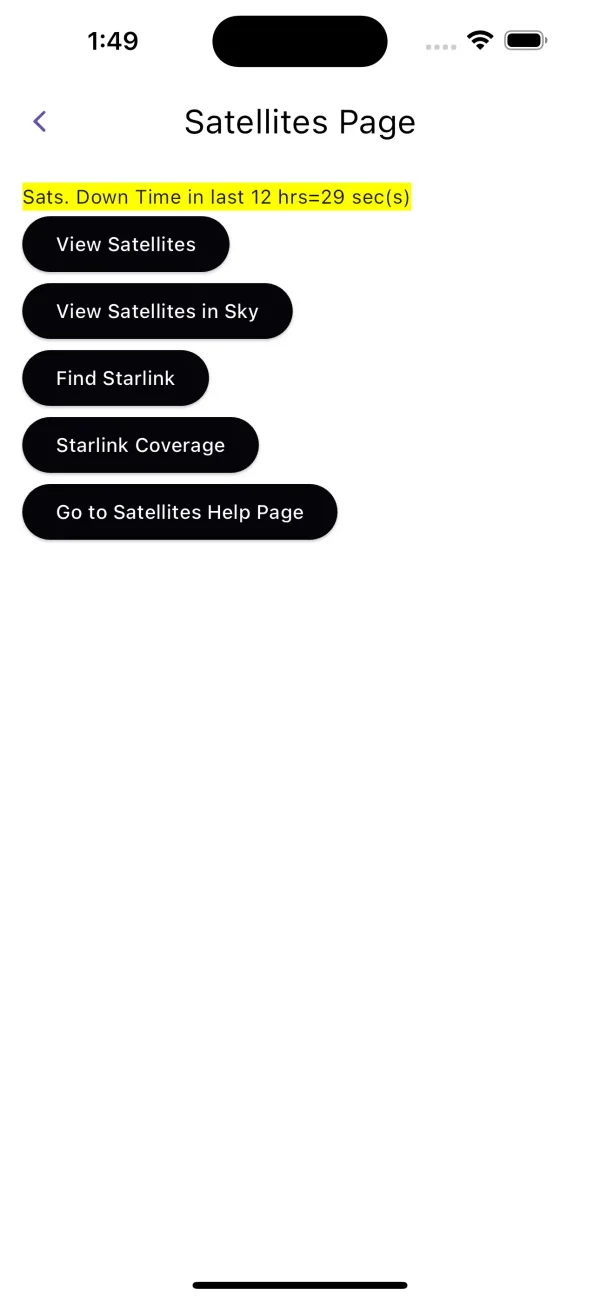
The Satellite page will display “No Satellites” time, view all Satellites in real time(View map), show how & when you can see the satellites in the night sky, and a satellite help section. The Satellite help section describes how to use the View Satellite Map and give you a better understanding when satellite positions will be optimal.
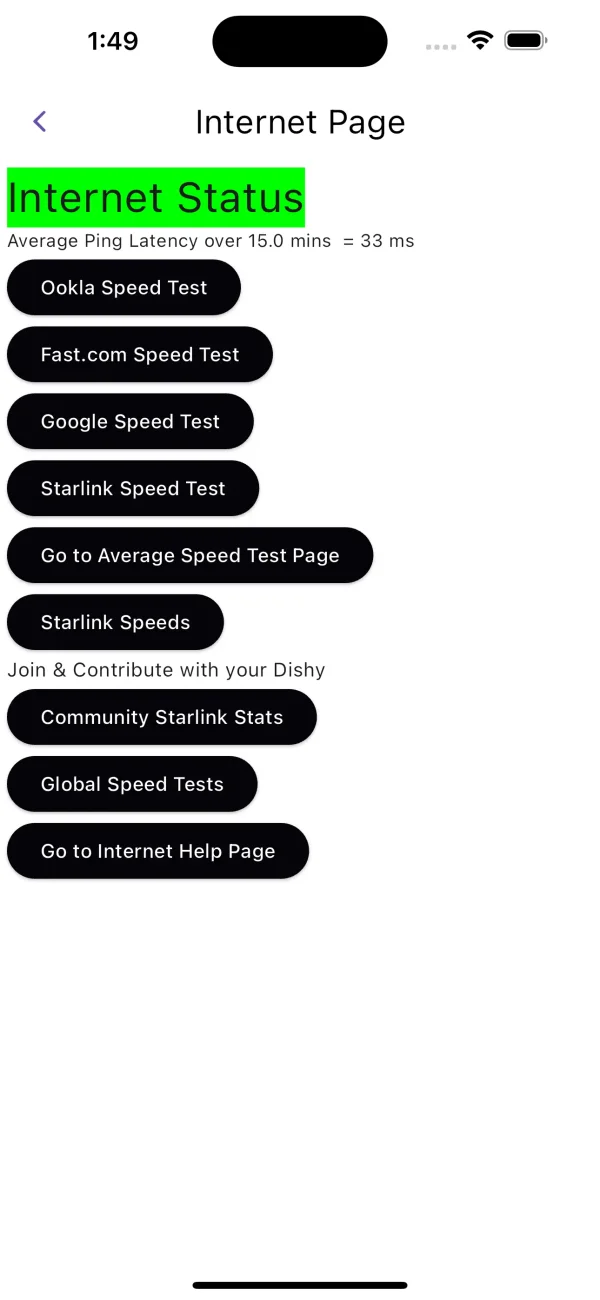
The Internet page will display whether the Internet is up or down, average latency times, Internet Speed time for Dishy(Direct Internet times), 4 different speed test checkers and Youtube links for instruction.
The Obstructions page will display if there is a current Obstruction between Dishy and a satellite, Uptime, Obstruction recommendations and status. In case the obstruction is a tree, the app has information on local tree trimming companies.
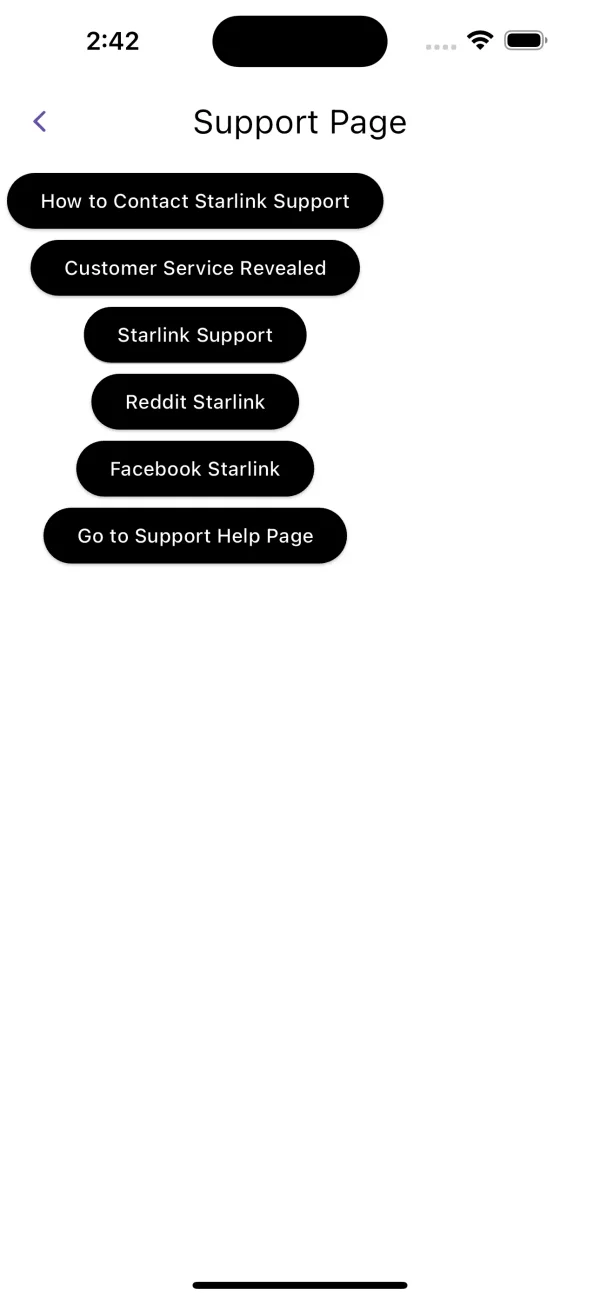
The Support page how to get Starlink Support, getting the debug information and links to popular Starlink support.
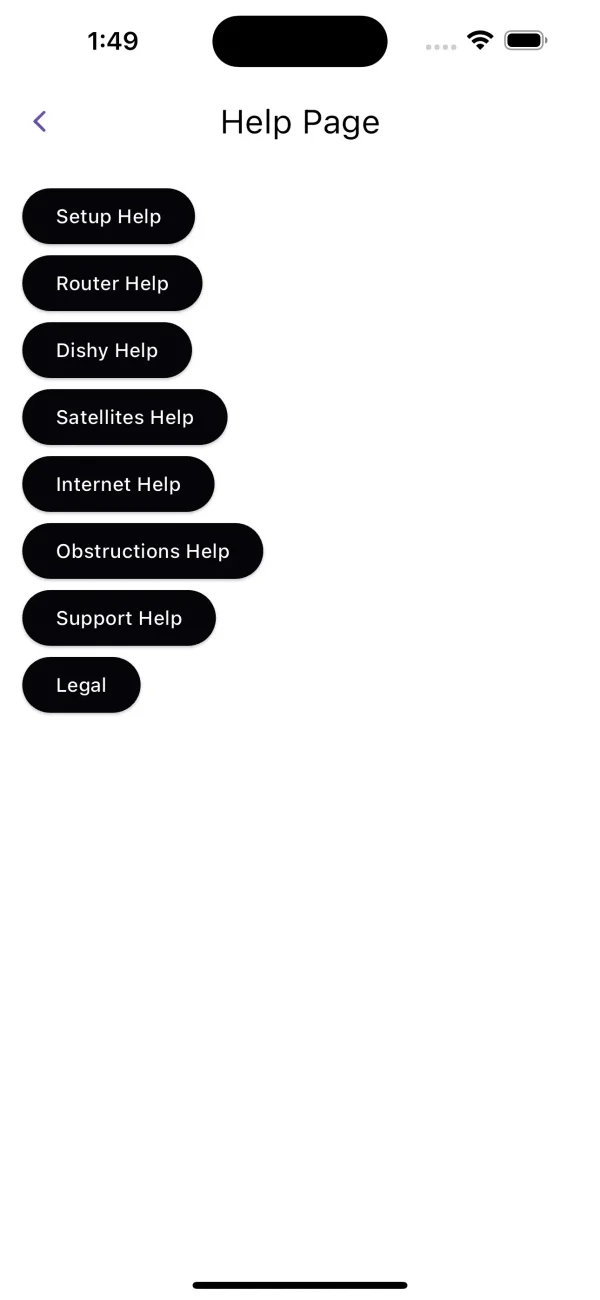
The Help page describes in detail how to use each page (Setup, Router, Dishy, Satellite, Internet, Obstructions, & Support).
What’s new
Version 2.0.8 · Jul 7, 2024
Fixed bugs in Initial Setup, added wan ethernet speed issue flag, added Debug Copy help, and added Starlink Mini review.
App privacy
What Herbert Richard Lawson declares on the App Store about how this app handles data.
-
Data used to track you
May be used to track you across apps and websites owned by other companies.
- Usage data
-
Data not linked to you
May be collected but is not linked to your identity.
- Usage data
Privacy practices may vary, for example with the features you use or your age.
Information
- Seller
- Herbert Richard Lawson
- Category
- Productivity
- Version
- 2.0.8
- Updated
- Jul 7, 2024
- Released
- Aug 24, 2021
- Size
- 27.6 MB
- Requires
- iOS 14.0 or later
- Age rating
- 17+
- Price
- Free
- Languages
- English
- Copyright
- © 2023 Herbert Richard Lawson III
You might also like
-
 Subaru My OLPSubaru Owner Loyalty Program
-
 Lippert ConnectProductivity
-
 Network Toolbox Net securityWiFi Cell LAN scanning tools
-
 World Radio LeagueProductivity
-
 PeplinkProductivity
-
 Ham2K Portable LoggerAmateur Radio Logging
-
 LCI OneControlProductivity
-
 UniFi DesignProductivity
-
 TV Antenna Compass USACompass to point TV Antennas
-
 Grand Design Compass ConnectProductivity