
Stashlet: Private Vault
Lock Photos, Videos & Docs
Designed for iPhone
Free · In-app purchases
- Age rating4+
- CategoryProductivity
- DeveloperMaxbull LLC
- LanguagesEnglish
- Size13.5 MB
Links to the official App Store page
Download.org hosts no file of Stashlet: Private Vault. The button opens its official App Store page, published by Maxbull LLC. Listing last checked on Nov 18, 2026.
Screenshots

About
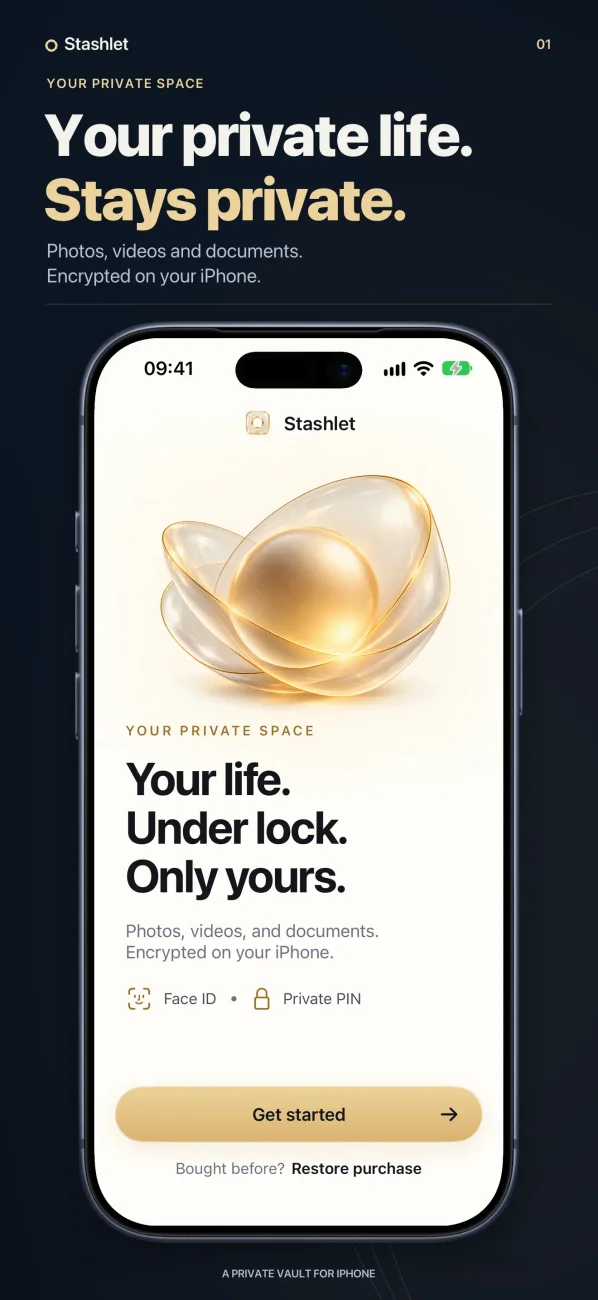
Your private life deserves a private vault.
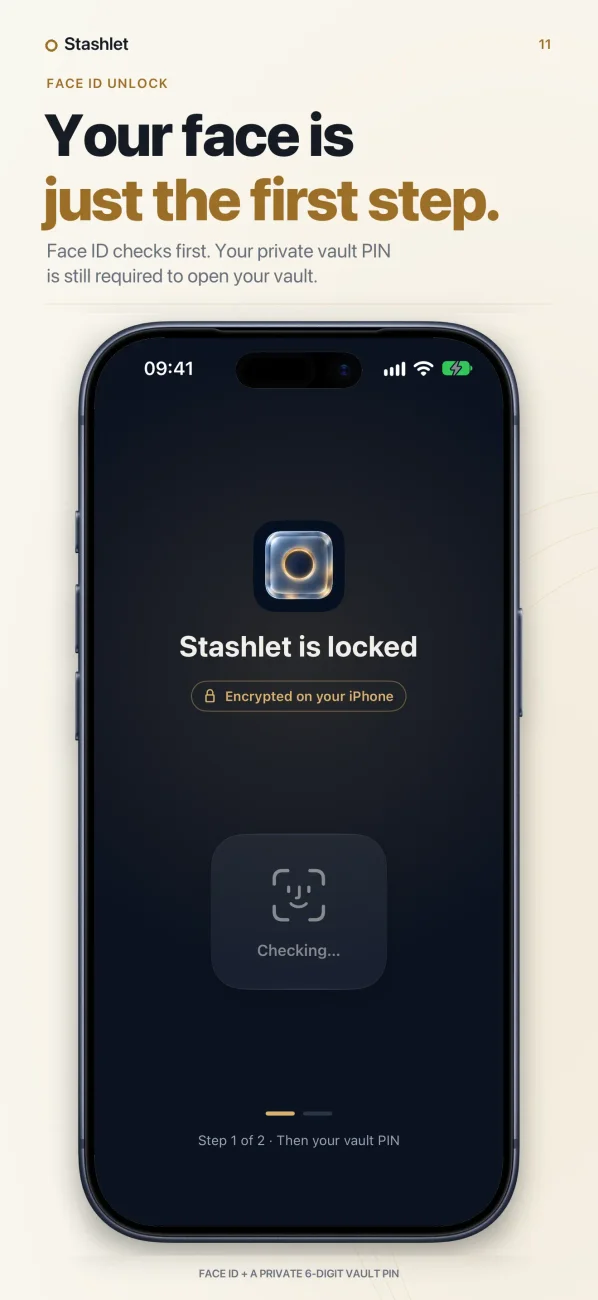
Stashlet keeps your private photos, videos and documents encrypted on your iPhone, behind Face ID and a separate 6-digit vault PIN.
From personal photos to important papers, keep what matters in one private place.
FACE ID. THEN YOUR VAULT PIN.
Unlock in two steps. Your private vault PIN is separate from your iPhone passcode.
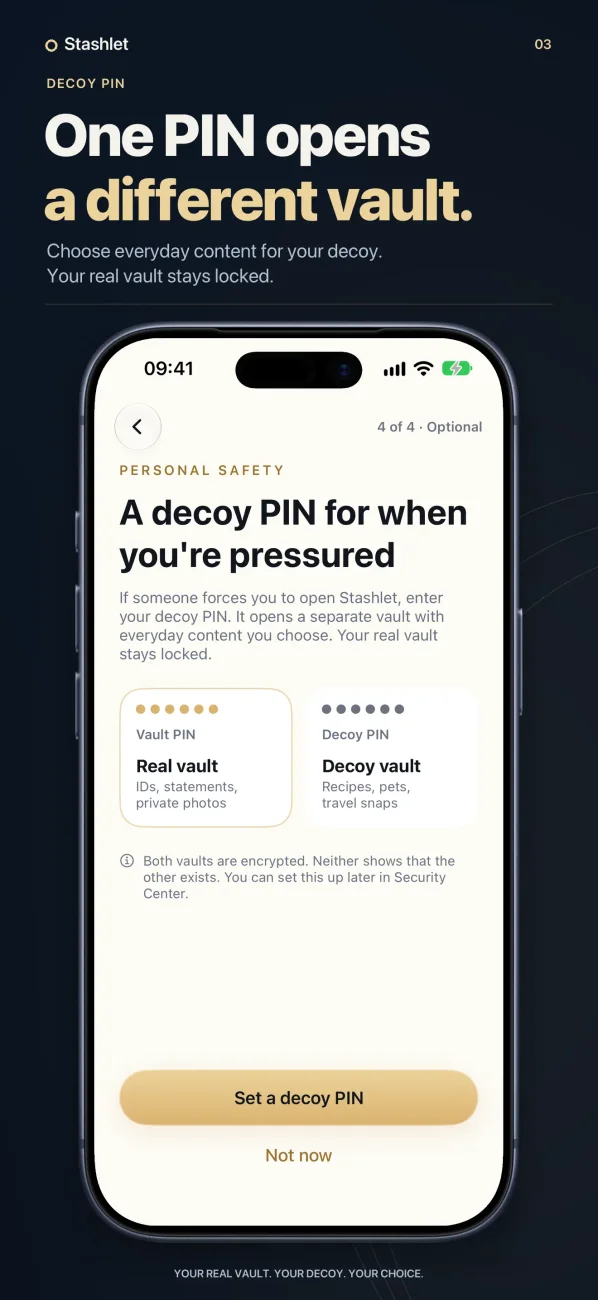
A SECOND PIN. A DIFFERENT VAULT.
Set an optional Decoy PIN to open a separate vault containing everyday content you choose. Your real vault stays locked.
PHOTOS, VIDEOS AND DOCUMENTS
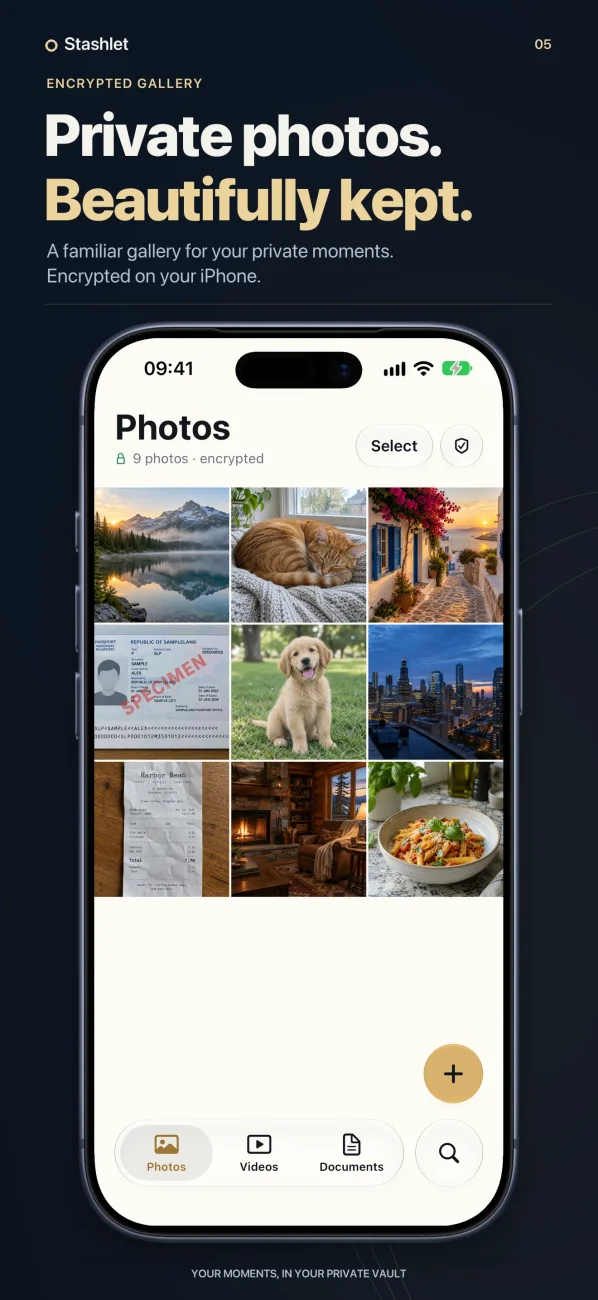
Add items from your photo library or Files, capture them with the camera, or scan a document. Browse photos and play videos inside your vault.
FIND SENSITIVE ITEMS
Use the on-device exposure scan to find items such as photos of IDs, bank and insurance papers, and password screenshots in your photo library. Review what you want to protect.
SEARCH INSIDE YOUR DOCUMENTS
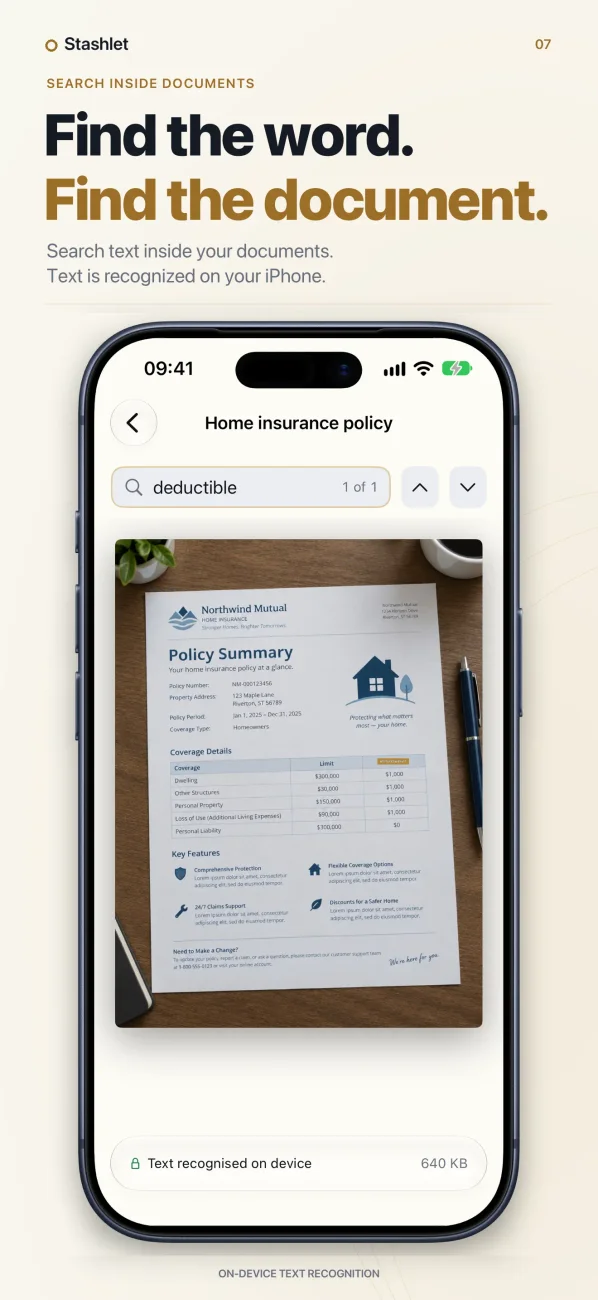
Find a word inside a scanned document without opening every file. Text recognition happens on your device, and matching text is highlighted.
LOCK IN A MOMENT
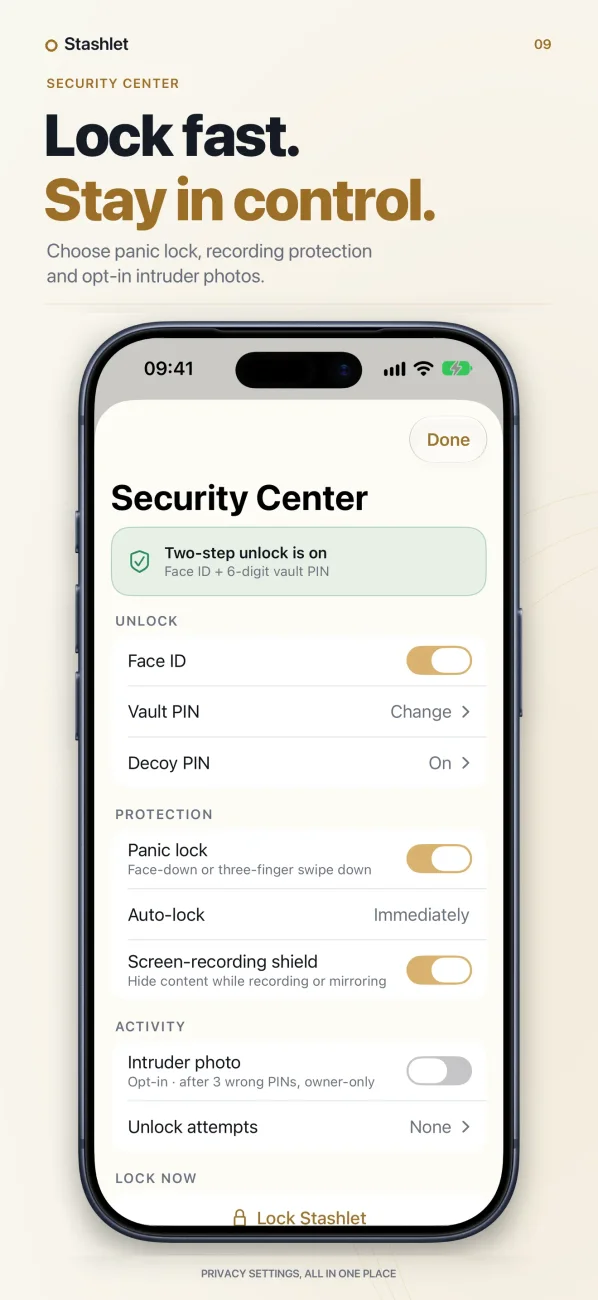
Flip your iPhone face-down or swipe down with three fingers to activate Panic lock.
KEEP CONTENT OUT OF VIEW
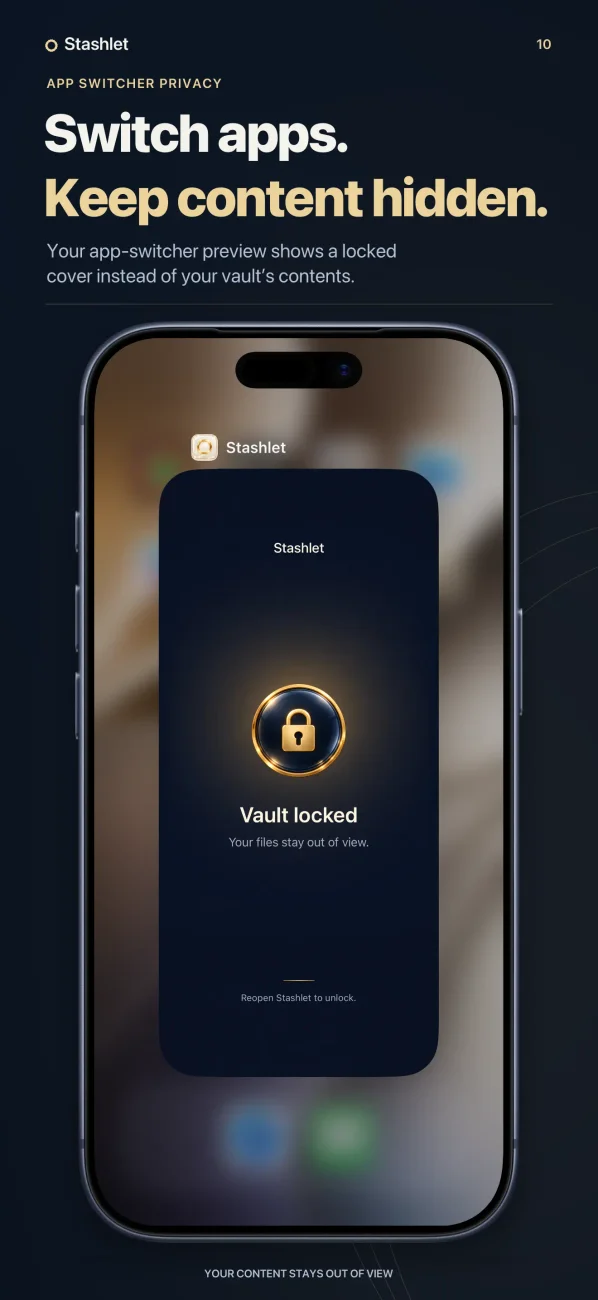
An app-switcher cover hides your vault content when you switch apps. The screen-recording shield hides content while recording or mirroring.
SEE WHO TRIED
With optional Intruder photo enabled, three consecutive wrong PIN attempts can trigger a front-camera photo. It is saved inside your locked vault for the owner to review in Security Center, alongside the time of the attempt. This feature is off by default.
ENCRYPTED ON YOUR IPHONE
Items added to Stashlet are copied into the vault and encrypted on your device. Originals remain in Photos or Files unless you choose to remove them. Adding an item does not automatically hide or delete its original.
Terms of Use (EULA): https://www.apple.com/legal/internet-services/itunes/dev/stdeula/
App privacy
What Maxbull LLC declares on the App Store about how this app handles data.
-
Data not collected
The developer does not collect any data from this app.
Privacy practices may vary, for example with the features you use or your age.
Information
- Seller
- Maxbull LLC
- Category
- Productivity
- Version
- 1.0
- Updated
- Oct 27, 2026
- Released
- Oct 26, 2026
- Size
- 13.5 MB
- Requires
- iOS 26.6 or later
- Age rating
- 4+
- Price
- Free
- In-app purchases
- Yes
- Languages
- English
- Copyright
- © 2026 MaxBull LLC
You might also like
-
 Forgetful JonesRoutines you won't forget
-
 StashletSave once, paste anywhere
-
 Easy Writer - AI Writing AgentAI Social Media Post Generator
-
 AppLink NextSmart Link Organizer
-
 Brain Dump: Voice JournalAI Audio Diary & Daily Notes
-
 ownCloud Onlinesecure data sharing platform
-
 Hivemind AI Chat & CodingIdea to App in seconds
-
 PrimeVPN - Fast & Secure VPN+10,000,000 installs
-
 DallmayrPayProductivity
-
 Japer AI: AI Writing BotProductivity