
- Age rating4+
- CategoryUtilities
- DeveloperMatteo Gentili
- LanguagesEnglish+ 1 more
- Size69.5 MB
Links to the official App Store page
Download.org hosts no file of Stecard. The button opens its official App Store page, published by Matteo Gentili. Listing last checked on Nov 23, 2026.
Screenshots

About
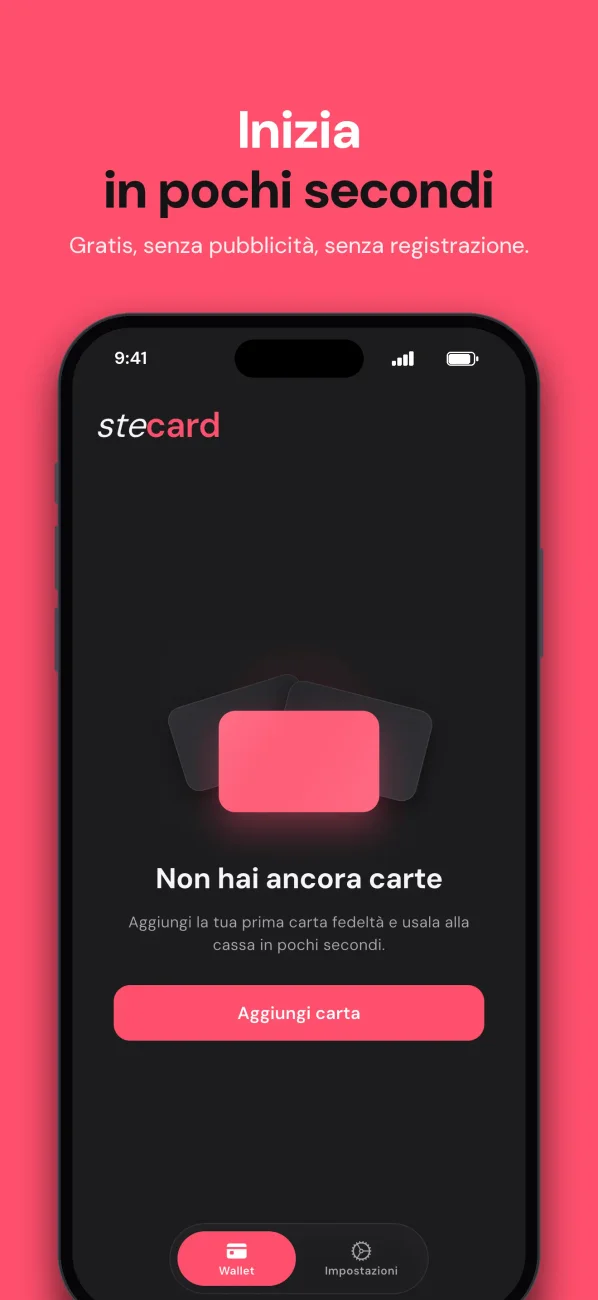
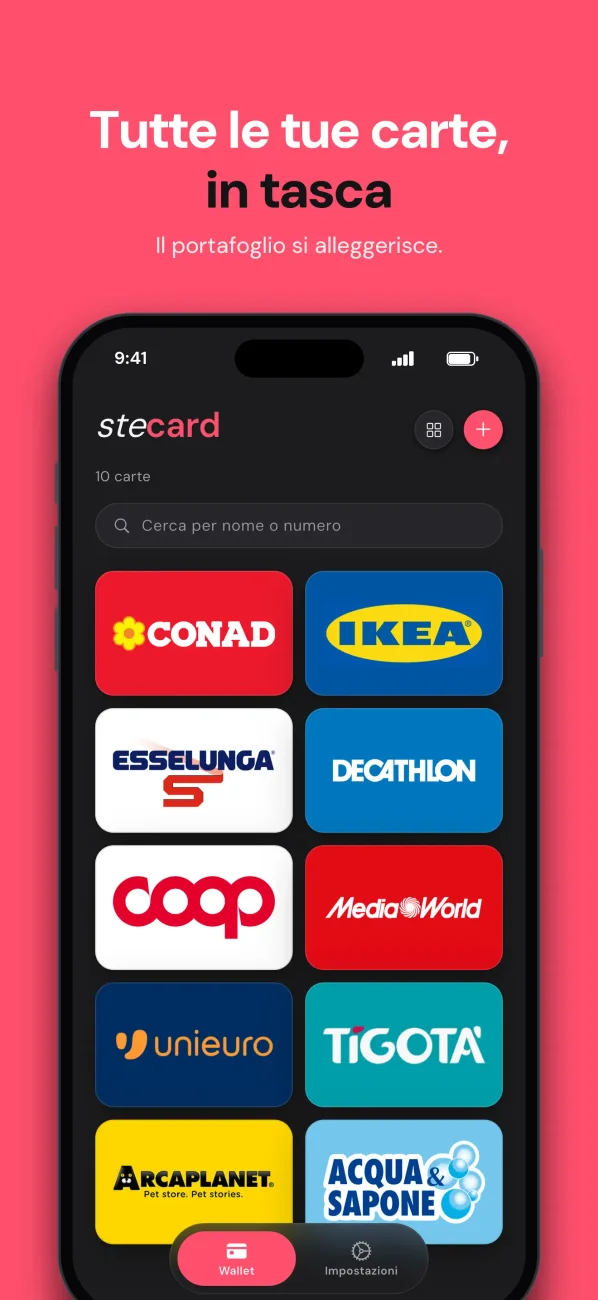
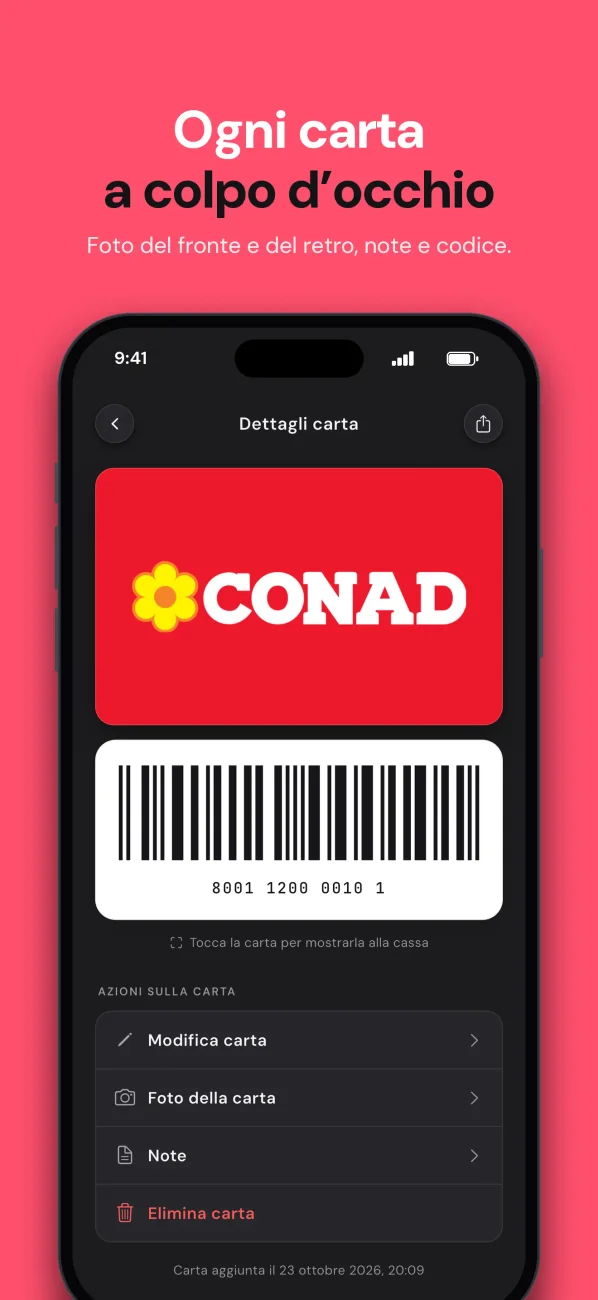
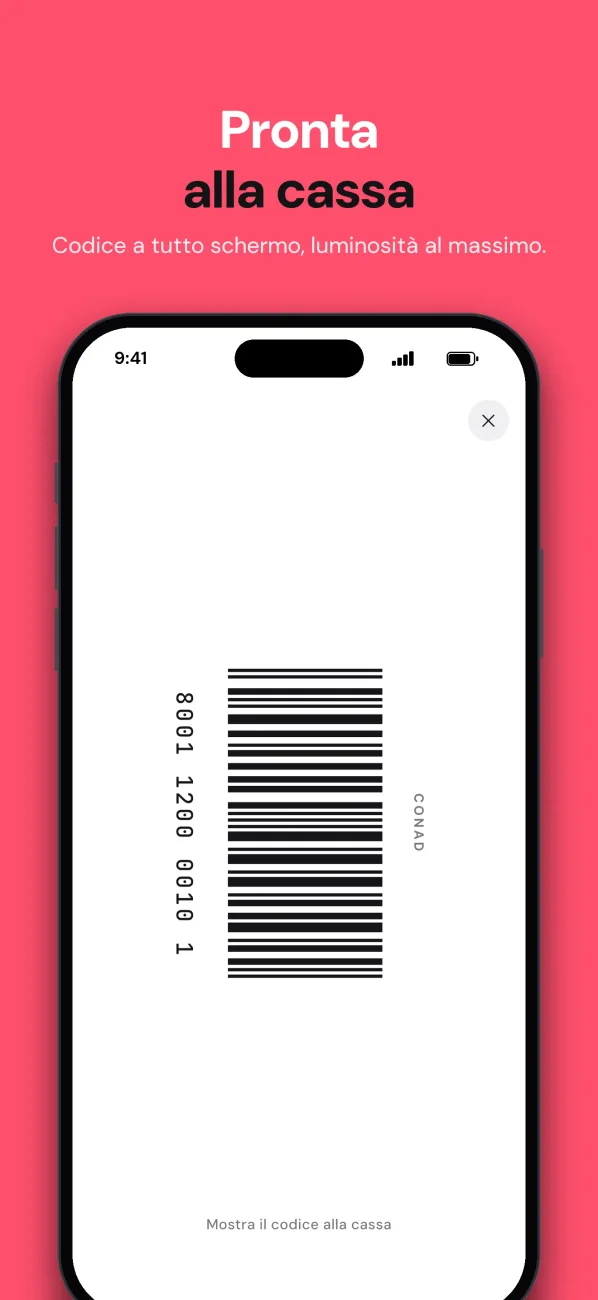
Stecard keeps all your loyalty cards close at hand. At checkout, simply open the app, choose a card and show the code: two taps, maximum screen brightness and no more rummaging through your wallet.
ADDING A CARD IS EASY
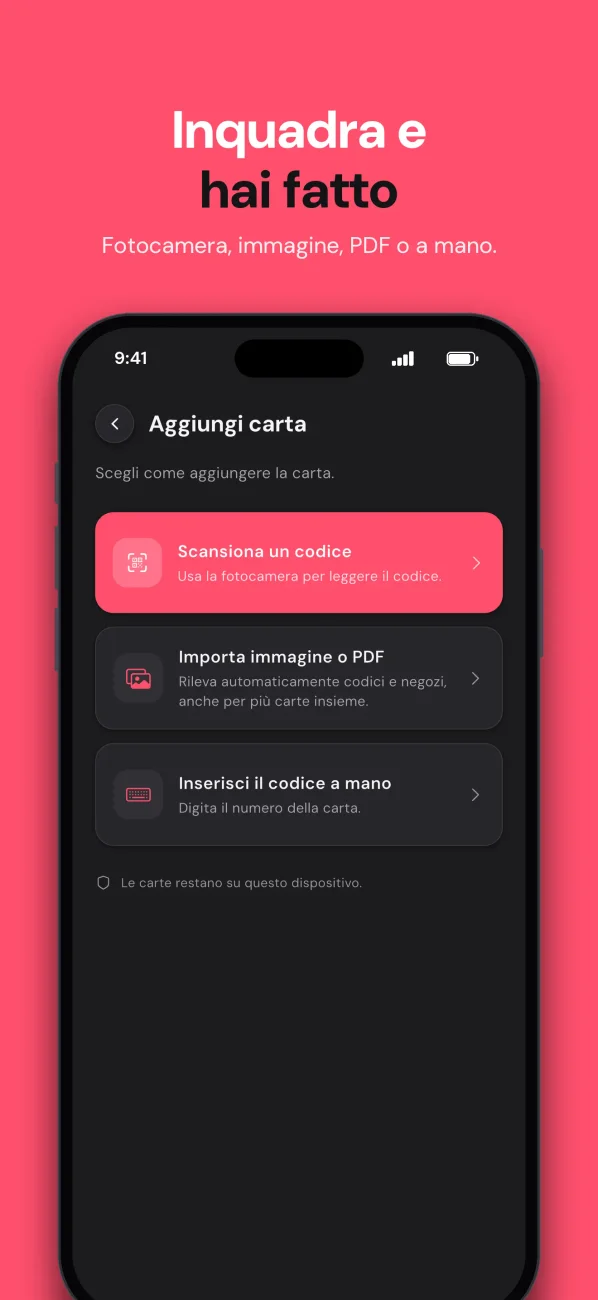
• Scan a barcode or QR code and Stecard will recognise it automatically.
• Take a photo of the card and let Stecard try to identify the store.
• Import a card from an image or PDF if you received it by email. If a screenshot contains several cards, Stecard detects them all and lets you choose which ones to keep.
• Prefer to enter the number yourself? You can do that too.
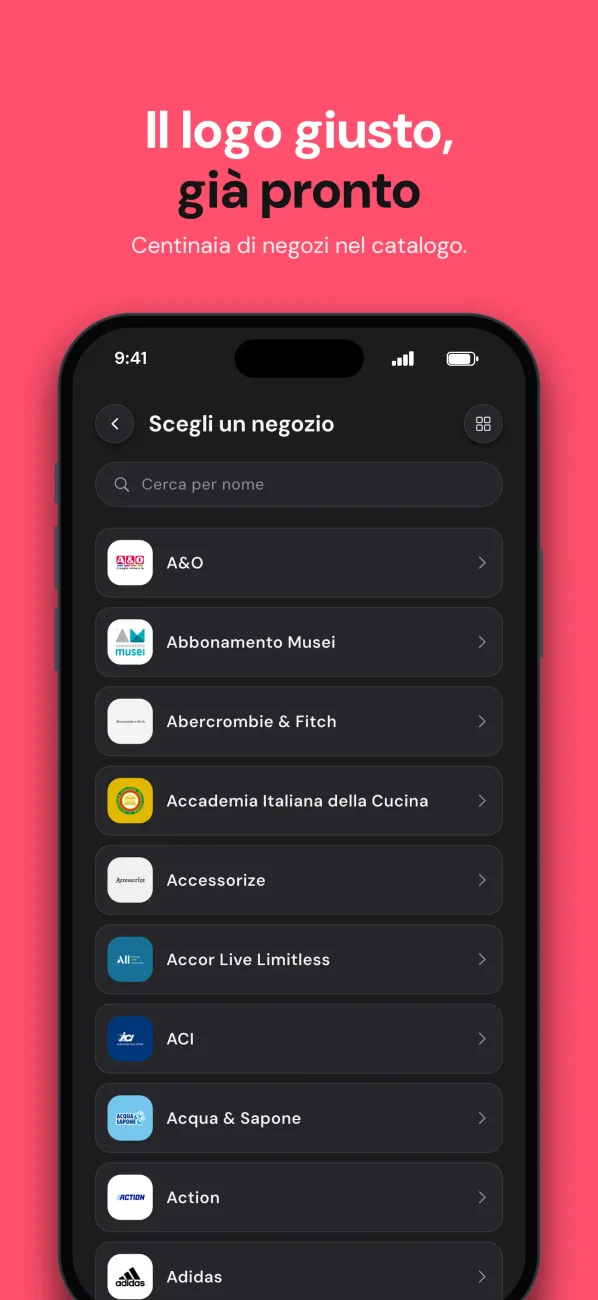
• Can't find the store in the list? Add it yourself and choose its name and colour.
YOUR DATA STAYS YOURS
• No account or sign-up required: just open the app and get started.
• Your card numbers, photos and notes are never sent to us. We don't have a server that collects them.
• Stecard works offline, so your codes are always available when you need them.
• No ads and no tracking.
EVERYTHING YOU NEED
• Save photos of the front and back of each card, along with your own notes.
• Keep your most-used or favourite cards in a Home Screen widget.
• Find and open any card in seconds with Spotlight and Siri Shortcuts.
• Share a card with a link so the recipient can review it and save it to Stecard.
• Export and import your collection when you move to a new phone.
• Choose Light, Dark or Vinaccia, or match your phone's appearance. The app is available in English and Italian.
ICLOUD BACKUP
Stecard stores a copy of your cards, including photos and notes, in your own iCloud space. When you switch phones, you can restore them from there without creating an account and without sending your data through our servers. Your cards are also included in your phone's iCloud backup, along with your other data.
Two diagnostic features are enabled when you first install the app, and neither includes any of your card data: crash reporting and a count of cards added, which contributes to a public total. You can turn either one off at any time under Settings › Diagnostic Data.
Stecard is free, and every feature is available to everyone. If you'd like to support its development, you can buy the developer a coffee. It's an optional donation and doesn't unlock any additional features.
Store logos are trademarks of their respective owners and are used solely to identify cards.
Questions or support: supporto@stecard.it
What’s new
Version 1.0.2 · Nov 18, 2026
Hi! Every day we work to make Stecard simpler and more reliable. Your suggestions mean a lot to us: if you have an idea or something we could improve, write to us at supporto@stecard.it or on Instagram @stecard.app
Here's what we've improved this time:
• New Fast Widget
• You can now put your cards in any order you like. Go to Settings → Sort order, choose "Custom" and arrange them however you want.
• The card's label now also shows up in widgets, Spotlight and Quick Actions
• The "Choose a store" screen has a cleaner look
• Screens are easier to read with larger system text
• New stores in the catalog
• Lots of small fixes for a more stable, polished app
Thanks for using Stecard!
App privacy
What Matteo Gentili declares on the App Store about how this app handles data.
-
Data not linked to you
May be collected but is not linked to your identity.
- Identifiers
- Usage data
- Diagnostics
Privacy practices may vary, for example with the features you use or your age.
Information
- Seller
- Matteo Gentili
- Category
- Utilities
- Version
- 1.0.2
- Updated
- Nov 18, 2026
- Released
- Oct 10, 2026
- Size
- 69.5 MB
- Requires
- iOS 16.6 or later
- Age rating
- 4+
- Price
- Free
- In-app purchases
- Yes
- Languages
- English, Italian
- Copyright
- © Jolly Blue 2026
You might also like
-
 ÈisyUtilities
-
 FidelityLe tue tessere in un unico
-
 PosturaUtilities
-
 OTPx – Secure OTP SharingUtilities
-
 BEOK-SpeakersAssistantUtilities
-
 ID Photo AssistantAI-Powered ID Photo Maker
-
 Granted: 2FA AuthenticatorTwo-step verification codes
-
 myGeko EsteticaUtilities
-
 Quick CalQ - Simple CalculatorSimple and accurate calculator
-
 OffCardUtilities