Stellar – Timelapse Camera
RAW, Dual Camera & Remote
Designed for iPhone, iPad
Free
- Age rating4+
- CategoryPhoto & Video
- DeveloperGabriel Pires
- LanguagesFrench+ 10 more
- Size14.4 MB
Links to the official App Store page
Download.org hosts no file of Stellar – Timelapse Camera. The button opens its official App Store page, published by Gabriel Pires. Listing last checked on Nov 12, 2026.
Screenshots




About
Stellar is a precision interval camera built for photographers who
want complete control from a quick self-timer shot to a
multi-hour timelapse session.
CAPTURE
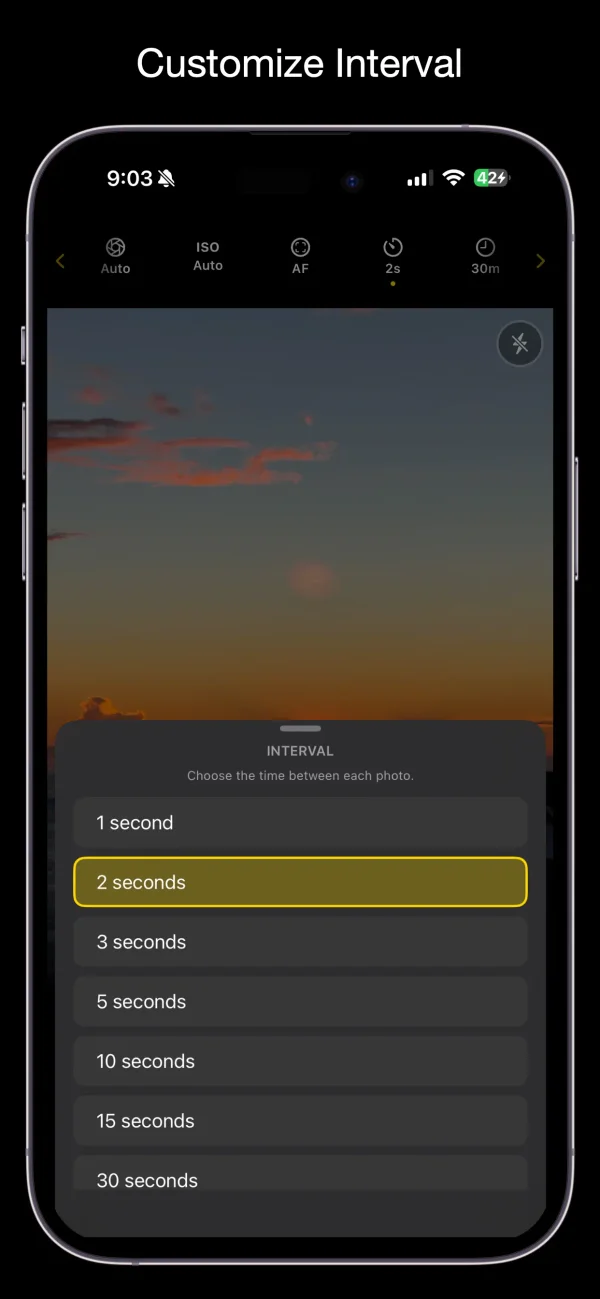
• Interval shooting: every 2, 5, 10, 30, or 60 seconds
• Single shot mode with start delay. Use Stellar as a self-timer
• Set a shot count (1 to ∞) or a duration limit (30s to 1h)
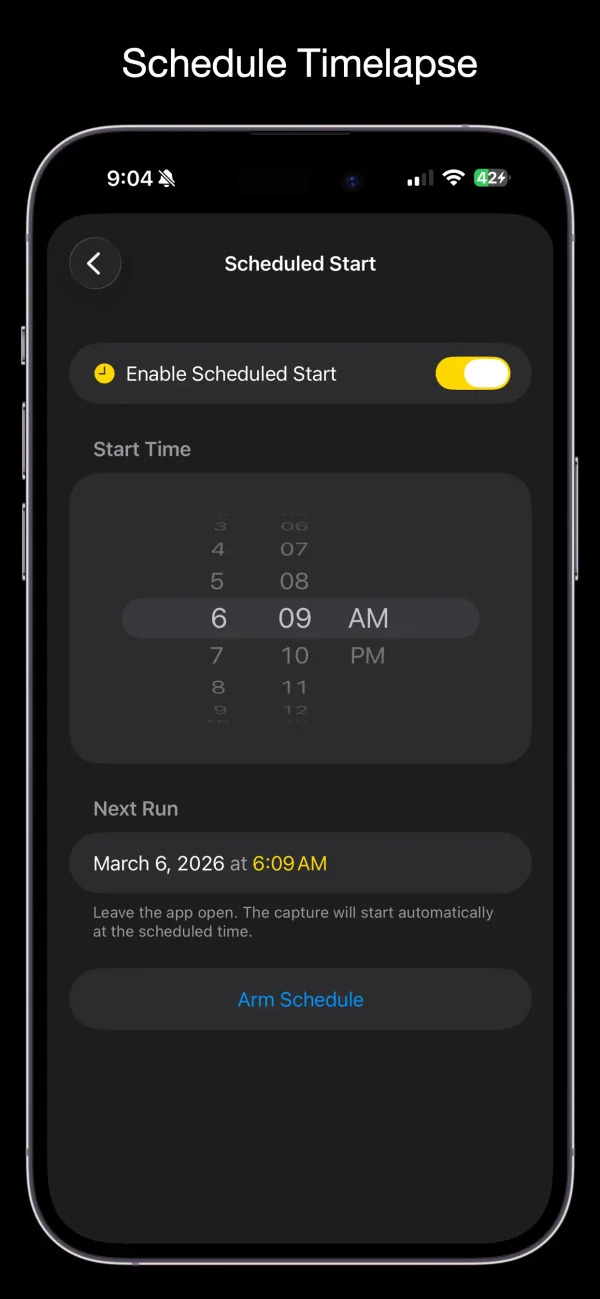
• Schedule a session to fire automatically at a specific time
• Visual countdown before the session starts
CAMERA CONTROLS
• Switch between Ultra Wide, Wide, and Telephoto lenses (If supported)
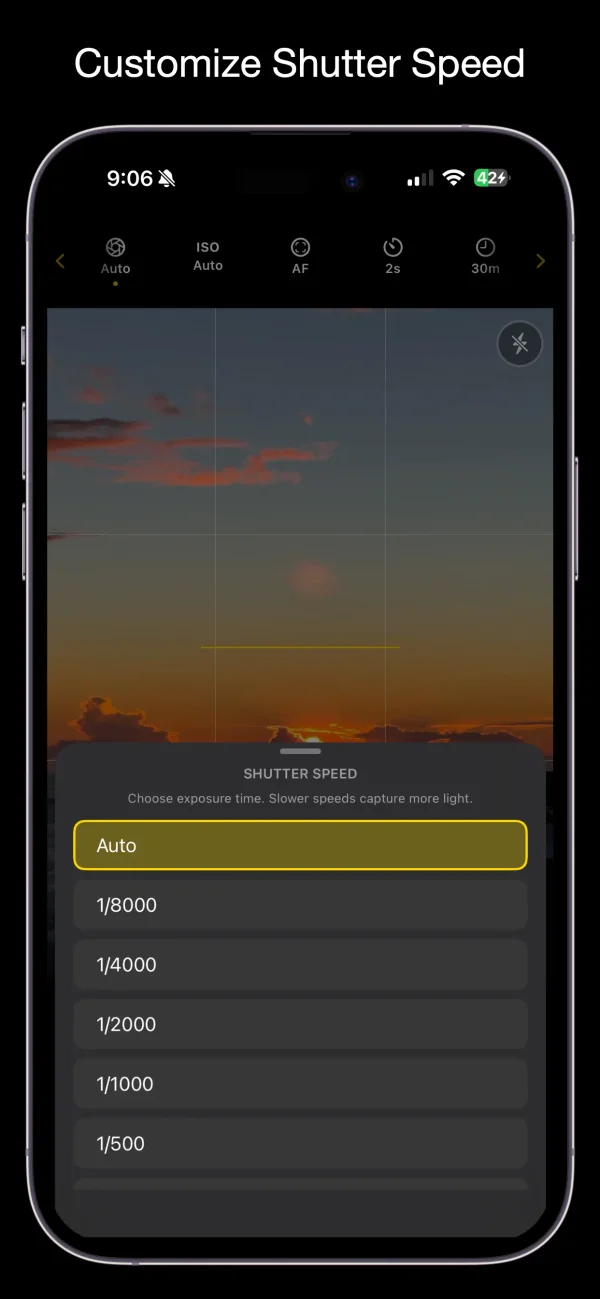
• Manual shutter speed, ISO, and exposure compensation
• Manual focus with barrel-style slider and haptic feedback
• Barrel-style zoom with haptic tick feedback
• Flash: Off / Auto / On
• AE/AF lock and tap-to-focus
DUAL CAMERA
• Multicam: Capture front and back cameras simultaneously
• Picture-in-Picture layout: draggable and swappable
• Both lenses fire at the exact same time
PHOTO OUTPUT
• Formats: HEIC, JPEG, RAW, RAW+HEIC, RAW+JPEG
• Aspect ratios: Original, 1:1, 4:3, 3:2, 16:9
• Optional geotagging. Embed GPS location in EXIF metadata
• Sessions automatically saved to a named album in Photos
TIMELAPSE VIDEO
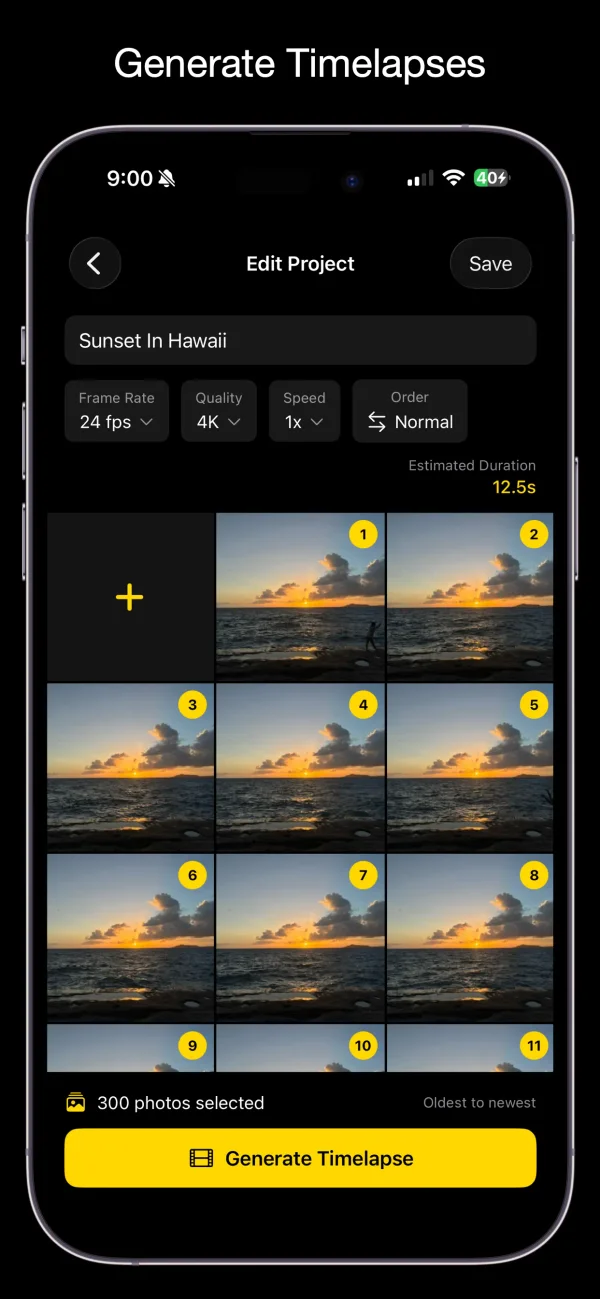
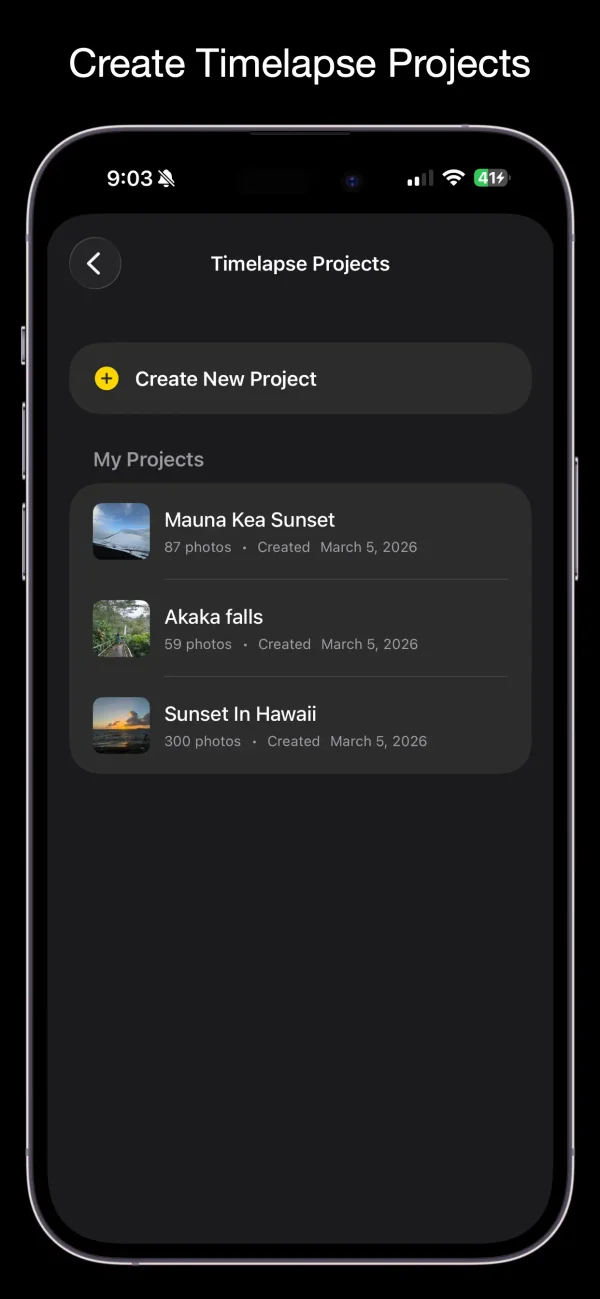
• Build a timelapse from any session or photo library
• Share photos from the iOS Photos app directly into Stellar to generate a timelapse
• Frame rate: 24 or 30 fps
• Quality: 1080p, 1440p, or 4K
• Speed: 0.5×, 1×, 2×, 3×, or 4×
• Reverse playback option
• Export and share in seconds
REMOTE CONTROL
• Control a second iPhone over Wi-Fi or Bluetooth
• Start, stop, and preview shots remotely
APPLE WATCH
• Start and stop capture from your wrist
• Live preview on the watch face after each shot
• Shot counter displayed during active sessions
FRAMING AIDS
• Ghost overlay: match composition to the previous shot
• 3×3 grid for rule-of-thirds framing
• Horizon level indicator
• Aspect ratio crop guides
GALLERY
• Browse, view full-screen, share, or delete photos & videos captured by Stellar
FEEDBACK & SETTINGS
• Shutter sound and haptic feedback
• LED countdown: flashes 3-2-1 before each shot
• Battery saver mode: dims screen during long sessions
• Sleep mode: pause and resume without losing your session
• Presets: save and load named setting combinations
• Storage warning before starting a session
Download Stellar. Every second counts.
What’s new
Version 1.0.2 · Apr 7, 2026
Adds ability to toggle shutter sounds for certain countries.
App privacy
What Gabriel Pires declares on the App Store about how this app handles data.
-
Data not collected
The developer does not collect any data from this app.
Privacy practices may vary, for example with the features you use or your age.
Information
- Seller
- Gabriel Pires
- Category
- Photo & Video
- Version
- 1.0.2
- Updated
- Apr 7, 2026
- Released
- Mar 31, 2026
- Size
- 14.4 MB
- Requires
- iOS 17.0 or later
- Age rating
- 4+
- Price
- Free
- Languages
- French, German, Hindi, Italian, Japanese, Korean, Portuguese, Russian, Simplified Chinese, Spanish, Tagalog
- Copyright
- © 2026
You might also like
-
 ZOMO: Disposable CameraRetro Film Effects & 90s Style
-
 Folio: vid2pixTurn your videos to pictures
-
 LookYLook: Baby Photo CameraSounds and videos for photos
-
 VideoSplitter – Video CutterMultiple clips, one export
-
 Lens: Real-Time Camera EffectsVideo Filters, AI & LiDAR Cam
-
 LayPic – Photo Collage Maker6 Layouts, Masks & HD Export
-
 SlowCam - Create SloMo VideosAI Slow Motion Video Maker
-
 Live Photo Video MakerGrid, Compare & Merge Media
-
 BatchMark: Batch WatermarkPhoto Logo & Copyright Stamp
-
 Video Compressor-Fast CompressShrink Videos. Keep Quality.