Stepping: ADHD Task Planner
time awareness, beat paralysis
Designed for iPhone, iPad
Free · In-app purchases
- Age rating4+
- CategoryHealth & Fitness
- Developer明昭 路
- LanguagesEnglish+ 5 more
- Size20.8 MB
Links to the official App Store page
Download.org hosts no file of Stepping: ADHD Task Planner. The button opens its official App Store page, published by 明昭 路. Listing last checked on Nov 12, 2026.
Screenshots

About
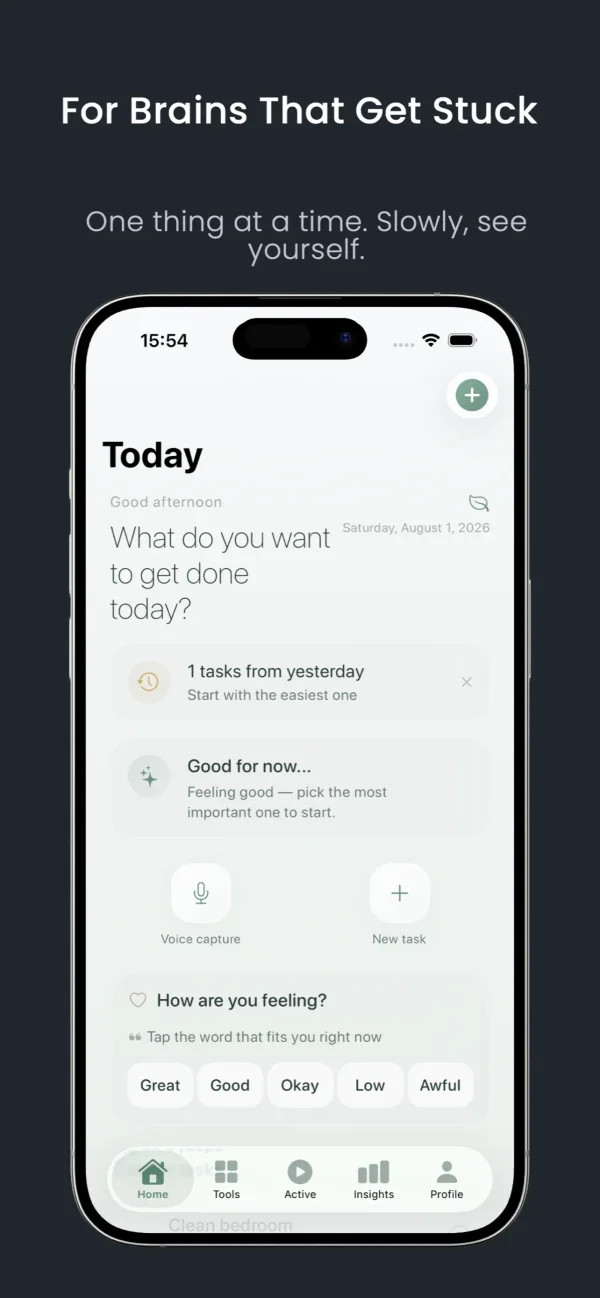
Big tasks make your brain go blank? You're not lazy — you need to see the next step, not a list of 20.
Stepping shows you ONE step at a time. Do it. Swipe. Next. No scrolling, no overwhelm — just this one thing, right now.
WHO IT'S FOR
• ADHD / ADD — beat task paralysis & time blindness
• Autism & AuDHD — calm, predictable, low-sensory
• Executive dysfunction — externalize the planning
• Anyone frozen by "where do I even start?"
CORE TOOLS
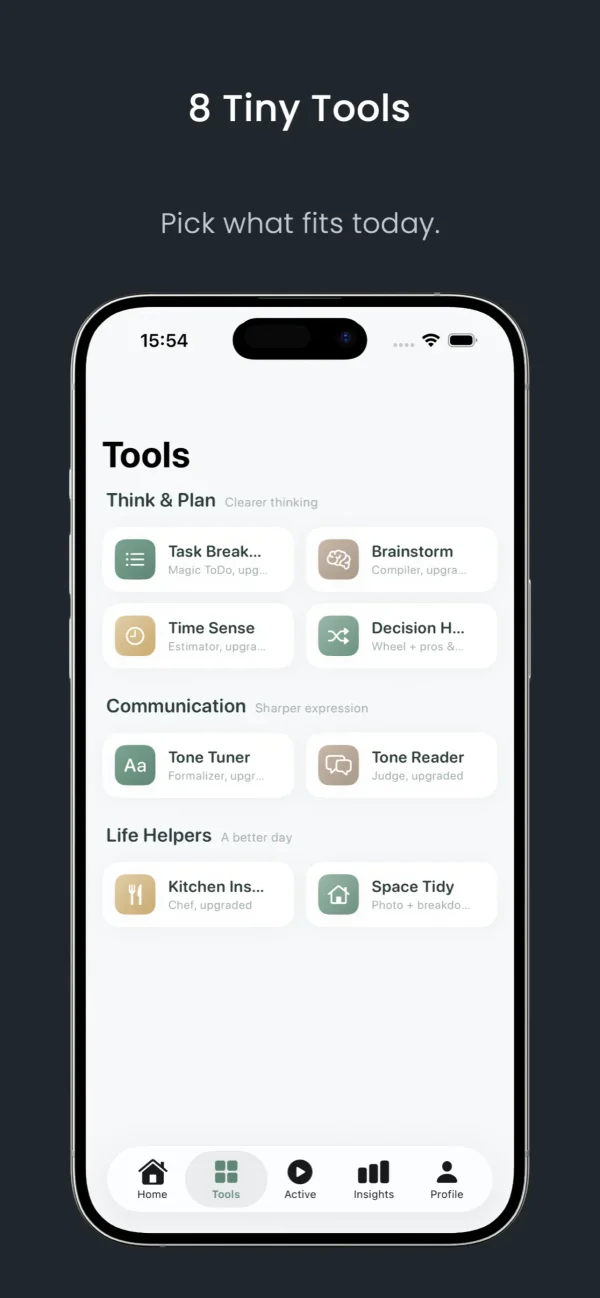
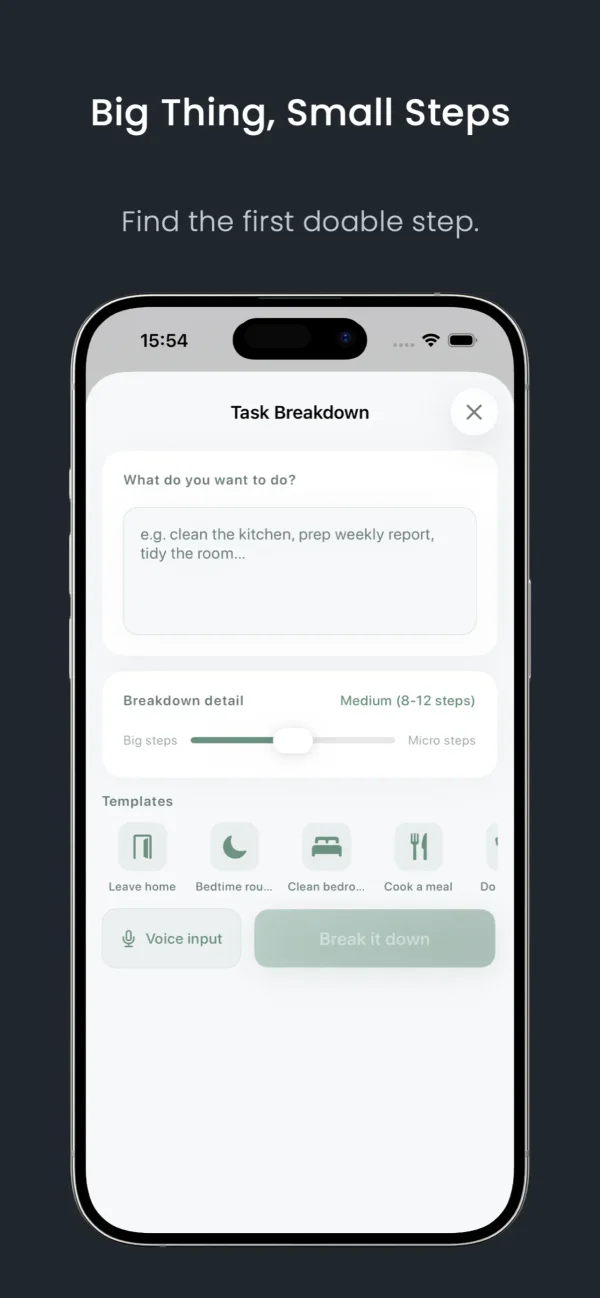
▸ Task Steps — turn "clean the kitchen" into 5 doable micro-steps
▸ Guided Mode — our signature: one step, then the next
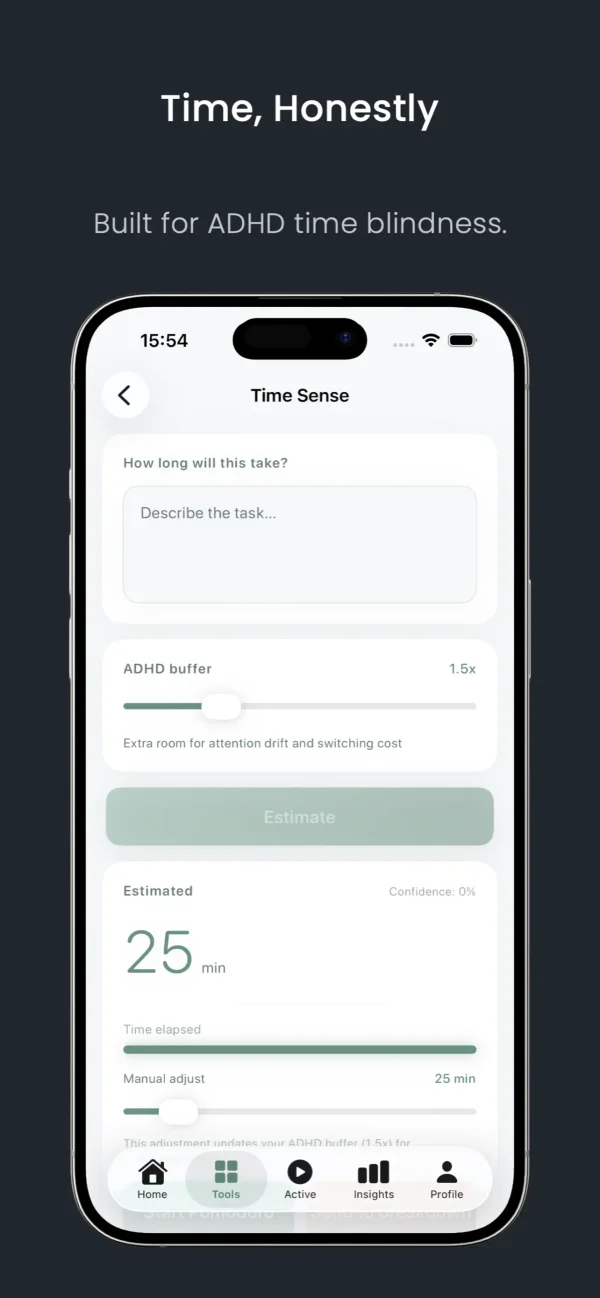
▸ Time Sense — learns your real pace (ADHD ×1.5 buffer built in)
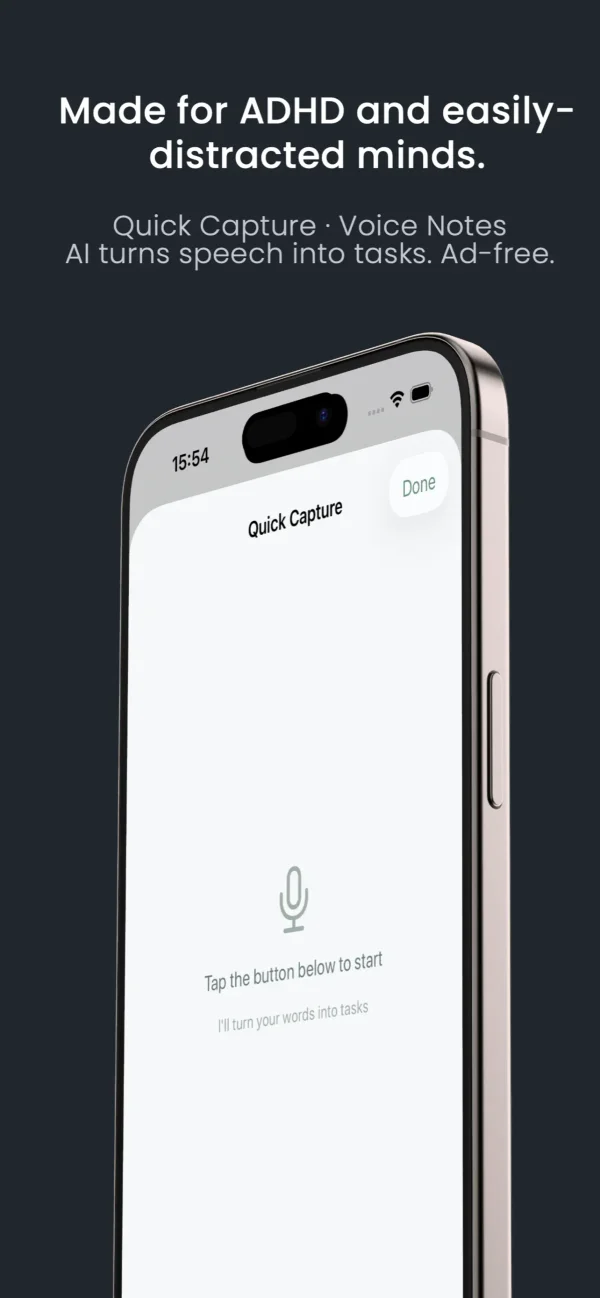
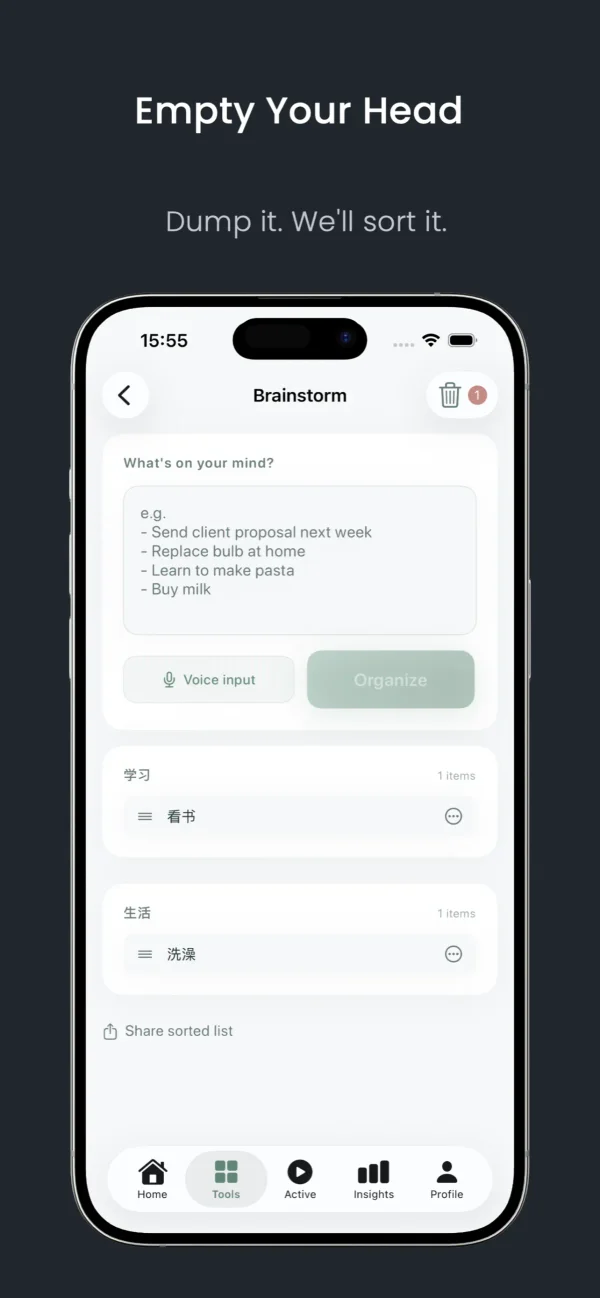
▸ Brain Dump — voice or text your chaos, get tasks back
▸ Tone Adjust / Reader — write and read messages without spiraling
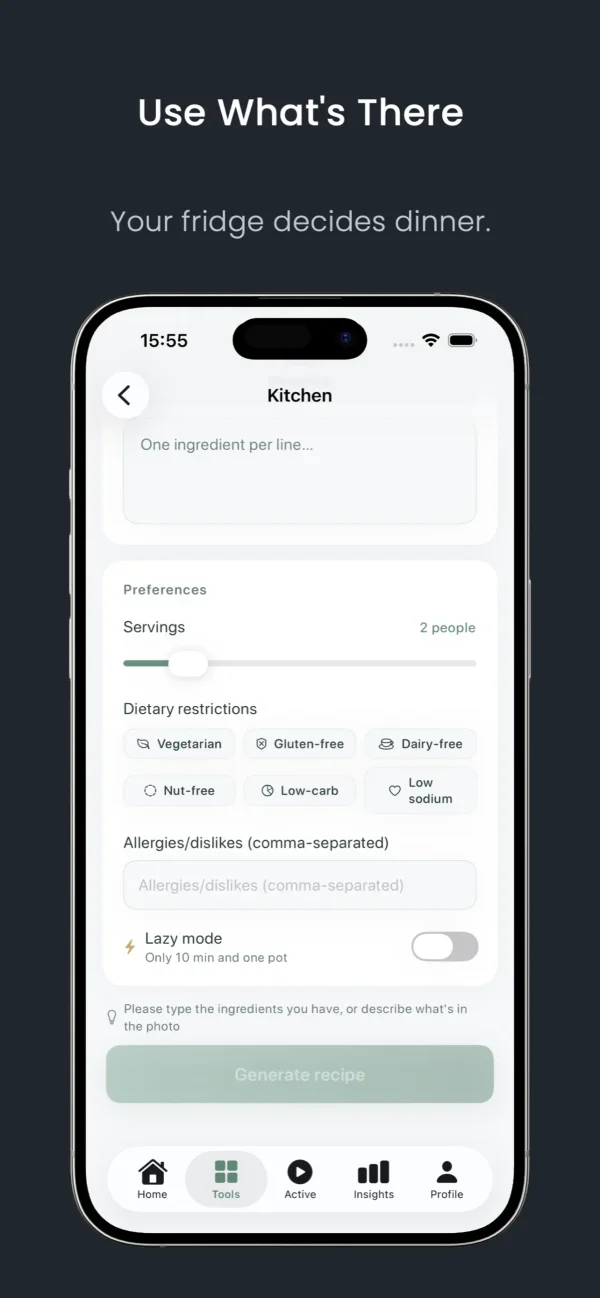
▸ Kitchen & Space — photo your fridge or mess, get a plan
WHY STEPPING
• Native iOS — smooth, no webview lag
• Updated every 2 weeks — this app won't vanish
• Privacy-first — your tasks stay on your device
One step at a time.
Privacy Policy: https://essaycoder.github.io/stepping/privacy.html
Terms of Use(EULA):https://www.apple.com/legal/internet-services/itunes/dev/stdeula/
What’s new
Version 3.0 · Sep 15, 2026
Korean support added
"Save for later" — capture without starting
Say what's on your mind and put it down. No categories, no breakdown, no deciding when you'll do it. It waits quietly in "To sort out" on your home screen, visible whenever you open the app.
Capture while you focus
Sudden thought mid-task? There's now a shortcut in the focus screen — jot it down and return to the current step without breaking your flow.
Sorting is lighter
Each item in "To sort out" gives you exactly three choices: break it down now / put it on today / not needed. Doing nothing means "just remembering" — the item stays as it is. Nothing nags you.
Also
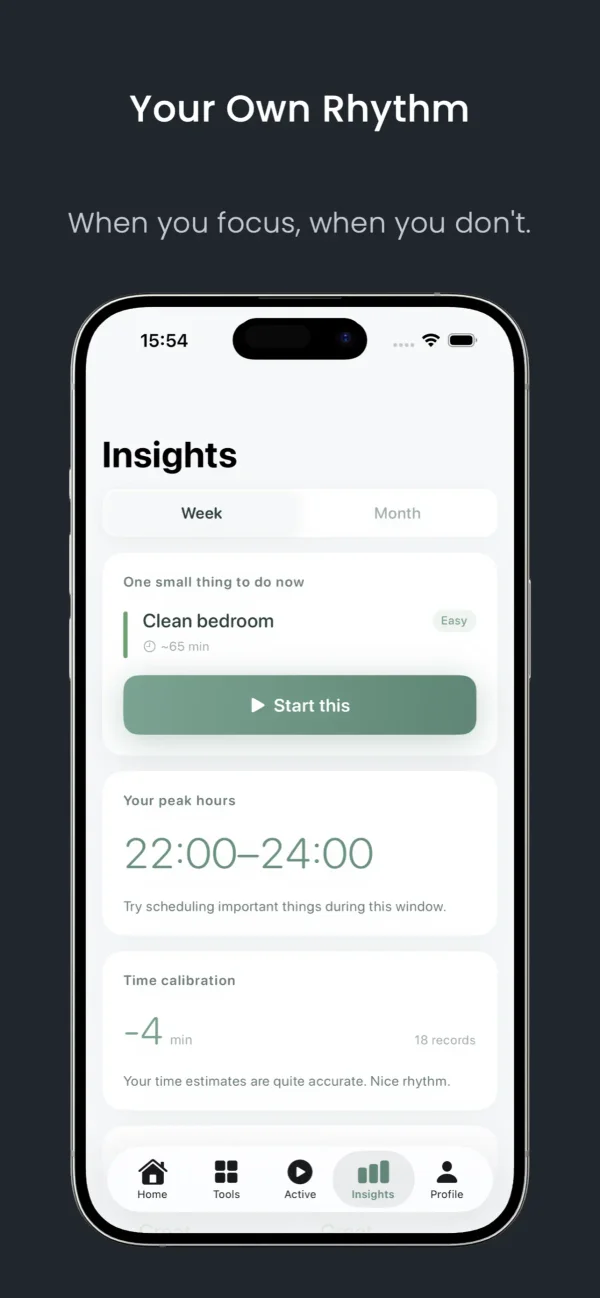
- Insights redesigned — less on screen, easier to read
- A light timer on each step (appears after one minute, and never alarms you if you run long)
- The "+ New task" button now opens the full planning screen: estimate time, set priority, edit steps by hand
App privacy
What 明昭 路 declares on the App Store about how this app handles data.
-
Data not collected
The developer does not collect any data from this app.
Privacy practices may vary, for example with the features you use or your age.
Information
- Seller
- 明昭 路
- Category
- Health & Fitness
- Version
- 3.0
- Updated
- Sep 15, 2026
- Released
- Aug 31, 2026
- Size
- 20.8 MB
- Requires
- iOS 17.0 or later
- Age rating
- 4+
- Price
- Free
- In-app purchases
- Yes
- Languages
- English, German, Japanese, Korean, Simplified Chinese, Traditional Chinese
- Copyright
- © @2026 Stepping Team
You might also like
-
 Daily Readiness: ScoreDaily readiness and workouts
-
 SteppingTrack your daily steps
-
 Regulate ADHDMedication Tracker for Parents
-
 Ebbwell: Sobriety TrackerQuit Drinking, Smoking & More
-
 Mental ForestDiscover your inner peace.
-
 微光 - 情緒日記與自我覺察一個安靜的地方,陪你把心照亮
-
 Sleep Log AI – AI Sleep CoachWake up refreshed every day
-
 CareOps Maeumi: AI CounselingCBT-based talks & self-tests
-
 小鹿练练-情绪认知沟通关系每日练习Health & Fitness
-
 AwarenessNoteDeepen Awareness