STFU: App Blocker & Focus
Screen time limits that stick
Designed for iPhone
Free · In-app purchases
- Age rating17+
- CategoryProductivity
- DeveloperChristopher Riley
- LanguagesEnglish
- Size32.6 MB
Links to the official App Store page
Download.org hosts no file of STFU: App Blocker & Focus. The button opens its official App Store page, published by Christopher Riley. Listing last checked on Nov 12, 2026.
Screenshots


About
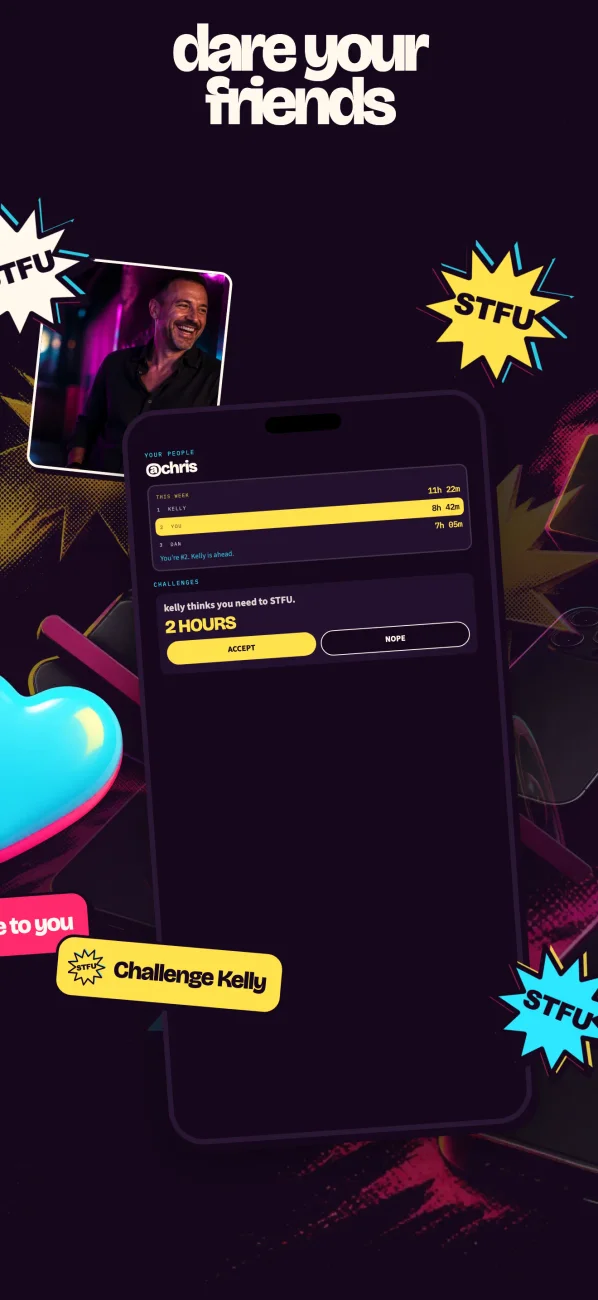
Your phone needs to STFU.
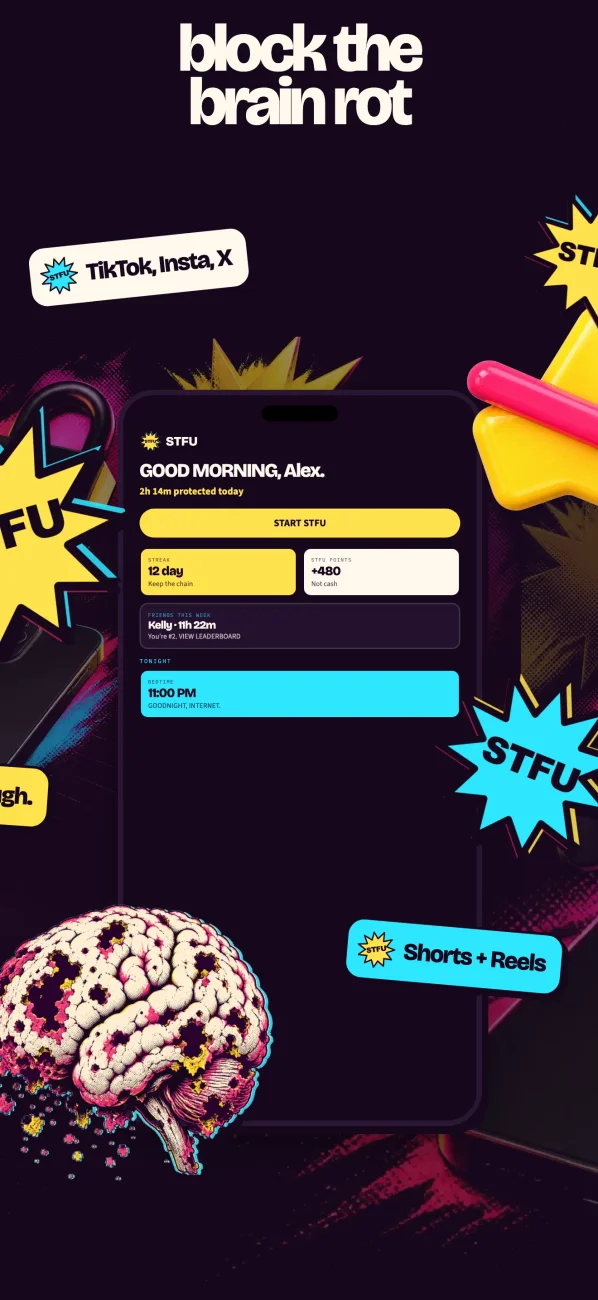
Block the social apps and websites stealing your attention. Reclaim your time. Build better habits. Challenge friends. Earn points for staying off the feed.
STFU is a voluntary self-control tool for adults who are done pretending Screen Time is enough. You pick what needs to shut up. STFU locks it.
WHAT STFU DOES
• Block social apps on iPhone (Instagram, TikTok, YouTube, X, and whatever else owns your thumb)
• Block the websites too, so Safari is not the back door
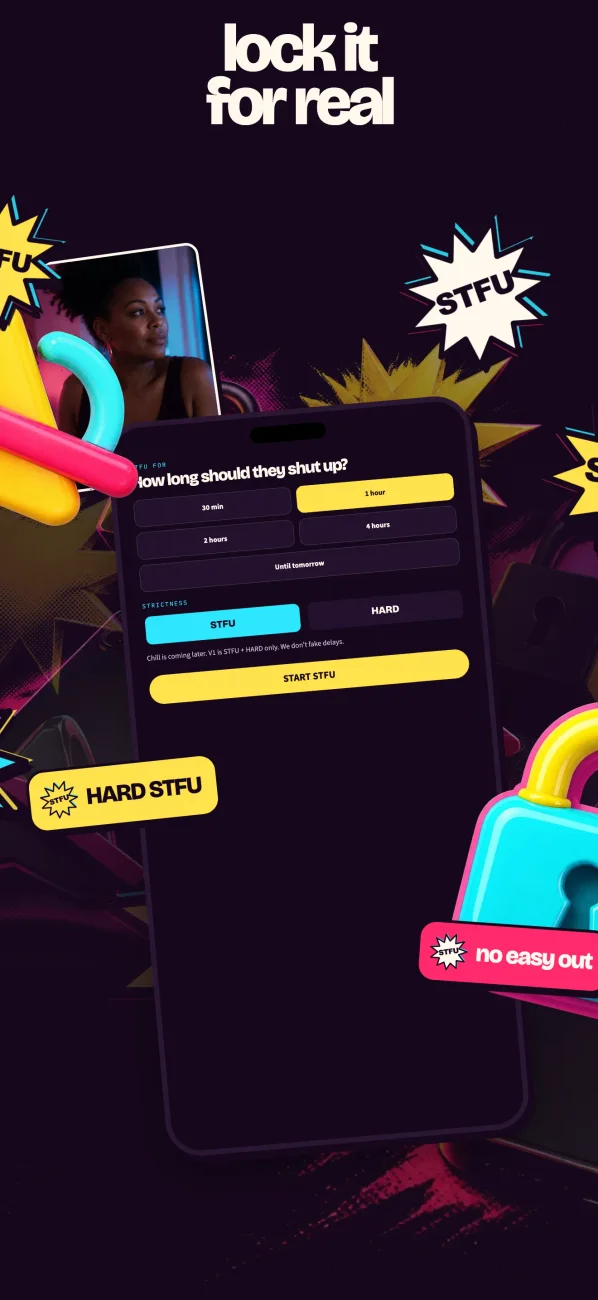
• Run timed STFU sessions when you need a hard mute
• Set bedtime and scheduled locks that hold overnight
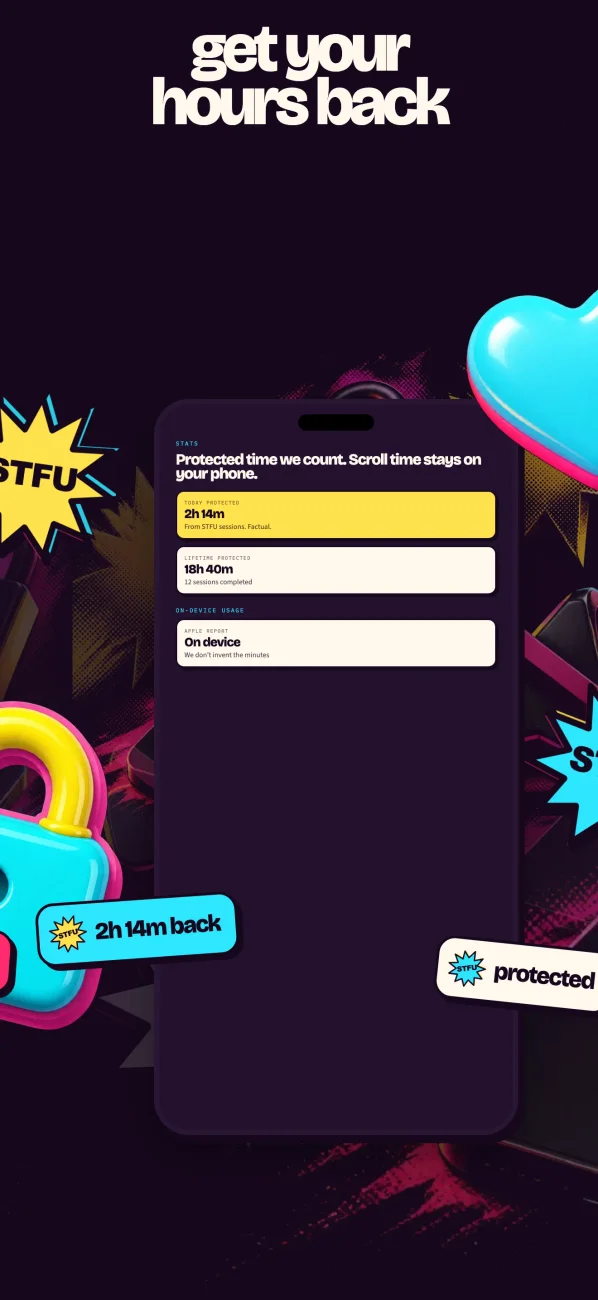
• Track protected time, streaks, and points
• Challenge friends and climb a weekly leaderboard
• Share cards when you actually did the thing
HOW IT WORKS
1. Pick the apps that need to STFU
2. Start a session or schedule a lock
3. STFU blocks those apps and domains
4. Reclaim time, beat your friends, earn rewards
FREE VS STFU PRO
Core blocking works on Free. STFU Pro unlocks extra schedules and limits, week trends, and more of the product around the lock - not a tollbooth on Apple's block button.
STFU PRO
• Weekly: $4.99
• Annual: $49.99 with a 3-day free trial
Auto-renewing subscription billed through your Apple ID. Payment is charged to your Apple ID account at confirmation of purchase. Subscription automatically renews unless canceled at least 24 hours before the end of the current period. Manage or cancel in Settings > Apple ID > Subscriptions. Any unused portion of a free trial is forfeited when you purchase a subscription.
STFU is a wellness and productivity tool. It does not diagnose, treat, cure, or prevent any disease or mental health condition. Points and trophies are status, not cash. Real-money bounties are not live.
Privacy: https://stfu.bot/privacy
Terms: https://stfu.bot/terms
Billing: https://stfu.bot/billing
Support: support@stfu.bot
What’s new
Version 1.0.18 · Oct 1, 2026
Reinstalled STFU? Your bedtime and daily budget now come back from your account. Setup starts on the budget you had, and a lock left behind by the old copy of the app ends when the new one opens. Pick your muted apps once and they're back on.
Muted apps today no longer shows an empty card while Screen Time is still counting.
App privacy
What Christopher Riley declares on the App Store about how this app handles data.
-
Data linked to you
May be collected and linked to your identity.
- Purchases
- Contact info
- User content
- Identifiers
- Usage data
-
Data not linked to you
May be collected but is not linked to your identity.
- Diagnostics
Privacy practices may vary, for example with the features you use or your age.
Information
- Seller
- Christopher Riley
- Category
- Productivity
- Version
- 1.0.18
- Updated
- Oct 1, 2026
- Released
- Aug 27, 2026
- Size
- 32.6 MB
- Requires
- iOS 17.0 or later
- Age rating
- 17+
- Price
- Free
- In-app purchases
- Yes
- Languages
- English
- Copyright
- © 2026 Riley Ventures LLC
You might also like
-
 AppBlocker: PEAKScreen Time & Study Timer
-
 App-limitSet your own app time limits
-
 App Blocker - GrindlyBlock Apps & Screen Time
-
 App Blocker: LockscreenTasks Before Apps
-
 Manaya: Stop DoomscrollingScreen Time with real pause
-
 FlipLock: Physical App BlockerDigital Detox. Stop Scroll.
-
 Morning Routine: RYZRWake Up Alarm & App Limit
-
 Reduce: Screen Time ControlApp Blocker & Focus Timer
-
 9to9: Night App BlockerYour phone has a bedtime
-
 Pact: App & Website BlockerTime Limit & Block Reels