- Age rating4+
- CategoryMusic
- DeveloperLaura Gabrielson
- LanguagesEnglish
- Size55.3 MB
Links to the official App Store page
Download.org hosts no file of Stickey Notes. The button opens its official App Store page, published by Laura Gabrielson. Listing last checked on Nov 12, 2026.
Screenshots


About
No more boring flashcards or reading music drills! Enjoy learning to read piano music with these creative, engaging games.
> New to piano? Build your pre-reading skills as you save the characters in Level 1.
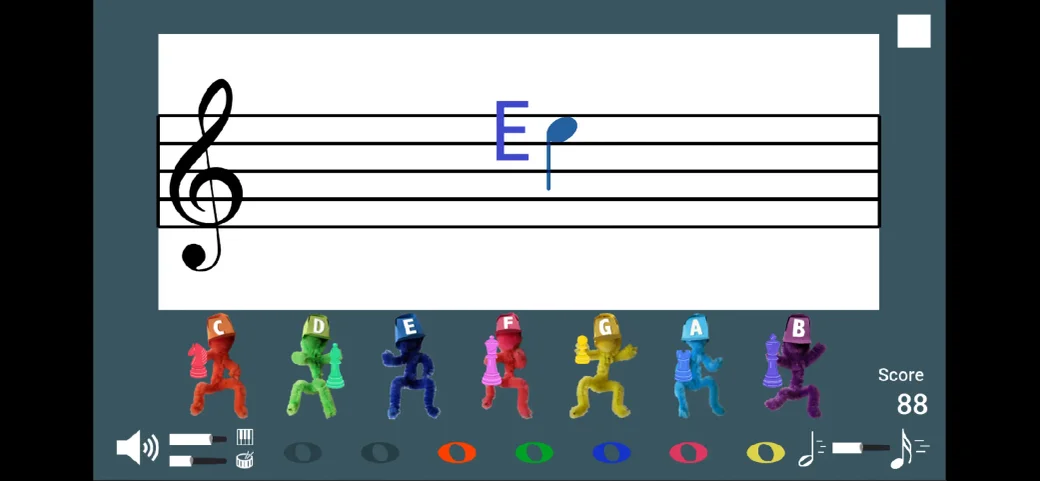
> Getting started with reading notation? Defeat the note by selecting the correct note name Level 2.
> Already know your treble and bass clef pretty well? Jump right into an obstacle-dodging quest to learn key signatures in Level 3.
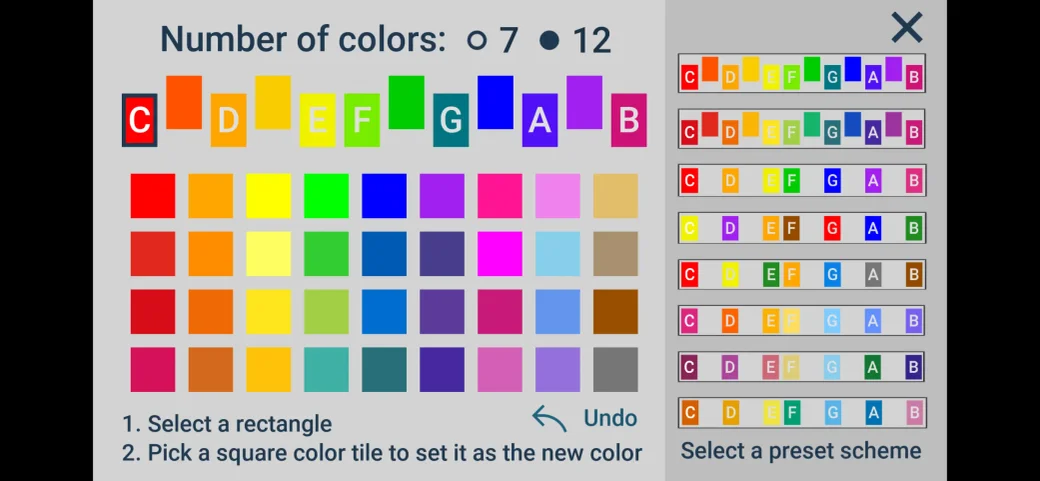
Fully customizable settings to play with just the notes you want to focus on, using English (C, D, E...) or Fixed do (do, re, mi...) note names. Use a custom color scheme to match colors you use elsewhere (such as on colored instruments), or if you want colors that work better for colorblindness.
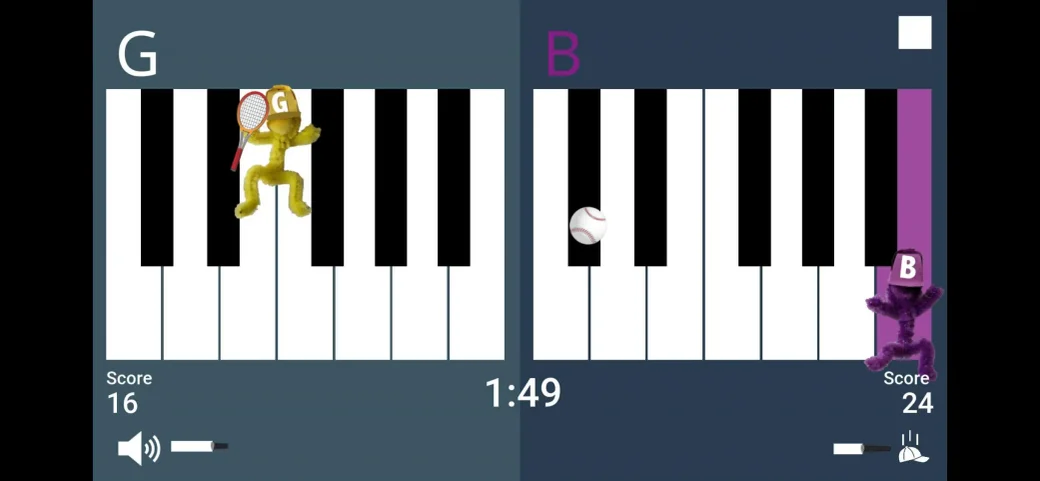
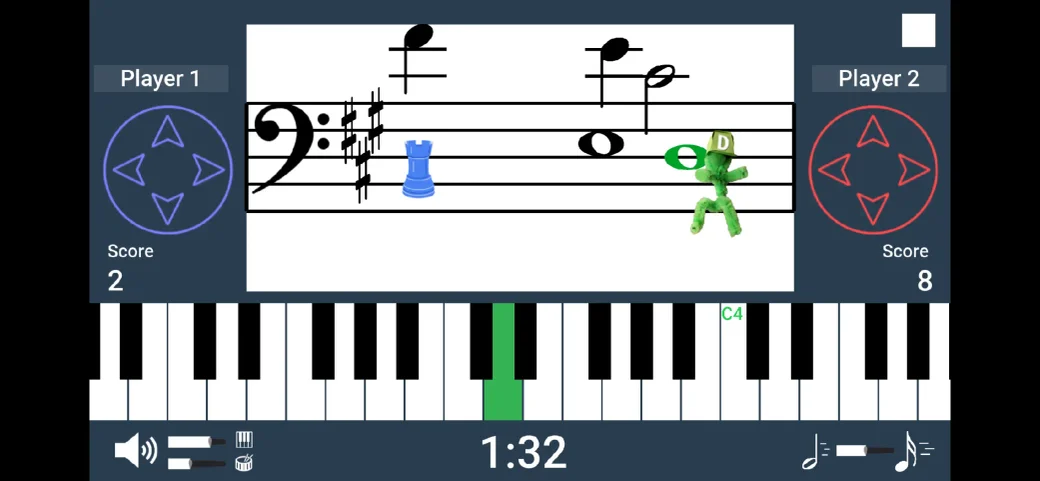
• Level 1, Single Player: Characters are falling from the sky! Save the character from falling off the screen by selecting the piano key that matches the note name on his hat.
• Level 1, 2-Player: See who can score the most points before time runs out. Each player gets one side of the screen... but watch out for flying objects!
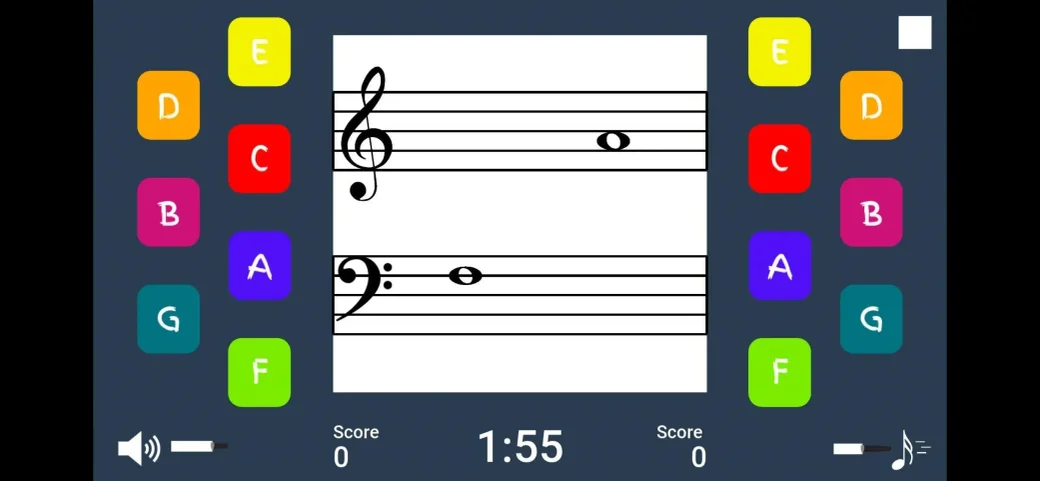
• Level 2, Single Player: Notes are moving toward certain doom. Select the character whose hat matches the note on the staff before the note reaches the clef mark.
• Level 2, 2-Player: Race to select the character with the correct note name more times than your opponent!
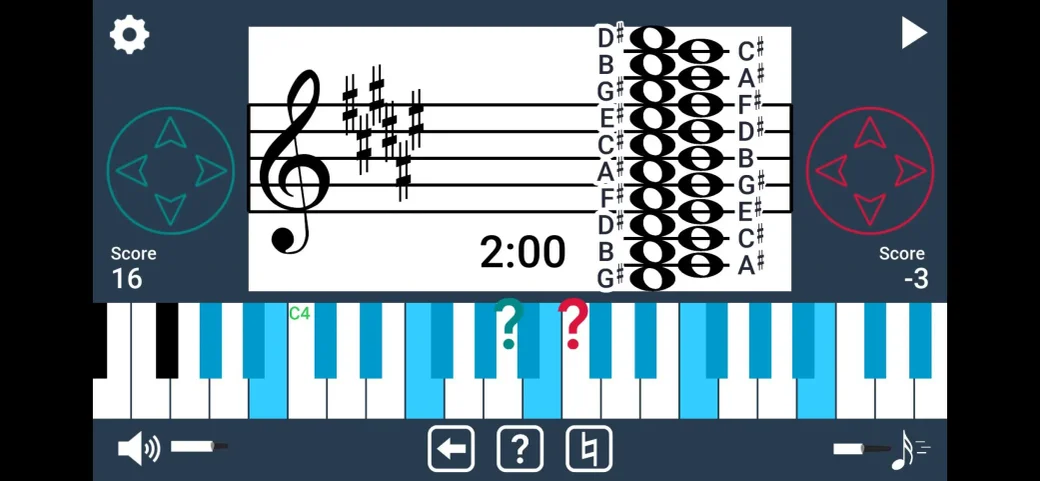
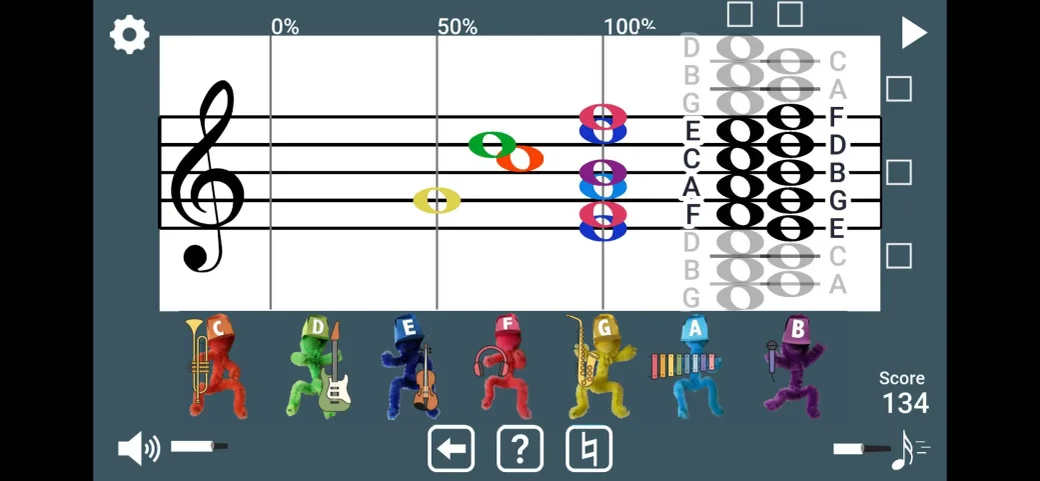
• Level 3, Single Player: Navigate through the moving notes, trying to avoid the wrong ones and hit the note that matches the highlighted key.
• Level 3, 2-Player: Race the other player to get to the correct note first.
Choose how the game ends in single player games - lives or a timer.
Select the specific notes you want to play with in levels 2 and 3:
1) Tap the clef mark to switch between treble and bass.
2) Tap or swipe notes on staff to add/remove from game.
3) Select notes from the piano keyboard to add/remove from game (Level 3 only).
Settings:
- English (C, D, E...) or Fixed do (do, re, mi...) note naming (all levels)
- Naturals/sharps/flats/all and CDE/FGAB/all (Level 1 games)
- Key signature (Level 3 games)
What’s new
Version 7.2 · Dec 9, 2024
New timed game option for single player games - choose between using lives or a timer.
New note selection options between games in levels 2 and 3:
1) Quick selection of multiple notes on the staff - swipe up to select and down to deselect.
2) Select notes from the piano keyboard (Level 3 only).
New scoring for Levels 2 and 3 - more similar to Level 1 scoring.
App privacy
What Laura Gabrielson declares on the App Store about how this app handles data.
-
Data not collected
The developer does not collect any data from this app.
Privacy practices may vary, for example with the features you use or your age.
Information
- Seller
- Laura Gabrielson
- Category
- Music
- Version
- 7.2
- Updated
- Dec 9, 2024
- Released
- May 28, 2022
- Size
- 55.3 MB
- Requires
- iOS 12.0 or later
- Age rating
- 4+
- Price
- $9.99
- Languages
- English
- Copyright
- © 2022 Attune Music and Math, LLC
You might also like
-
 Ralph the Restless Rhythm RatMusic
-
 Kids & Family Movie TriviaTrivia for the Entire Family!
-
 Would You Rather KidsThis or That Family Party Game
-
 The Jackbox Party Pack 6Trivia
-
 Lamafox – Hide and Seek!Puzzle game with cute animals
-
 Bank - Dice GameRoll, Risk & Win!
-
 CrossMath: Maths CrosswordMaths Puzzles & Brain Teasers
-
 Fiete Cars - KidsKlubCar game for kids and toddlers
-
 Grass EaterCasual
-
 Perfect Pitch ChallengeVoice Through