Sticky Color Notes Widget
Check Off Tasks on Lock Screen
Designed for iPhone
Free · In-app purchases
- Age rating4+
- CategoryProductivity
- DeveloperOsawa Shunsuke
- LanguagesEnglish+ 7 more
- Size12.9 MB
Links to the official App Store page
Download.org hosts no file of Sticky Color Notes Widget. The button opens its official App Store page, published by Osawa Shunsuke. Listing last checked on Nov 12, 2026.
Screenshots
About
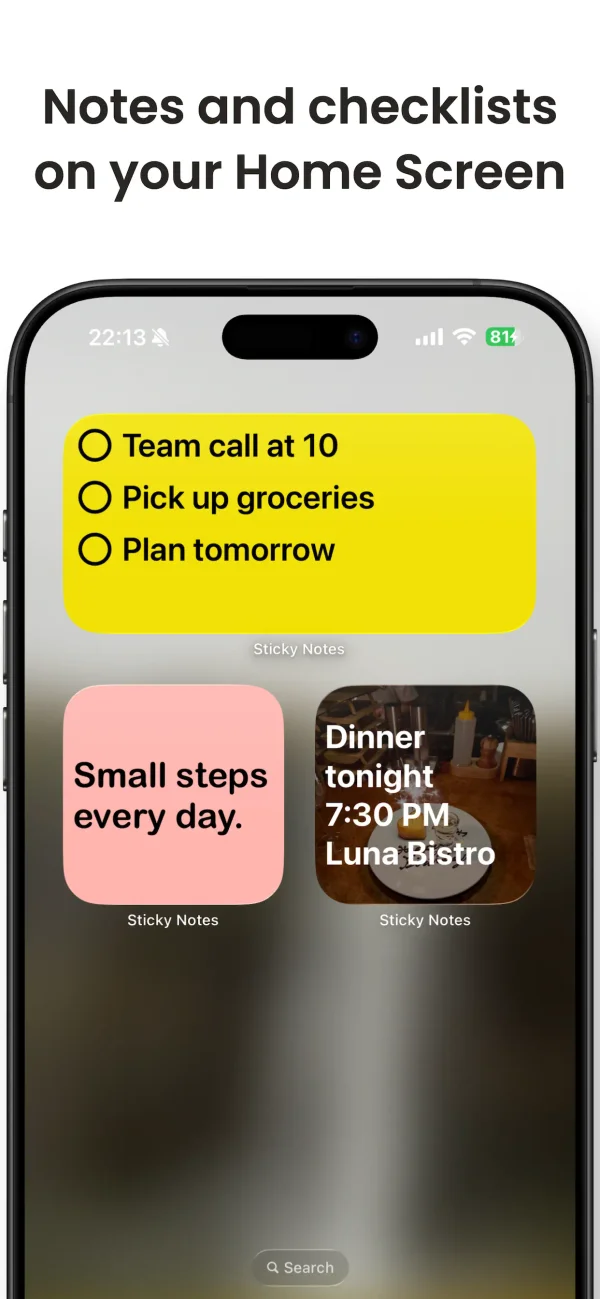
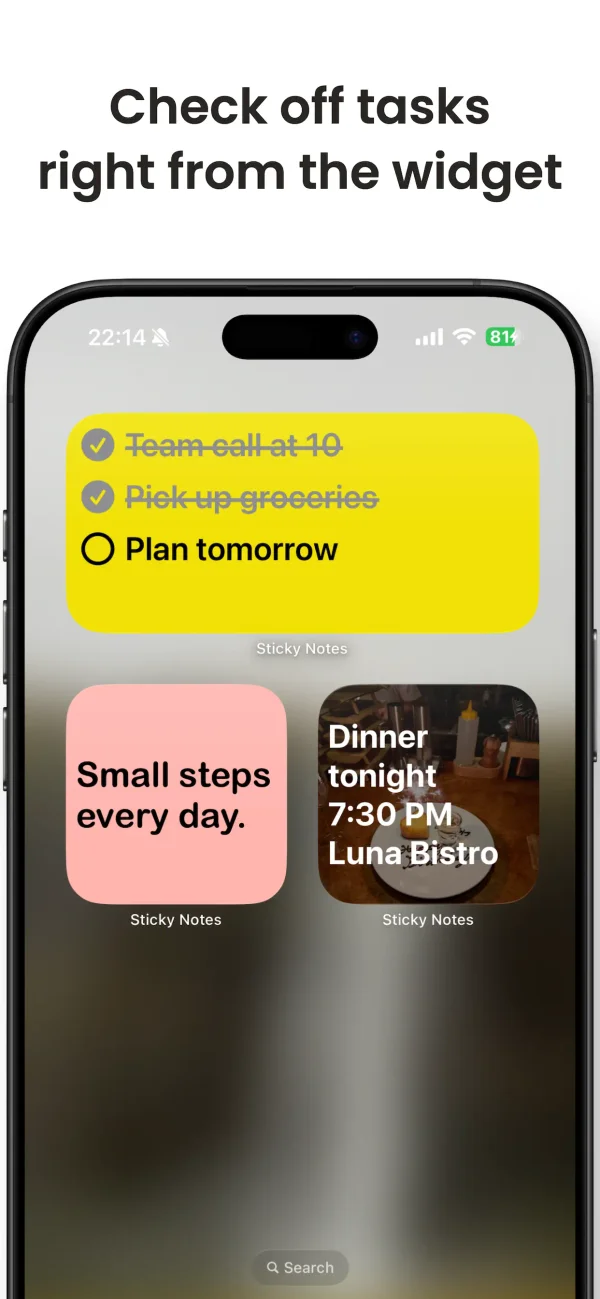
Sticky Color Notes Widget puts your notes and checklists right on your iPhone Home Screen, Lock Screen, and StandBy. Keep a grocery list, to-do list, packing list, or quick reminder in view without opening the app. Create as many notes as you like for free.
KEY FEATURES
• Home Screen widgets in small, medium, and large sizes
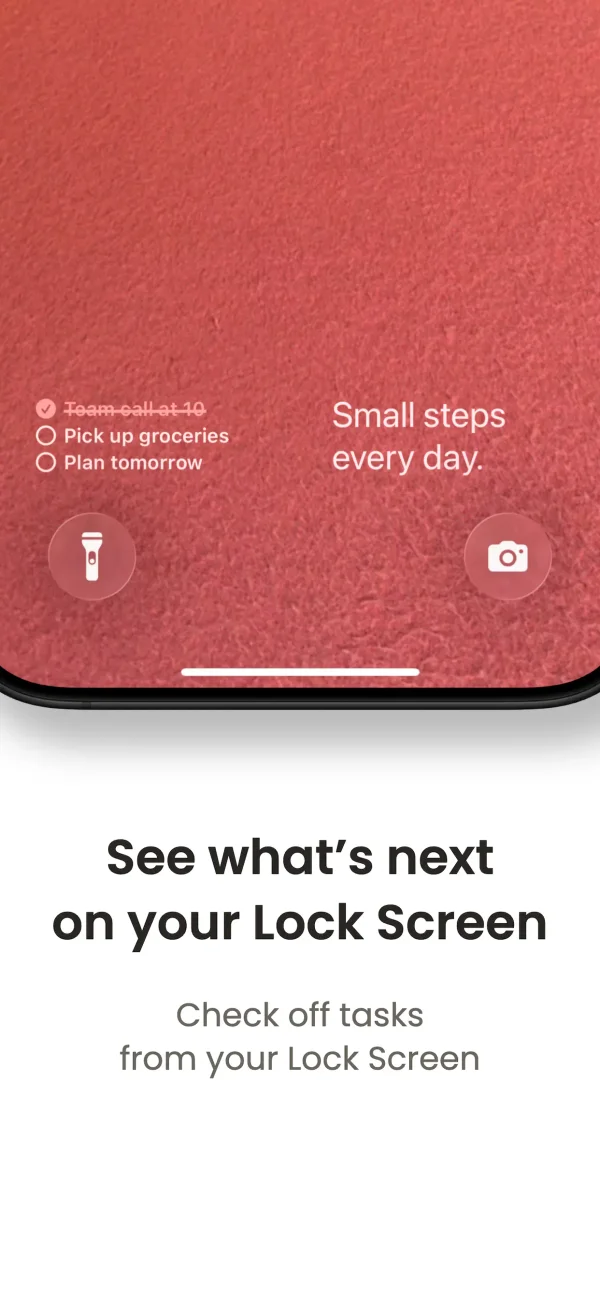
• Lock Screen widgets and StandBy support
• Choose which note each widget shows, so you can line up several sticky notes for different purposes
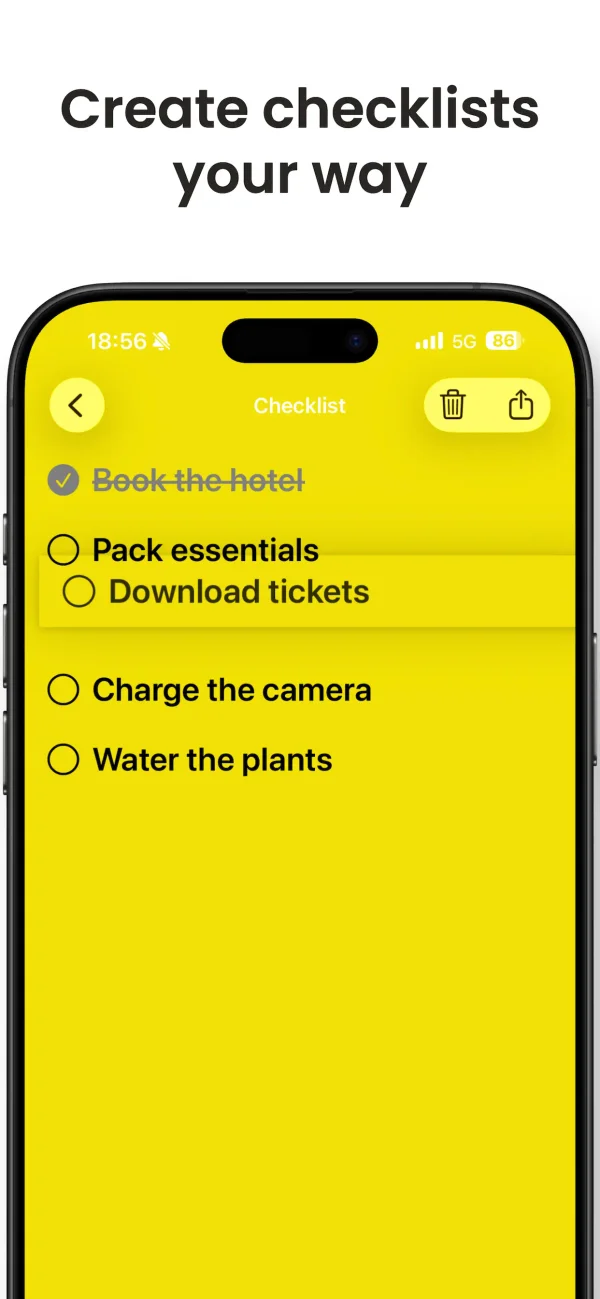
• Interactive checklists: tap an item on the widget to check it off, even from the Lock Screen
• Bullet lists: tap the List button to add "•" bullets, and new lines continue the list automatically
• Deleted notes stay in the Trash for 30 days, so you can restore them
• Share a note's text with other apps
MAKE IT YOURS
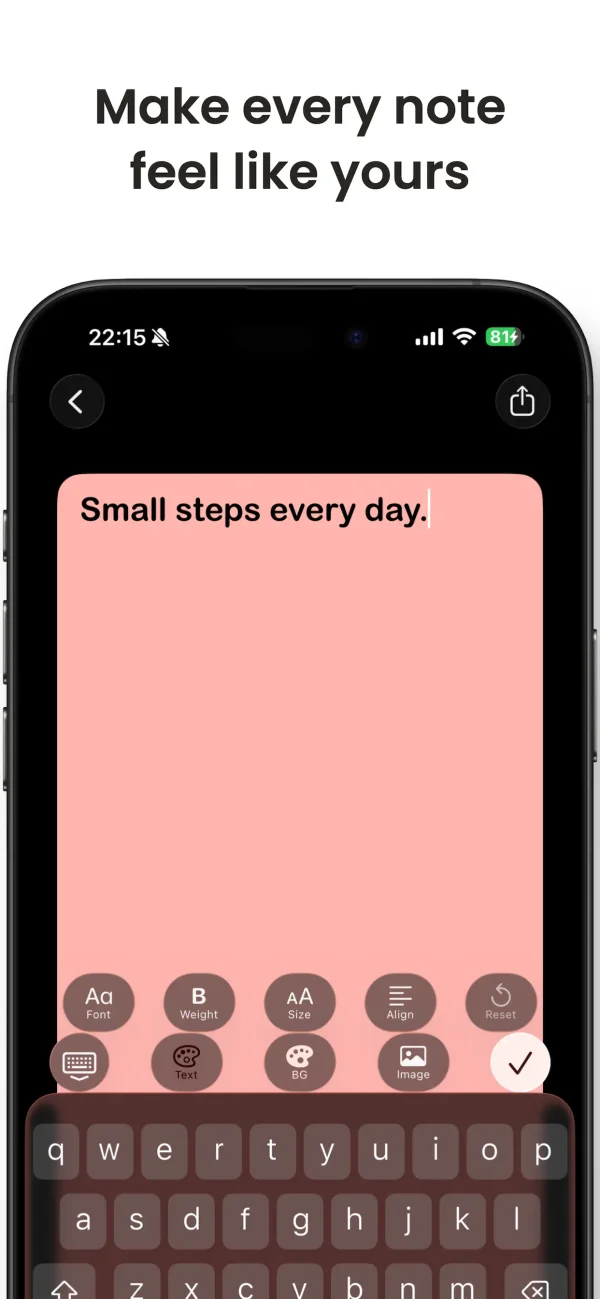
• Any text color and background color
• Use your own photo as the note background (it shows on the widget too)
• Seven font weights and left, center, or right alignment
• Custom fonts and text sizes (Pro)
EASY ONE-HANDED USE
The add button sits at the bottom of the screen and the formatting buttons sit right above the keyboard, so you can write and style notes with one hand.
GREAT FOR
• Grocery and shopping lists on your Lock Screen
• Daily to-dos and chores you check off as you go
• Packing lists and "don't forget" reminders
• Goals, quotes, and words of encouragement on your Home Screen
• Notes for family members
• Study and work tasks
FREE AND PRO
The free version includes unlimited notes and one checklist.
Pro is a one-time purchase that adds:
• No ads
• Unlimited checklists
• Custom fonts
• Text size options in the editor
• Customizable note list display
FAQ
Is it free?
Yes. You can create unlimited notes for free.
Do I need an account?
No. Your notes are stored on your device.
How do I add a widget?
Touch and hold your Home Screen background, tap Edit > Add Widget, and choose Sticky Notes. Then touch and hold the widget, tap Edit Widget, and pick the note you want to show.
Have feedback or a feature request? Send it from the app's Settings screen. We keep improving the app with regular updates.
What’s new
Version 7.1.2 · Nov 5, 2026
Bug fixes and performance improvements.
App privacy
What Osawa Shunsuke declares on the App Store about how this app handles data.
-
Data used to track you
May be used to track you across apps and websites owned by other companies.
- Identifiers
- Usage data
-
Data not linked to you
May be collected but is not linked to your identity.
- Identifiers
- Usage data
- Diagnostics
Privacy practices may vary, for example with the features you use or your age.
Information
- Seller
- Osawa Shunsuke
- Category
- Productivity
- Version
- 7.1.2
- Updated
- Nov 5, 2026
- Released
- Nov 28, 2020
- Size
- 12.9 MB
- Requires
- iOS 18 or later
- Age rating
- 4+
- Price
- Free
- In-app purchases
- Yes
- Languages
- English, German, Italian, Japanese, Portuguese, Simplified Chinese, Spanish, Traditional Chinese
- Copyright
- © Shunsuke Osawa
You might also like
-
 Plain Note: Notes WidgetSimple Notepad for Quick Memos
-
 Sticky Note Widget Memo PadHandwriting Fonts, Lock Screen
-
 Text Widget NotiHomescreen sticky notes
-
 Memo Widget - Smart NotepadSimple notepad with widgets
-
 Sticky Notes Widget. StickiesMemo papers plus color drawing
-
 Sticky Notes widget - simpleLockScreen interactive Memo
-
 Sticky Notes: Notepad WidgetHome & Lock Screen To-Do List
-
 IROGAMI: Beautiful Sticky NoteSticky Note & Widget
-
 ColorSticky: Sticky Notes AppRemindful notes in widget
-
 Color Notes With Lock & To DoReminders, Voice Note & Memo