StillFlow
Still to motion with geo art
Designed for iPhone
Free · In-app purchases
- Age rating4+
- CategoryPhoto & Video
- Developeryoshihiro kunihara
- LanguagesEnglish+ 1 more
- Size4.8 MB
Links to the official App Store page
Download.org hosts no file of StillFlow. The button opens its official App Store page, published by yoshihiro kunihara. Listing last checked on Nov 20, 2026.
Screenshots

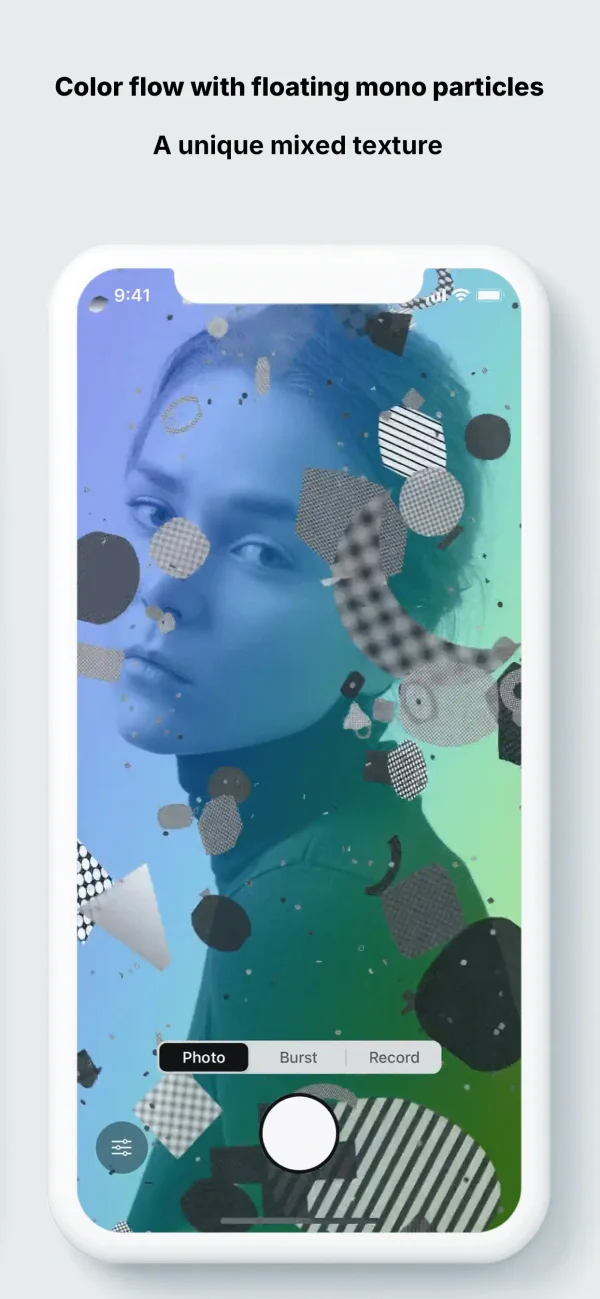
About
## Overview (Main Description)
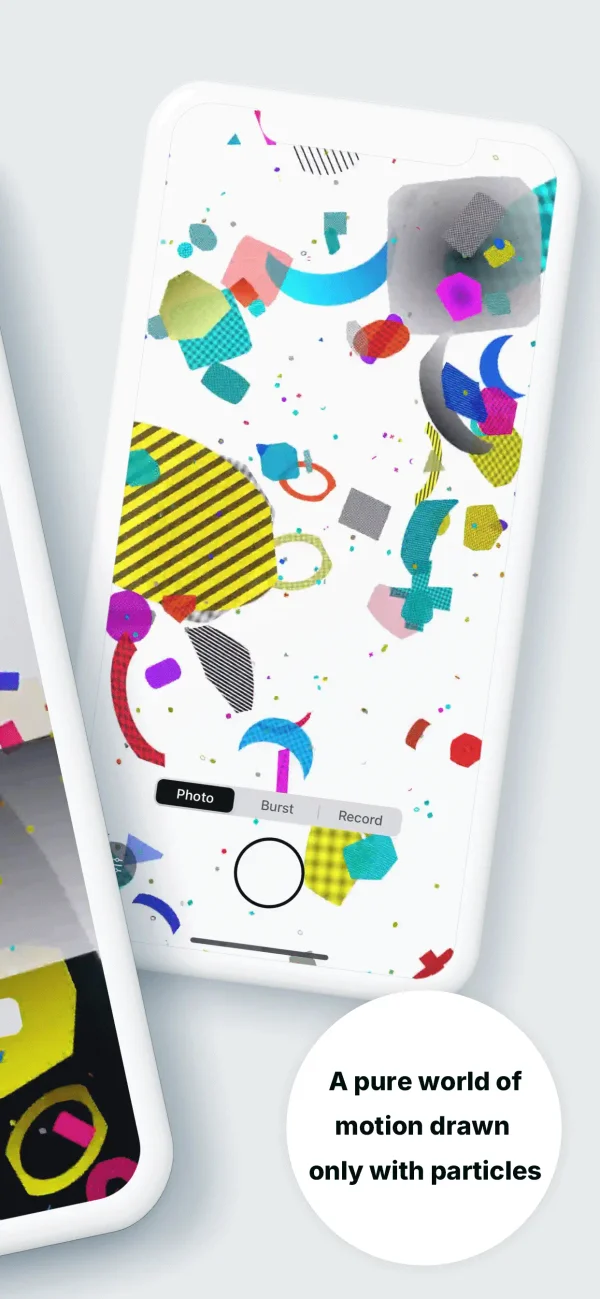
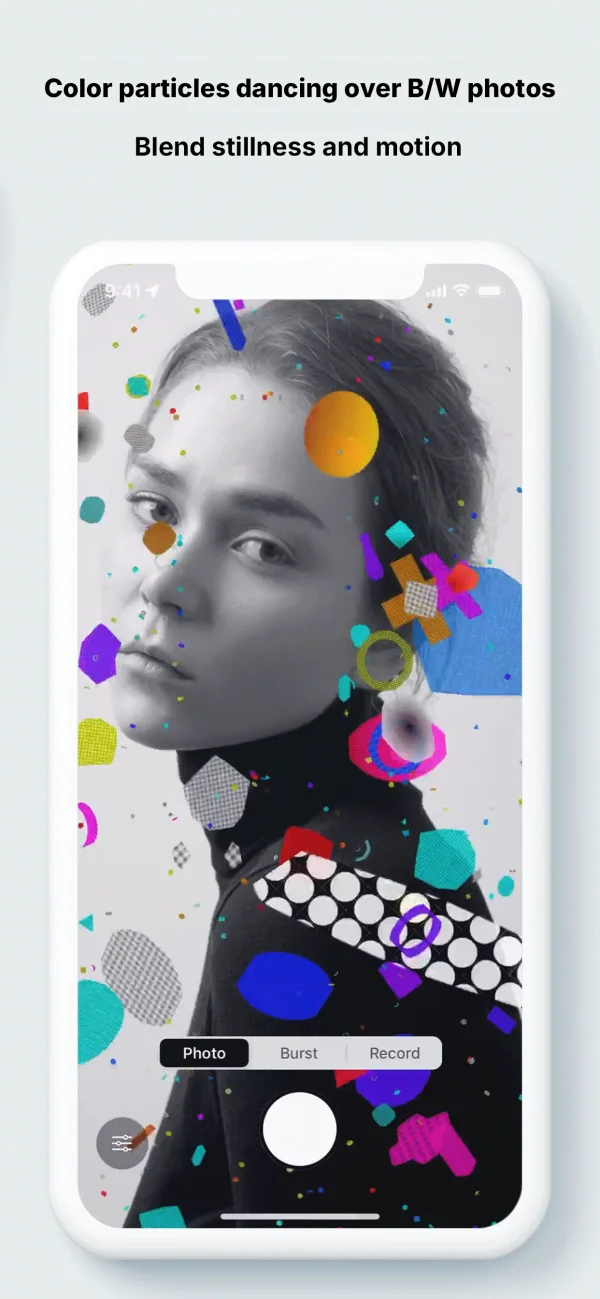
StillFlow is a creative camera app that turns your photos into “moving visuals” by layering geometric particles that drift, flow, and gather like living creatures.
With face detection, particles can be set to avoid or attract faces so you can highlight your subject without breaking the mood of the original photo.
### Key Features
- Photo import and normalization
- Supports JPEG/HEIC. Automatically fixes orientation, normalizes to sRGB, and safely downsamples large images.
- Face-aware particle behavior
- Uses Vision to detect faces and lets particles avoid faces, gather around them, or mix both behaviors.
- Radius, strength, and spawn ratio are adjustable with intuitive sliders.
- Rich particle expressions
- Multiple shapes (circles, boxes, capsules, triangles, diamonds, etc.) and patterns (check, stripes, dots, gradient).
- Control particle count, density, brightness, additive blending, zoom, and motion chaos in real time.
- Monochrome particles toggle for clean, high-contrast looks.
- Background controls
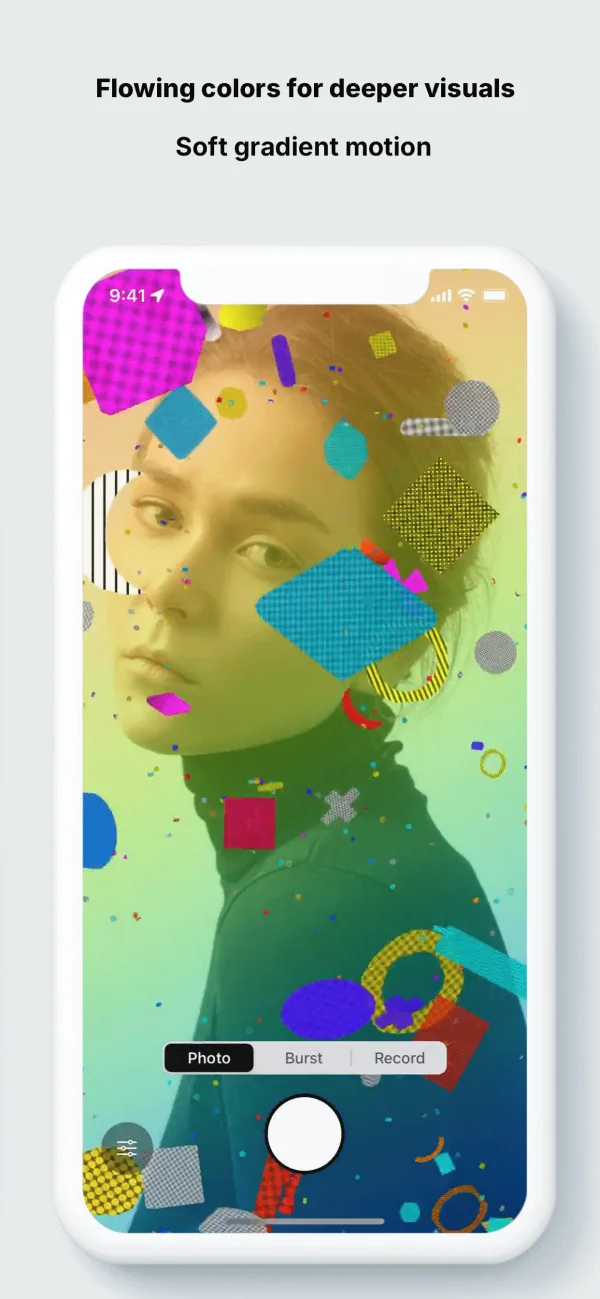
- Layer animated gradients over your photo and tweak mode (linear / radial / angular), intensity, speed, and saturation.
- Optional photo monochrome toggle to desaturate the background image itself.
- Capture modes
- Single: Save the current frame as an image.
- Burst: Capture multiple frames and pick your favorites from a grid with full-screen preview.
- Video: Record full-screen video matching the preview, exporting in 720p (Free) or 1080p-class (Pro).
- Modern UI
- Minimal bottom sheet opened from the bottom-left trigger, with paged “Basic” and “Face” tabs.
- Sliders and toggles are arranged near the bottom for easy reach and a clean, monochrome look.
## Who Is It For?
- Creators and social media users who want to turn photos into moving designs.
- Anyone interested in generative-style expressions that still highlight the subject.
- Users who want high-quality previews and exports without a heavy editing workflow.
## Free vs Pro (In-App Purchase)
- Free
- Background gradient and monochrome particles are **preview-only** and are not applied to saved stills, bursts, or recordings.
- A watermark is added to exported photos and videos.
- Recording is limited to 720p-class and up to 15 seconds. Burst is limited to 5 frames.
- Particle limits: Max=220, density up to 0.6.
- Pro (non-consumable in-app purchase)
- Background gradient and monochrome particles are applied to exports as well as preview, with **no watermark**.
- Recording time limit is removed, enabling longer videos in 1080p-class resolution.
- Particle limits are unlocked up to Max=400 and density up to 1.0 for richer, denser visuals.
## Quality & Performance
- GPU-driven rendering keeps both preview and recording responsive, with GPU-based blits to avoid black frames or bars.
- Auto LOD targets roughly 30fps on modern devices by adjusting particle count in real time.
App privacy
What yoshihiro kunihara declares on the App Store about how this app handles data.
-
Data linked to you
May be collected and linked to your identity.
- Purchases
- Identifiers
- Usage data
- Diagnostics
Privacy practices may vary, for example with the features you use or your age.
Information
- Seller
- yoshihiro kunihara
- Category
- Photo & Video
- Version
- 1.0.0
- Updated
- Nov 27, 2025
- Released
- Nov 26, 2025
- Size
- 4.8 MB
- Requires
- iOS 16.0 or later
- Age rating
- 4+
- Price
- Free
- In-app purchases
- Yes
- Languages
- English, Japanese
- Copyright
- © 2025 RINPA
You might also like
-
 MODUL8 - Glitch Art EffectsGlitch Video & Photo Effects
-
 CYANO - Cyanotype PhotosSunprints without a darkroom
-
 GT ASCII CameraASCII Art Photos & Video
-
 Turing PatternsYour photos, reimagined
-
 icon face cameraPhoto & Video
-
 Sorta GlitchPixel-Sorting Filter
-
 WengiWengiMultiple dimension photos!
-
 pixpic - ASCII Photo EditorTurn Photos Into ASCII Art
-
 SushiCamera ~ お寿司とあなたの3秒間 ~Photo & Video
-
 Still YouCamera, filters & editor