- Age rating4+
- CategoryUtilities
- DeveloperMichael Nett
- LanguagesGerman+ 1 more
- Size14.8 MB
Links to the official App Store page
Download.org hosts no file of StitchSend Mobile. The button opens its official App Store page, published by Michael Nett. Listing last checked on Nov 12, 2026.
Screenshots


About
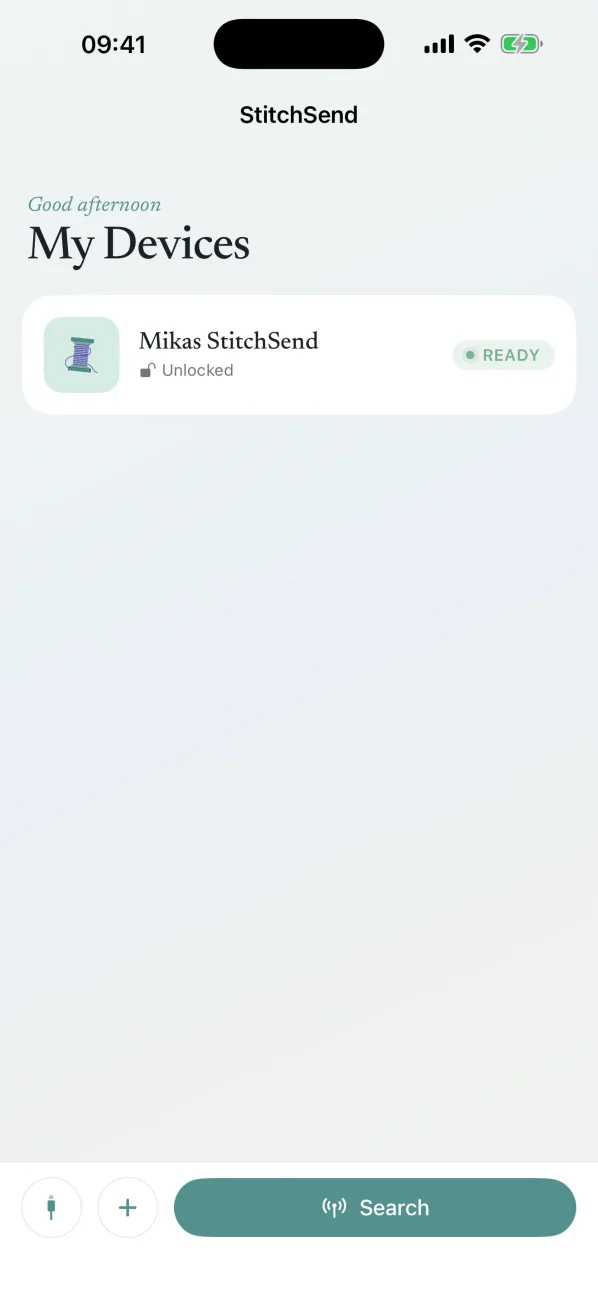
Send embroidery files from your iPhone or iPad straight to your embroidery machine
over Wi-Fi — no computer in between, no swapping USB sticks.
Requires a StitchSend device (sold separately). It plugs into your machine's USB
port once and stays there.
To the embroidery machine, nothing changes: it sees an ordinary USB drive with
embroidery files on it. New designs arrive over your local Wi-Fi and show up
straight away in the machine's file browser.
It works both ways. Designs you create or edit on the machine itself are stored on
the StitchSend device, and you can pull them back to your iPhone or iPad whenever
you like.
———
SIMPLE TRANSFER
Pick a file, send it, done.
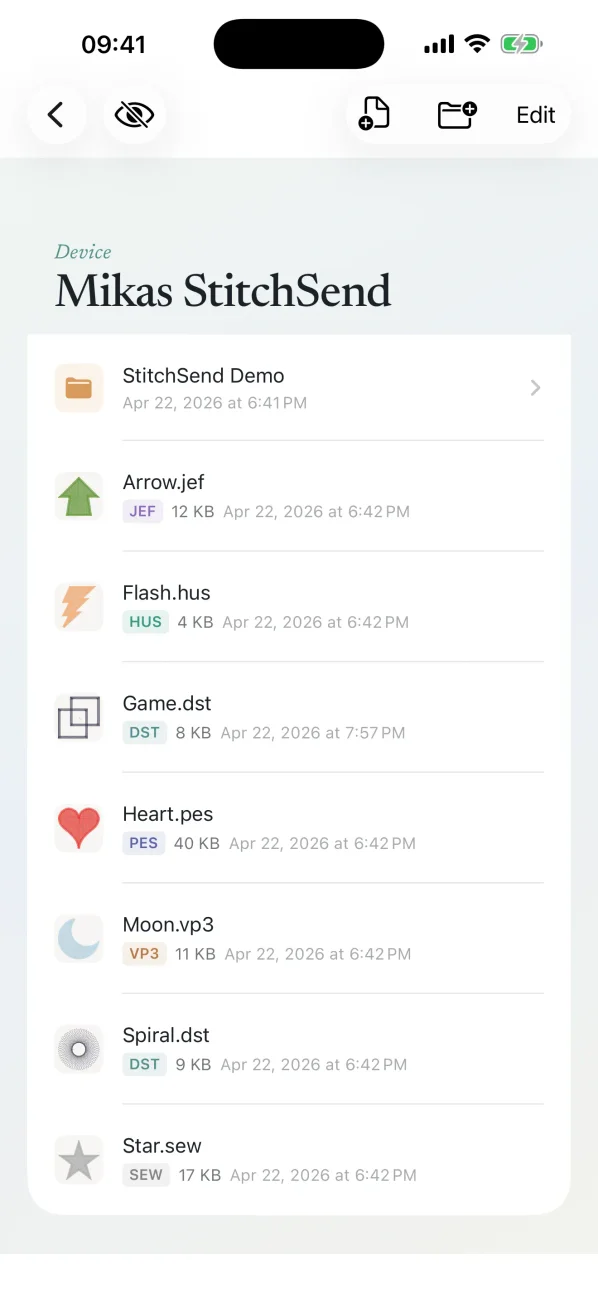
StitchSend shows you what is currently on the device and sends individual files,
whole folders or ZIP archives. Folders keep their structure on the way over, so a
library you have sorted by format or by project arrives exactly as you filed it.
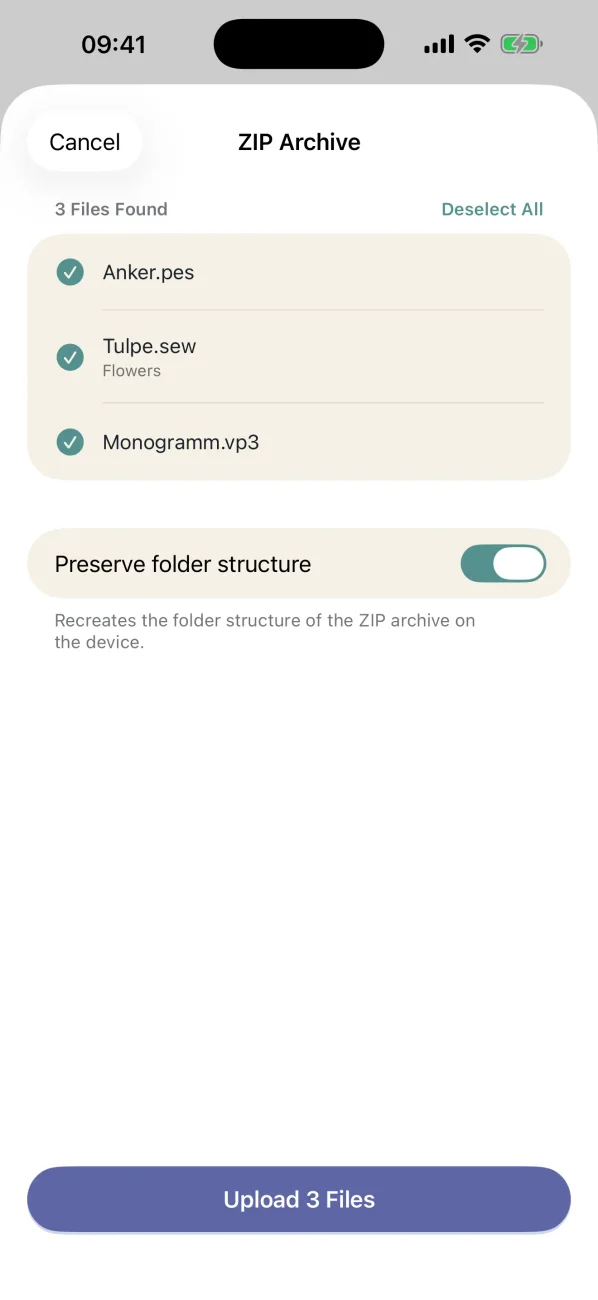
When you import a ZIP, you choose what happens to the folders inside: keep the
structure, or drop every file at the top level — whichever suits how you work at
the machine.
You do not even have to open the app. Share designs to StitchSend straight from
Files, from iCloud Drive or from any app with a share button — including folders,
and including files that are still only in the cloud.
Files that belong together travel together. Color and thumbnail companions such as
INF, COL, EDR and BMP are carried along with their design automatically, so your
machine shows the right thread colors.
Everything runs over your local Wi-Fi. No internet connection needed.
———
PREVIEW BEFORE YOU SEND
See the design, not just the file name. StitchSend renders a preview for DST, PES,
JEF, SEW, HUS, EXP, VP3 and VP4 — plus stitch count, dimensions and thread colors
where the format provides them.
Previews are stored on your device for fast scrolling. You can switch them off at
any time in the settings and delete the stored images.
———
FLEXIBLE WITH FILE FORMATS
Works out of the box with DSB, DST, DSZ, EMD, EXP, HUS, JEF, KSM, PCD, PEC, PES,
PMV, SEW, SHV, T01, TAP, U01, VIP, VP3, XXX and ZSK.
Need something else? Add your own file extensions to match your machine and your
workflow. VP4 files can be previewed straight away; to transfer them, enable the
extension yourself, as most machines cannot read VP4 directly.
———
YOUR FILES STAY ON YOUR NETWORK
Embroidery files move between your device and your StitchSend device, and nowhere
else. Nothing is uploaded to a cloud, and the contents are never analyzed.
The StitchSend device does contact our server for activation and firmware updates.
Your embroidery files are never part of that.
———
TRY IT WITHOUT A DEVICE
Demo mode lets you explore the whole app before you buy anything. Browse example
designs, open previews, walk through a transfer.
You can also load your own embroidery files and ZIP archives into demo mode and see
exactly how they look and behave — nothing is actually sent, but everything else is
real.
———
WHAT YOU NEED
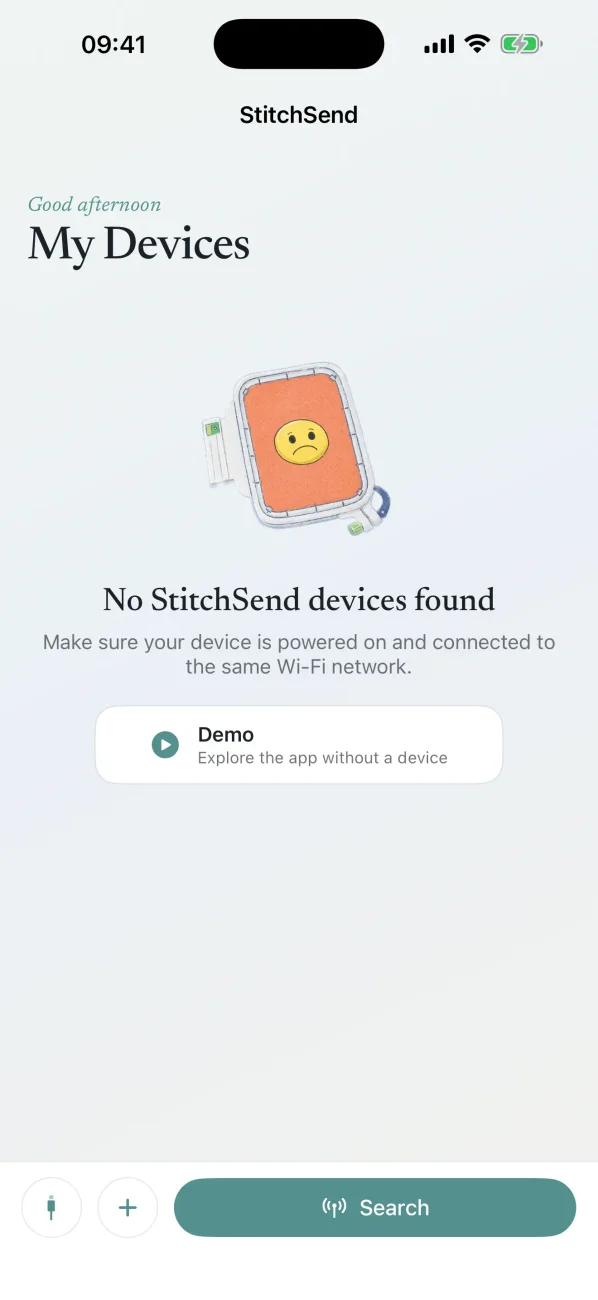
A StitchSend device is required for everyday use.
First-time setup runs on a Mac or Windows PC, because the device software has to be
written to a microSD card. The desktop app walks you through it step by step.
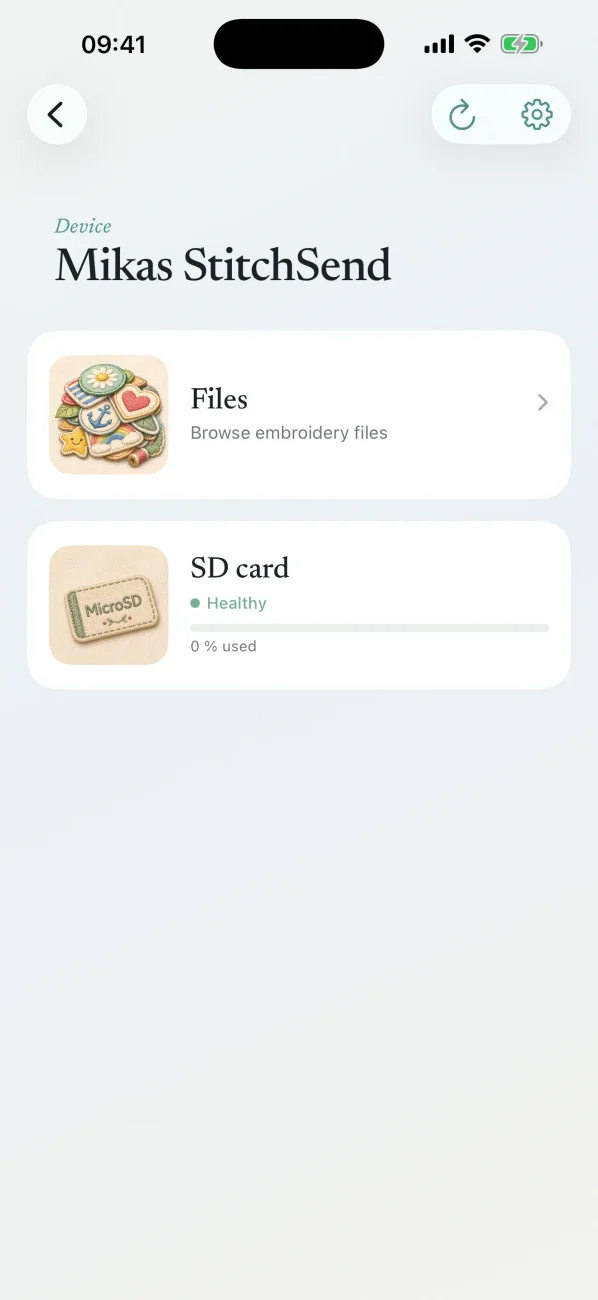
After that, you can manage your devices from your iPhone or iPad — including
changing the Wi-Fi credentials over a USB-C cable.
———
StitchSend replaces the USB stick with a direct Wi-Fi connection between your
device and your embroidery machine. No detours. No re-plugging.
What’s new
Version 1.0.1 · Aug 11, 2026
Real thread colors in previews
EXP and DST files store stitches but no colors, so previews used to fall back on a
generic palette — a design digitized in orange, cream and black could show up green,
navy and red. StitchSend now reads the color file sitting next to the design and
shows the colors you actually chose. INF, COL, EDR and RGB are all supported, and
DST designs show thread colors for the first time.
Companion files no longer get left behind
Sharing an EXP together with its INF used to deliver only the EXP, so the thread
colors never made it to the machine. Both now arrive. The same goes for every other
file your StitchSend device accepts — thumbnails, color charts and the rest travel
with their design.
Sharing works for every format
StitchSend now appears reliably in the share sheet for all embroidery formats,
including JEF.
Settings without losing your place
The gear is now in the file browser too, at any folder depth. Changing a setting no
longer means navigating back out of the folder you were working in.
Larger transfers no longer stop early
Sending a big folder or downloading a whole library as a ZIP could fail with a
timeout, even on a healthy connection. Fixed.
App privacy
What Michael Nett declares on the App Store about how this app handles data.
-
Data linked to you
May be collected and linked to your identity.
- Contact info
- Identifiers
Privacy practices may vary, for example with the features you use or your age.
Information
- Seller
- Michael Nett
- Category
- Utilities
- Version
- 1.0.1
- Updated
- Aug 11, 2026
- Released
- Jun 1, 2026
- Size
- 14.8 MB
- Requires
- iOS 17.6 or later
- Age rating
- 4+
- Languages
- German, English
- Copyright
- © 2026 bei StitchSend / Michael Nett
You might also like
-
 SynoDockerSynology Docker in your pocket
-
 StitchDirectUtilities
-
 Panketal NetzUtilities
-
 SpoolFluxRFID Tags for 3D Printing
-
 EZ CreatorUtilities
-
 SonnounceVoice intercom for your home
-
 Embroidery File ViewerView PES & DST Files Fast
-
 Borrowed - Track your stuffUtilities
-
 Spool ProgrammerRFID tag r/w for filament