
Storage Cleaner: Clean Storage
Declutter & Delete Photos
Designed for iPhone
Free · In-app purchases
- Age rating4+
- CategoryUtilities
- DeveloperPaulius Petrusauskas
- LanguagesEnglish
- Size8.0 MB
Links to the official App Store page
Download.org hosts no file of Storage Cleaner: Clean Storage. The button opens its official App Store page, published by Paulius Petrusauskas. Listing last checked on Nov 13, 2026.
Screenshots
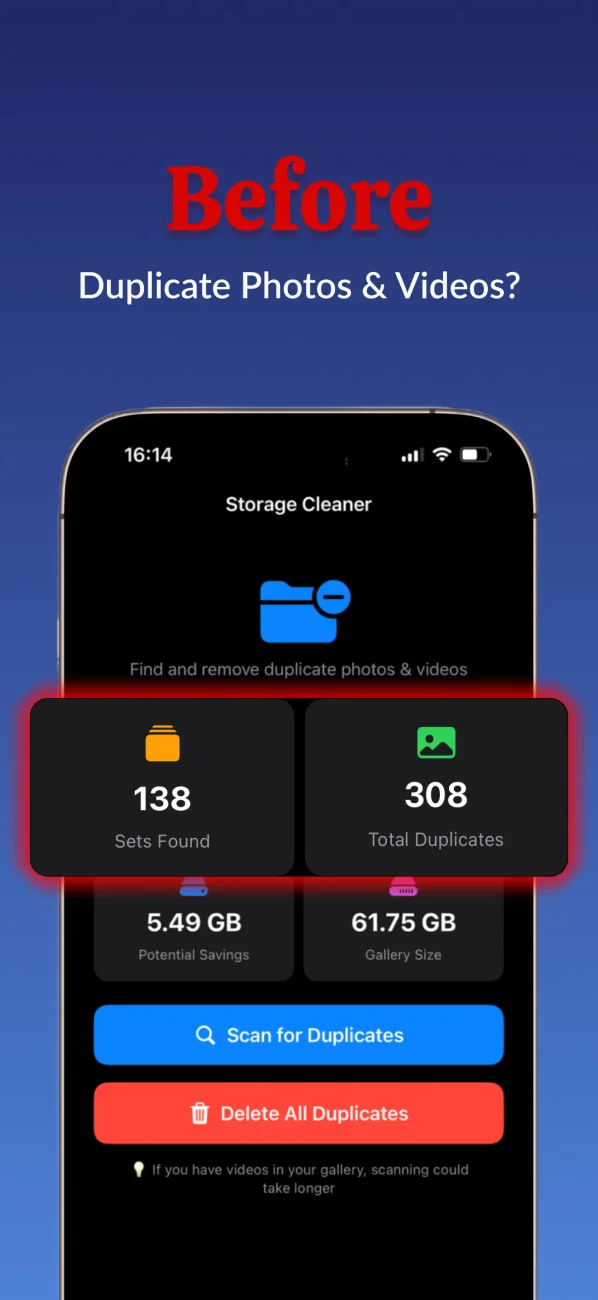
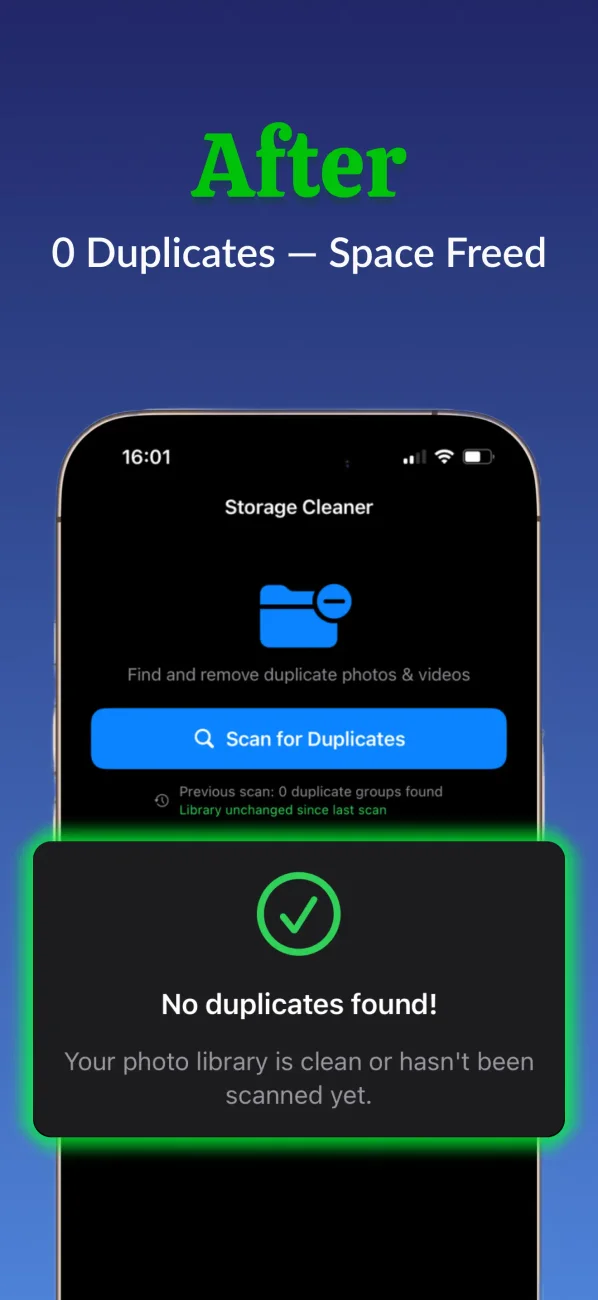
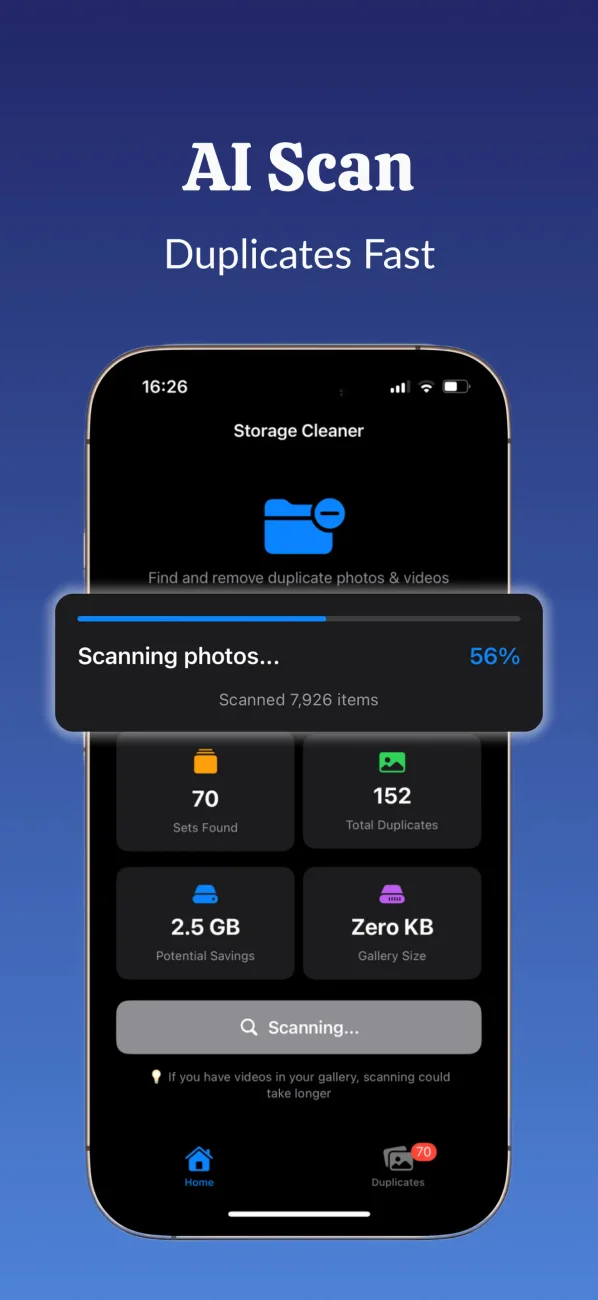
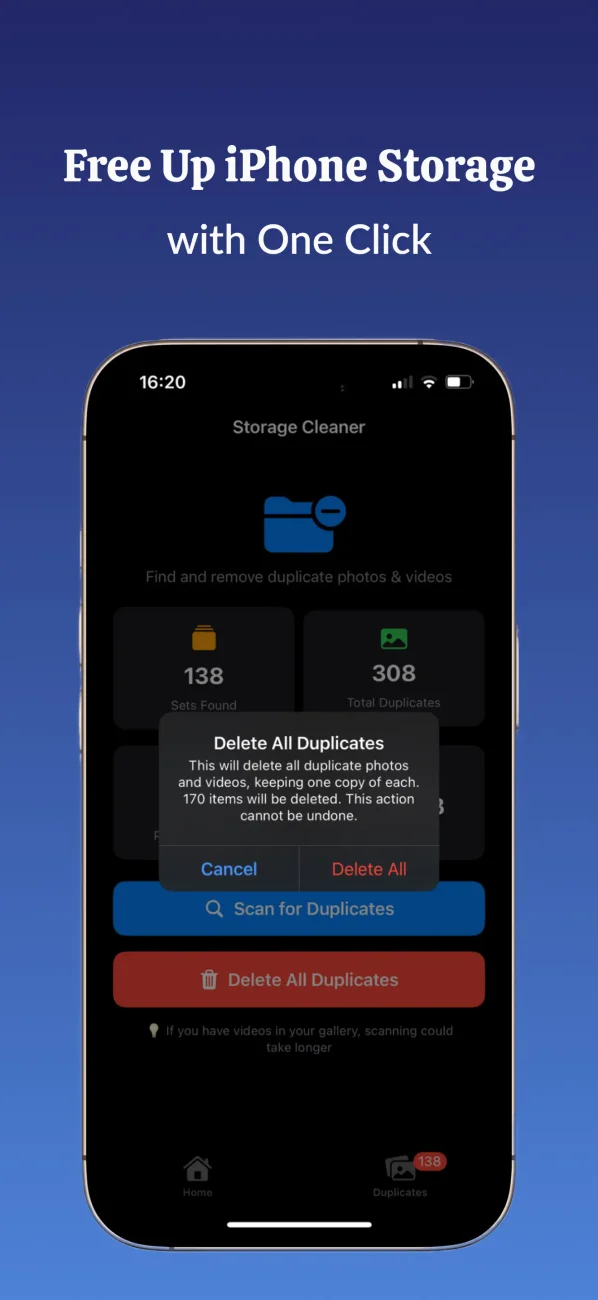
About
Storage Cleaner finds the photos and videos that waste space on your iPhone and lets you clear them in a few taps.
WHAT IT FINDS
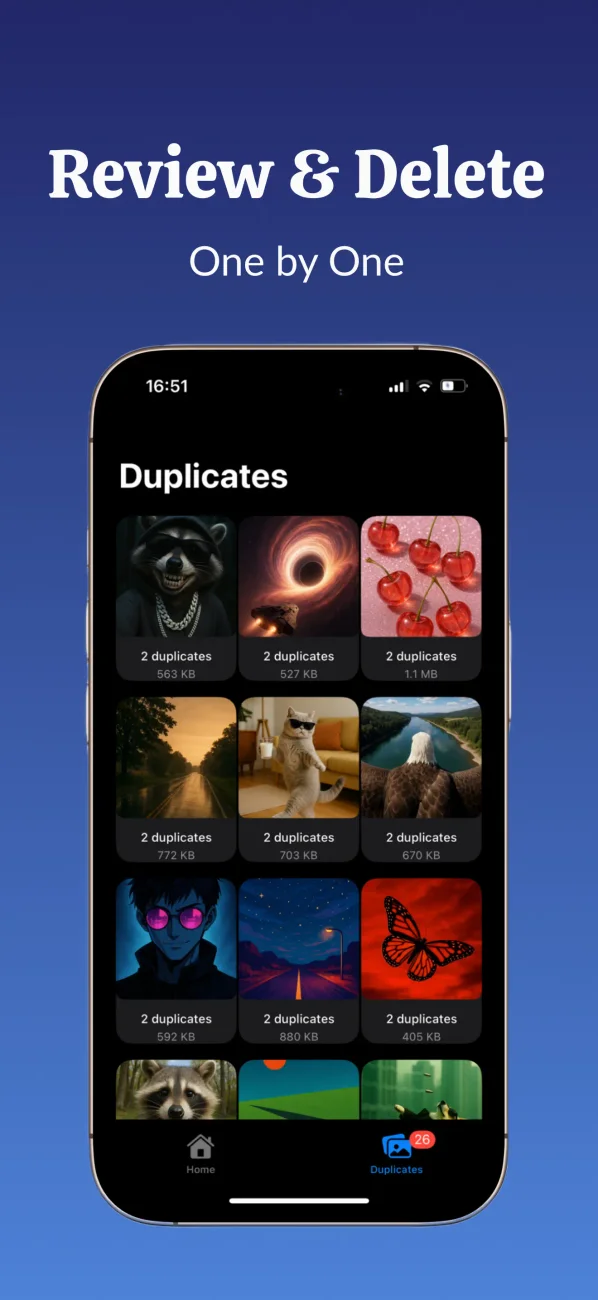
- Duplicates and look-alike photos, grouped so you see every shot of the same moment together
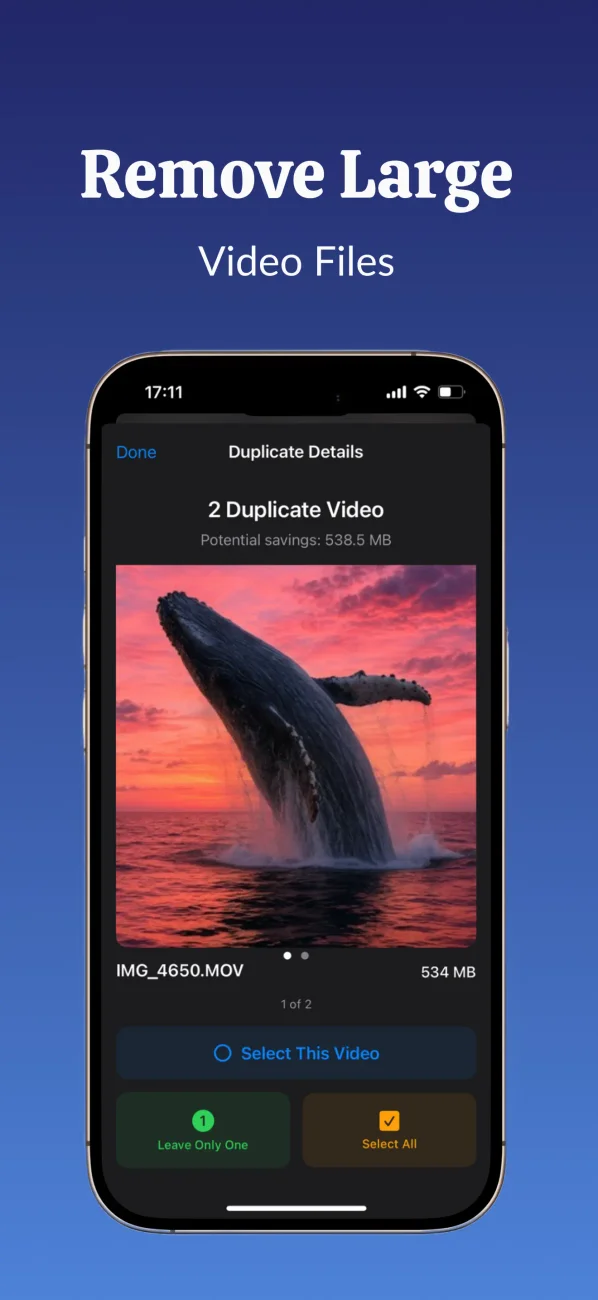
- Large videos, sorted by the space each one really takes (including edited copies)
- Screenshots, newest first
YOU STAY IN CONTROL
- The best photo of every group is marked Keep; the rest are pre-selected and easy to change
- Compare a group side by side, full size, with file size and resolution
- Nothing is deleted until you confirm, and deleted items go to Recently Deleted in Photos for 30 days
FAST AND PRIVATE
- Everything is analysed on your iPhone; no photo is uploaded
- The scan resumes where it stopped and only checks new photos next time
- No full-size downloads from iCloud just to measure files
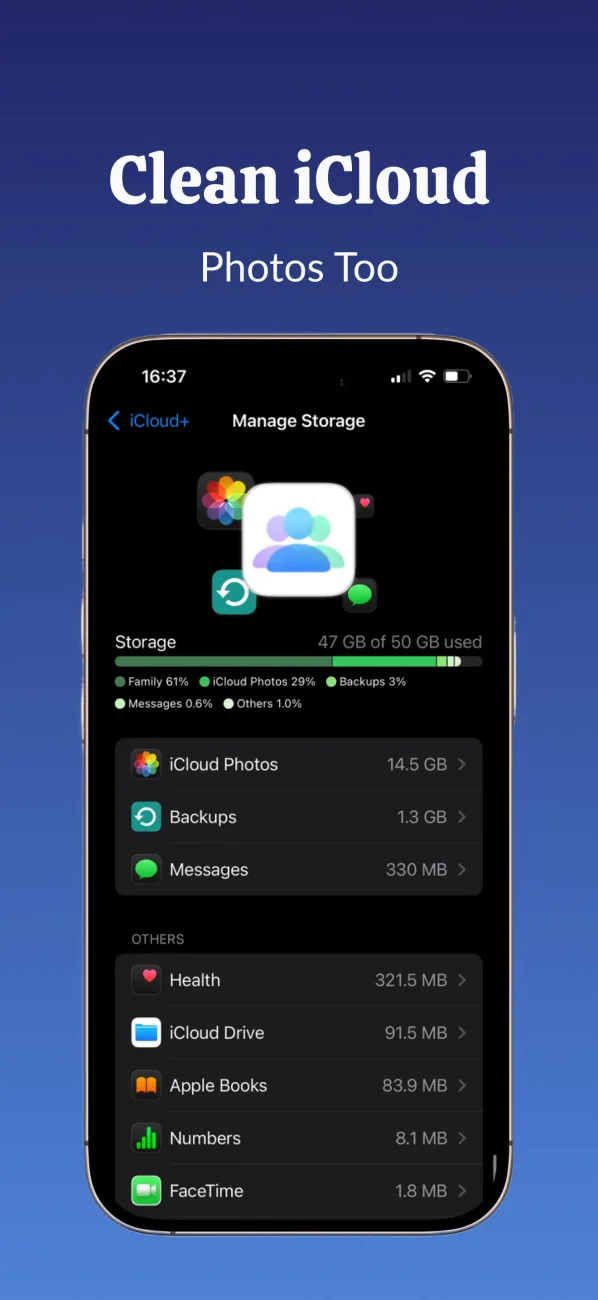
See how much space is free, how much clutter was found, and how much each cleanup gave back.
STORAGE CLEANER PRO
Scanning is free. Deleting more than two items at a time requires Storage Cleaner Pro (weekly or yearly); smaller cleanups can be unlocked by watching a short ad. Pro also removes ads.
Subscriptions renew automatically unless cancelled at least 24 hours before the end of the period. Manage or cancel in Settings > Apple ID > Subscriptions.
Terms of Use: https://gwpjuotdwvjbekhldtly.supabase.co/functions/v1/legal/terms
What’s new
Version 1.1.0 · Nov 5, 2026
A complete redesign.
- New home with iPhone storage and clutter at a glance
- Smarter duplicate groups: no more unrelated photos chained together
- The best photo of each group is marked Keep; compare side by side
- Large videos sorted by their real size, plus a screenshots view
- Much faster scan: no full-size iCloud downloads, faster screenshot detection
- Reliable deletes for big cleanups, without re-scanning the library
- Reminder to empty Recently Deleted to get the space back
App privacy
What Paulius Petrusauskas declares on the App Store about how this app handles data.
-
Data used to track you
May be used to track you across apps and websites owned by other companies.
- Identifiers
-
Data linked to you
May be collected and linked to your identity.
- Identifiers
Privacy practices may vary, for example with the features you use or your age.
Information
- Seller
- Paulius Petrusauskas
- Category
- Utilities
- Version
- 1.1.0
- Updated
- Nov 5, 2026
- Released
- Jun 13, 2025
- Size
- 8.0 MB
- Requires
- iOS 17.0 or later
- Age rating
- 4+
- Price
- Free
- In-app purchases
- Yes
- Languages
- English
- Copyright
- © Paulius Petrusauskas 2025
You might also like
-
 Delete & Backup : ContactCleanClean & Organize Your Contacts
-
 PDF Convert Compress SplitConvert, compress, split PDFs
-
 Guest WifiEasily share Wi-Fi with guests
-
 Subber - Store Your BookmarksEverything in one place
-
 SensorScope: Phone DiagnosticsTools System Monitor
-
 Flip Clock Widget MakerClassic Flip Clock for iPhone
-
 Photo Cleaner: Swipe CleanupFree Up Storage, Delete Photos
-
 Compass For BlindSpeak out directions
-
 Camera Monitor for HomeKitLive full-screen cam layouts
-
 Extractify: UnZip, UnRar, 7zRar, Zip, 7z file extractor