
Storage Cleaner: Vacuum
Clean Photos & Compress Videos
Designed for iPhone
Free · In-app purchases
- Age rating4+
- CategoryUtilities
- DeveloperDominion Nwakanma
- LanguagesEnglish
- Size43.4 MB
Links to the official App Store page
Download.org hosts no file of Storage Cleaner: Vacuum. The button opens its official App Store page, published by Dominion Nwakanma. Listing last checked on Nov 23, 2026.
Screenshots
About
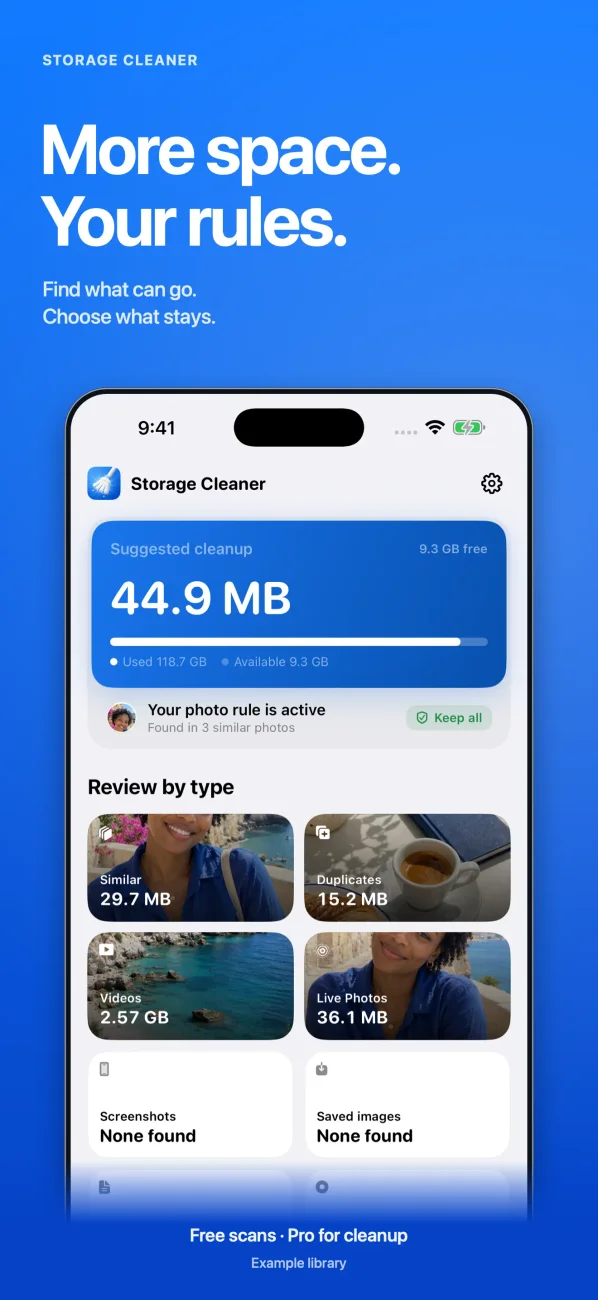
Make room for more with photo cleanup that follows your choices. Find similar shots and duplicate candidates, make large videos smaller, and clear screenshots in batches.
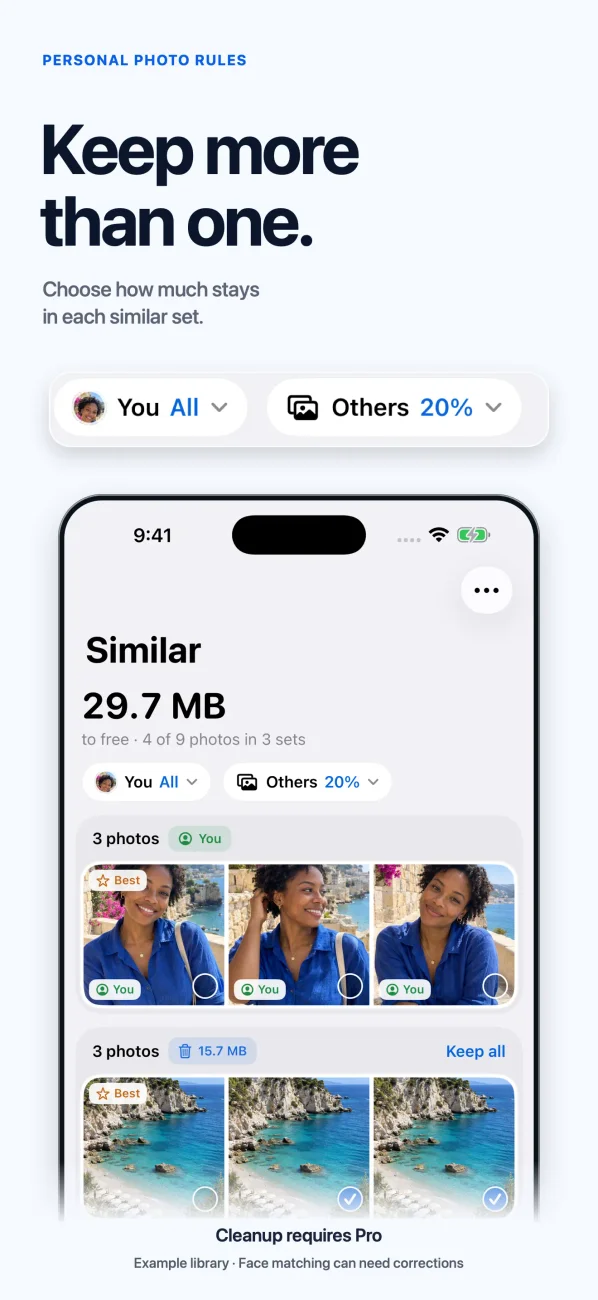
YOUR PHOTOS. YOUR KEEP RULES.
Choose how much of each similar set stays. Keep all photos matched to you, keep 50% or 20%, or keep a suggested best shot. Set a separate rule for everything else. Photos matched to you include group shots, and you can correct a match with “This is me” or “Not me”.
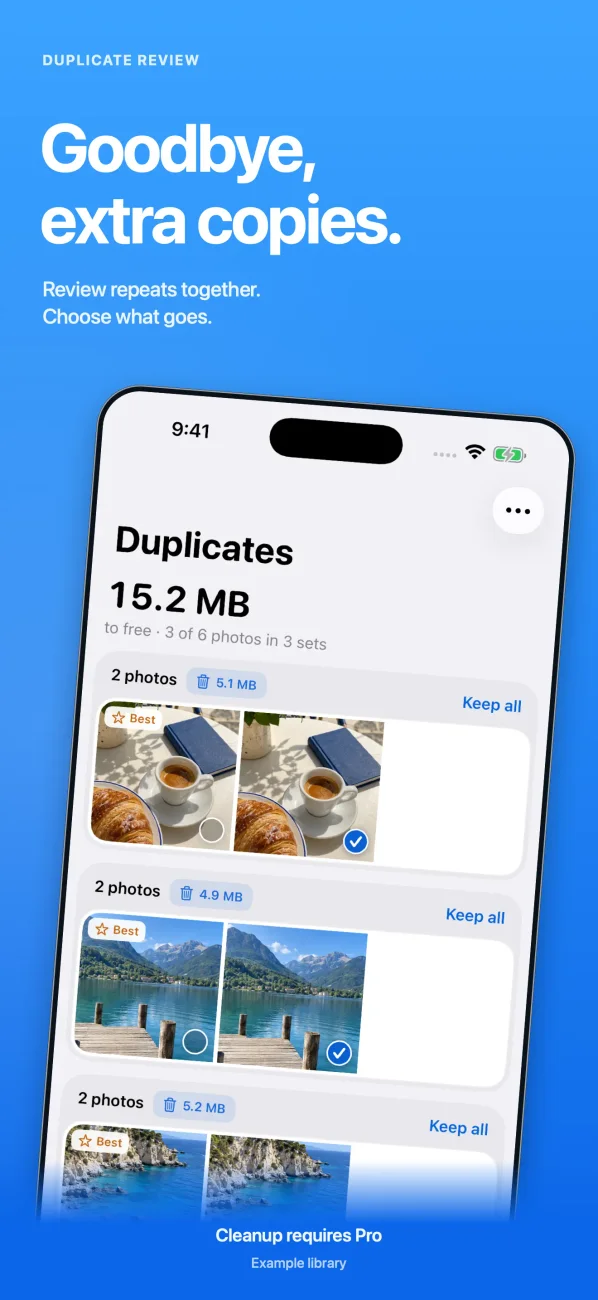
REVIEW REPEATS TOGETHER.
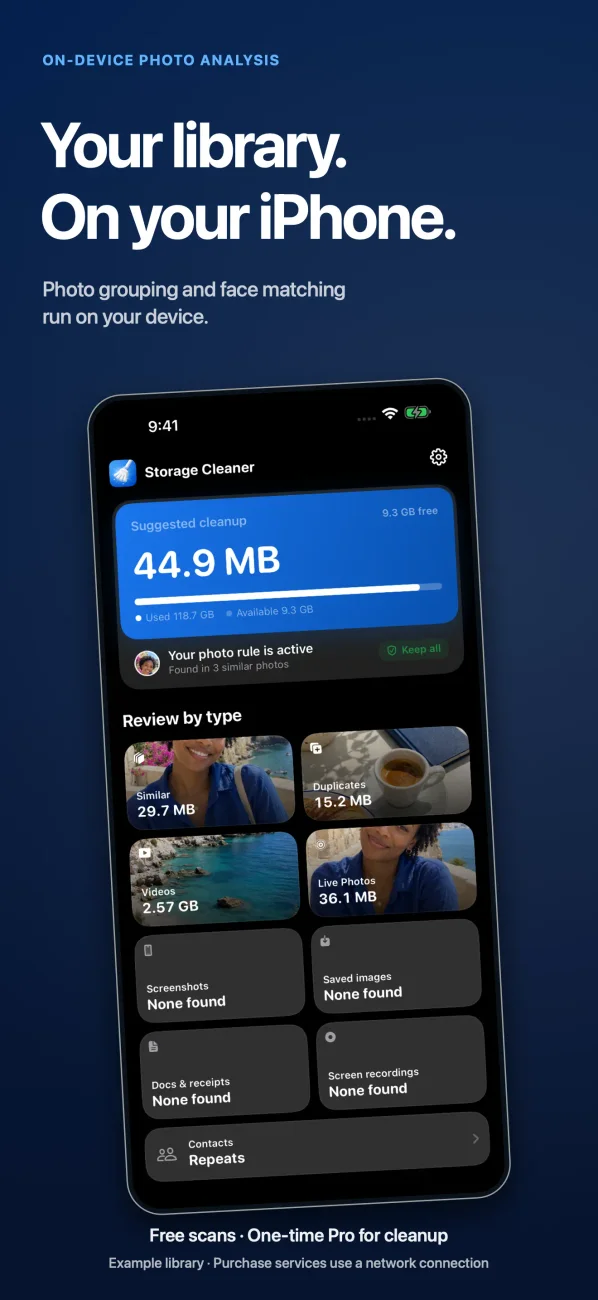
See similar shots and likely copies in groups. Compare the suggestions, change any selection and review before removal. Favorites stay out of the automatic suggestions for similar sets.
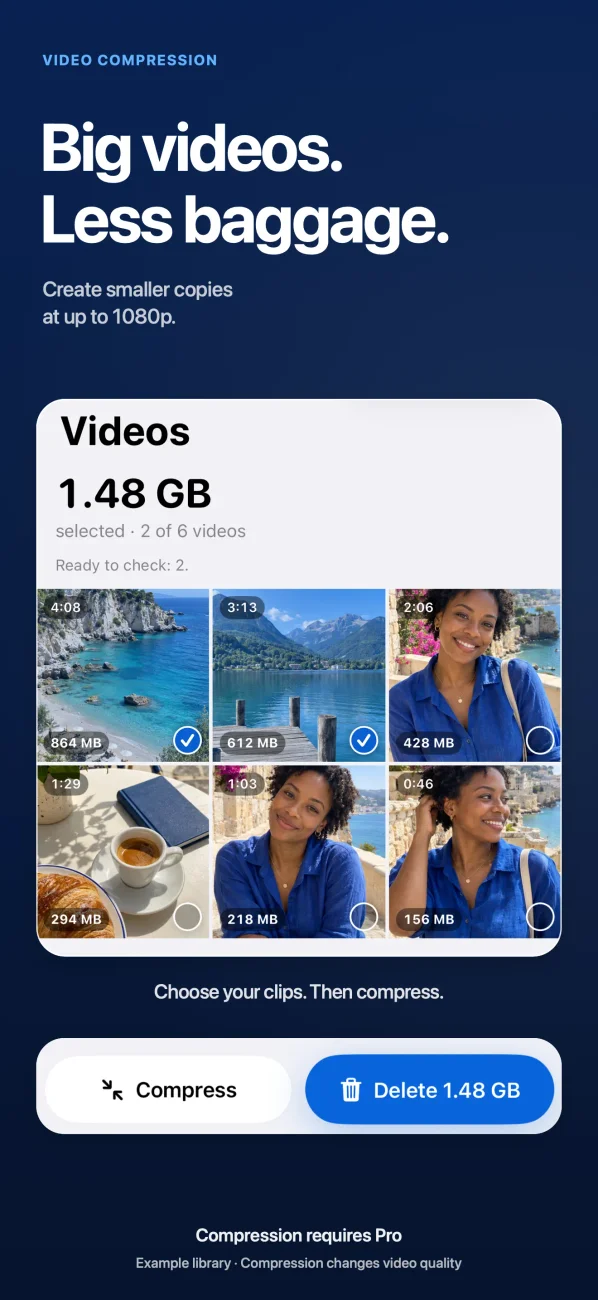
MAKE LARGE VIDEOS SMALLER.
Find your largest videos and screen recordings. Compress supported videos into smaller copies at up to 1080p, or choose which ones to remove. Compression changes video quality; savings vary by clip. Local history skips known compressed copies on later passes; videos compressed before that history existed may not be recognized.
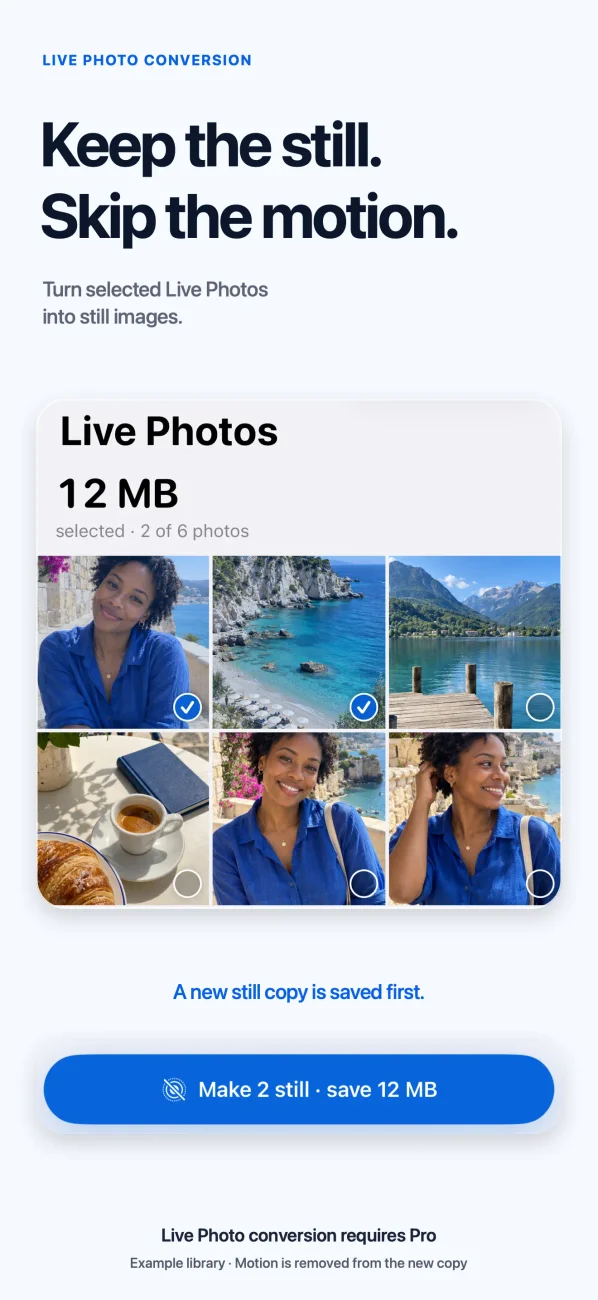
KEEP THE STILL. REMOVE THE MOTION.
Convert selected Live Photos into still images. The new photo is saved before you confirm removal of the original.
CLEAR EVERYDAY CLUTTER.
Review screenshots and photos of documents and receipts in separate collections. Compare repeated contacts and save a local vCard backup before removing entries you select.
PHOTO ANALYSIS ON YOUR IPHONE.
Photo grouping and face matching run on your device. The app does not send your photo library or face templates to an analysis server.
SCAN FREE. UNLOCK CLEANUP ONCE.
Scans and previews are free. A one-time Pro purchase unlocks removal, video compression and Live Photo conversion. No subscription. Restore your purchase with the same Apple Account.
BEFORE YOU CLEAN UP
Face rules apply to similar-photo suggestions, not videos or other categories. Face matching can miss a person or suggest the wrong match, so check the proposed removals. Compression creates a new video, and making a Live Photo still removes its motion from the replacement.
Removed photos and videos go to Recently Deleted. Available space may not increase immediately. With iCloud Photos, deletion syncs to other devices. Contact changes may also sync through your contact account.
Storage Cleaner cannot clear other apps’ private caches, uninstall apps or remove iOS system data.
Celebration animation by Icons8: https://icons8.com/
What’s new
Version 0.8.0 · Nov 16, 2026
Smart storage alerts: a heads-up before your iPhone fills up, and a note when one day uses far more space than usual.
A tidier home screen: every category on one screen.
Faster fixes behind the scenes, with optional anonymous usage stats (switch them off in Settings).
App privacy
What Dominion Nwakanma declares on the App Store about how this app handles data.
-
Data not linked to you
May be collected but is not linked to your identity.
- Purchases
- Location
- Identifiers
- Usage data
- Diagnostics
Privacy practices may vary, for example with the features you use or your age.
Information
- Seller
- Dominion Nwakanma
- Category
- Utilities
- Version
- 0.8.0
- Updated
- Nov 16, 2026
- Released
- Nov 11, 2026
- Size
- 43.4 MB
- Requires
- iOS 17.0 or later
- Age rating
- 4+
- Price
- Free
- In-app purchases
- Yes
- Languages
- English
- Copyright
- © 2026 Dominion Nwakanma
You might also like
-
 iVacuumImprove Storage
-
 Silver Suite: Senior Phone KitBig Buttons, Pills & SOS
-
 ImgClean: Storage CleanerSort photos, compress videos
-
 Maldives GazettePublic notices in one place
-
 My Compass XLGet your way
-
 OrionVPNUnlimited Proxy & Secure WiFi
-
 Phone Cleaner: Photo & StorageCamera Roll & Video Cleanup
-
 Storage Cleaner_ Phone CleanupDelete Duplicate Photos,Videos
-
 EVES HubUtilities
-
 Blote NotesUtilities