Strata | Multitrack Recorder
Record, layer, and mix songs
Designed for iPhone, iPad
Free
- Age rating4+
- CategoryMusic
- DeveloperMichael Birkey
- LanguagesEnglish
- Size87.7 MB
Links to the official App Store page
Download.org hosts no file of Strata | Multitrack Recorder. The button opens its official App Store page, published by Michael Birkey. Listing last checked on Nov 15, 2026.
Screenshots
About
Strata is a multi-track recorder that gets out of your way. Open a project, arm a track, and record. Layer as many tracks as the song needs.
RECORD
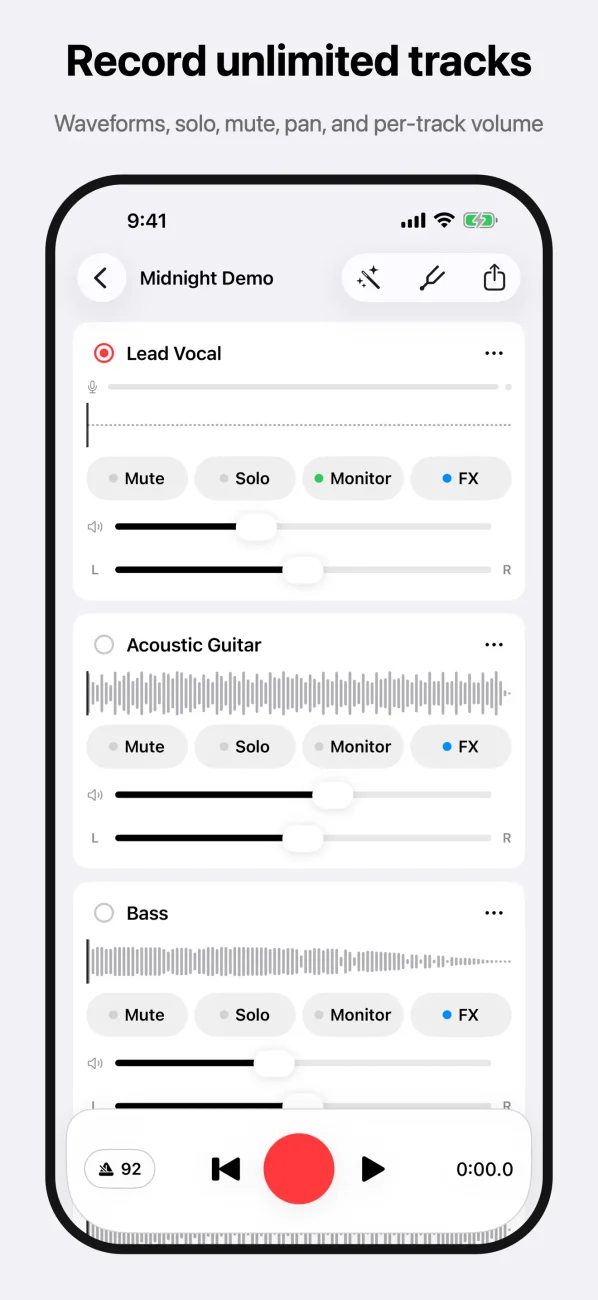
Unlimited tracks, one clean take at a time
Overdub against playback, punch in over a section, undo a bad take
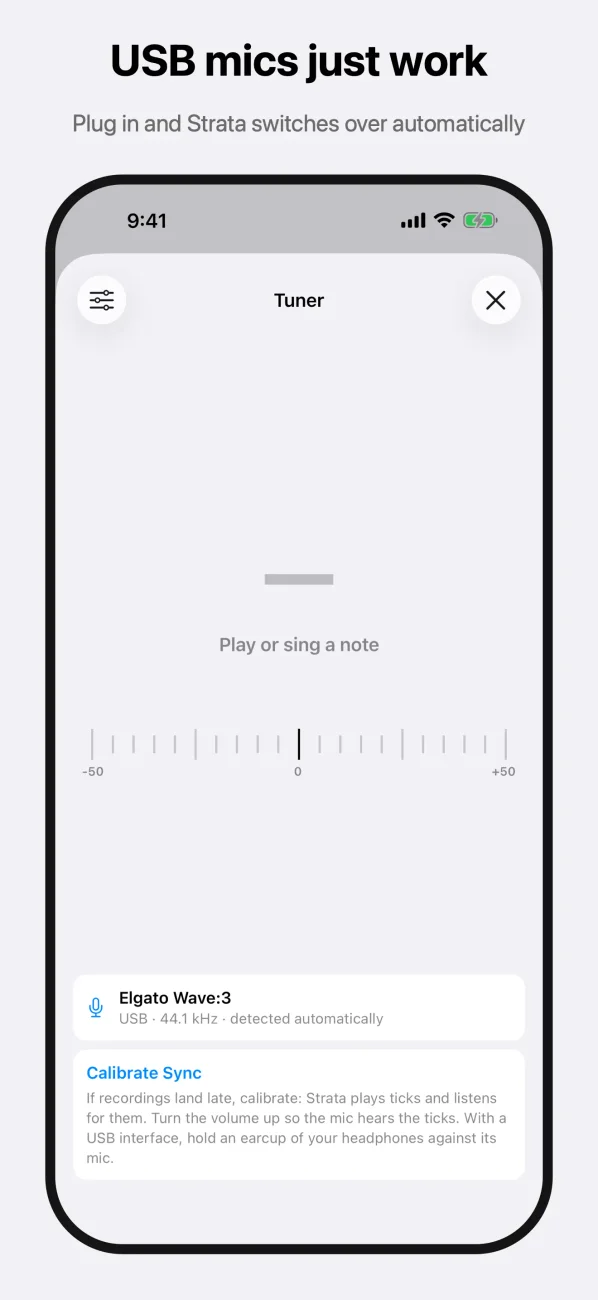
Works with the built-in mic, or plug in a USB microphone or interface and Strata switches to it automatically
Monitor yourself live through wired or USB headphones — with effects
Metronome with tempo, 4/4 · 3/4 · 6/8, and a one-bar count-in
MIX
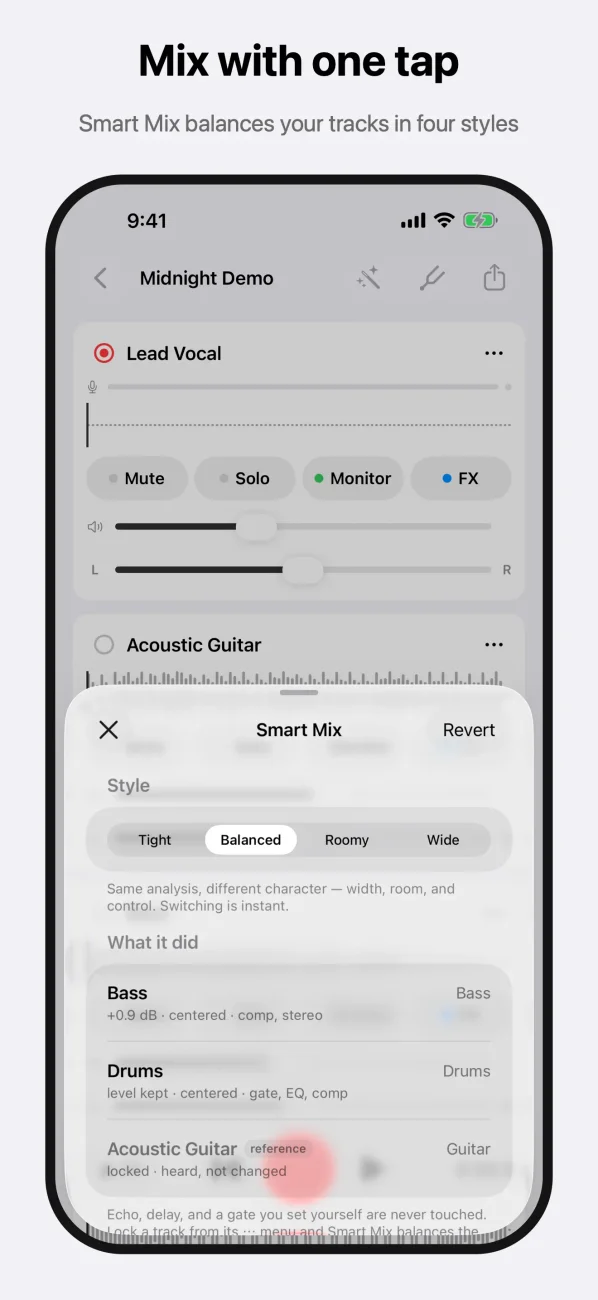
Per-track volume, pan, mute, and solo
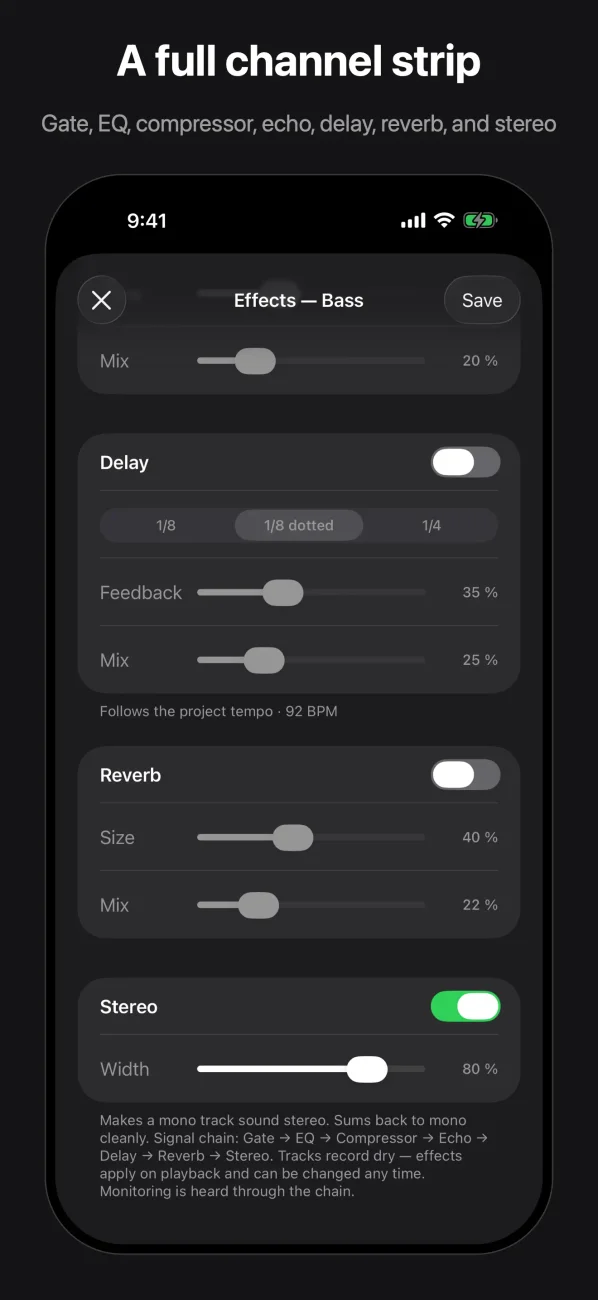
Six effects per track: noise gate, 3-band EQ, compressor, echo, tempo-synced delay, and reverb
Tracks record dry — change the effects any time, even after recording
Save whole effect chains as presets and reuse them in any project
SHARE
Export a stereo mixdown as lossless WAV or high-quality AAC
Export individual track stems — wet or dry — to finish in a desktop DAW
A safety limiter keeps exports from clipping
EVERYWHERE
Projects live in iCloud Drive: visible in Files, synced to all your devices, and restored automatically on a new phone
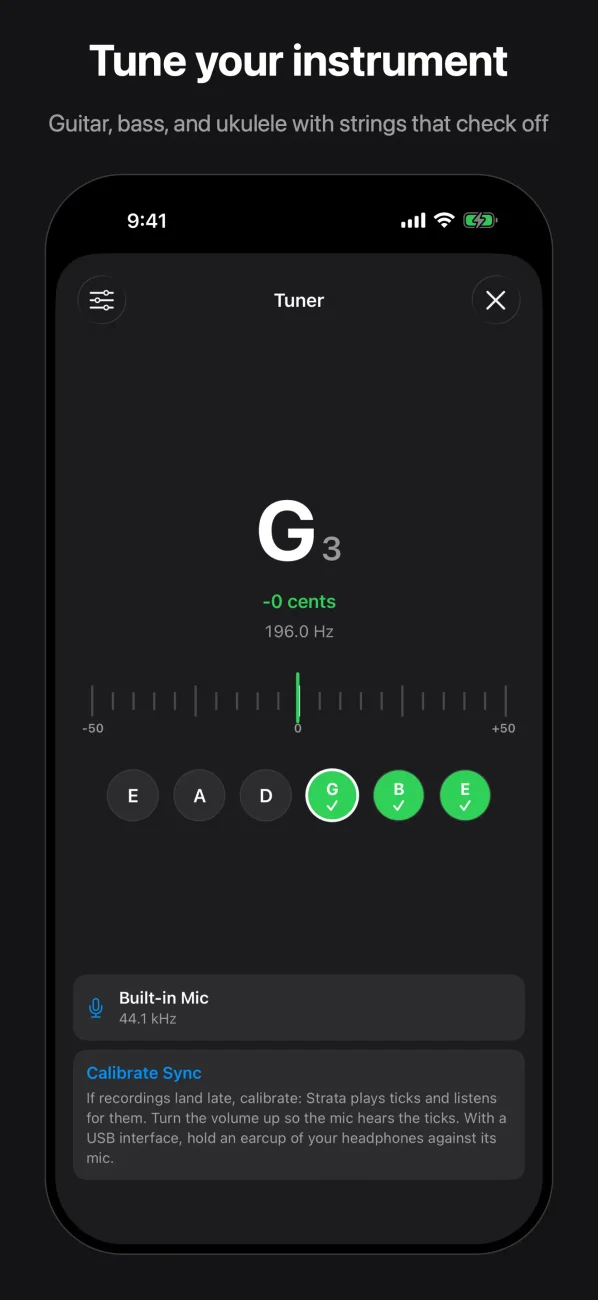
Built-in chromatic tuner
Full support for iPhone and iPad, light and dark mode
What’s new
Version 1.3 · Oct 9, 2026
Already have a song split into stems? Bring them straight in. The new "New Project from Stems" option lets you pick several audio files at once, and each one becomes its own track, named after its file. Keep the stems in a folder named for the song and the project names itself too, and a drums stem sets the project's tempo so the metronome clicks right on the song's beat.
Importing audio into an existing project now takes several files at once as well, landing one track per file.
App privacy
What Michael Birkey declares on the App Store about how this app handles data.
-
Data not collected
The developer does not collect any data from this app.
Privacy practices may vary, for example with the features you use or your age.
Information
- Seller
- Michael Birkey
- Category
- Music
- Version
- 1.3
- Updated
- Oct 9, 2026
- Released
- Sep 23, 2026
- Size
- 87.7 MB
- Requires
- iOS 26.0 or later
- Age rating
- 4+
- Price
- Free
- Languages
- English
- Copyright
- © 2026 Michael Birkey
You might also like
-
 Multich RecordMultichannel Audio Recorder
-
 FourTrack: Cassette RecorderRecord, overdub, mix on tape
-
 SL TapeWarm tape motion and color
-
 Piano DrumsMusic
-
 BandCaptureMultitrack Recorder for Bands
-
 Pocket Multitrack Recorder6-track studio for songwriters
-
 MixshiAI Mix Check: LUFS, DR, EQ
-
 Jardineiravocal to MIDI
-
 deriva tape machineReel-to-reel tape, AUv3
-
 Guitar Studio: Backing TracksJam tracks & fretboard trainer