
- Age rating4+
- DeveloperArti Sharma
- LanguagesEnglish
- Size3.3 MB
Links to the official App Store page
Download.org hosts no file of Strawberry Emojis. The button opens its official App Store page, published by Arti Sharma. Listing last checked on Nov 16, 2026.
Screenshots
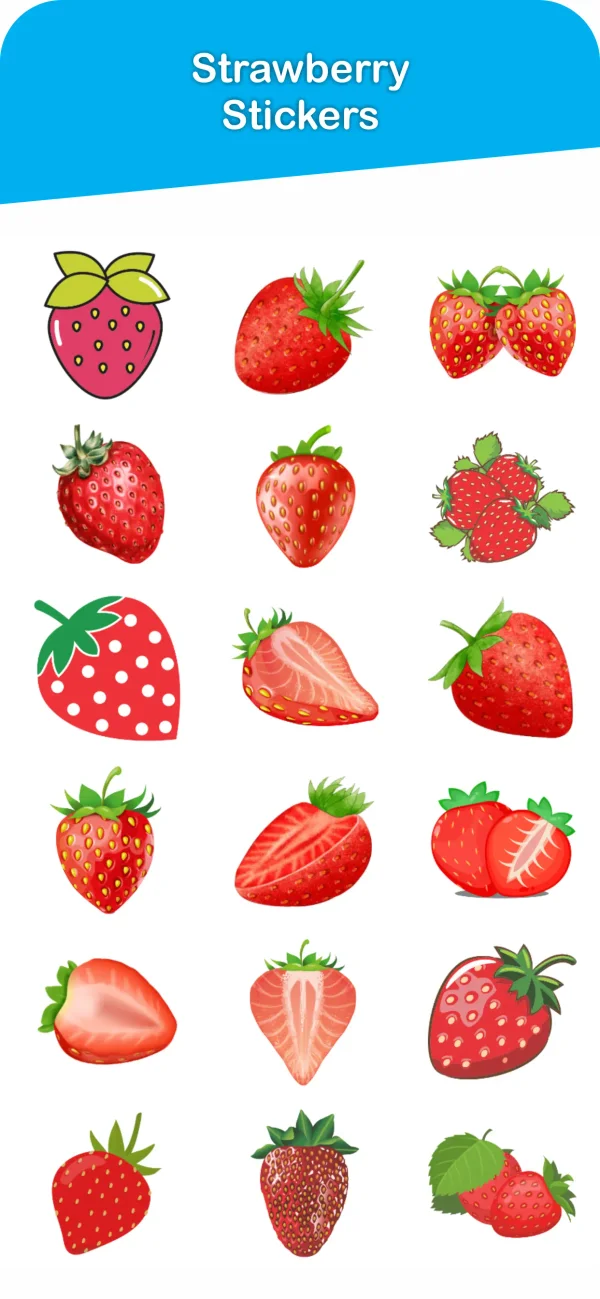


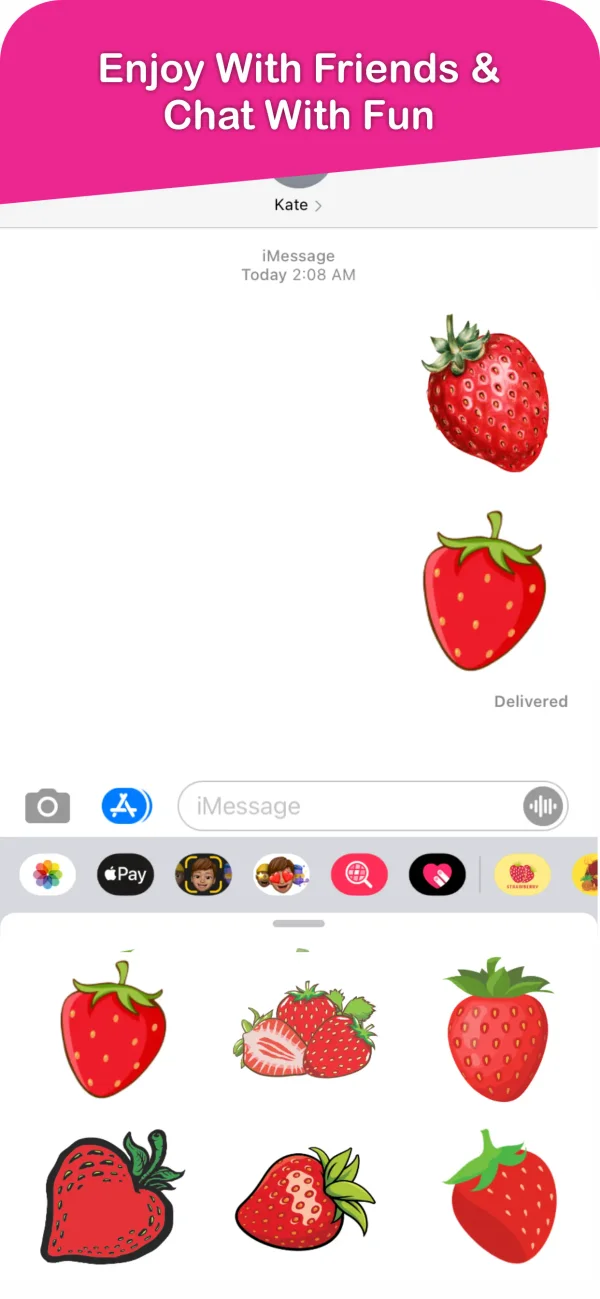
About
Downloads Strawberry Emojis for iMessage
How to use Strawberry Emojis App:
Step 1: Open a message with a friend and tap the ">" button to the left of the text box.
Step 2: Tap the app button that appears (it looks like an "A") and then taps the button that looks like four circles in the lower left of your screen to open the iMessage app drawer.
Step 3: Tap the icon of this Sticker Pack and start sending stickers!
Useful tips:
● Tap the sticker you want, or DRAG & DROP one into your message.
● You can Scale & Rotate stickers by using a second finger before you place it on a bubble.
What’s new
Version 1.3 · Aug 19, 2024
- Add New Strawberry Stickers
App privacy
What Arti Sharma declares on the App Store about how this app handles data.
-
Data not collected
The developer does not collect any data from this app.
Privacy practices may vary, for example with the features you use or your age.
Information
- Seller
- Arti Sharma
- Version
- 1.3
- Updated
- Aug 19, 2024
- Released
- May 12, 2018
- Size
- 3.3 MB
- Requires
- iOS 12.0 or later
- Age rating
- 4+
- Languages
- English
- Copyright
- © 2018 All Right Reserved
You might also like
-
 Fan Set USAStickers for USA fans
-
 Daily DoodlesColorful Doodle Stickers
-
 The Watercolor Beach StickersAman Kumar
-
 Easter The Celebration Of HopeCelebrate hope and new life.
-
 My Prayers Are With YouComfort, healing, and prayers
-
 Watercolour Motivational BibleEasy to use religious verses
-
 World of Strawberry ShortcakeWinter Holidays Stickers
-
 Texas EmojisA state worth texting about!
-
 Gen Z Slang: Sticker PackStickers for Gen Z
-
 Happy Mother's Day: StickersBest Mom Animated Stickers