
- Age rating4+
- CategoryGraphics & Design
- DeveloperIvan Rodriguez
- LanguagesEnglish
- Size37.4 MB
Links to the official App Store page
Download.org hosts no file of StudArt. The button opens its official App Store page, published by Ivan Rodriguez. Listing last checked on Nov 16, 2026.
Screenshots
About
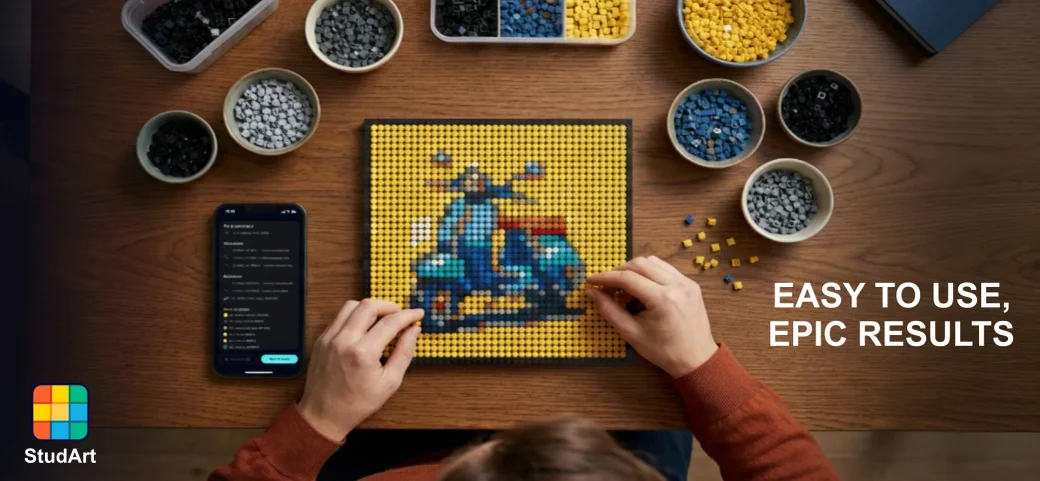
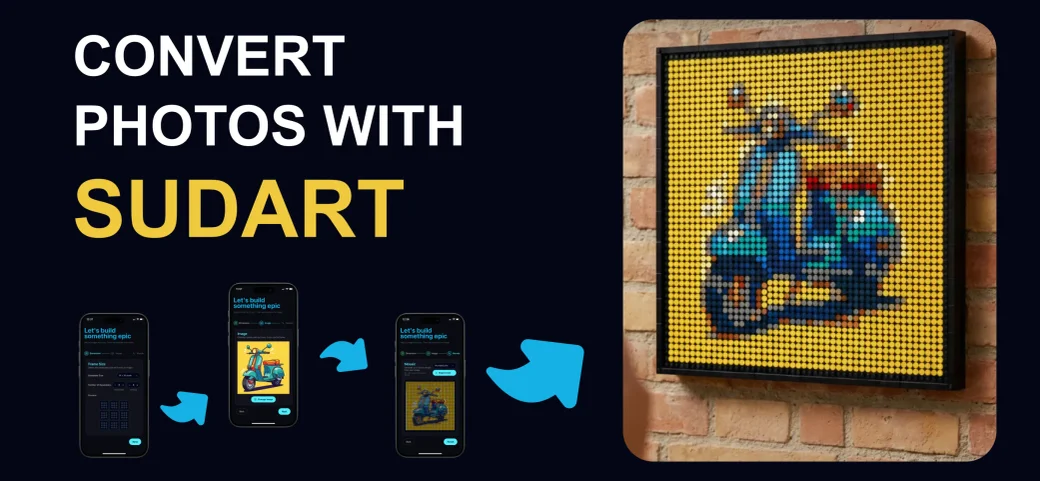
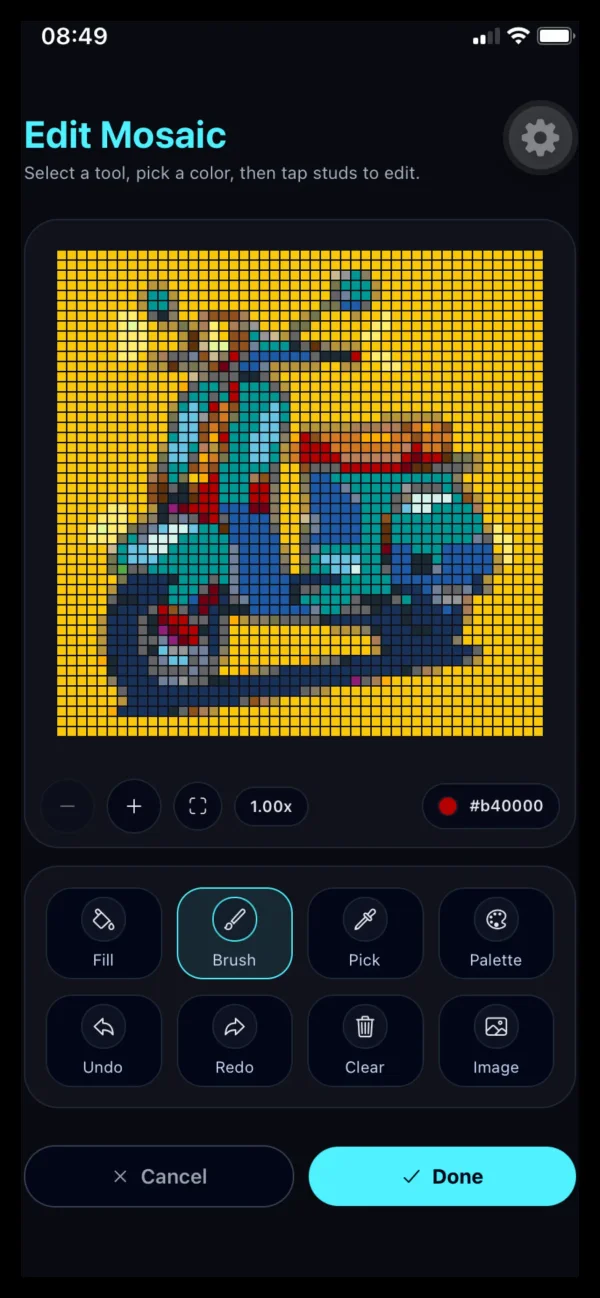
StudArt turns your favorite photos into buildable brick mosaics.
Choose your project size, baseplate layout and frame pieces, and let the app do the hard work for you.
Design your mosaic
Import a picture from your device.
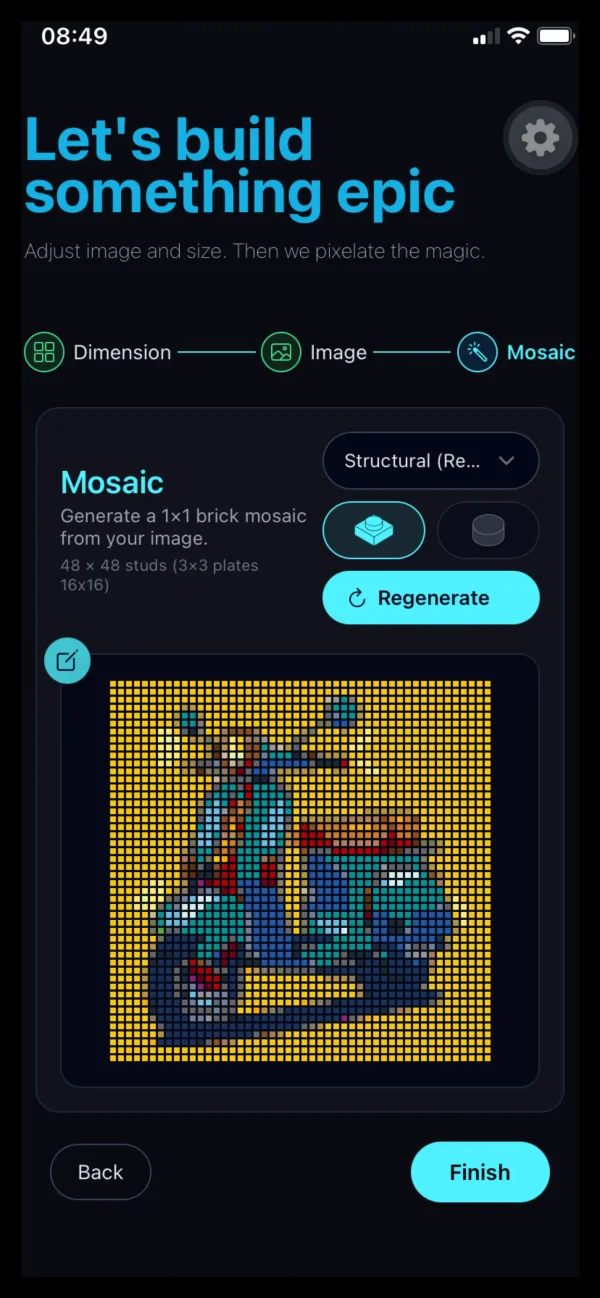
Pick the size of your mosaic and the number of plates.
Preview a clean grid where every stud has its color and position.
Plan your build
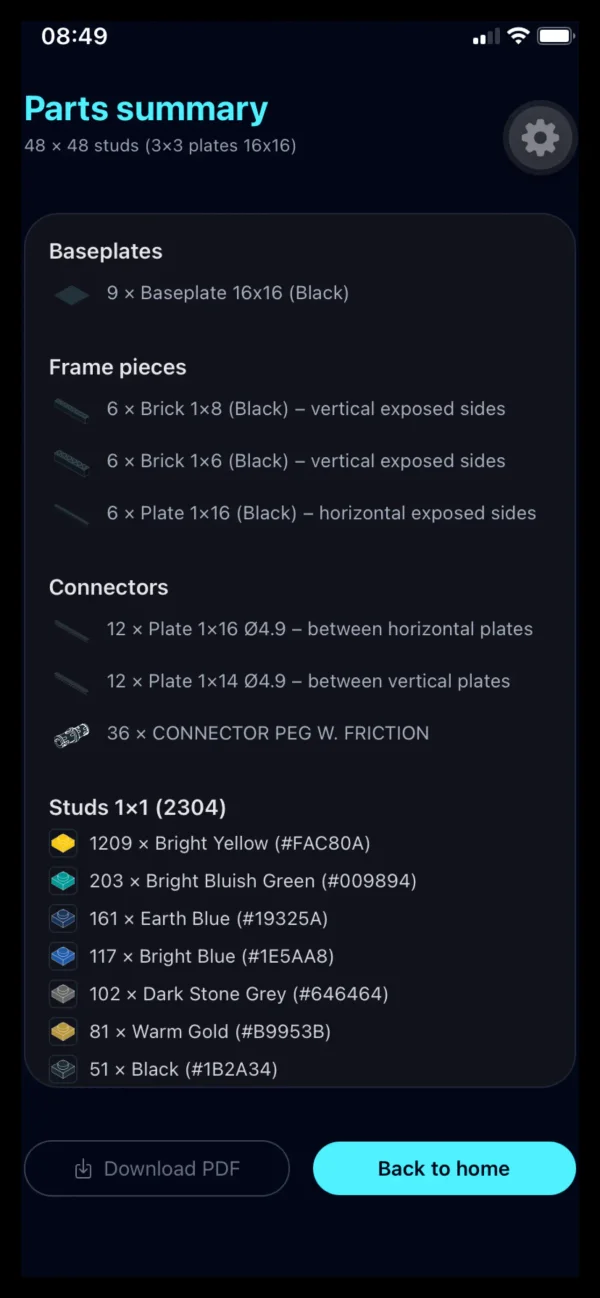
Automatic calculation of baseplates, frame pieces and connectors.
Clear separation between corner, edge and center plates.
See how your project is distributed plate by plate.
Build with confidence
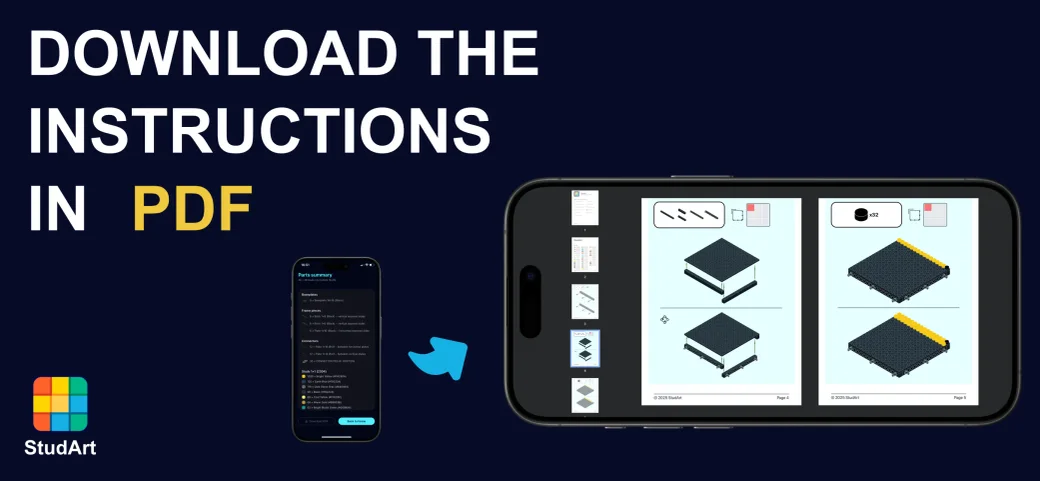
Step-by-step layout pages that show exactly where each stud goes.
Dedicated views for connectors and pins so nothing is missing.
Perfect for recreating pixel art, portraits and custom designs with real bricks.
Export & share
Generate a printable PDF with cover and full instructions.
StudArt is made for brick fans, creators and teachers who want a simple way to turn ideas into physical brick art without doing the math by hand.
What’s new
Version 1.3.0 · Sep 25, 2026
• New Structural generator: mosaics are now built by analysing the whole
photo — edges, shading and neighbouring studs — instead of each stud on
its own. Cleaner results, and no more invented colours along edges.
• Pick a style: new presets tuned for portraits, landscapes, cartoons,
logos, pixel art, low light and noisy photos.
• Trace over your photo: the original image can now be laid over the
mosaic while you edit, with an opacity slider to fade it in and out.
• Square or rounded pins: choose the look you prefer, in the preview and
in your printed instructions.
• Faster instruction PDFs, plus smoother loading across the whole app.
• Translation fixes in all 11 supported languages.
App privacy
What Ivan Rodriguez declares on the App Store about how this app handles data.
-
Data used to track you
May be used to track you across apps and websites owned by other companies.
- Identifiers
- Usage data
-
Data linked to you
May be collected and linked to your identity.
- Identifiers
- Usage data
Privacy practices may vary, for example with the features you use or your age.
Information
- Seller
- Ivan Rodriguez
- Category
- Graphics & Design
- Version
- 1.3.0
- Updated
- Sep 25, 2026
- Released
- Dec 4, 2025
- Size
- 37.4 MB
- Requires
- iOS 16.4 or later
- Age rating
- 4+
- Price
- Free
- Languages
- English
- Copyright
- © 2026 Barsino
You might also like
-
 Brick Art InstructorMosaic brick art made easy
-
 BlockedViewBlock Mosaic Viewer
-
 Blocked—Block MosaicsGraphics & Design
-
 Shapemo - AI Pixel Art MakerMake arts, decorations & play
-
 #ColorBitReal-Time Color Picker
-
 Meshly: Mesh Gradient DesignerCreate Stunning Mesh Art
-
 brckdGraphics & Design
-
 Pixel-APhotos into pixel patterns
-
 Escher BlocksAn isometric sketchbook.
-
 BeadSnap: Photo Pattern MakerTurn Photos into Pixel Art