
StudentHub: Notes & College
Lecture Recording & AI Study
Designed for iPhone, iPad, Mac
Free · In-app purchases
- Age rating4+
- CategoryProductivity
- DeveloperAleksander Kjølberg
- LanguagesEnglish+ 7 more
- Size29.0 MB
Links to the official App Store page
Download.org hosts no file of StudentHub: Notes & College. The button opens its official App Store page, published by Aleksander Kjølberg. Listing last checked on Nov 17, 2026.
Screenshots

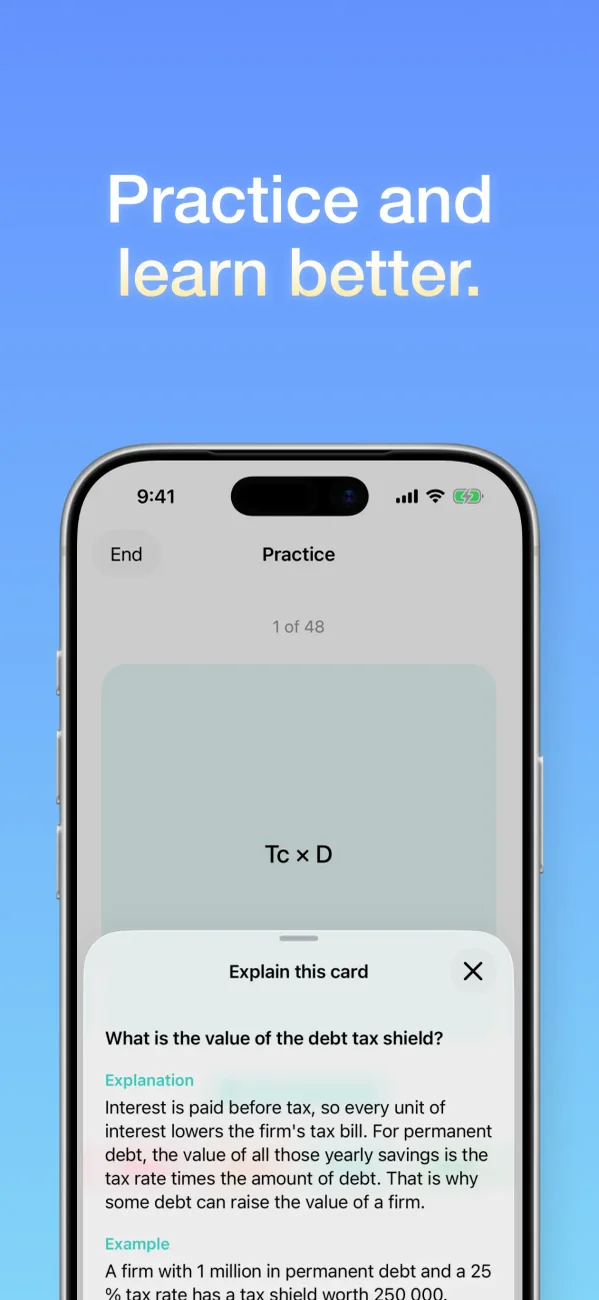


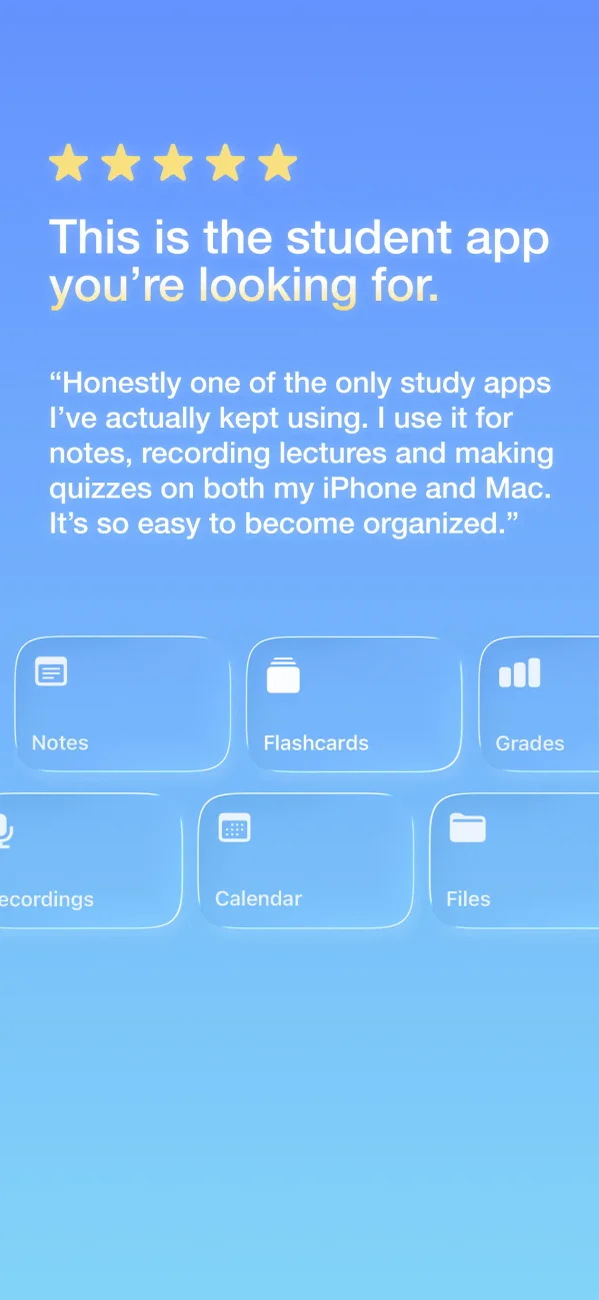
About
Everything for school, in one place.
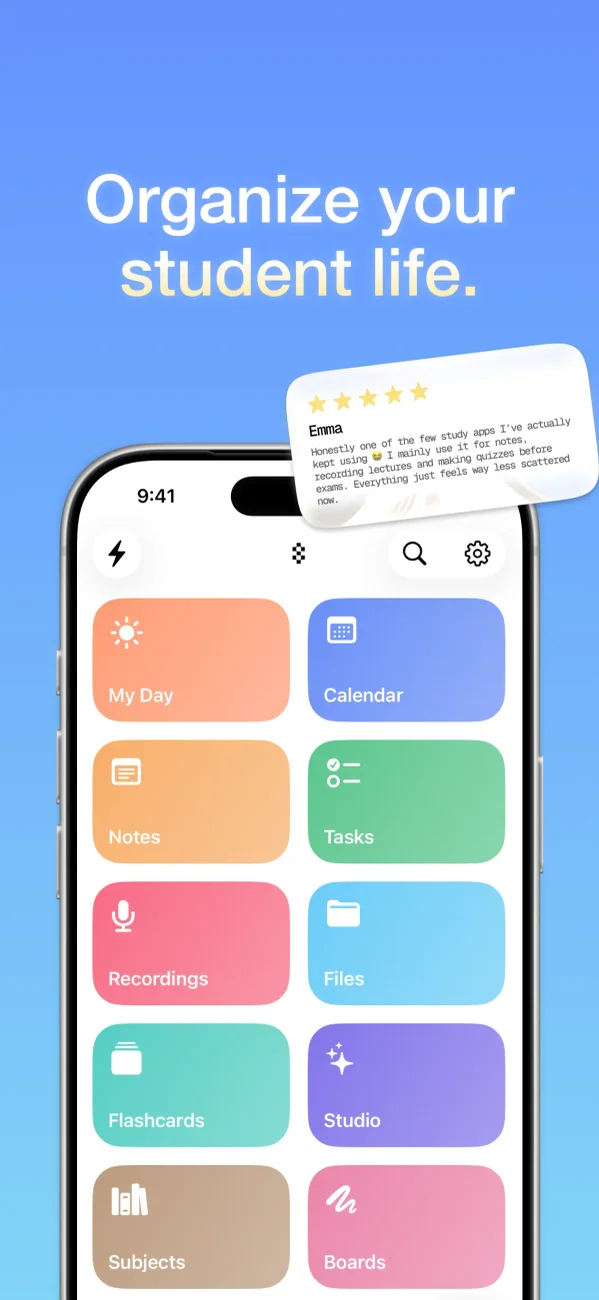
StudentHub keeps your timetable, notes, tasks, files, flashcards, lecture recordings and study sessions in one app, so you stop jumping between five of them.
No account. No sign-up. No ads. Open it and start.
What's inside:
Calendar: paste the iCal link from your school and the timetable fills itself.
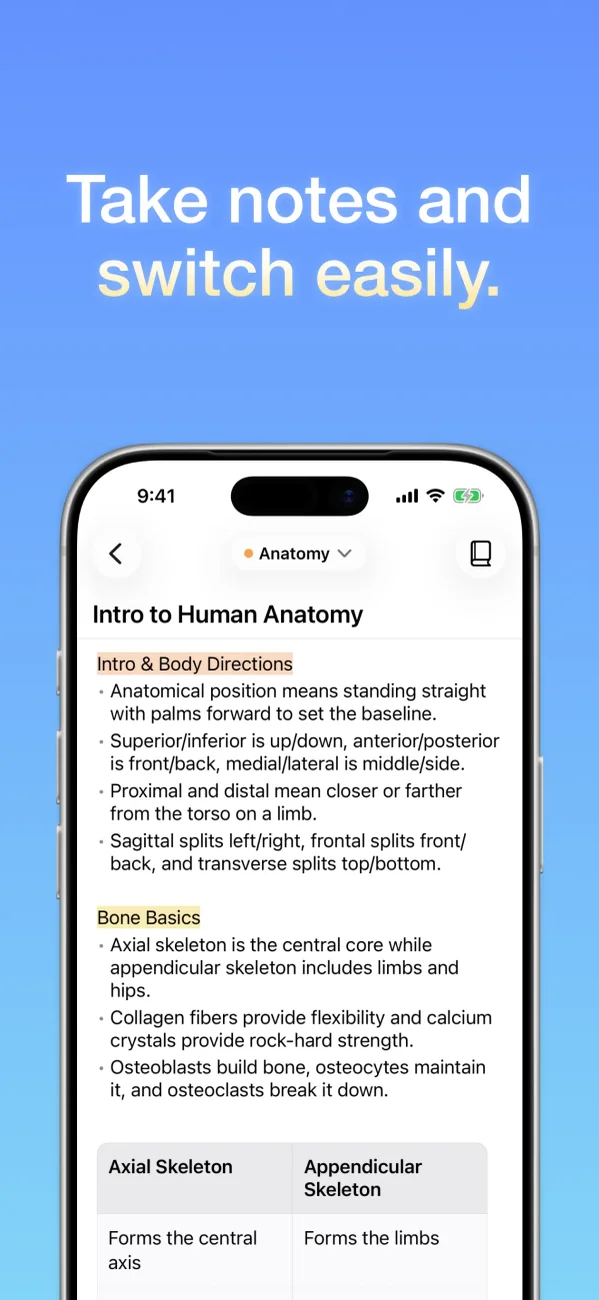
Notes: organised by subject, with formatting and highlights.
Tasks: see what is due, and for which subject.
Boards: an infinite canvas for sketching, images and sticky notes.
Recordings: record lectures and turn them into text on your device.
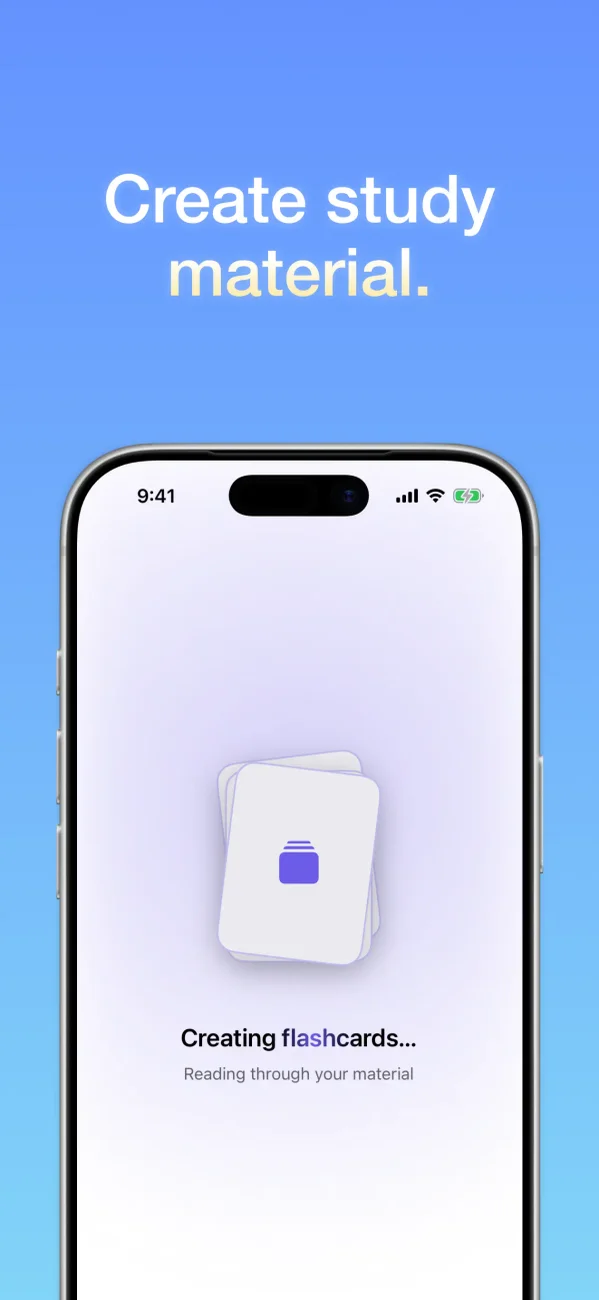
Flashcards and quizzes: build decks by hand, or from your own material.
Studio: turn notes, files and lectures into summaries, flashcards and study questions.
Focus, grades and files: timed sessions, your average with a goal calculator, and PDFs and scans kept with the right subject.
From lecture to study material:
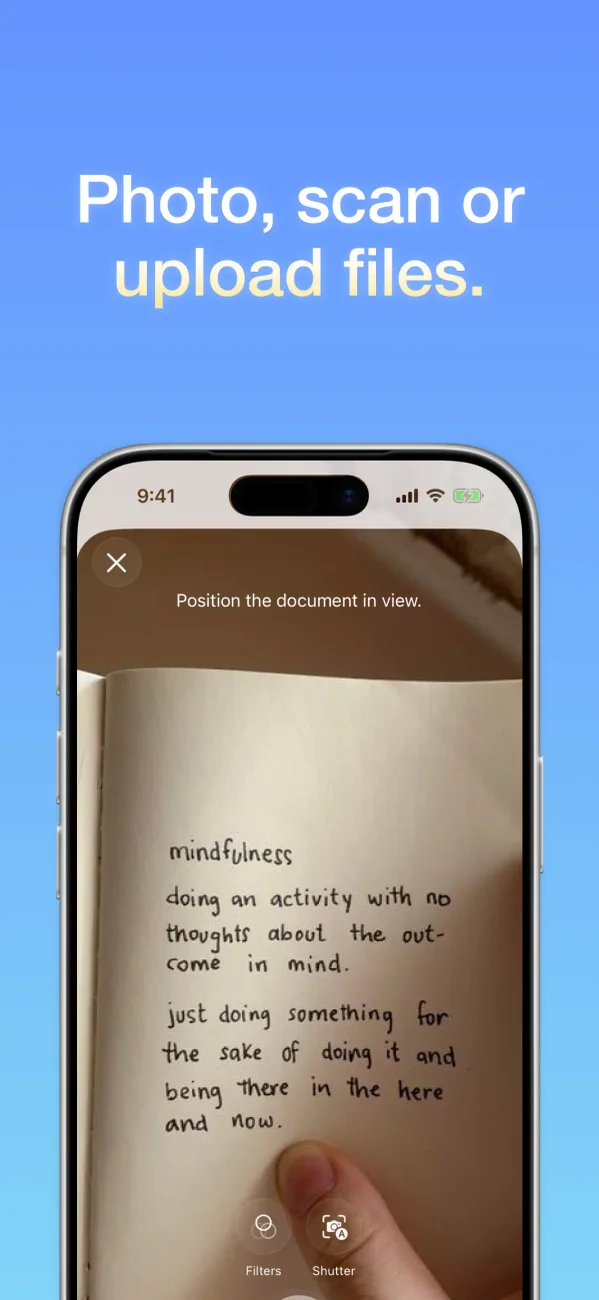
Record the class. StudentHub transcribes it on your device, so it works without a connection and your audio never leaves your phone. Then use the transcript in Studio to make a summary, a set of flashcards or exam questions. Scan a page or photograph a slide, and Studio can use that too.
What is free:
Everything you make yourself: notes, tasks, decks, cards, quizzes, boards, focus sessions, grades and recording. No limits, no account, no ads.
Two things use a study action: transcribing a recording, and one run in Studio. You get 3 free every month, and you can earn around 11 more by setting the app up. You can also buy 15 as a one time purchase.
StudentHub Pro:
Unlimited transcription, and unlimited generation of flashcards, quizzes, summaries and study questions. Everything else in the app is free for everyone.
Works on all your Apple devices:
iPhone, iPad and Mac, synced through your own private iCloud. One subscription covers every device signed in with the same Apple Account.
Subscription:
StudentHub Pro comes as 6 months or 12 months. Your local price is shown in the App Store before you confirm.
Payment is charged to your Apple Account at confirmation of purchase. The subscription renews automatically unless it is cancelled at least 24 hours before the end of the current period, and your account is charged for renewal within 24 hours before the period ends. You can manage or cancel it in your Apple Account settings at any time.
If you cancel, nothing you made is lost. Your notes, recordings and decks stay yours and stay readable. You only lose the Pro features until you subscribe again.
Privacy:
Your content lives on your device and in your own private iCloud. We have no server that receives it, and no ads. Transcription and generation run entirely on your device. We measure anonymous usage events, such as how many people record a lecture, and they never include your content.
Terms of Use: https://getstudenthub.app/documents/terms-of-use
Privacy Policy: https://getstudenthub.app/documents/privacy-policy
Made by one person. Questions: hello@contact.getstudenthub.app
What’s new
Version 1.1.1 · Nov 4, 2026
We just made StudentHub a lot better.
Your notifications now work the way they should, on time and in your language.
Recordings and focus mode are much better. Everything runs smoother, and you land where you should when you're done.
Tasks, files and Studio are tidier and easier to get around in. Your data is safer too.
We work on the app every single week. New features and fixes keep coming, so turn on automatic updates (Settings > App Store > App Updates) and get everything first.
App privacy
What Aleksander Kjølberg declares on the App Store about how this app handles data.
-
Data not linked to you
May be collected but is not linked to your identity.
- Purchases
- Usage data
Privacy practices may vary, for example with the features you use or your age.
Information
- Seller
- Aleksander Kjølberg
- Category
- Productivity
- Version
- 1.1.1
- Updated
- Nov 4, 2026
- Released
- Aug 10, 2026
- Size
- 29.0 MB
- Requires
- iOS 26 or later
- Age rating
- 4+
- Price
- Free
- In-app purchases
- Yes
- Languages
- English, Danish, French, German, Italian, Norwegian Bokmål, Spanish, Swedish
- Copyright
- © Kjølberg Productions
You might also like
-
 Notewise - AI Notes, PDF, DocsWrite. Record. Draw. Remember.
-
 Routinsie: Daily PlannerAesthetic Habit Routine To Do
-
 Focustown: Pomodoro TimerStudy with friends | Booktown
-
 FocusFlight - Deepfocus TimerTake off into deep focus
-
 Cat On Chair: Pomodoro TimerCute ADHD Focus & Study Buddy
-
 Folderly - Academic OrganizerUltimate Academic Companion
-
 OrigNotesNotes, PDF Markup & Mind Maps
-
 Study Bunny: Focus TimerA motivational study timer!
-
 Unrot: Earn your Screen TimeComplete habits, then scroll
-
 HelloHabit - Habit TrackerTasks, Routines, & Streaks