Study Sprint Timer
Focus, Pomodoro & Streaks
Designed for iPhone, iPad
Free · In-app purchases
- Age rating4+
- CategoryEducation
- DeveloperHarun DOGDU
- LanguagesEnglish+ 6 more
- Size140.3 MB
Links to the official App Store page
Download.org hosts no file of Study Sprint Timer. The button opens its official App Store page, published by Harun DOGDU. Listing last checked on Nov 27, 2026.
Screenshots
About
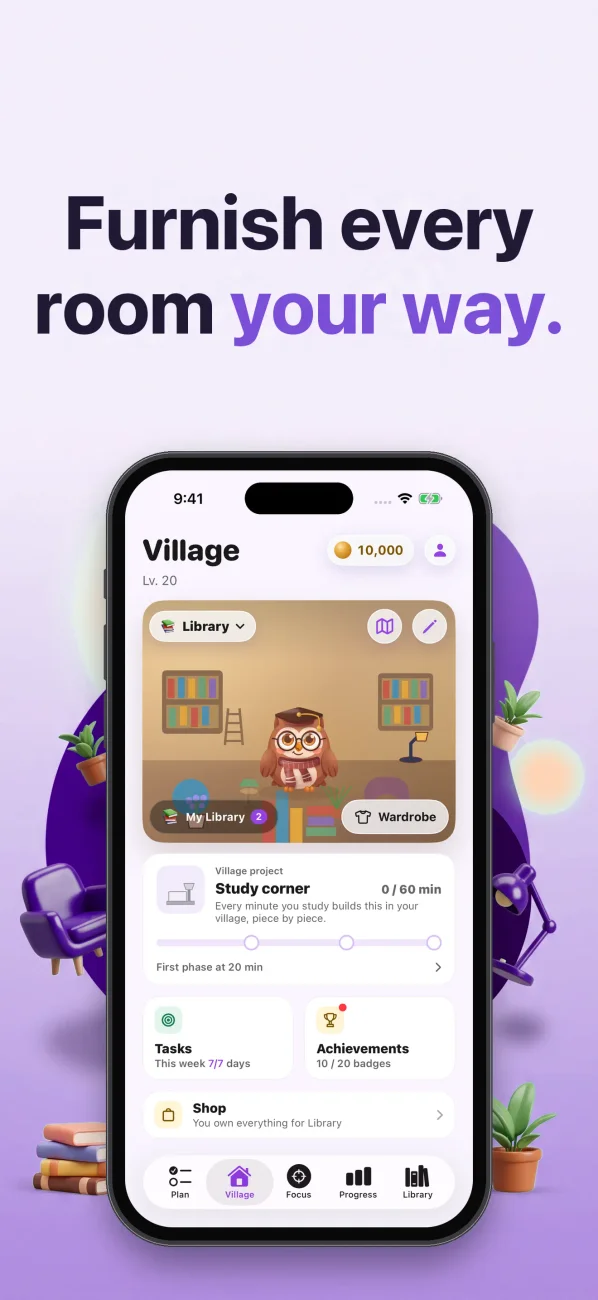
Study every day and your scholarly owl thrives. Skip a day and it misses you. Study Sprint Timer is a study timer for students working toward finals, the SAT, the ACT or GCSEs. You don't need an account, and it works offline.
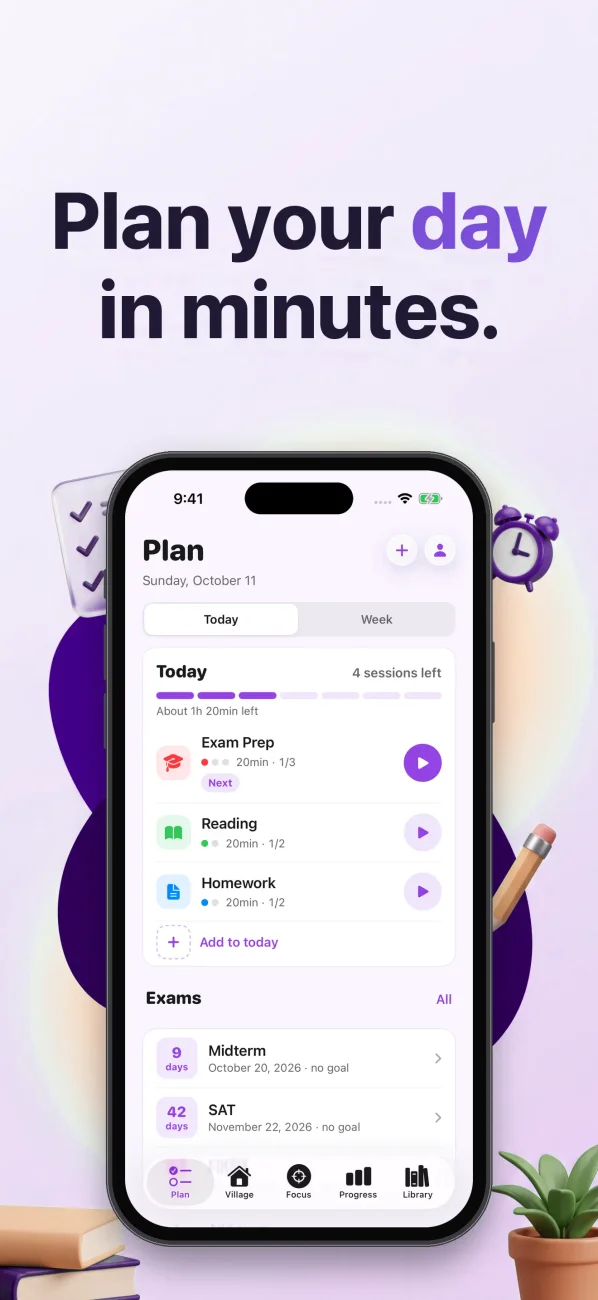
Add your exam in Plan and the days left stay in front of you. You see your week on one screen, move a missed task to another day, and set reminders.
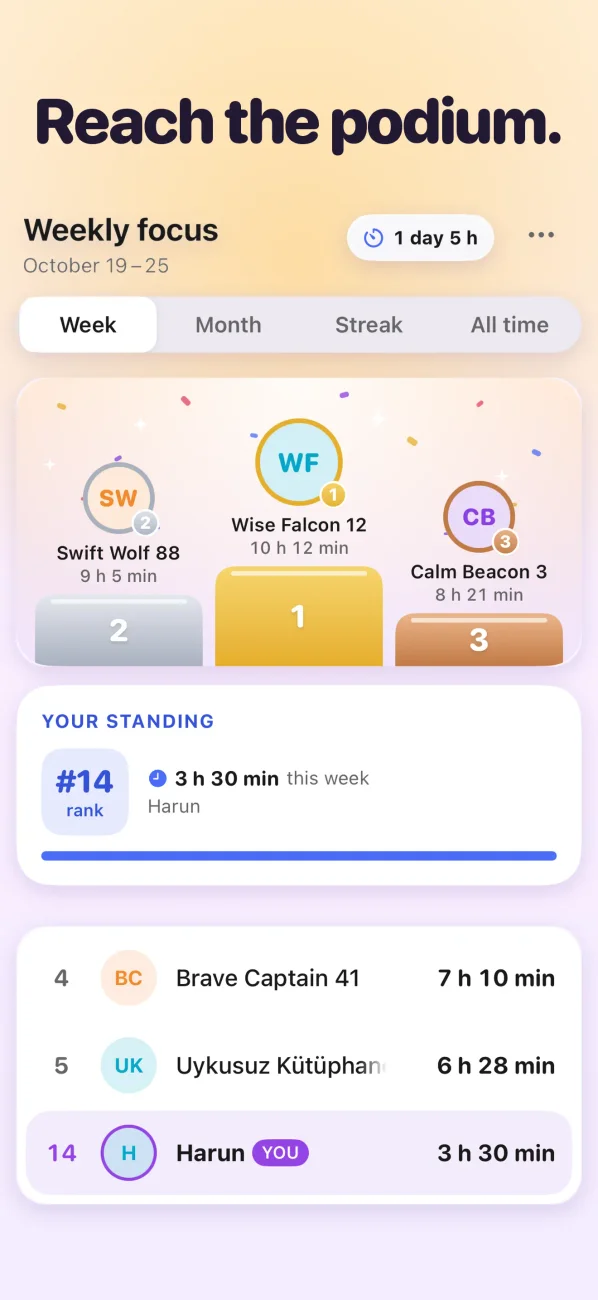
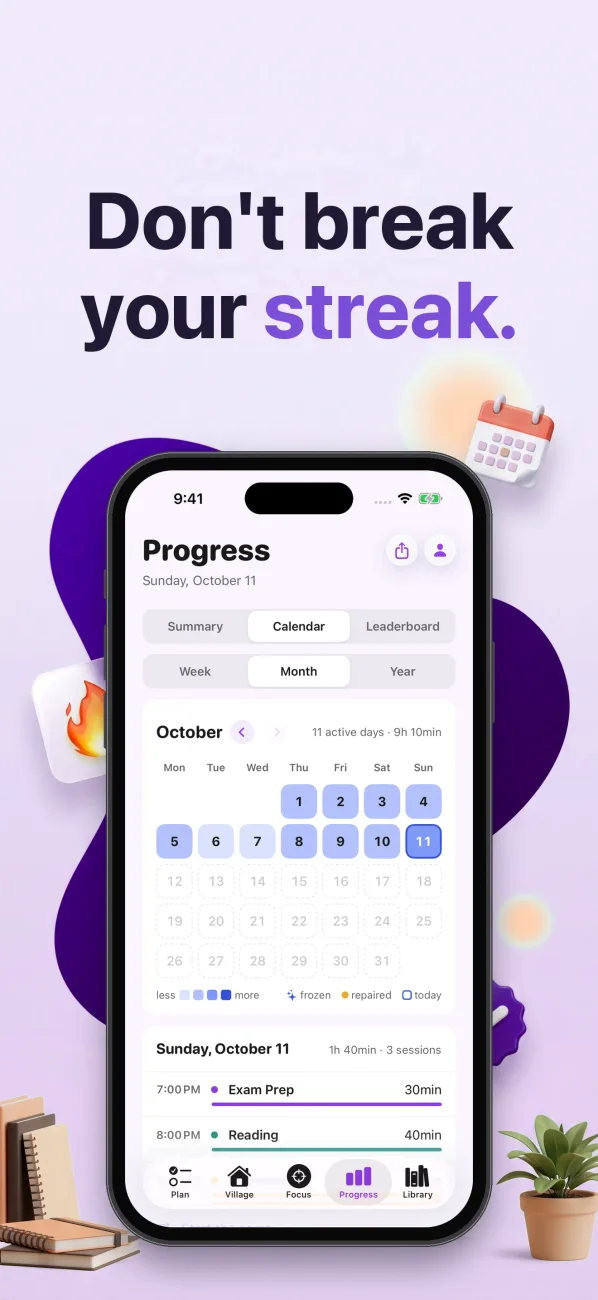
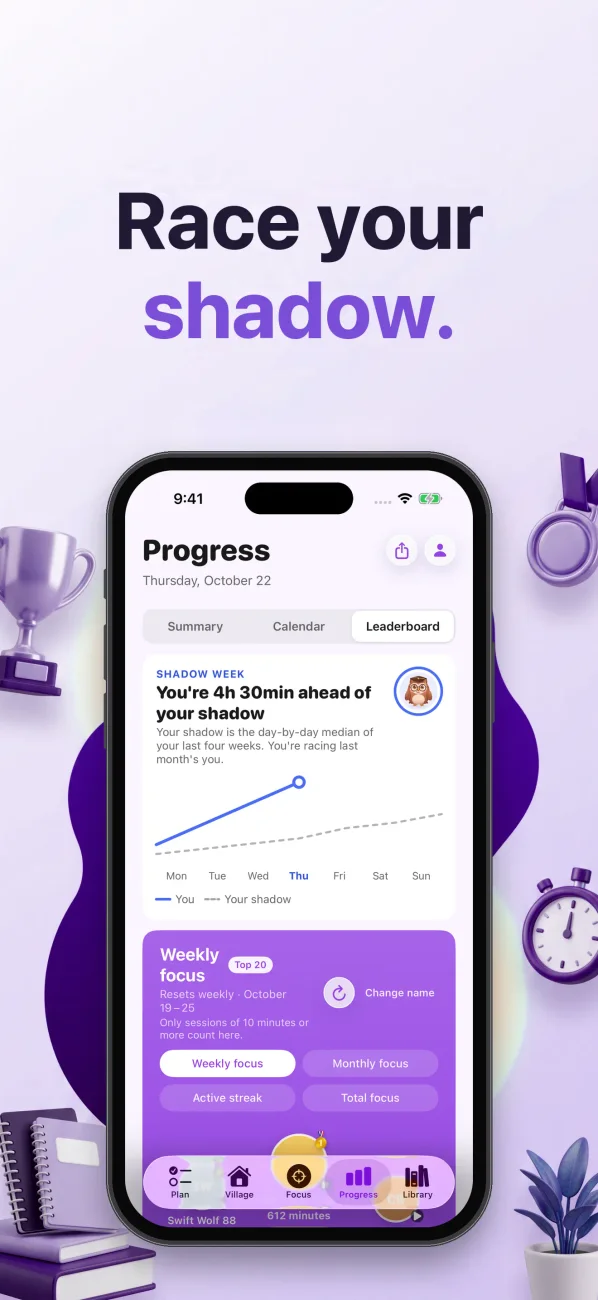
In Progress, your rival is you from last month. Shadow week draws the day-by-day median of your last four weeks, so you can see whether this week is ahead or behind. Your year heatmap, weekly chart, personal records, the leaderboard and your streak calendar are there too.
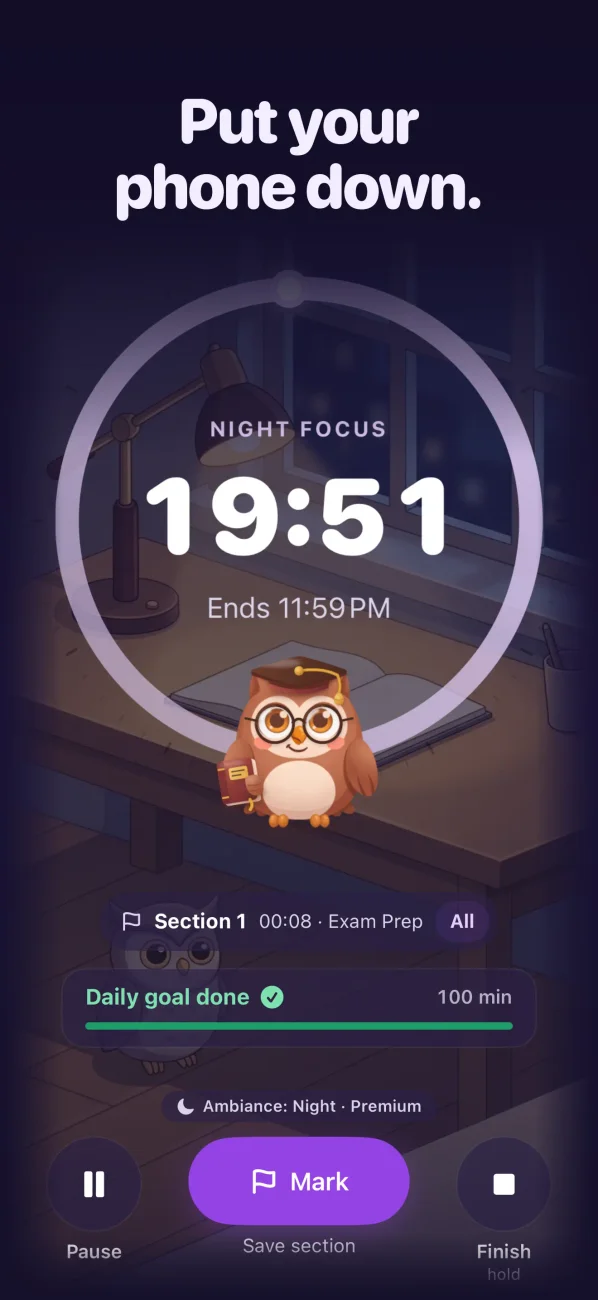
You open it and start with one tap. Pick a 20 or 40 minute sprint, or set a length of your own. When you cannot tell how long the library day will run, switch to Free Study: an open-ended stopwatch that counts toward your streak and picks up where it left off even after a force quit. The timer sits on the Lock Screen and in the Dynamic Island, with pause and finish buttons right there. The Apple Watch app has a timer of its own.
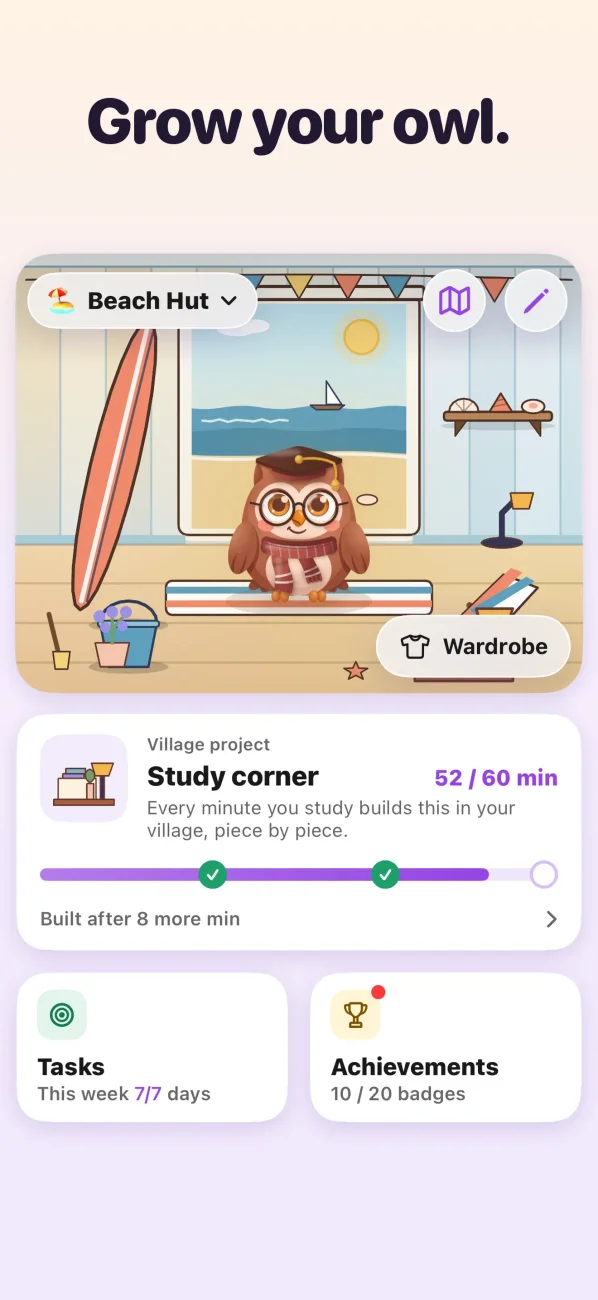
Studying earns coins. Coins are never sold; the only way to get them is to study. In the Village you walk through the rooms your owl has unlocked, and the wardrobe lets you try colors and accessories on it before you choose. Campus Style, the first cosmetic pack in the Shop, is a separate purchase and is not part of Premium.
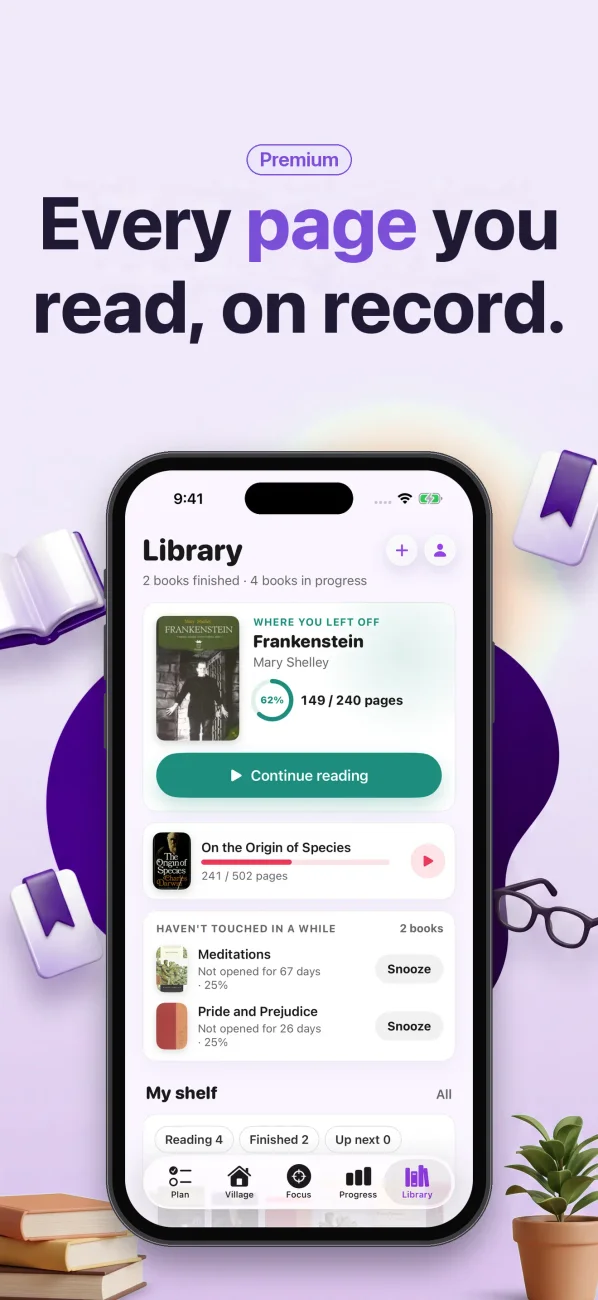
If you came here to read, say so during setup and the app reshapes itself around it: your current book on the home screen, pages instead of coursework. You start a session with a book and, if you want, a page goal, and the summary tells you how far you got. It measures your own pace to estimate how much reading time the book has left. Set a yearly book goal in the Library and watch your library fill up.
You decide how it looks. There are 26 light and dark themes, and you can preview each one across the whole app before committing; the app icon changes colour along with the theme. You name the categories yourself: maths, English, software, whatever you happen to be studying. There are snooze-able smart alarms and motivation reminders. You can export your whole history as CSV, and write finished sessions to Apple Health as mindful minutes.
It was built with high school and university students, self-learners and bootcamp students in mind. It works just as well if you are preparing for IELTS or if you simply like the pomodoro rhythm.
Your sessions and notes stay on your phone. Your owl, plans, books and categories are backed up to our own server so they come with you to a new phone. After your third 10-minute session you join the leaderboard under a random name, and you can leave it any time. Analytics runs only if you allow it and never collects what you study.
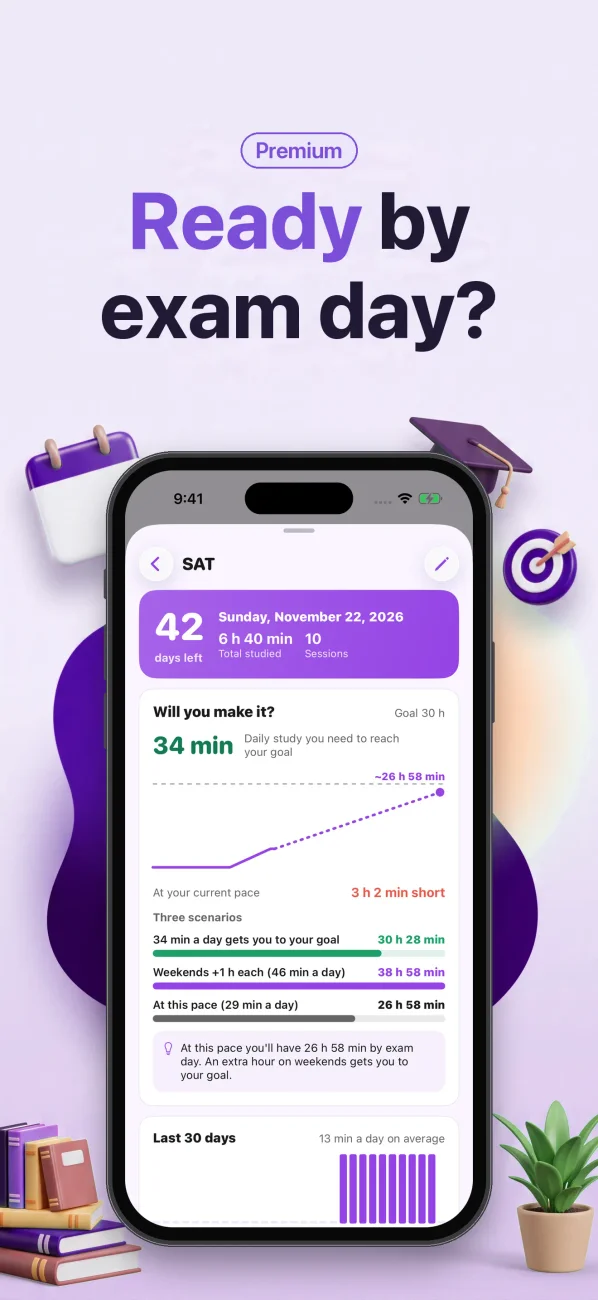
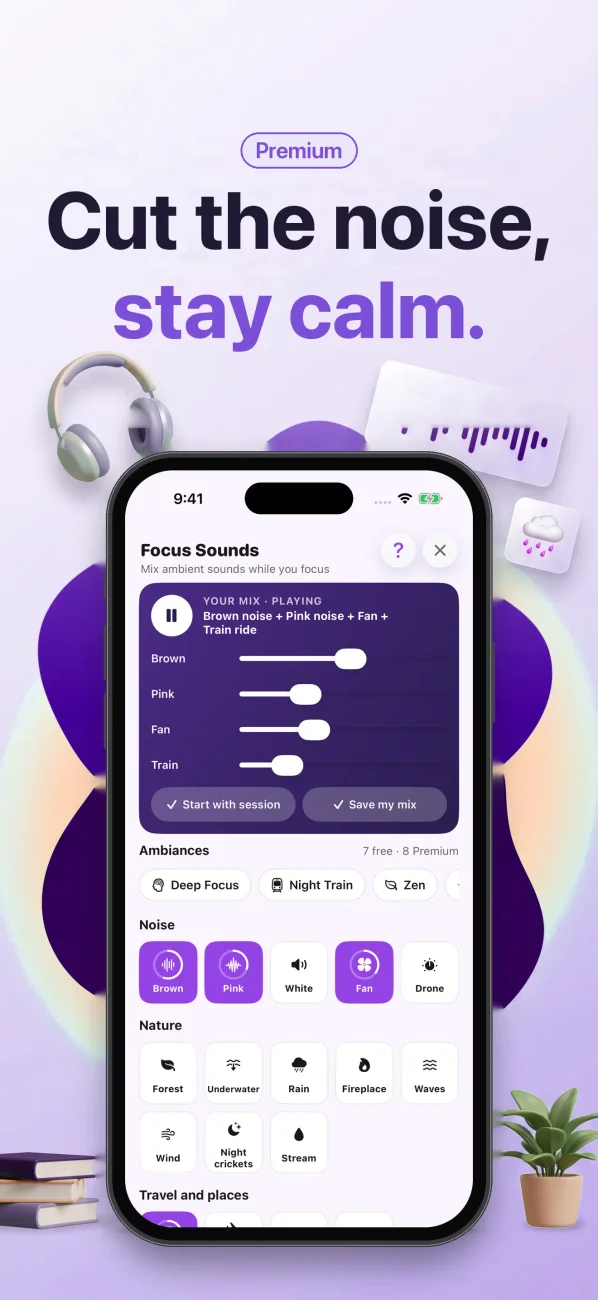
Premium is optional. It removes ads, unlocks every theme and opens Deep analysis: an hour map, focus quality, a 12-week trend, and exam pace, which shows how much you will have studied by exam day at your current rate. With Focus ambiance the focus screen follows the time of day. It also keeps an independent developer going.
Something feels off? Tell us from Settings. We read every message.
Terms of Use (EULA): https://www.apple.com/legal/internet-services/itunes/dev/stdeula/
What’s new
Version 1.6.7 · Nov 11, 2026
• New layout on iPad and tablets: tabs on the left, Village and Library in two columns on wide screens.
• Fixed the timer freezing in the background and sessions that ended while the app was closed. When a gift arrives, the app tells you, and you press and hold to open it.
App privacy
What Harun DOGDU declares on the App Store about how this app handles data.
-
Data used to track you
May be used to track you across apps and websites owned by other companies.
- Identifiers
- Usage data
-
Data linked to you
May be collected and linked to your identity.
- Purchases
- User content
- Identifiers
- Usage data
-
Data not linked to you
May be collected but is not linked to your identity.
- Search history
- Diagnostics
Privacy practices may vary, for example with the features you use or your age.
Information
- Seller
- Harun DOGDU
- Category
- Education
- Version
- 1.6.7
- Updated
- Nov 11, 2026
- Released
- Jul 20, 2026
- Size
- 140.3 MB
- Requires
- iOS 18.0 or later
- Age rating
- 4+
- Price
- Free
- In-app purchases
- Yes
- Languages
- English, French, German, Portuguese, Russian, Spanish, Turkish
- Copyright
- © 2026 Harun Doğdu
You might also like
-
 BiyolojicimEducation
-
 Mistake Log: Yanlış DefteriSnap mistakes, find the gap
-
 Ders SaatimLED clock · study timer
-
 RodiNote: Study & FlashcardsDecks, notes, quizzes & games
-
 Pickledemy YKS Takip PlanlamaEducation
-
 EdebiyatçımEducation
-
 Prayer Times & Quran - SemadanAdhan, Qibla, Tasbih & Widgets
-
 Rota AI: YKS KoçuEducation
-
 Nova ZekaEducation
-
 Öğrenci Takip: YKS AI KoçEducation