
Study Timer: Focus & Deep Work
Tomato Clock, Stats, Garden
Designed for iPhone
Free · In-app purchases
- Age rating4+
- CategoryProductivity
- DeveloperLEAN ASIA CO., LTD
- LanguagesEnglish
- Size4.6 MB
Links to the official App Store page
Download.org hosts no file of Study Timer: Focus & Deep Work. The button opens its official App Store page, published by LEAN ASIA CO., LTD. Listing last checked on Nov 18, 2026.
Screenshots




About
PREMIUM — PURCHASE REQUIRED: All features described below are part of Pro and require a purchase: a weekly or yearly auto-renewing subscription, or a one-time lifetime purchase.
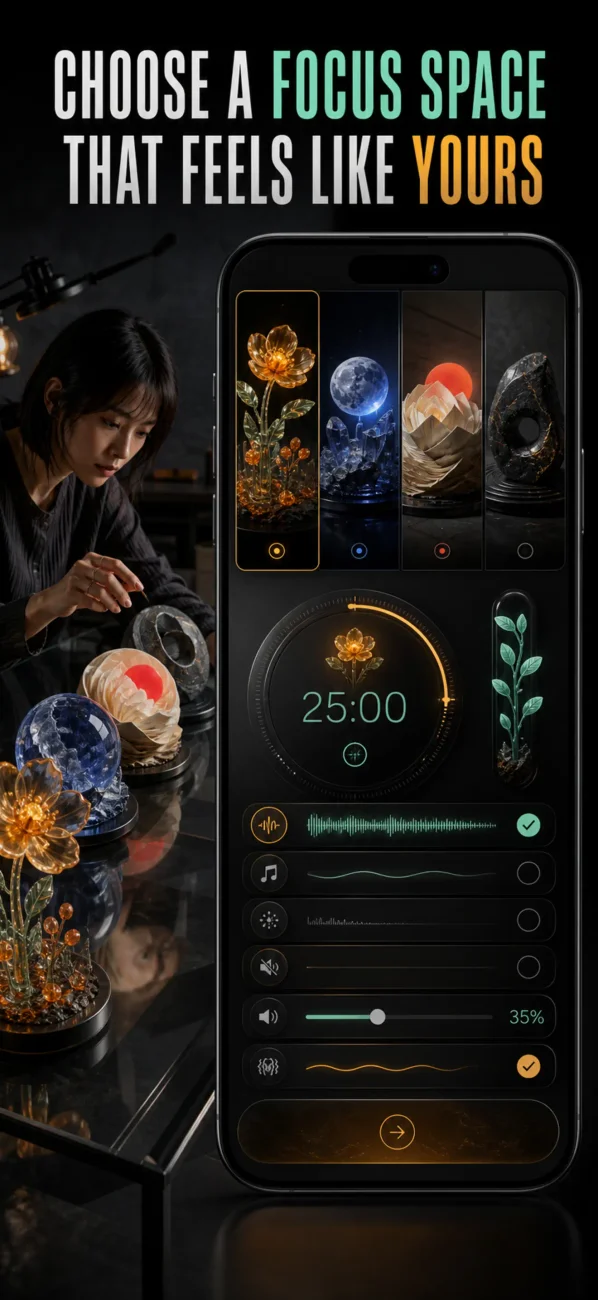
Set the timer, start the sprint, and give the next 25 minutes to one thing. PomoTick runs the classic Pomodoro Technique — 25 minutes of focus, 5 of rest, a long break every fourth round — for anyone studying for exams or trying to get real work done.
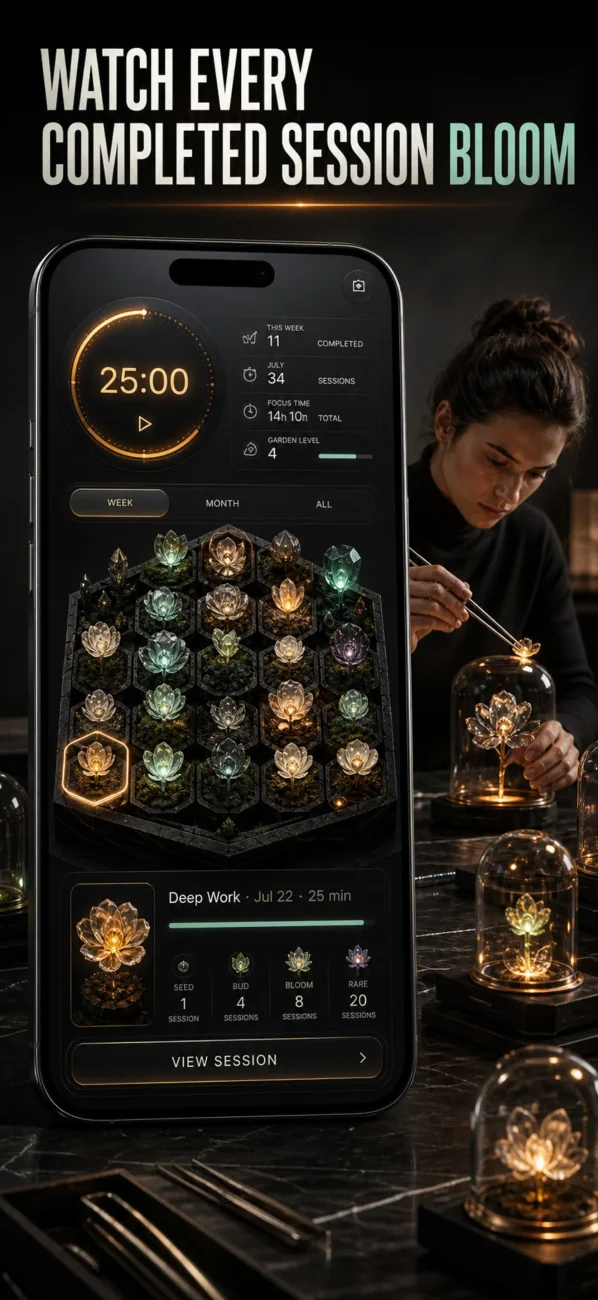
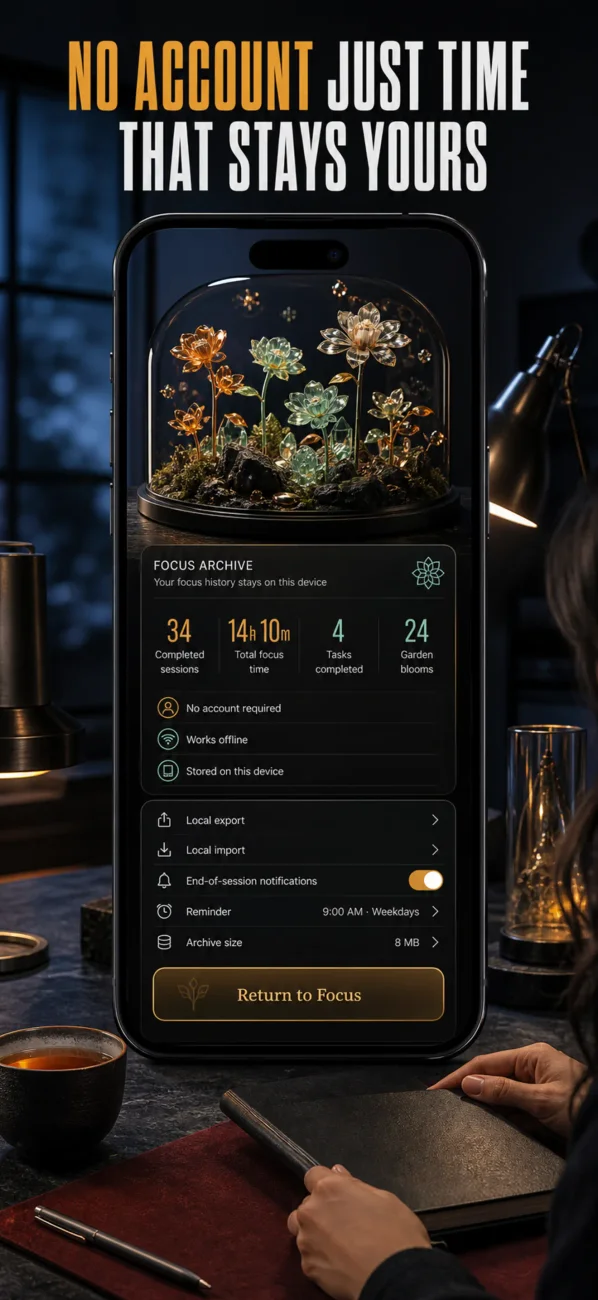
The difference: your focus leaves a trace. Every completed session grows a plant in your garden. A distracted day looks bare. A focused week looks alive. That little patch of pixels turns out to be a surprisingly effective boss.
WHAT YOU GET
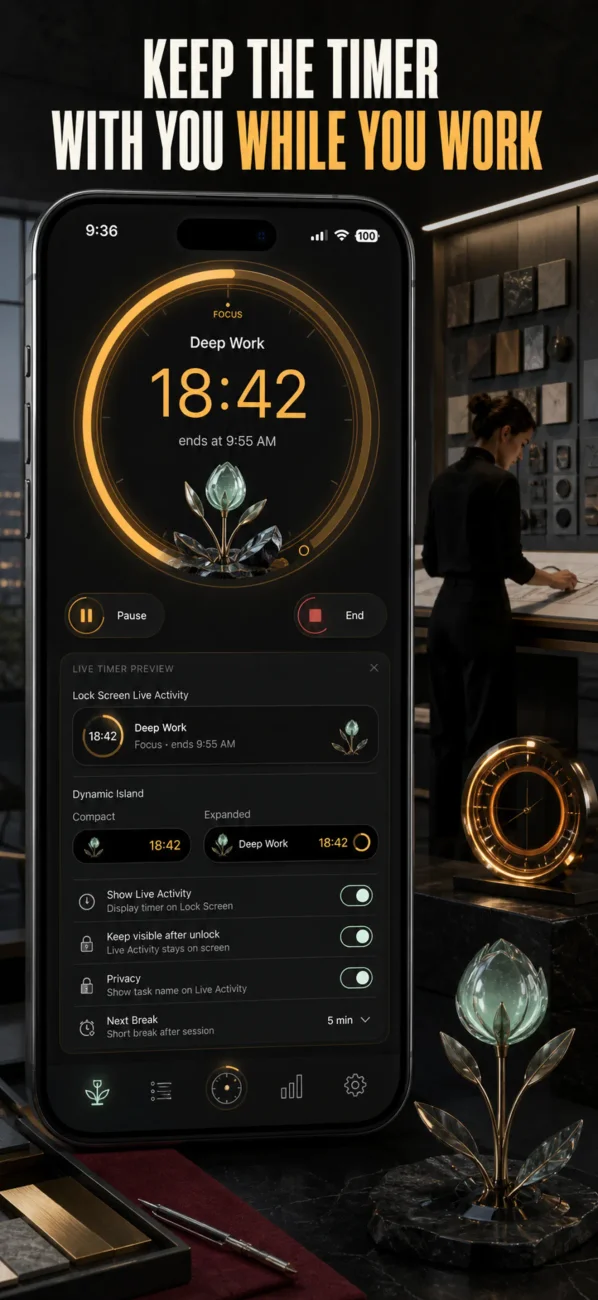
• One tap and the ring starts counting — 25/5 by default, or any length from 5 to 90 minutes
• A garden that grows one plant per finished sprint, so you can see yesterday's effort instead of guessing
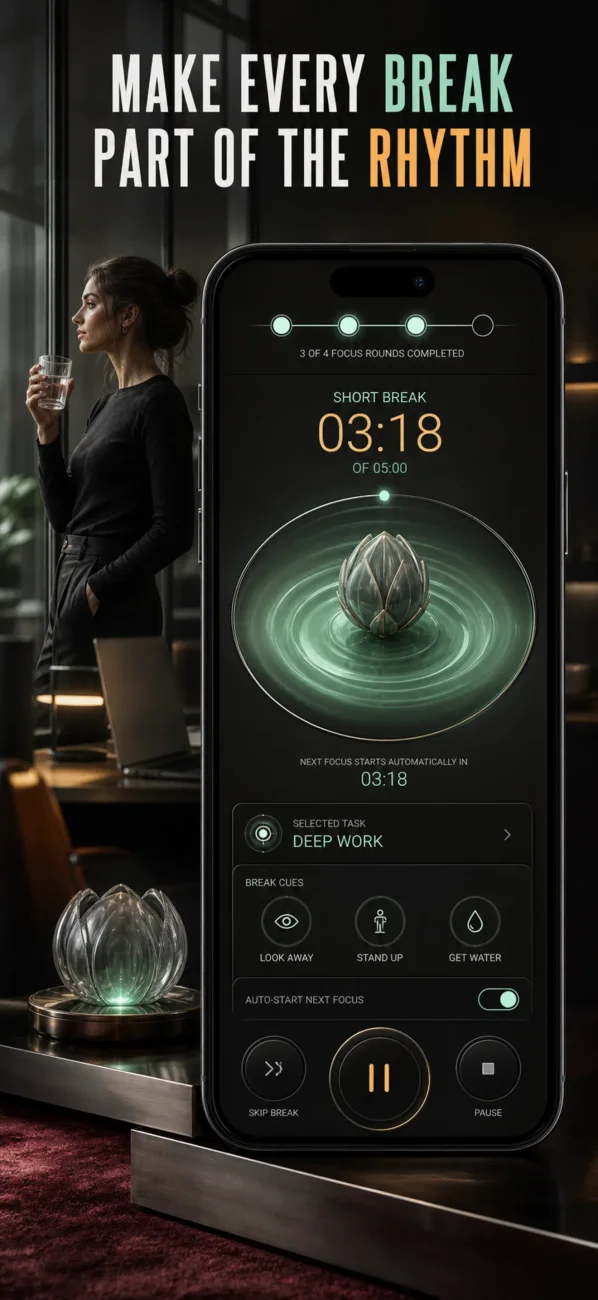
• Breaks that run themselves — short breaks auto-start, and the fourth round earns the long one
• Rain, café, forest, white noise, or ocean waves that keep playing with the screen locked
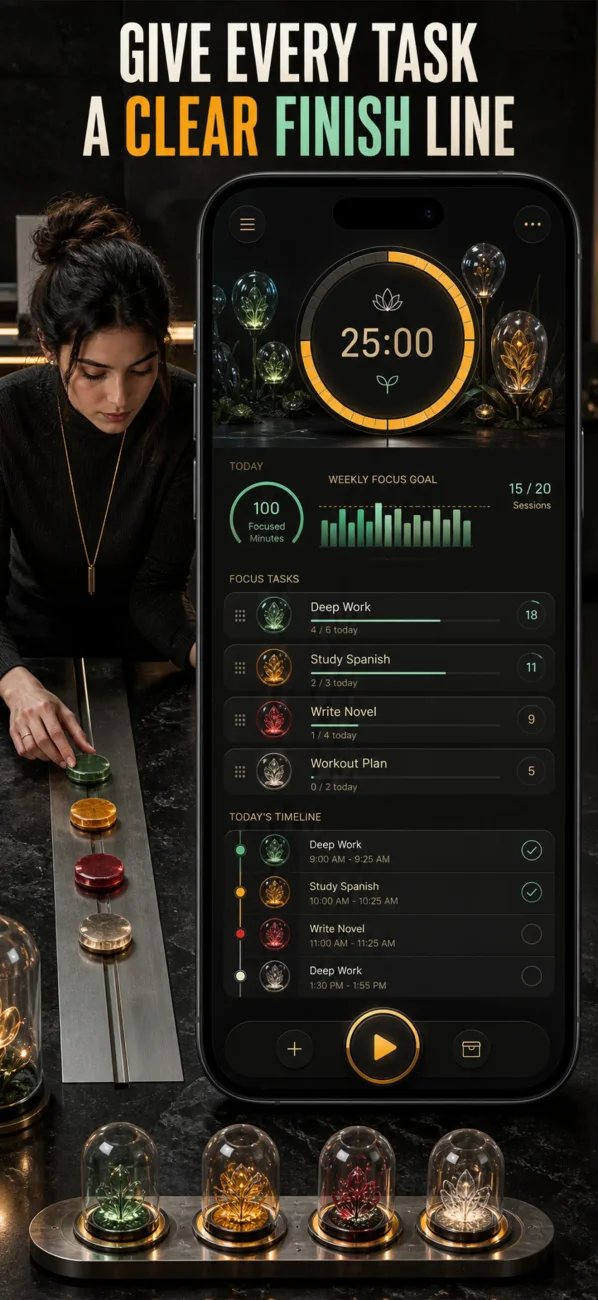
• Tasks with their own colors and session goals — thesis, bar exam, client project — plus charts showing which one actually got your hours
• A streak counter and daily goal that make skipping a day feel expensive
PERFECT FOR
• Students grinding through exam season one 25-minute block at a time
• Writers and programmers who need the door closed on distraction
• Remote workers whose five-minute break keeps becoming an hour
• Anyone who has read about the Pomodoro Technique and wants it to finally stick
WHY NOT JUST USE THE CLOCK APP
A bare countdown ends and evaporates. PomoTick keeps score: sessions logged, streaks counted, hours charted by task over 7, 14, and 30 days — so Friday-you knows exactly what Monday-you did.
PRIVATE BY DEFAULT
Every session, task, and chart lives on your iPhone. No account, no cloud, no tracking.
PREMIUM (PURCHASE REQUIRED)
PomoTick requires PomoTick Pro, which unlocks everything: all ambient soundscapes, unlimited tasks, 14- and 30-day charts with the focus-by-task breakdown, and all four garden themes — Meadow, Autumn, Sakura, and Desert Bloom. Choose a weekly or yearly subscription, or a one-time lifetime purchase.
Plant the first tomato: your next 25 minutes start with one tap.
Terms of Use: https://leanstudio.asia/terms-of-use
Privacy Policy: https://leanstudio.asia/privacy-policy
Support: support@leanstudio.asia
What’s new
Version 1.1 · Oct 14, 2026
Bug fixes and performance improvements.
Thanks for using the app — your feedback keeps it getting better.
App privacy
What LEAN ASIA CO., LTD declares on the App Store about how this app handles data.
-
Data not collected
The developer does not collect any data from this app.
Privacy practices may vary, for example with the features you use or your age.
Information
- Seller
- LEAN ASIA CO., LTD
- Category
- Productivity
- Version
- 1.1
- Updated
- Oct 14, 2026
- Released
- May 27, 2026
- Size
- 4.6 MB
- Requires
- iOS 17.0 or later
- Age rating
- 4+
- Price
- Free
- In-app purchases
- Yes
- Languages
- English
- Copyright
- © 2026 LEAN ASIA CO., LTD
You might also like
-
 Purrmodoro: Pomodoro TimerADHD Focus & Study with Cats
-
 Odak: Flip ClockFocus Timer for Study & Work
-
 Study Focus Timer: BeThe1%Flip phone down. Stay focused
-
 StudvaThe Strava of deep work
-
 Focusleaf: Study Focus TimerPomodoro & Grow a Plant Garden
-
 Image to excel sheet - xlsxConvert picture to excel
-
 Tymerao: Event Countdown TimerReal-time reminders & goals
-
 Vana: Study Timer, App BlockerBody doubling with cozy pets
-
 Jeeves AiCopy. Marketing. AI Writer
-
 Mom Clock: Routines & FocusHabit Tracker & App Blocker