
Wherebox: Home Inventory
Stuff finder & password vault
Designed for iPhone, iPod touch
Free · In-app purchases
- Age rating4+
- CategoryUtilities
- DeveloperYUMI KANG
- LanguagesEnglish+ 5 more
- Size40.2 MB
Links to the official App Store page
Download.org hosts no file of Wherebox: Home Inventory. The button opens its official App Store page, published by YUMI KANG. Listing last checked on Nov 27, 2026.
Screenshots


About
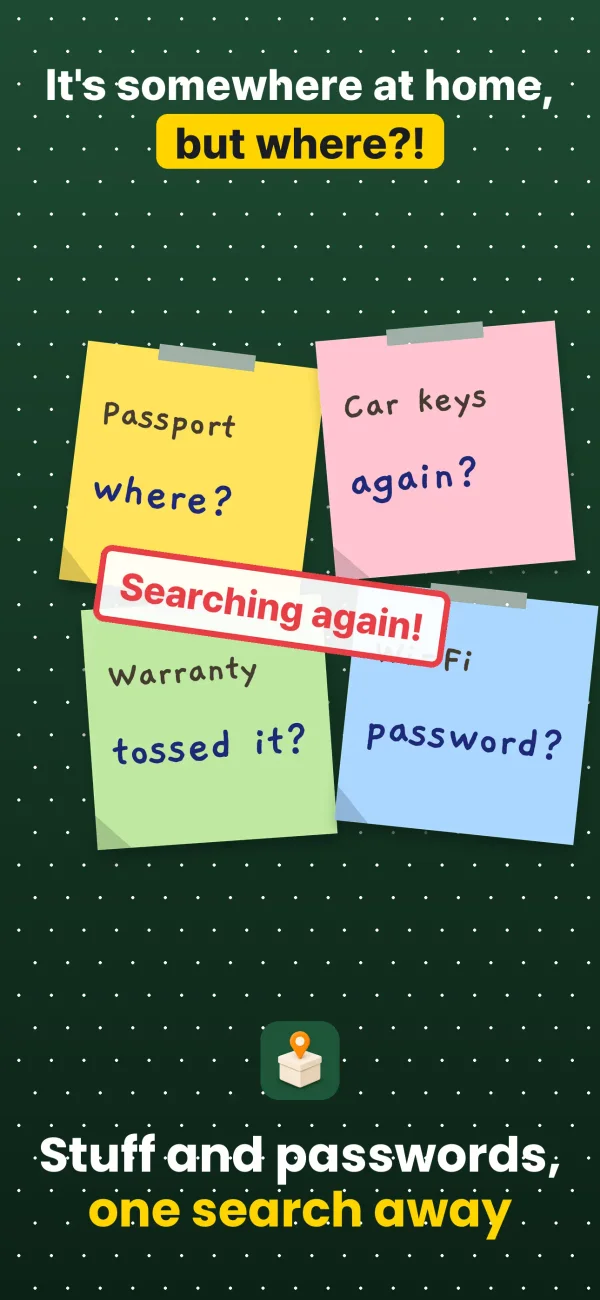
It's somewhere at home — but where?
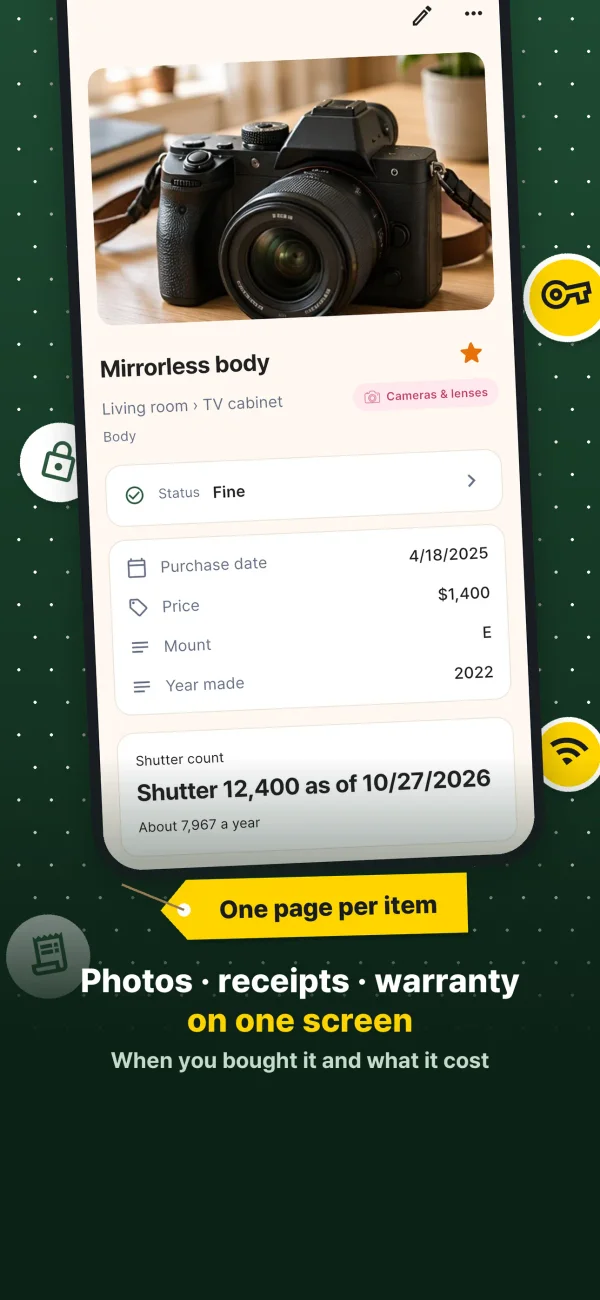
Wherebox keeps your stuff and your passwords in one app. Type a name and see which room and which box it's in, or what the Wi-Fi password was. When you bought it, what it cost and when the warranty ends — all on one screen.
■ Know exactly where it is
• Organize the way your home really is: room › shelf › box
• Print a QR label for any box and see what's inside without opening it
• See your item count and total value at a glance
■ Password vault
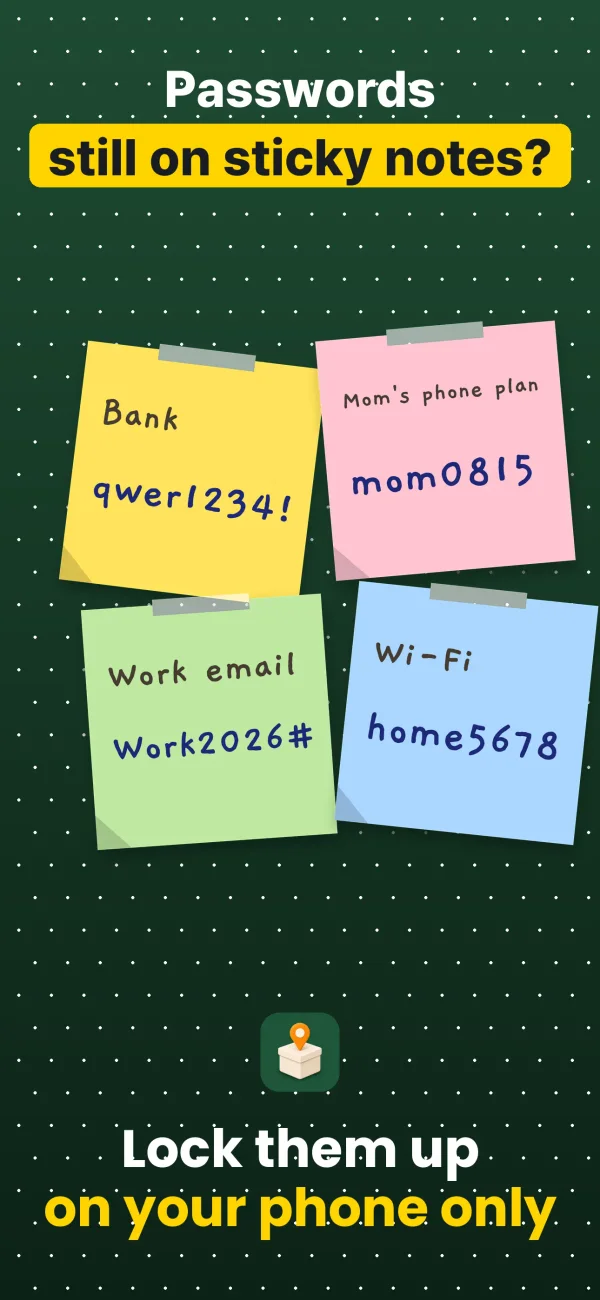
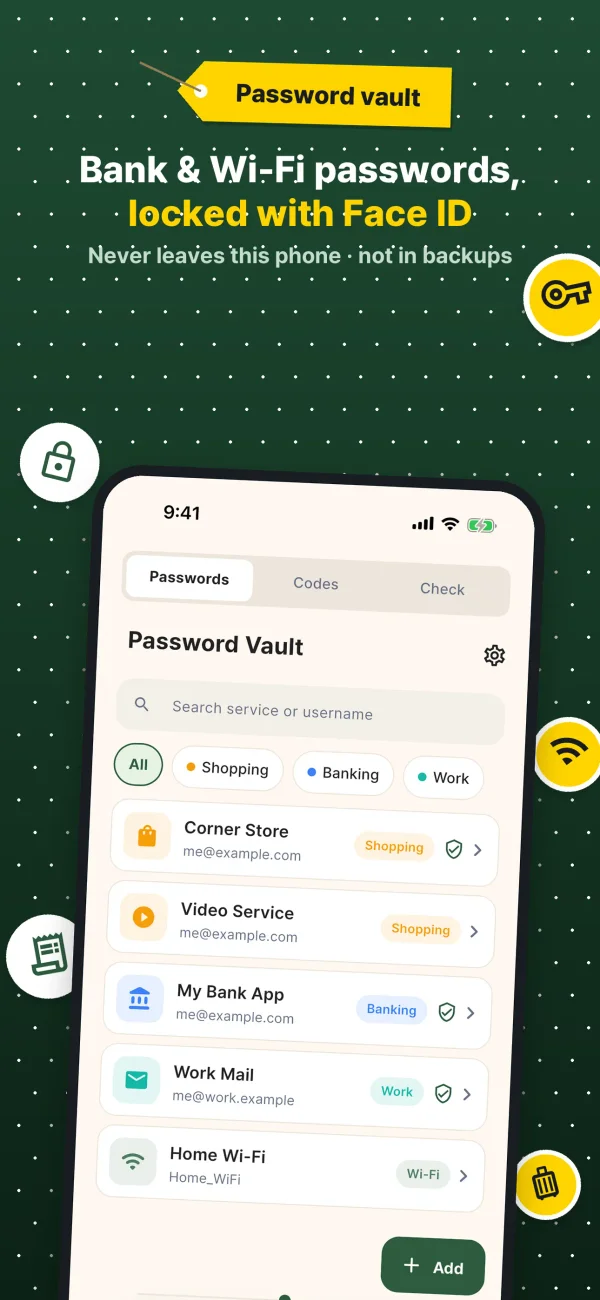
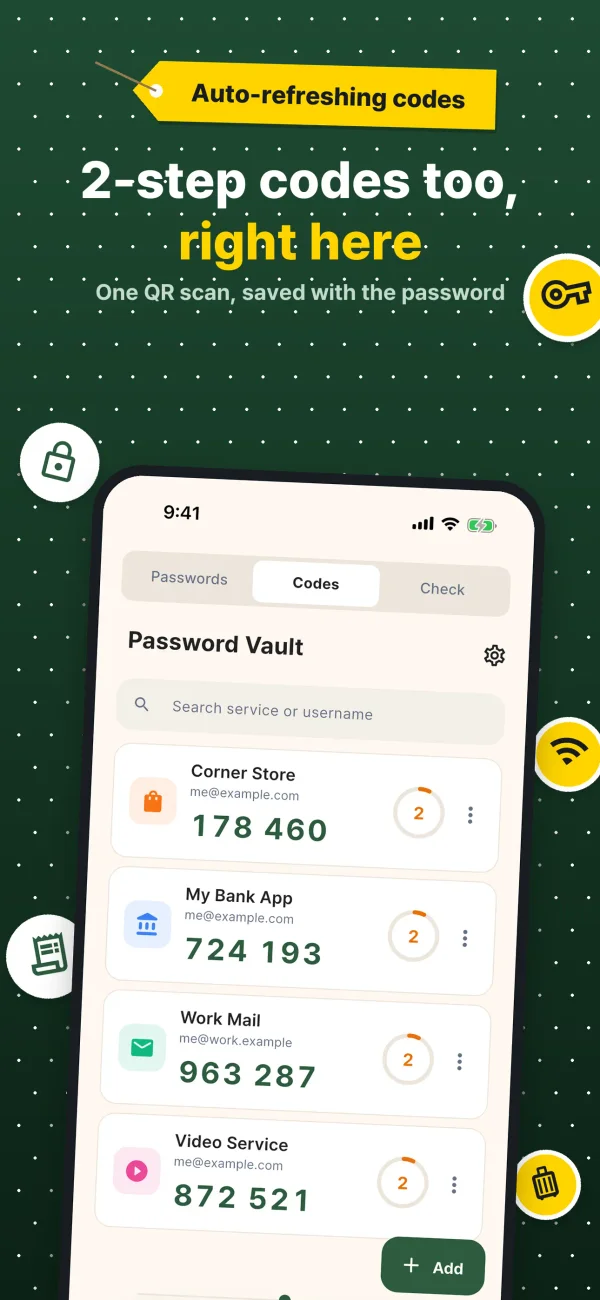
• Lock bank, shopping, work email and Wi-Fi passwords with Face ID
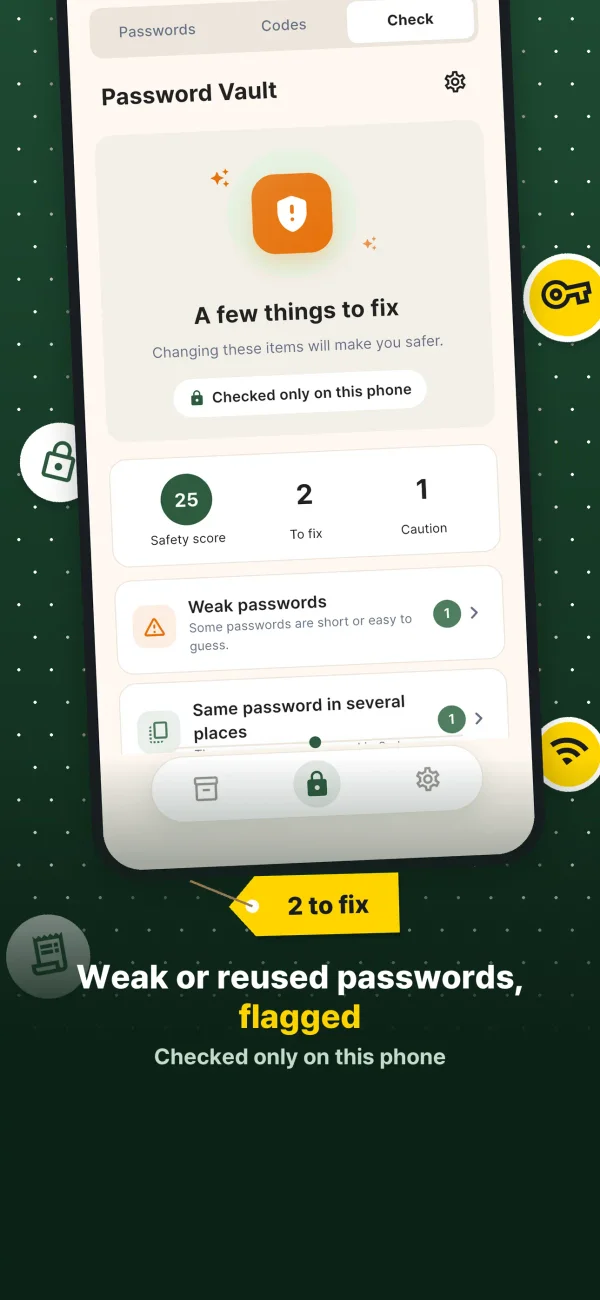
• Spot weak passwords and the ones you reuse in several places
• 2-step verification codes too: scan the QR once and they refresh right next to the password
• Show your Wi-Fi as a QR code
• Passwords never leave this phone and are never included in backups
■ One page per item
• Multiple photos, receipts and warranty cards
• Purchase date, price, current value, serial number, where you bought it
• Upkeep log for repairs, cleaning and parts — even camera shutter counts, bike parts and car maintenance
■ Never miss a warranty
• Get a reminder 30 days before a warranty ends (Pro)
• Active · Ending soon · Expired at a glance
■ Insurance report in one tap (Pro)
• For claims after a fire, flood or theft — or just when you move
• Photo-rich PDF report and a CSV for spreadsheets
■ Categories
General · Electronics · Furniture · Clothing · Cameras · Camping gear · Bicycles · Cars · Instruments · Interior · Sizes
■ Free and Pro
• Free: up to 50 items and 5 each of passwords and 2-step codes, with photos, places and upkeep logs
• Pro (one-time purchase, not a subscription): unlimited items, passwords and codes, PDF & CSV export, warranty reminders, backup & restore
■ Your data stays on your phone
No account, no ads. Everything is stored on this device, with optional backup.
Available in English, Korean, Japanese, Chinese, Spanish and French.
■ Family Sharing subscription (optional)
Sharing your records with family is an auto-renewable monthly subscription — plans for 1, 3 or 5 people. Payment is charged to your Apple ID account, and the subscription renews automatically unless cancelled at least 24 hours before the end of the current period. Manage or cancel anytime in your App Store account settings.
Terms of Use: https://chibbangkimong.com/mygearvault/terms
Terms of Use (EULA, Apple standard): https://www.apple.com/legal/internet-services/itunes/dev/stdeula/
Privacy Policy: https://chibbangkimong.com/mygearvault/privacy
What’s new
Version 1.1.3 · Nov 26, 2026
· Fixed an issue where the Backup screen showed a blank white page when opened for the first time.
App privacy
What YUMI KANG declares on the App Store about how this app handles data.
-
Data linked to you
May be collected and linked to your identity.
- Contact info
- User content
- Identifiers
- Usage data
Privacy practices may vary, for example with the features you use or your age.
Information
- Seller
- YUMI KANG
- Category
- Utilities
- Version
- 1.1.3
- Updated
- Nov 26, 2026
- Released
- Oct 14, 2026
- Size
- 40.2 MB
- Requires
- iOS 15.0 or later
- Age rating
- 4+
- Price
- Free
- In-app purchases
- Yes
- Languages
- English, French, Japanese, Korean, Simplified Chinese, Spanish
- Copyright
- © 2026 ChiBbangKiMong