StuffLedger: Home Inventory
Expense & Subscription Tracker
Designed for iPhone, iPad
In-app purchases
- Age rating17+
- CategoryUtilities
- Developer红佩 唐
- LanguagesEnglish+ 1 more
- Size149.3 MB
Links to the official App Store page
Download.org hosts no file of StuffLedger: Home Inventory. The button opens its official App Store page, published by 红佩 唐. Listing last checked on Nov 25, 2026.
Screenshots


About
Still using two separate apps to track your belongings and expenses?
You remember what you bought, but forget where you put it. You track spending, but purchases and belongings stay disconnected.
StuffLedger — a home inventory and expense tracker in one.
Manage belongings, storage, spending, and finances in a single app.
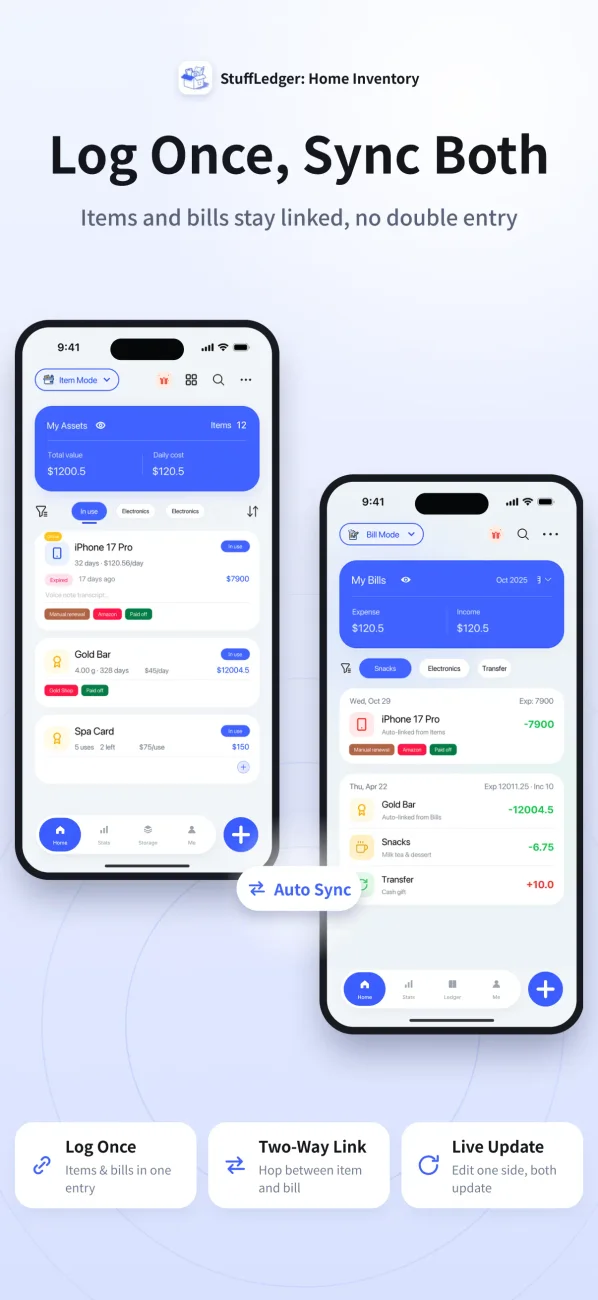
[Item Tracker & Expense Tracker — Automatically Connected]
• Add an item → an expense record is created automatically.
• Log an expense → the corresponding item is created automatically.
Connect purchases with belongings, reduce duplicate entry, and track what you own and what you spend—without switching apps.
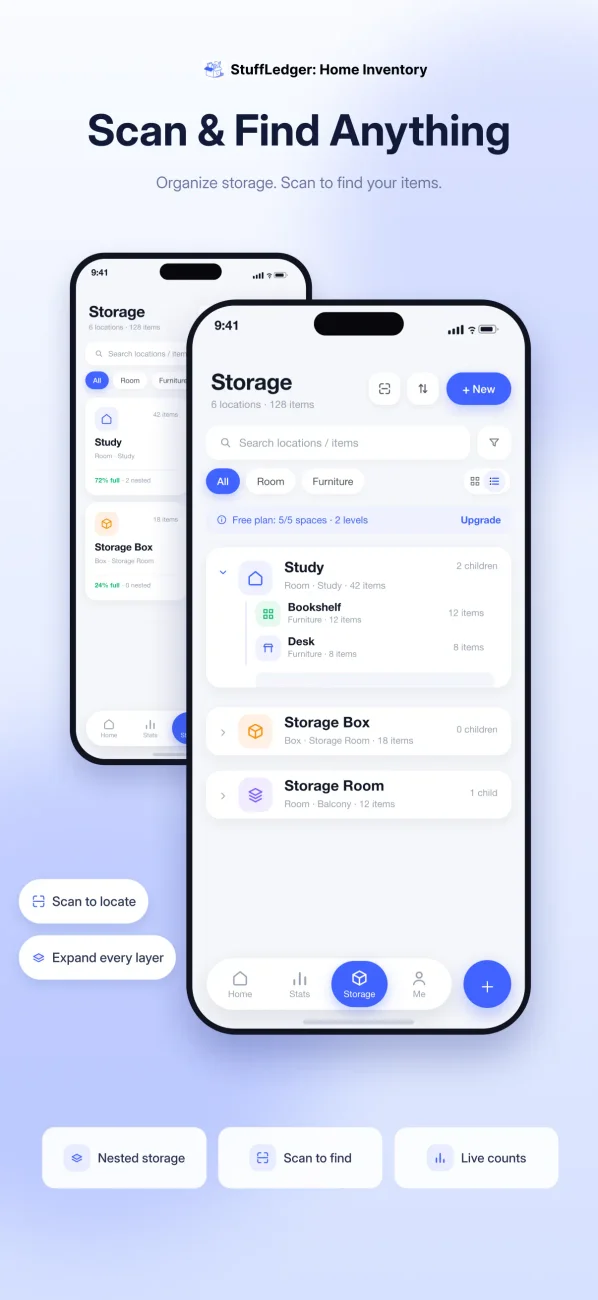
[Home Inventory with Nested Storage & QR Code Lookup]
Organize storage like your real home, with a clear place for everything.
Create nested locations from rooms and cabinets to drawers and storage boxes. Customize names and numbers to match your space.
• Generate and print QR codes for storage locations.
• Attach QR labels to cabinets, drawers, boxes, and shelves.
• Scan a QR code to view all items stored in that location.
• Link items to specific locations for precise tracking.
Perfect for moving day: label every box, and find anything after you unpack. Your home inventory also comes in handy for insurance claims and warranty claims.
Find belongings faster—without searching through every drawer.
[Multiple Ledgers — Keep Finances Separate]
Create custom ledgers to manage income and expenses independently.
• Manage household, personal, and project finances separately.
• Keep transactions organized without mixing unrelated records.
Whether it's household bills, personal spending, or project expenses, every transaction has its place.
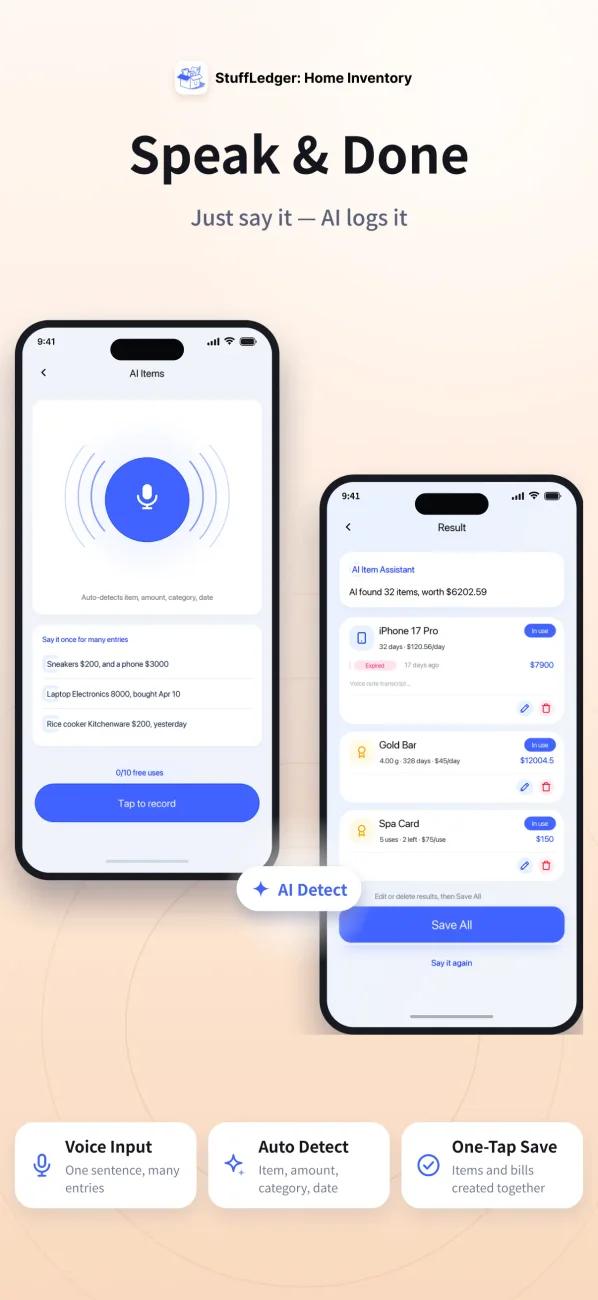
[AI Voice Input — Multiple Records in One Sentence]
Describe multiple items or expenses in one sentence. AI identifies individual records and relevant details, then separates them into multiple entries automatically. Spend less time on manual entry.
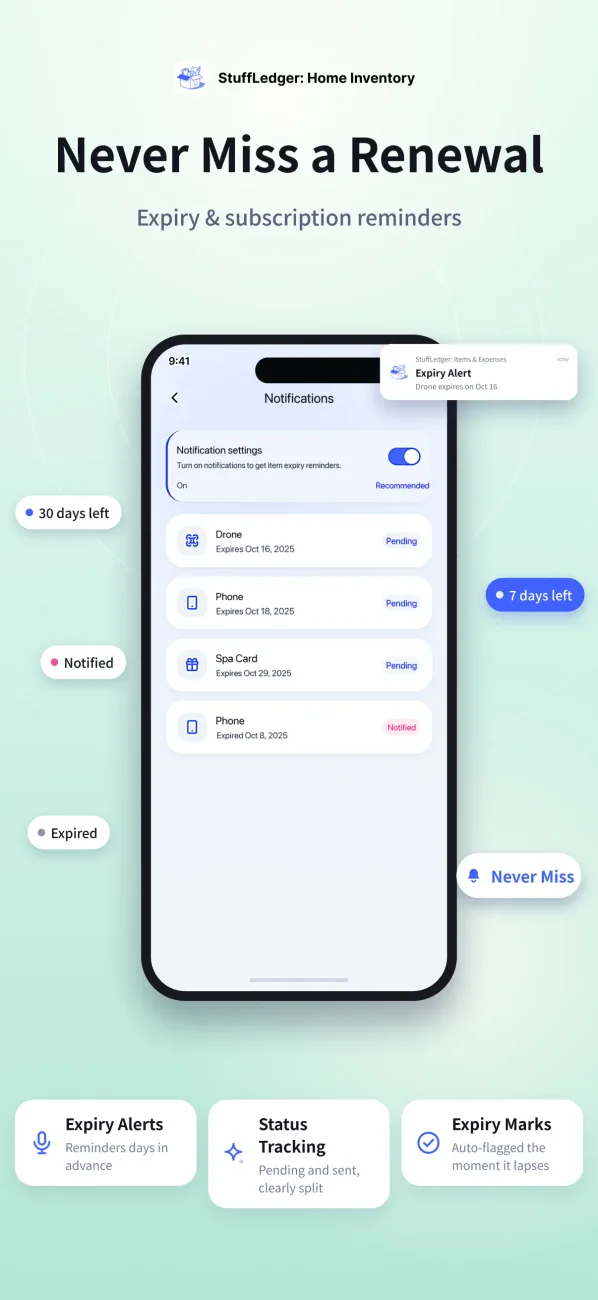
[Expiry Reminders & Subscription Tracker]
Stay ahead of important dates and avoid waste or forgotten charges.
• Track expiration dates for cosmetics, skincare, food, and medicine.
• Get reminders before makeup and beauty products expire.
• Keep warranty periods organized — never miss a warranty claim.
• Track subscriptions and get renewal reminders to avoid unwanted charges.
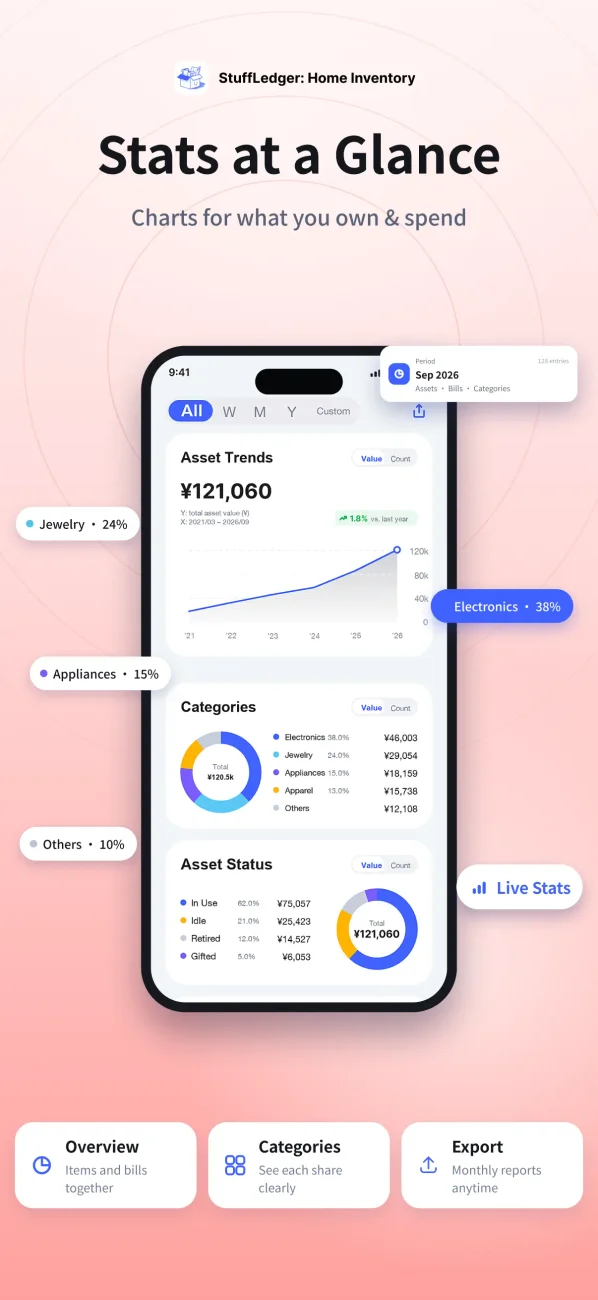
[Asset Reports & Spending Insights]
How much are your belongings worth? Where does your money go?
View asset trends, item categories, tag summaries, item costs, income, expenses, and spending breakdowns in visual reports. Understand the value of your belongings and gain better insight into your spending habits.
[Item Categories, Filters & Search]
Organize belongings across categories and find what you need quickly. Build a catalog of what you own — electronics, clothing, beauty products, household essentials, books, collectibles, and digital subscriptions. Filter by category, status, or tags.
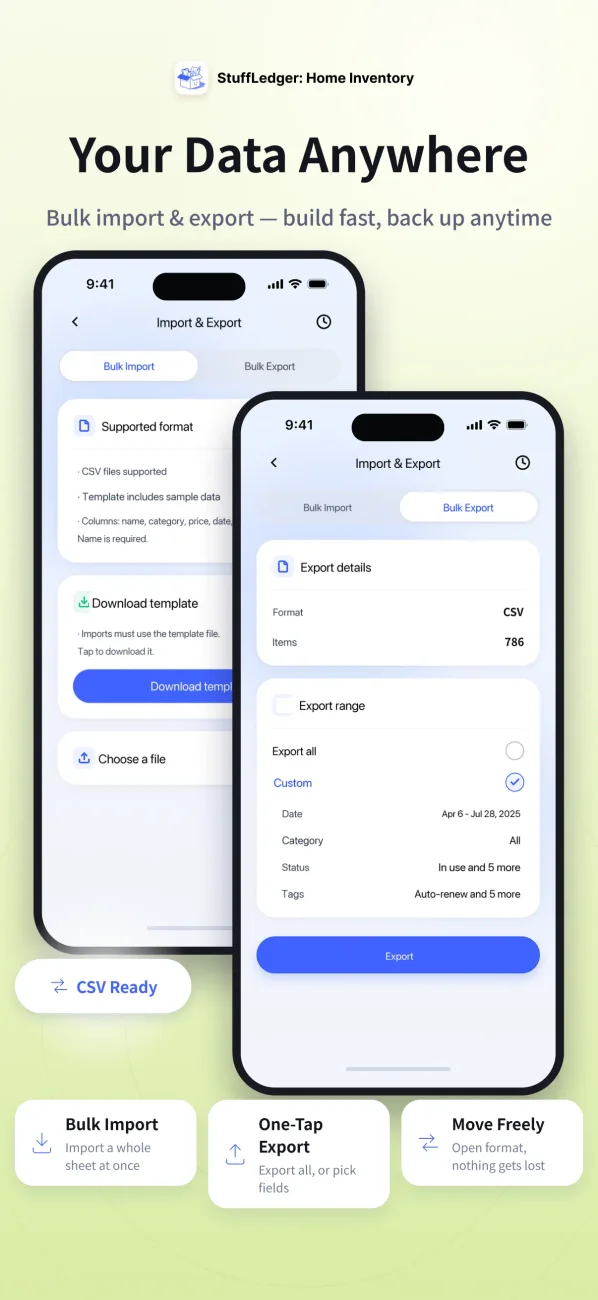
[Bulk Import & Export]
Import item and expense data in bulk to build your records faster. Export data for backup or migration, keeping records portable and under your control.
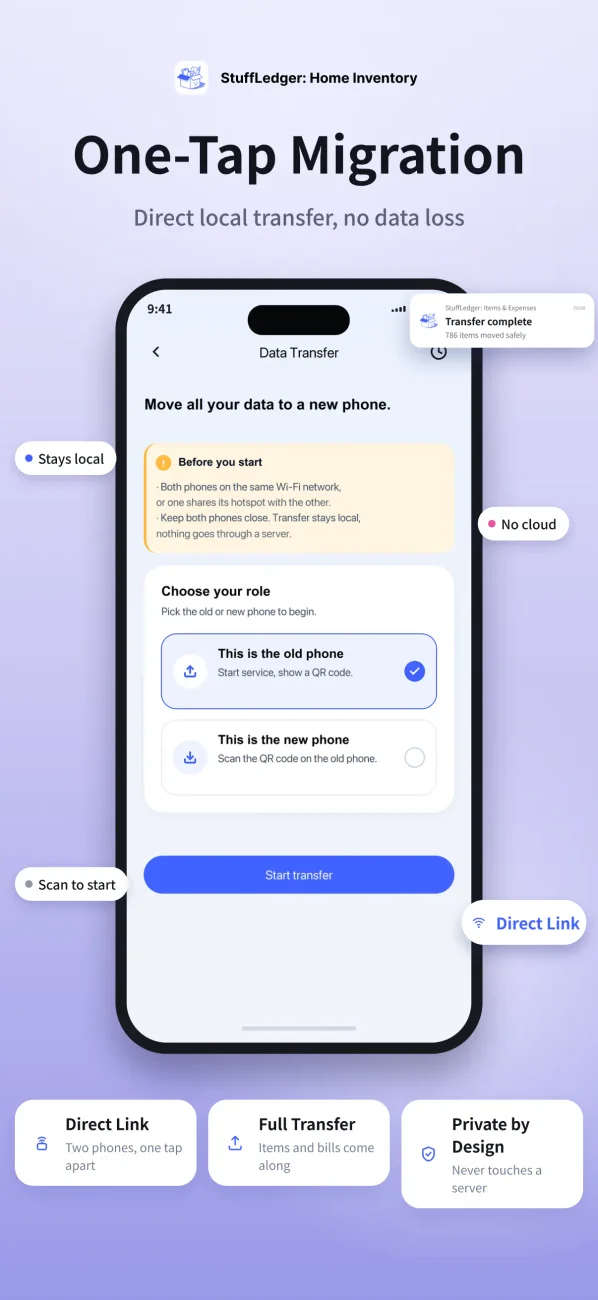
[One-Tap Phone Migration]
Getting a new phone? Connect old and new phones directly for local migration—no cloud service or account required. Move items, expenses, categories, reminders, and other supported data, then pick up right where you left off.
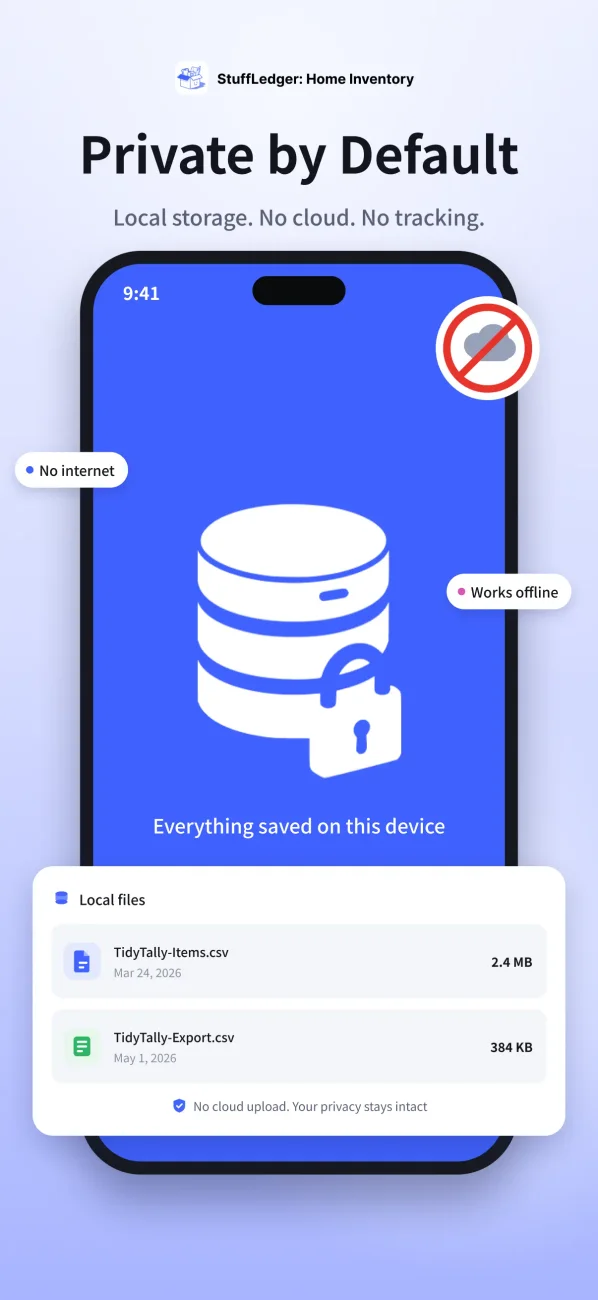
[Local Data Storage & Privacy]
Data is stored locally on your device, reducing reliance on cloud services. Keep item information and financial records under your control for a more private, reassuring experience.
Who Is StuffLedger For?
• Skincare & beauty lovers: track cosmetics and expiry dates, log every purchase.
• Home organizers: manage rooms, storage, and household expenses in one place.
• Digital life managers: track subscriptions and renewals, avoid forgotten charges.
• Budget-minded users: see item costs and spending clearly, spend smarter.
Contact & Support
Email: support@shutuo-tech.com
What’s new
Version 1.5.4 · Nov 24, 2026
New in this version:
• LAN sharing: share a ledger or your storage with family and friends on the same Wi-Fi — join by scanning a QR code or entering an 8-digit code
• Amounts can be toggled between exact and simplified display
• Custom names for your expense records
Other known issues have also been fixed.
Love the app? A rating helps a lot!
App privacy
What 红佩 唐 declares on the App Store about how this app handles data.
-
Data linked to you
May be collected and linked to your identity.
- Usage data
-
Data not linked to you
May be collected but is not linked to your identity.
- Diagnostics
Privacy practices may vary, for example with the features you use or your age.
Information
- Seller
- 红佩 唐
- Category
- Utilities
- Version
- 1.5.4
- Updated
- Nov 24, 2026
- Released
- Aug 13, 2026
- Size
- 149.3 MB
- Requires
- iOS 17.6 or later
- Age rating
- 17+
- In-app purchases
- Yes
- Languages
- English, Simplified Chinese
- Copyright
- © 唐红佩