Sublimo
focus subliminal manifestation
Designed for iPhone
Free · In-app purchases
- Age rating17+
- CategoryLifestyle
- DeveloperJens Varga
- LanguagesEnglish
- Size79.8 MB
Links to the official App Store page
Download.org hosts no file of Sublimo. The button opens its official App Store page, published by Jens Varga. Listing last checked on Nov 14, 2026.
Screenshots
About
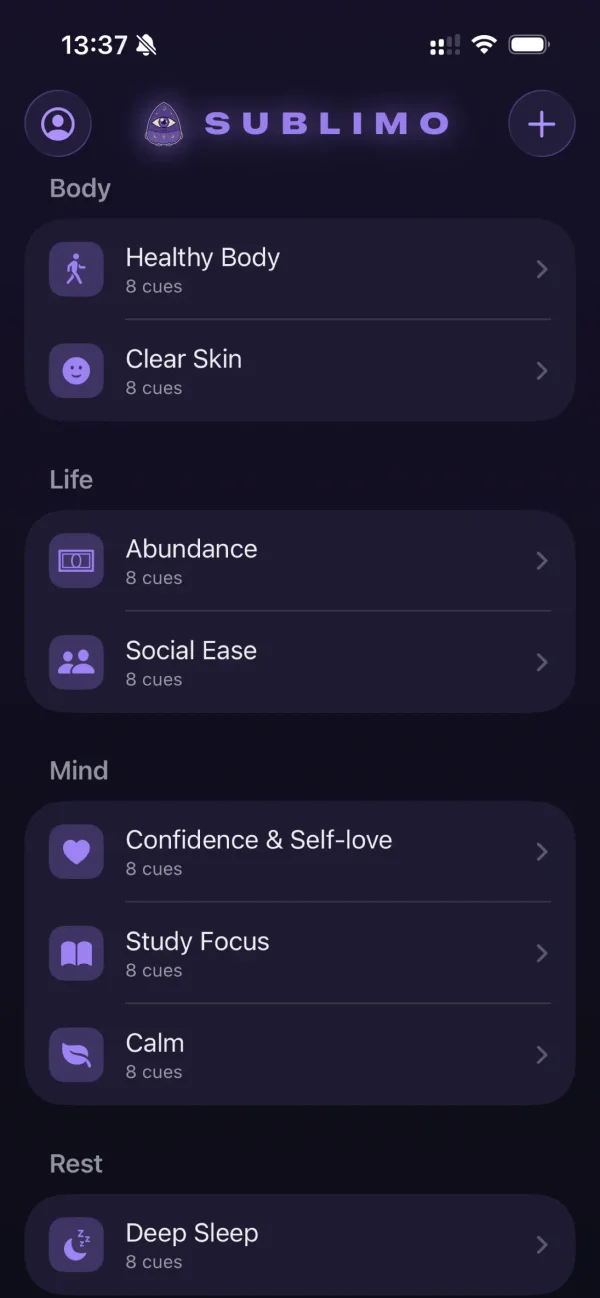
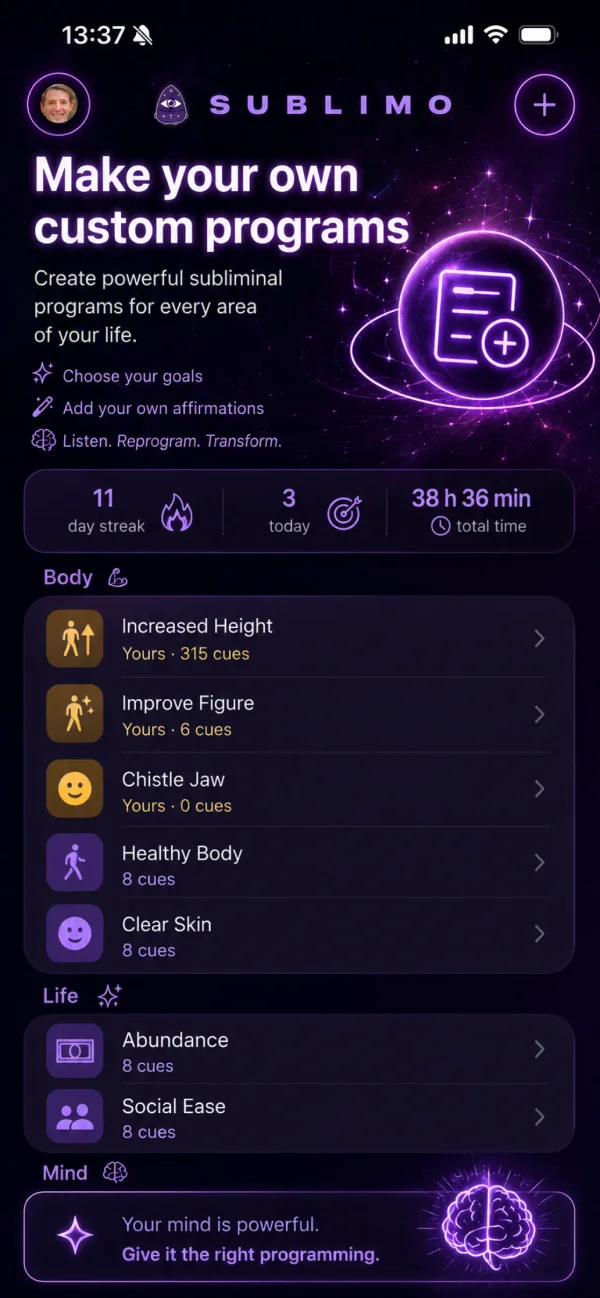
Sublimo plays your affirmations quietly under ambient sound while you get on with your phone. Pick a program, press start, and it keeps going in the background while you scroll or read or work.
WHAT IT DOES
The sound plays everywhere on your phone, not just inside the app. Sublimo sits under whatever else you're playing, at a volume you set, from clearly there to almost nothing.
The images are different. They only show inside Sublimo's own browser, because iOS won't let any app draw over the ones you're actually using. So if you want images flashing while you read, you read inside Sublimo. We'd rather say that plainly than pretend otherwise.
YOUR WORDS, NOT OURS
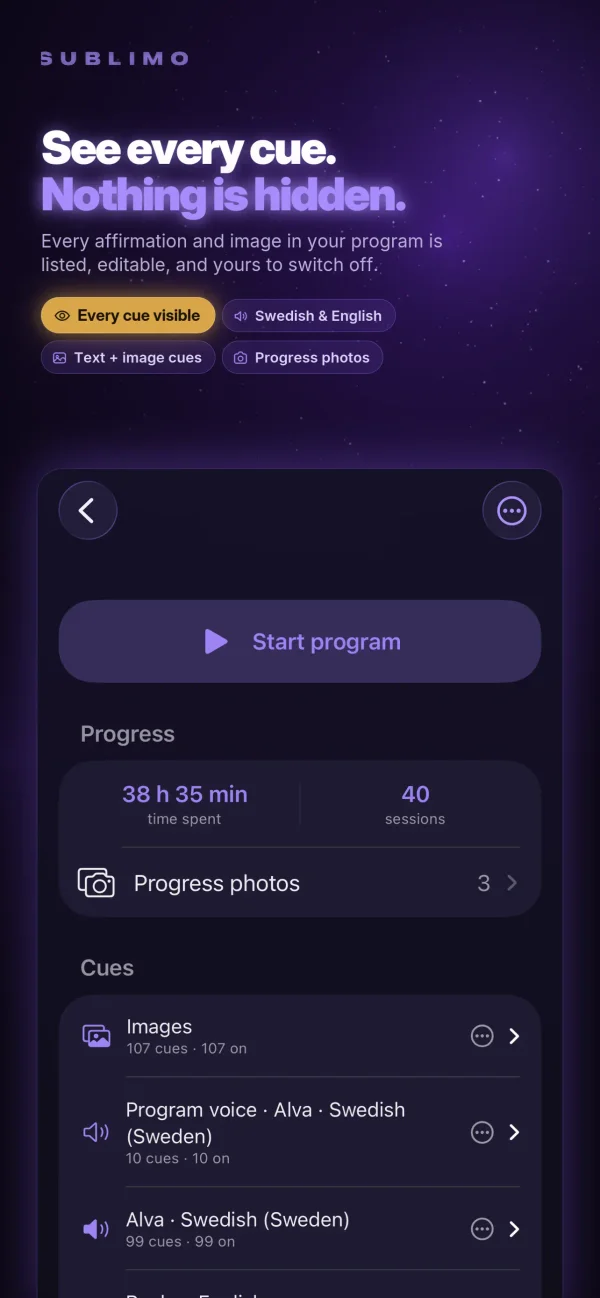
Nothing's hidden. Every affirmation is there to read, change, or delete, the ones we ship included. If you can't see it, it isn't playing.
- Write your own, or take a built-in program and rework it
- Paste a whole list at once, as plain lines or JSON
- 65 system voices in 46 languages, set per line if you want
- Or record the affirmations in your own voice
THE SOUND
- Layer ambient beds like rain, brown noise, and soft pads, each with its own level
- Set how loud the spoken part sits, down to a whisper under the bed
- Choose how often the lines come, with a little natural drift so it never feels mechanical
- Send a session to AirPlay speakers, a HomePod, or an Apple TV
- A sleep timer winds it down, and it pauses when you do
A SOUNDSCAPE OF YOUR OWN
You don't have to use words at all. Leave the affirmations out and layer the ambient beds into a soundscape you build yourself, a backdrop for meditation, focus, or practices like spiritual cleansing and astral projection. Set the level, add a sleep timer, and let it run as long as you need. What you do with the quiet is yours.
VISUAL CUES, IN THE BROWSER
- Flash, Ghost, Ticker, or Random placement
- Anything from a single screen frame up to five seconds
- No strobing, and Reduce Motion is respected
KEEPING TRACK
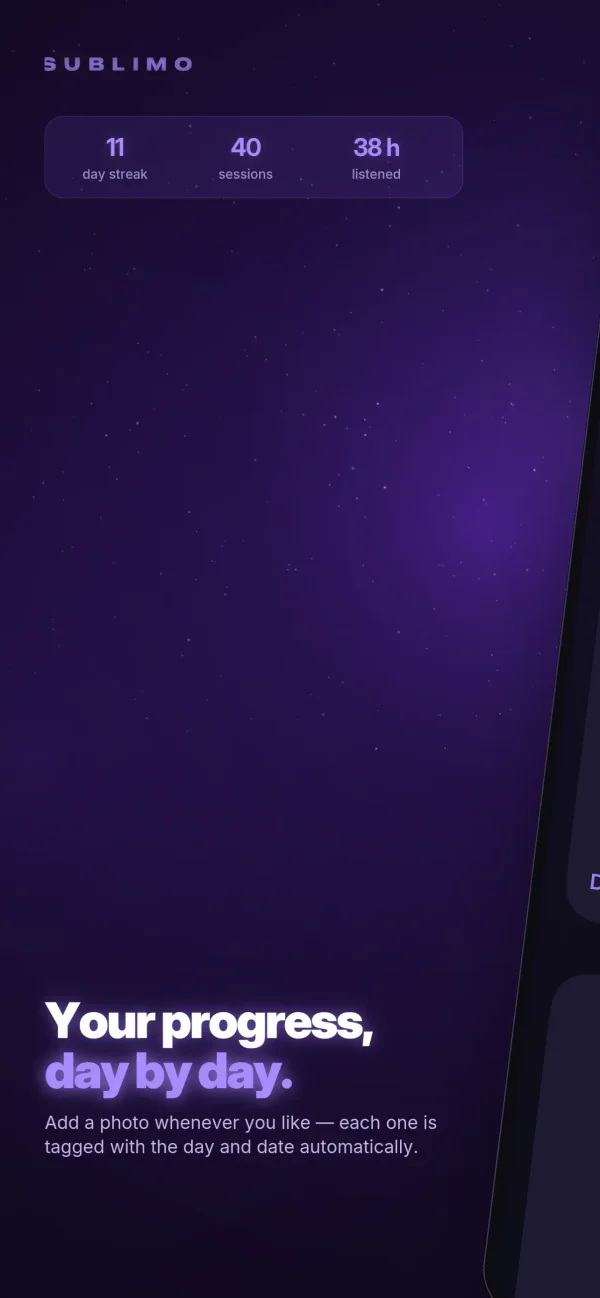
- Time listened, session count, and a day streak
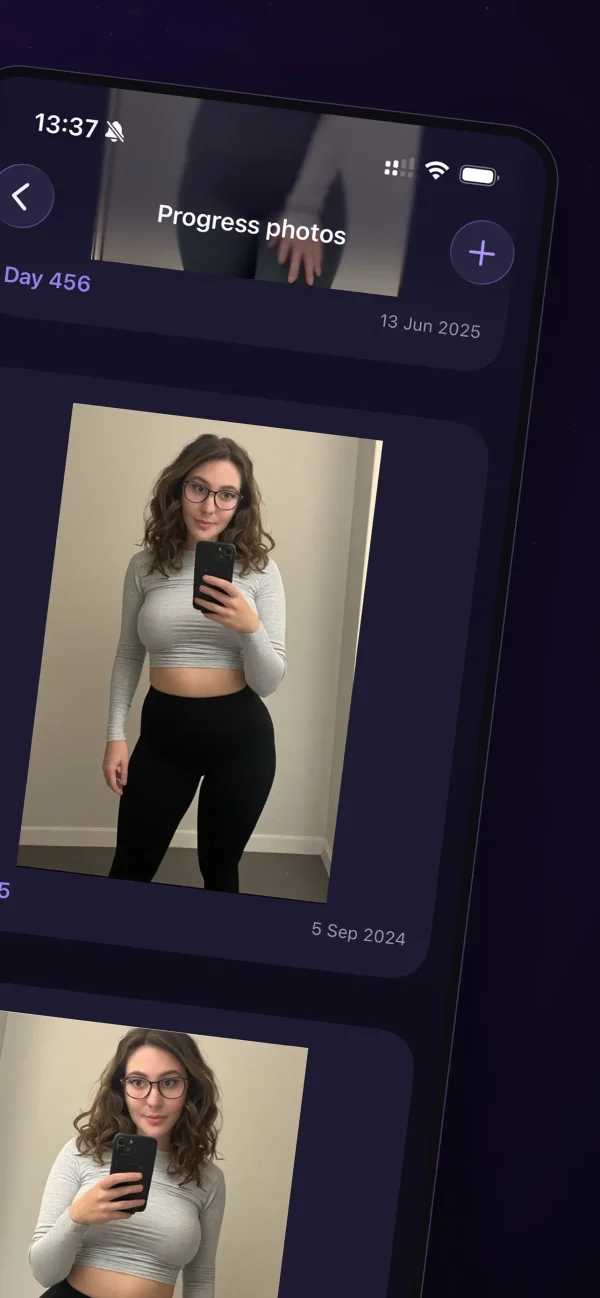
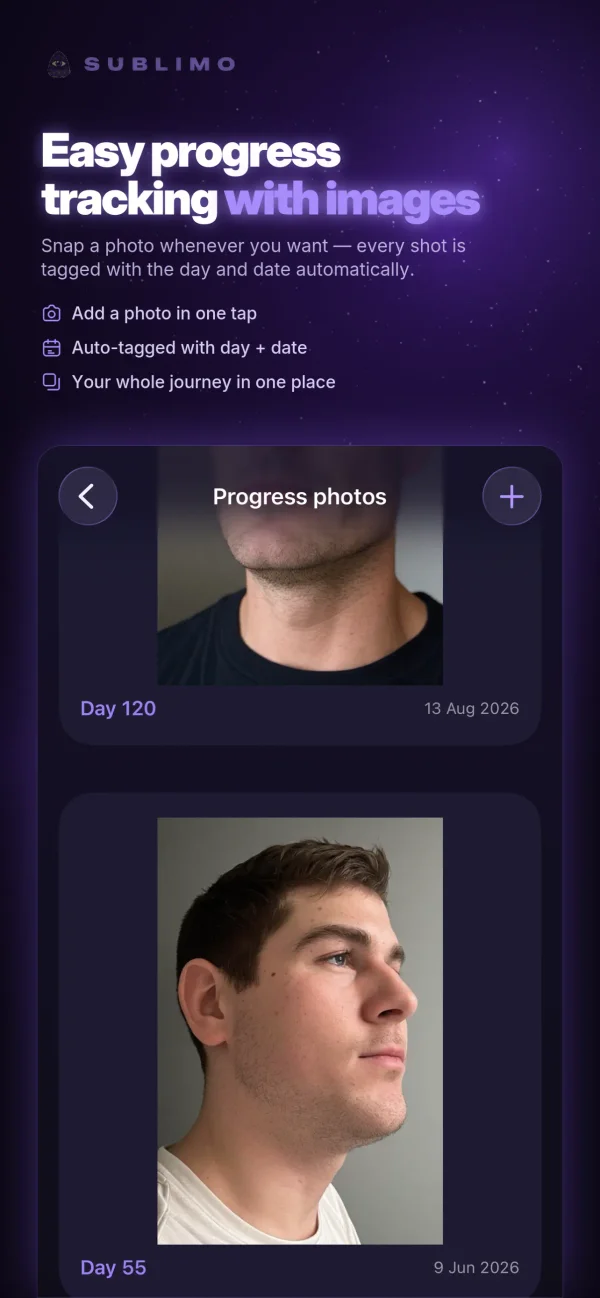
- Progress photos on a day-numbered timeline if you like to compare over weeks
- Your photos stay in your account and go nowhere else
AN ACCOUNT, IF YOU WANT ONE
Make one and your programs, history, and photos follow you to a new phone. Everything else works without it. You can wipe your data, or the whole account, from inside the app.
PREMIUM
The app's free. Premium is a one-off purchase, no subscription. It takes the ads away and lifts the limits, so you can keep as many programs, affirmations, and photos as you want and share programs as files.
WHERE WE STAND
The science on true subliminal messages, the kind pitched below conscious awareness, is weak, and Sublimo doesn't pretend otherwise. What you get is a steady, repeatable way to keep words you chose in front of you, at whatever volume suits you. Whether it helps is yours to decide, and the app's built so you can always check exactly what it's saying.
Sublimo is not a medical device and is not a substitute for professional care.
What’s new
Version 2.0 · Oct 19, 2026
New in 2.0: a sleep recorder.
There's a new Sleep tab. Start the recorder at bedtime, keep the phone by the bed, and in the morning you'll find a clip for every sound it picked up during the night:
Snoring, sleep talking, coughs, ghosts?
- It listens against your room's own background noise, so it catches quiet sounds without filling up on silence. Pick how sensitive it should be.
- It also notices a steady hum or buzz that a plain loudness check would miss.
- Each clip is evened out in volume, so a faint murmur is easy to hear at a normal volume. You can turn this off.
- Label your clips (voice, snoring, noise, cough, EVP and more), trim them before you save, and see which ones you've already played.
- Choose the recording quality, from uncompressed to compact. Once recordings pass 3 GB, clips you've already played and didn't save are cleared to make room, and a night stops cleanly before the phone runs out of space.
- Your AirPods keep playing while the recorder listens through the phone's microphone. So you can listen to your subs while recording.
Your recordings stay on your phone!
The sleep recorder needs an account. Free keeps up to 10 clips; Premium removes the limit.
App privacy
What Jens Varga declares on the App Store about how this app handles data.
-
Data not linked to you
May be collected but is not linked to your identity.
- Contact info
- User content
- Identifiers
- Usage data
- Diagnostics
Privacy practices may vary, for example with the features you use or your age.
Information
- Seller
- Jens Varga
- Category
- Lifestyle
- Version
- 2.0
- Updated
- Oct 19, 2026
- Released
- Aug 25, 2026
- Size
- 79.8 MB
- Requires
- iOS 17.0 or later
- Age rating
- 17+
- Price
- Free
- In-app purchases
- Yes
- Languages
- English
- Copyright
- © 2026 Bread & Circuses
You might also like
-
 SelfMade: Subliminal MakerAffirmations in Your Own Voice
-
 JustManifestMaster the Law of Attraction
-
 Whisperloop - Subliminal MakerSubliminal Audio & Affirmation
-
 SelfStudio: Manifest GoalsVision Board & Subliminals
-
 ProgramU: Subliminal StudioHypnosis, Meditation & EFT
-
 Subwave: Subliminal & ManifestArchitect Your Reality.
-
 Teague: ManifestationManifest Your Dream Life
-
 SökHem: Home Search SwedenBuy or sell your home
-
 Luna PenManifest with moon cycle
-
 VibeSesh - Subliminal MakerVisualizations & Subliminals