
Subsuku: Subscription Tracker
Bills, trials and savings
Designed for iPhone
Free · In-app purchases
- Age rating4+
- CategoryFinance
- DeveloperQUSAMULAB
- LanguagesEnglish+ 1 more
- Size6.3 MB
Links to the official App Store page
Download.org hosts no file of Subsuku: Subscription Tracker. The button opens its official App Store page, published by QUSAMULAB. Listing last checked on Nov 17, 2026.
Screenshots

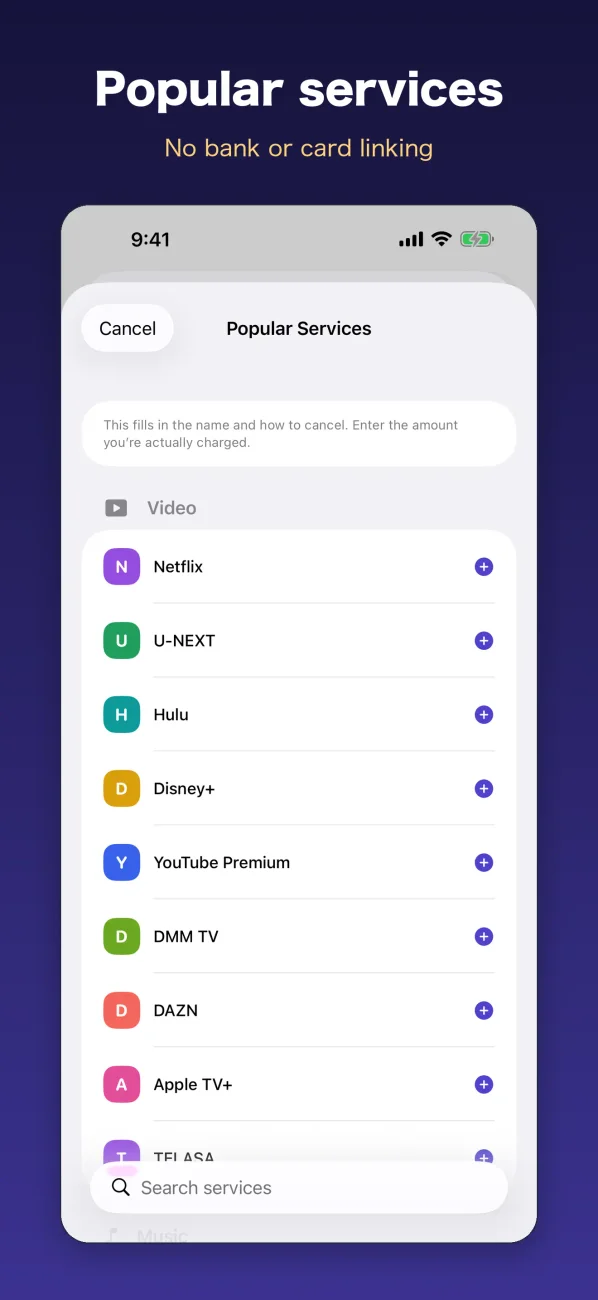
About
How much do you pay for subscriptions each month? Most people can't answer right away.
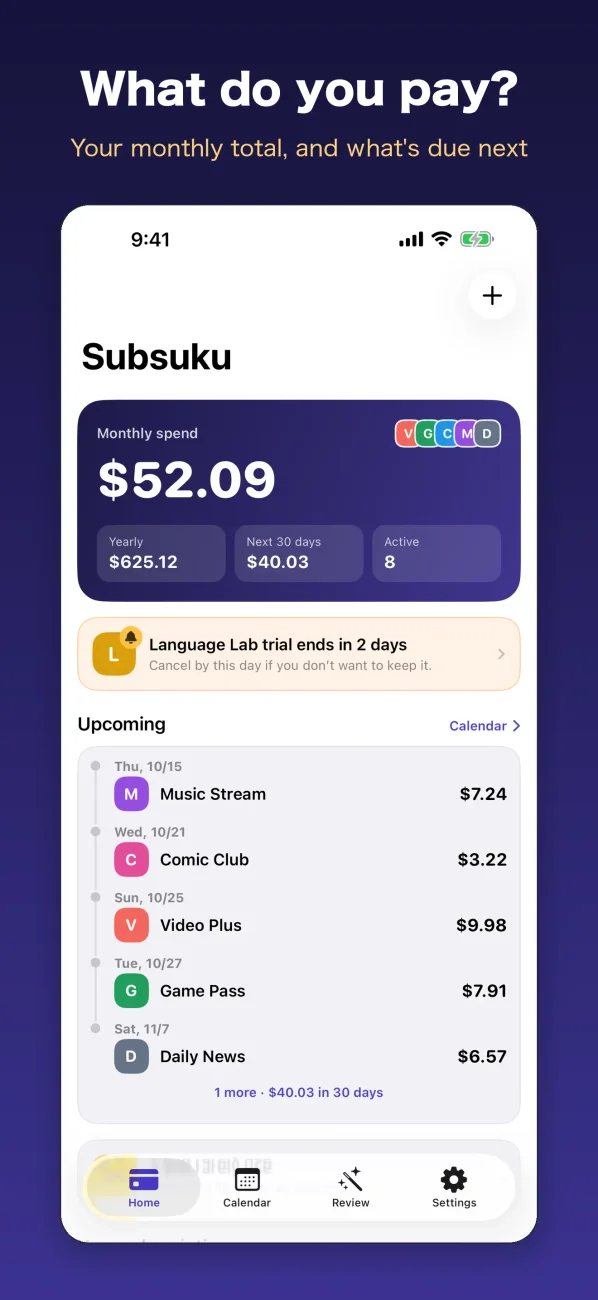
Add what you're subscribed to and Subsuku shows your monthly total, your yearly total and what will actually leave your account in the next 30 days. Then it helps you find what you can drop.
■ Review and save
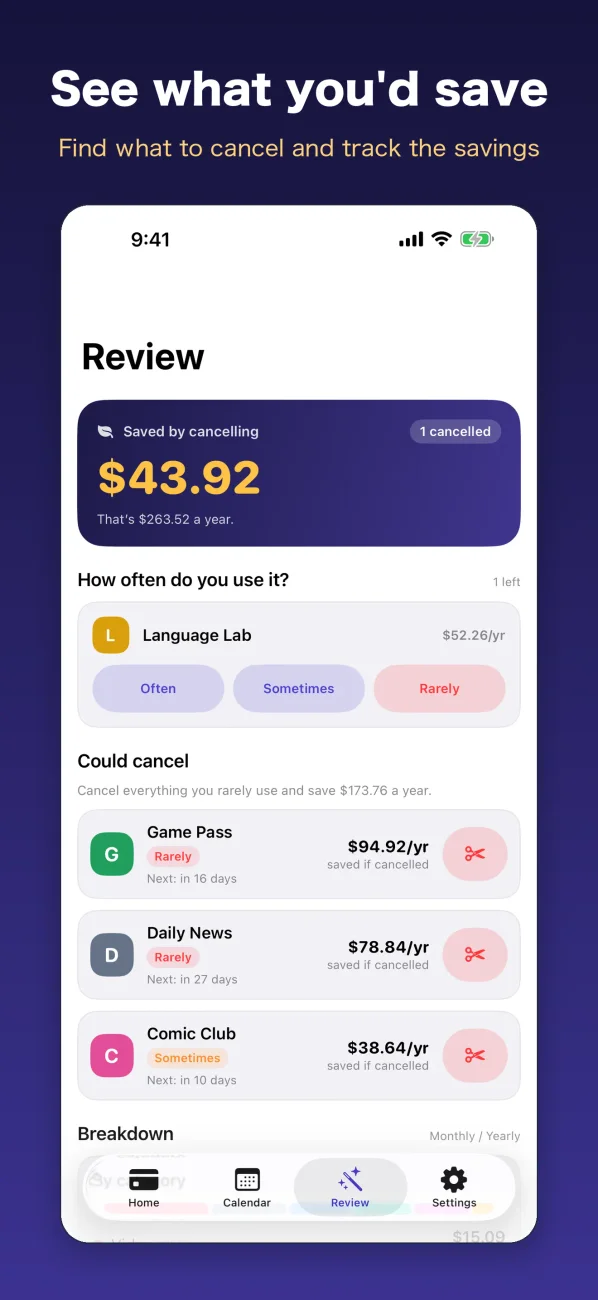
Mark each subscription as used Often, Sometimes or Rarely. Subsuku lists what you could cancel and how much you'd save a year.
When you cancel one, record it, and the charges you no longer pay add up as money saved. Only billing dates that actually pass are counted, so cancelling a yearly plan doesn't count as a month saved the next day.
Change an amount after a price rise and the change is kept, so you can look back at what went up this year.
■ Know before a trial ends
Enter when a trial ends and you'll be reminded 3 days and 1 day before, at 9 AM, while you can still decide.
Keep a note of where to cancel (a URL or the steps). It's shown in the reminder, and tapping the reminder opens it. For subscriptions billed through the App Store, jump straight to the Subscriptions screen.
■ Monthly total and the next 30 days are different
Weekly, monthly, every 3 months, every 6 months or yearly: everything is converted to a monthly figure.
The next 30 days are shown separately, because a yearly renewal can make one month far more expensive than another.
■ Calendar and upcoming charges
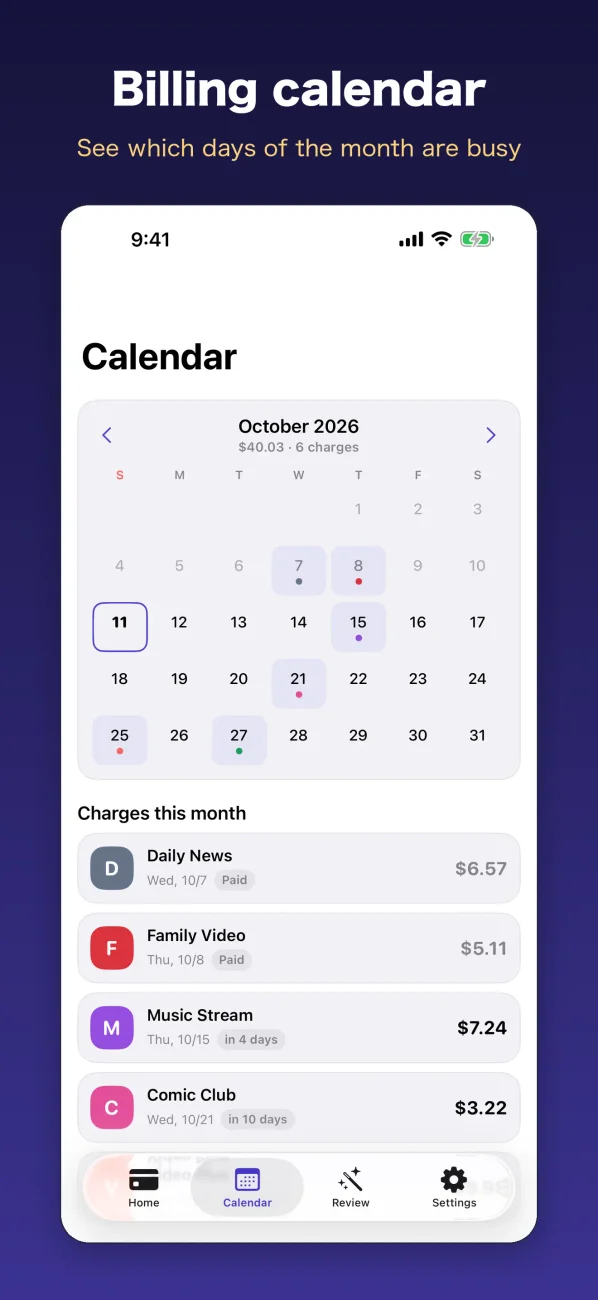
Billing dates move forward automatically from the first billing date. Month-end dates come back to the 31st.
Home lists your upcoming charges in order, and the calendar shows which days of the month are busy.
■ Widgets
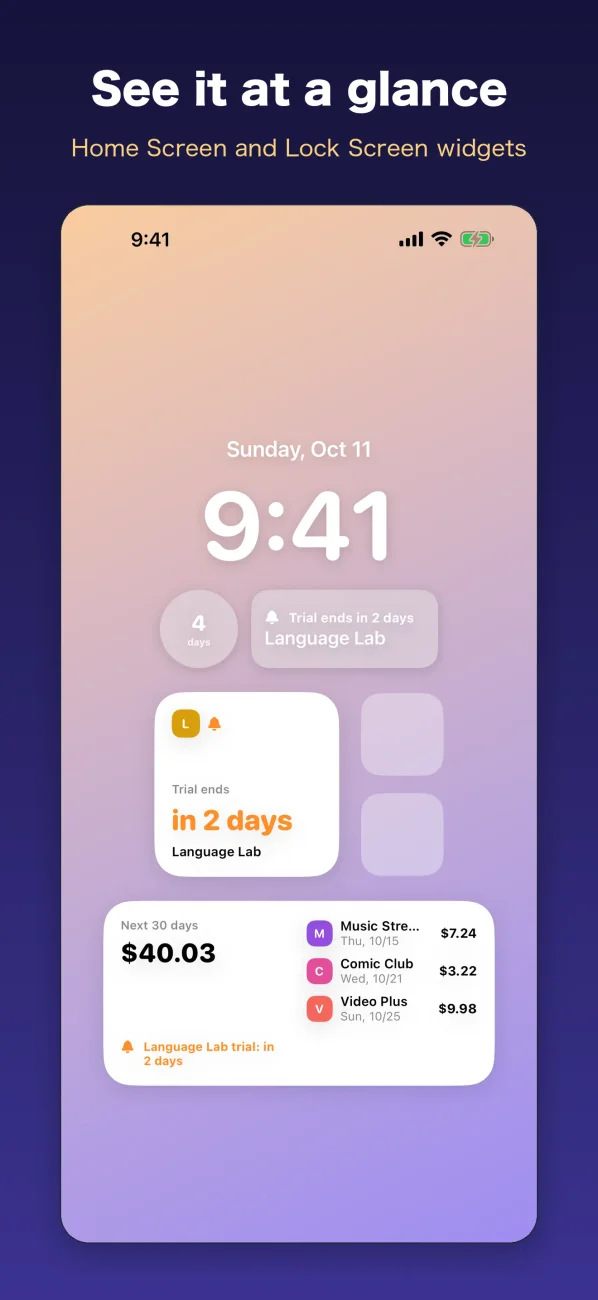
Put your next charge and your 30-day total on the Home Screen or Lock Screen. When a trial is about to end, it shows that first.
■ Pause, split and tell them apart
Not sure if you cancelled something? Pause it to keep it out of your totals without deleting it.
Sharing a family plan? Enter the number of people and only your share is counted.
Add a payment method to see totals by card. Each subscription gets a color and an initial or emoji.
■ No bank or card linking
Nothing is read from your bank or card. Everything you enter stays on your device and is never sent anywhere.
Choose your currency in Settings. Amounts are not converted.
■ Premium (one-time purchase)
The free version holds up to 5 subscriptions (cancelled ones don't count).
Premium removes the limit and the ads. It's a one-time purchase with no monthly fee, because a subscription tracker shouldn't be another subscription.
What’s new
Version 2.0 · Oct 11, 2026
A big update.
- Review: rate how often you use each subscription and see what to cancel and how much you'd save. Record cancellations and watch the money saved add up
- Widgets for the Home Screen and Lock Screen
- A monthly calendar of billing dates
- Colors and initials to tell subscriptions apart
- Split plans (only your share is counted) and totals by payment method
- Price change history
- Tap a reminder to open that subscription
- Now in English, with a choice of currency
App privacy
What QUSAMULAB declares on the App Store about how this app handles data.
-
Data used to track you
May be used to track you across apps and websites owned by other companies.
- Identifiers
-
Data linked to you
May be collected and linked to your identity.
- Location
- Identifiers
- Usage data
-
Data not linked to you
May be collected but is not linked to your identity.
- Diagnostics
Privacy practices may vary, for example with the features you use or your age.
Information
- Seller
- QUSAMULAB
- Category
- Finance
- Version
- 2.0
- Updated
- Oct 11, 2026
- Released
- Aug 22, 2026
- Size
- 6.3 MB
- Requires
- iOS 17.0 or later
- Age rating
- 4+
- Price
- Free
- In-app purchases
- Yes
- Languages
- English, Japanese
- Copyright
- © 2026 qusamulab
You might also like
-
 Payment Calendar: Bill PlannerBills, installments, reminders
-
 Bill Reminder: Bill OrganizerTrack Due Dates, Avoid Fees
-
 ExpenseTracking - Very simpleUnderstand future spendings
-
 BigBoss TrendsCatch Global Market Trend Fast
-
 XS - Trade Forex & StocksReal-Time Charts & Low Spreads
-
 かんたん固定費計算Finance
-
 シンプル「支出管理」Finance
-
 Trade Memo - Investment LogEasy record of investment log