
SubTitler - Auto Captions
Add captions to one video
Designed for iPhone, iPad
Free
- Age rating4+
- CategoryPhoto & Video
- DeveloperRyusei Mogi
- LanguagesEnglish+ 1 more
- Size5.5 MB
Links to the official App Store page
Download.org hosts no file of SubTitler - Auto Captions. The button opens its official App Store page, published by Ryusei Mogi. Listing last checked on Nov 15, 2026.
Screenshots




About
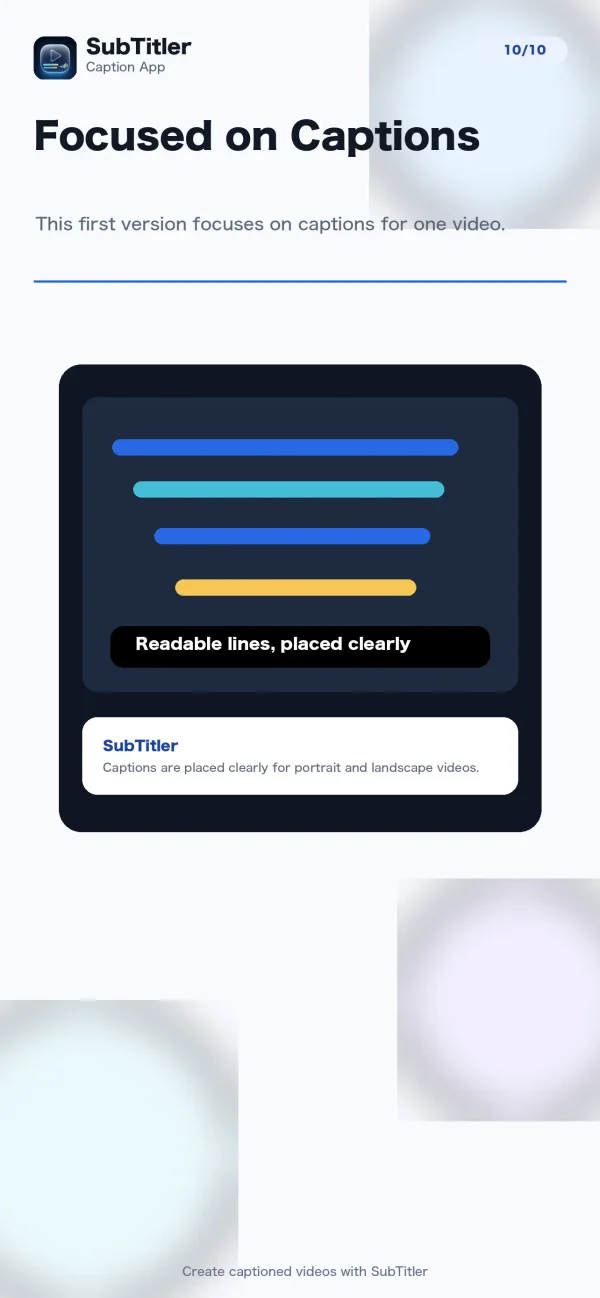
SubTitler is an automatic caption app for adding burned-in subtitles and captions to one selected video.
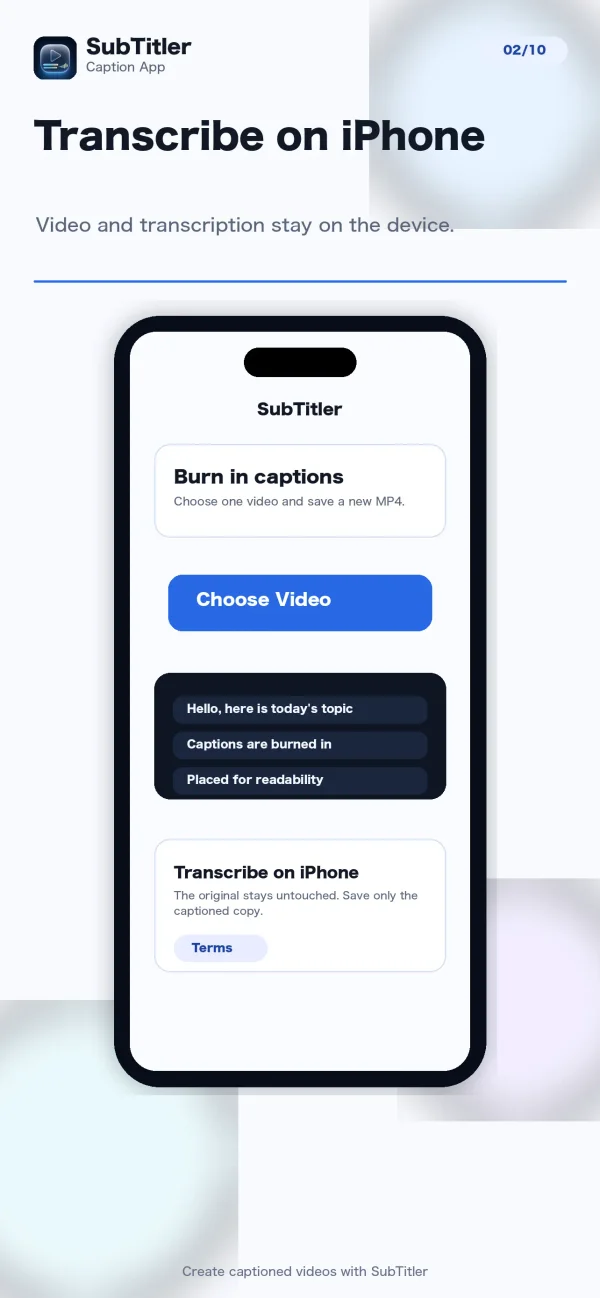
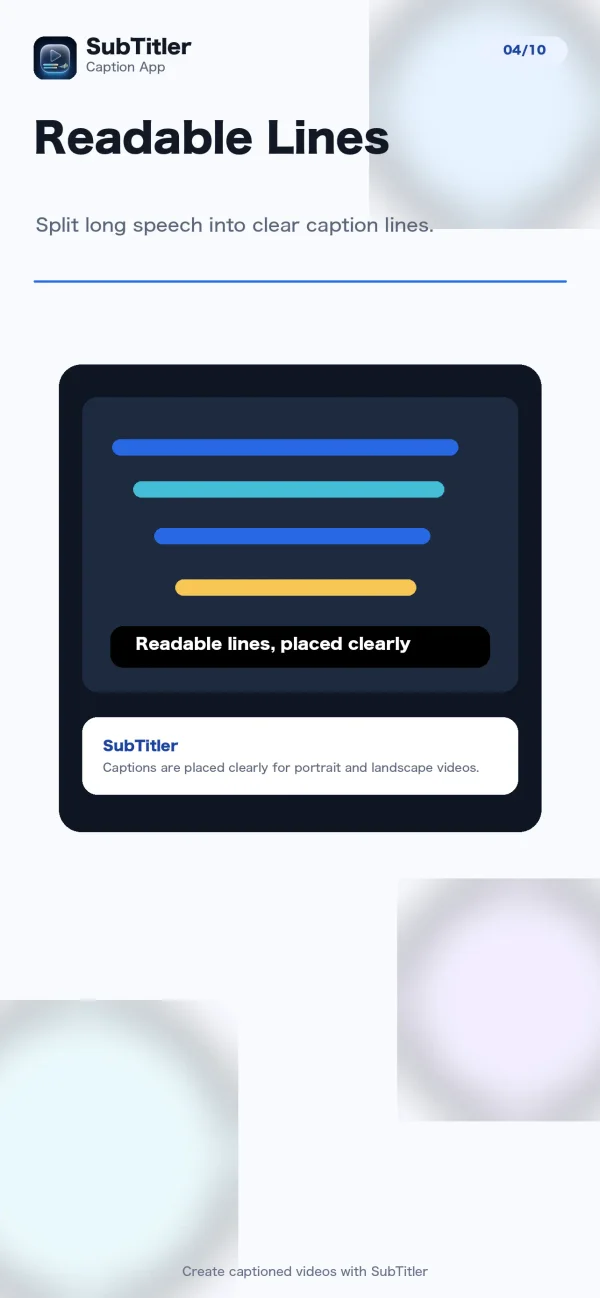
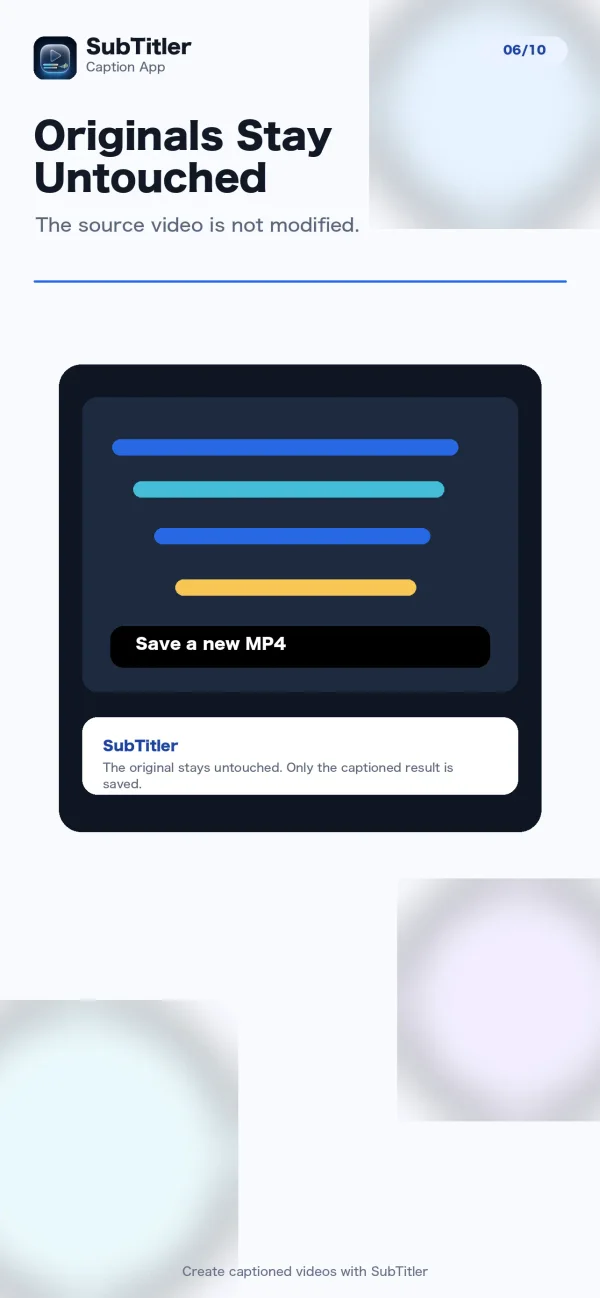
Choose a video and SubTitler transcribes the audio on iPhone, places readable captions on the video, and saves a new MP4 while leaving the original untouched.
Speech language detection is automatic by default. If detection is not a good fit, choose a language from the in-app searchable list before transcription.
Useful for
- Adding captions before posting to social apps
- Making spoken videos easier to watch
- Creating captioned videos without typing every line by hand
Main features
- Choose one video and create captions automatically
- Burn captions into the exported video
- Preserve the video's orientation and aspect ratio
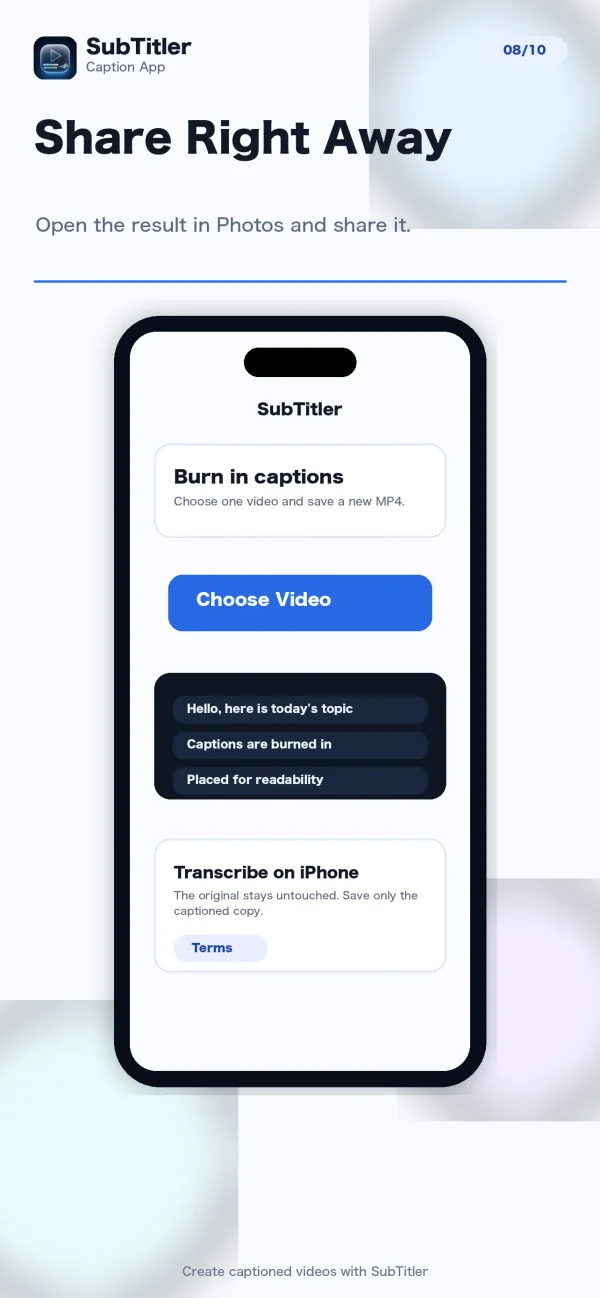
- Save the generated video to Photos
- Run transcription and export on device
- Use automatic speech language detection or choose a language
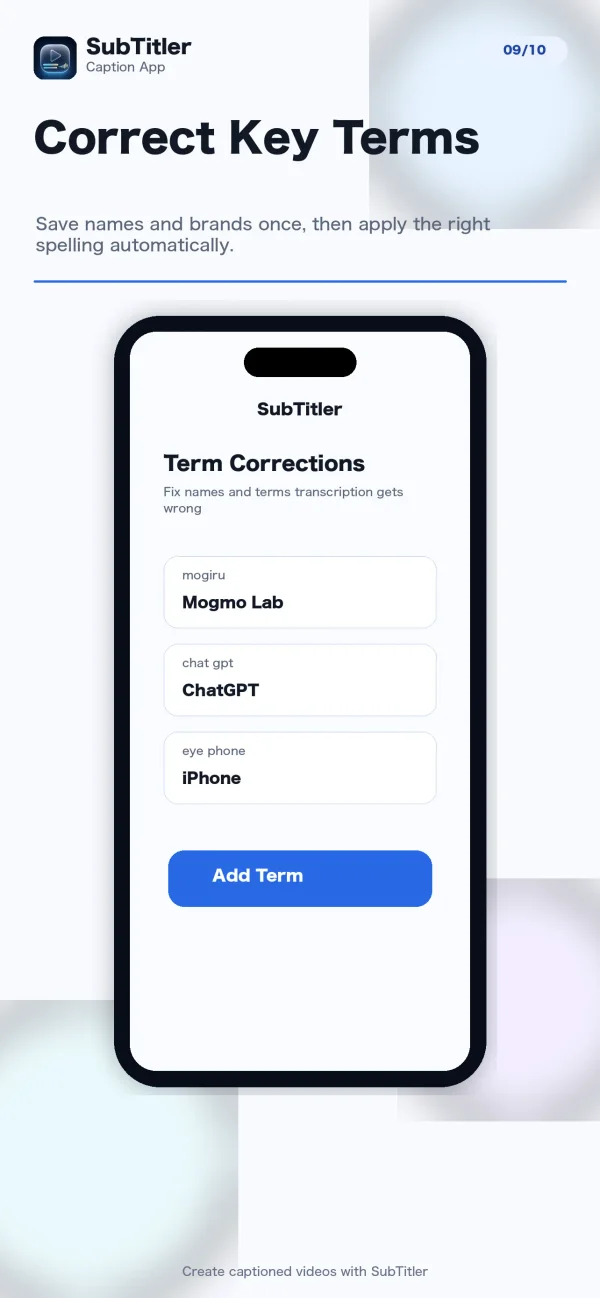
- Correct frequently misheard names, brands, and specialist terms
All features are available for free. There is no paywall, subscription, or in-app purchase flow.
SubTitler does not include multi-video joining, automatic cutting, BGM, or manual timeline editing.
Terms of Use: https://kyodo.mo-gmo.com/en/terms/
Privacy Policy: https://kyodo.mo-gmo.com/en/privacy-policy/
What’s new
Version 1.0.5 · Oct 11, 2026
You can now edit caption text after automatic video creation and generate a revised video. Edits are saved automatically. The original automatic caption workflow remains available. This update also includes saved caption settings, reset to defaults, style presets, and SRT sharing.
App privacy
What Ryusei Mogi declares on the App Store about how this app handles data.
-
Data not collected
The developer does not collect any data from this app.
Privacy practices may vary, for example with the features you use or your age.
Information
- Seller
- Ryusei Mogi
- Category
- Photo & Video
- Version
- 1.0.5
- Updated
- Oct 11, 2026
- Released
- May 21, 2026
- Size
- 5.5 MB
- Requires
- iOS 17.0 or later
- Age rating
- 4+
- Price
- Free
- Languages
- English, Japanese
- Copyright
- © 2026 Mogmo Lab
You might also like
-
 AutoCaption: AI SubtitlesAuto Captions for Any Video
-
 Subtext: Auto CaptionsSubtitles & translation
-
 Captionist: AI Video StudioCaptions, Dubbing, Translation
-
 Familingo: Subtitle TranslateAuto captions in any language
-
 Viten: AI Captions & VideoDual Camera & Teleprompter
-
 Handcut: Auto Captions VideoAI Subtitles Generator & Maker
-
 Captions AI & Video EnhanceSubtitle Translator - Capnova
-
 CaptionLabUnlimited captions with AI
-
 Auto Captions - Video SubtitleInstagram Captions CC Youtube
-
 Whisper CaptionAI Video Captions On-Device