Sudoku Master: Learn & Solve
Hints that teach, 9x9 & 16x16
Designed for iPhone, iPad
Free · In-app purchases
- Age rating12+
- CategoryPuzzle
- DeveloperNusaif Valappil
- LanguagesEnglish
- Size10.3 MB
Links to the official App Store page
Download.org hosts no file of Sudoku Master: Learn & Solve. The button opens its official App Store page, published by Nusaif Valappil. Listing last checked on Nov 18, 2026.
Screenshots
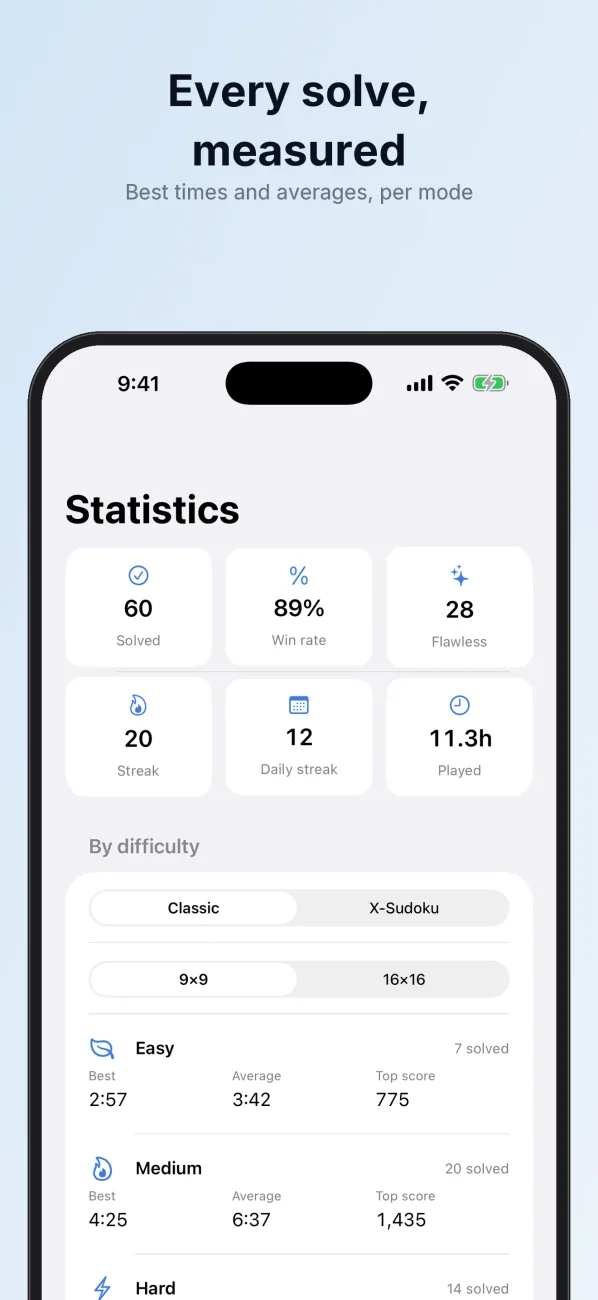
About
Most Sudoku apps give you the answer. Sudoku Master teaches you how to find it.
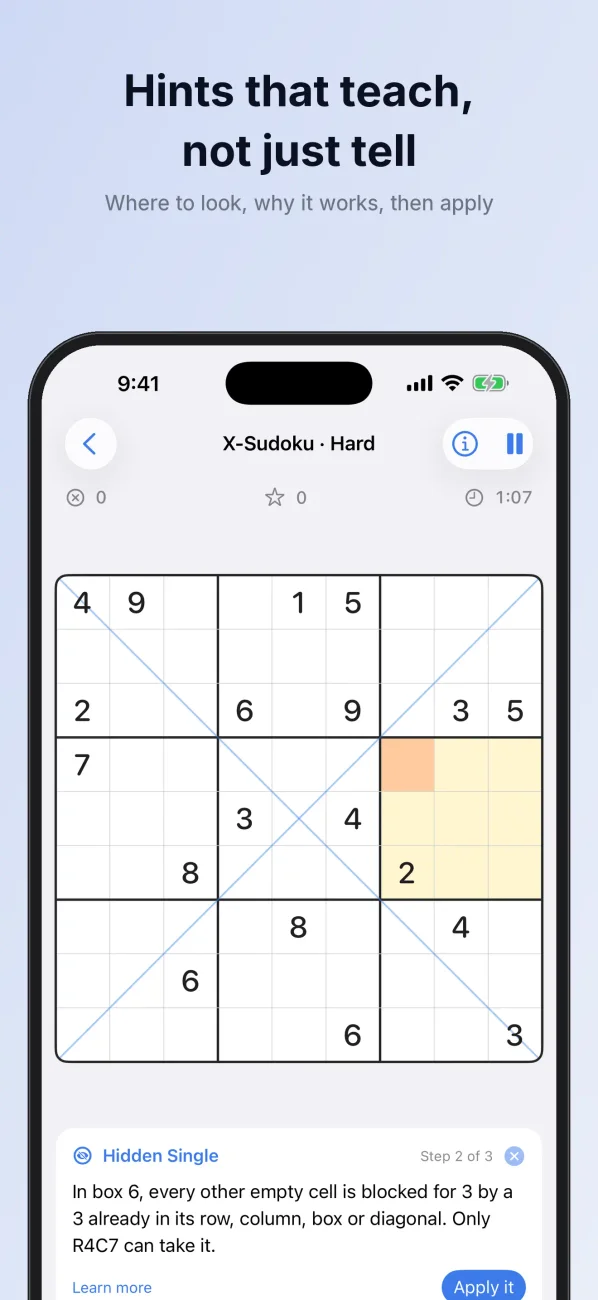
Every hint works in three steps. First it shows you where to look. Then it explains why. Only if you ask does it fill in the digit — and only that step costs points. Each hint names the technique it used and links to its lesson, so the next time that pattern appears you'll spot it yourself.
HINTS THAT TEACH
• Where to look → why → the answer, one step at a time
• Hints respect your pencil marks and work from your notes
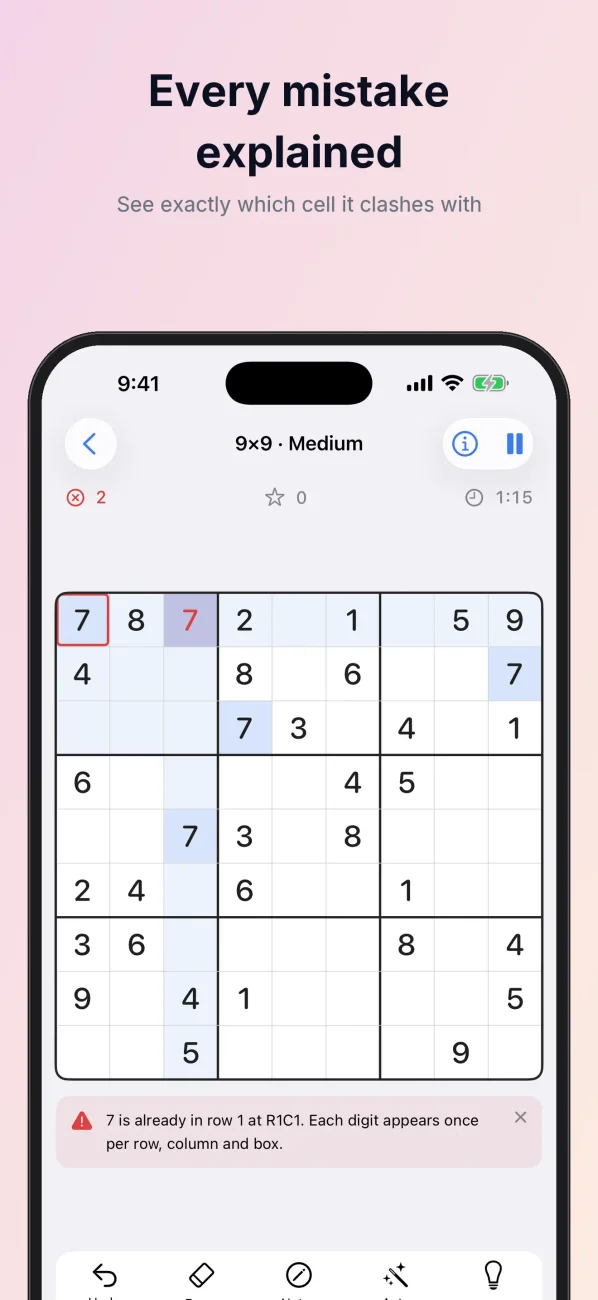
• Wrong entries are explained: which cell or house clashes, and why
LEARN THE TECHNIQUES
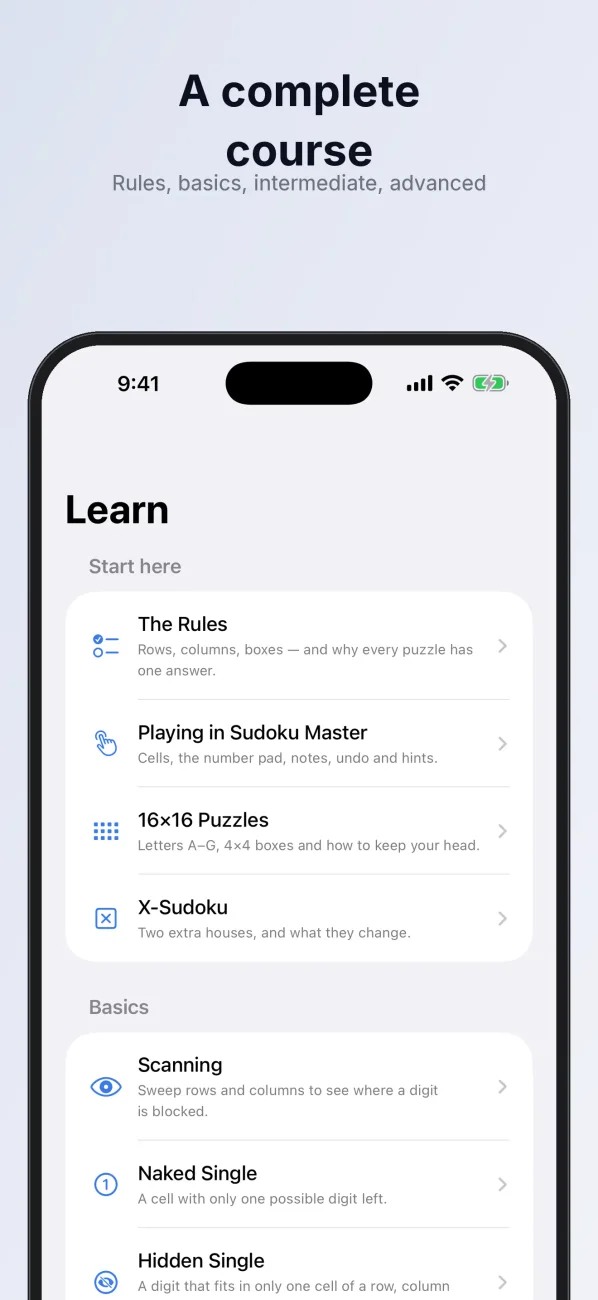
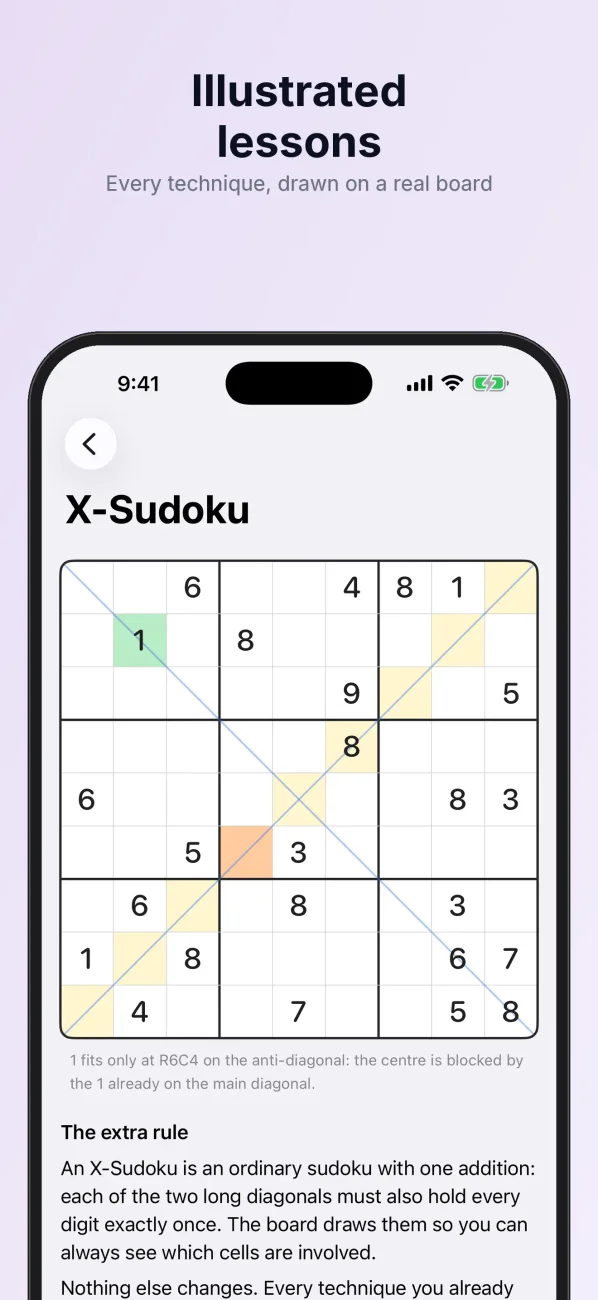
• Illustrated lessons for fourteen techniques, from Scanning and Hidden Singles through Pointing and Naked Pairs to X-Wing, Swordfish and XY-Wing
• Practice mode: drops you into a real puzzle at the exact moment that technique is the next step, pencil marks already in
• The Rules, a 16×16 guide, an X-Sudoku guide, a glossary and a solving routine used by strong players
PUZZLES YOU CAN TRUST
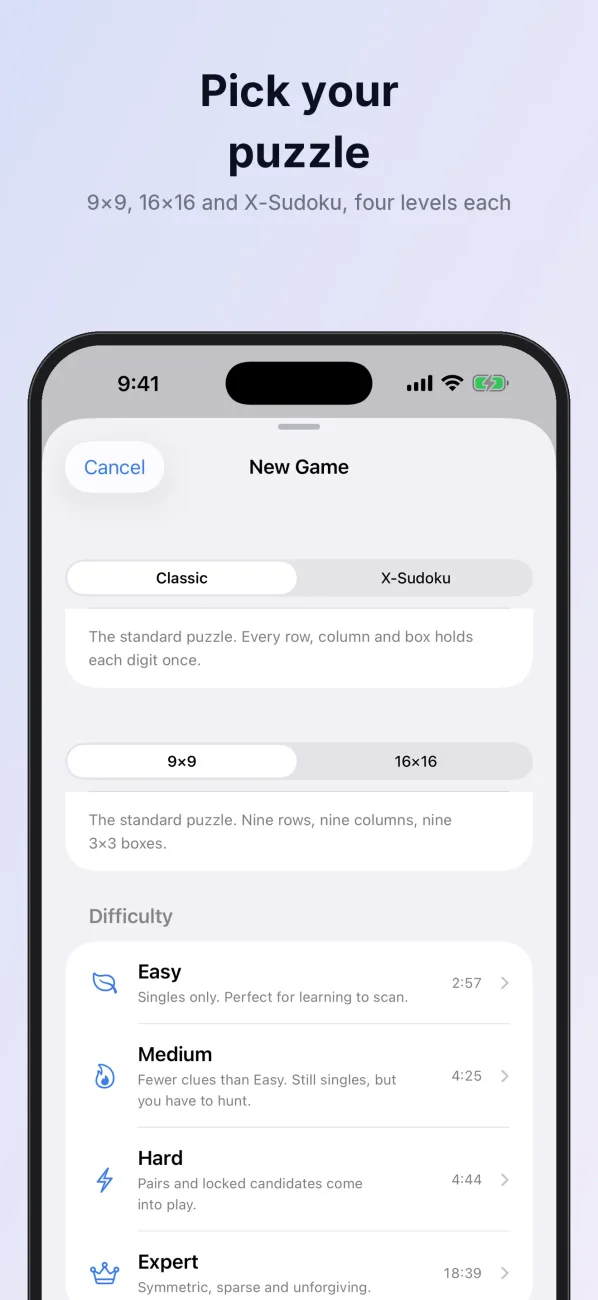
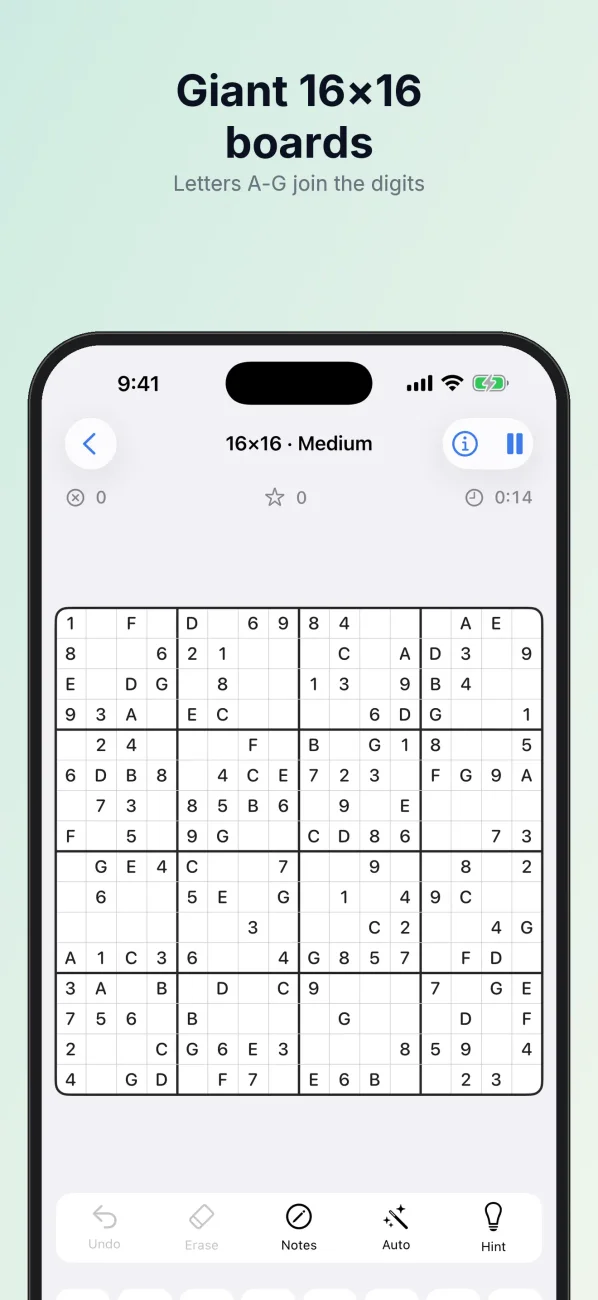
• 9×9, giant 16×16 grids (digits plus A–G), and X-Sudoku, where both long diagonals must hold every digit too
• Easy, Medium, Hard and Expert — every puzzle verified to have exactly one solution, so it never needs guessing
• Easy puzzles need only singles; Hard and Expert genuinely need the advanced techniques
• Puzzle Info shows which techniques the solver needed, so you know what to look for
• Daily Challenge — the same puzzle for everyone, with streaks
BUILT FOR THINKING
• Pencil marks, auto-notes, unlimited undo and redo
• Hold a number to pencil it in
• Row, column and box highlighting; matching-digit highlighting
• Optional mistake checking and three-mistake limit — or play it like paper
• Statistics, best times and scoring that rewards clean solving
• Share your result when you solve
• Six colour themes, light and dark mode
COMPETE AND KEEP THE STREAK
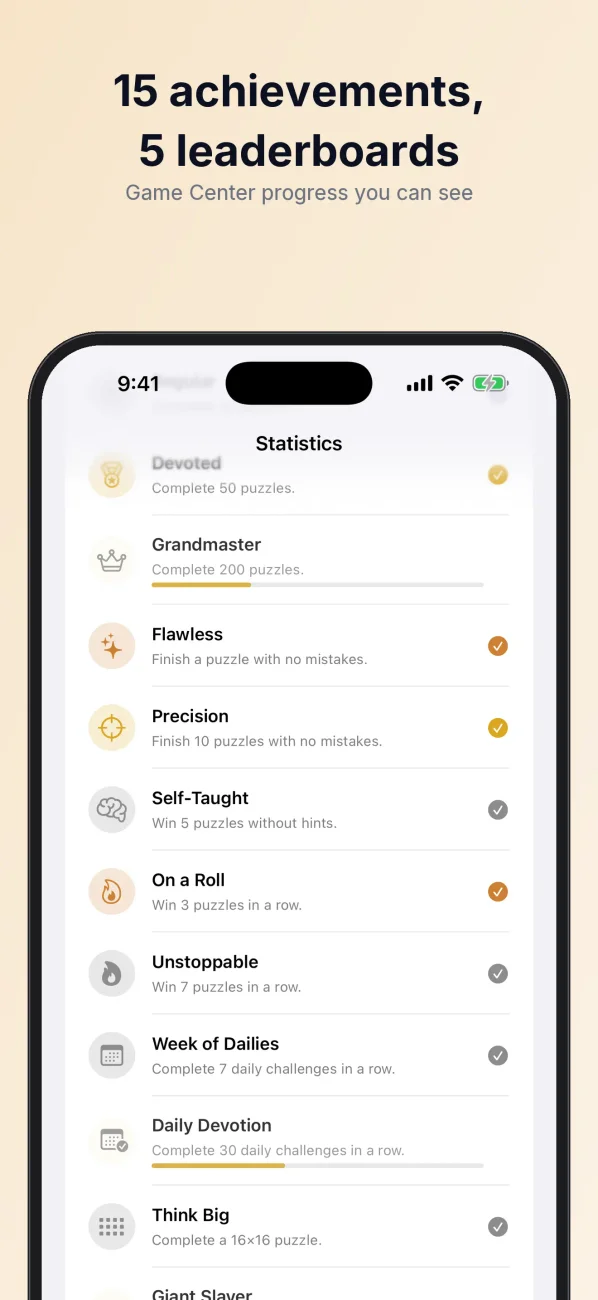
• Game Center: weekly best-time leaderboards for every difficulty, an all-time daily-streak board and 15 achievements
• Home and Lock Screen widgets for the Daily Challenge
• An optional daily reminder at a time you choose
IPHONE AND IPAD
• Full landscape layouts on iPhone and iPad
• Hardware keyboard support on iPad: digits, arrows, undo, notes and hints
• Progress, statistics and achievements sync between your devices with iCloud
FREE, WITH ONE OPTIONAL PURCHASE
Play unlimited 9×9 puzzles, X-Sudoku, the Daily Challenge and the Basics and Intermediate lessons for free, with three explained hints a day. Premium is a single one-time purchase — no subscription — that unlocks unlimited hints, the Advanced lessons, 16×16 puzzles and removes ads. No account needed.
What’s new
Version 1.2 · Sep 30, 2026
X-SUDOKU
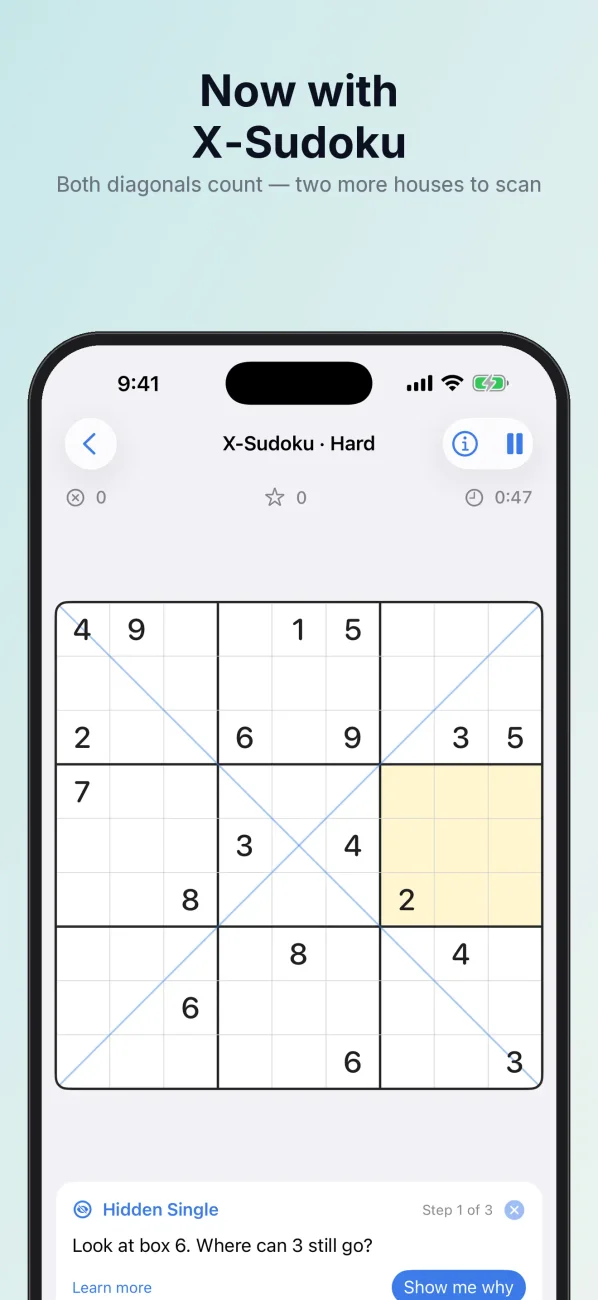
A new variant where both long diagonals must also hold every digit. The board draws them so you always see which cells are involved, the hint engine reasons about them like any other house, and there's an illustrated guide in Learn. Easy through Expert, and it keeps its own save slot and best times — a classic game in progress is never overwritten.
GAME CENTER
Weekly best-time leaderboards for Easy, Medium, Hard and Expert, an all-time daily-streak board, and 15 achievements that mirror the ones already in the app.
WIDGETS
Home and Lock Screen widgets for the Daily Challenge — see today's puzzle and your streak, and tap straight into it.
DAILY REMINDERS
An optional nudge at a time you pick, so a streak doesn't quietly end.
ALSO IN THIS UPDATE
• Hold a number key to pencil it in
• Confetti on a flawless solve or a new best time
• Larger accessibility text sizes no longer crowd the grid, the HUD or the toolbar
• Hardware keyboard support on iPad: digits, arrows, undo, notes and hints
• Statistics and saved puzzles keep a backup if a file can't be read, so progress survives an upgrade
• Fixes to hint explanations, the completion sheet and iCloud sync
App privacy
What Nusaif Valappil declares on the App Store about how this app handles data.
-
Data used to track you
May be used to track you across apps and websites owned by other companies.
- Identifiers
- Usage data
-
Data not linked to you
May be collected but is not linked to your identity.
- Purchases
- Location
- Identifiers
- Usage data
- Diagnostics
Privacy practices may vary, for example with the features you use or your age.
Information
- Seller
- Nusaif Valappil
- Category
- Puzzle
- Version
- 1.2
- Updated
- Sep 30, 2026
- Released
- Sep 22, 2026
- Size
- 10.3 MB
- Requires
- iOS 18.0 or later
- Age rating
- 12+
- Price
- Free
- In-app purchases
- Yes
- Languages
- English
- Copyright
- © 2026 FutureTek Apps
You might also like
-
 Sudoku Daily: Logic PuzzleDaily challenge & smart hints
-
 SudoKu Master: Sudoku AcademyGames
-
 Killer Sudoku: Sum PuzzleCages, sums and pure logic
-
 Sudoku Solver: Scan & PlayCamera hints that teach
-
 Sudoku: Learn the TechniquesGuided hints, easy to extreme
-
 Killer Sudoku: No Ads, OfflineClassic & Daily, Smart Hints
-
 Sudoku Master : Brain GamesBoost Memory & Logic Skills
-
 Sudoku 365 - Number and PuzzleClassic Sudoku Logic Puzzles
-
 Sudoku _ Classic Sudoku Puzzle5000+ Fun Puzzles
-
 Sudoku Master - Number GameNumber game and sudoku puzzle