Sudoku Trainer!
Master solving techniques
Designed for iPhone, iPad, iPod touch
Free · In-app purchases
- Age rating4+
- CategoryPuzzle
- DeveloperNicholas Nelson
- LanguagesEnglish
- Size78.7 MB
Links to the official App Store page
Download.org hosts no file of Sudoku Trainer!. The button opens its official App Store page, published by Nicholas Nelson. Listing last checked on Nov 17, 2026.
Screenshots
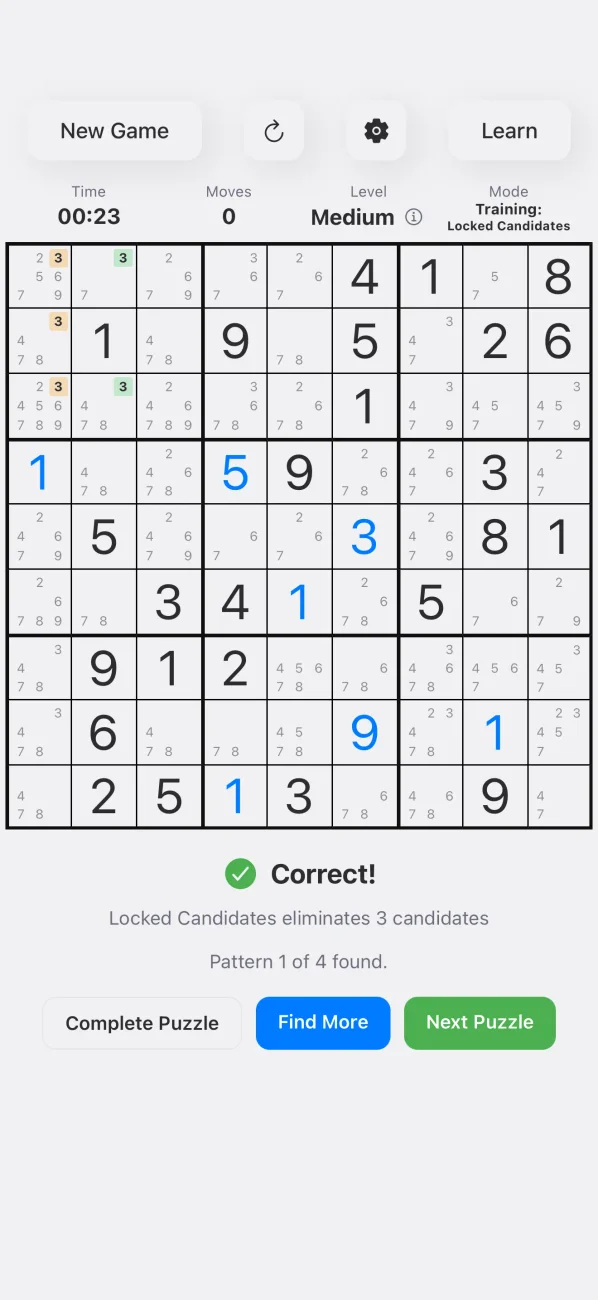


About
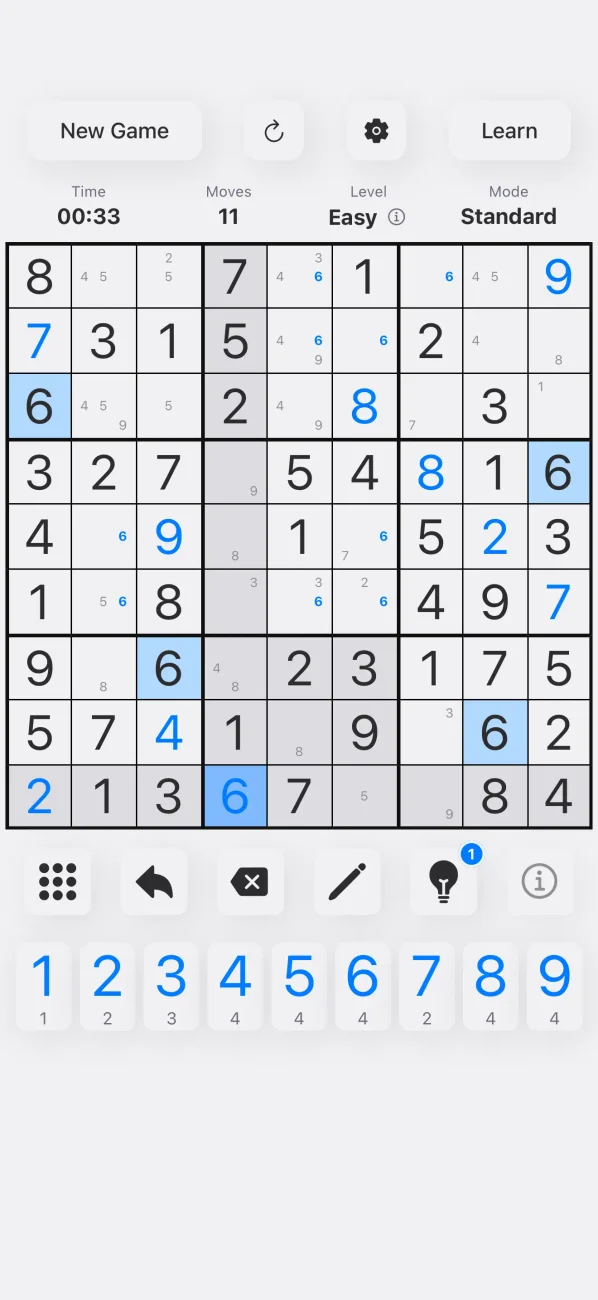
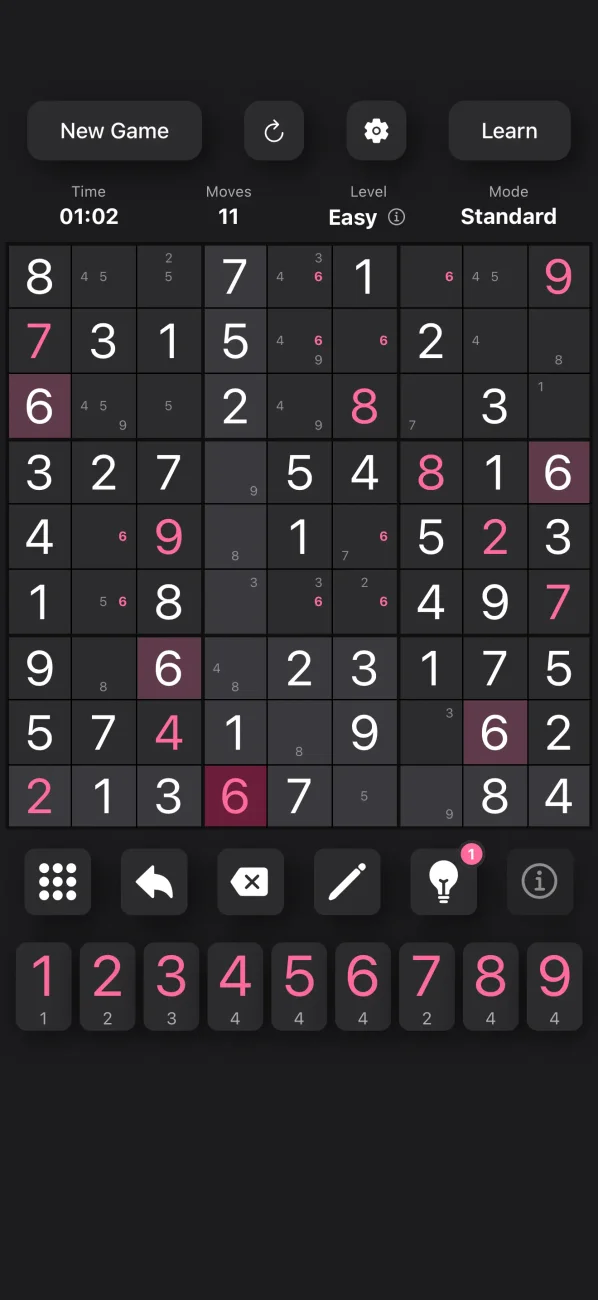
We built the Sudoku app we wanted to play - one that respects your time and intelligence. No flashy animations or unnecessary features. Just a well-crafted puzzle experience that feels right.
What's included:
• Multiple difficulty levels from Easy to Diabolical
• A clean design that's easy on the eyes
• Notes mode for tracking possibilities
• Button to fill all candidates
• Hints feature with smart analysis to help you find the next move
• Auto-save so you never lose progress
• Dark mode for night solving
• Full accessibility support
• Play history tracking to see what you've played, and what games you couldn't finish, and go back to them to try again
Nice touches:
• See how many of each number are left to place
• Cells highlight to help you track rows, columns, and boxes
• Gentle haptic feedback (if you like that sort of thing)
• Timer and move counter for the competitive types
• Works perfectly offline
We focused on getting the basics right - smooth gameplay, readable numbers, and puzzles that load instantly. Whether you're killing time on the subway or unwinding before bed, it's just a solid Sudoku app that works the way you'd expect.
Terms of use: https://sudoku-trainer.com/terms
What’s new
Version 2.20.0 · Oct 16, 2026
STEP-BY-STEP HINTS FOR EXPERT AND DIABOLICAL PUZZLES
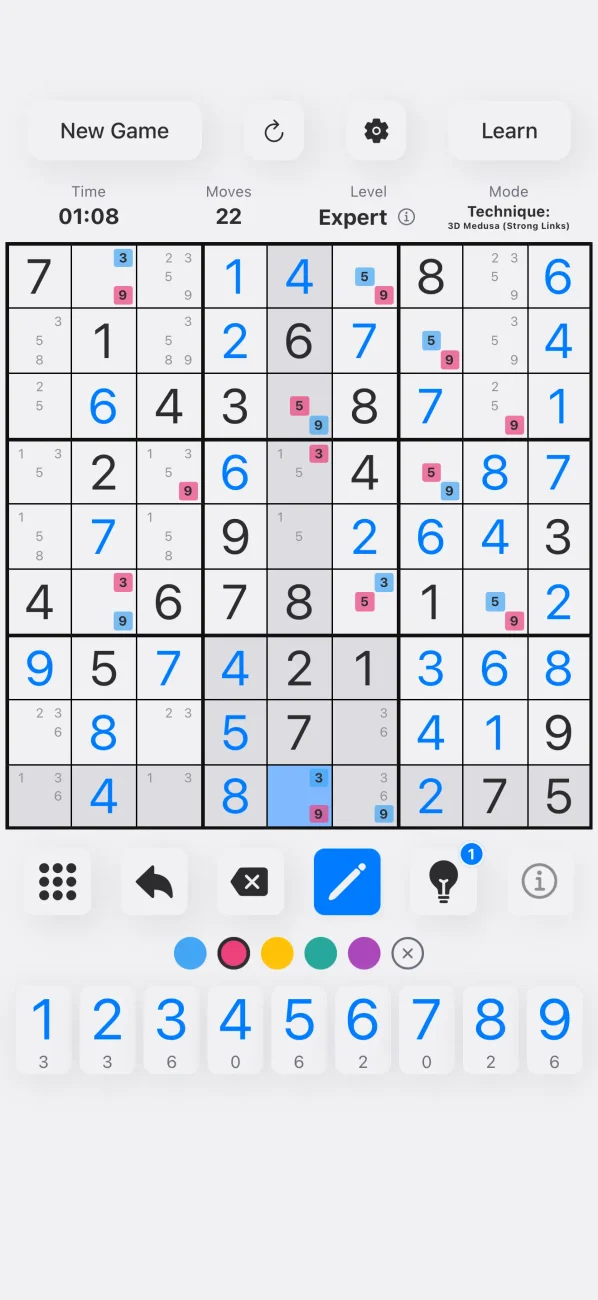
• Hints for 3D Medusa, 3D Medusa (Weak Links) and Hypothesis and Proof now walk you through the logic one step at a time: along the chain, or through what the hint supposes, until you see exactly why a candidate can be removed. Every link they name is one you can check on the board.
• Hints use one consistent visual language: a filled candidate is one the hint acts on, an outlined one is part of the explanation. Green outlines mark candidates proved true, red ones candidates proved false. The Help legend explains every marking and the r4c5 cell notation.
• Long hint explanations now scroll, and the hint panel stays clear of the home indicator and rounded screen corners.
A CONNECTED LEARN COURSE
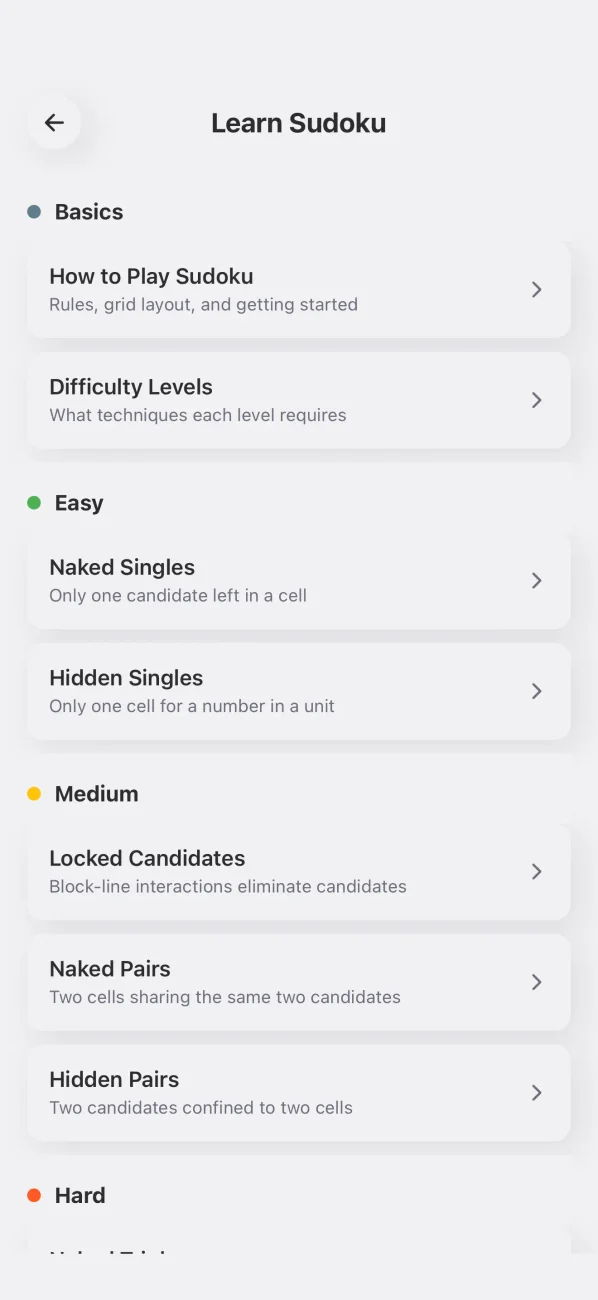
• Learn is now one connected course instead of fifteen separate recipes. A new page, "The Shared Rule," explains the one principle behind locked candidates, pairs, triples, quads and the grid techniques, and every lesson after it says how it builds on that rule.
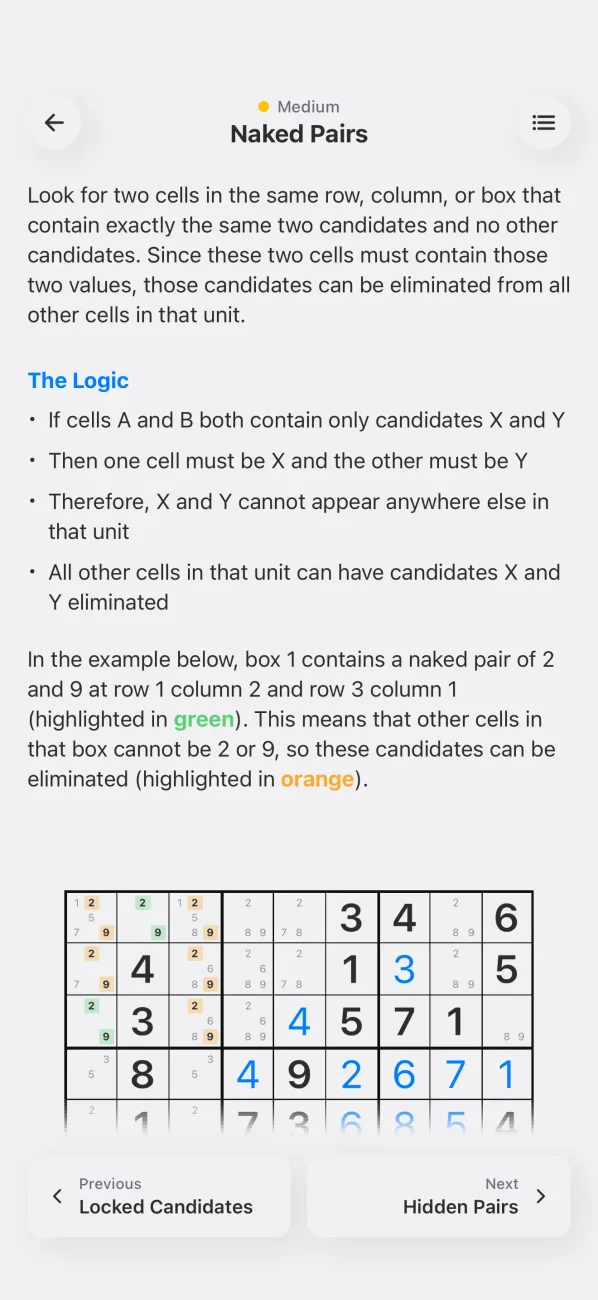
• Every lesson follows the same shape: the rule, where it comes from, how to spot it, why the elimination is valid, then worked examples.
• The 3D Medusa and Hypothesis and Proof lessons are rewritten with examples you can step through on the board.
• Every pattern in the Locked Candidates, Jellyfish, 3D Medusa and Hypothesis and Proof lessons now has ten practice examples.
• Locked Candidates' variations are now called "Locked in a Box" and "Locked in a Row or Column".
HINTS AND TRAINING
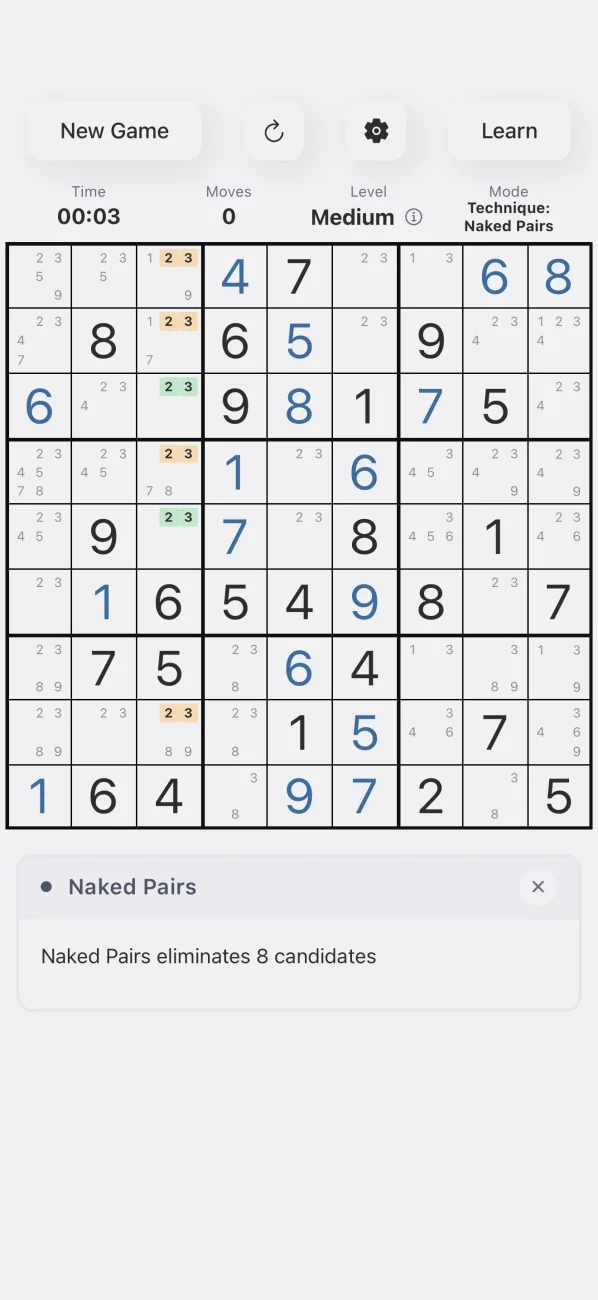
• Hints describe patterns the way the lessons do, e.g. "This row-based Swordfish eliminates 4 candidates".
• Fixed hints naming the wrong technique (a triple shown as "Naked Pairs", a naked single called hidden) and hints marking only some of a pattern's removals.
• Naked/Hidden Singles practice now covers both kinds, and its Training Mode works again.
• Training no longer offers 3D Medusa or Hypothesis and Proof, which can be solved many valid ways. Practice them in By Technique, with step-by-step hints.
• Restart in Training takes you back to the training puzzle with its candidates, and New Game and Next Puzzle no longer repeat the puzzle you're on or just finished.
• Show Me's pattern is now always blue, so it never blends with the red and green marks on your moves.
OTHER FIXES
• Fixed text on iPhone and iPad sometimes missing its last line.
• Fixed Learn practice examples being cut off on iPad.
• Training's buttons now fit on iPhone SE.
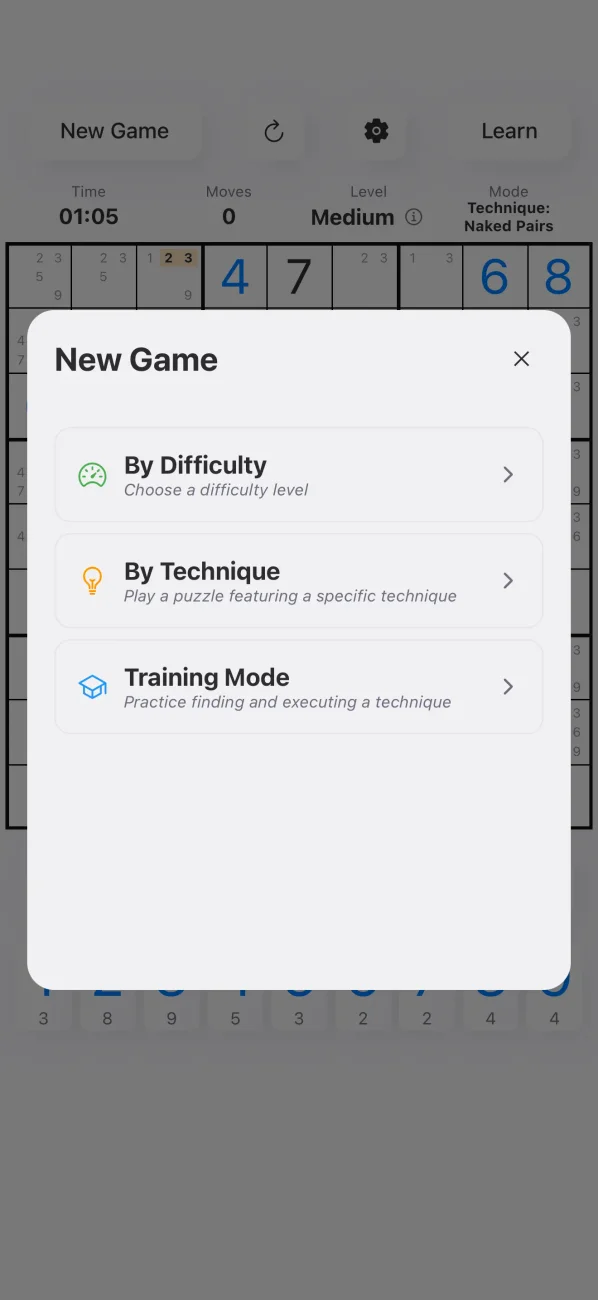
• New Game → By Technique keeps the fast-forward checkbox in view while you scroll.
• Stability improvements.
App privacy
What Nicholas Nelson declares on the App Store about how this app handles data.
-
Data used to track you
May be used to track you across apps and websites owned by other companies.
- Identifiers
-
Data not linked to you
May be collected but is not linked to your identity.
- Purchases
- Identifiers
Privacy practices may vary, for example with the features you use or your age.
Information
- Seller
- Nicholas Nelson
- Category
- Puzzle
- Version
- 2.20.0
- Updated
- Oct 16, 2026
- Released
- Jul 28, 2025
- Size
- 78.7 MB
- Requires
- iOS 15.1 or later
- Age rating
- 4+
- Price
- Free
- In-app purchases
- Yes
- Languages
- English
- Copyright
- © 2025 Nicholas Nelson
You might also like
-
 Hintoku: Your Sudoku CoachSudoku tutorials + smart hints
-
 Sudoku: Variants & ClassicKiller, Sandwich, Thermo +40
-
 Sudoku - Number Brain GamesClassic Sudoku Math Puzzle
-
 Sudoku ∙ Classic Sudoku GamesBrain Training - Logic Sudoku
-
 Sudoku - Daily PuzzlesDaily Sudoku Puzzles Game
-
 Sudoku - Classic Sudoku GamesSudoku (Soduku) Brain Puzzles
-
 Killer Sudoku by Sudoku.comMath crossword & number puzzle
-
 Sudoku Master®: Number PuzzleClassic logic games offline
-
 ▻Sudoku - Classic Brain GameLogic puzzles & Mind games
-
 Pocket ChessChess Puzzles