
Summa Portfolio Tracker
Everything you own. One number
Designed for iPhone, iPod touch
Free
- Age rating4+
- CategoryFinance
- LanguagesEnglish
- Size32.4 MB
Links to the official App Store page
Download.org hosts no file of Summa Portfolio Tracker. The button opens its official App Store page, published by . Listing last checked on Nov 10, 2026.
Screenshots
About
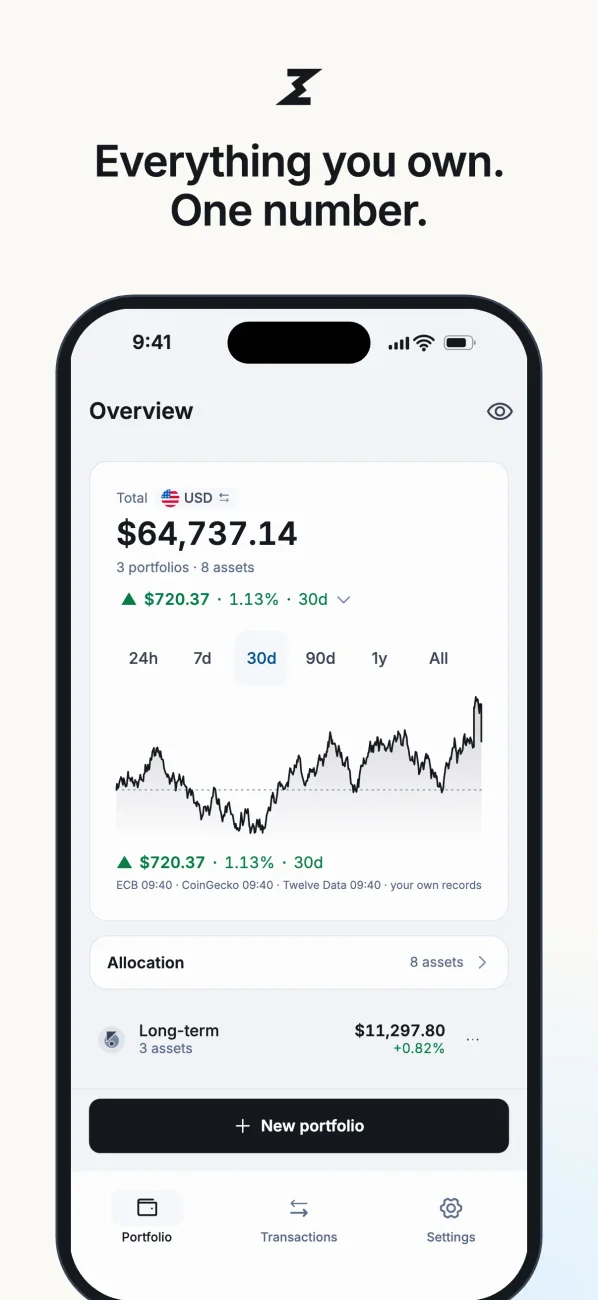
Summa shows the total of what you own: crypto, US stocks and ETFs, cash, and things like a flat or a car.
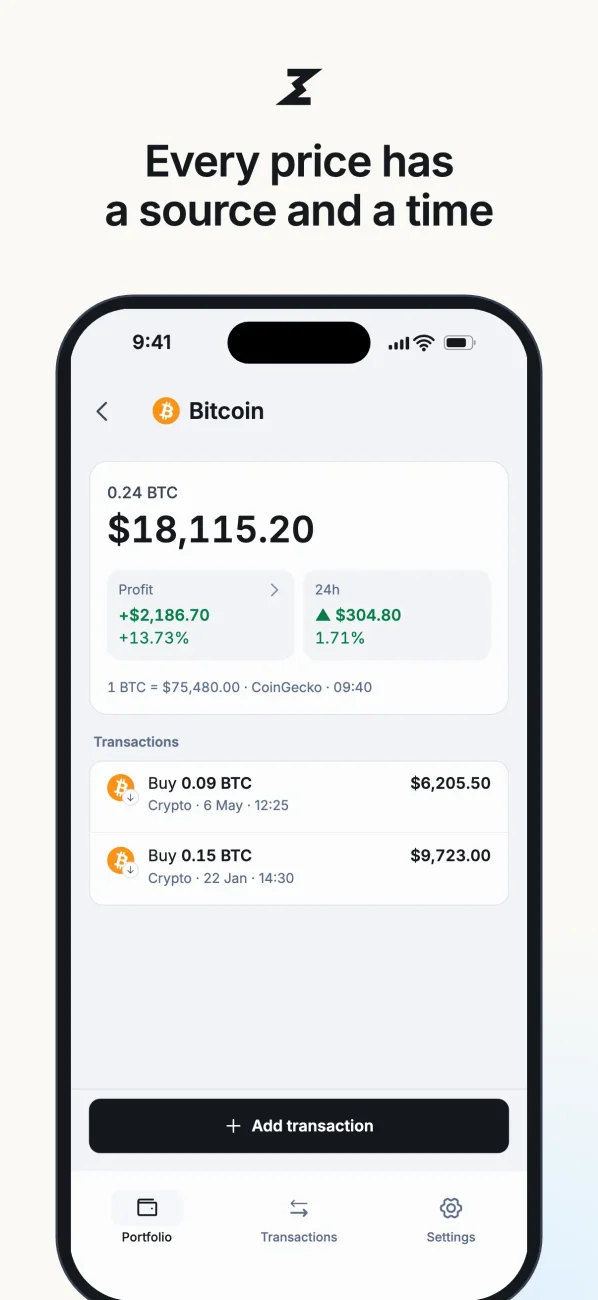
Each price names its source and its time.
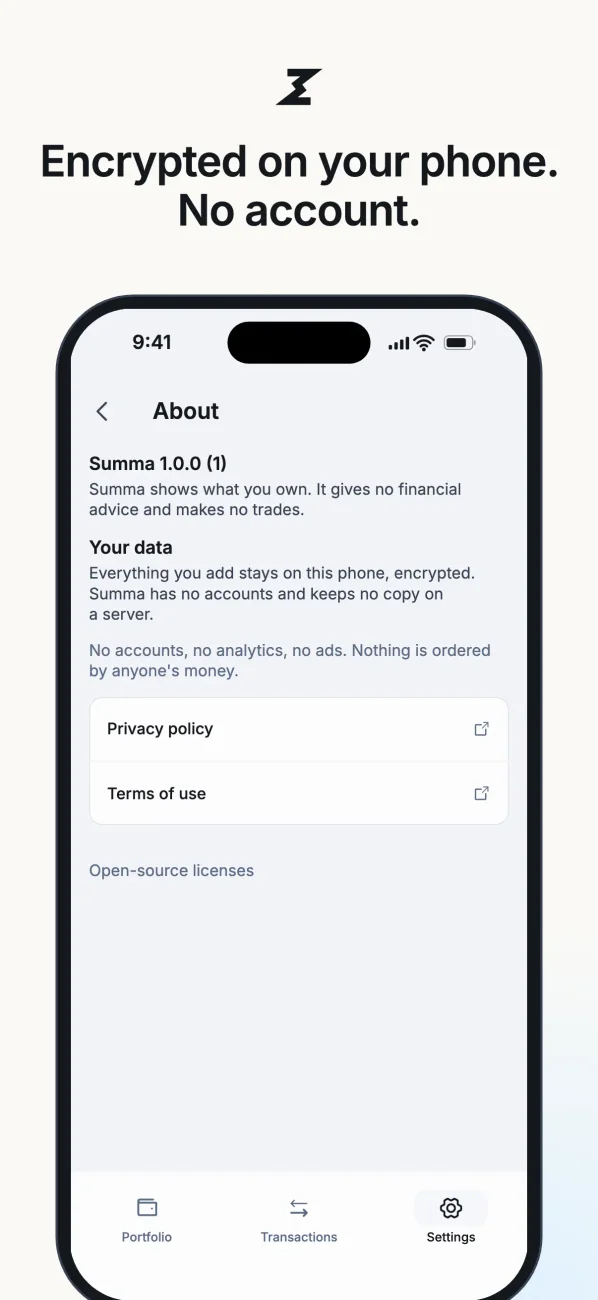
Everything you add stays on your phone, encrypted. No account, no ads, no analytics.
What you can add
• Crypto. Search by name or symbol.
• US stocks and ETFs.
• Cash in 60 currencies.
• Something else: a flat, a car, gold. You set the value.
One total
• Group your assets into portfolios. See each portfolio alone, or all of them together.
• Show your totals in one of 60 currencies, or in bitcoin.
• See the total in a second currency with one tap.
• A chart shows how your total changed over time.
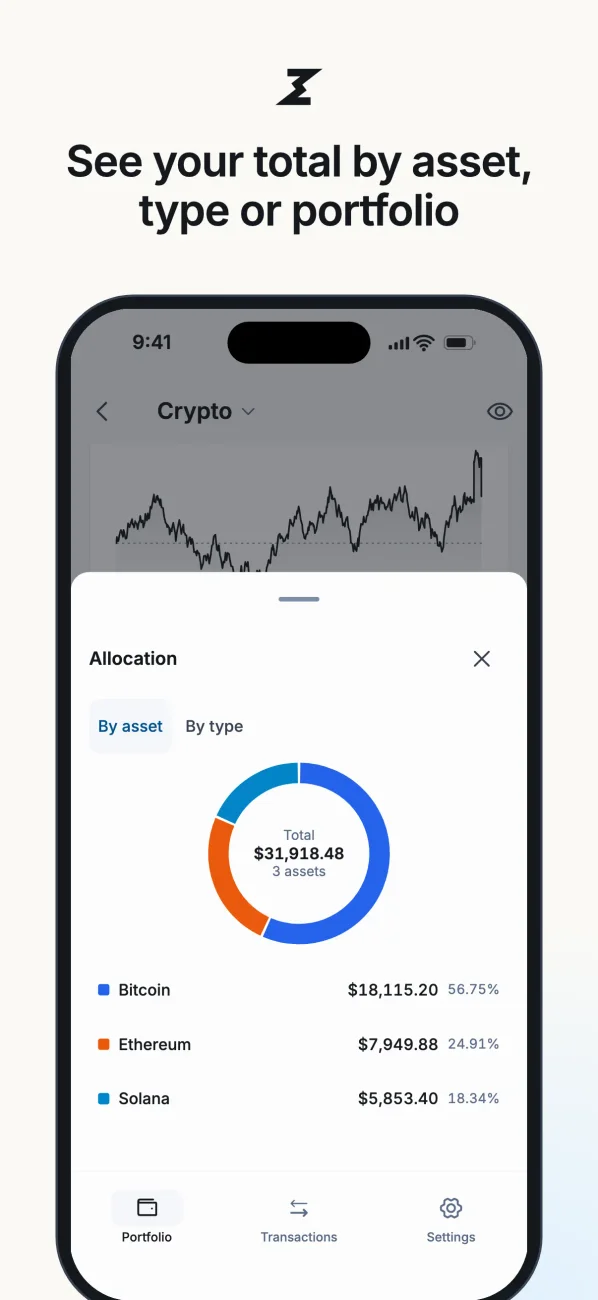
• A ring shows your total by asset, by type or by portfolio.
Where each number comes from
• The page of each asset shows its price, with the source and the time.
• When a price is late, a mark says what happened and since when.
• With no connection, Summa shows the last prices it has, and a mark says since when.
• An asset with no price stays out of the total, and the total says how many. It never counts as zero.
Your transactions
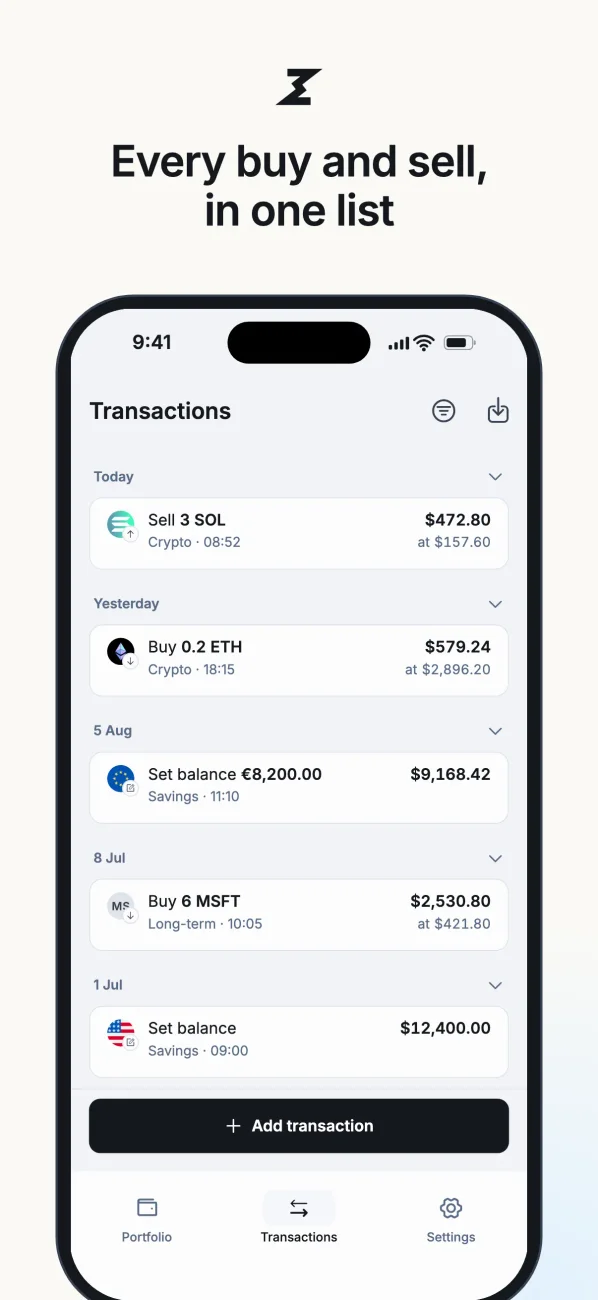
• Add each buy and sell with its date, price and fee.
• See the cost, the purchase price and the profit of each asset.
• Profit counts every buy and sell at the average purchase price, fees included.
• Export your transactions to a CSV file for a spreadsheet.
Your data
• Everything you add stays on your phone, encrypted.
• Summa has no accounts. It never asks for your name or your email address.
• No ads, no analytics, no tracking.
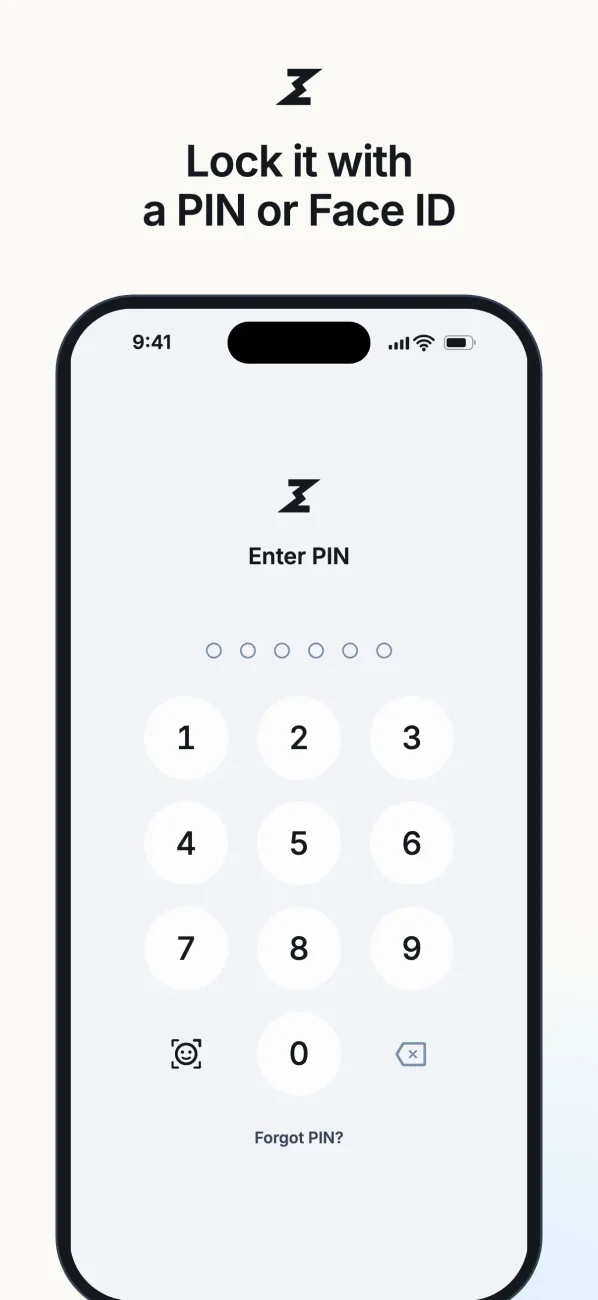
• Lock Summa with a six-digit PIN. Face ID or Touch ID can open it too.
• Private mode hides your values at once.
• Back up to one file, locked with a passphrase you choose. Restore it on a new phone.
• Delete everything, in Settings, removes your data and its key from your phone.
• Prices reach your phone through Summa's price server. It sees which assets your phone asks about, never how much you own.
What Summa does not do
• Summa gives no financial advice.
• Summa makes no trades, and connects to no broker or exchange.
• Summa never holds your money or your crypto.
• Nothing in Summa is ordered by anyone's money.
Questions? Write to support@summa.cash. A person reads each message.
App privacy
What declares on the App Store about how this app handles data.
-
Data not collected
The developer does not collect any data from this app.
Privacy practices may vary, for example with the features you use or your age.
Information
- Seller
- Anton Lysakov
- Category
- Finance
- Version
- 1.0.0
- Updated
- Nov 3, 2026
- Released
- Nov 2, 2026
- Size
- 32.4 MB
- Requires
- iOS 15.0 or later
- Age rating
- 4+
- Price
- Free
- Languages
- English
- Copyright
- © 2026 Anton Lysakov